
Freelo does not have a native application. However, there is a way to create a desktop shortcut or download our PWA that has similar benefits as a native app.
PWA app from Google Chrome
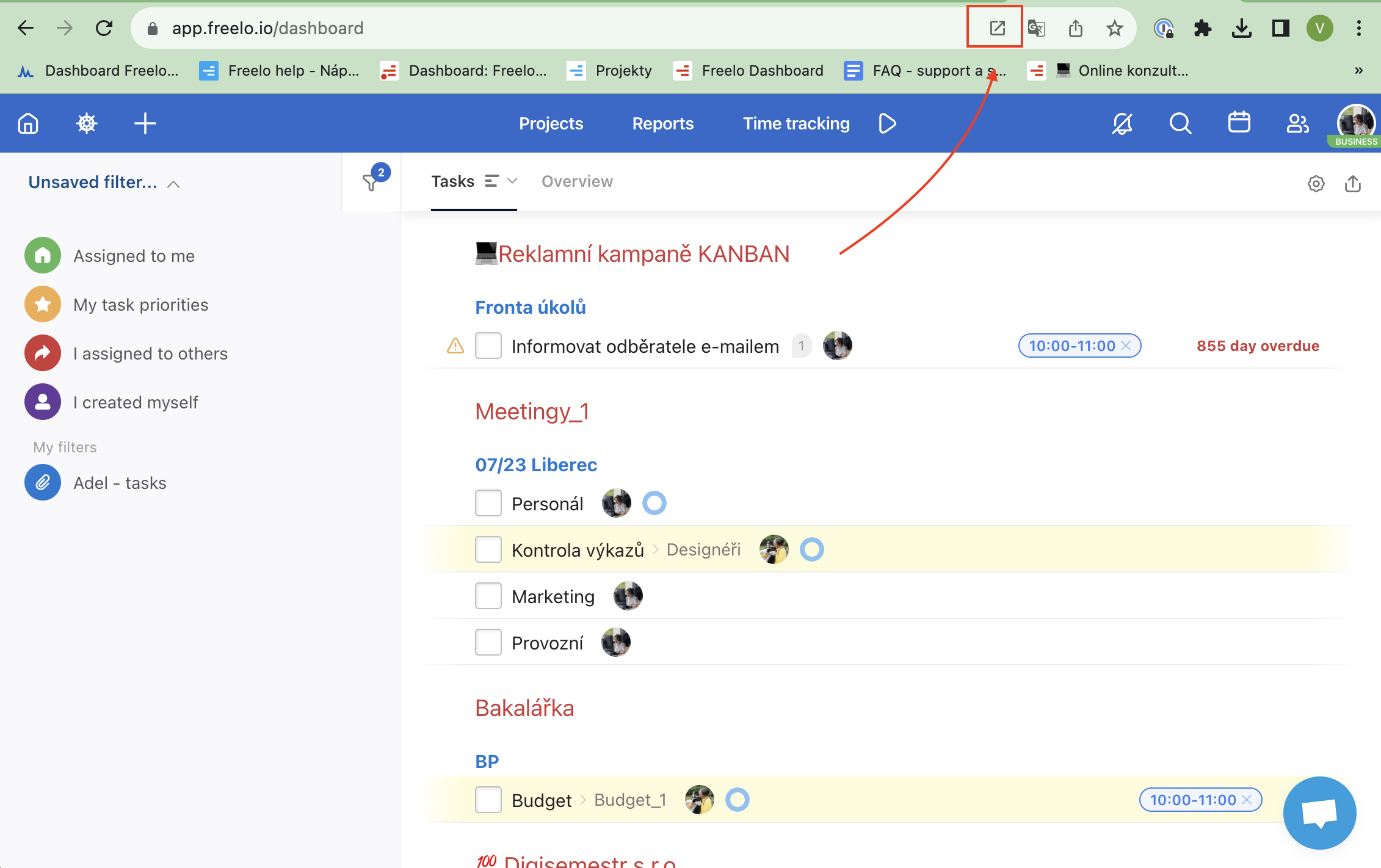
You can download the Freelo PWA (progressive web application) directly from the browser. First, go to app.freelo.io. If you are using Google Chrome click the first icon on the right in the address bar and then press Install.
That way will get push notifications and gain access to Freelo in one click.
Pin the app to Dock or Bar. Then, you will see the push notifications badge.
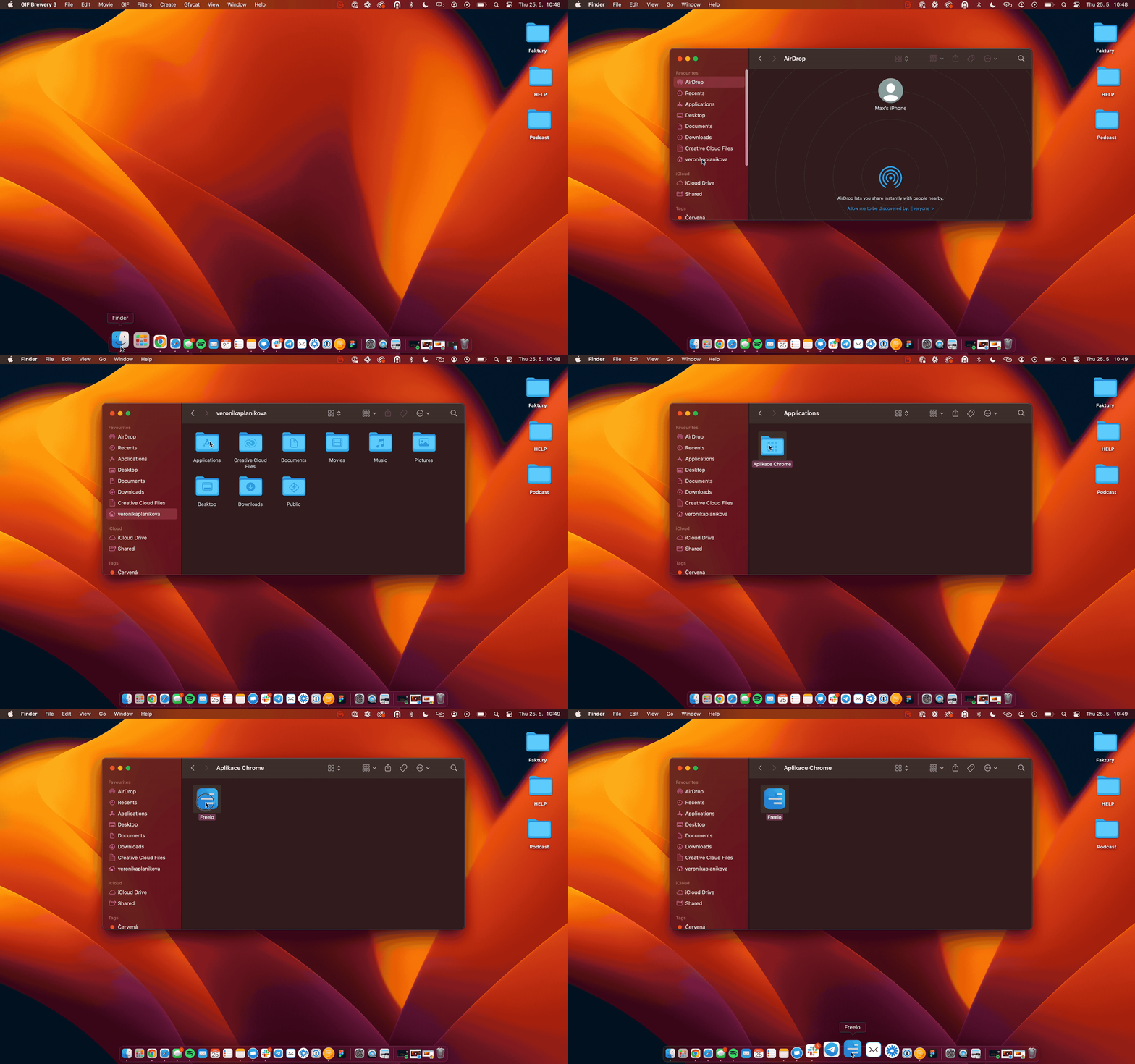
When you click the Freelo PWA, it opens as a separate window.
PWA app from Safari
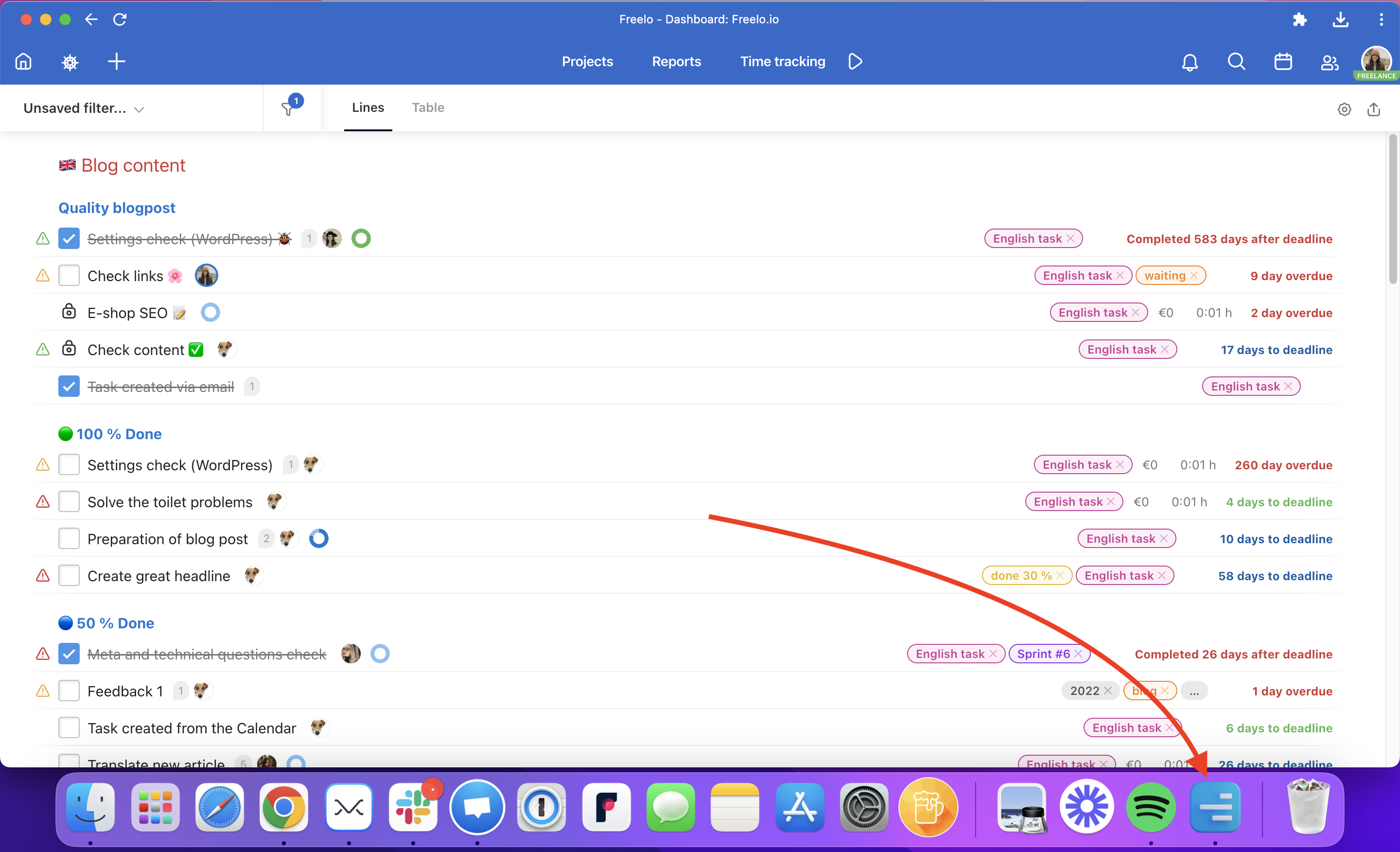
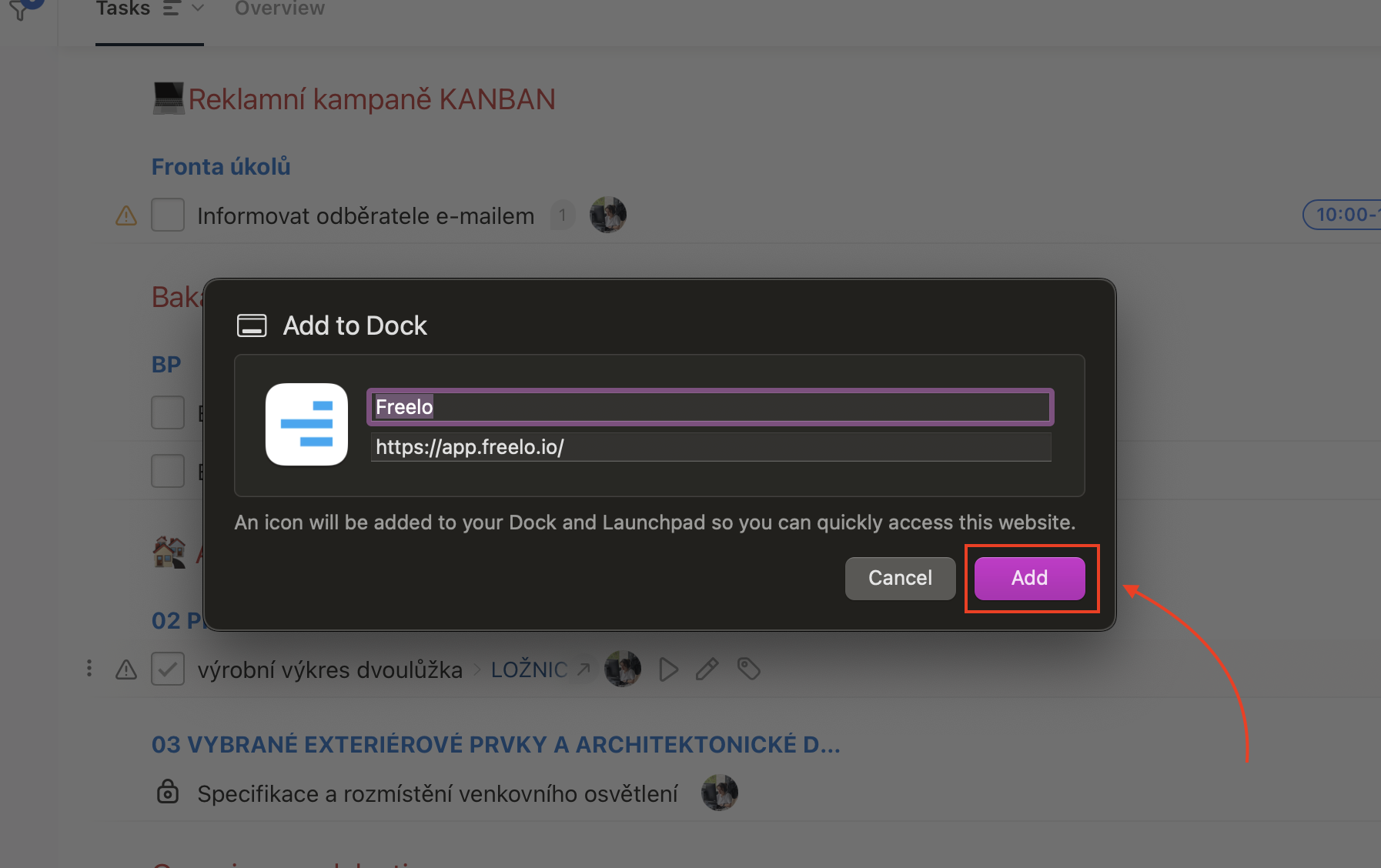
In MacOs Sonoma you are able to add PWA apps to Dock. Click on File in Safari Browser, then click on Add to Dock button.
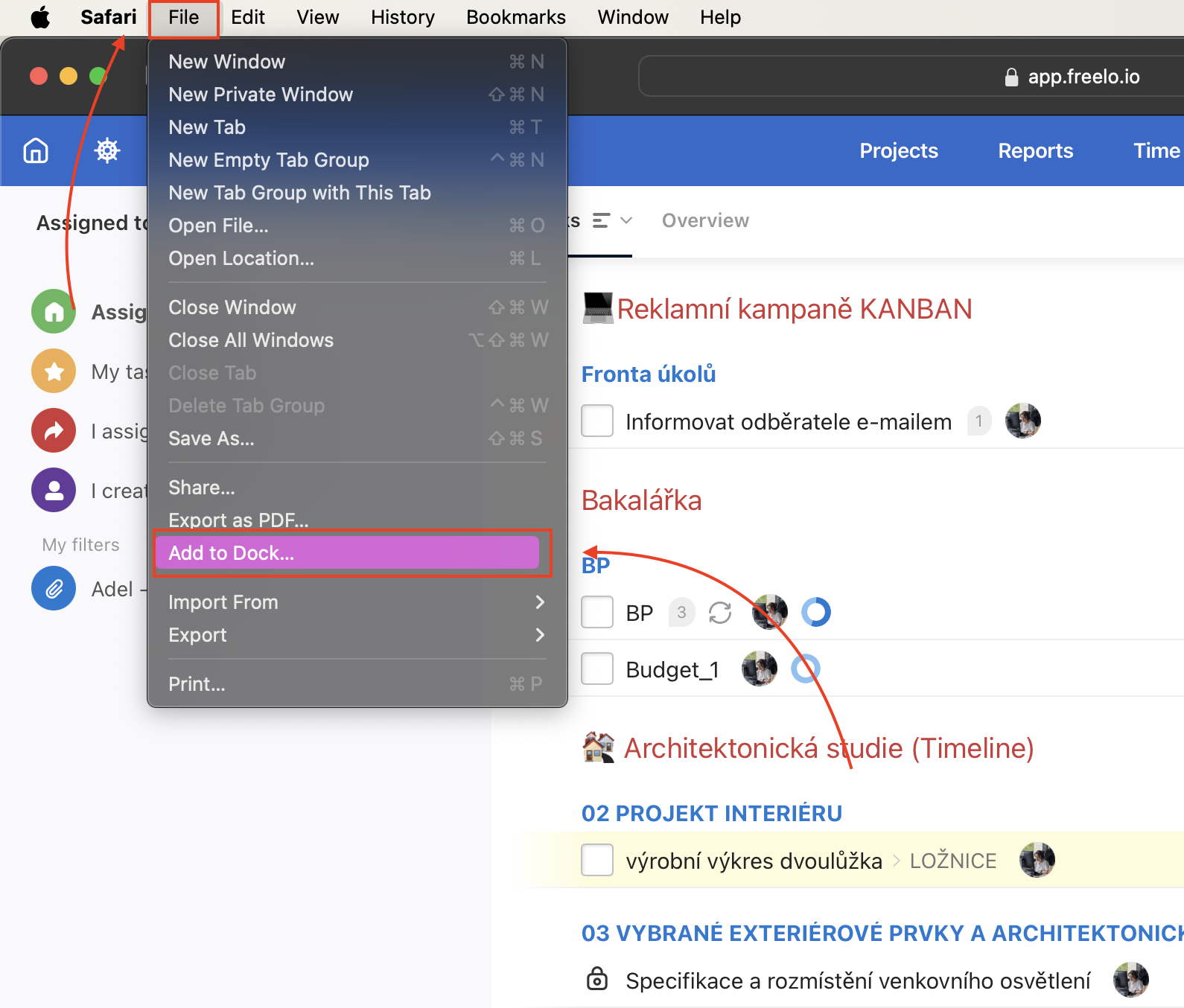
In this window you can edit the name and the website. By clicking Add PWA it will be pinned to the Dock.
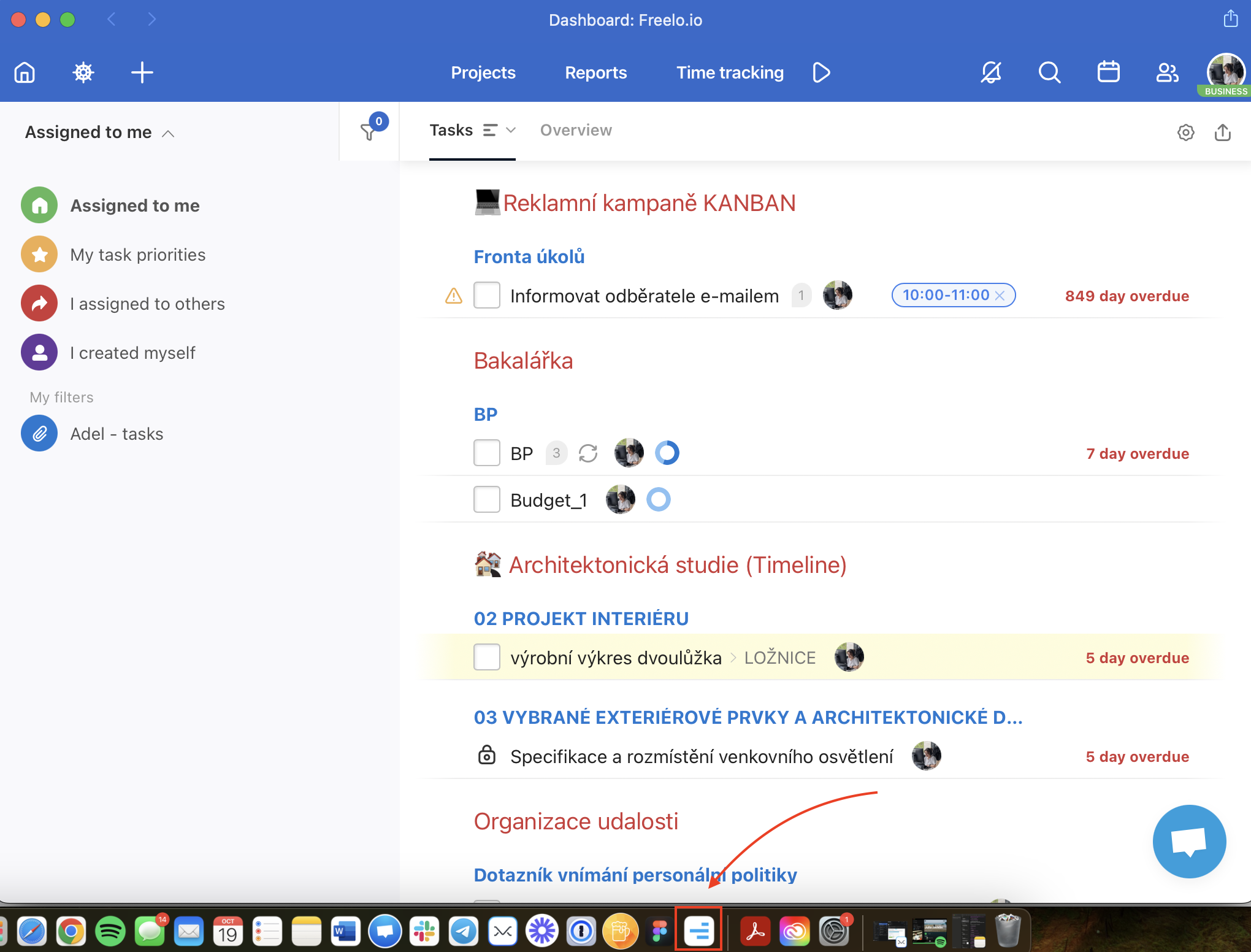
This is what PWA app looks like in the Dock.
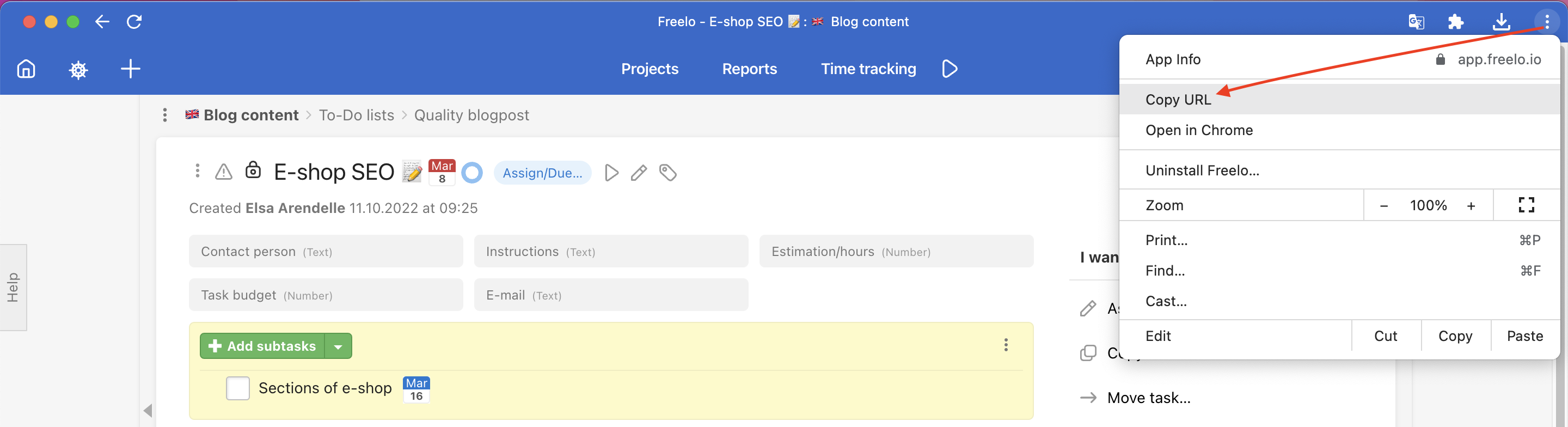
How to copy URLs in Freelo PWA
Want to copy the URL of a task or project? Go to the top right corner > click on the three-dot menu > Copy URL > it's done!
Browser notifications
You might have noticed an alert about notifications outside your browser. If not, you can turn them on in Settings.
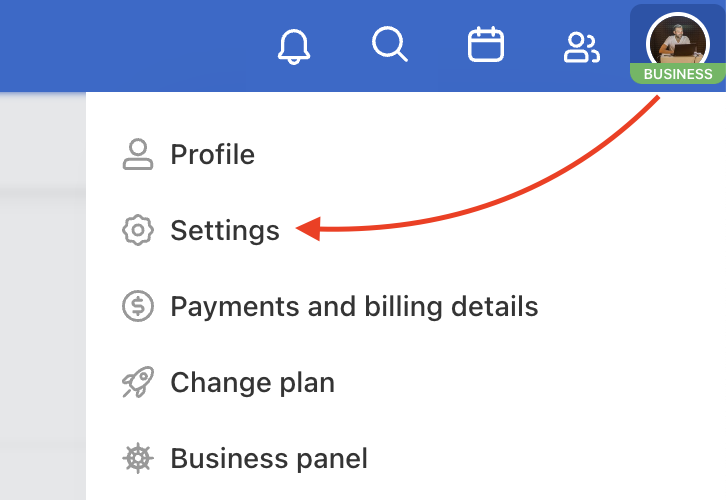
Go to the menu via your avatar in the top right corner. Click Settings and scroll down to Application Settings. Click the checkbox I want to switch on browser notifications.
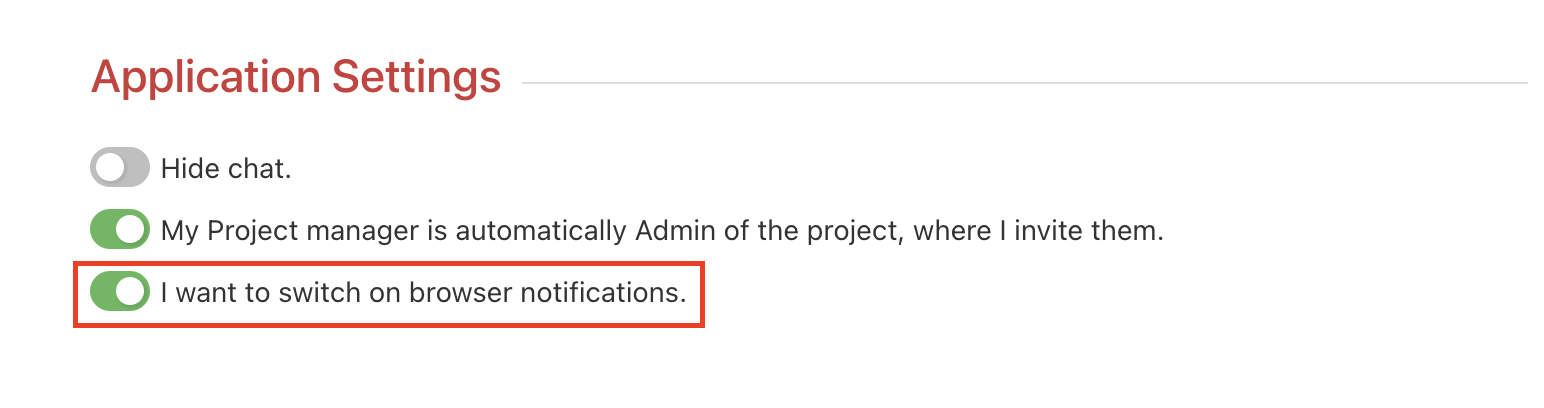
It is important to allow notifications in your browser.
In case you are using macOS, we would recommend checking the settings System Preferences and Notifications. Select if you want to have banners etc. or check the Apple support page for push notifications.
Freelo as a desktop shortcut
When using Google Chrome go to the three-dot menu in the top right corner > More tools > Create shortcut… Finally, name your shortcut Freelo and click Create.
Using another web browser? Check the article, here is how to in Mozilla Firefox or Safari.
Practical use cases
- Always-on workspace – the PWA opens as a separate window, so Freelo does not get buried in your browser tabs. Switch to it in one click from the Dock or taskbar.
- Push notifications without the browser – once you pin the PWA, you will get task and comment notifications even when your browser is closed.
- Multiple monitors setup – keep the PWA open on a dedicated screen alongside your other tools without switching tabs.
- Faster access for the whole team – share these setup instructions with new teammates so everyone has Freelo at hand from day one.
- Working on a shared or public computer – the desktop shortcut gives quick access without changing browser settings or installing anything permanently.