
When words are not enough, emojis show up. You can use them in any text field – whether it is a comment, a note, a task name, a To-Do list or a project.
Emoticons are also useful when you need to highlight or distinguish important tasks or the entire project. They can also perfectly indicate the priority of a task.
You can add colorful emojis to the text field via the Emoji icon bar. (It works globally, not just in Freelo).
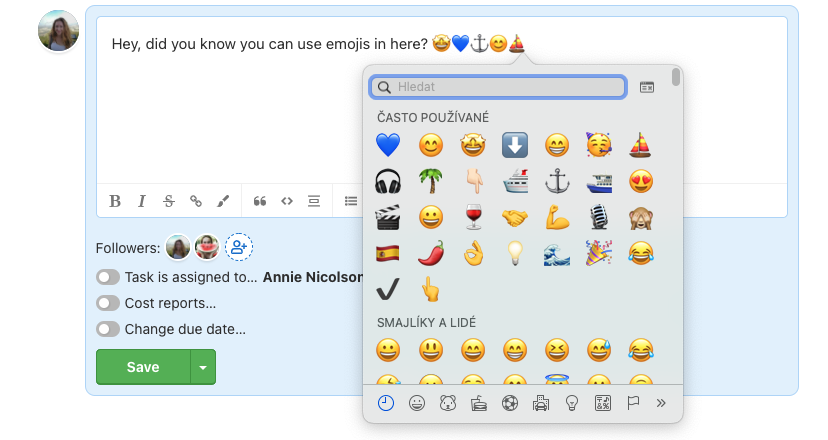
Project titles don't have to be boring and won't fit among others.

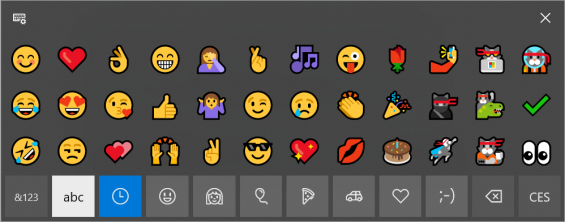
Emoji in Freelo
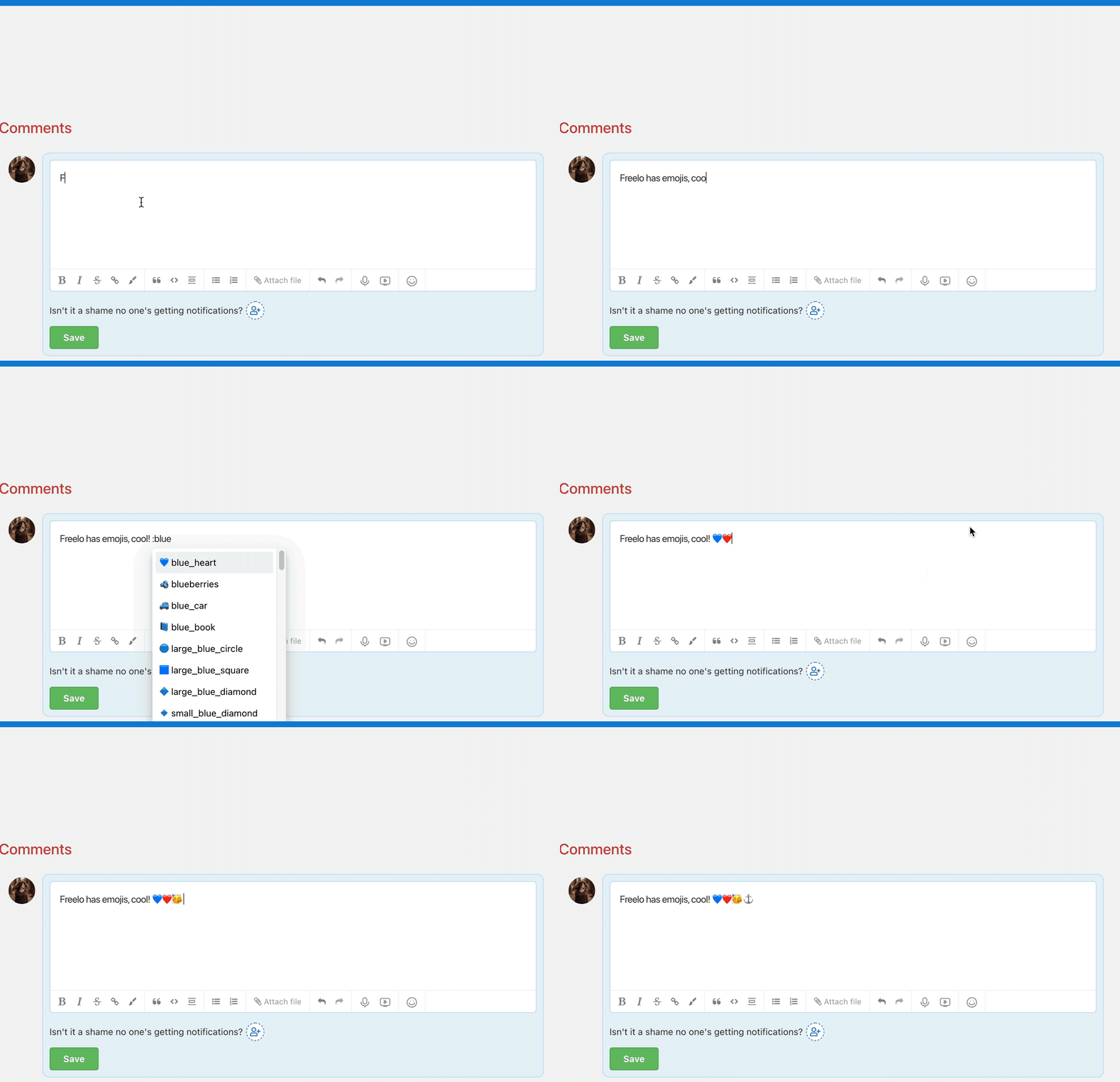
When writing a comment or a note in Freelo, you can use the emojis in the bar to edit the text or use the emoticons shortcut. Check out the example below.
Practical use cases
- Colour-coded projects – add an emoji at the start of a project name to visually distinguish work areas at a glance. For example 🔴 for urgent projects, 🟢 for active ones or 🔵 for internal matters.
- Task priority without extra text – instead of a text label, place an emoji before the task name: 🔥 for top priority or ⏳ for waiting tasks.
- Quick reactions in comments – express feedback with a single emoji (👍, ✅, 🤔) instead of a full sentence, keeping discussions easy to scan.
- Easy navigation in notifications – an emoji in the task name helps you identify the type of work directly from the bell or email notification.
- Onboarding new team members – colour-coded projects reduce the time it takes a new colleague to find their way around the workspace.
Last updated: