Everything you need to write an article about Freelo or recommend it. Download logos, photos, app samples, colour and typography.
Freelo is a Czech application for work management and team communication. It was created in 2015 in Pardubice and is backed by Freelo Bay s.r.o.
As of October 2026, numbers are rounded down.
We can help with background materials, figures, and interviews.
info@freelo.io +420 777 302 228Story, milestones, founders, and numbers. Opens a Google Doc.
Story, milestones, founders and numbers. Opens a Google Doc.
Download individual versions of the Freelo logotypes. There is always a choice of vector SVG and PNG for quick download.
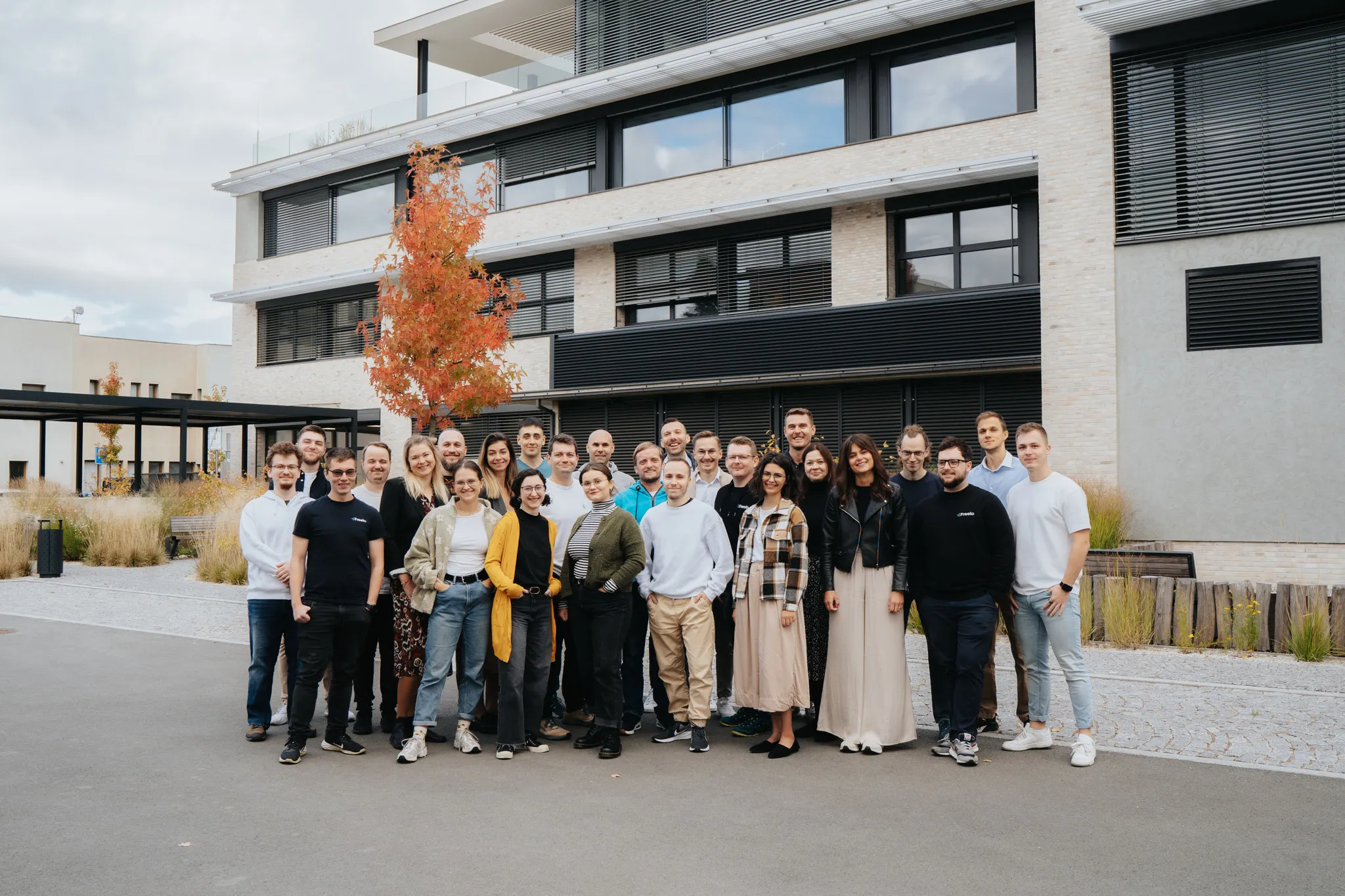
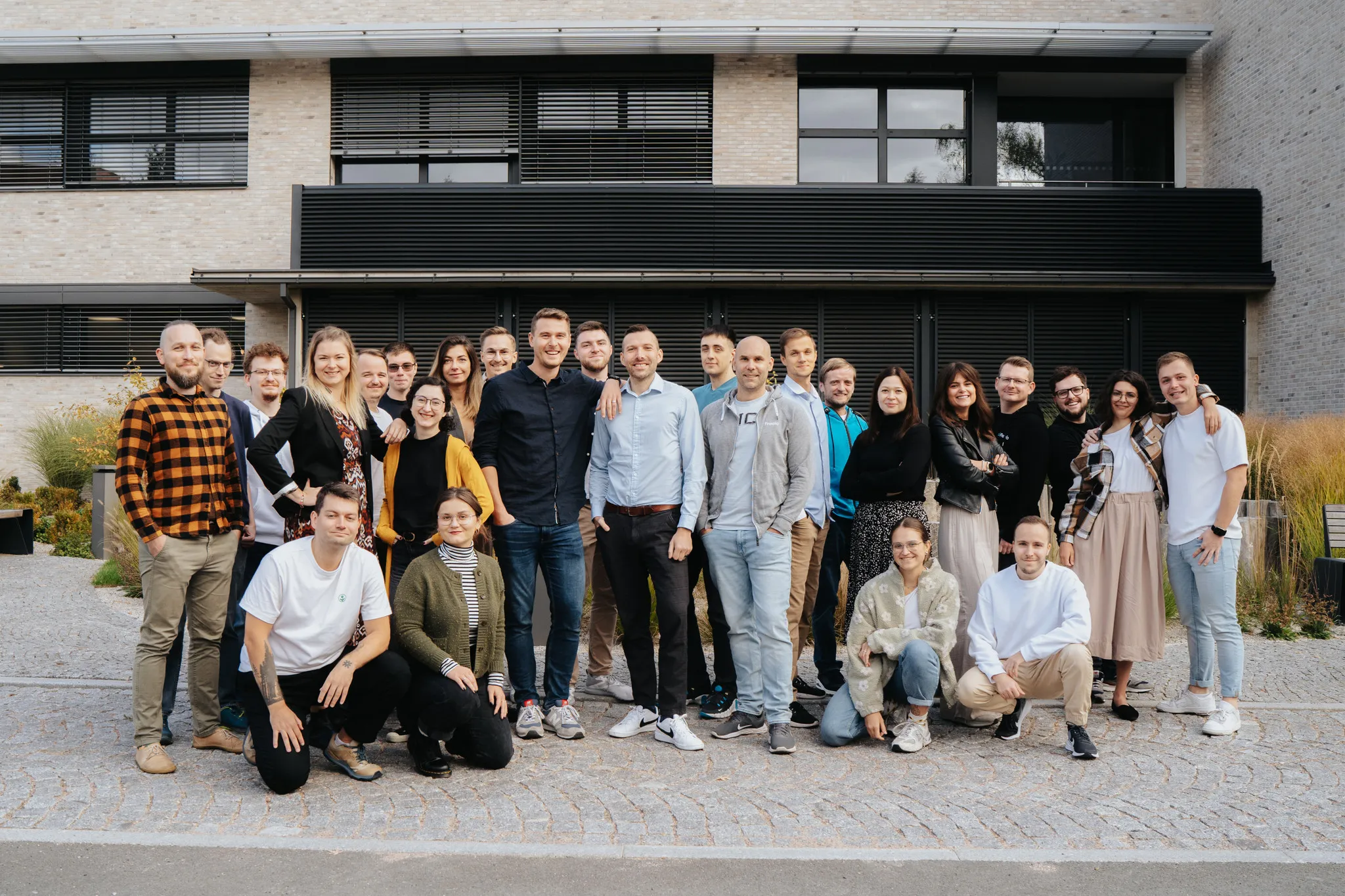
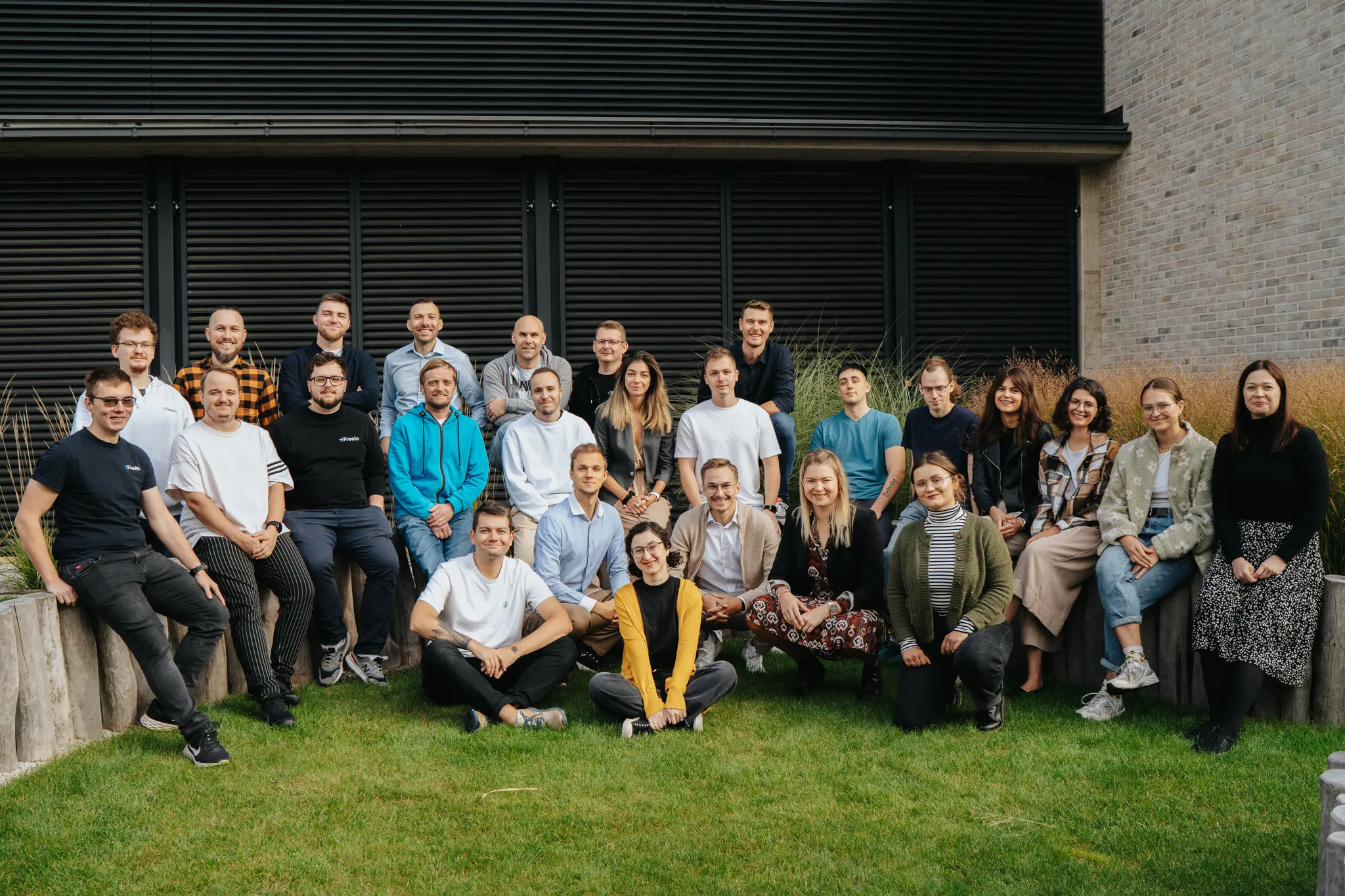
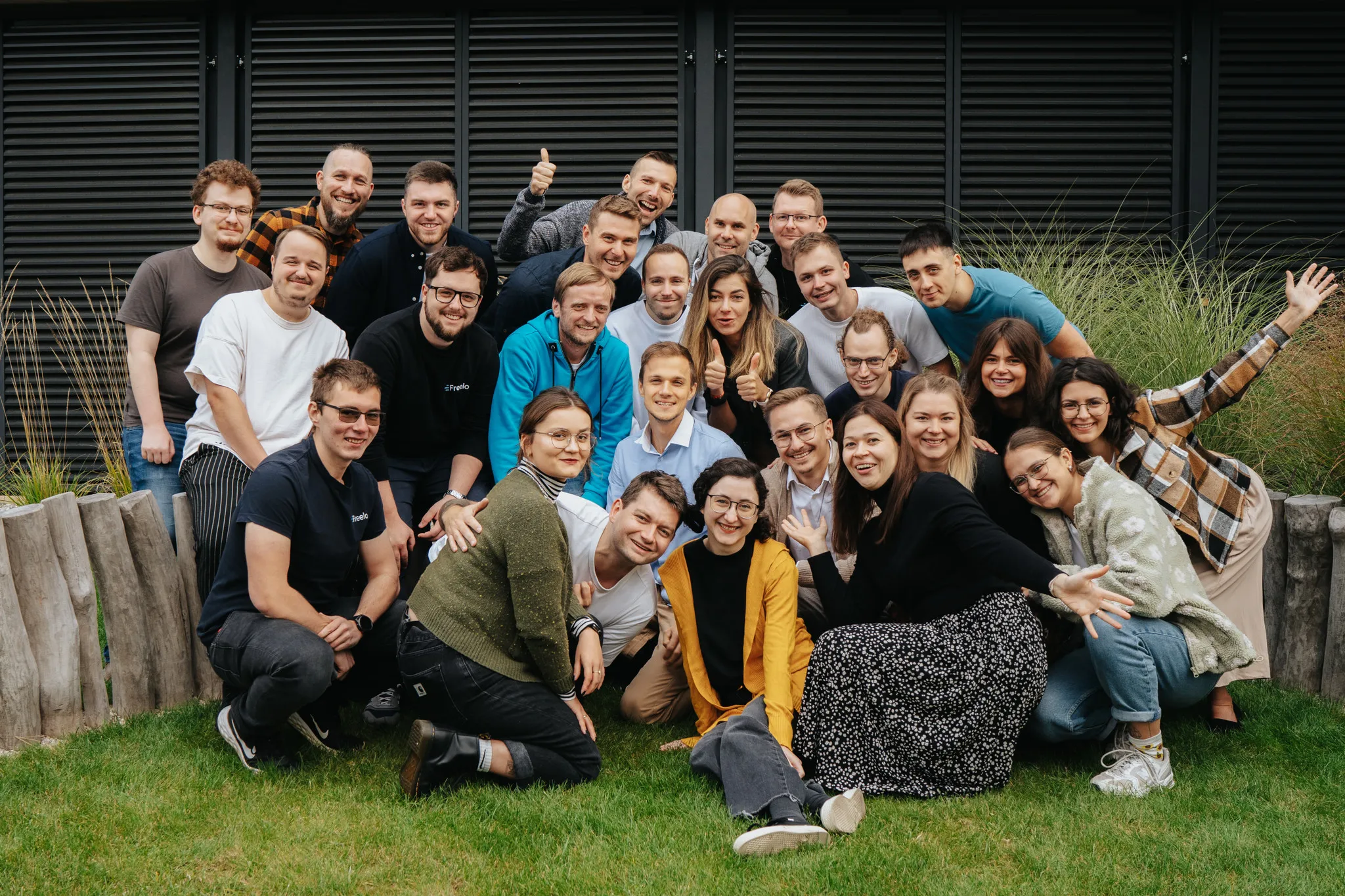
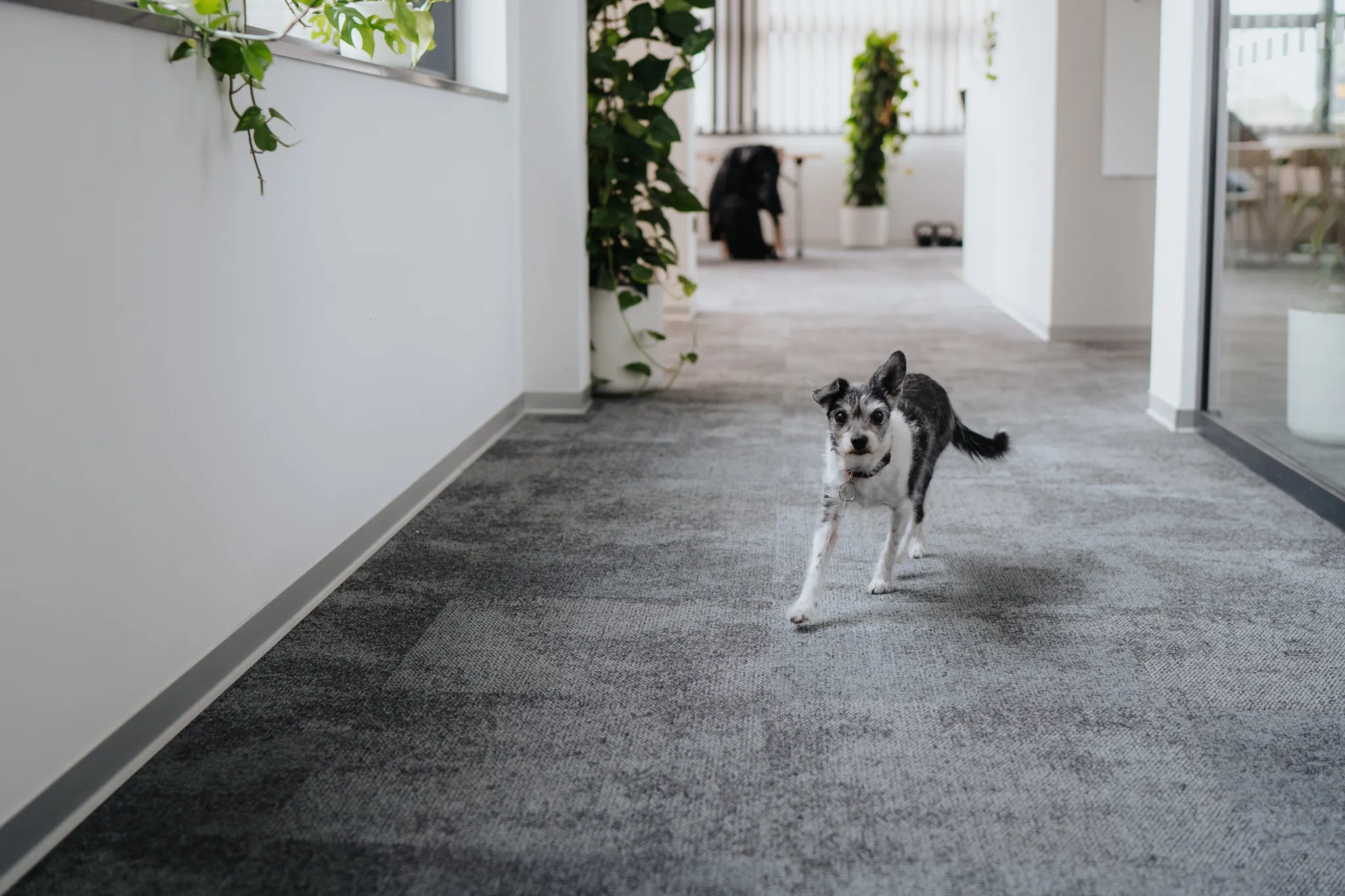
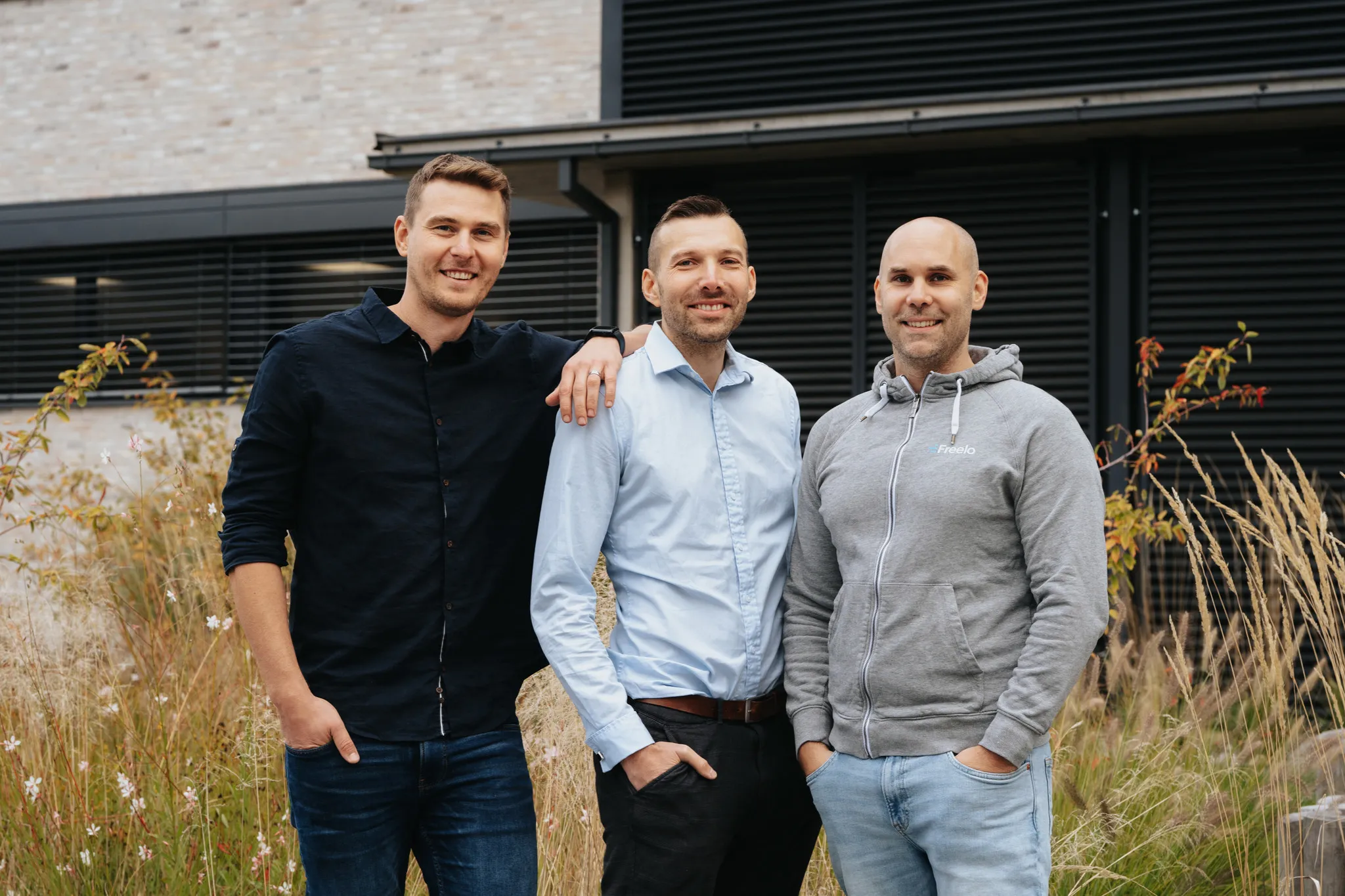
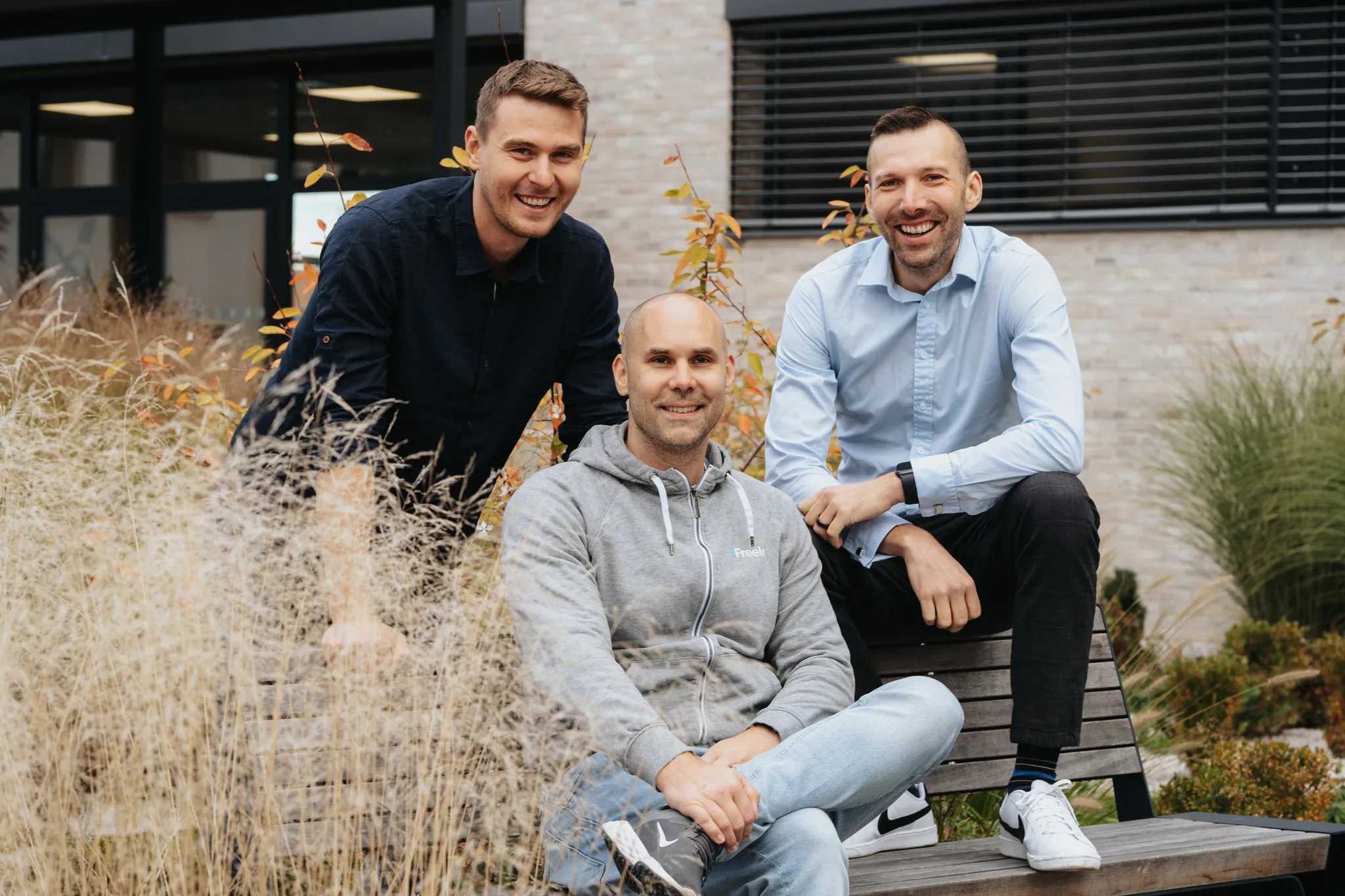
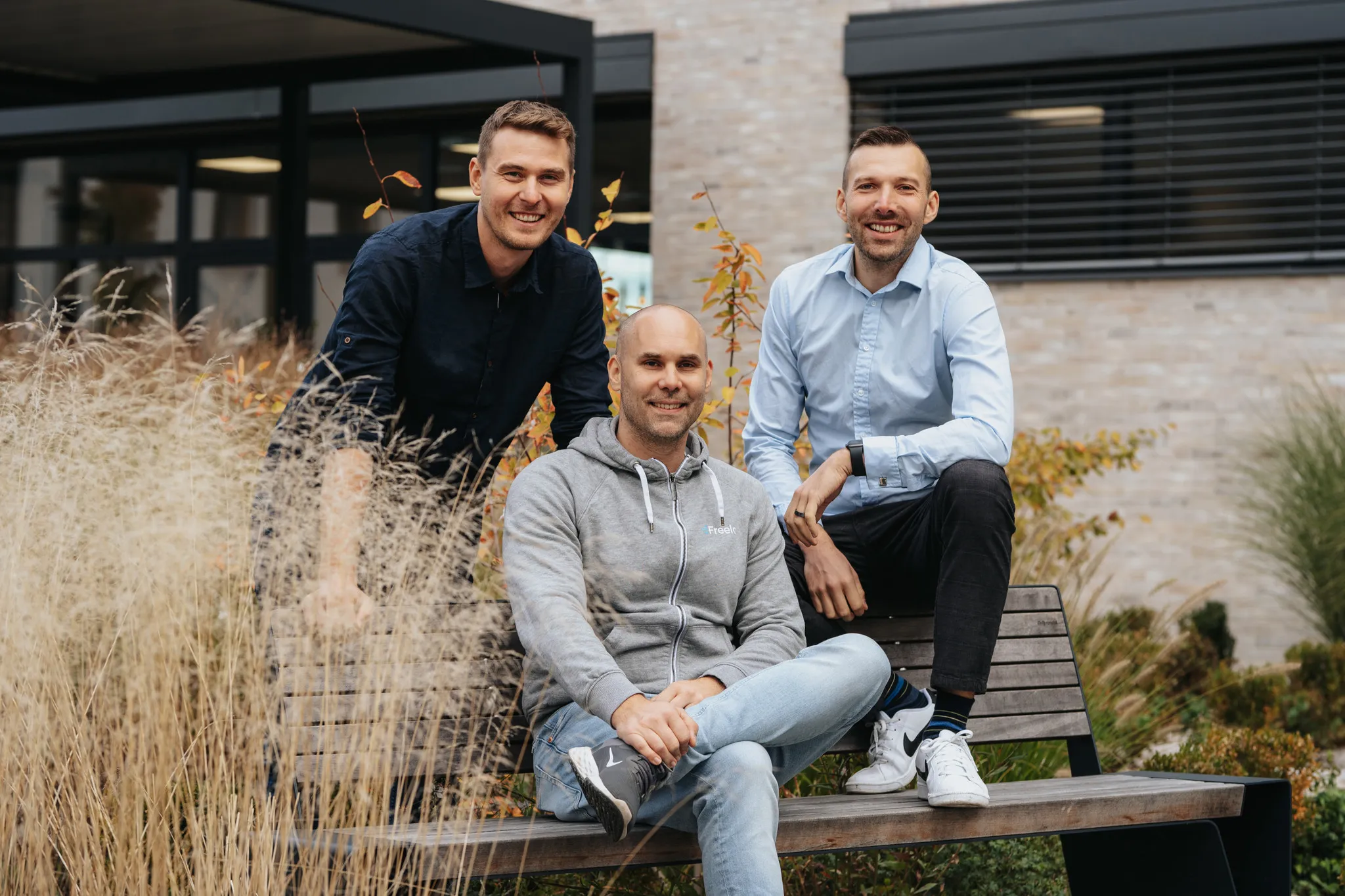
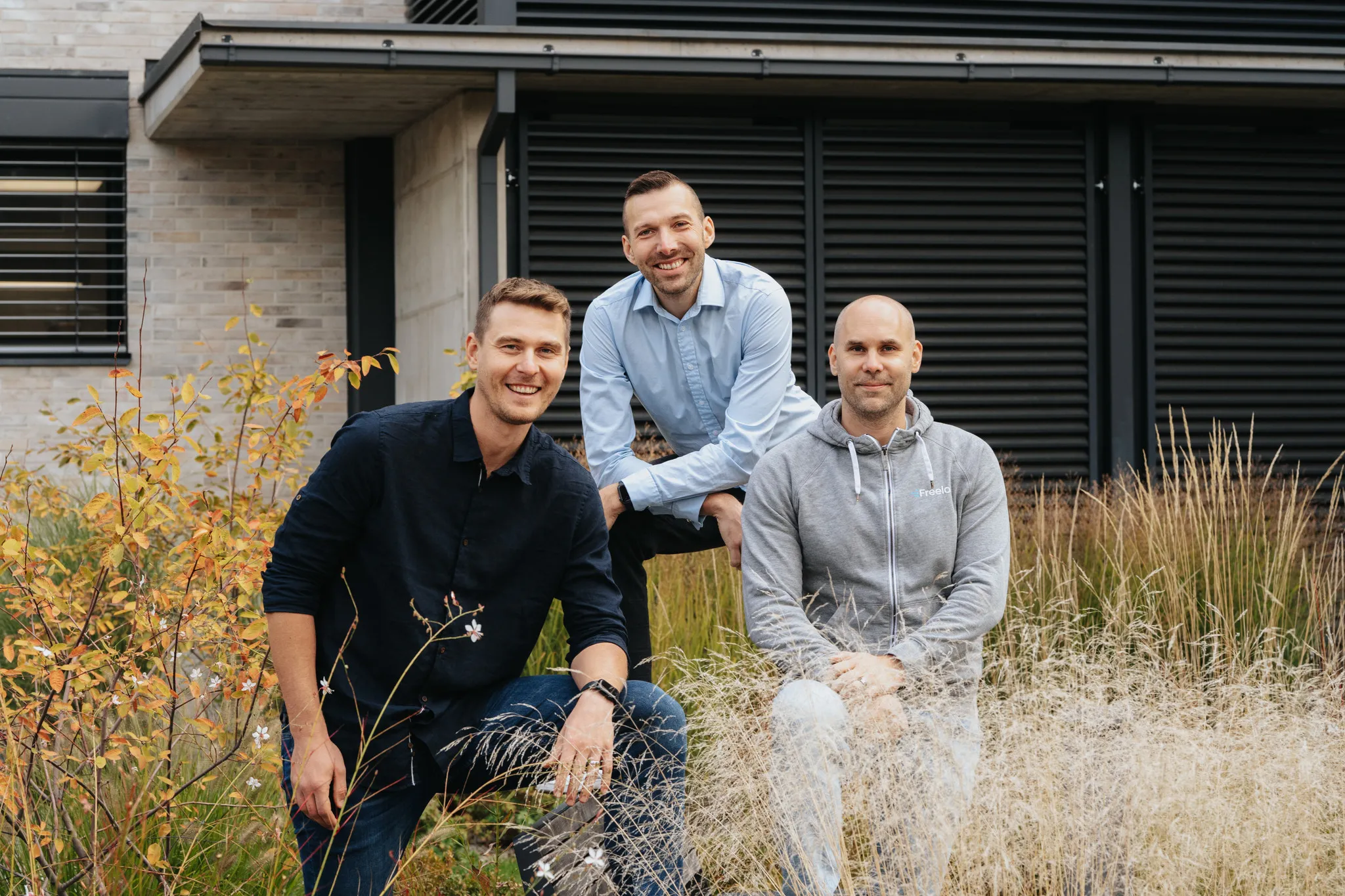
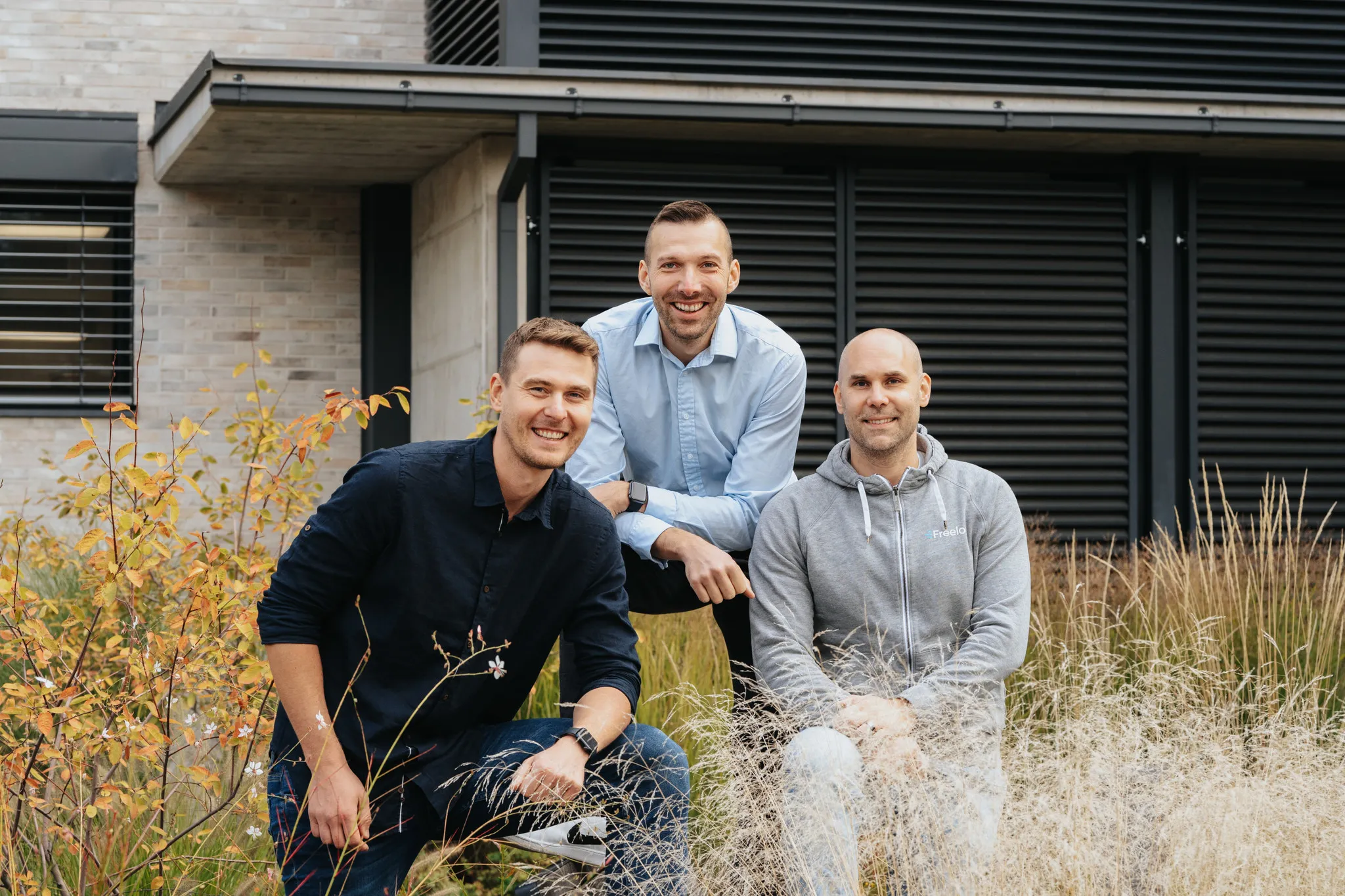
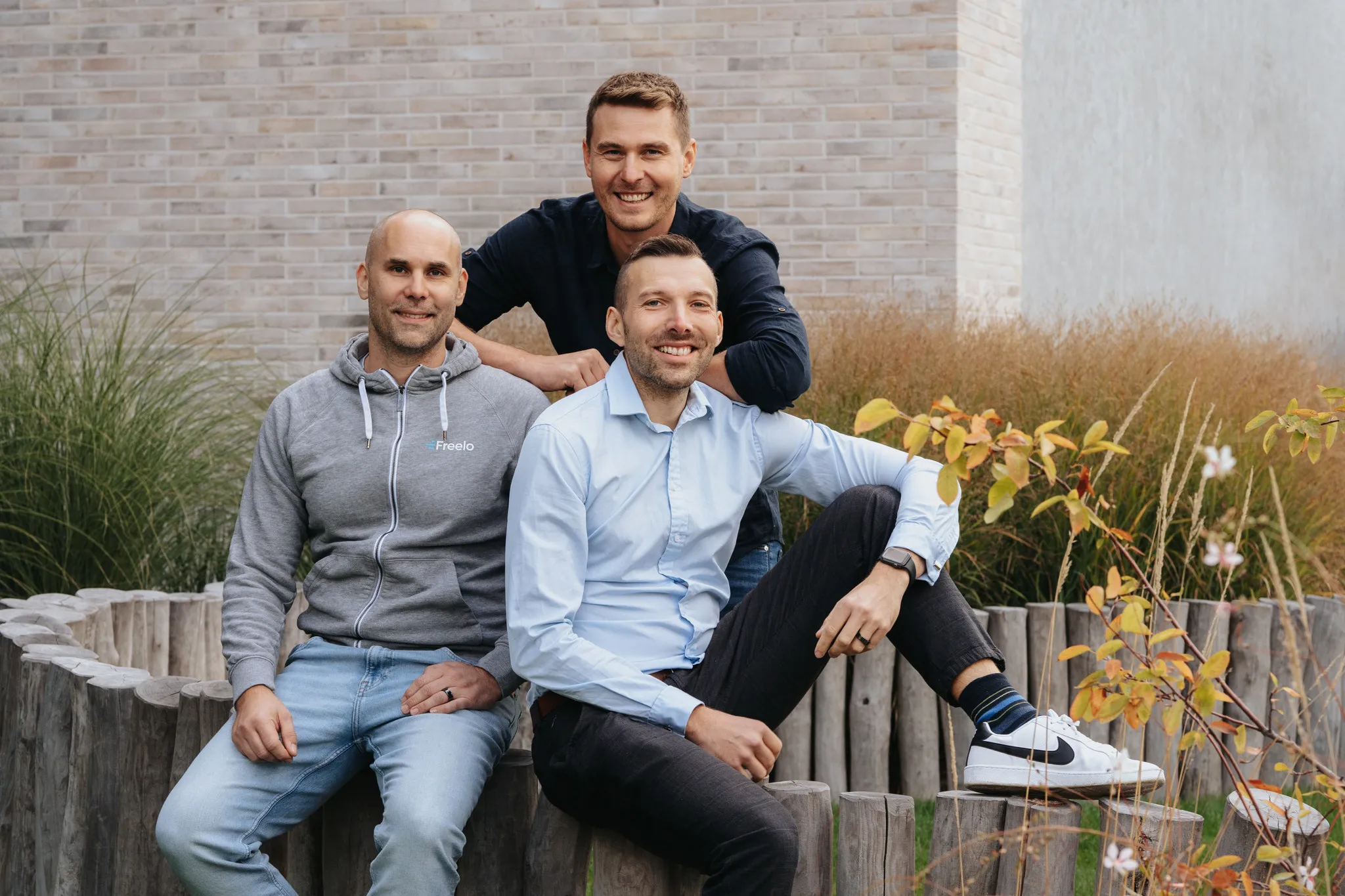
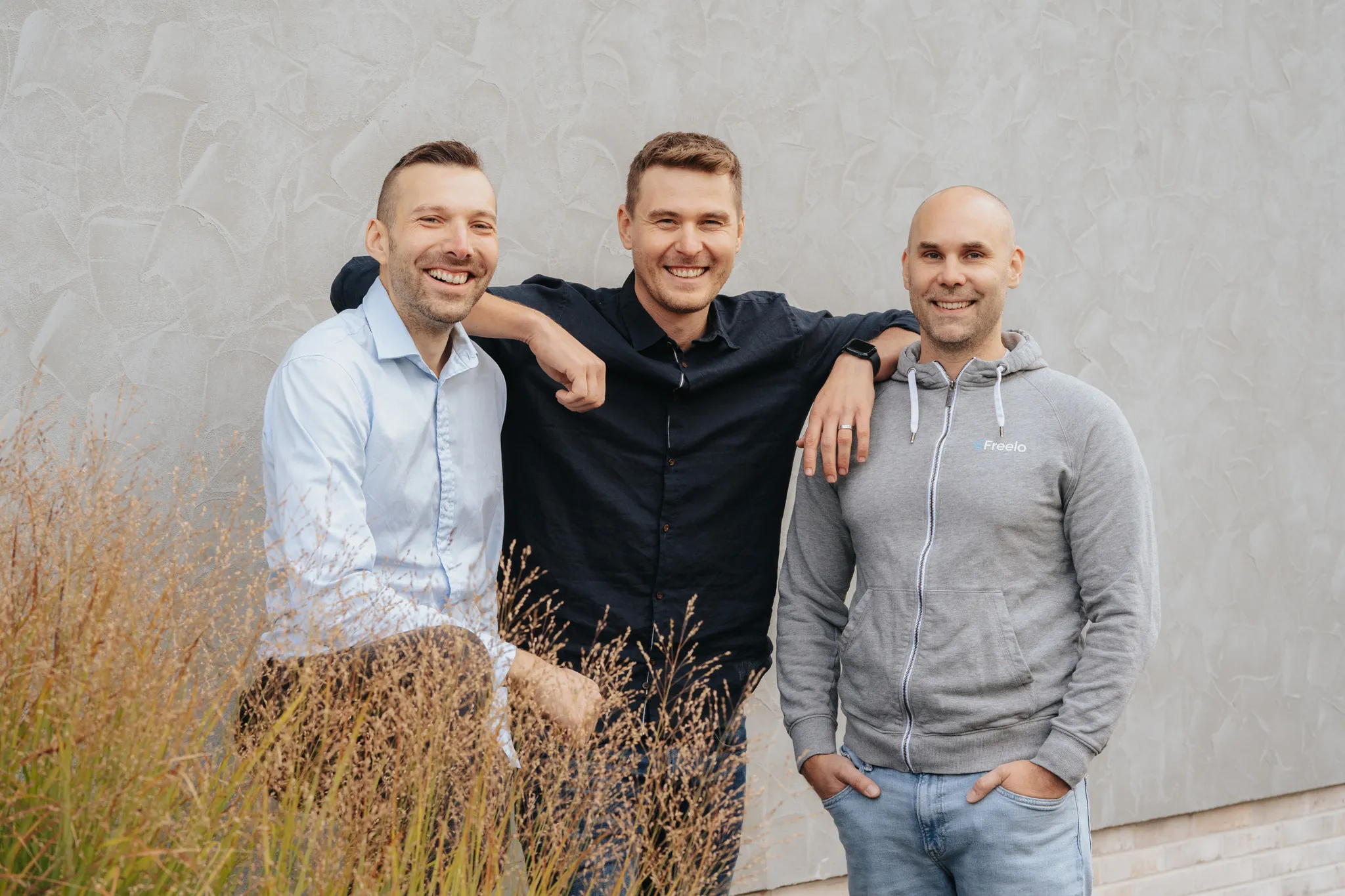
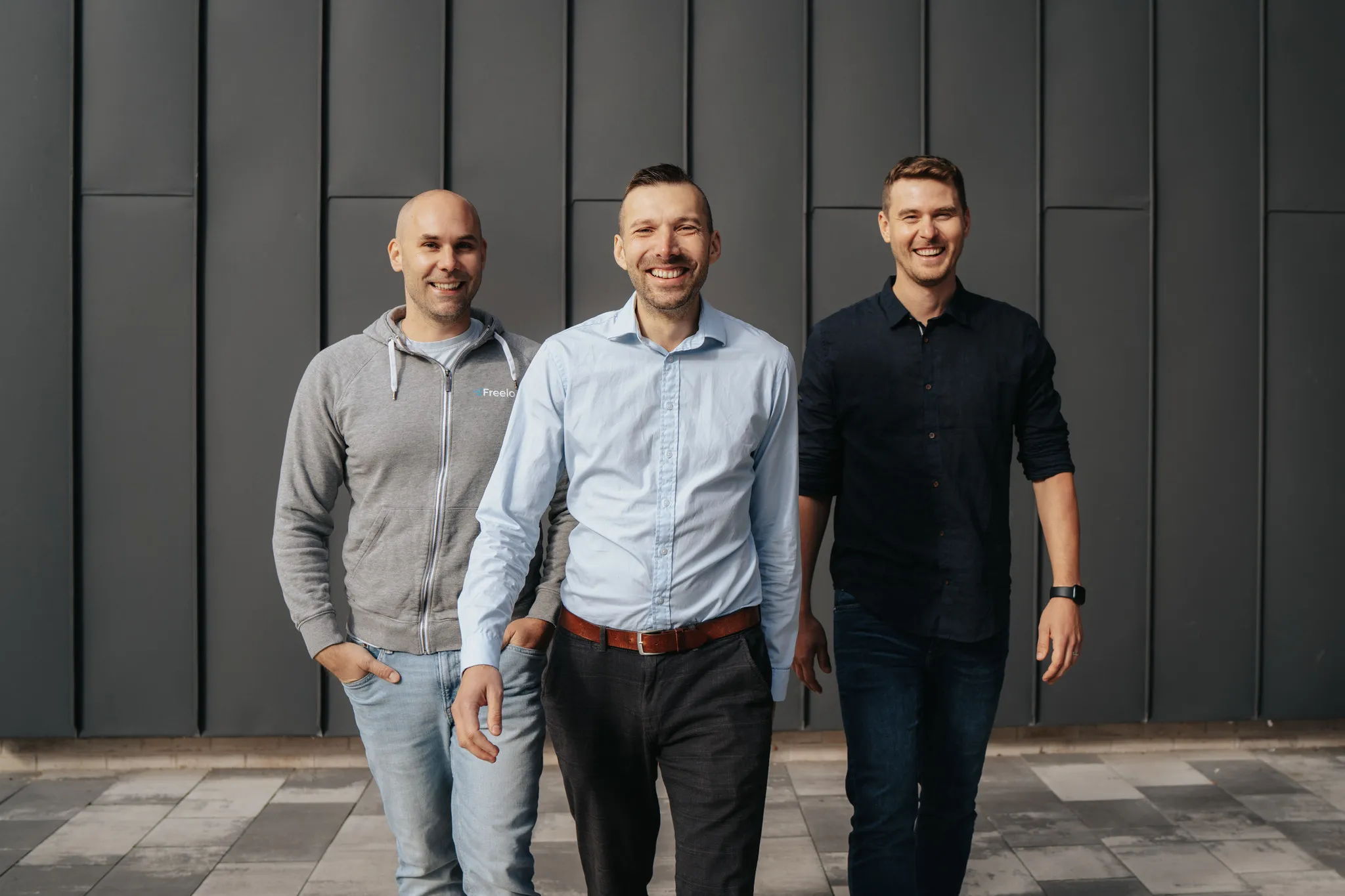
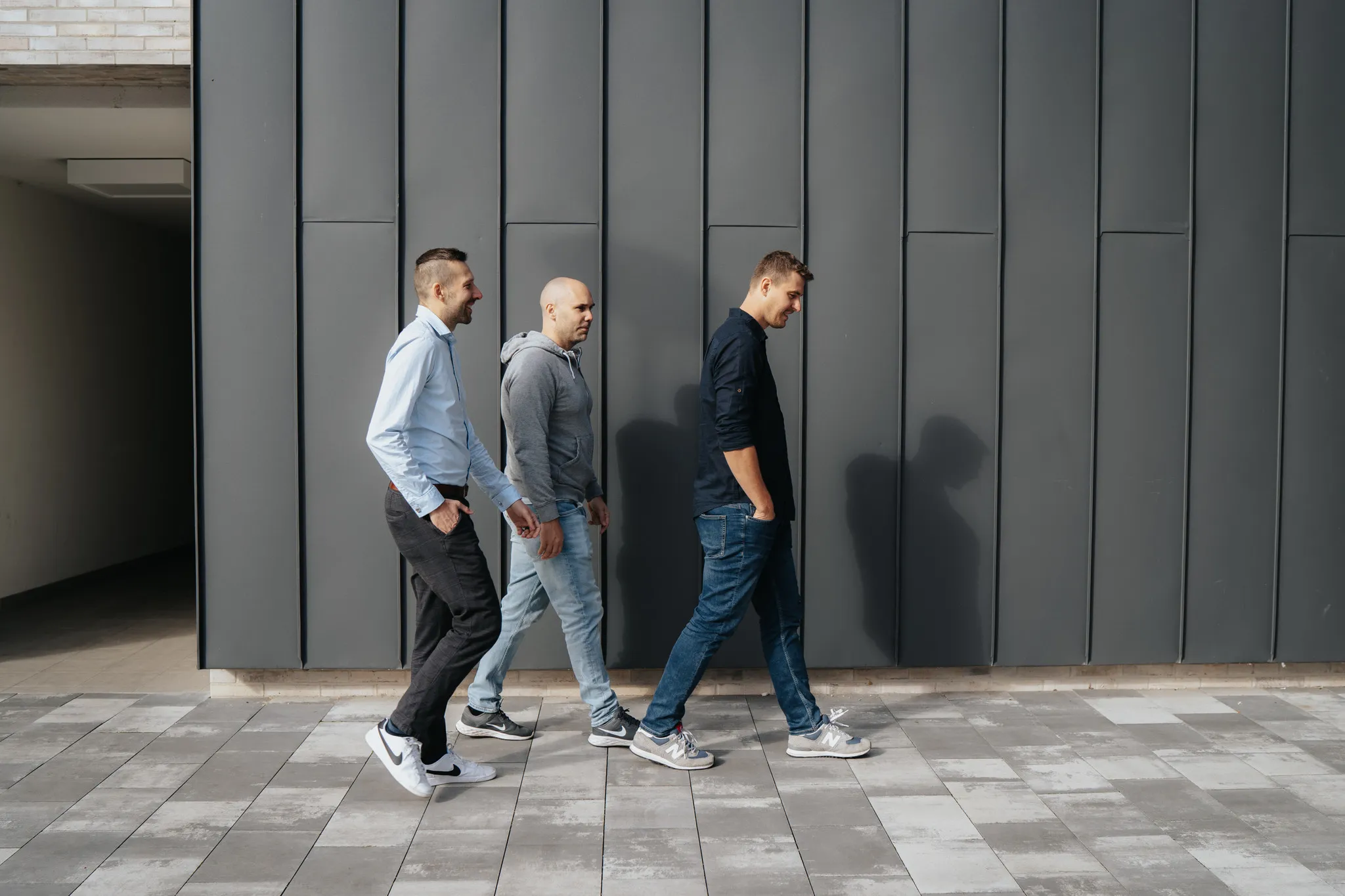
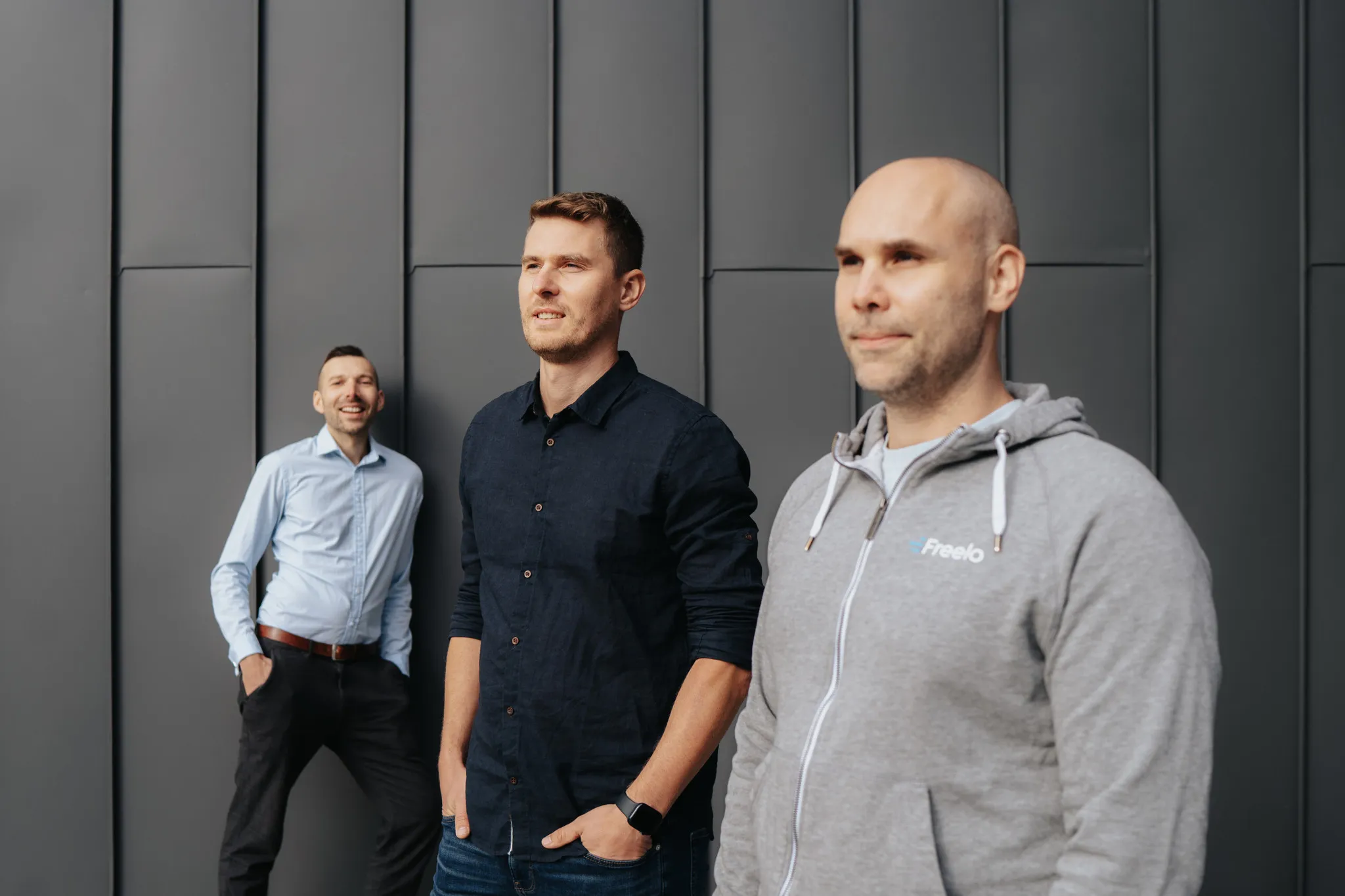
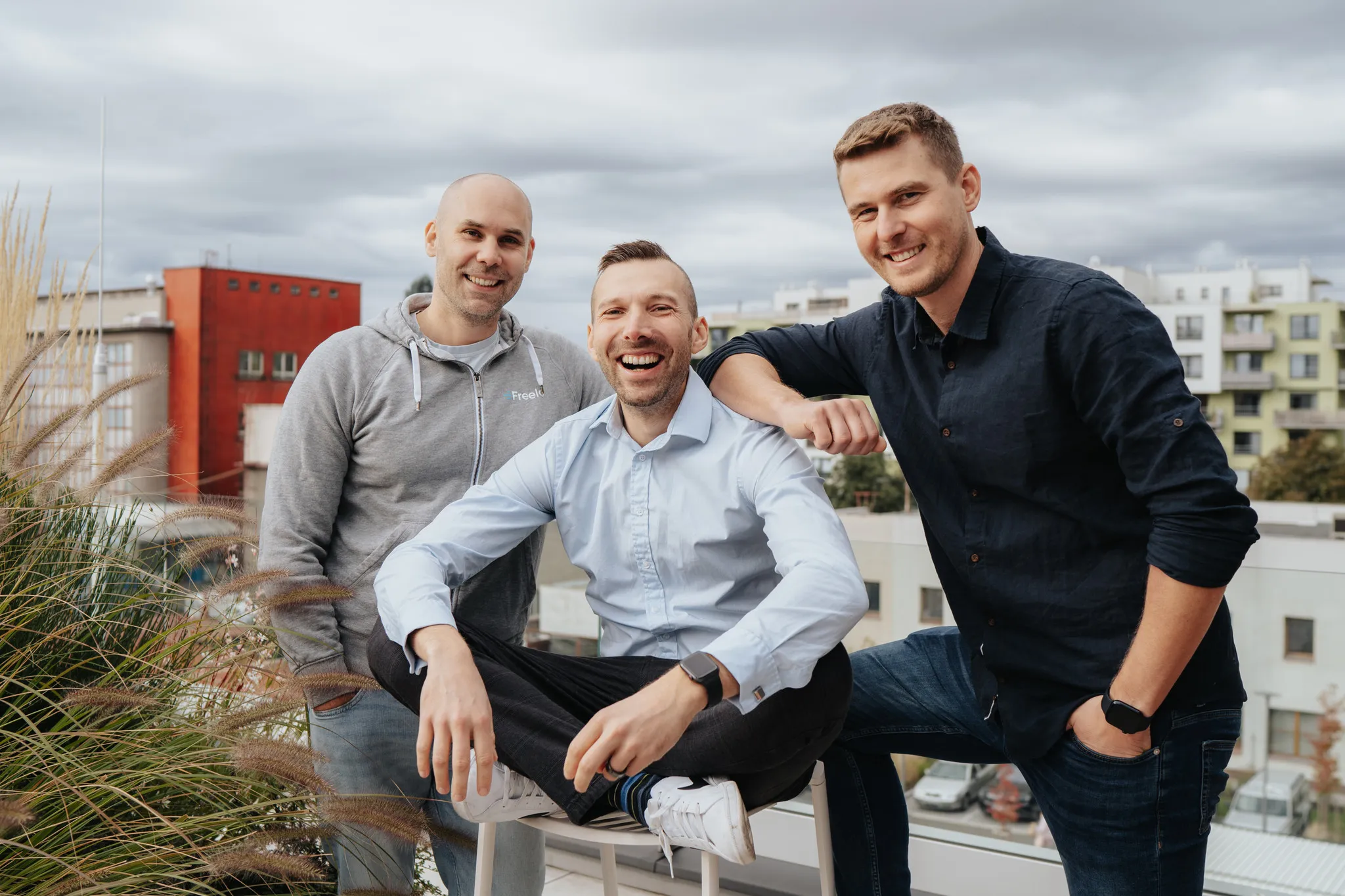
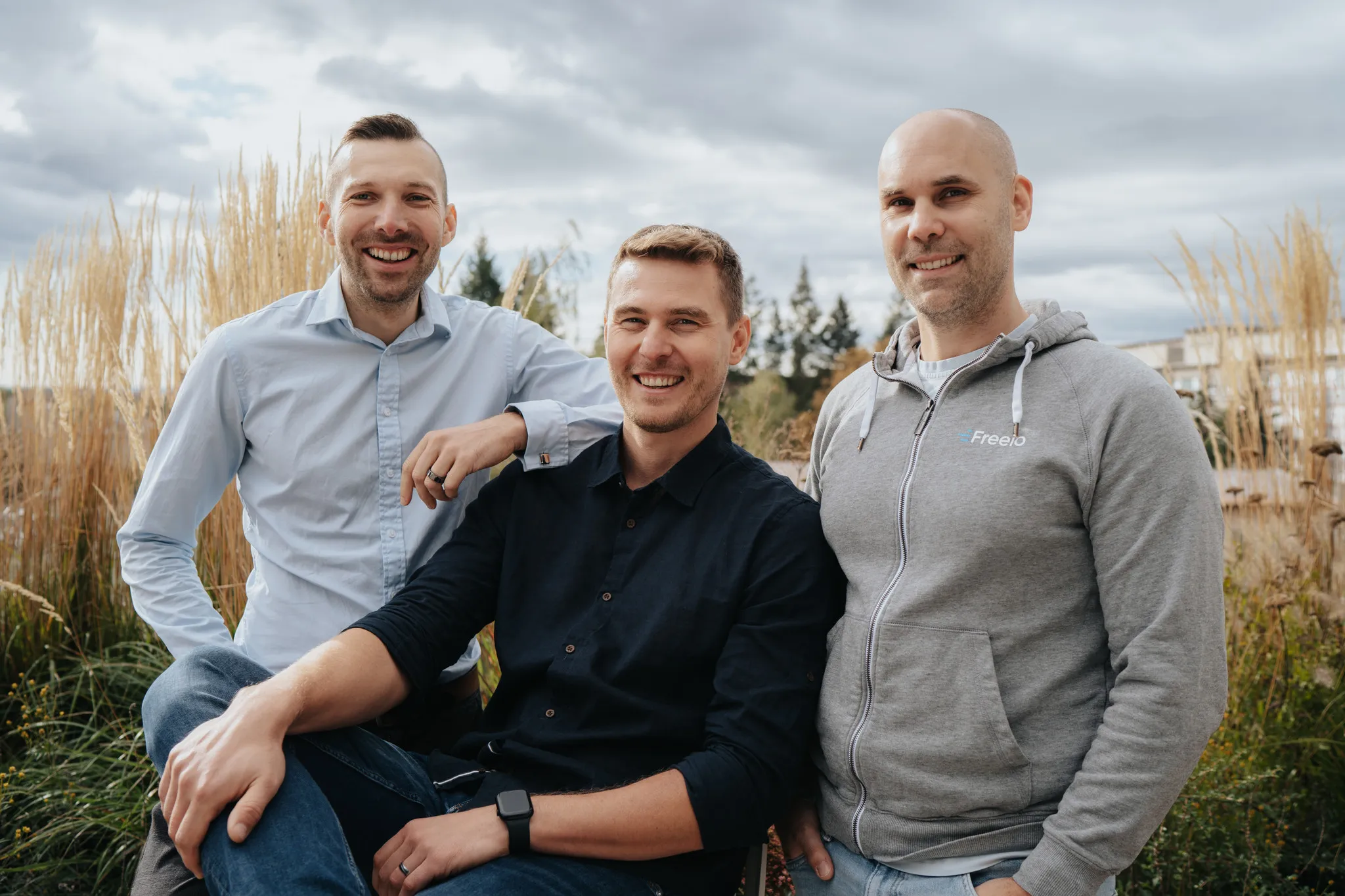
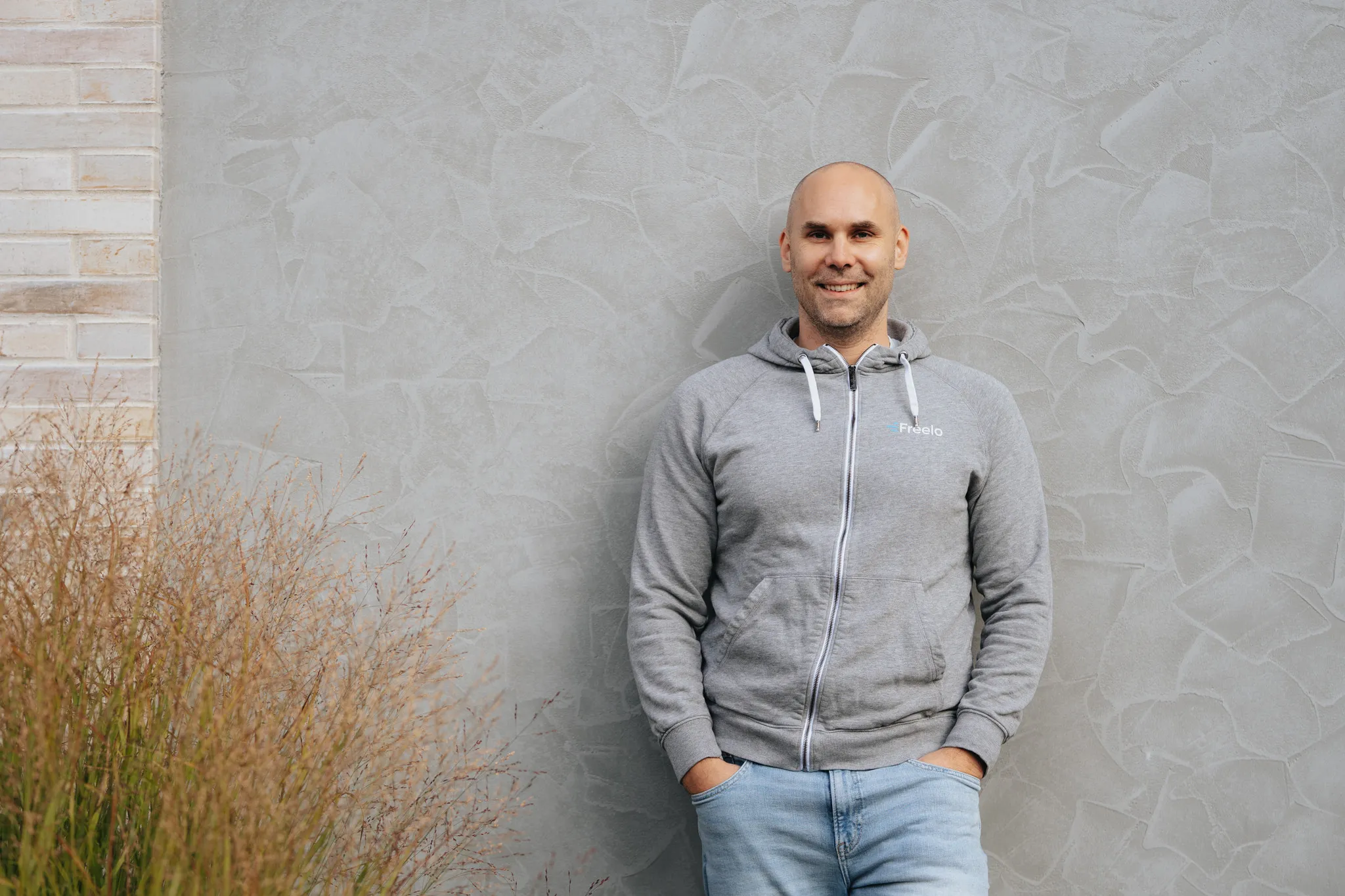
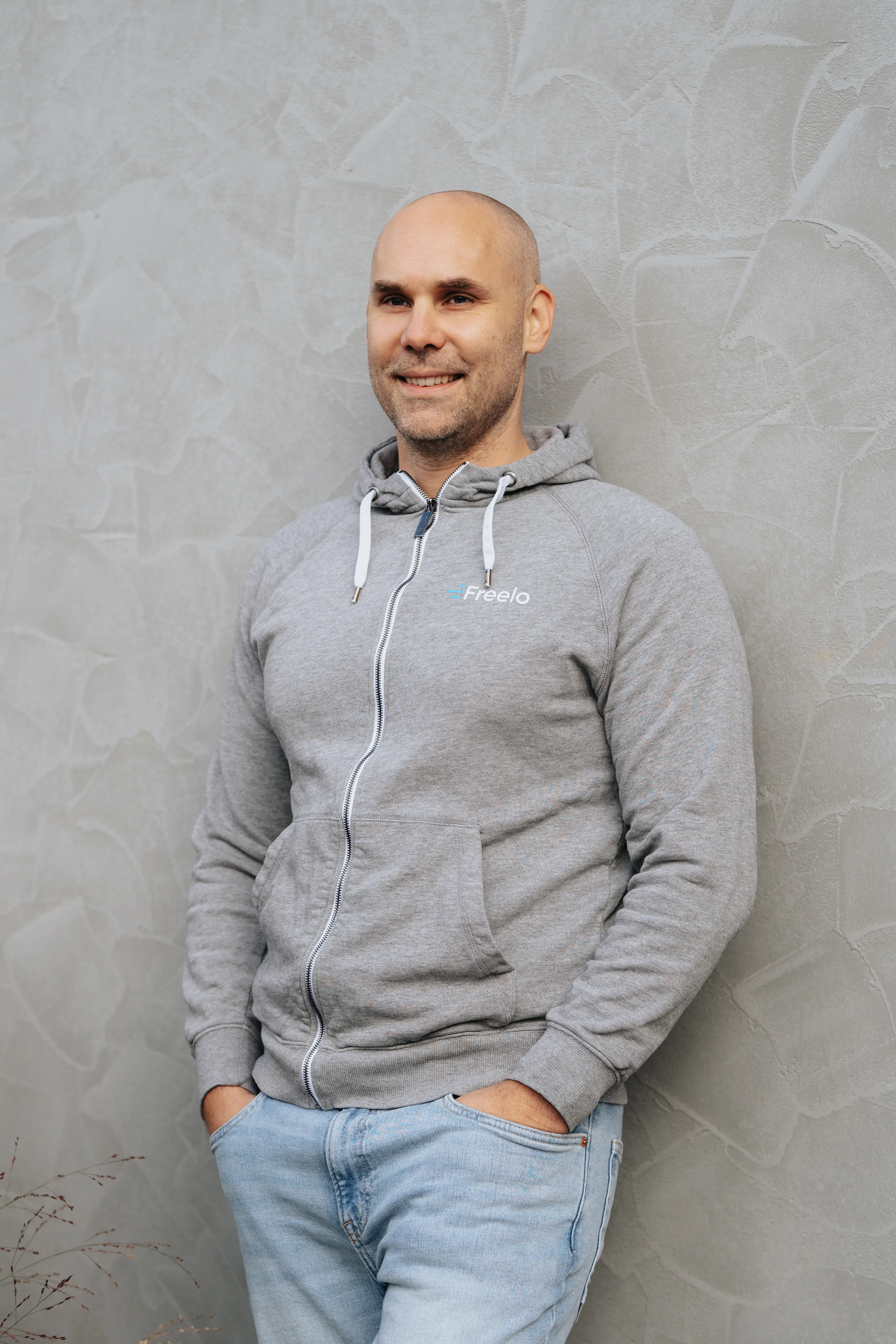
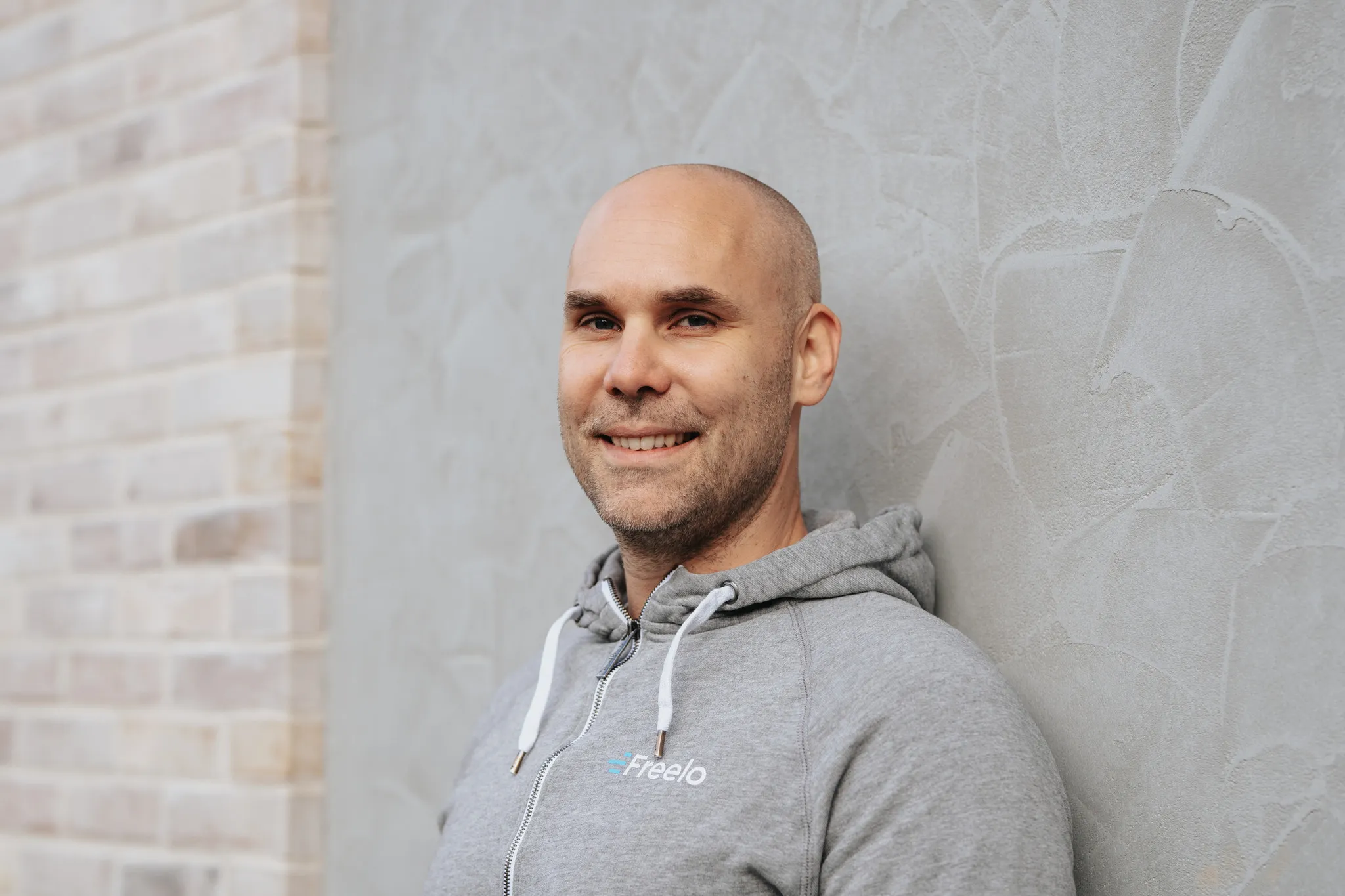
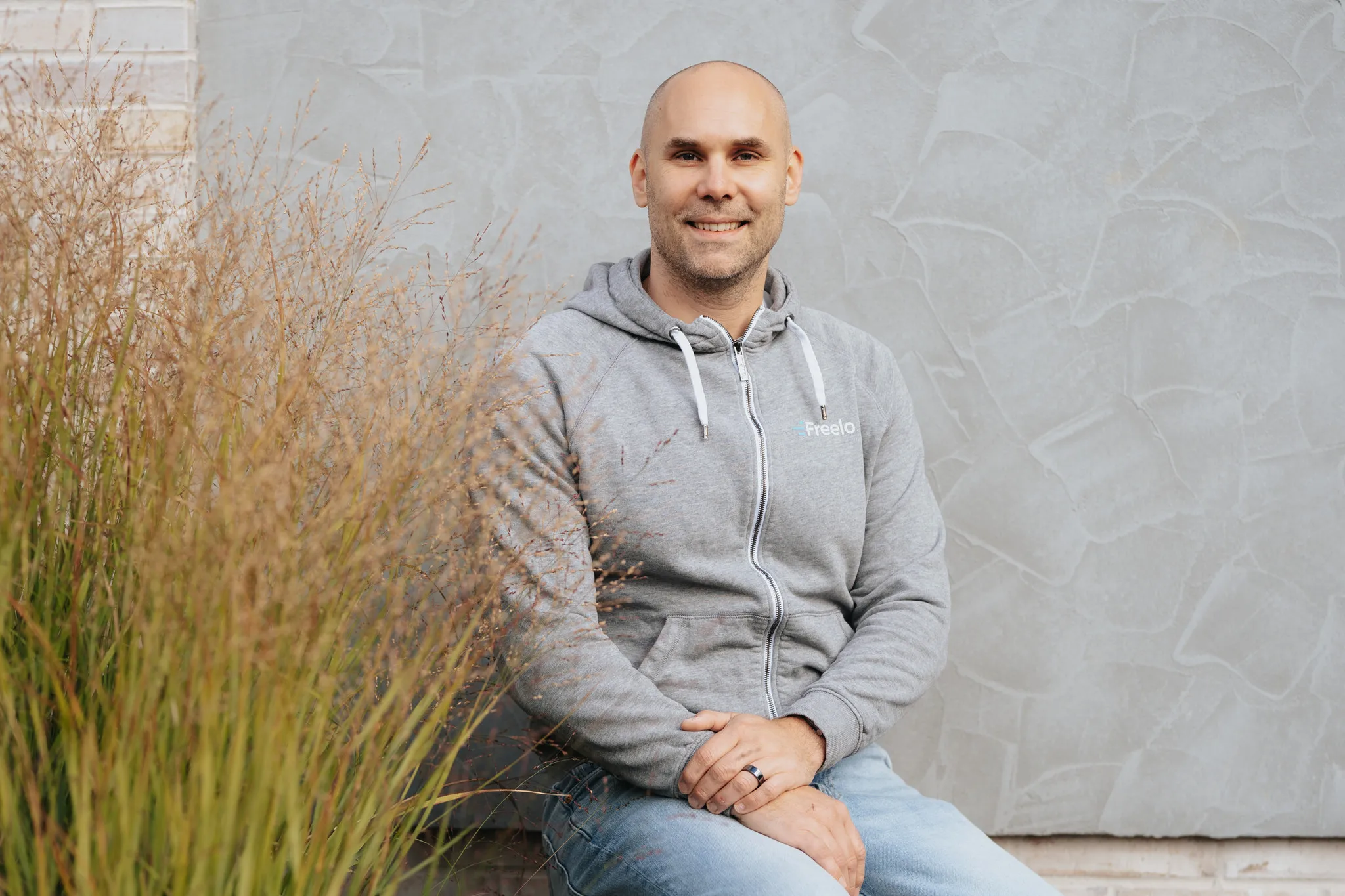
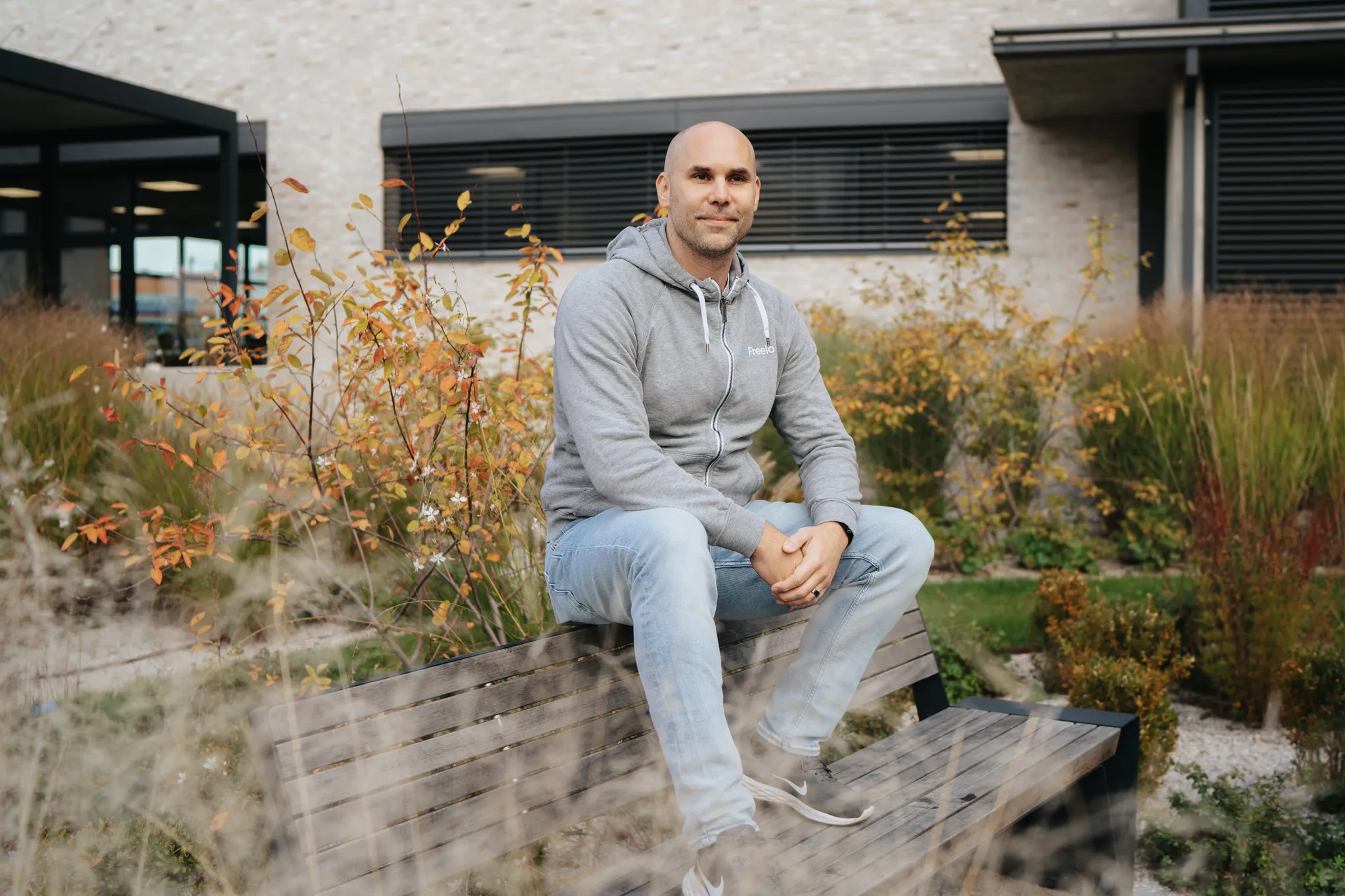
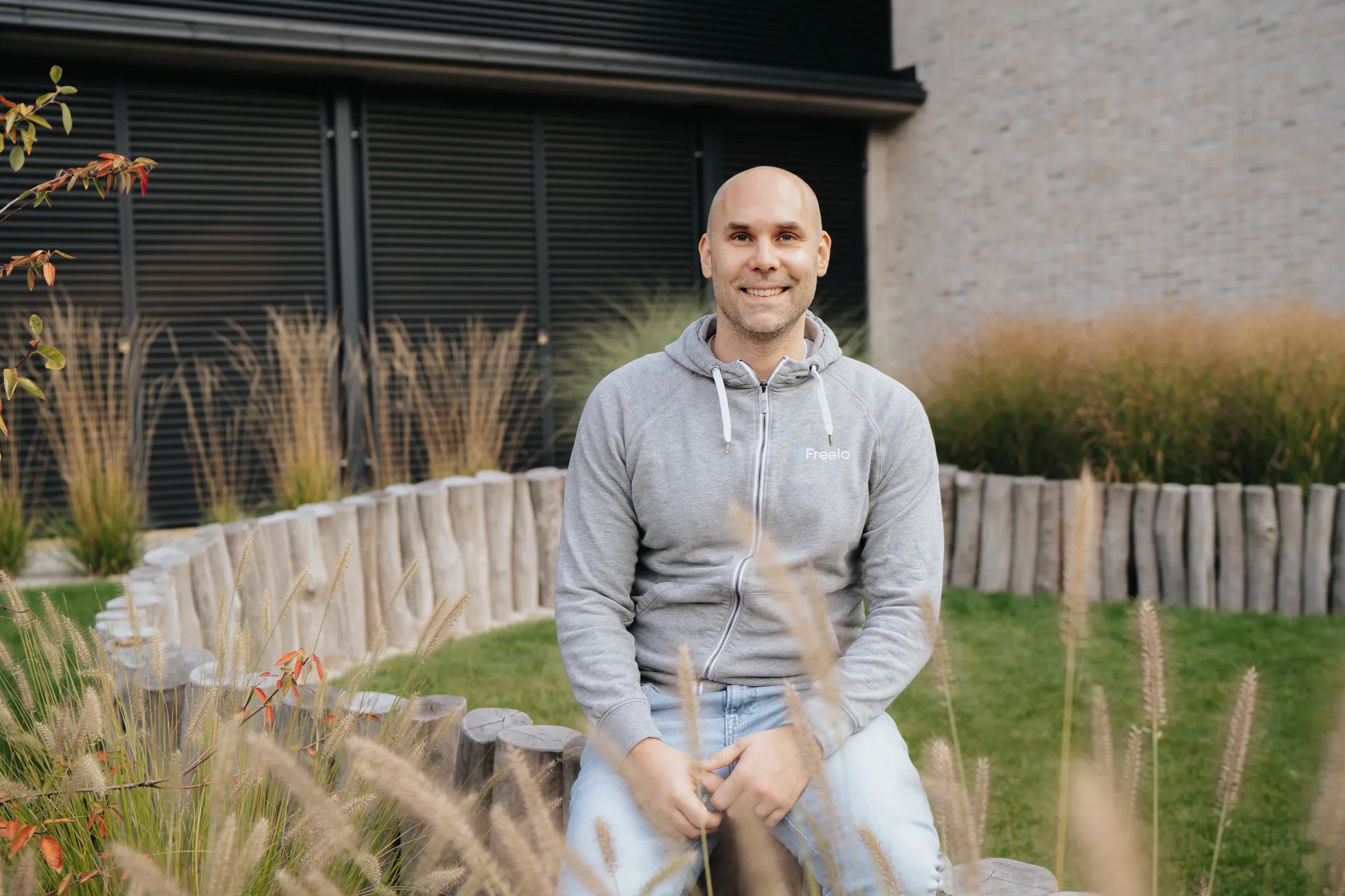
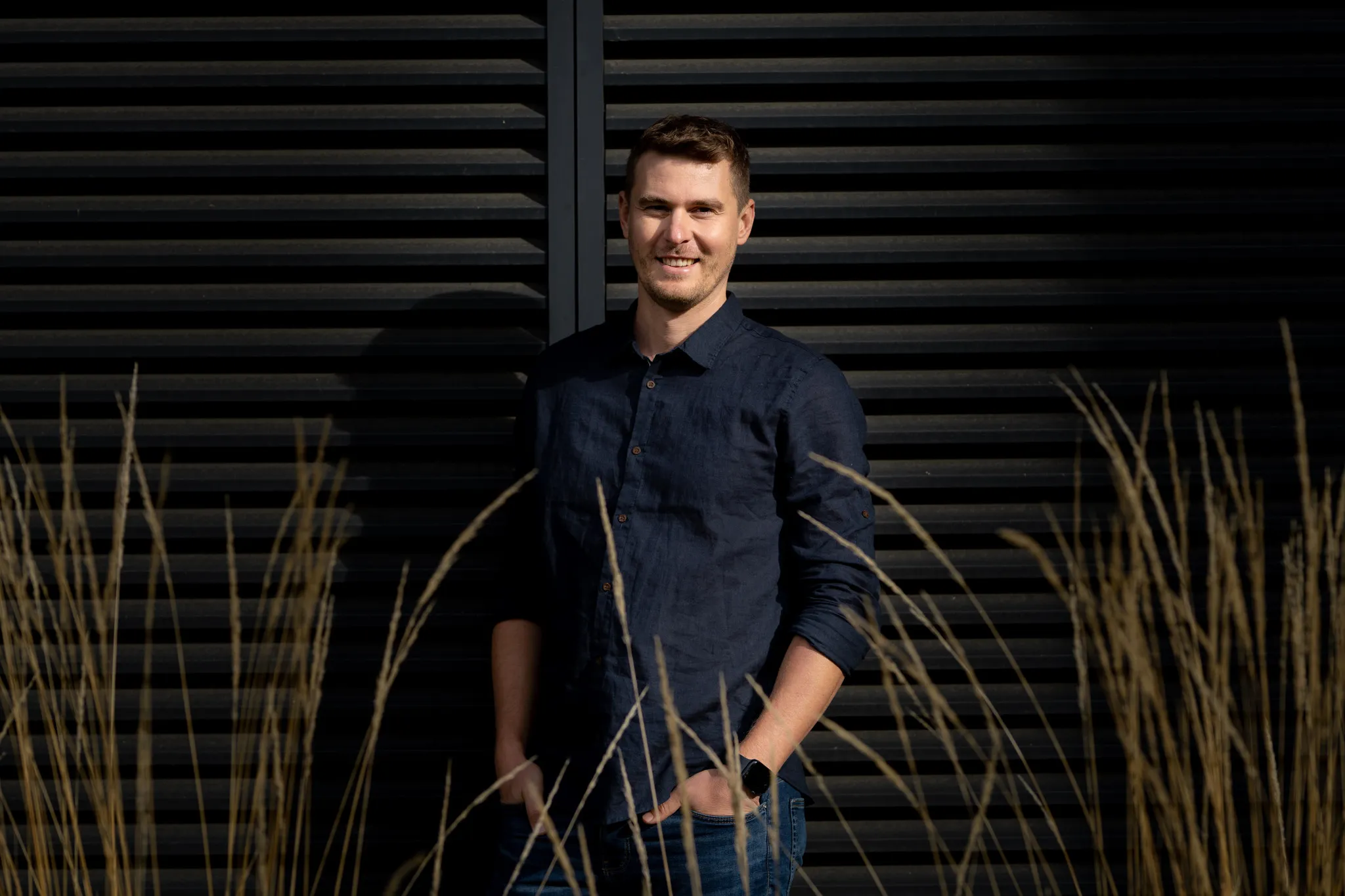
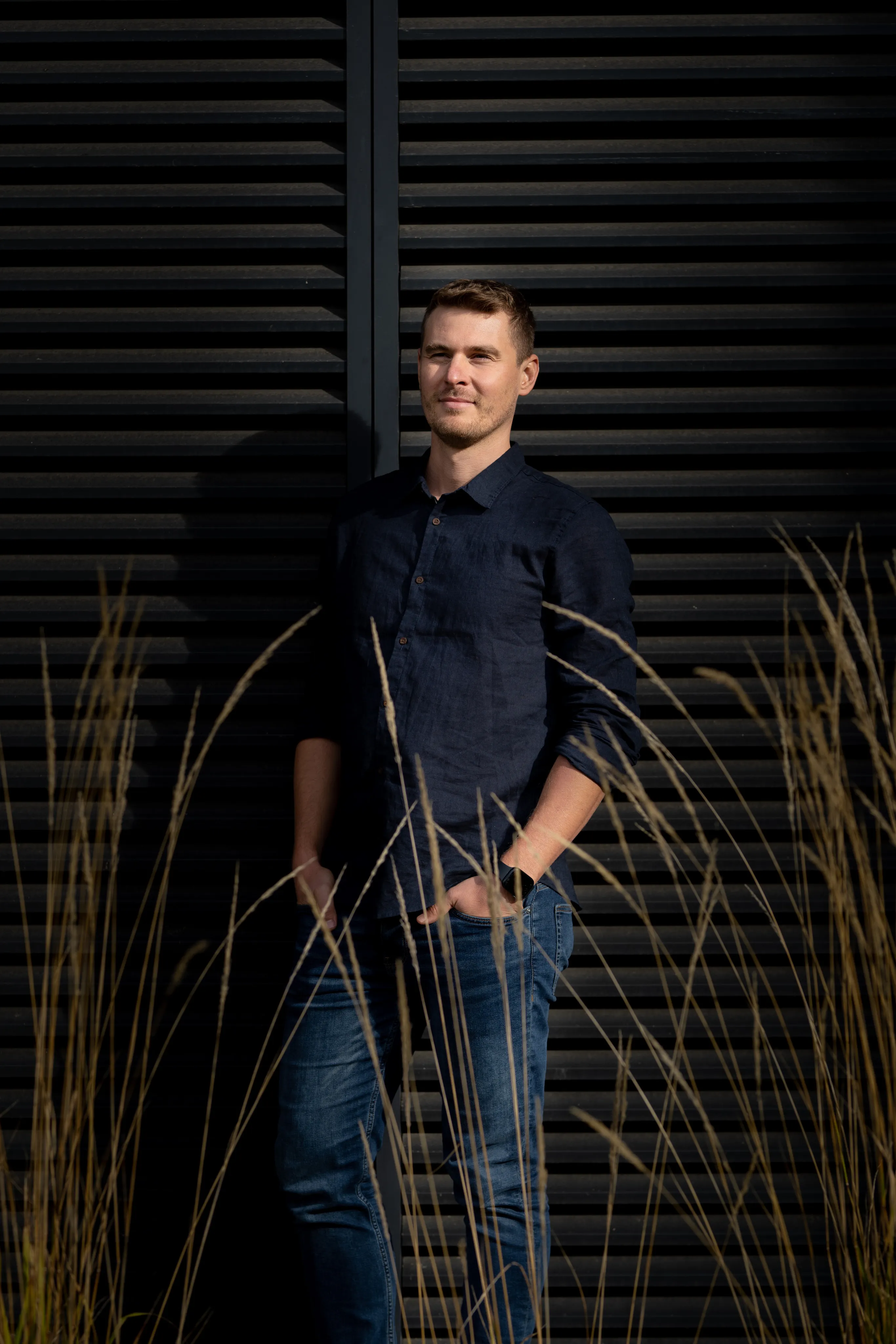
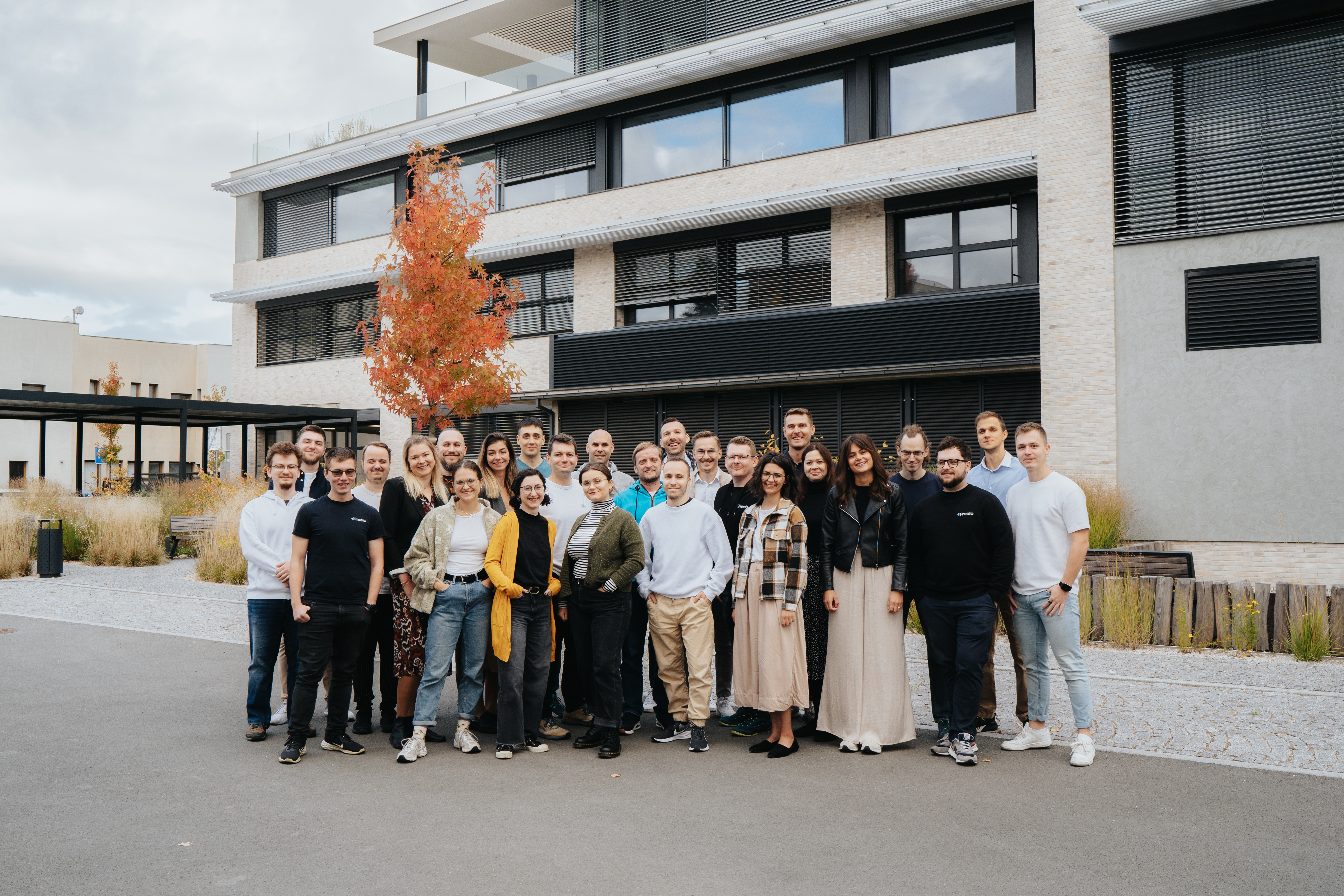
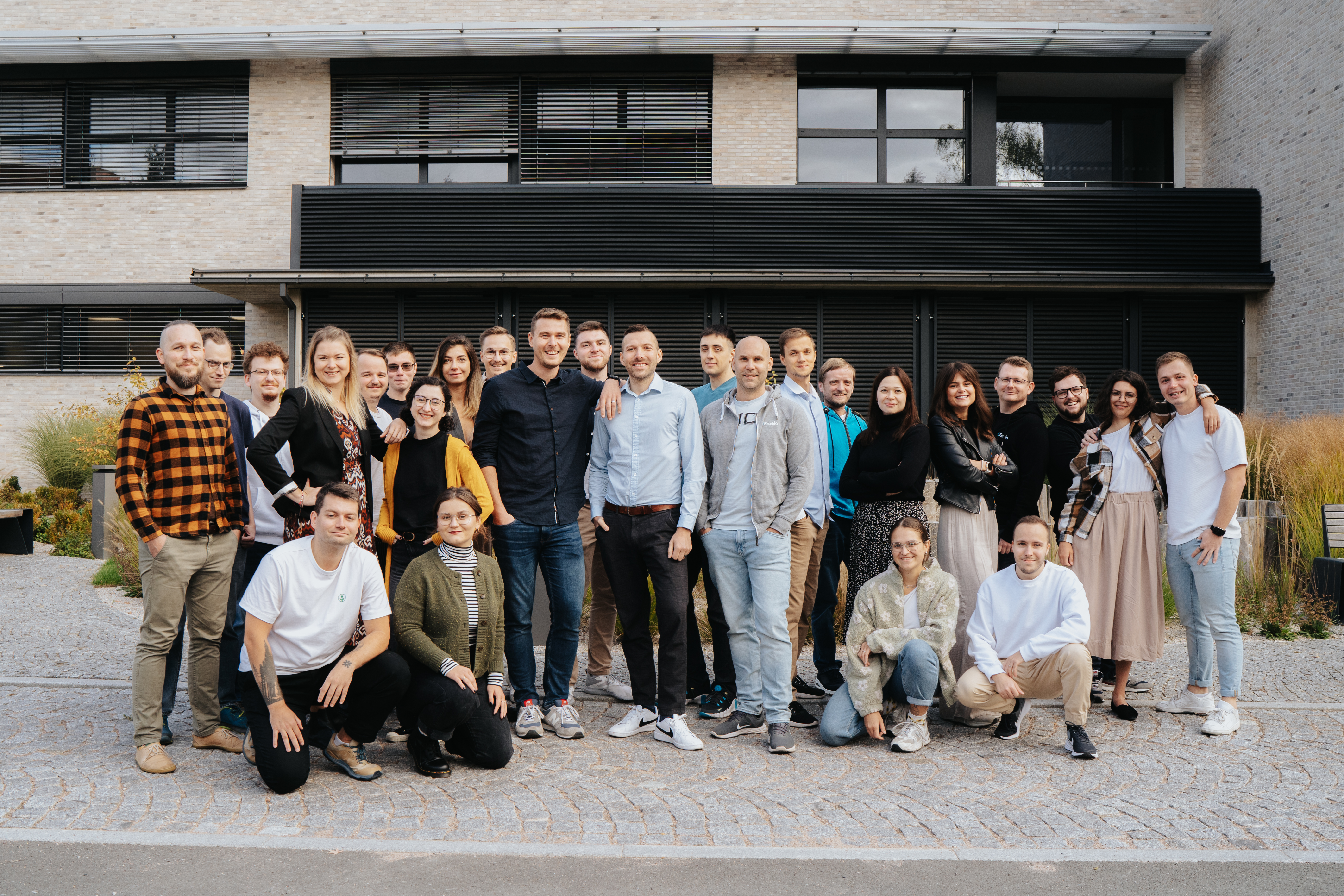
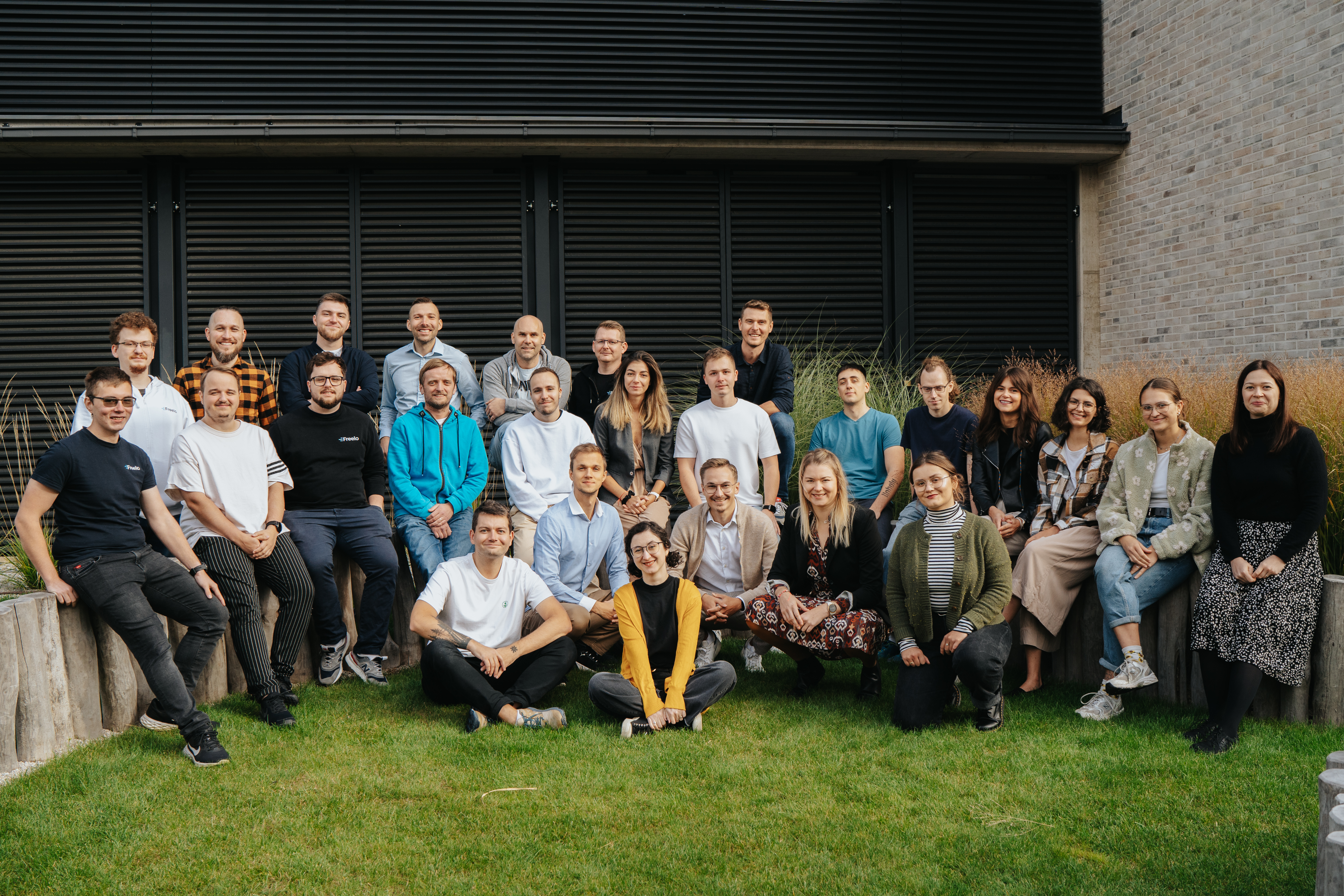
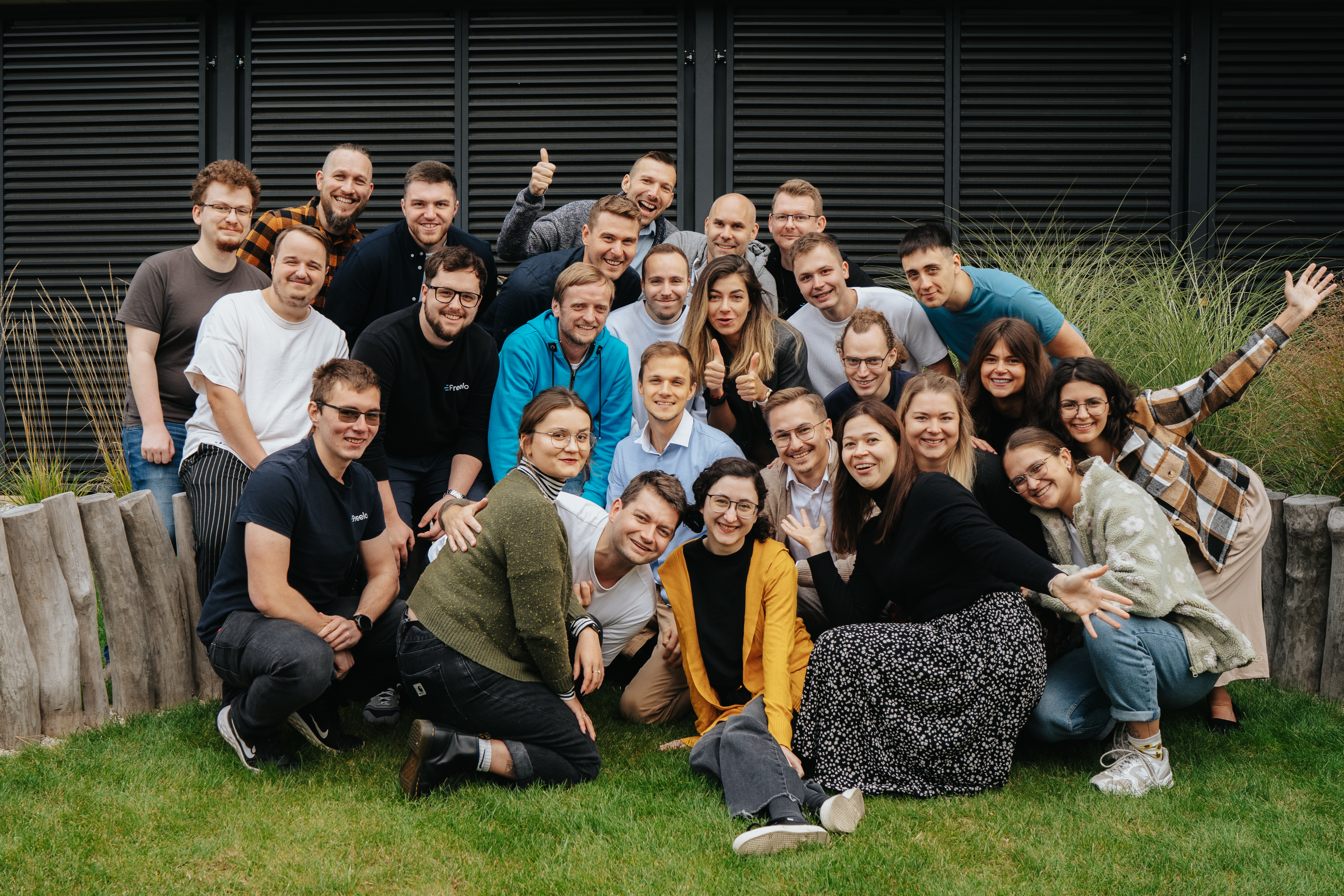
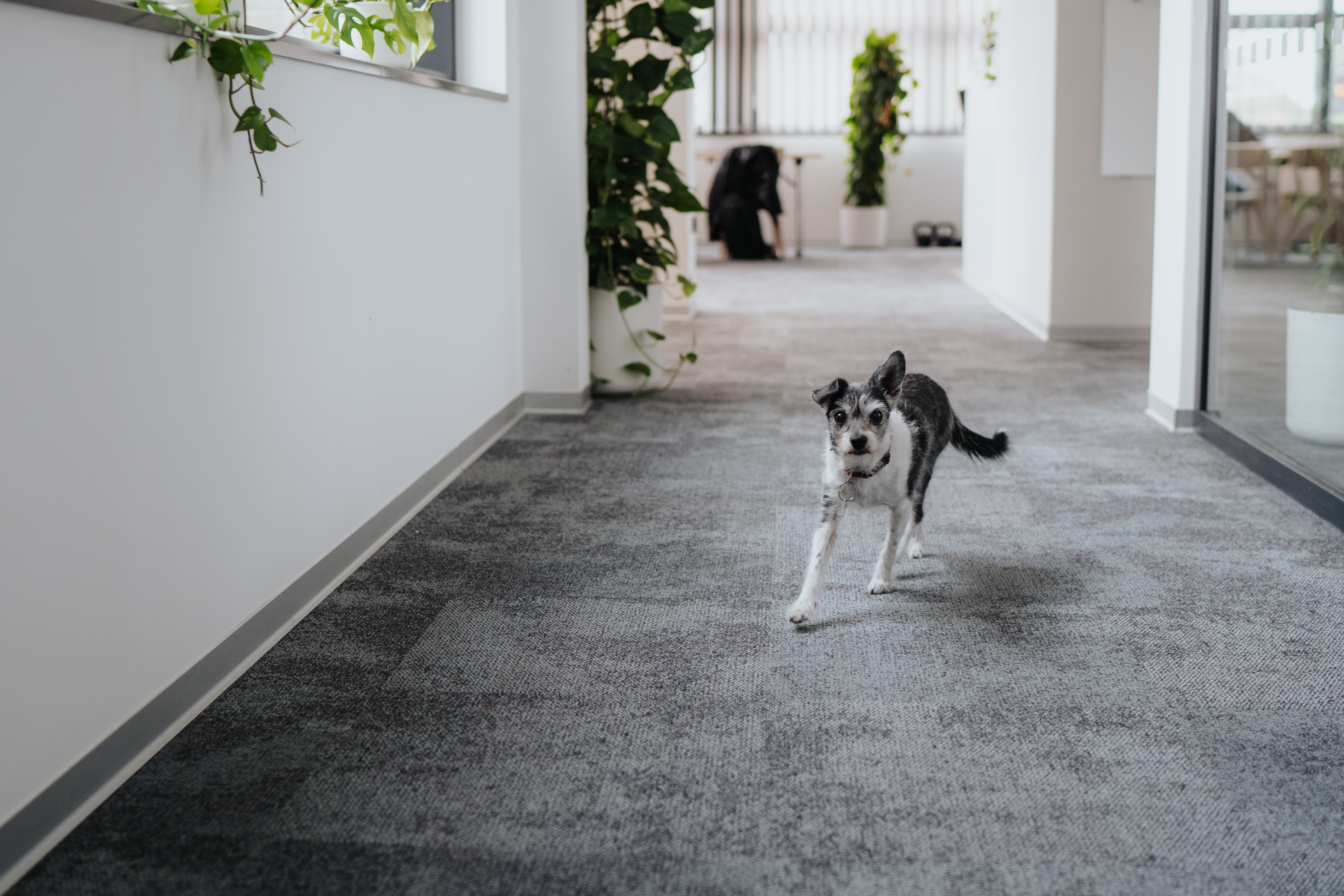
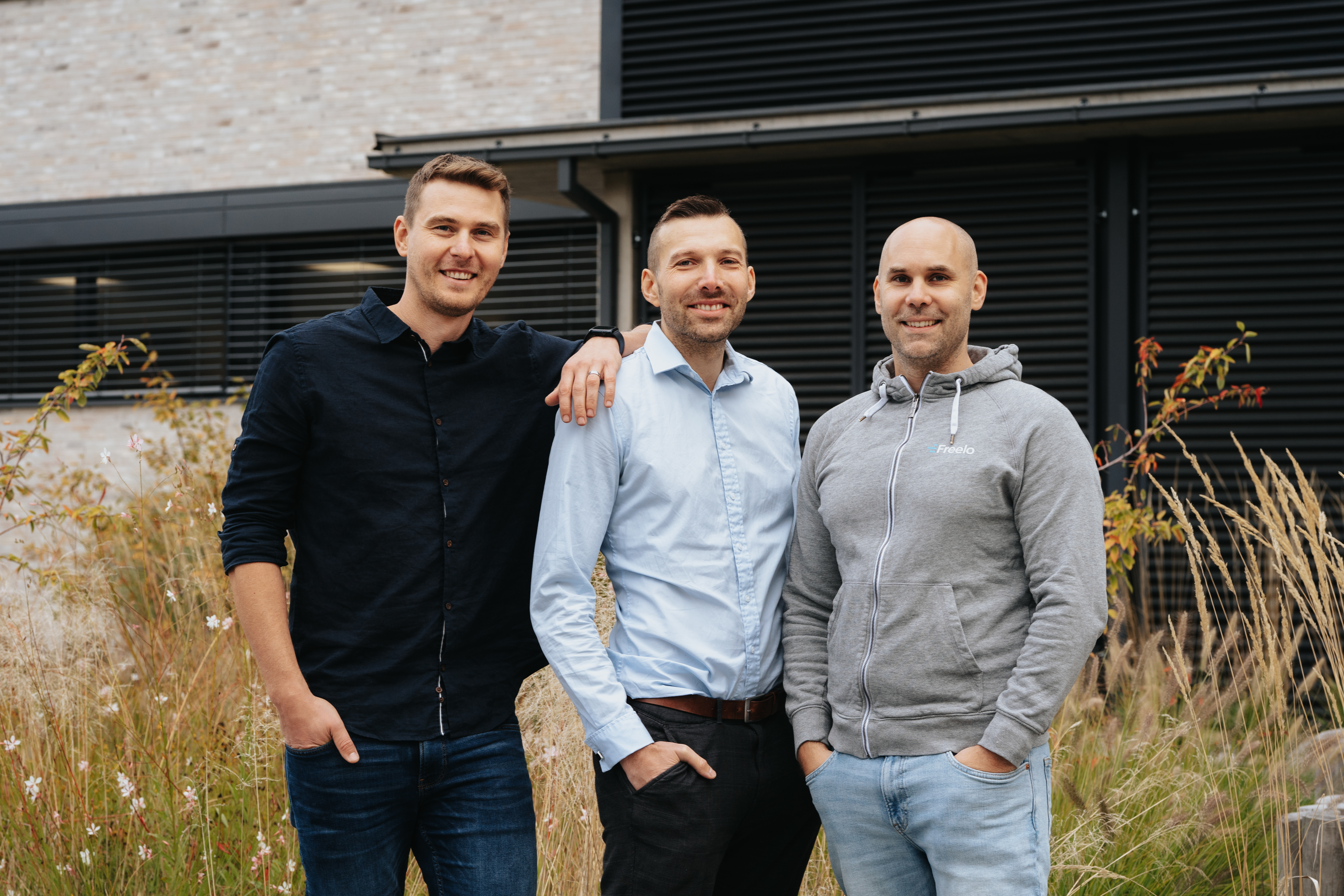
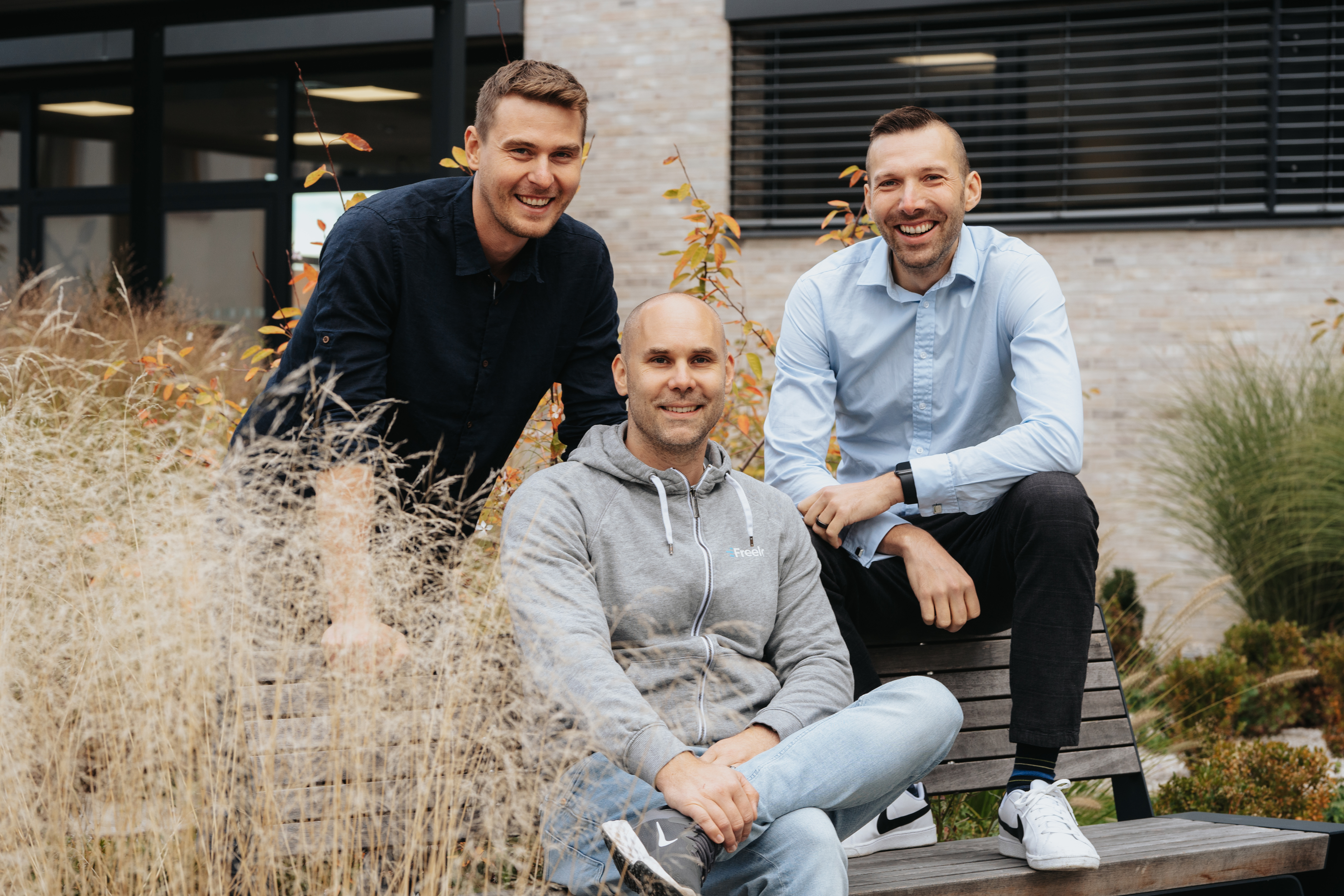
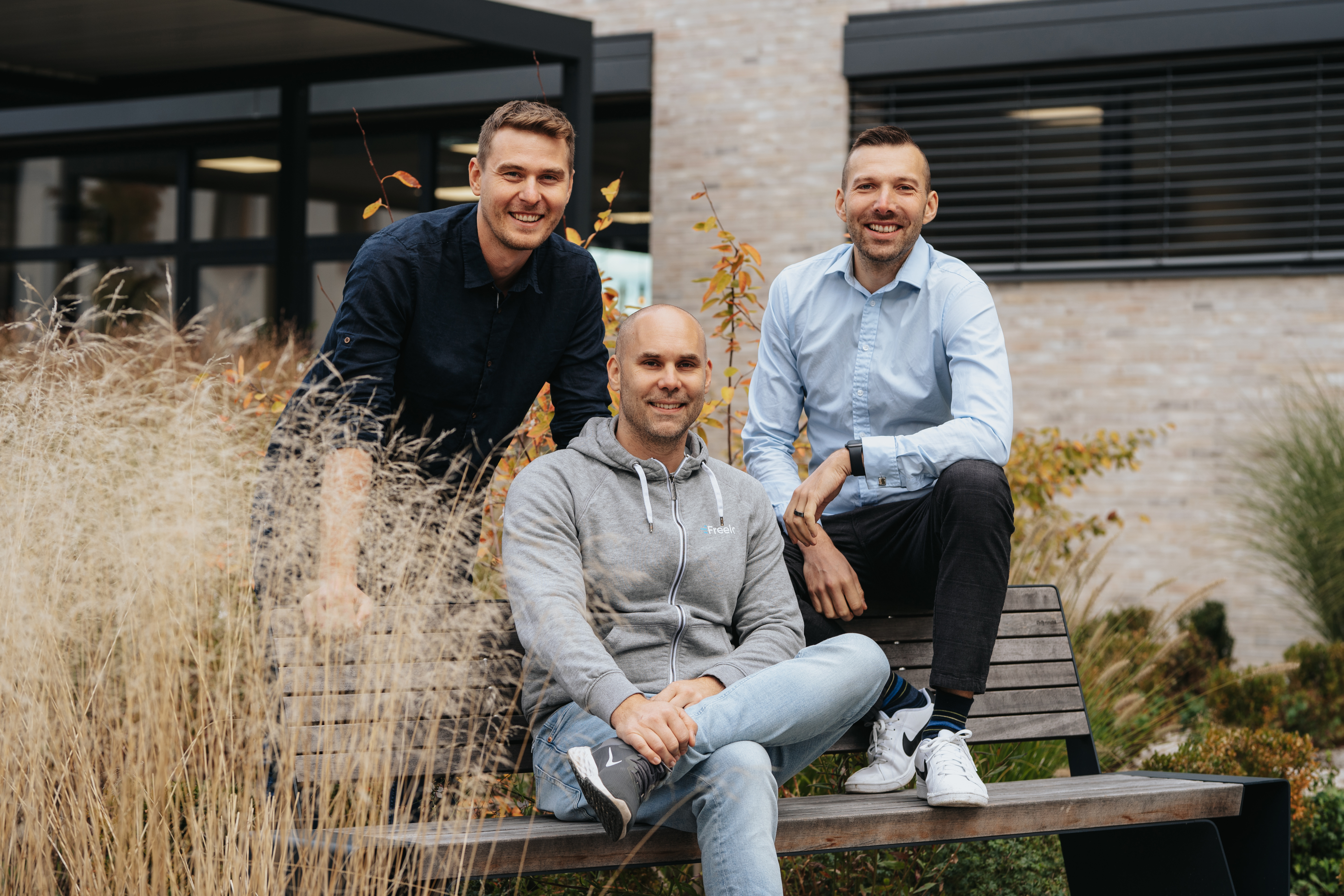
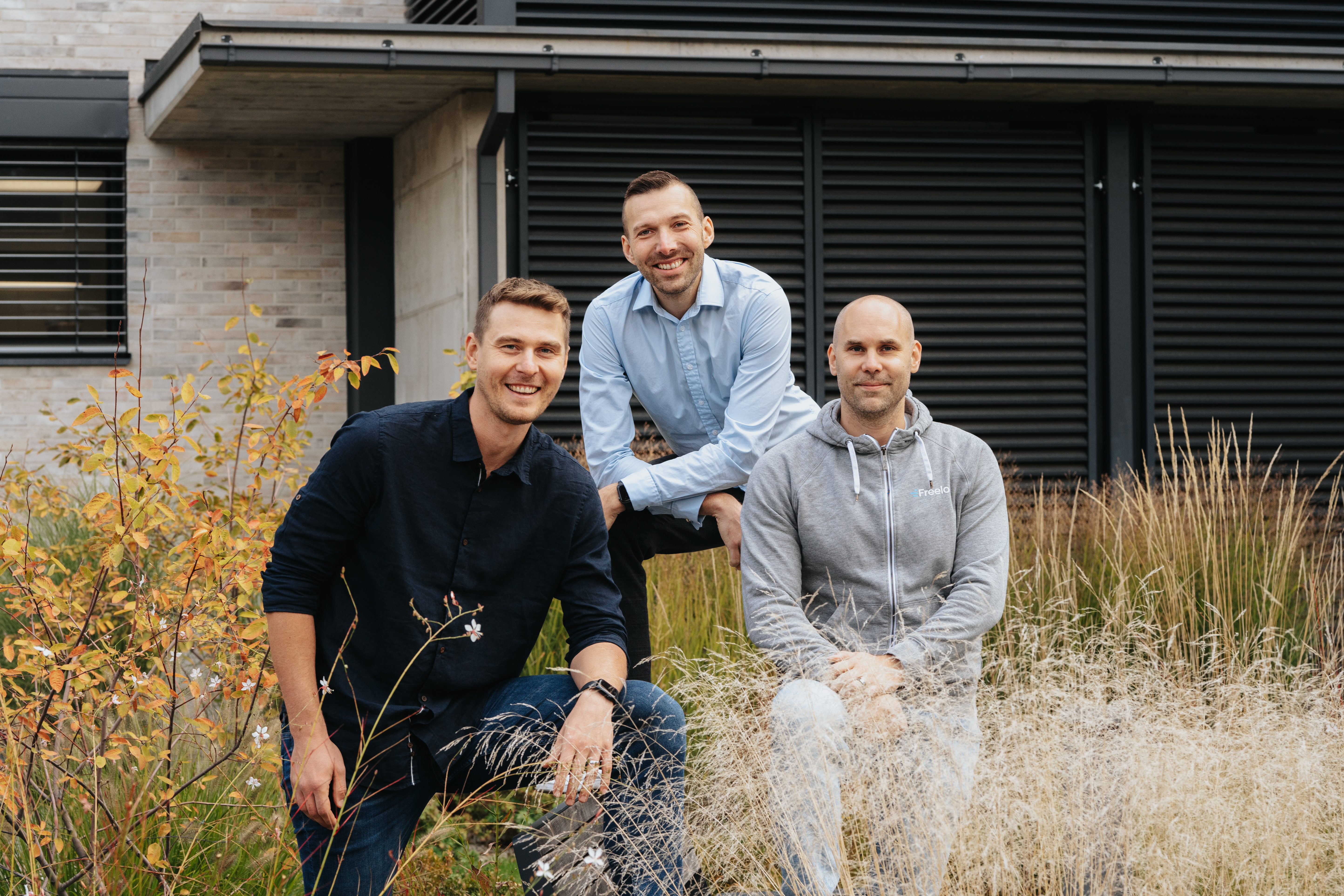
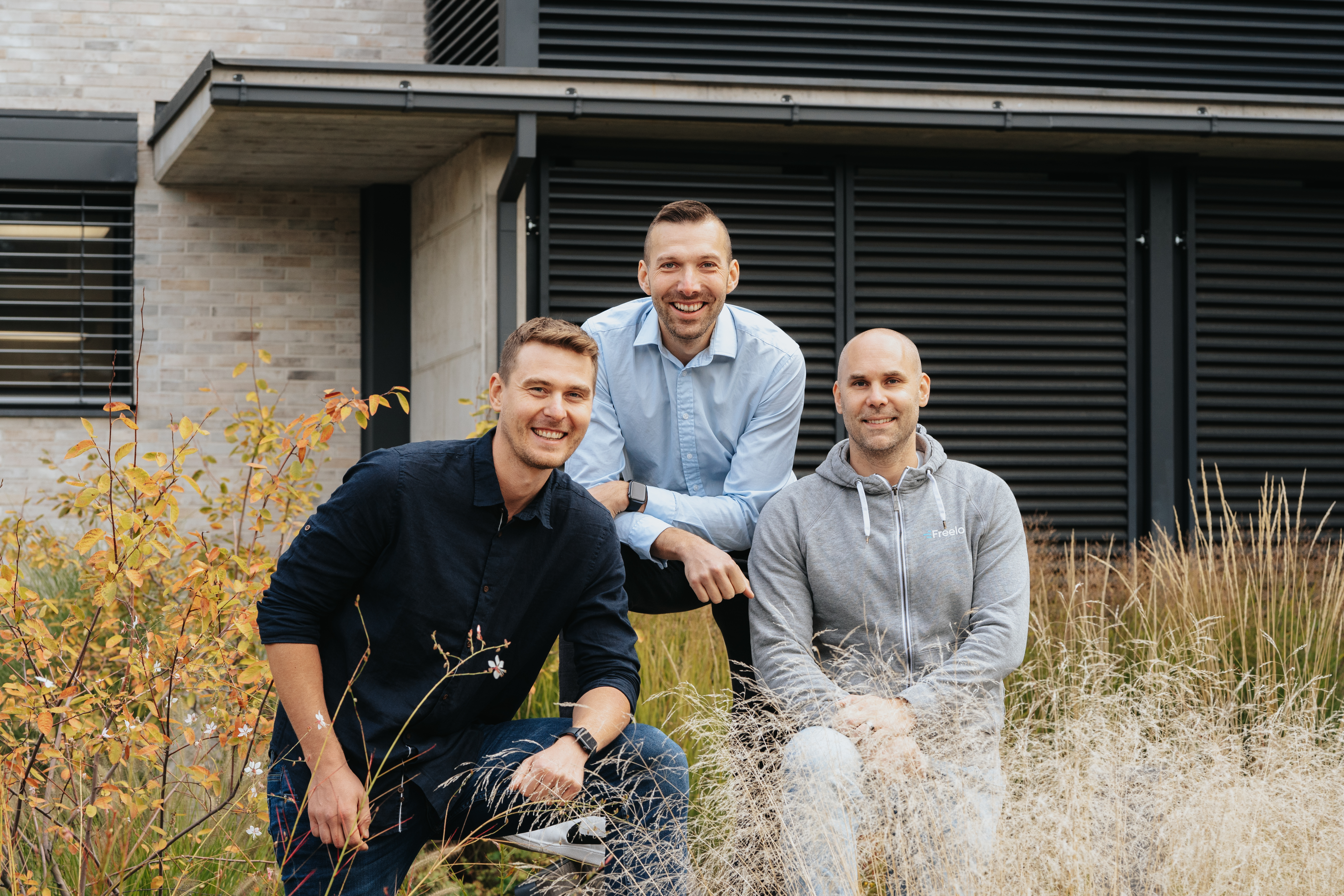
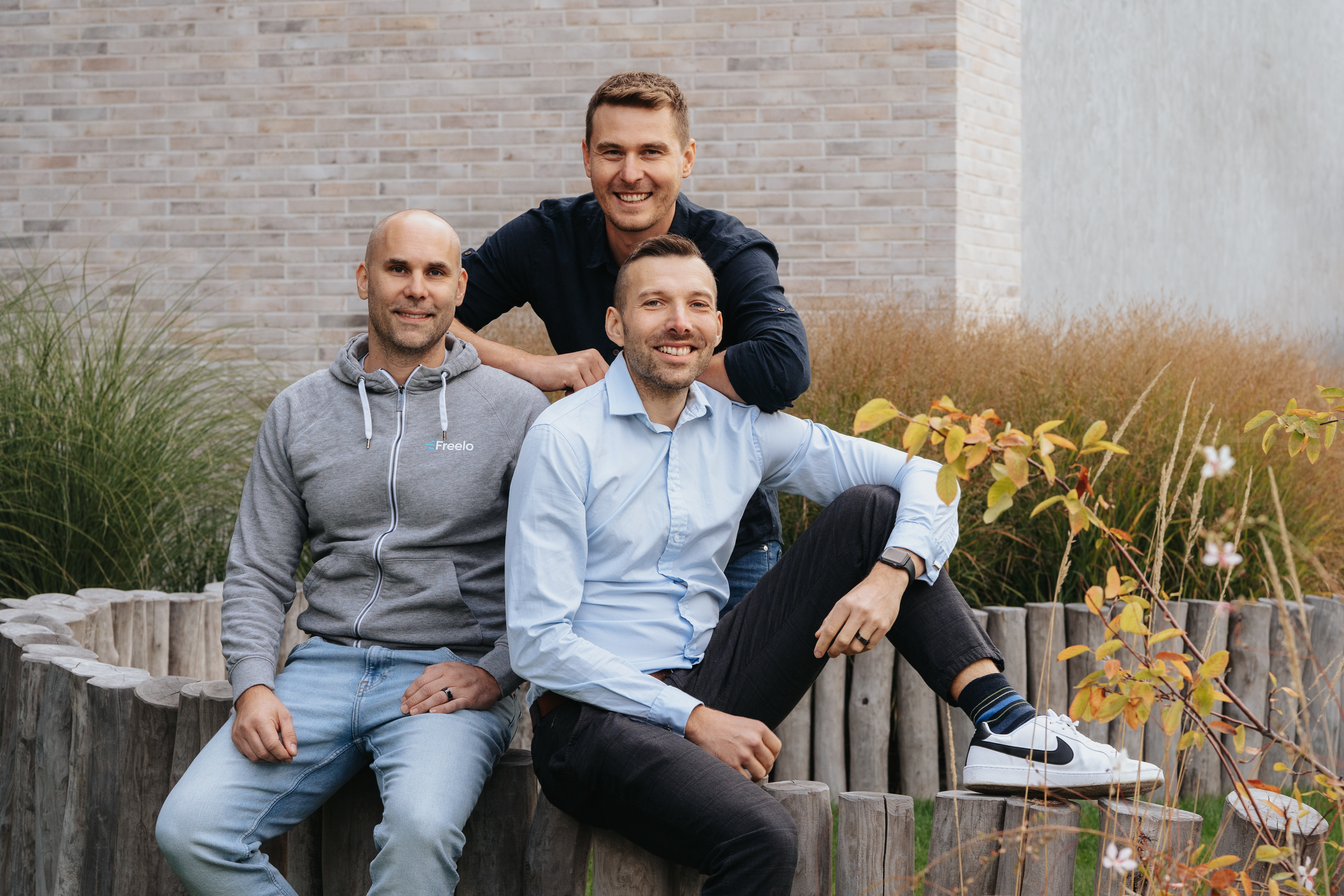
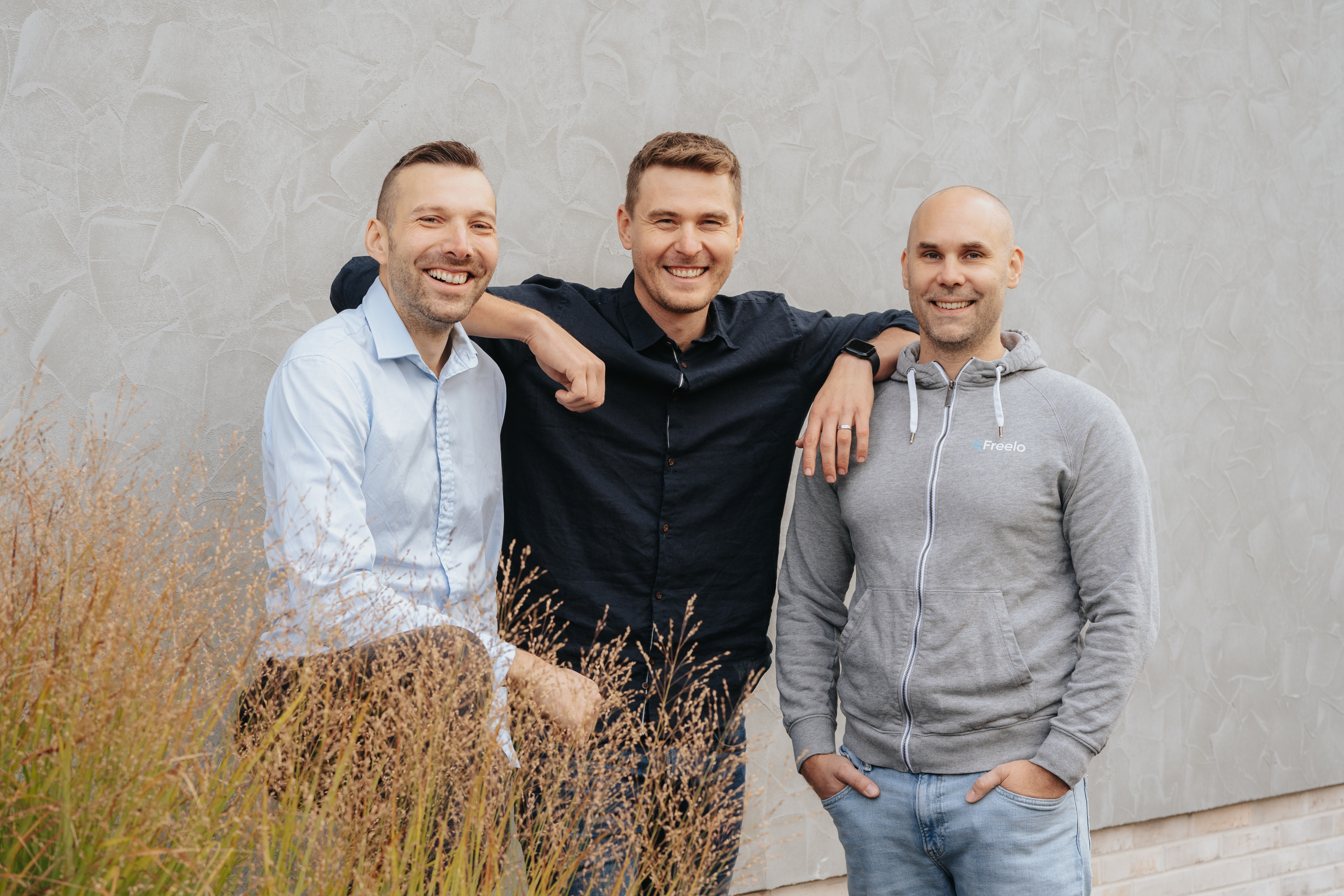
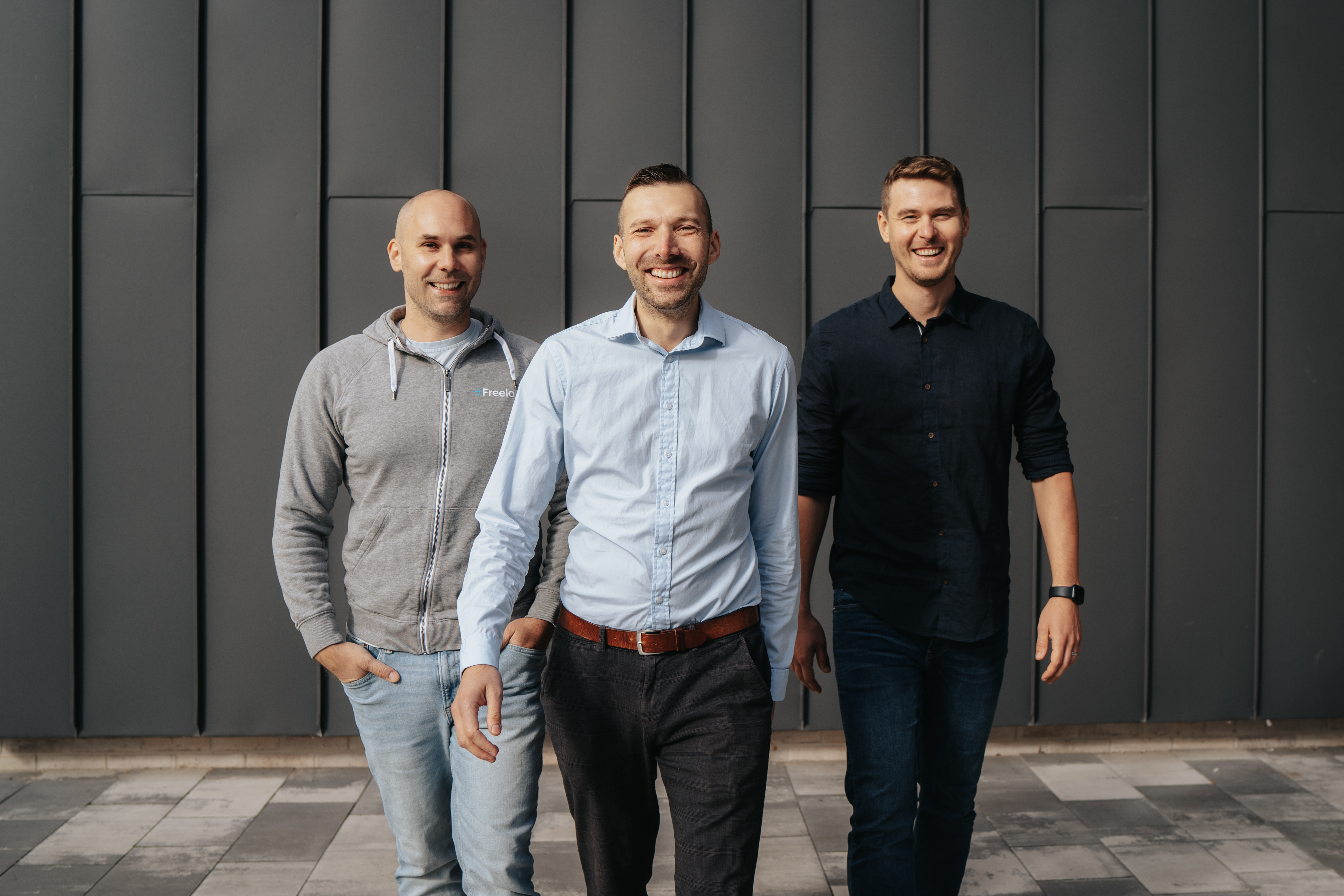
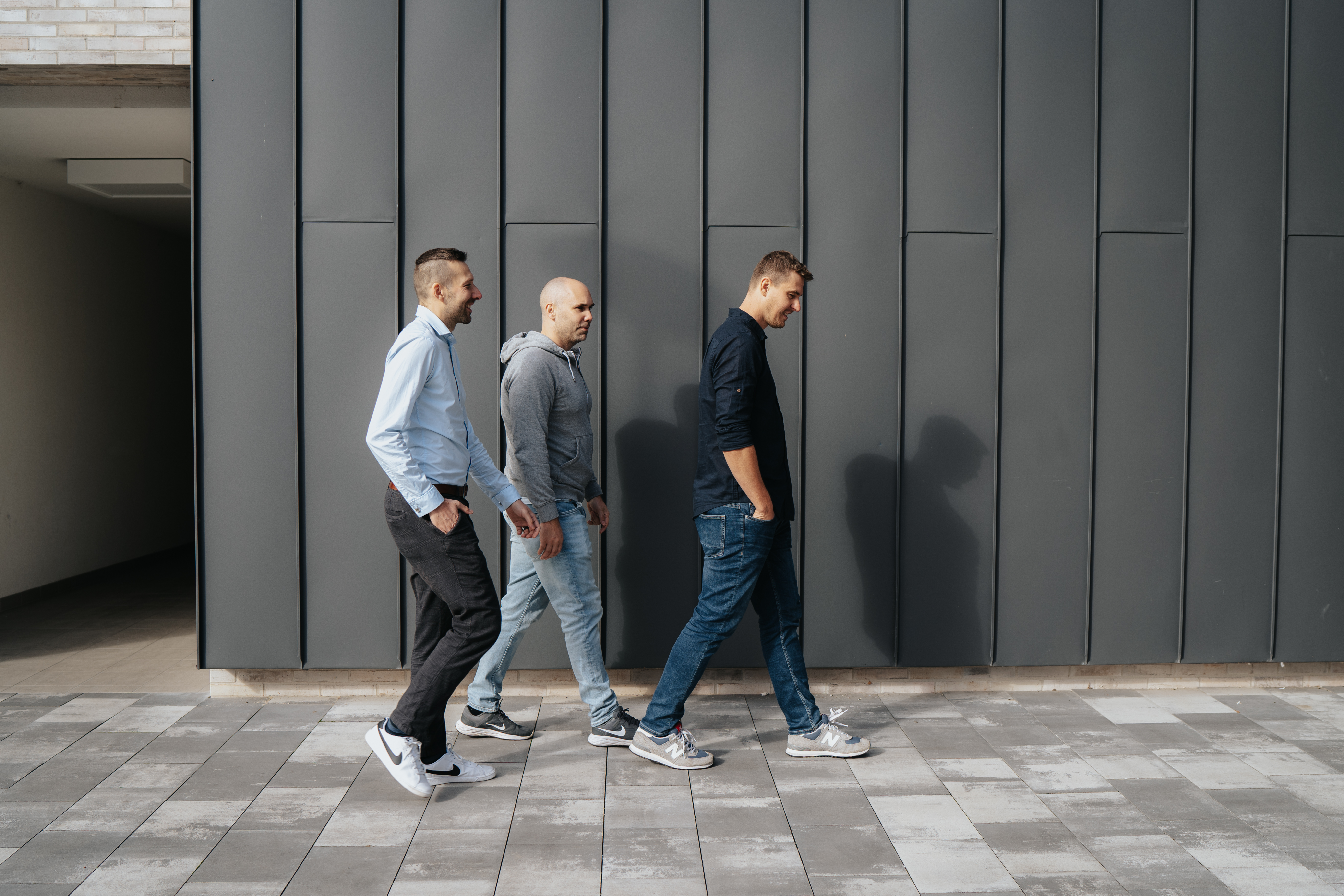
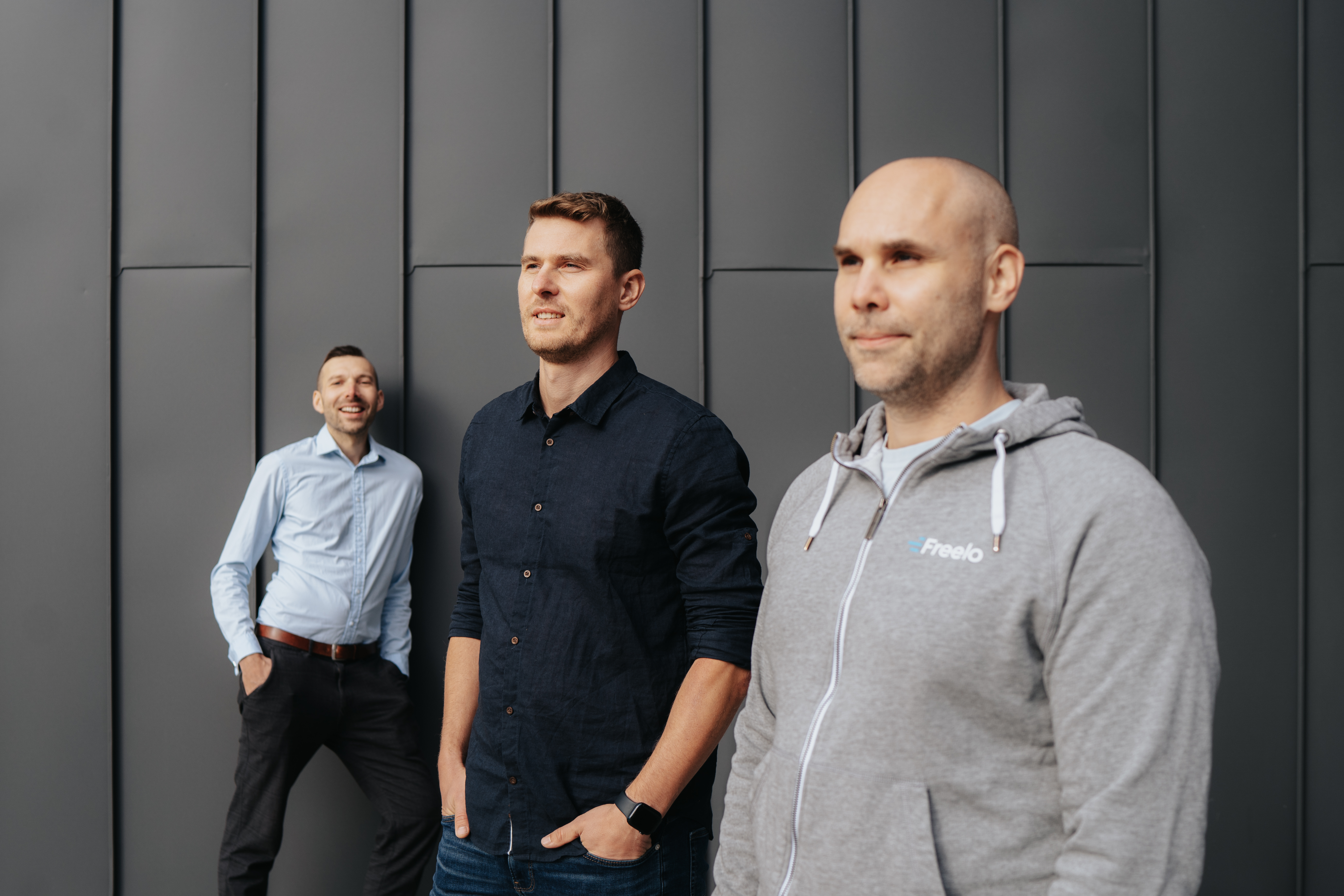
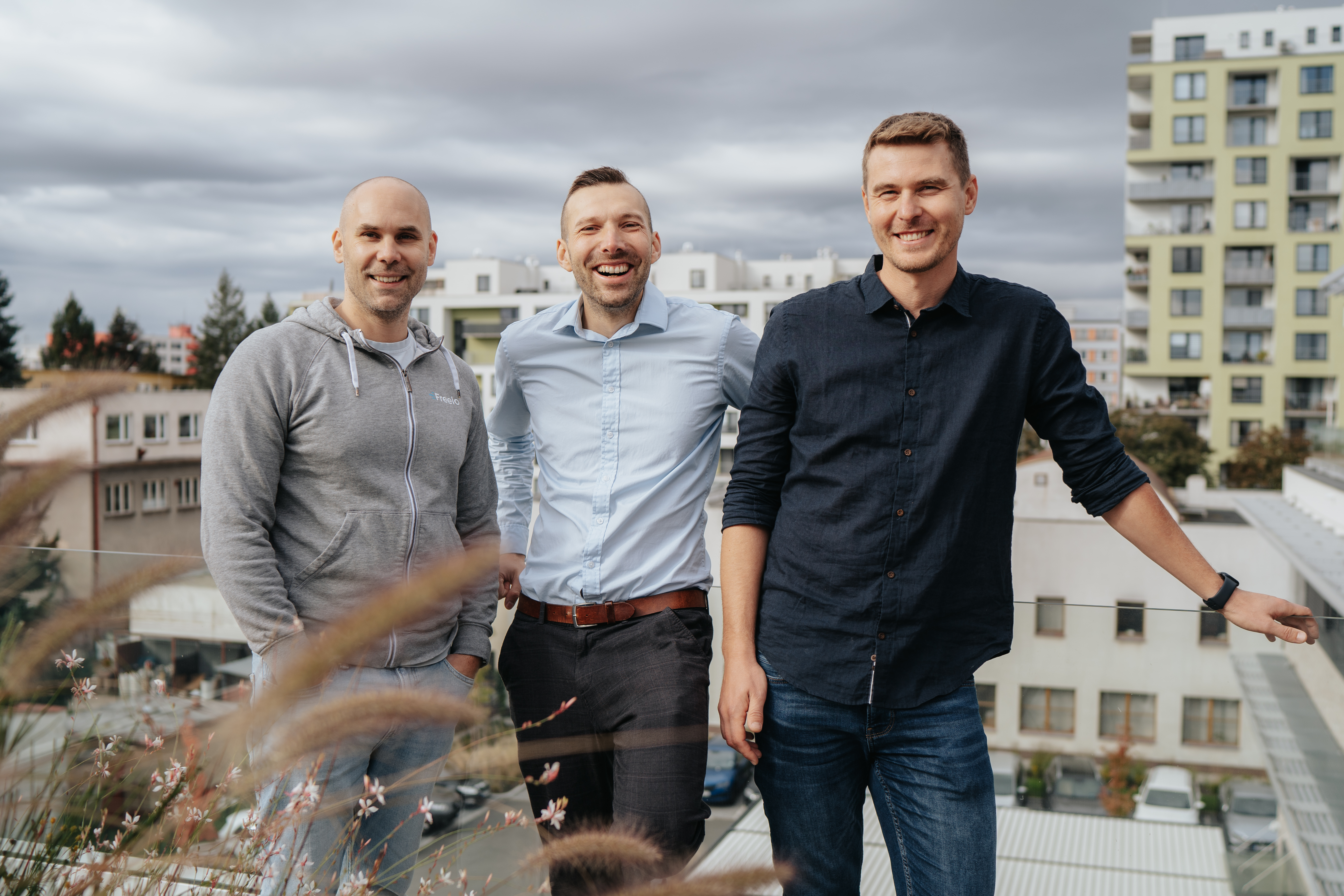
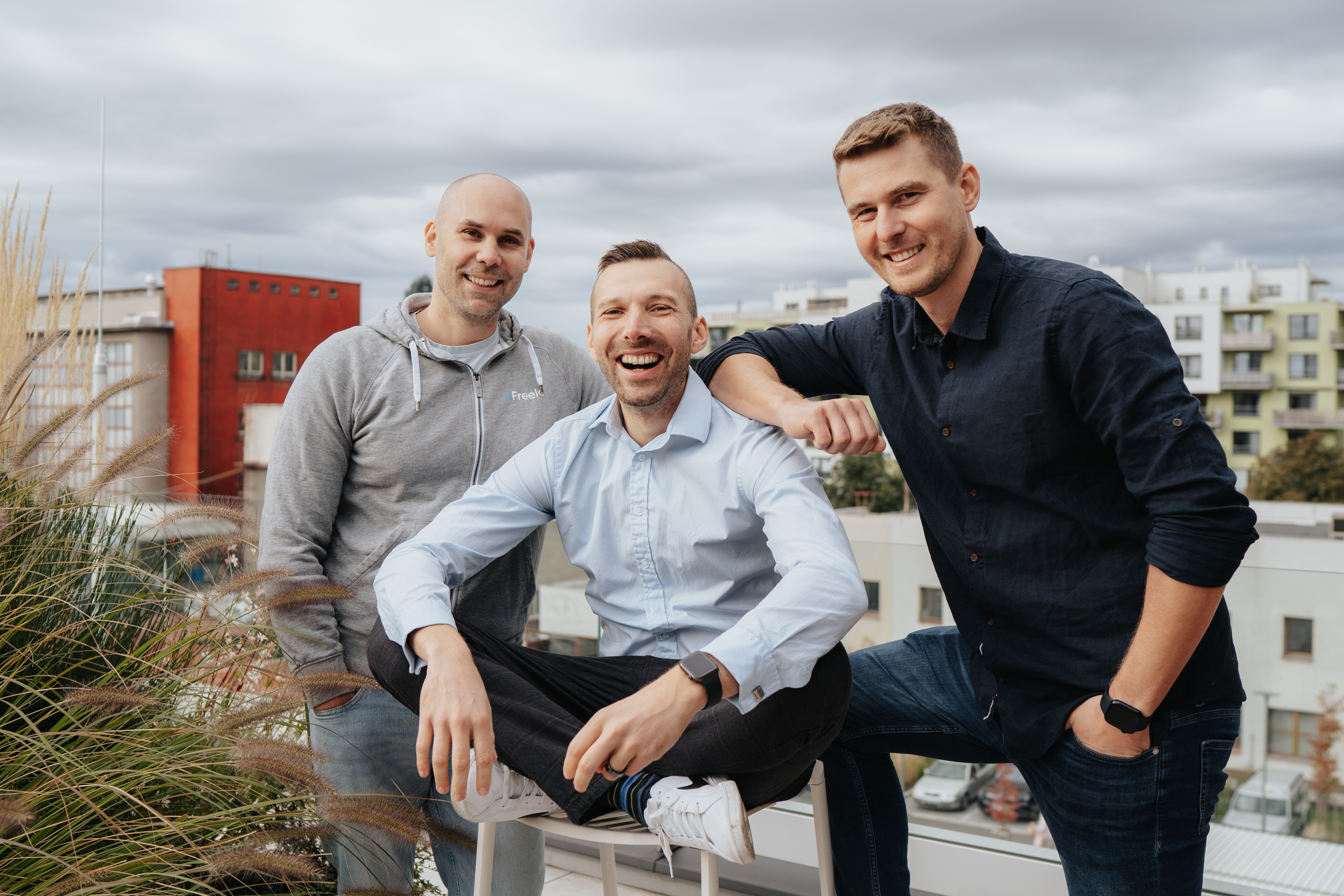
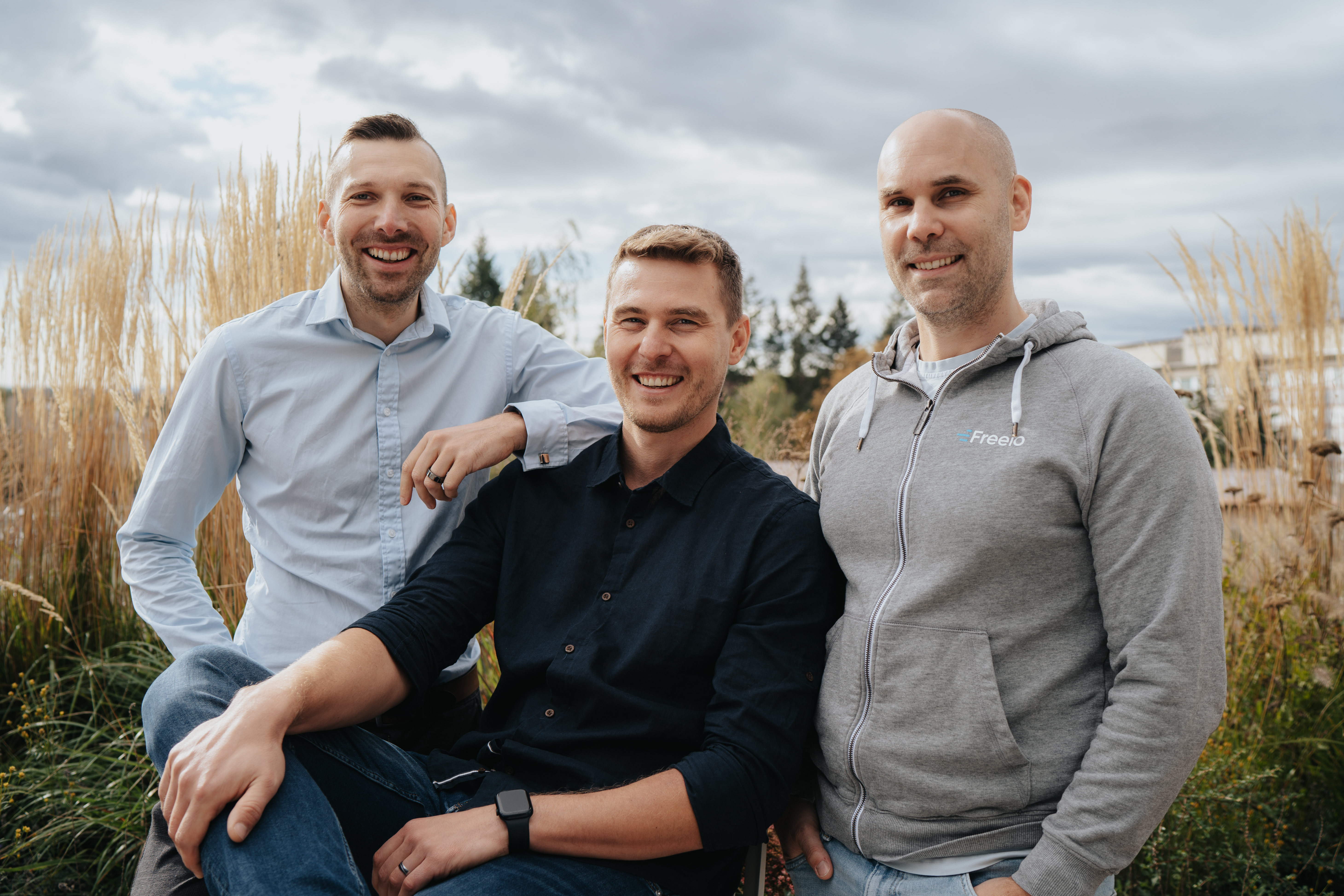
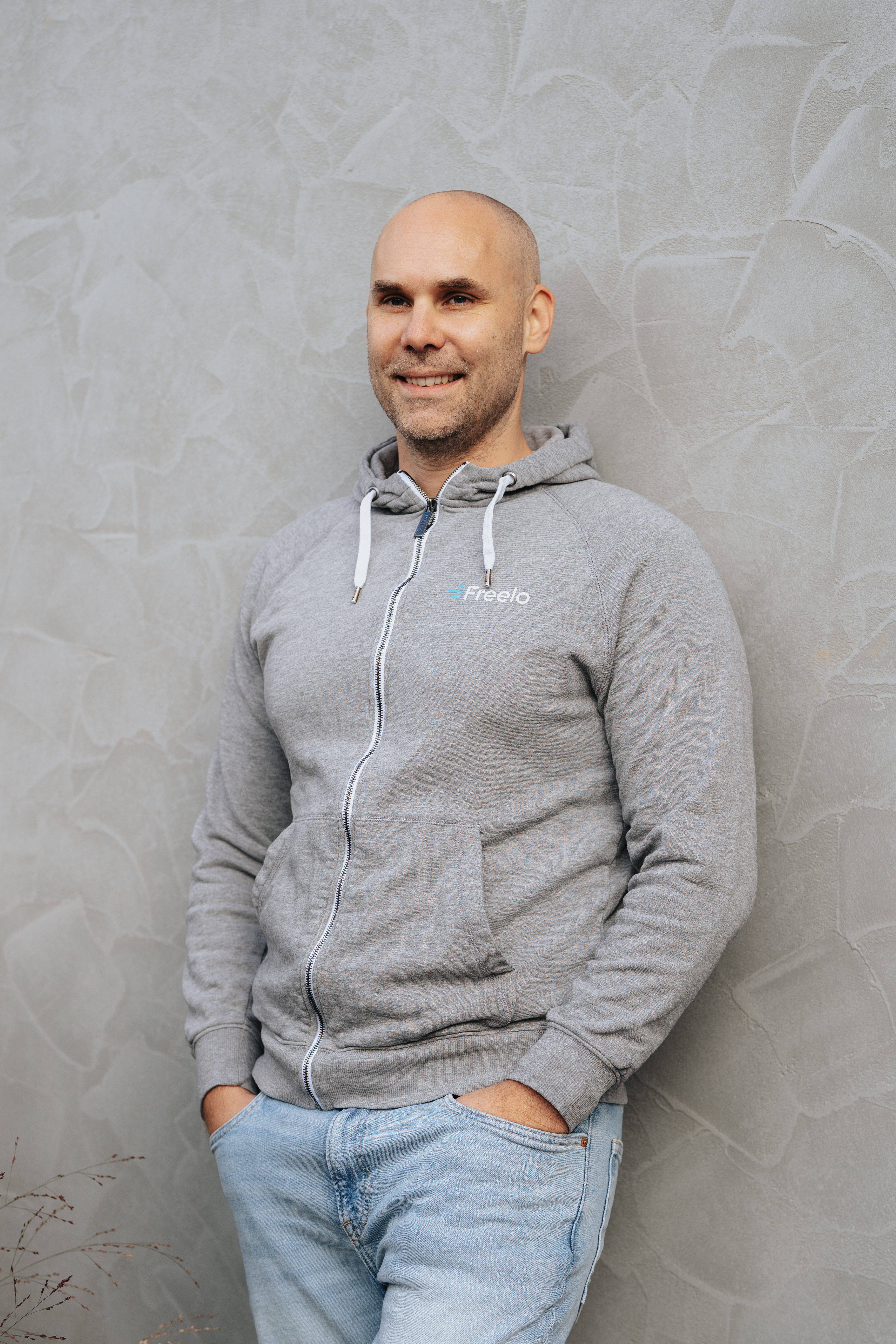
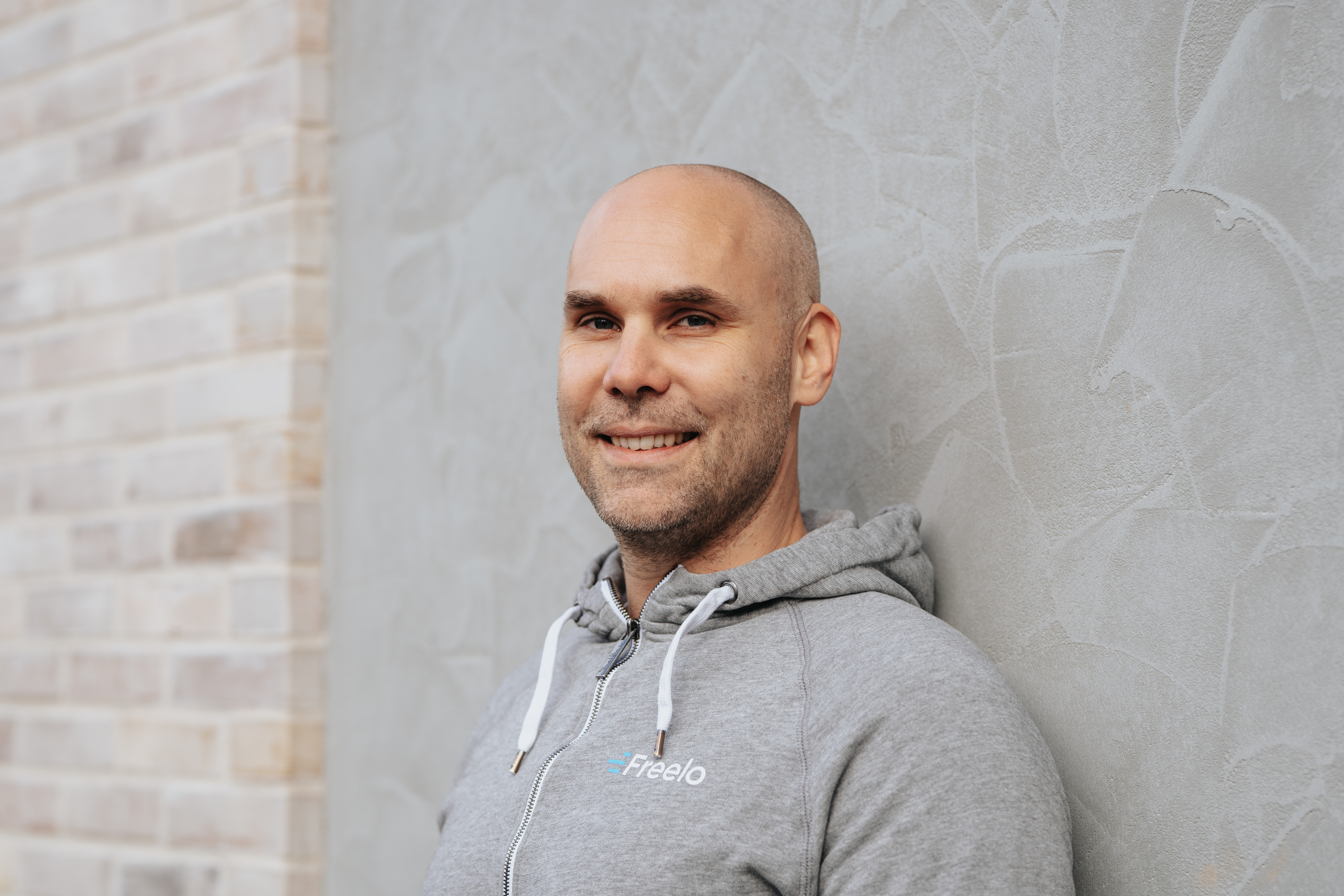
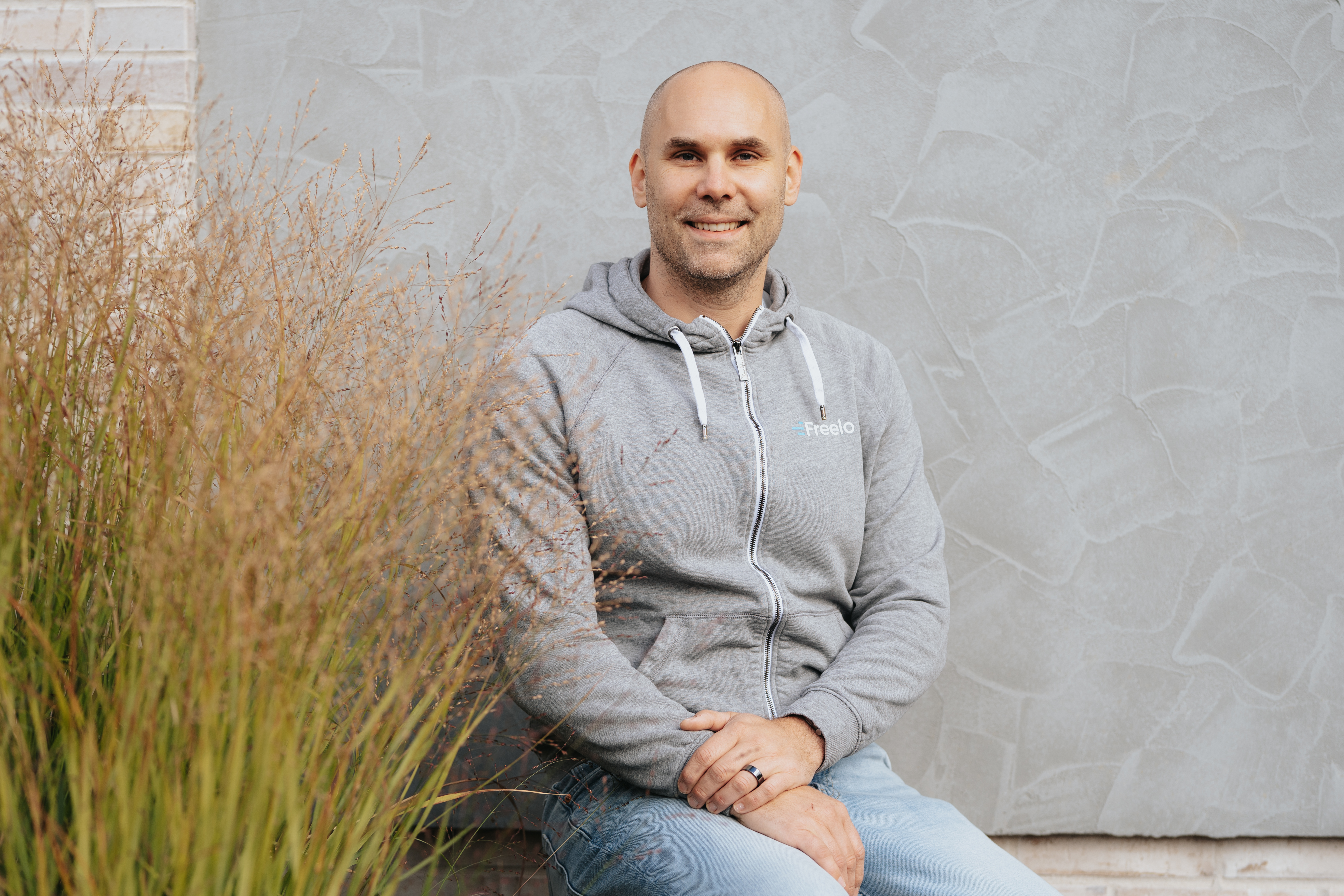
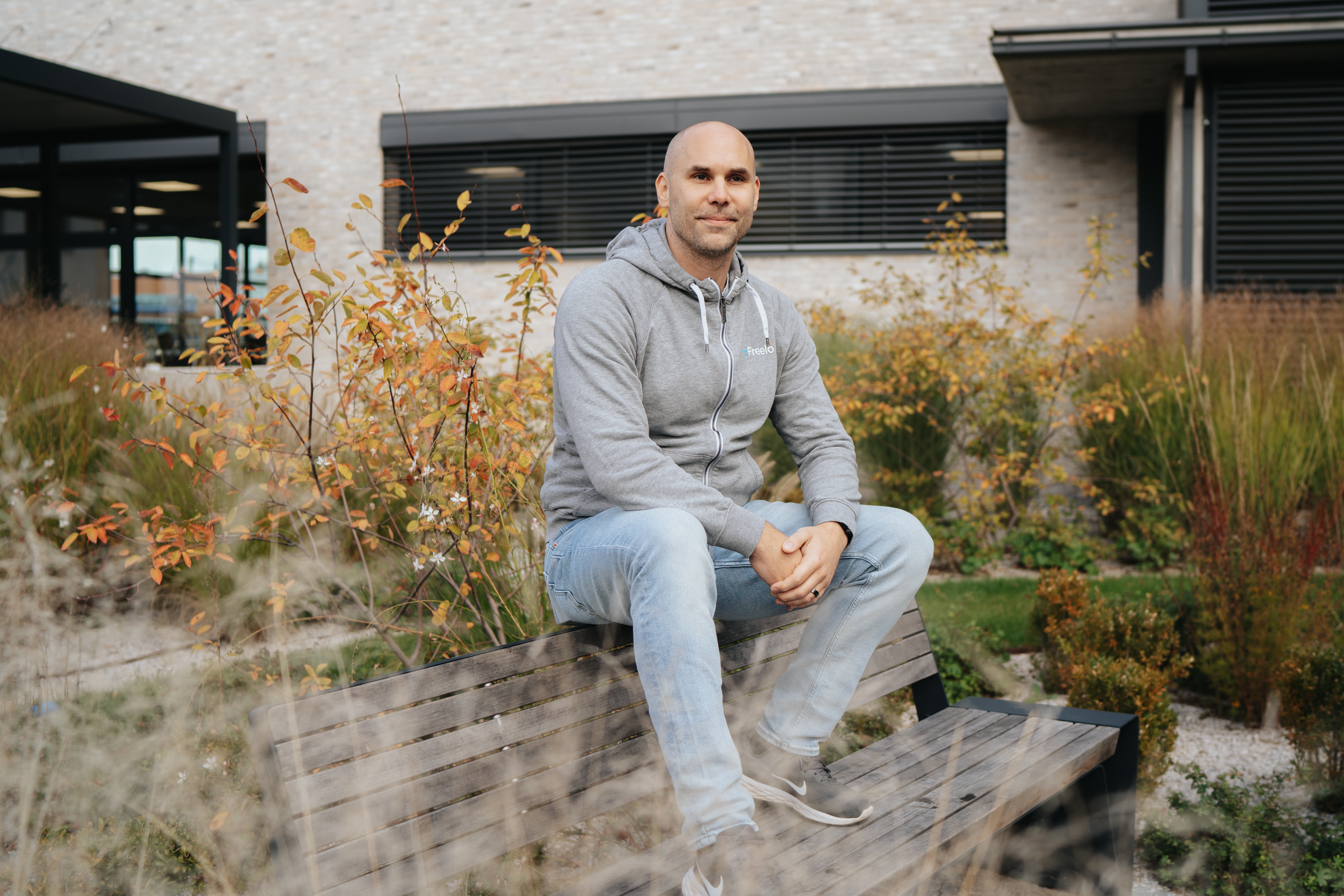
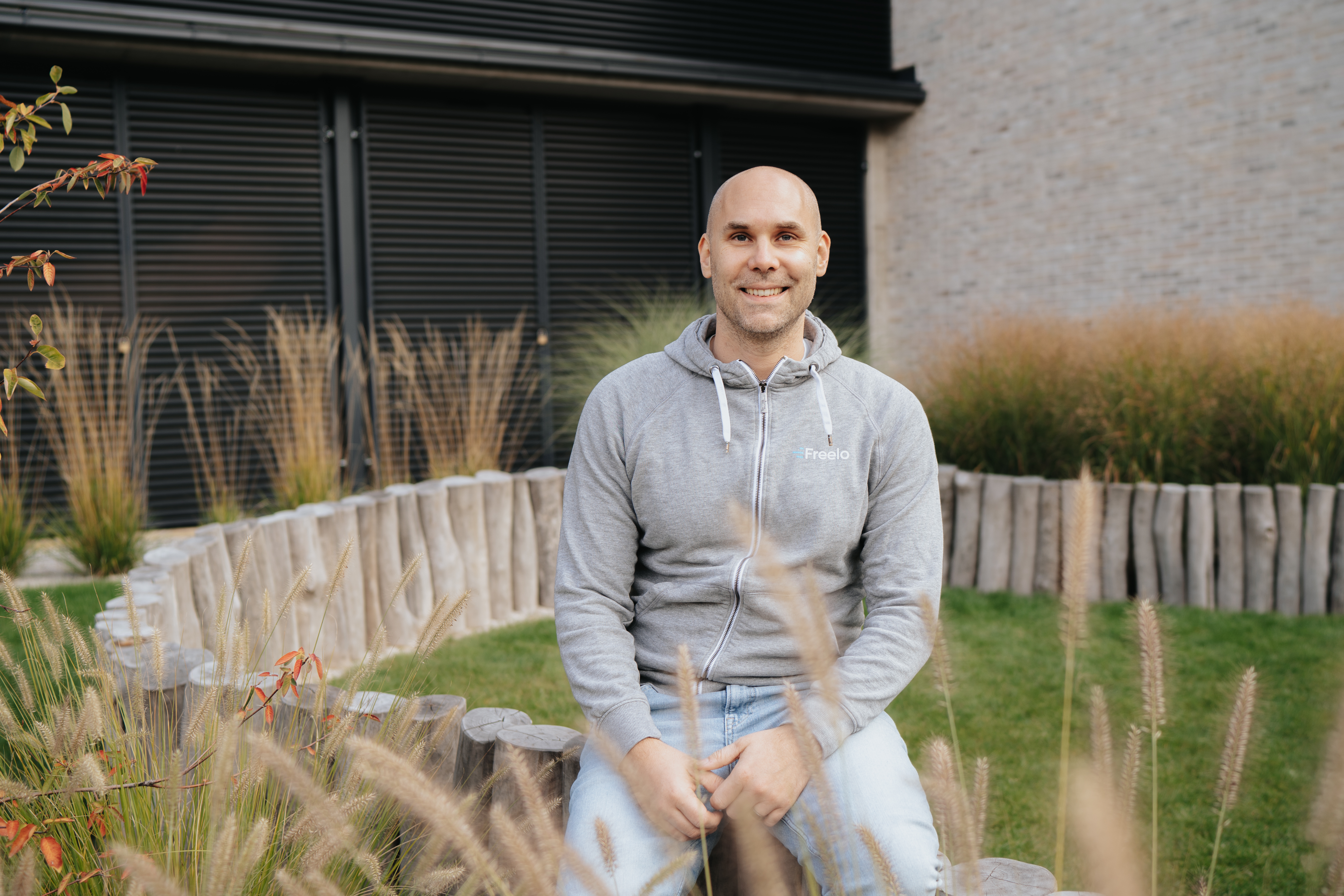
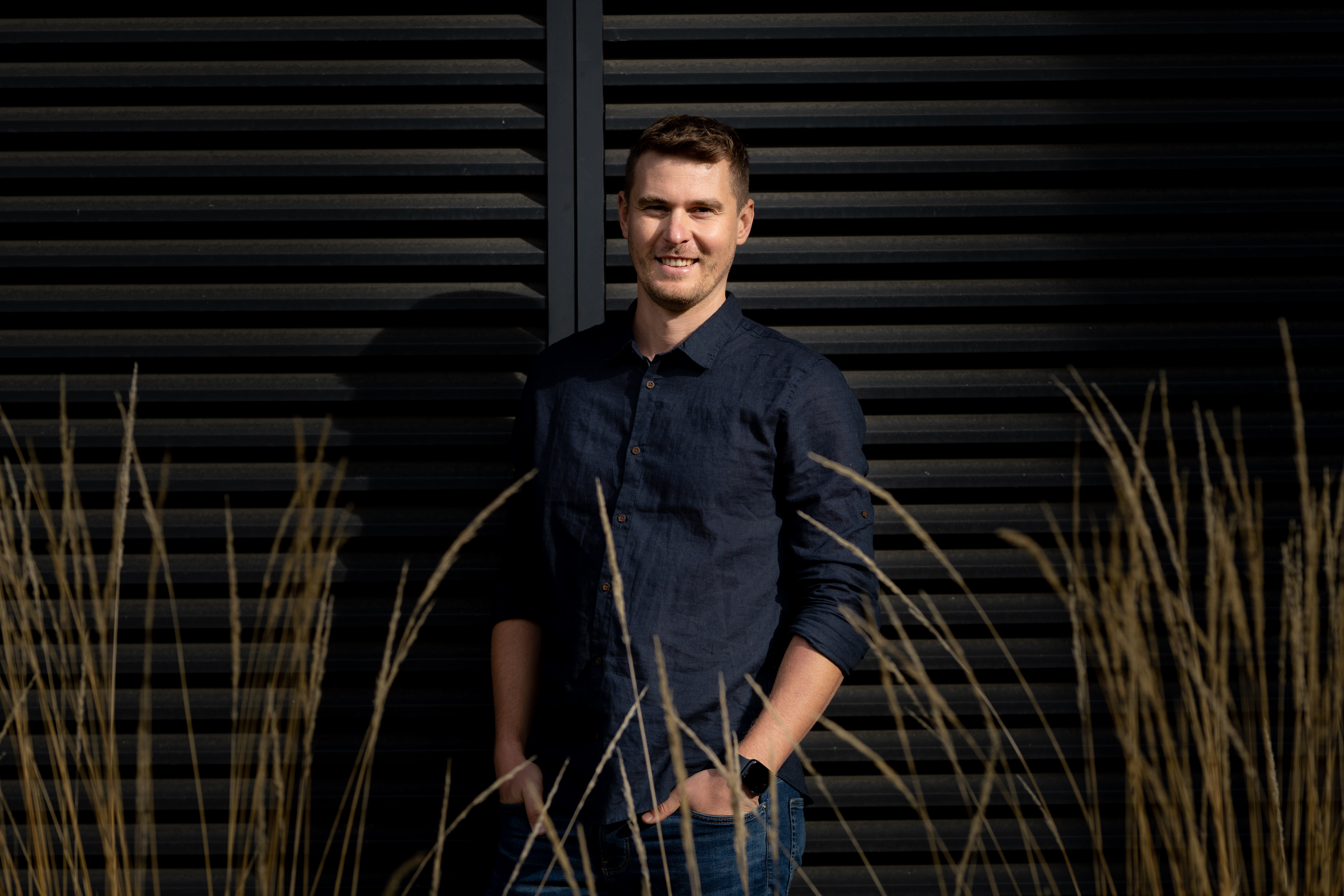
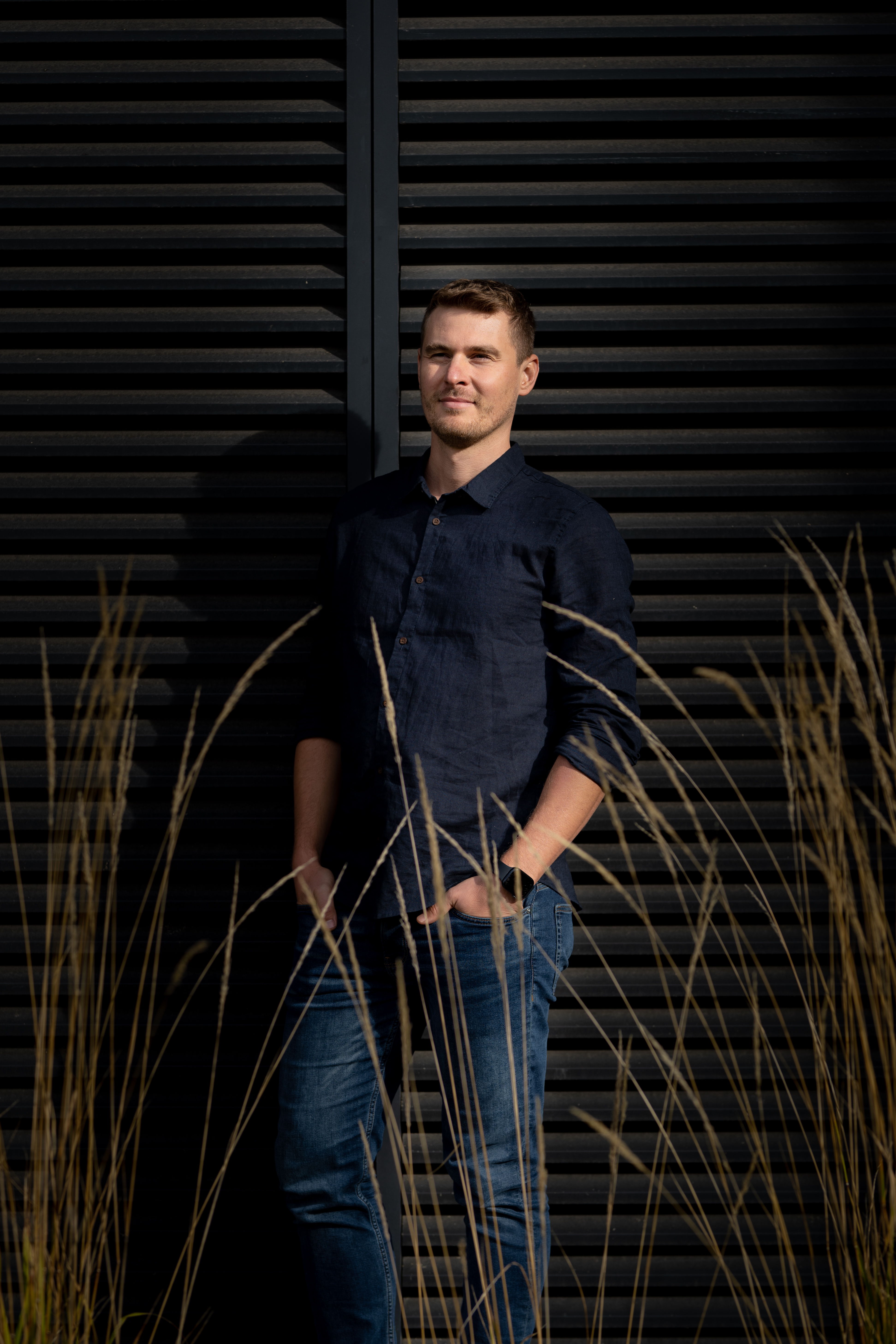
Photos are available for use in writing articles, reviews or social media posts.
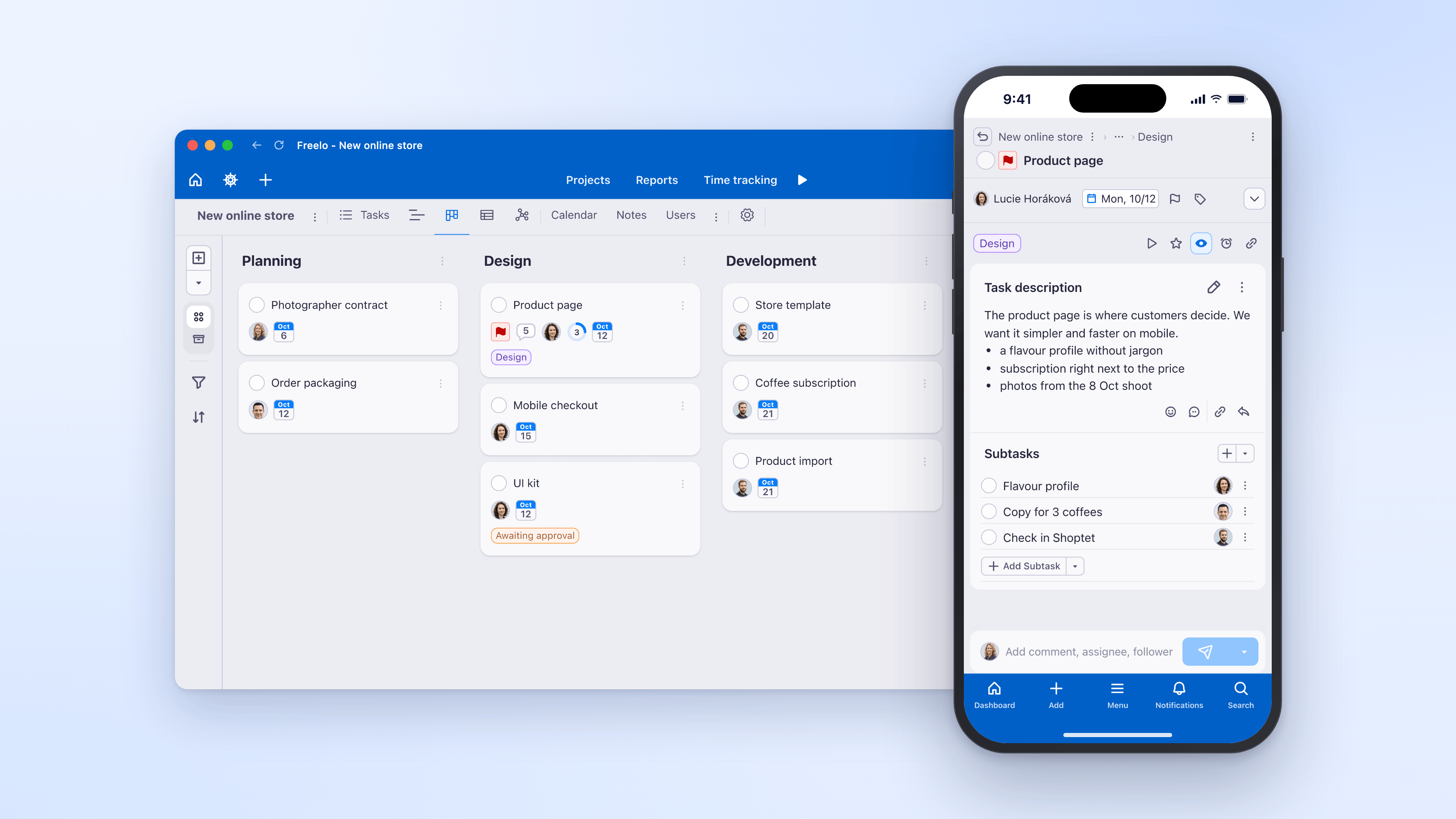
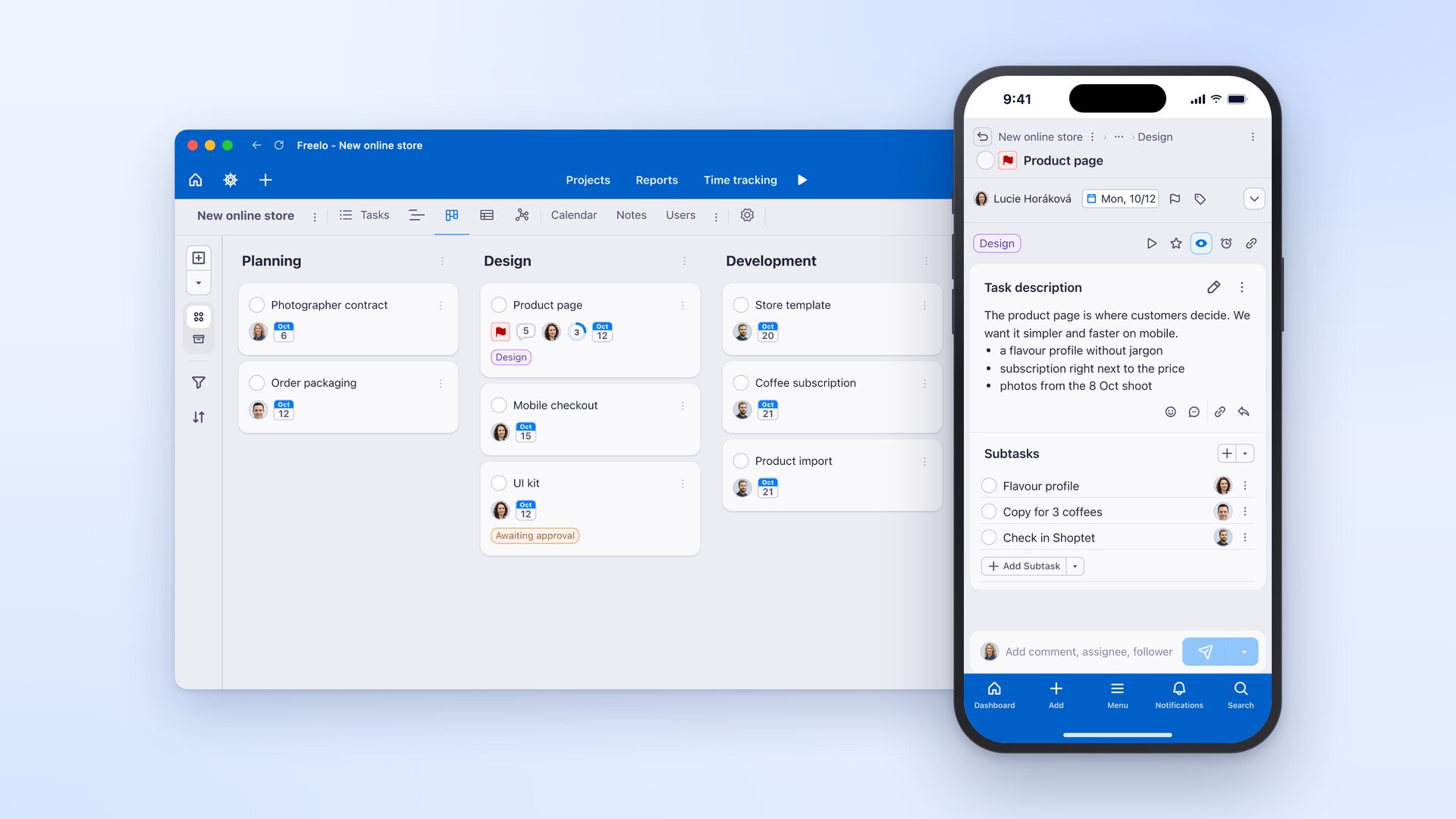
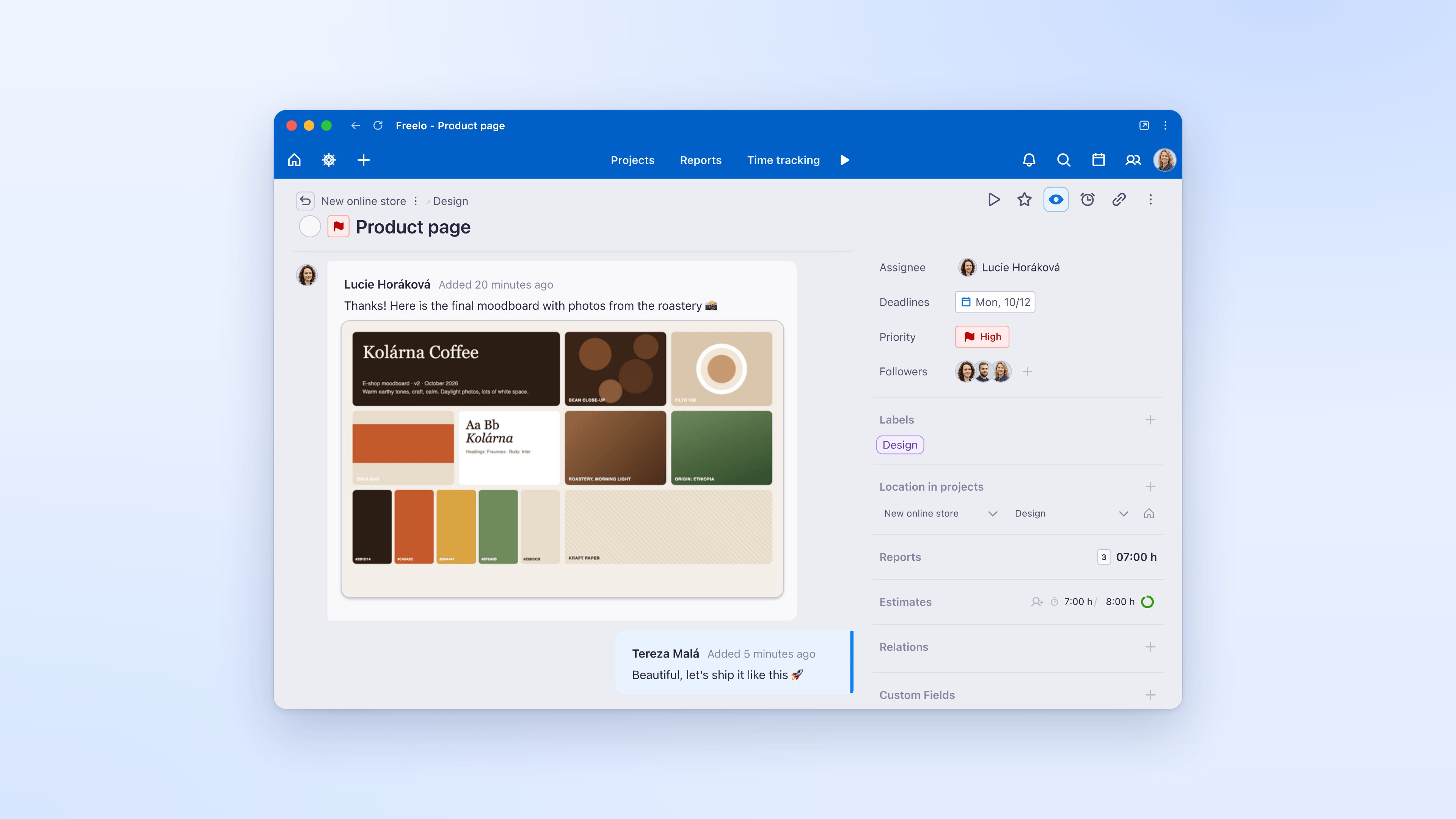
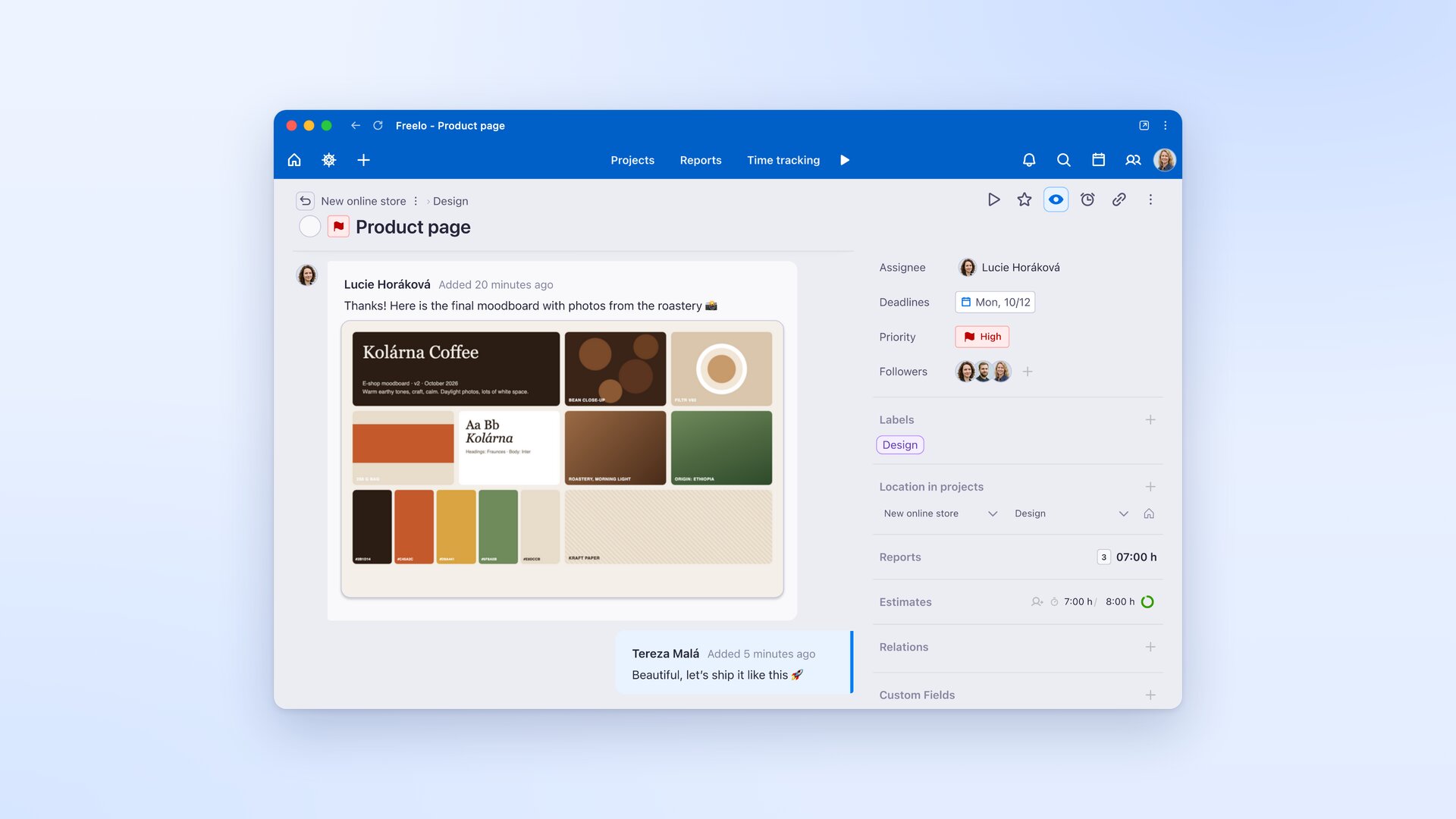
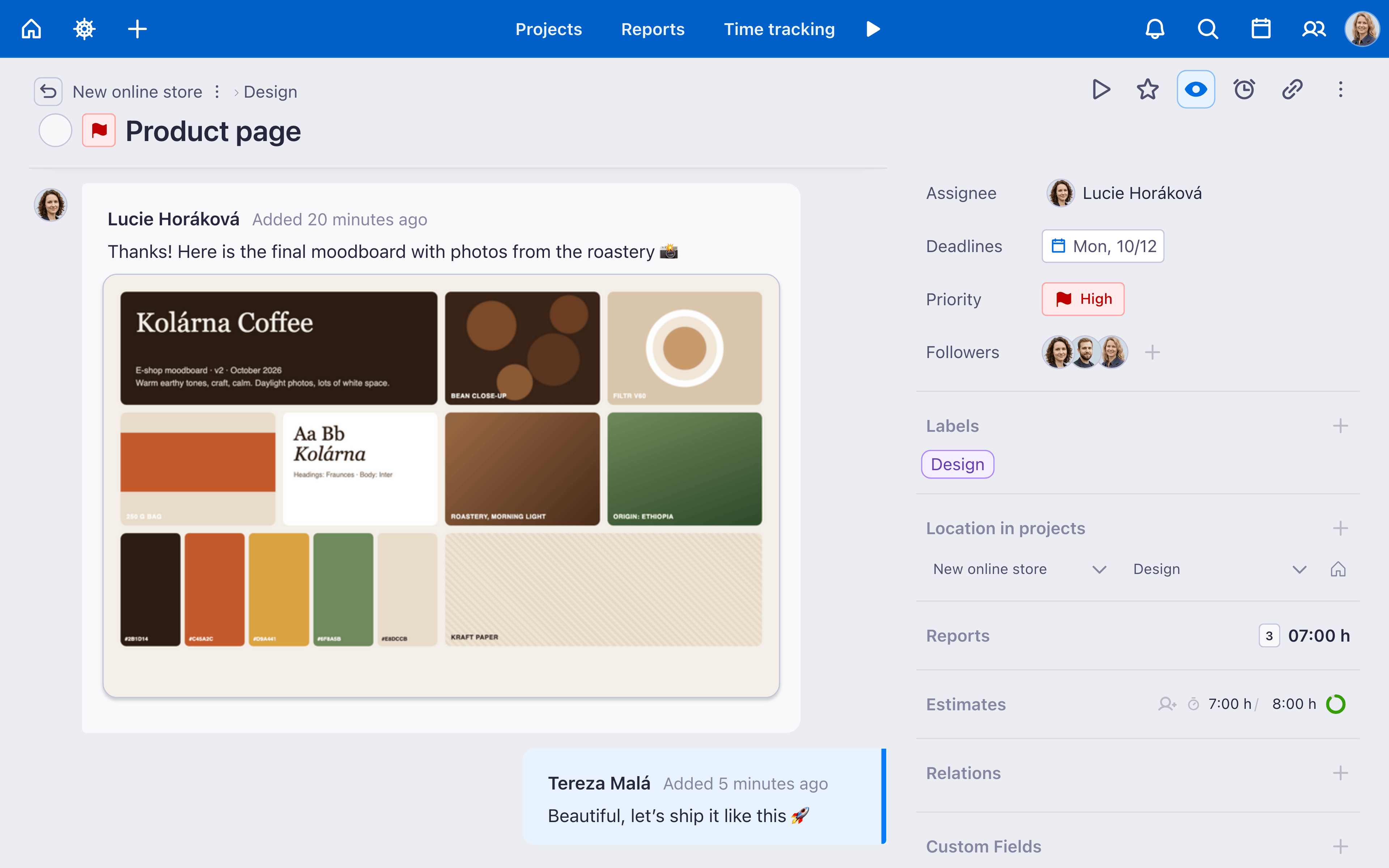
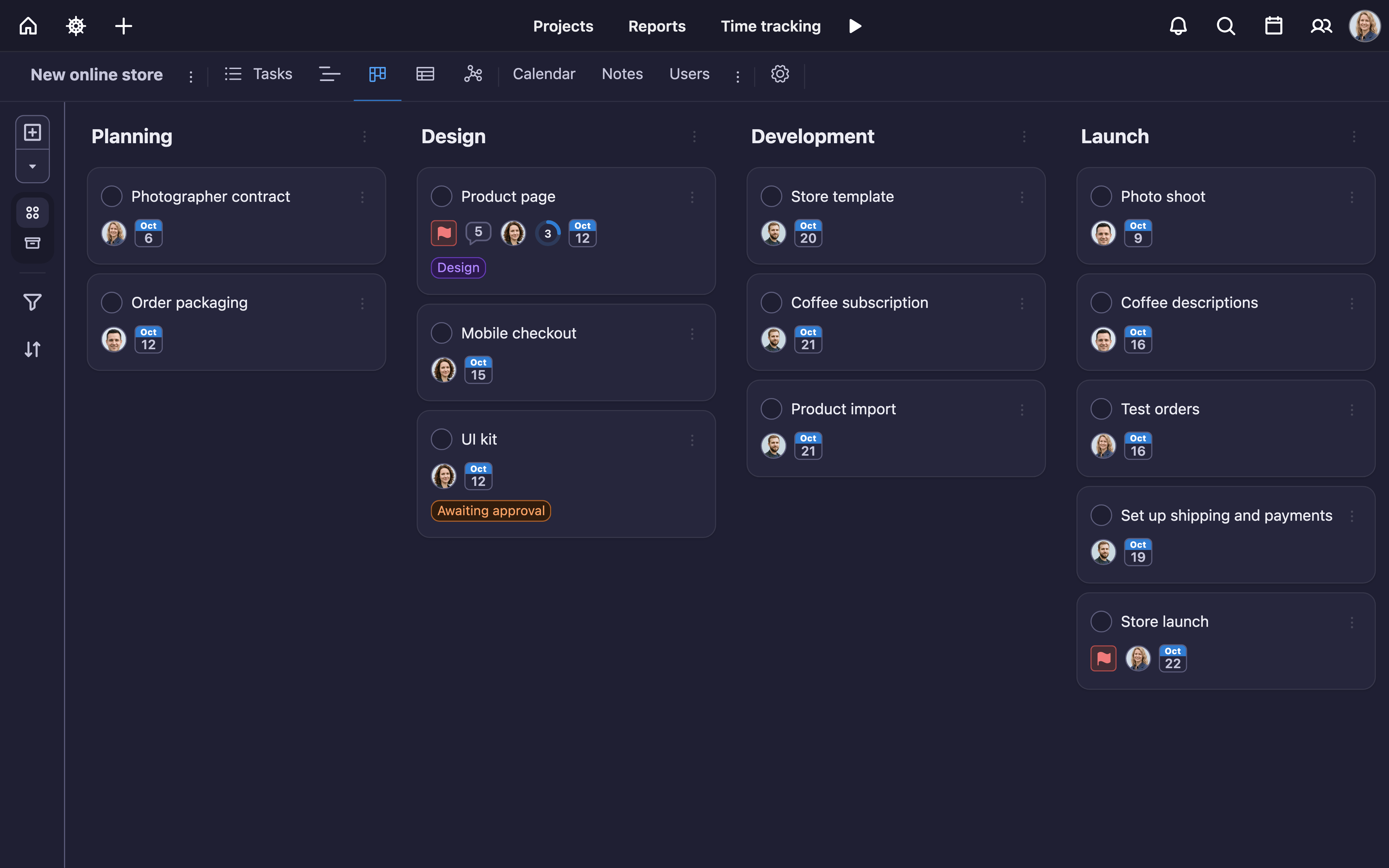
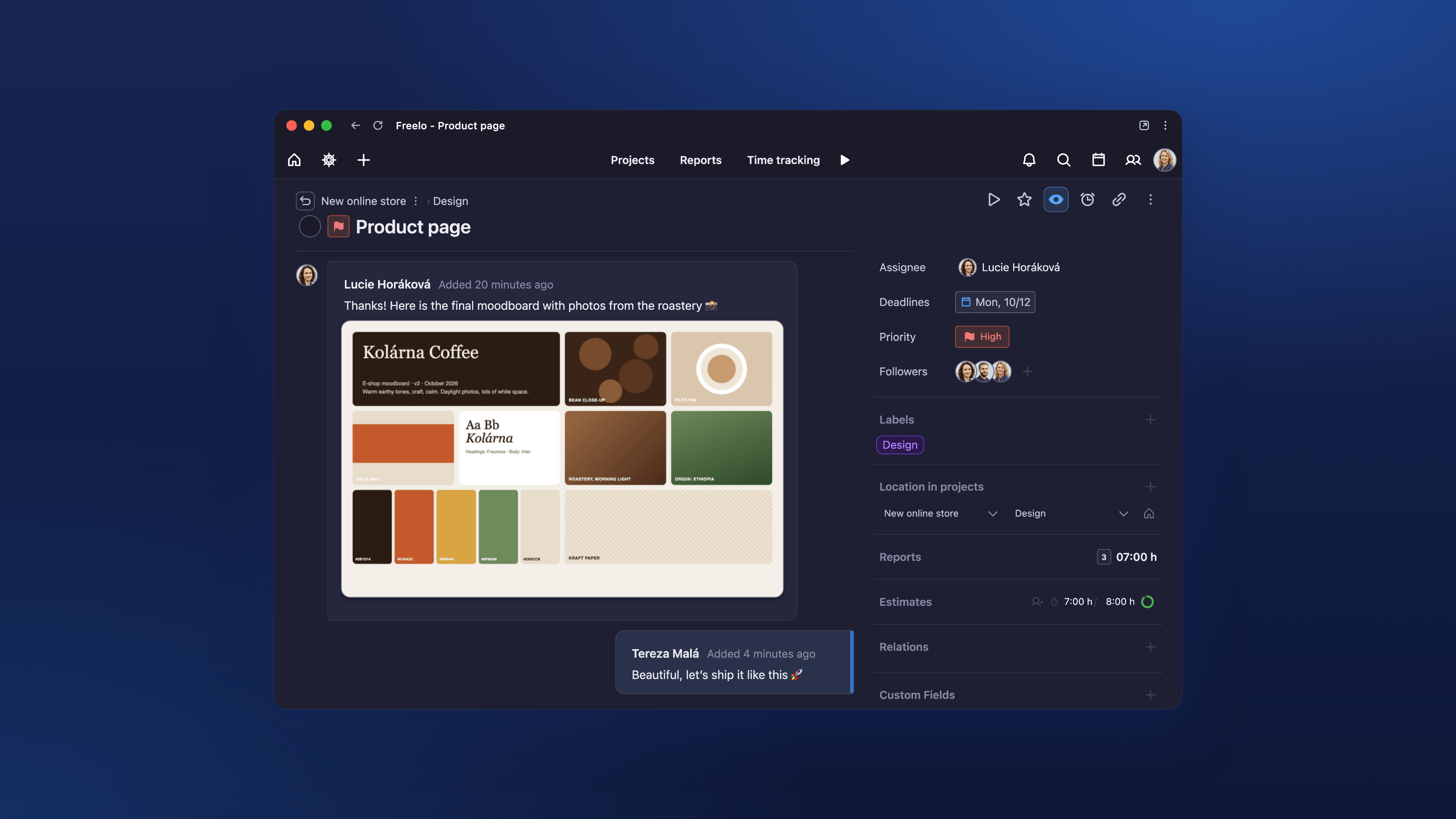
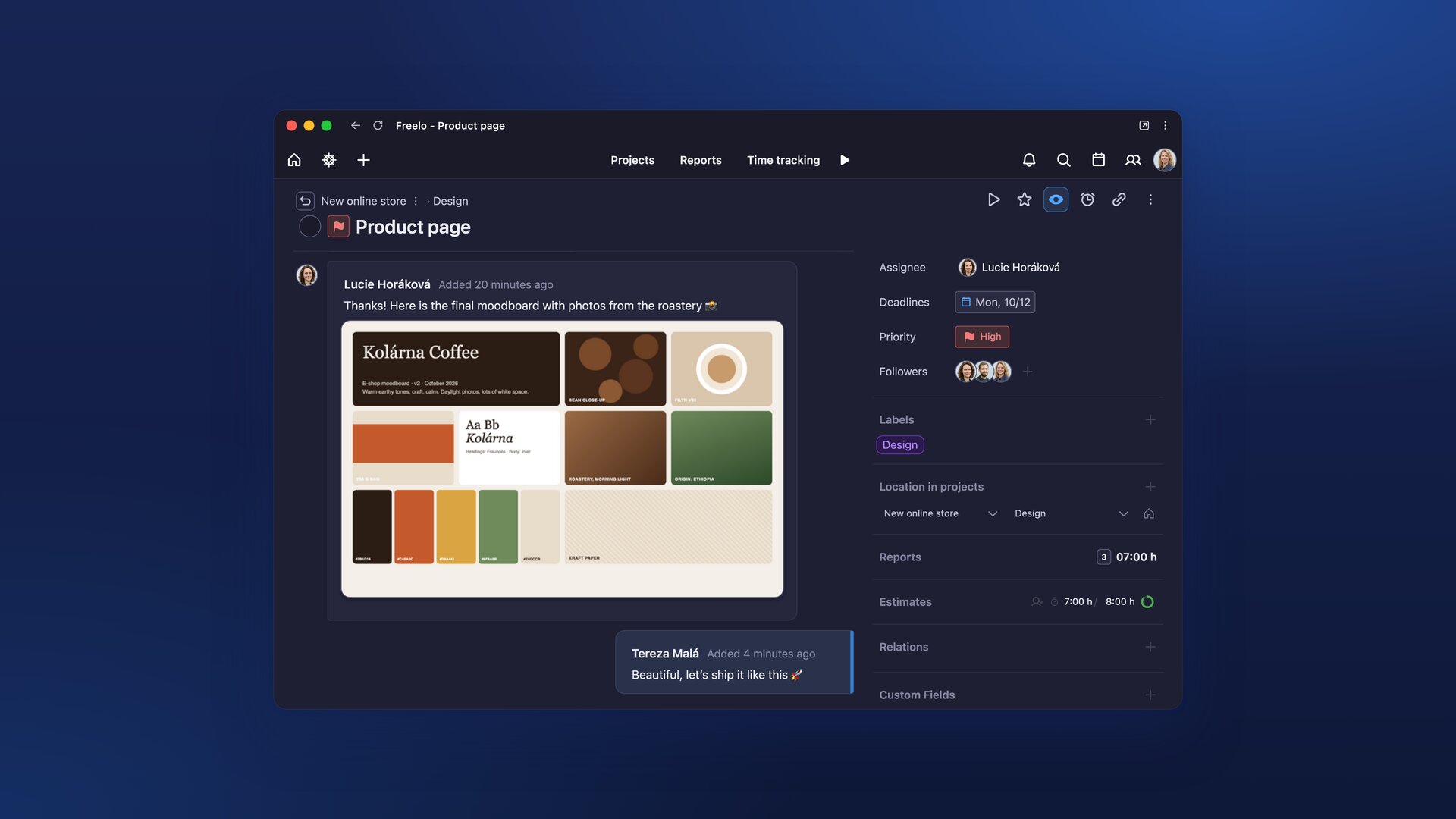
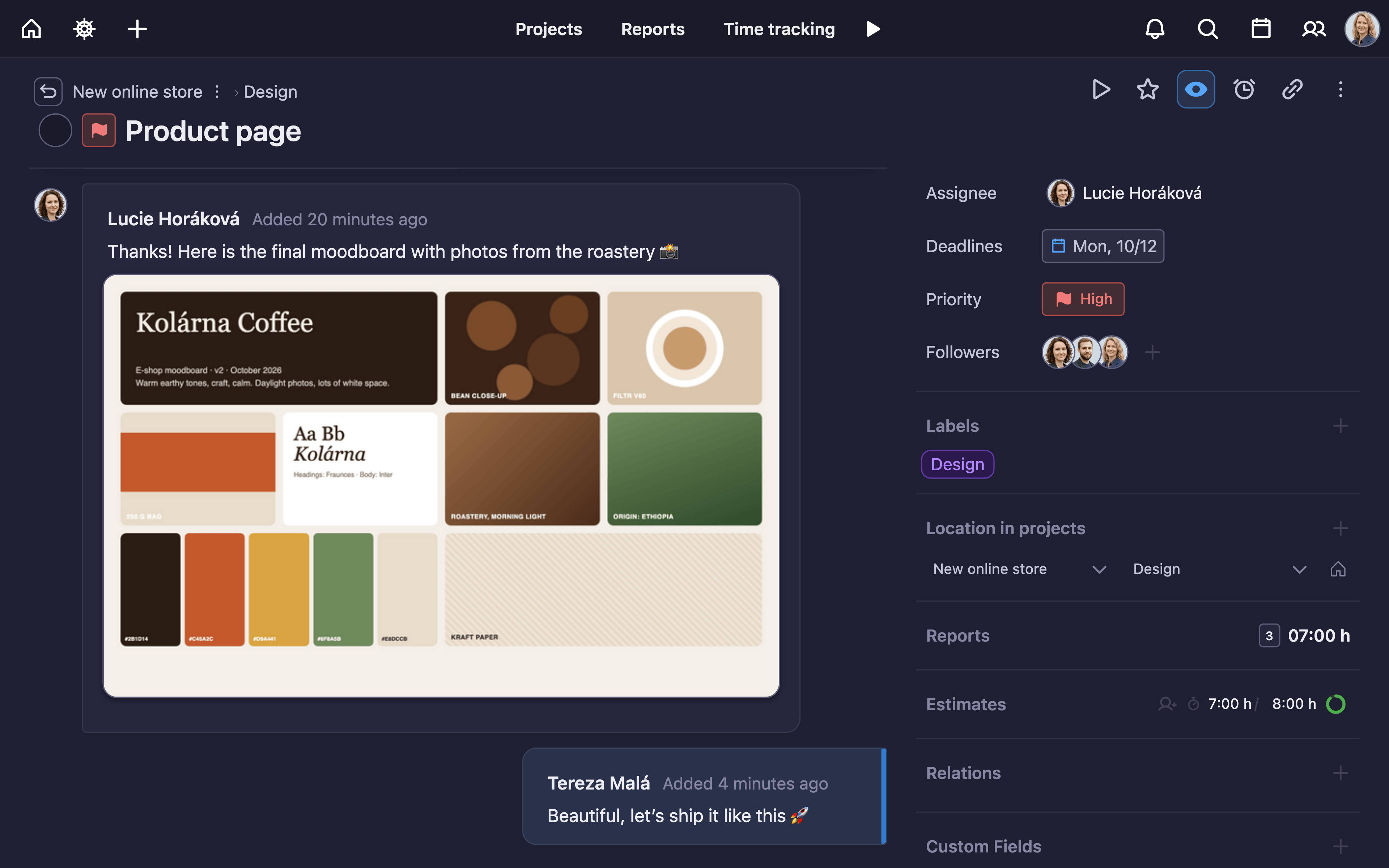
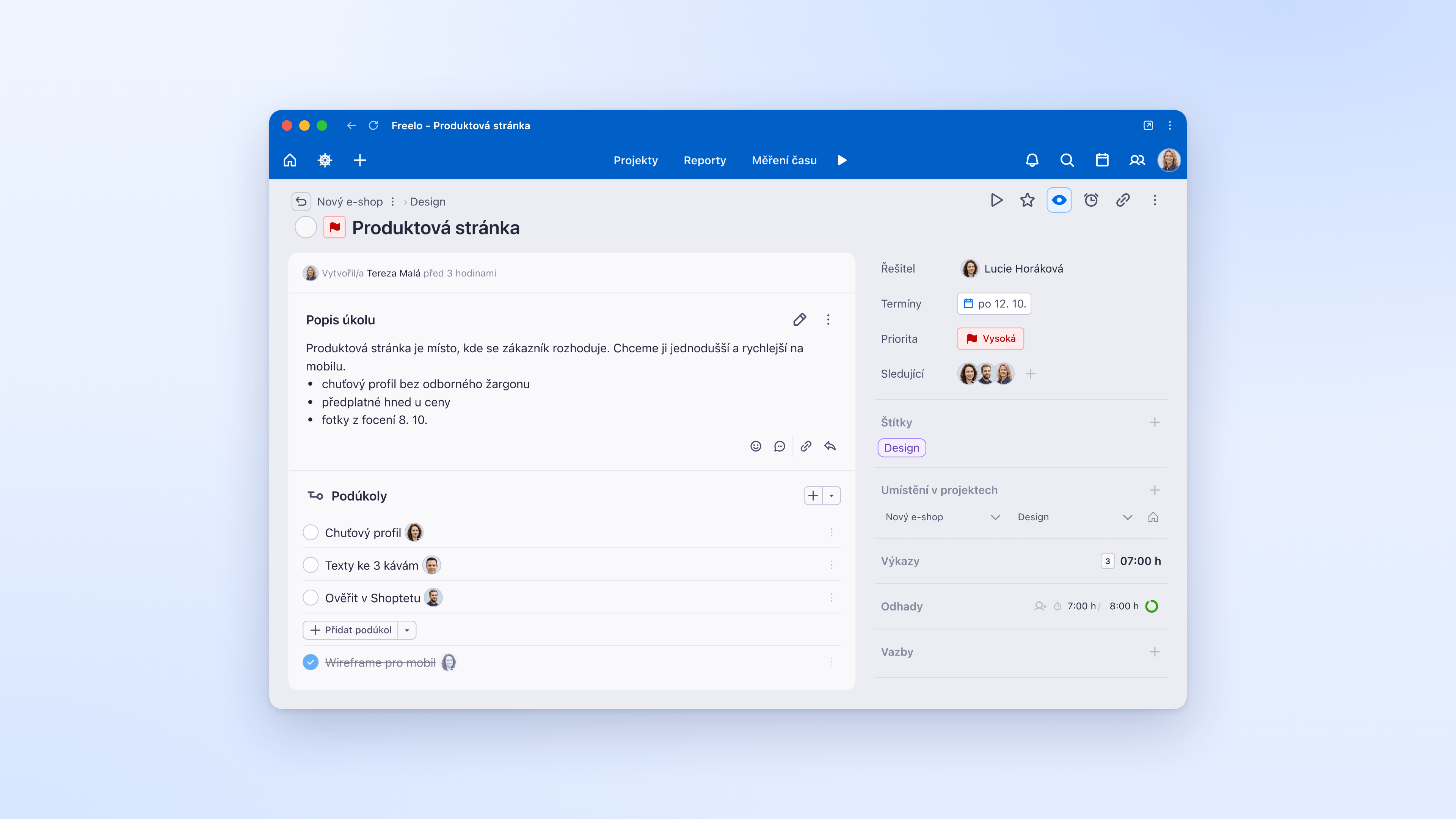
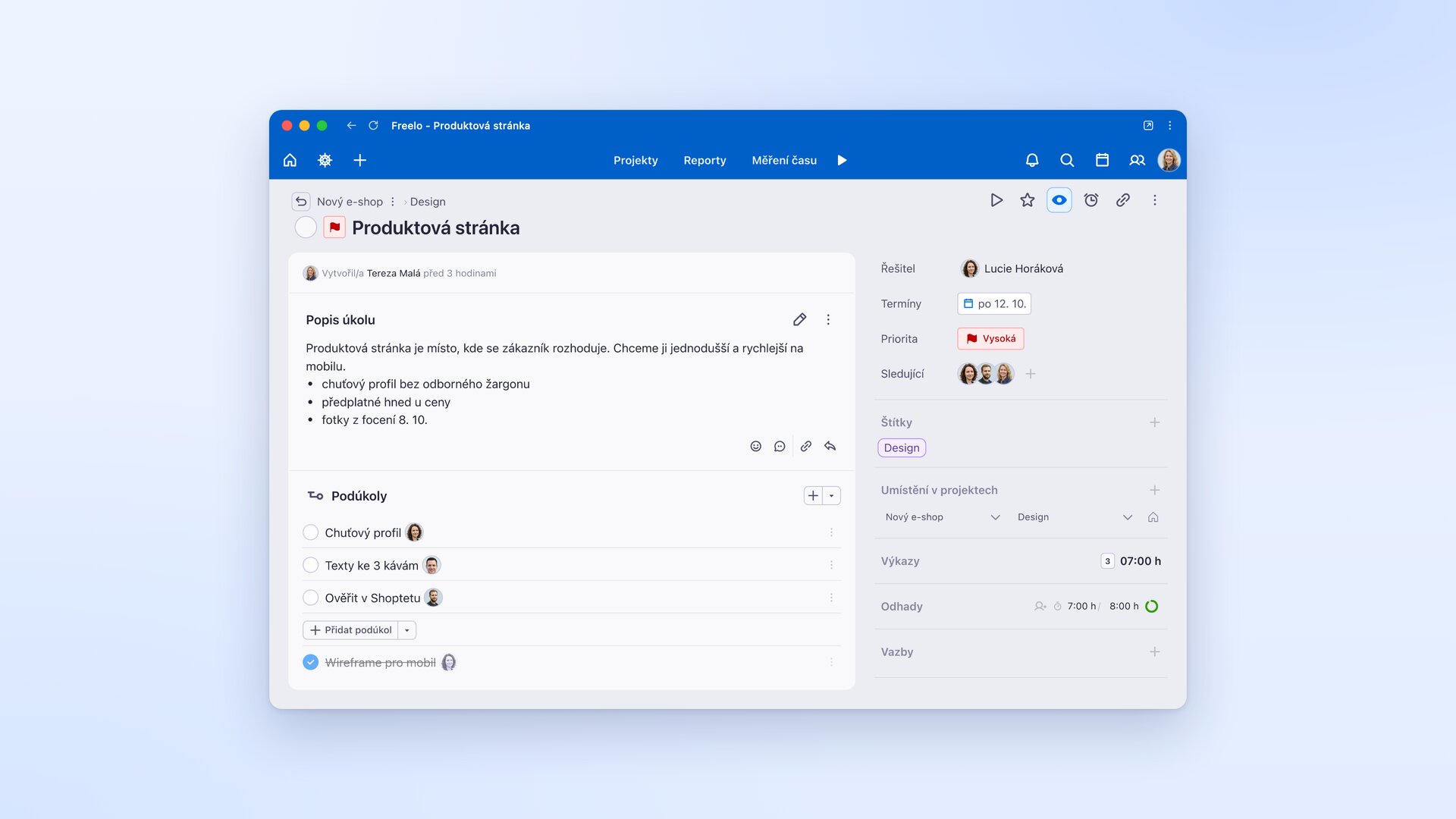
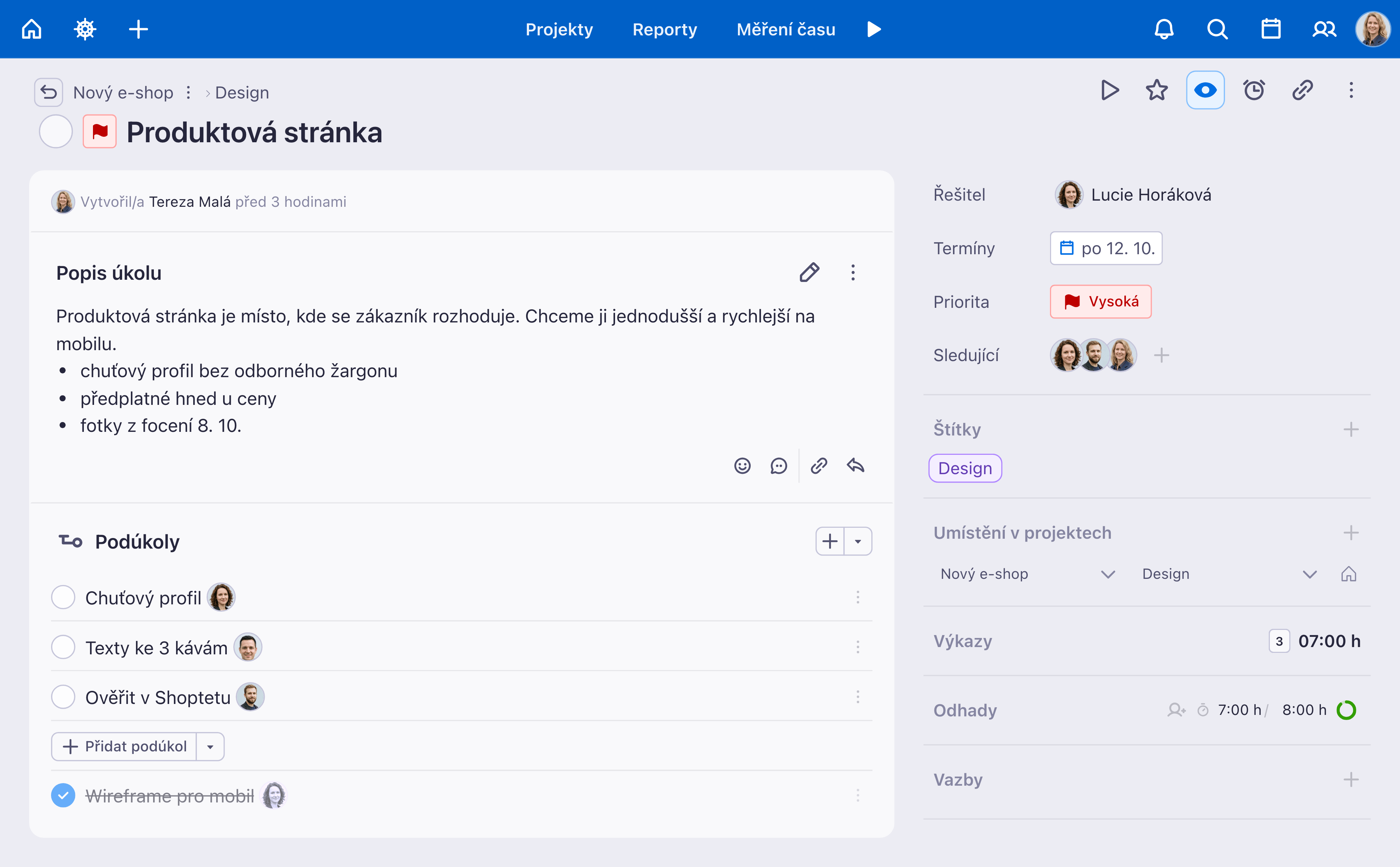
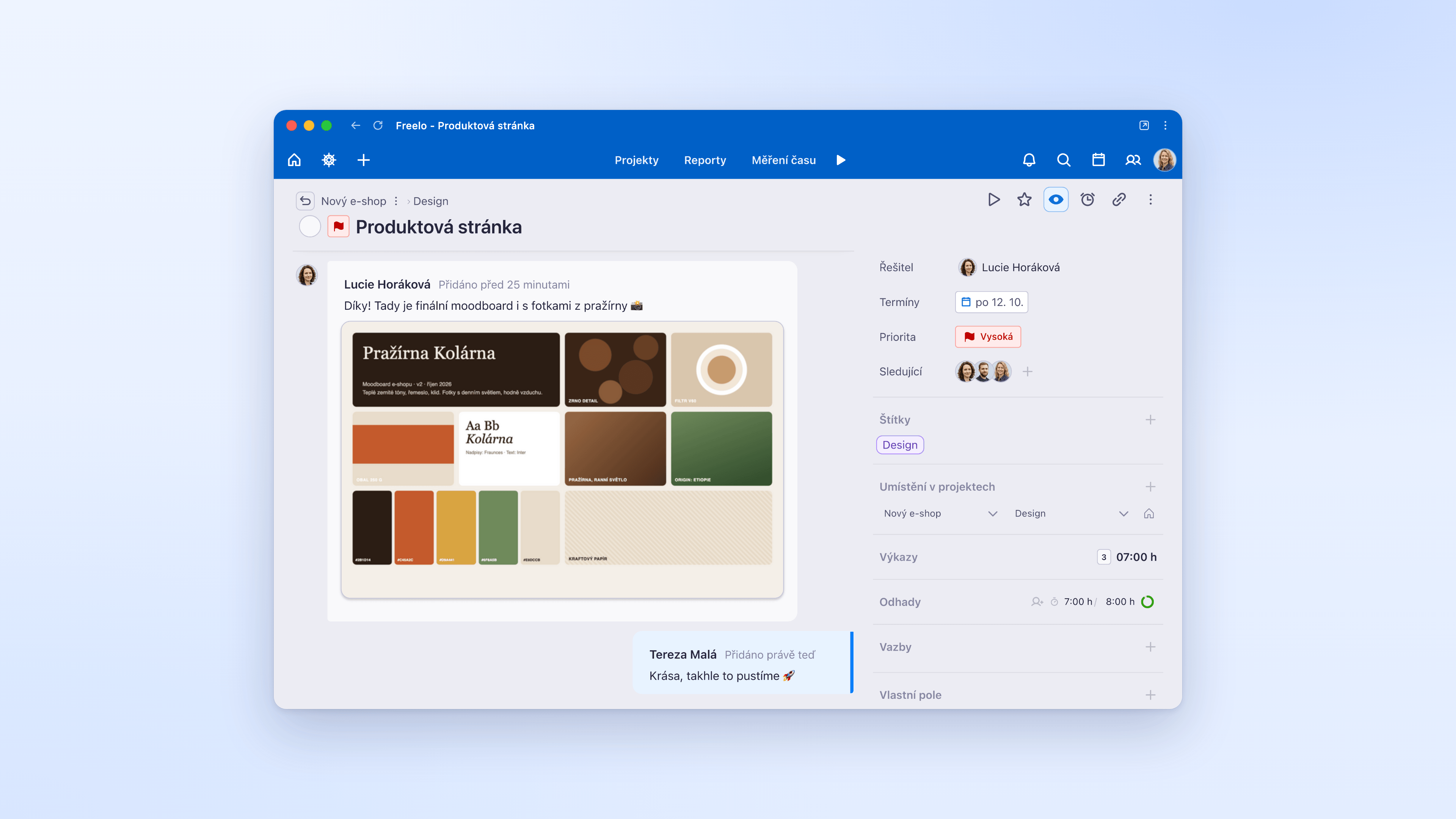
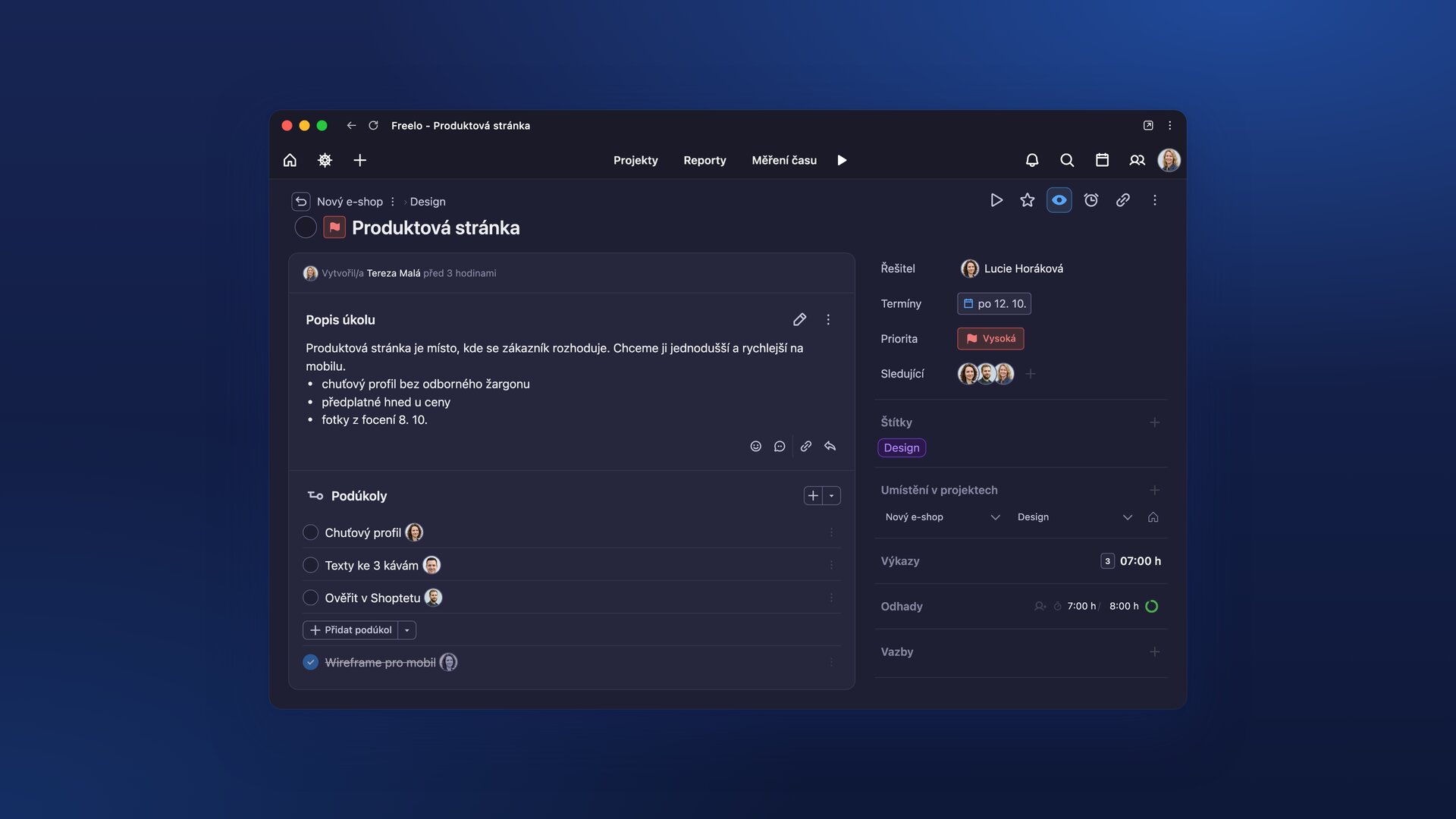
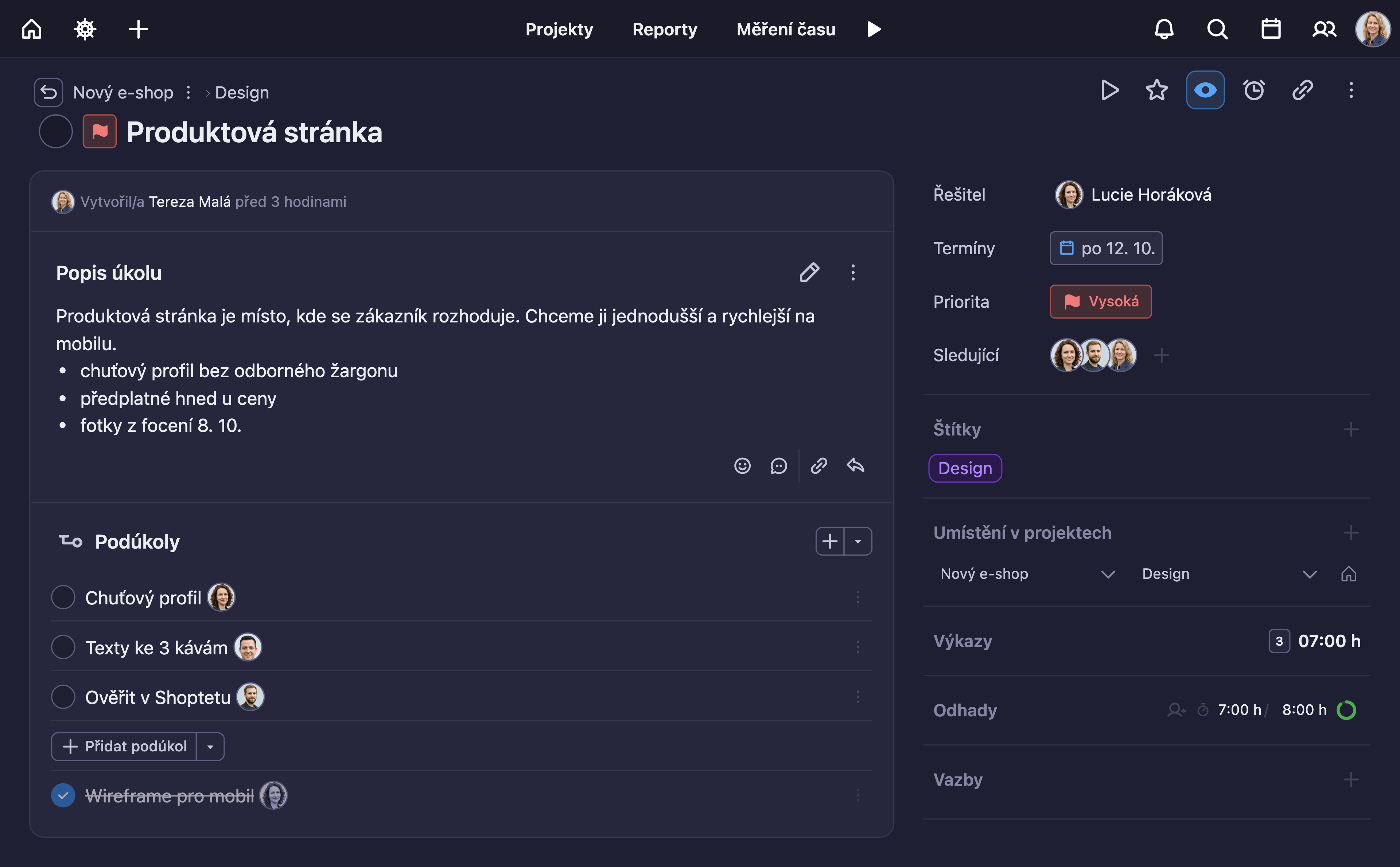
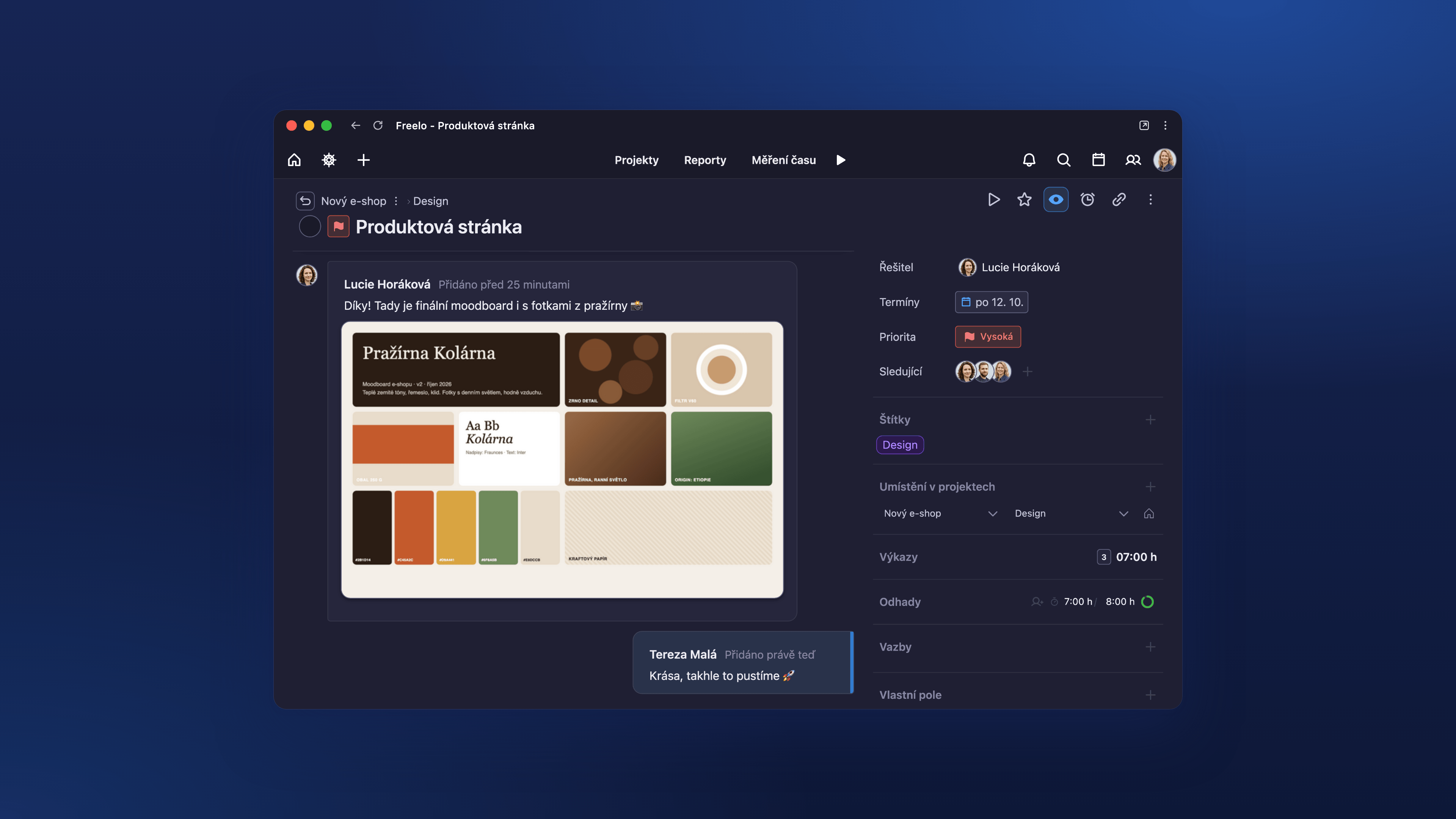
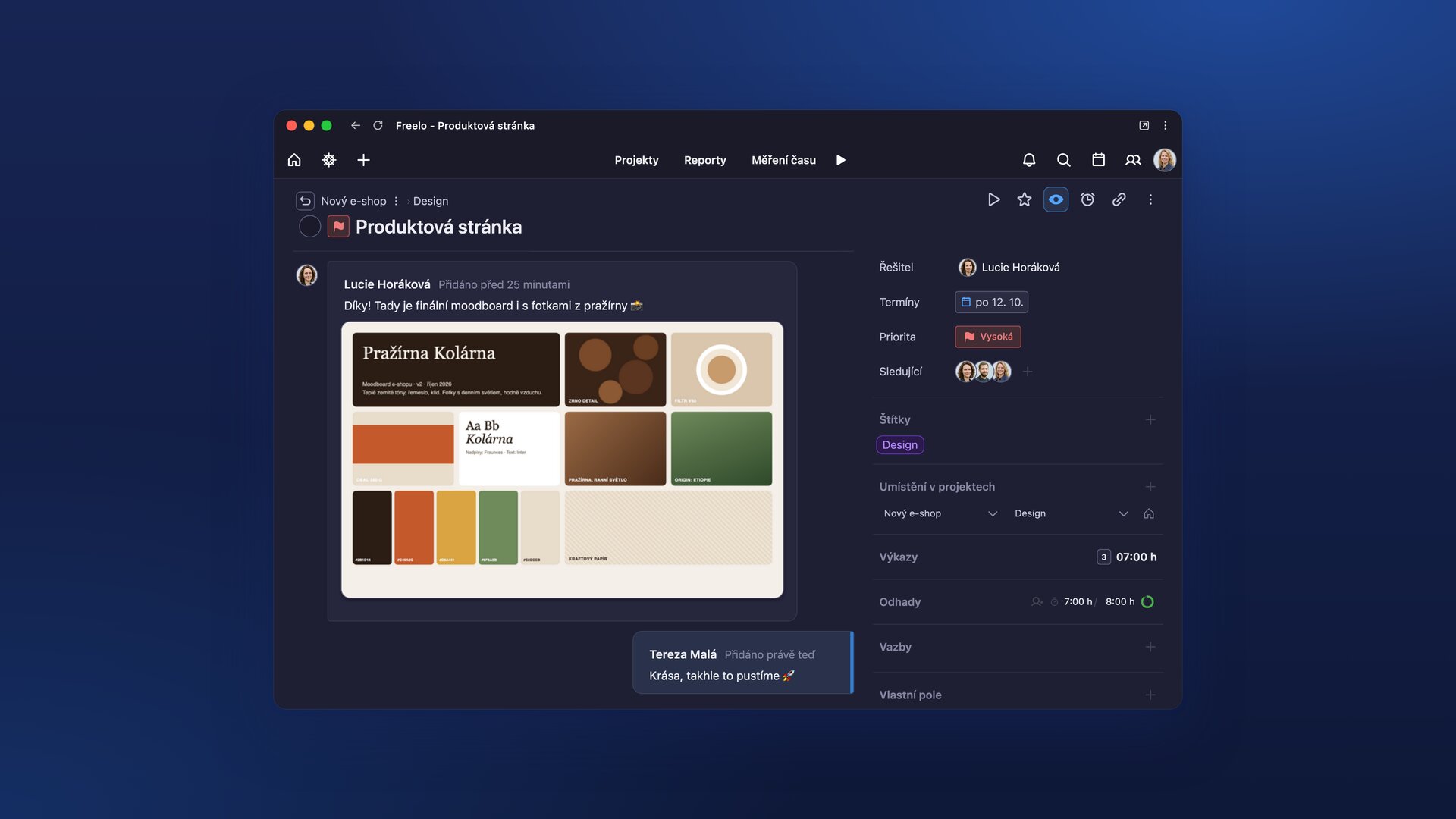
The current look of Freelo in 4K. Everything is captured using a demo team from a fictional coffee roastery, so you don't need to blur anything out. You are free to use the images in articles about Freelo; just credit “Photo: Freelo”.
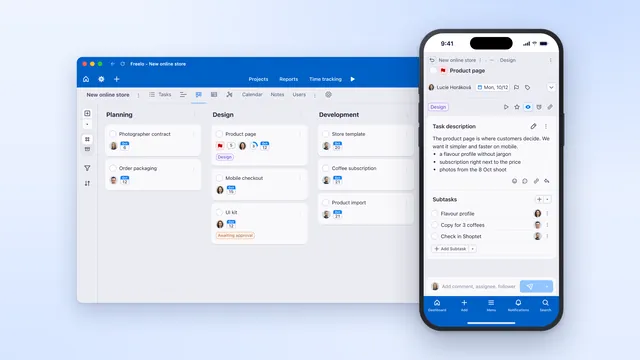
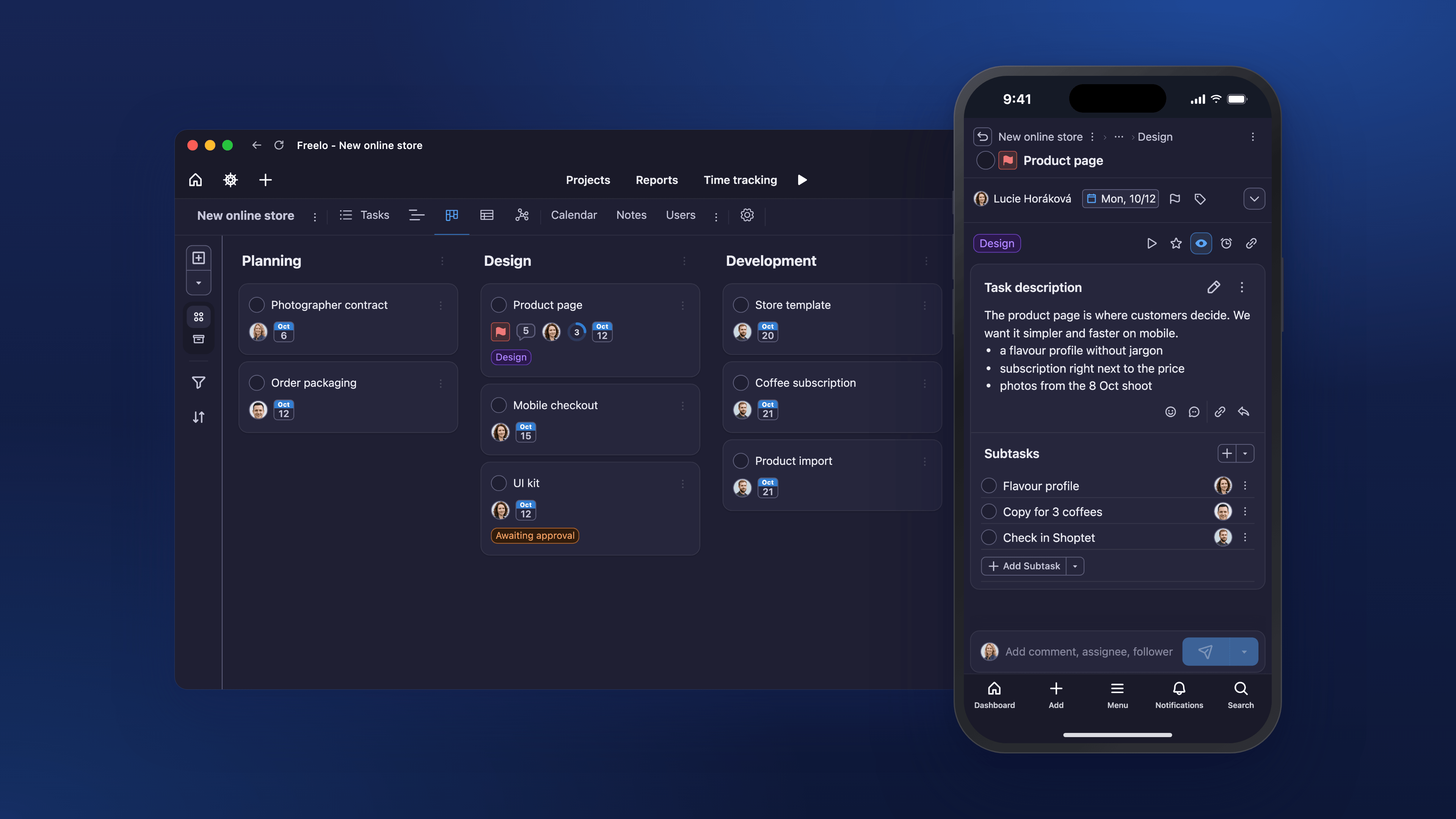
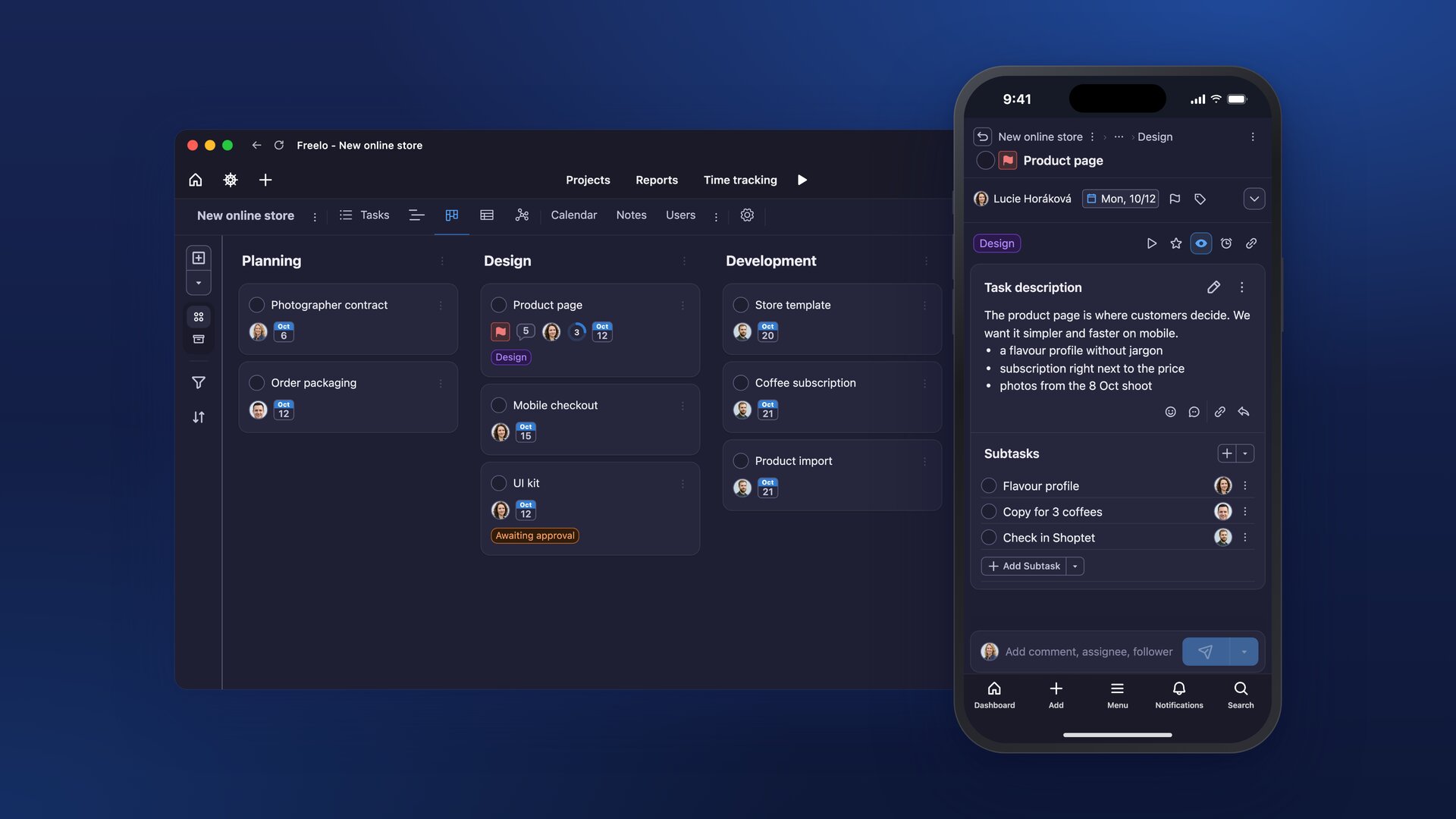
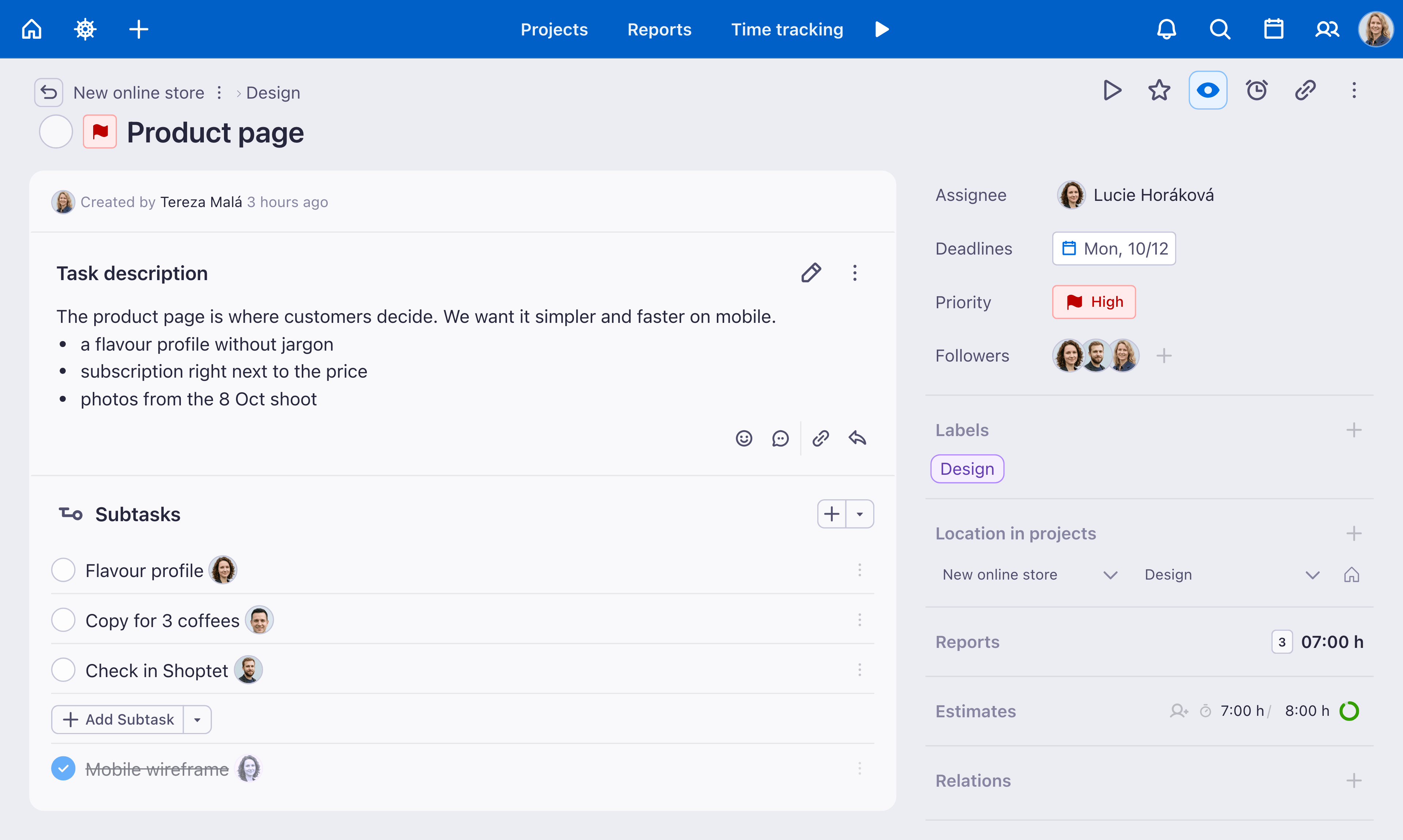
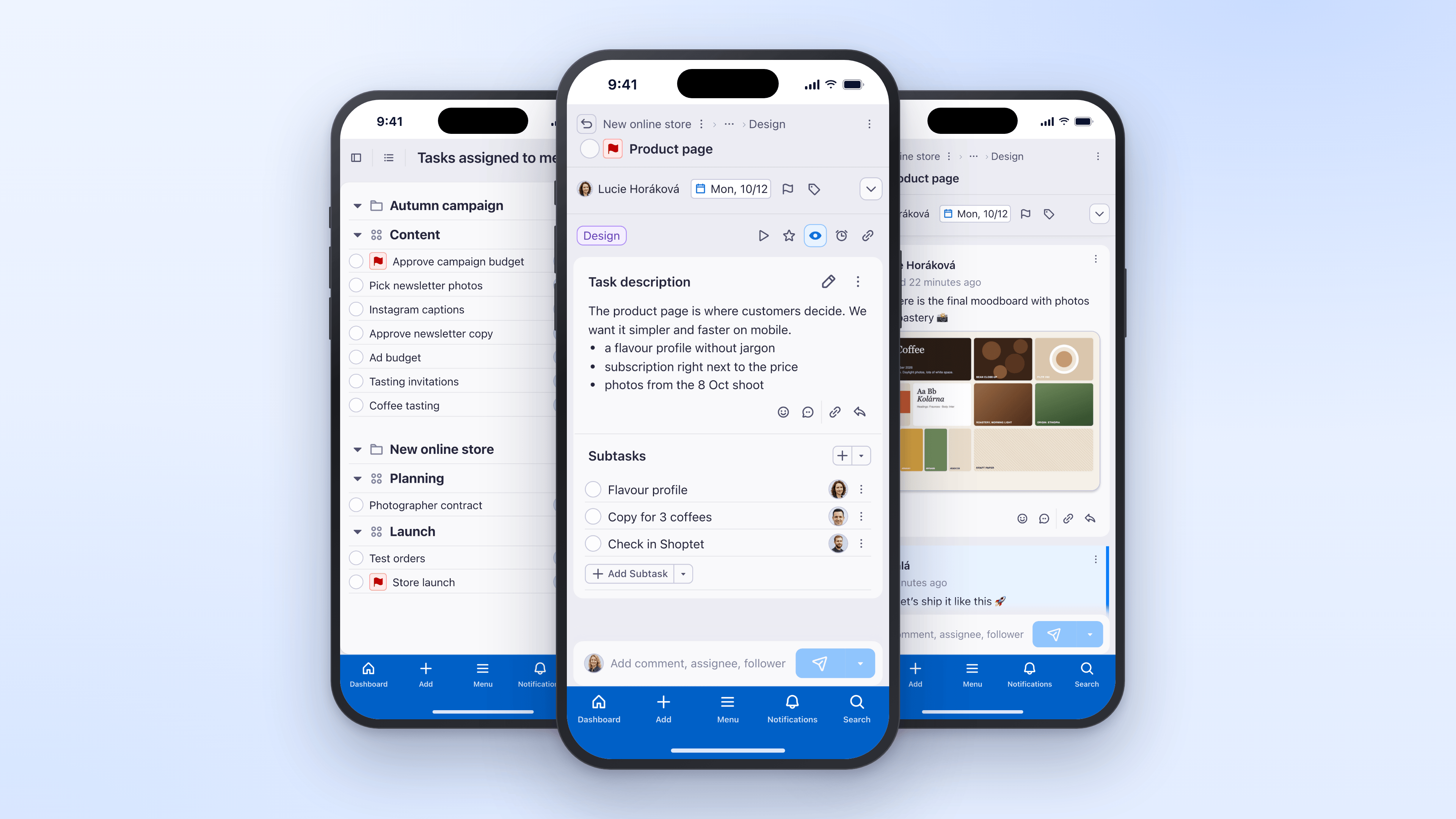
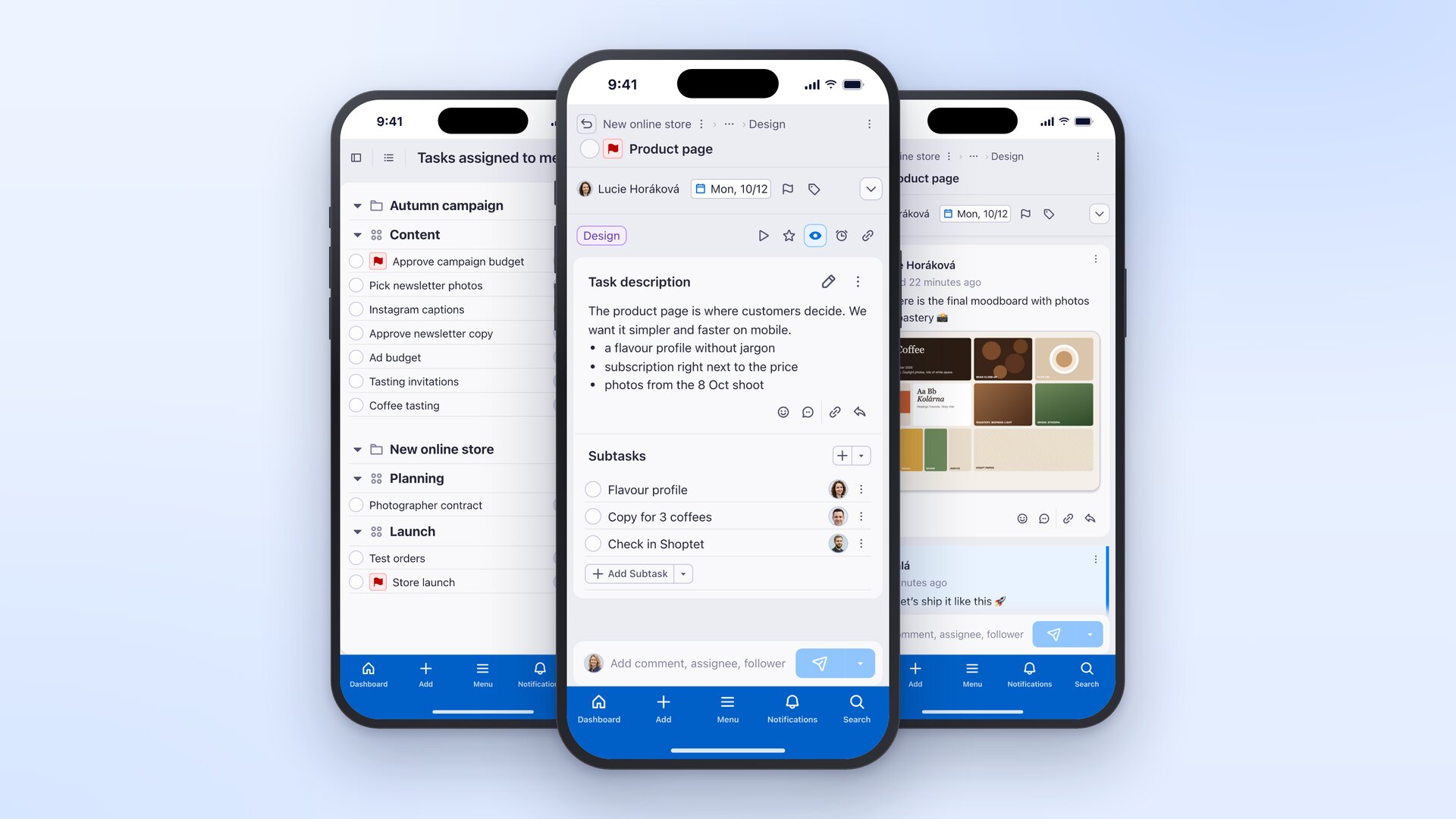
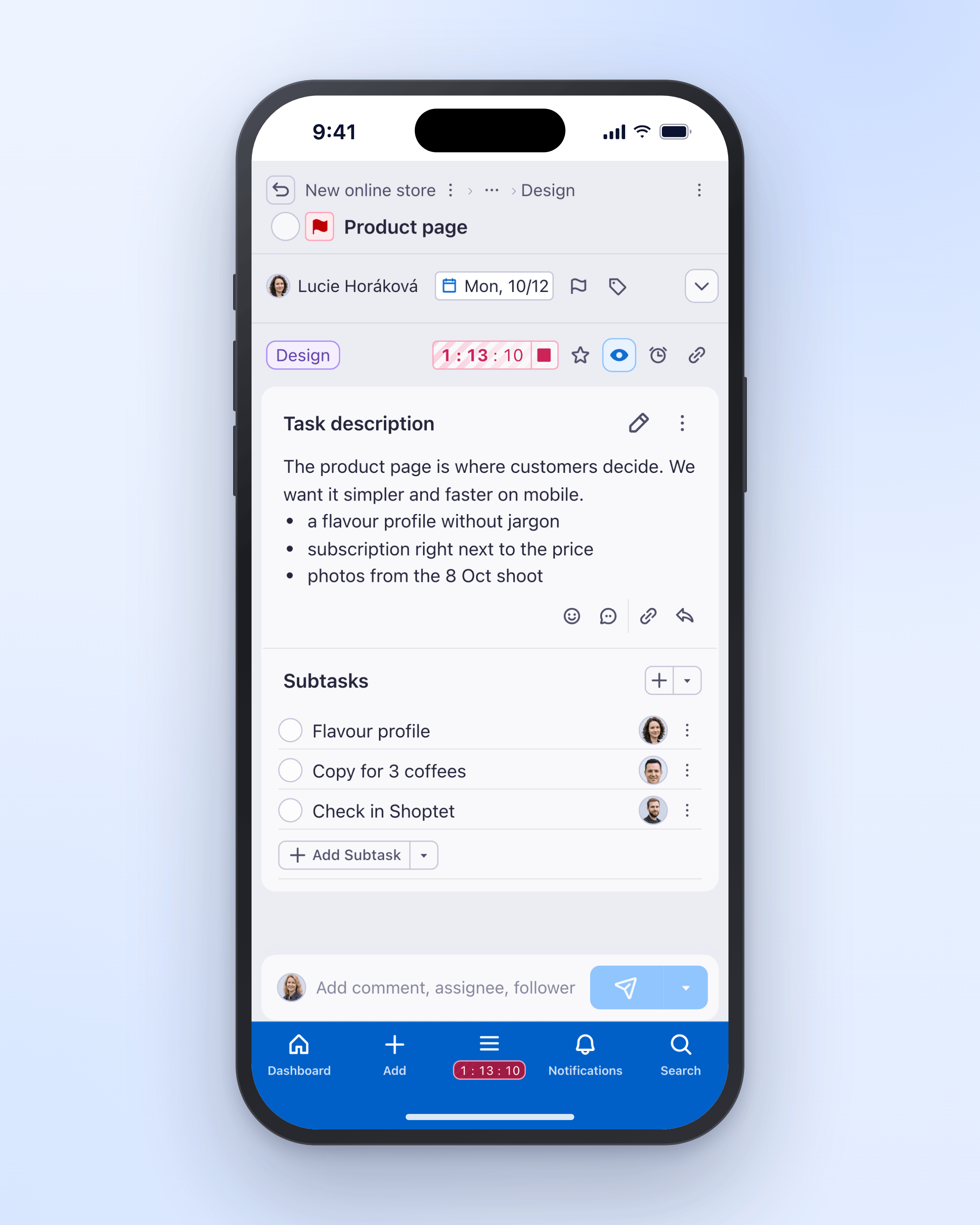
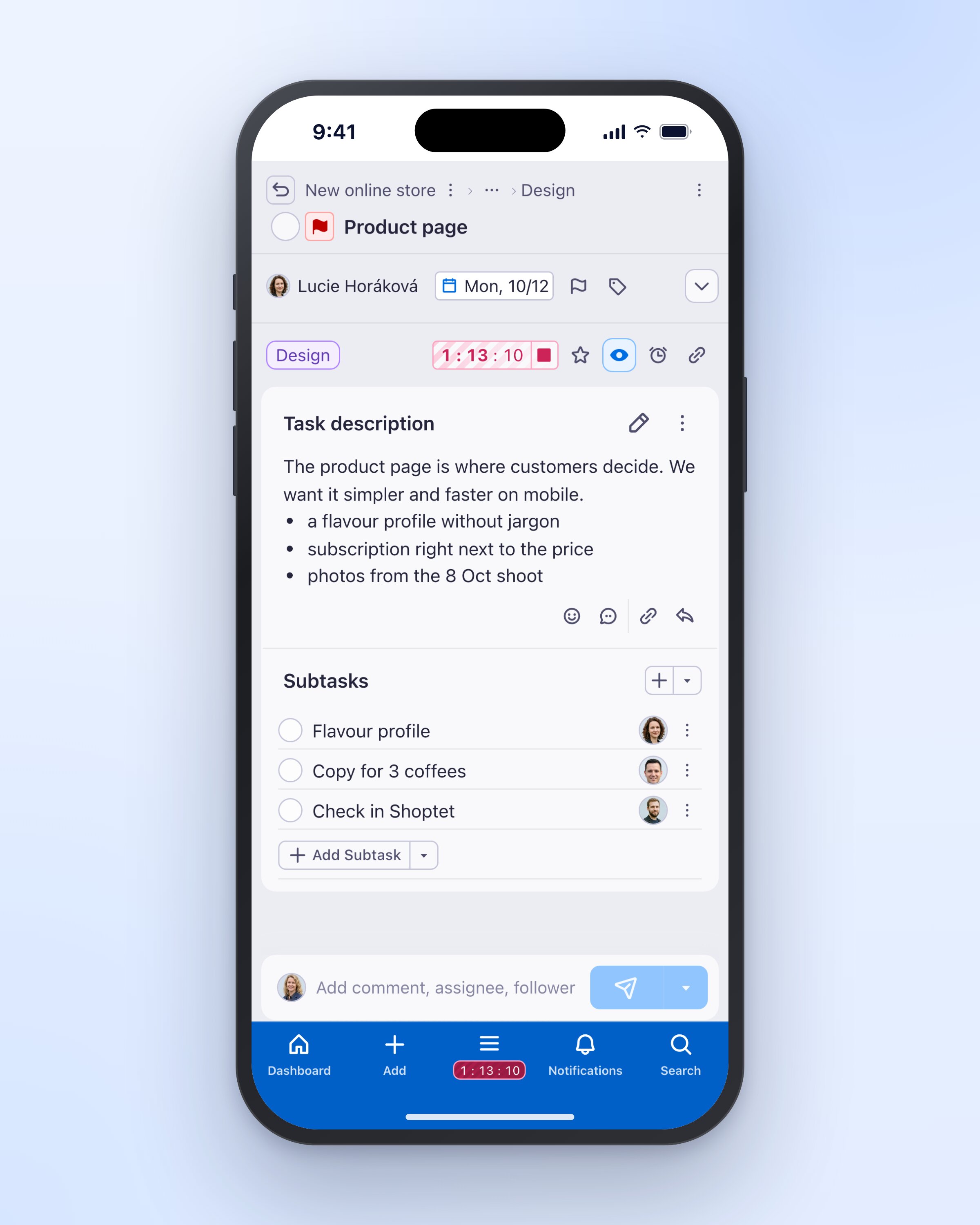
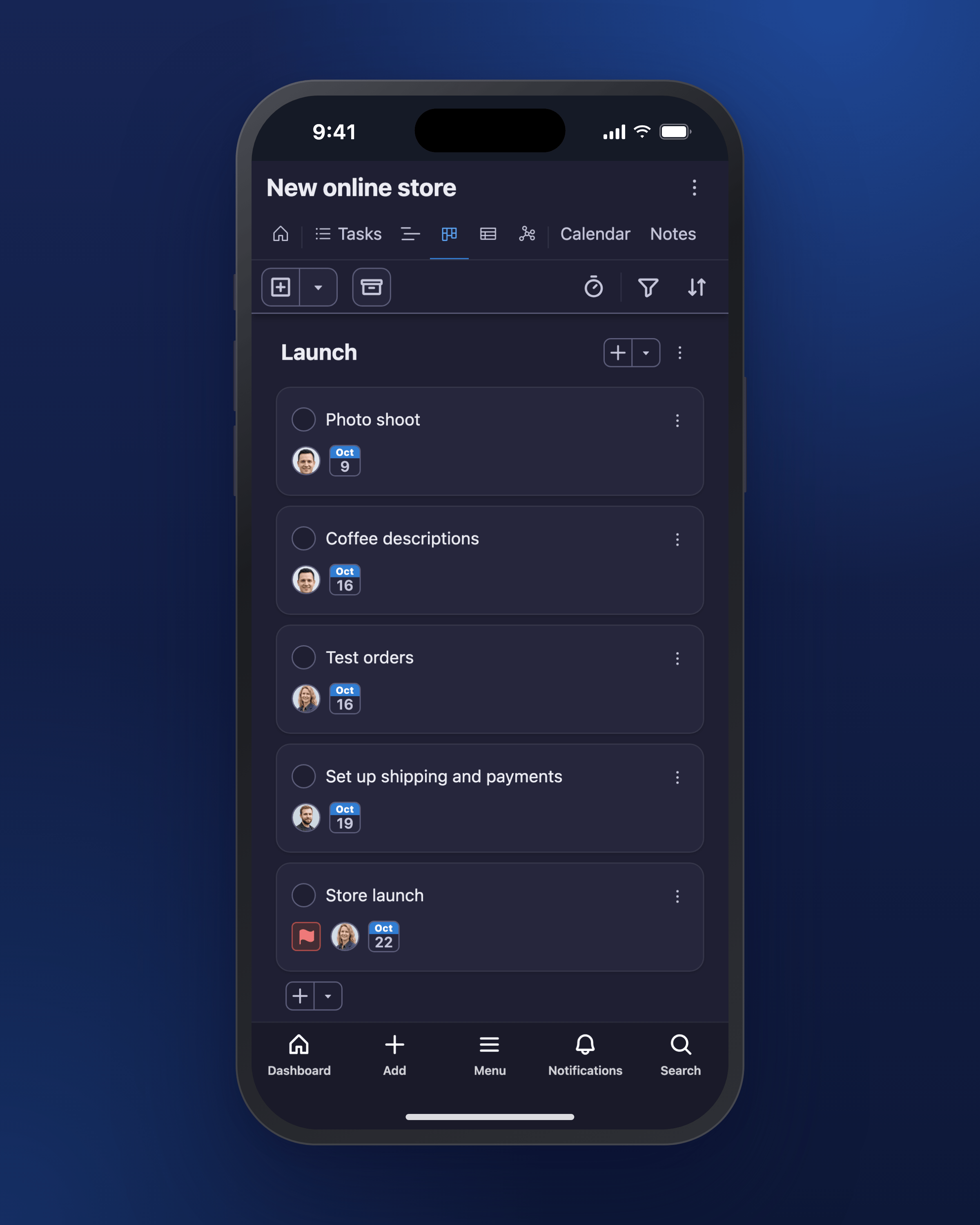
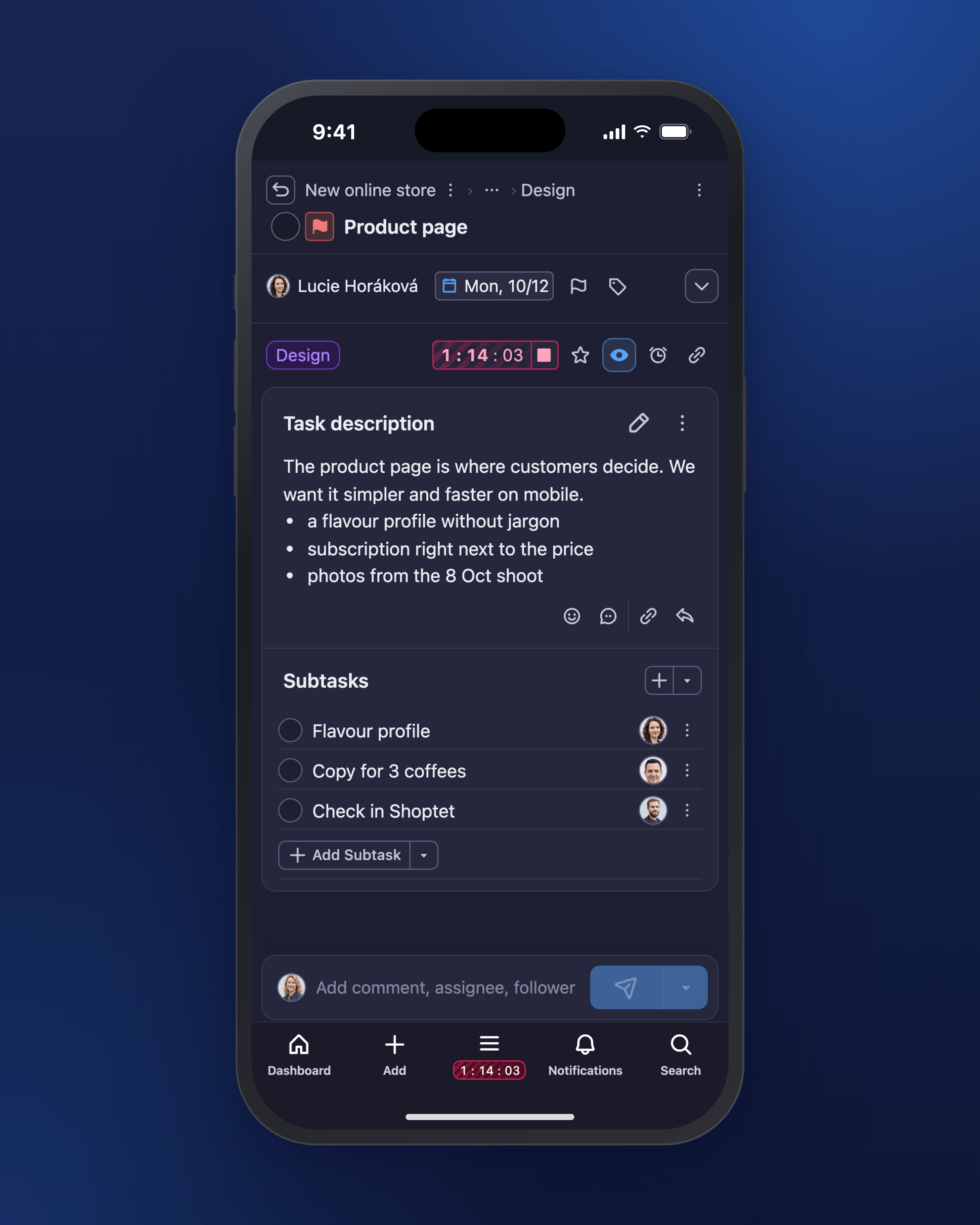
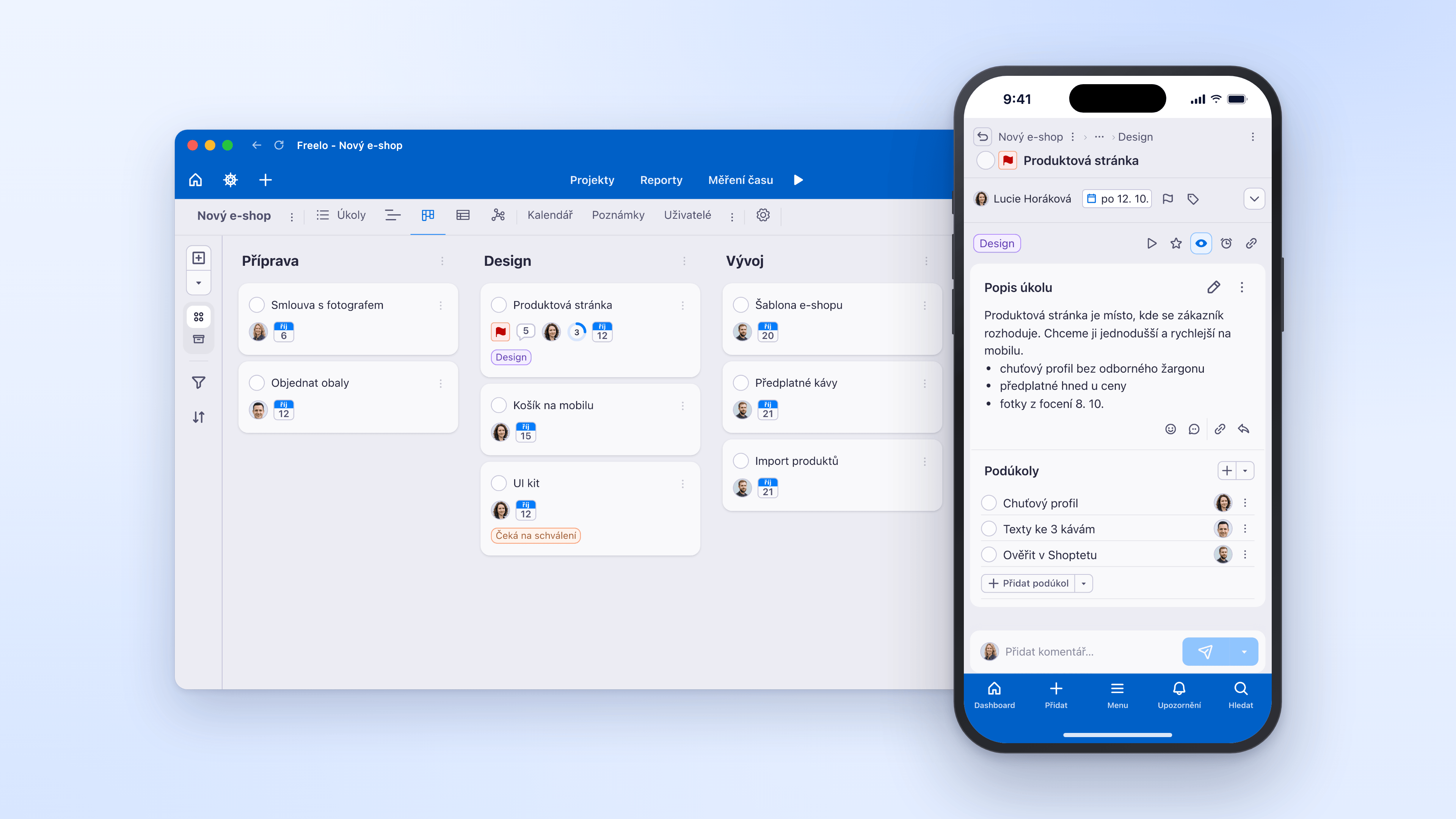
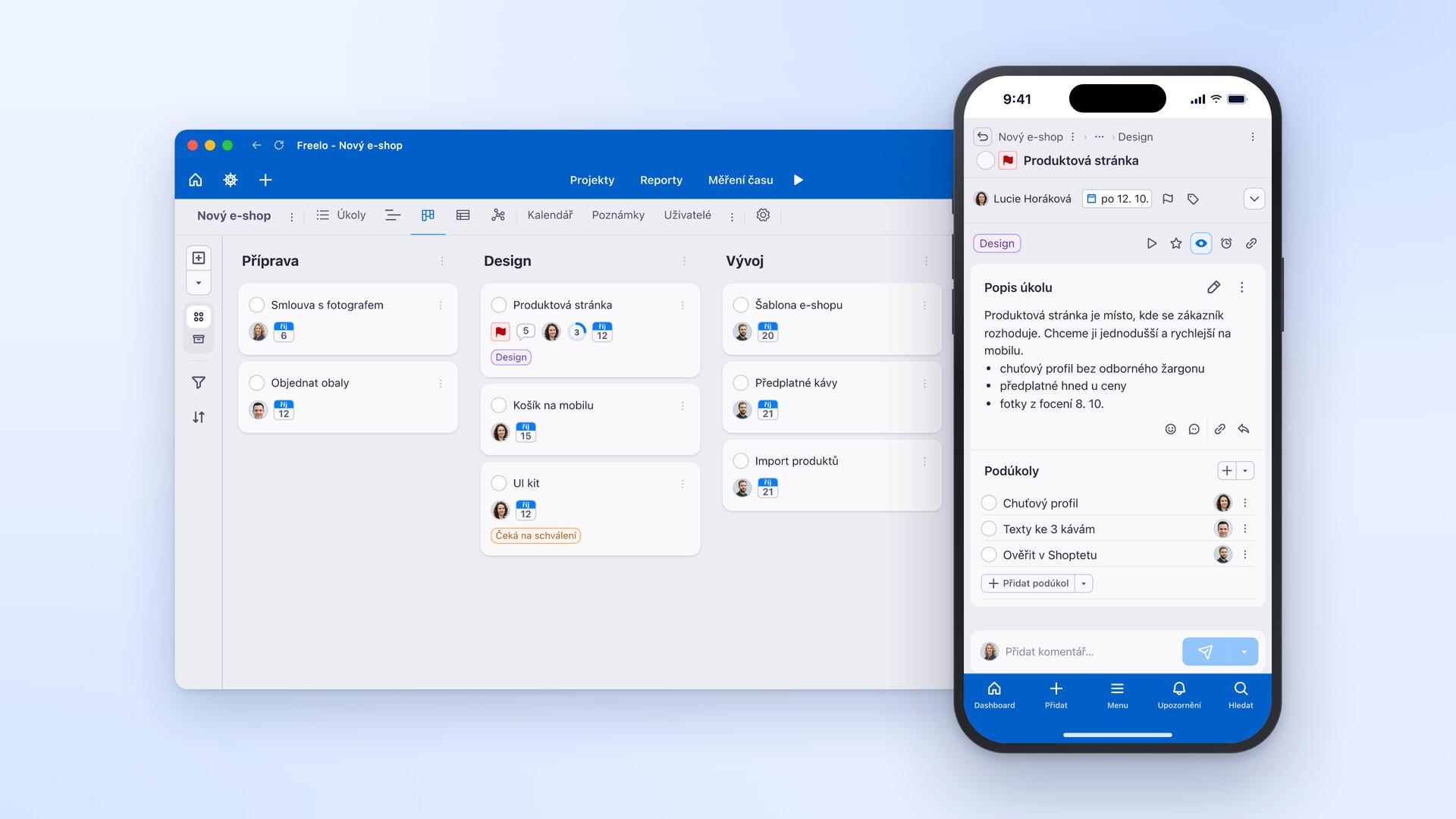
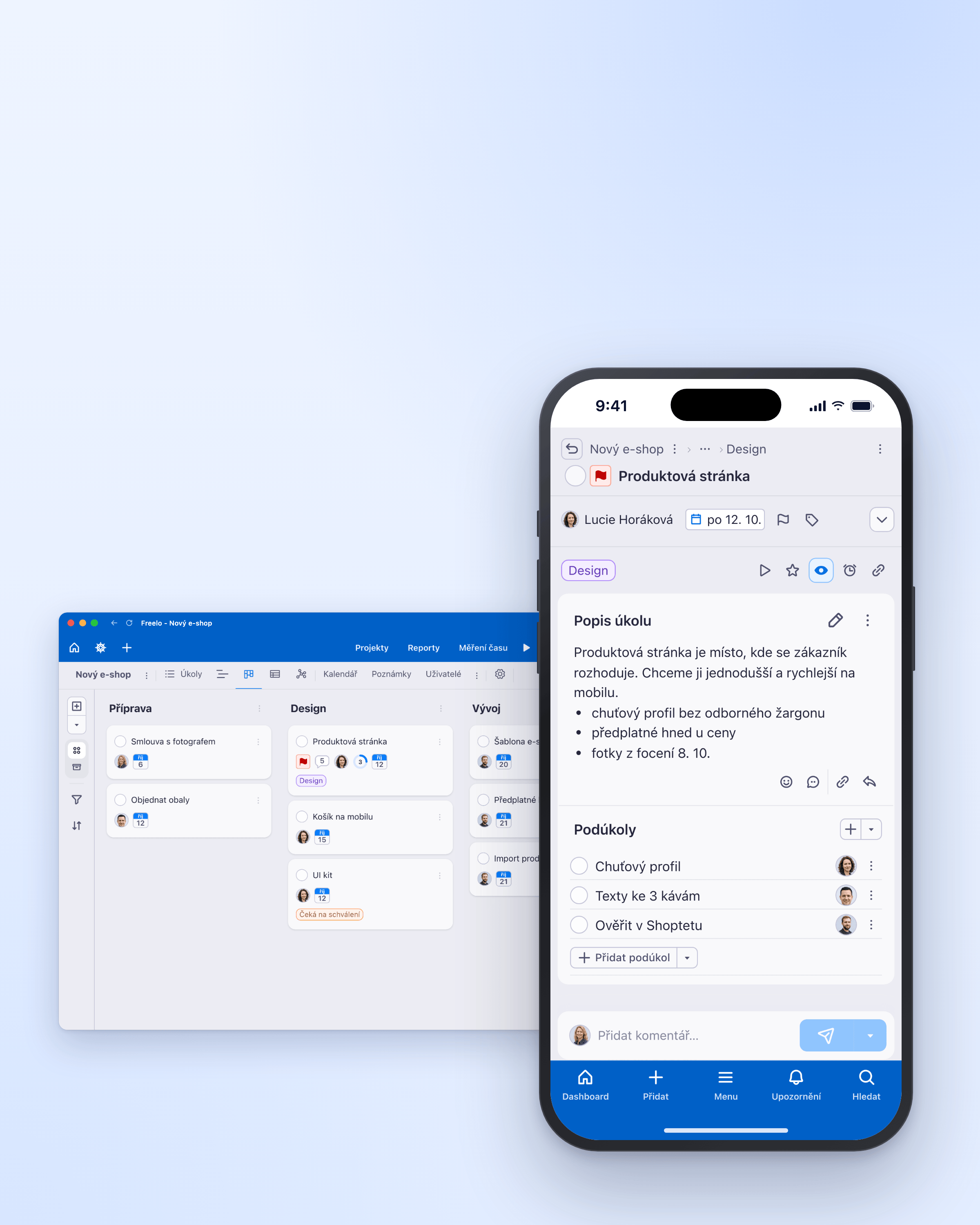
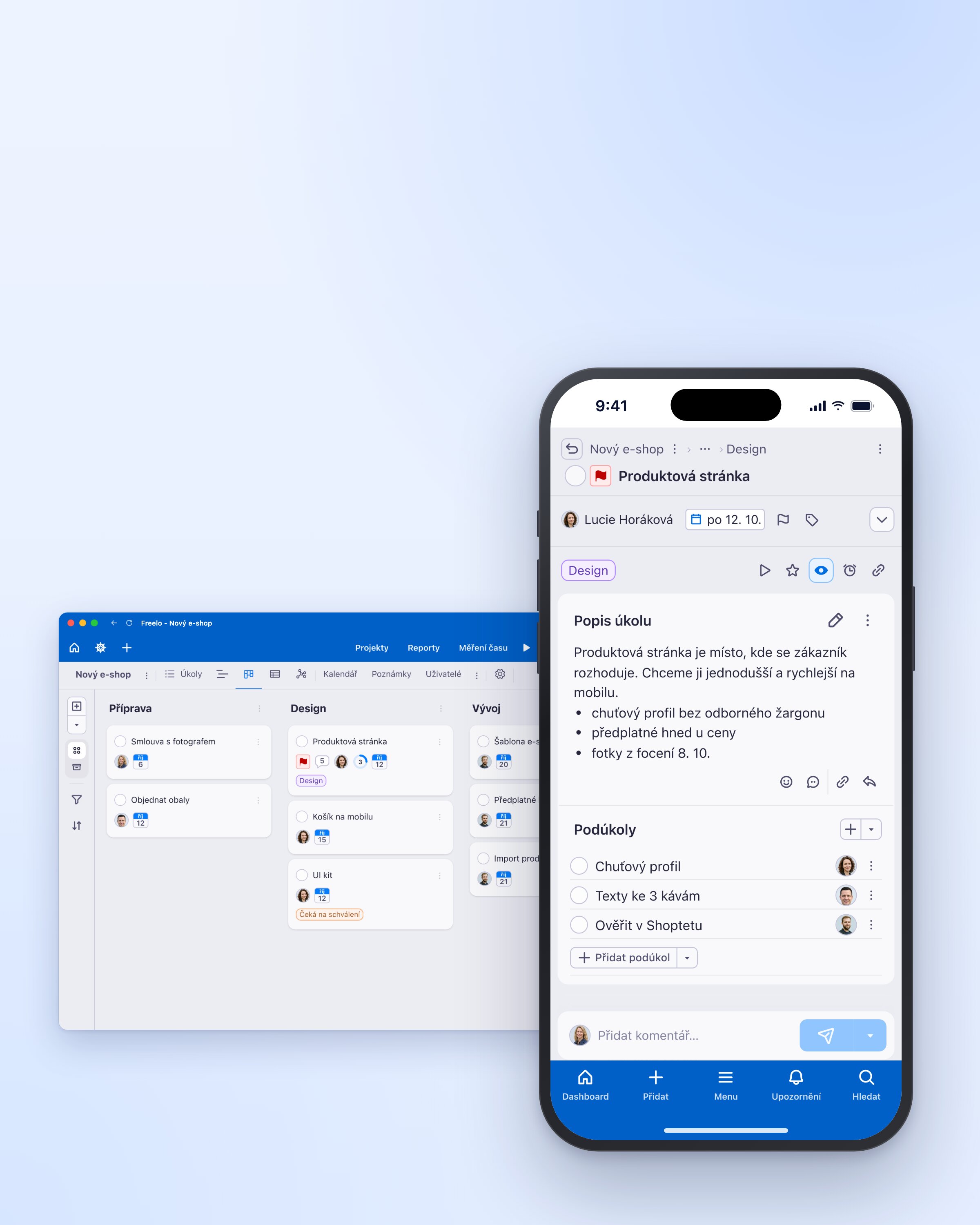
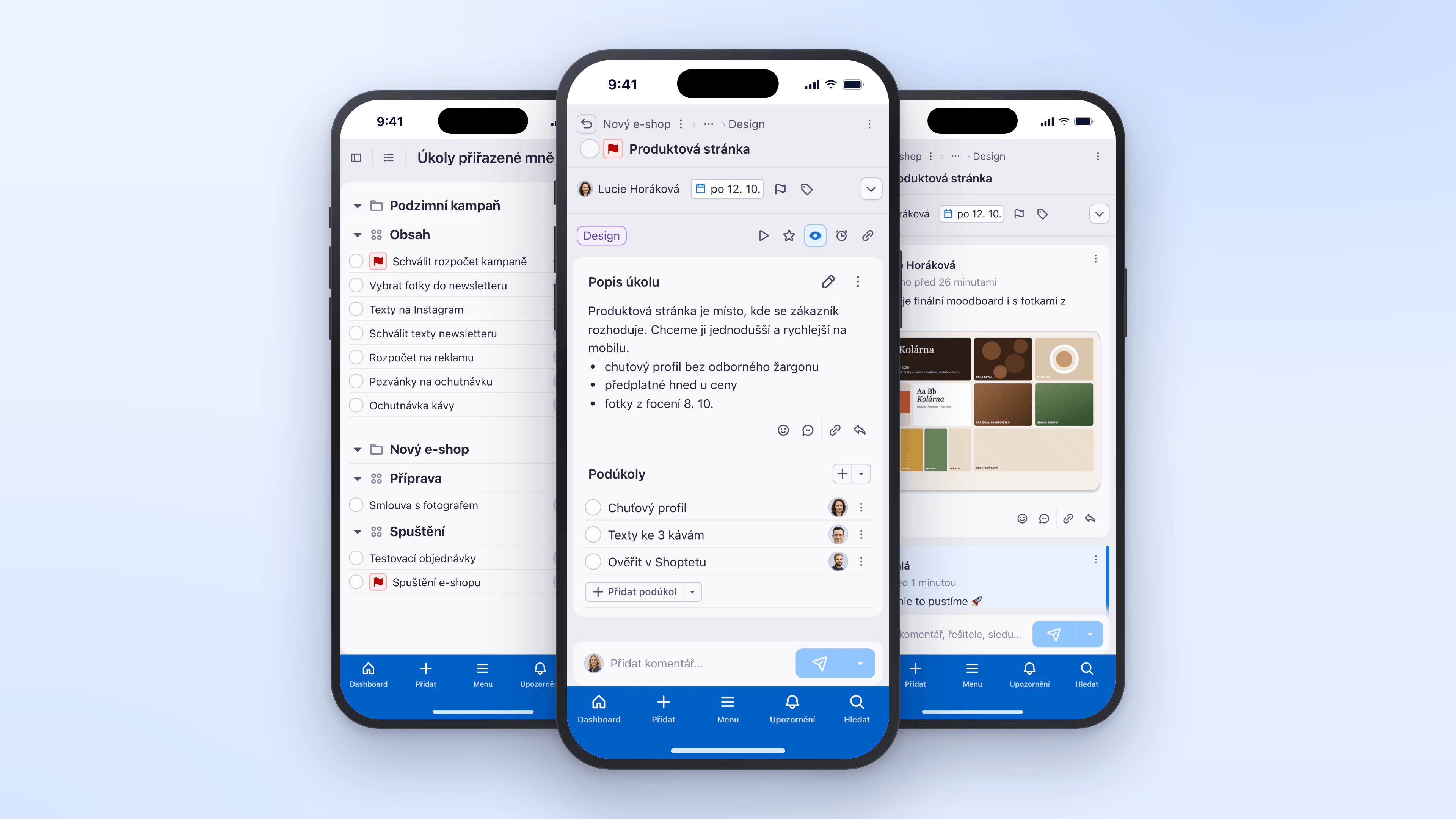
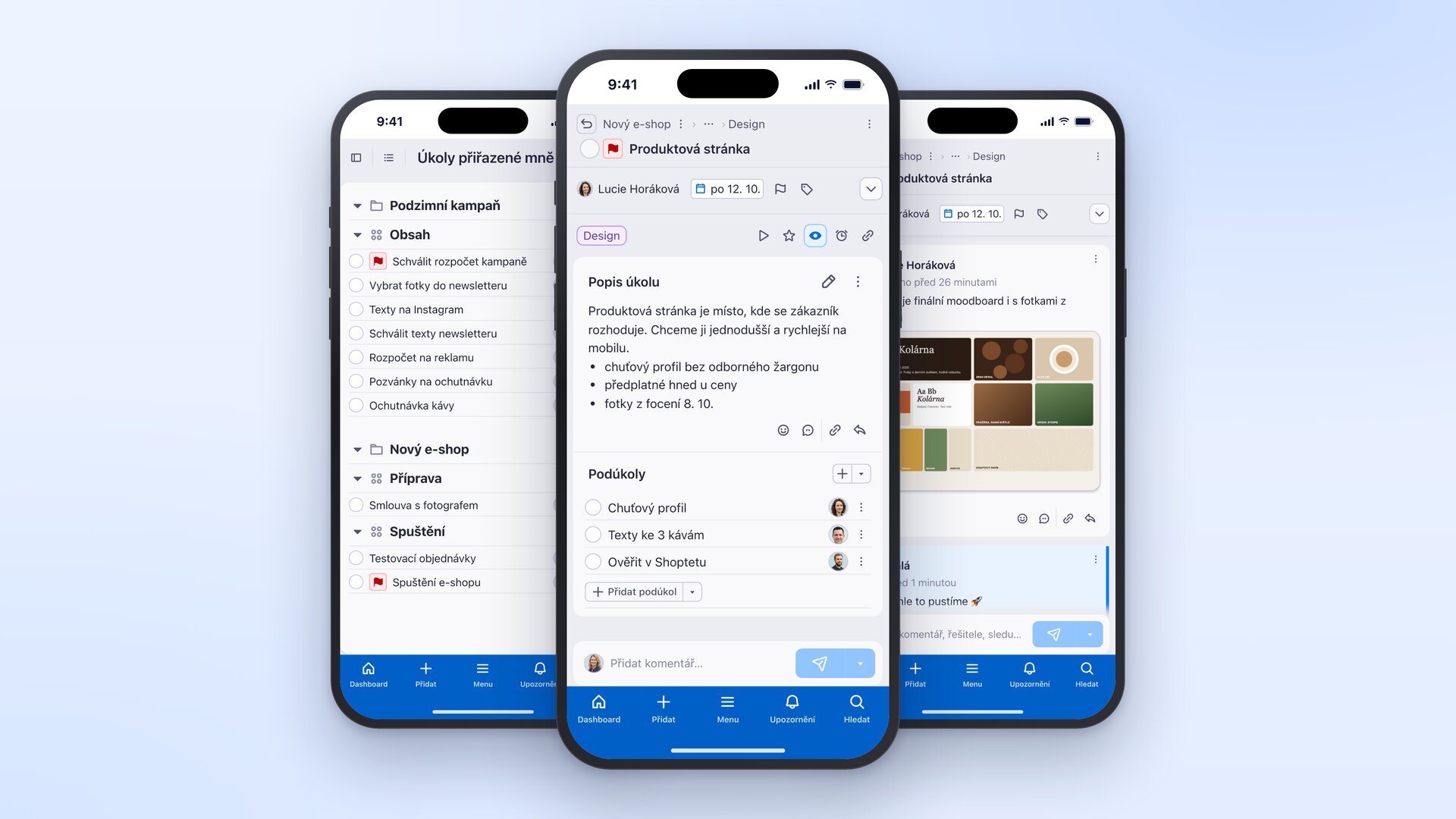
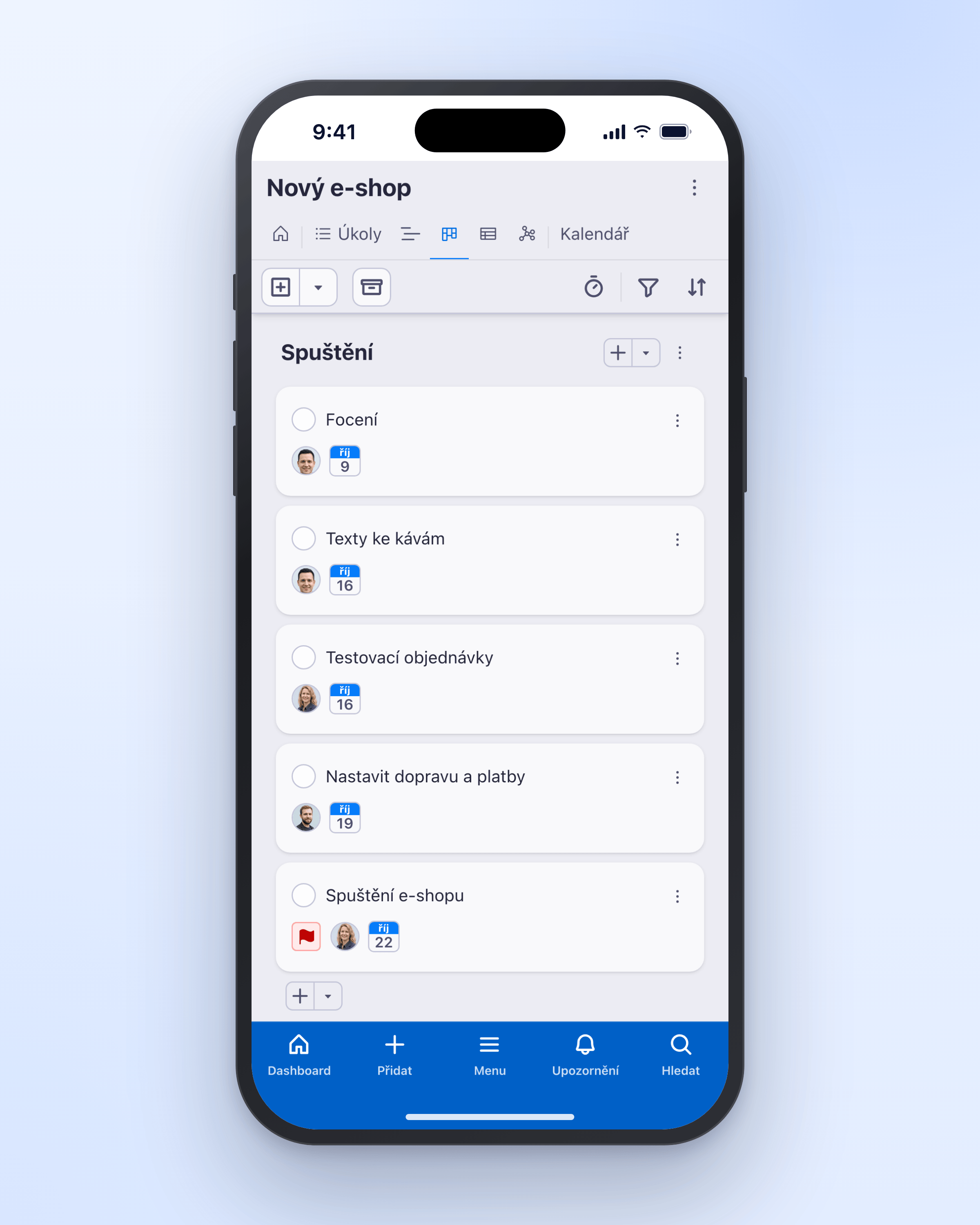
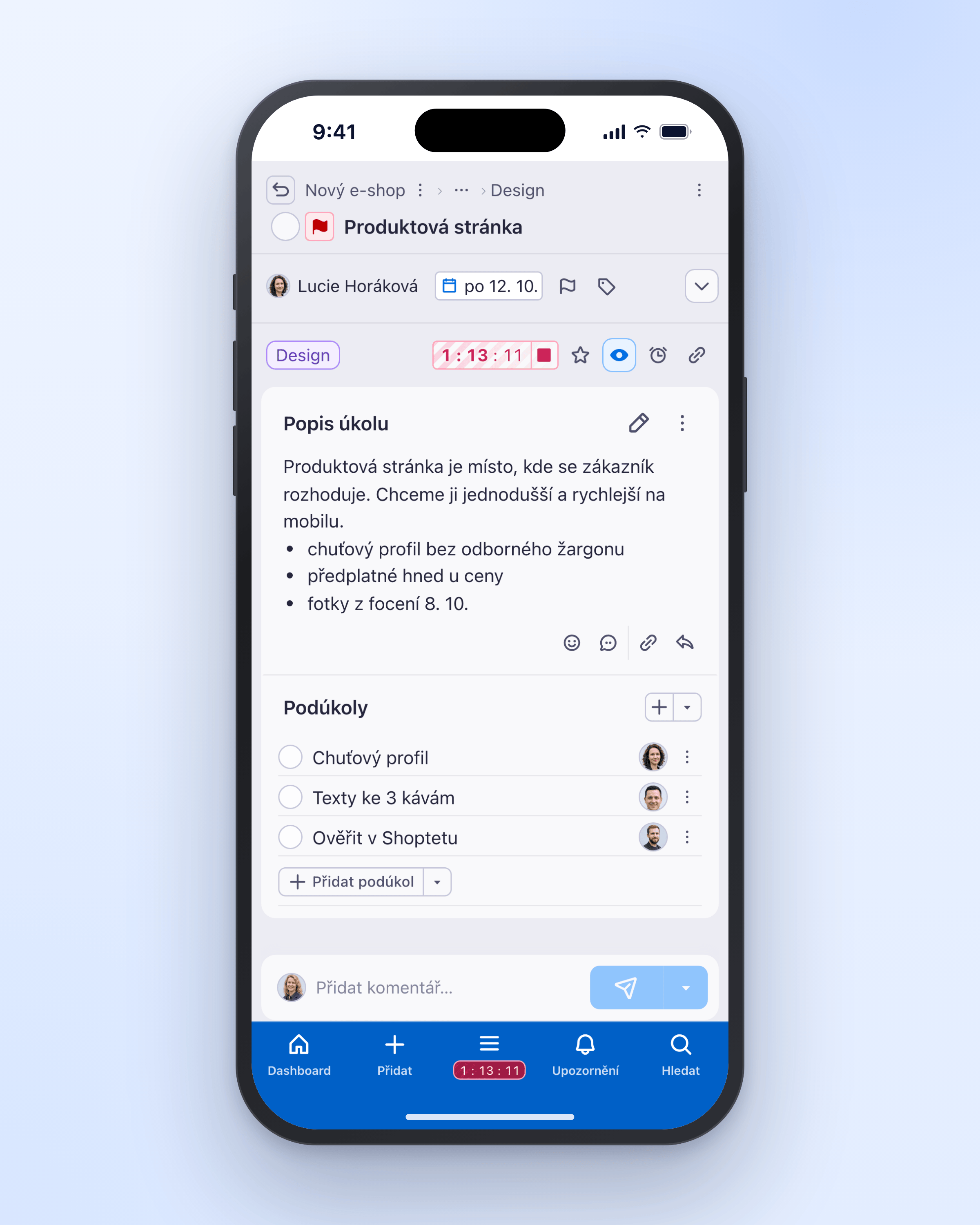
The Freelo app on desktop and mobile: a project Kanban board and a task detail on a phone.
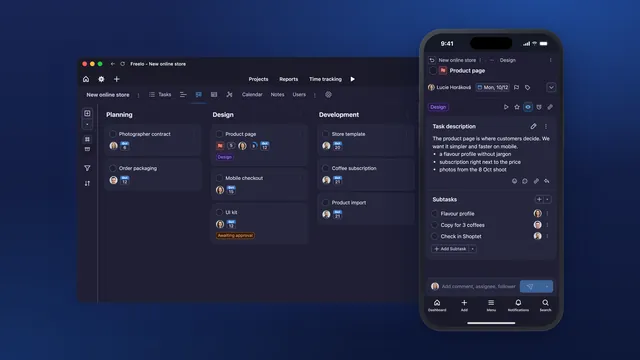
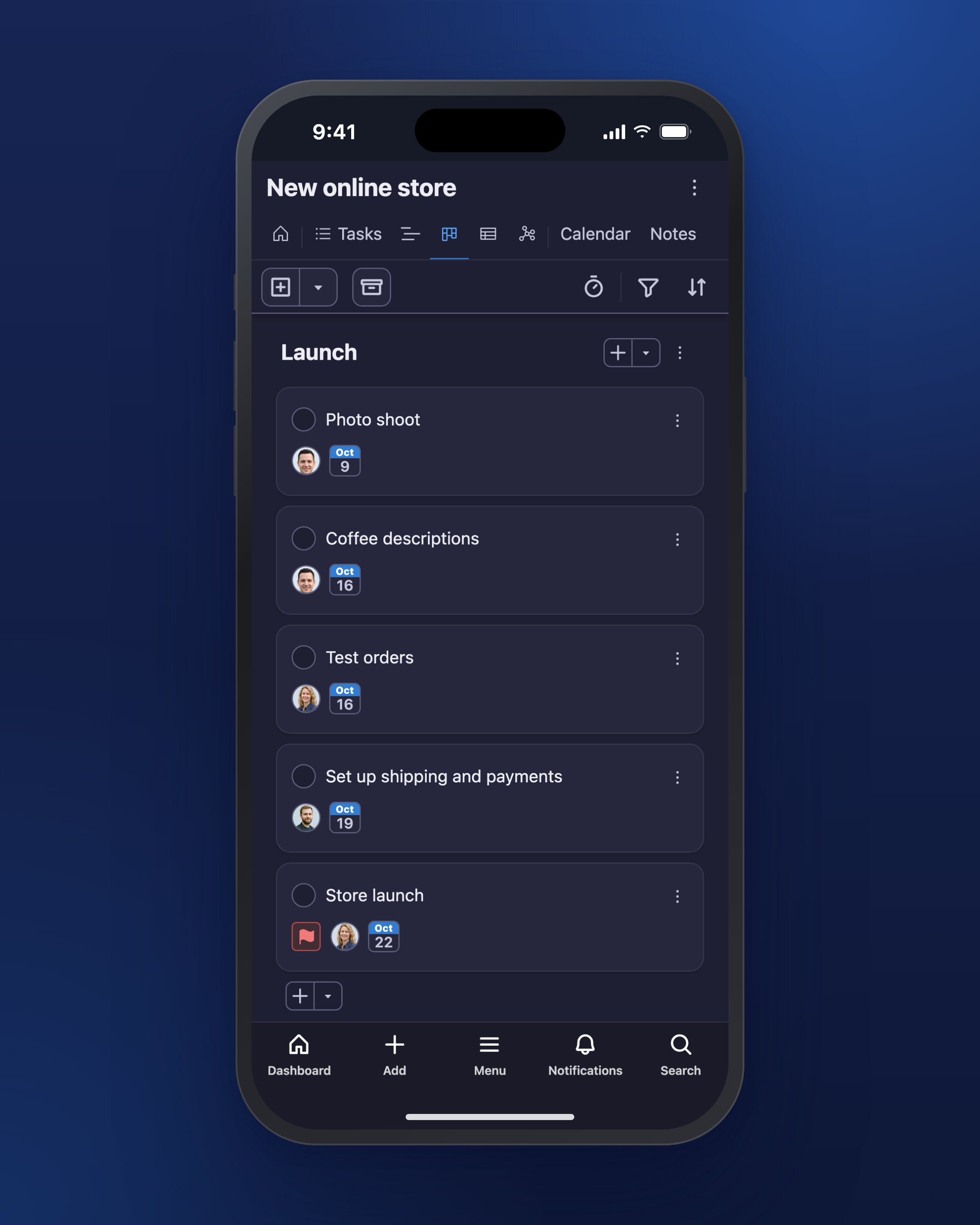
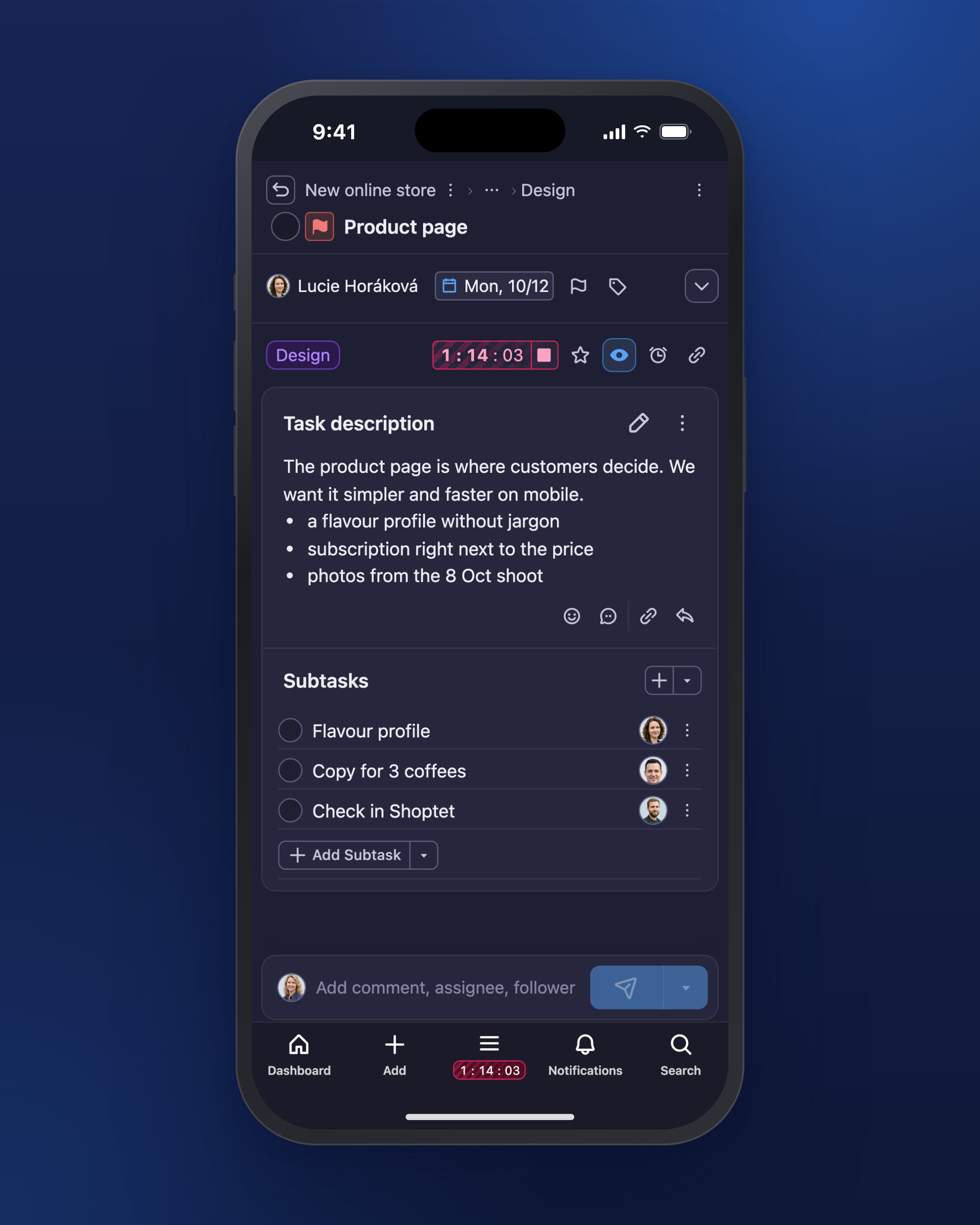
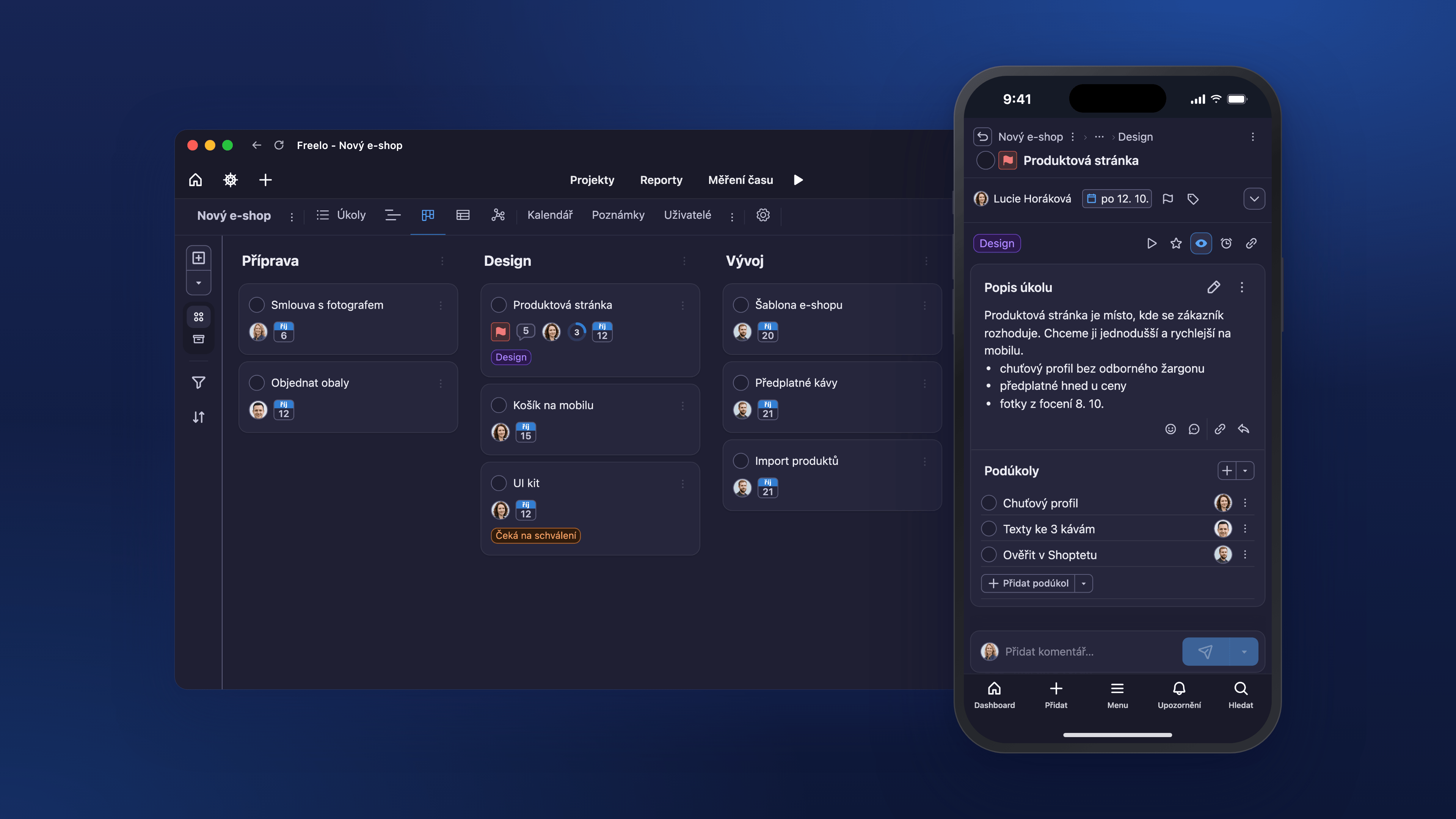
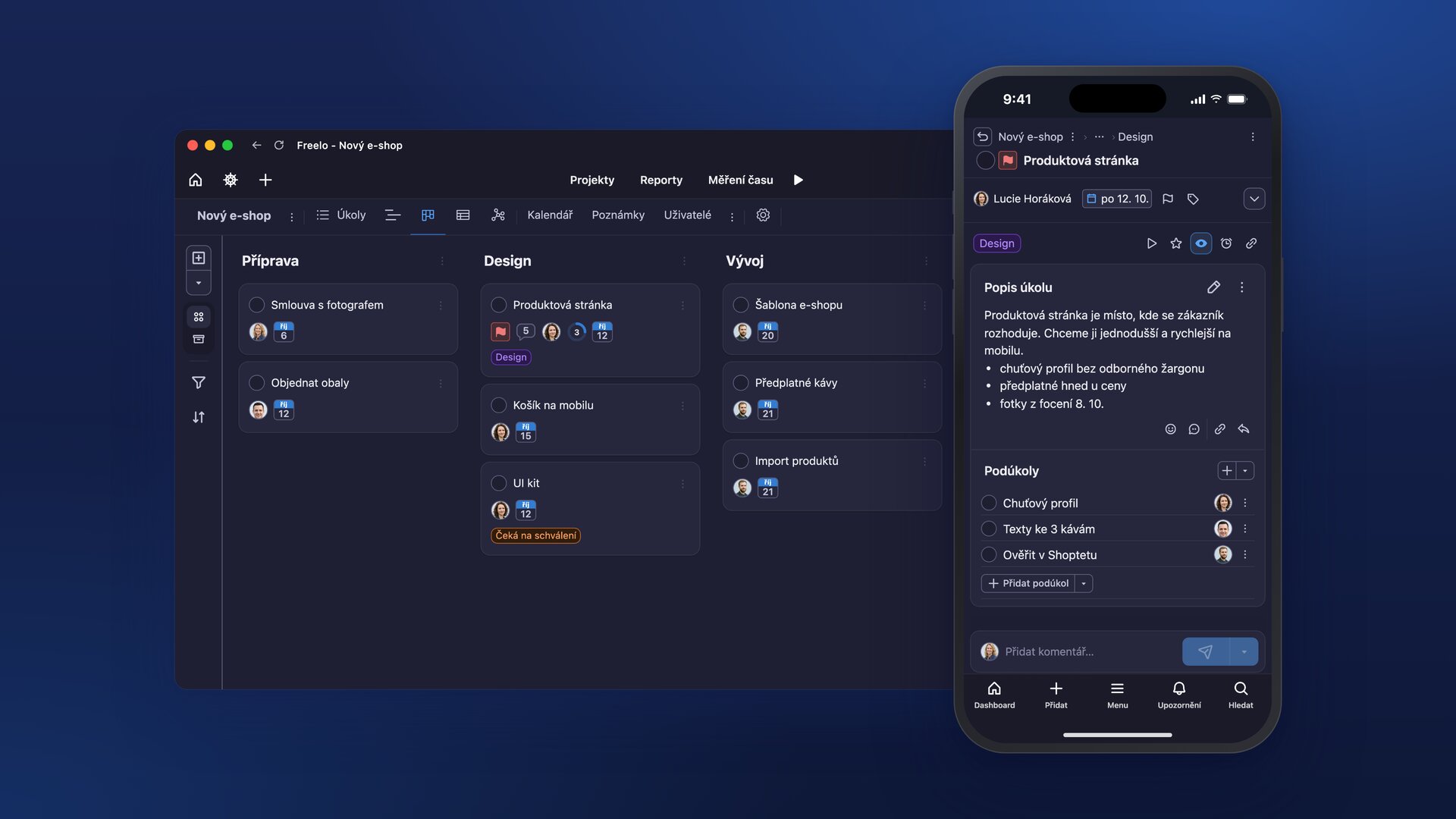
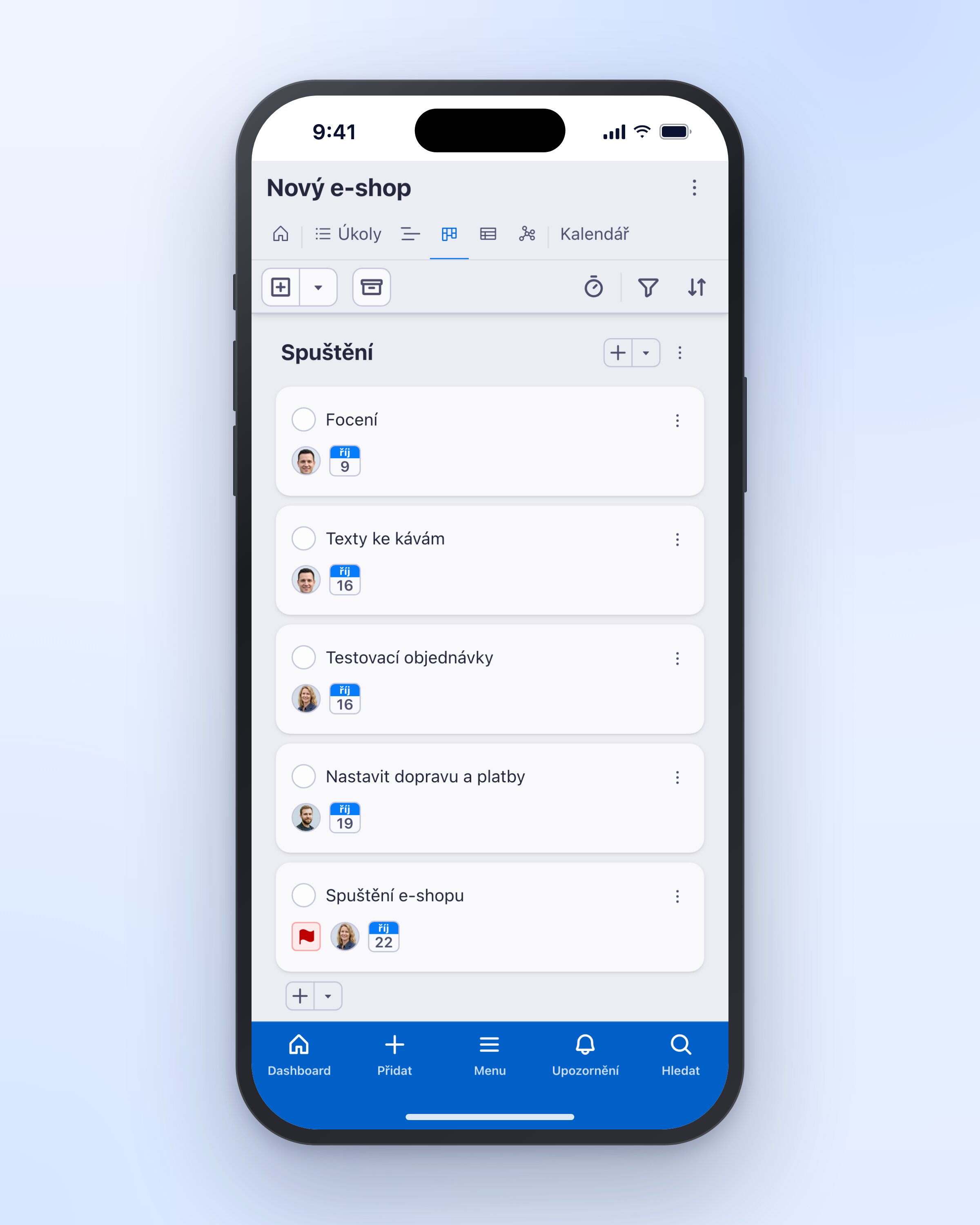
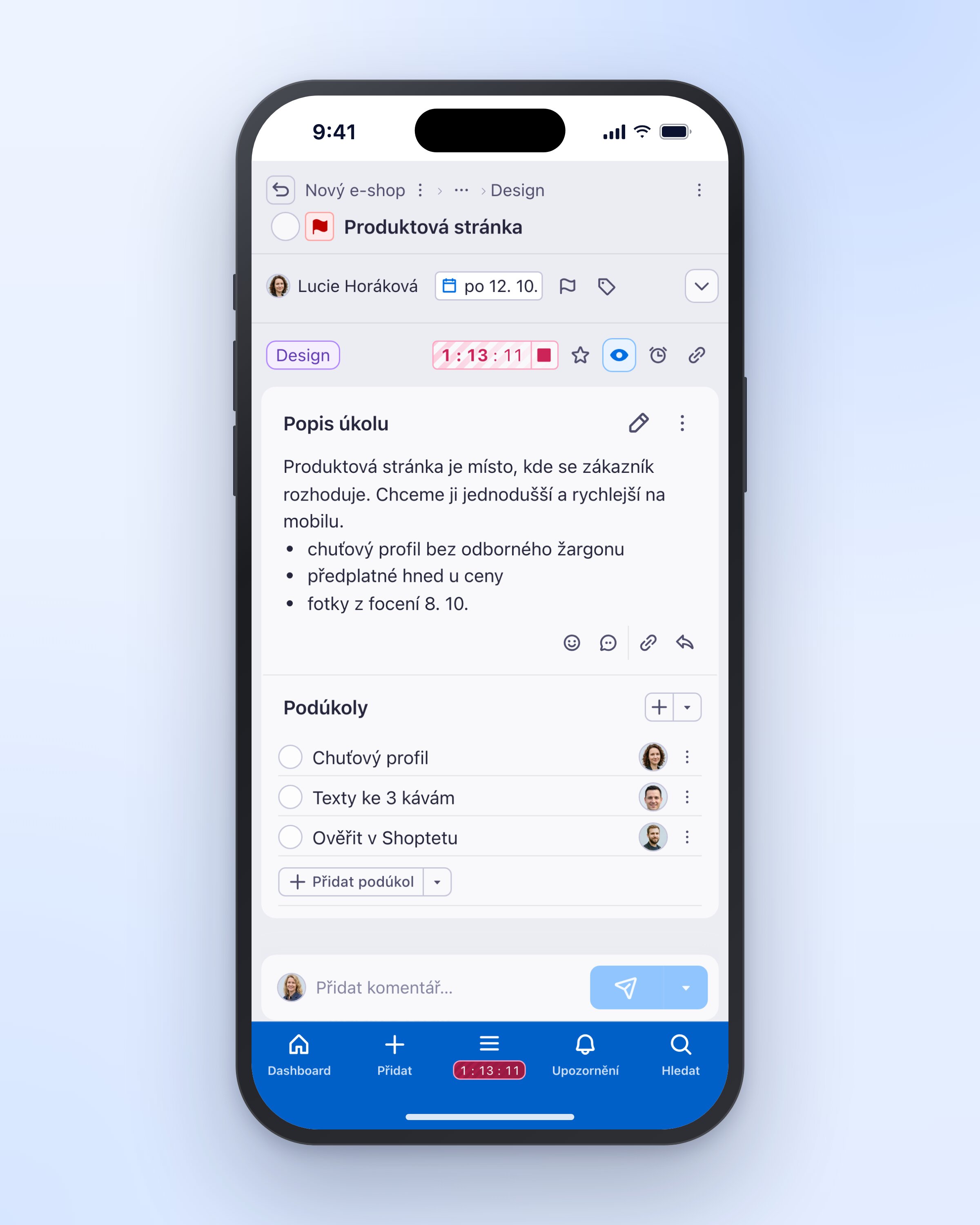
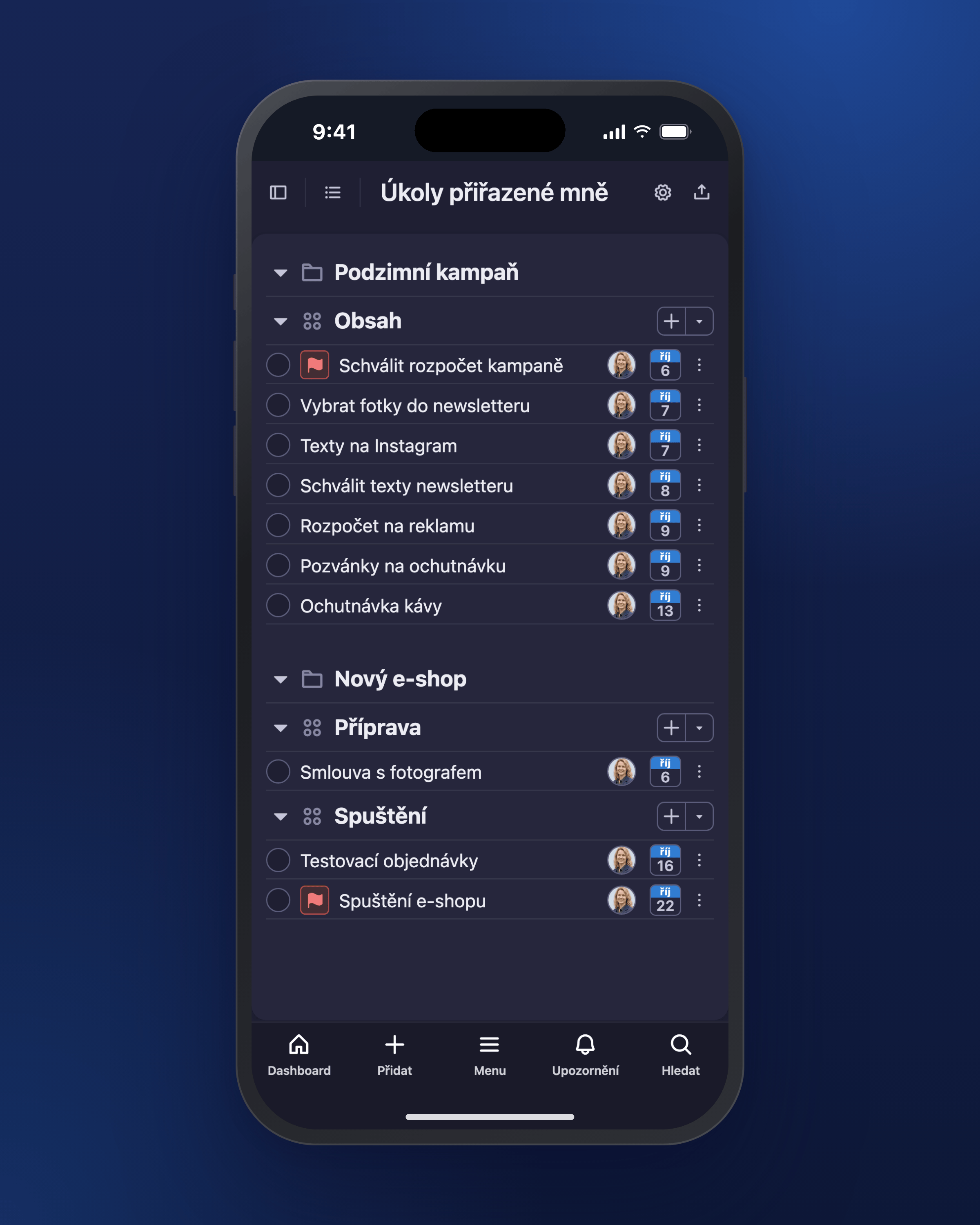
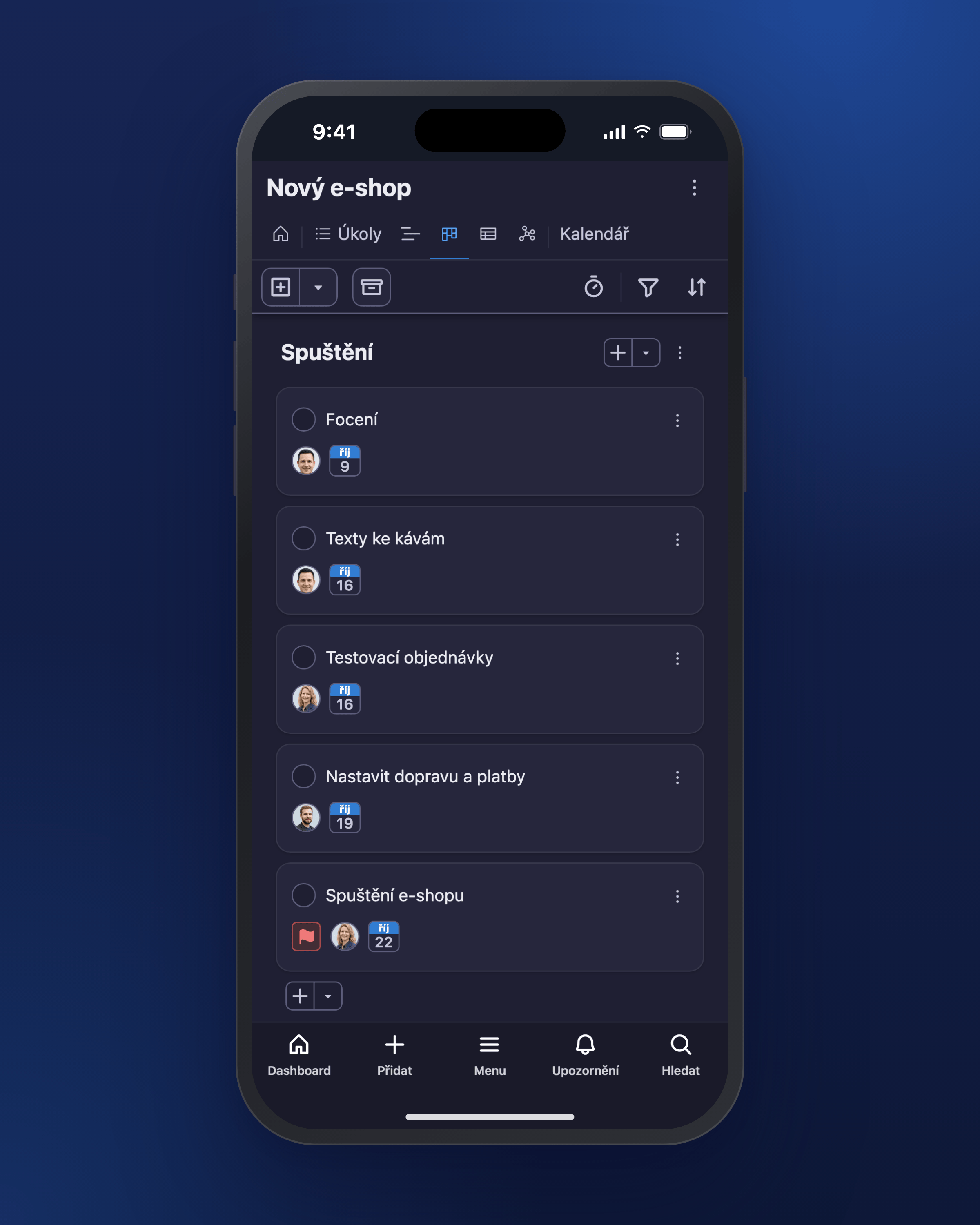
The Freelo app in dark mode on desktop and mobile.
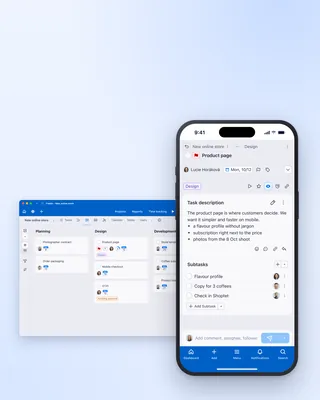
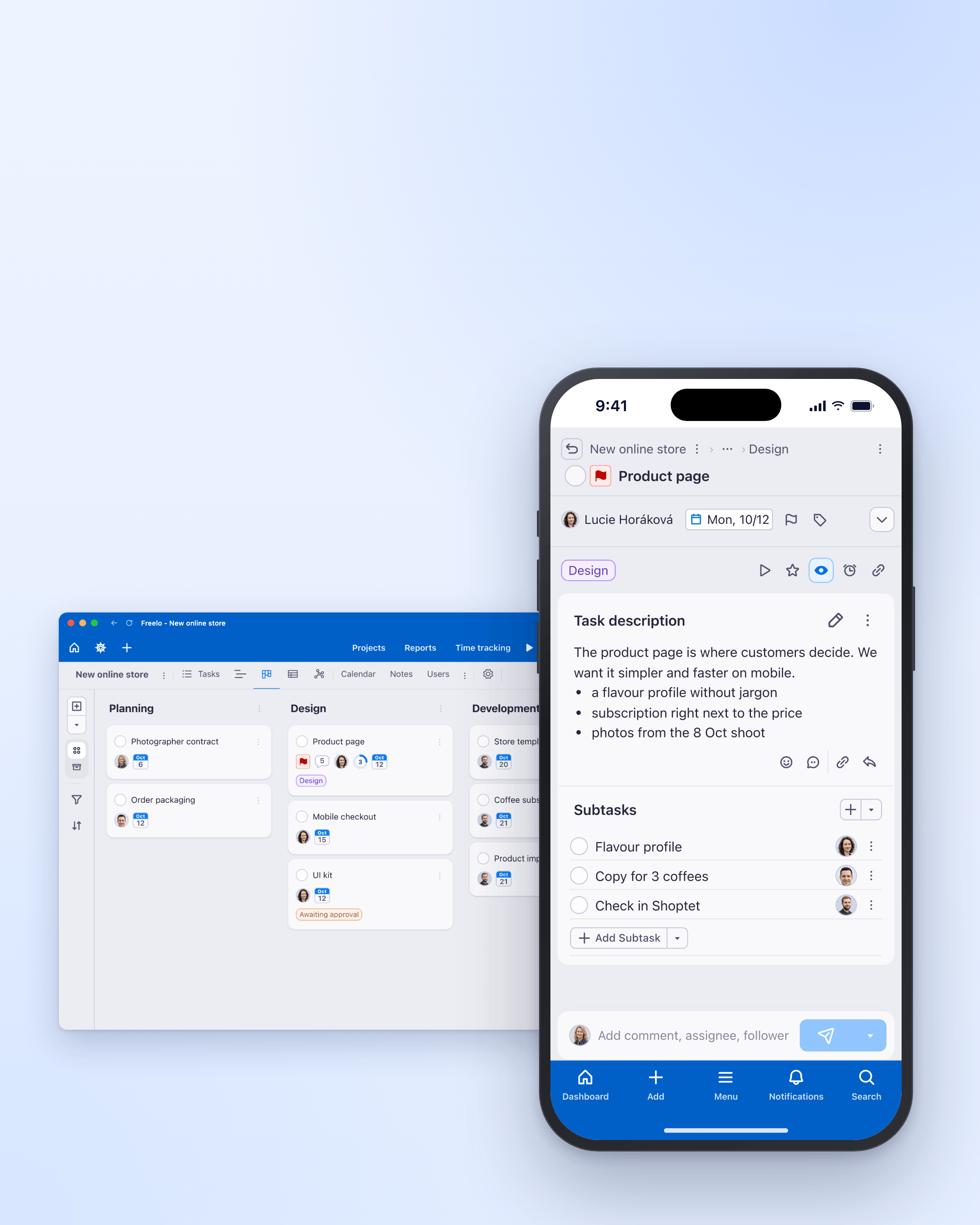
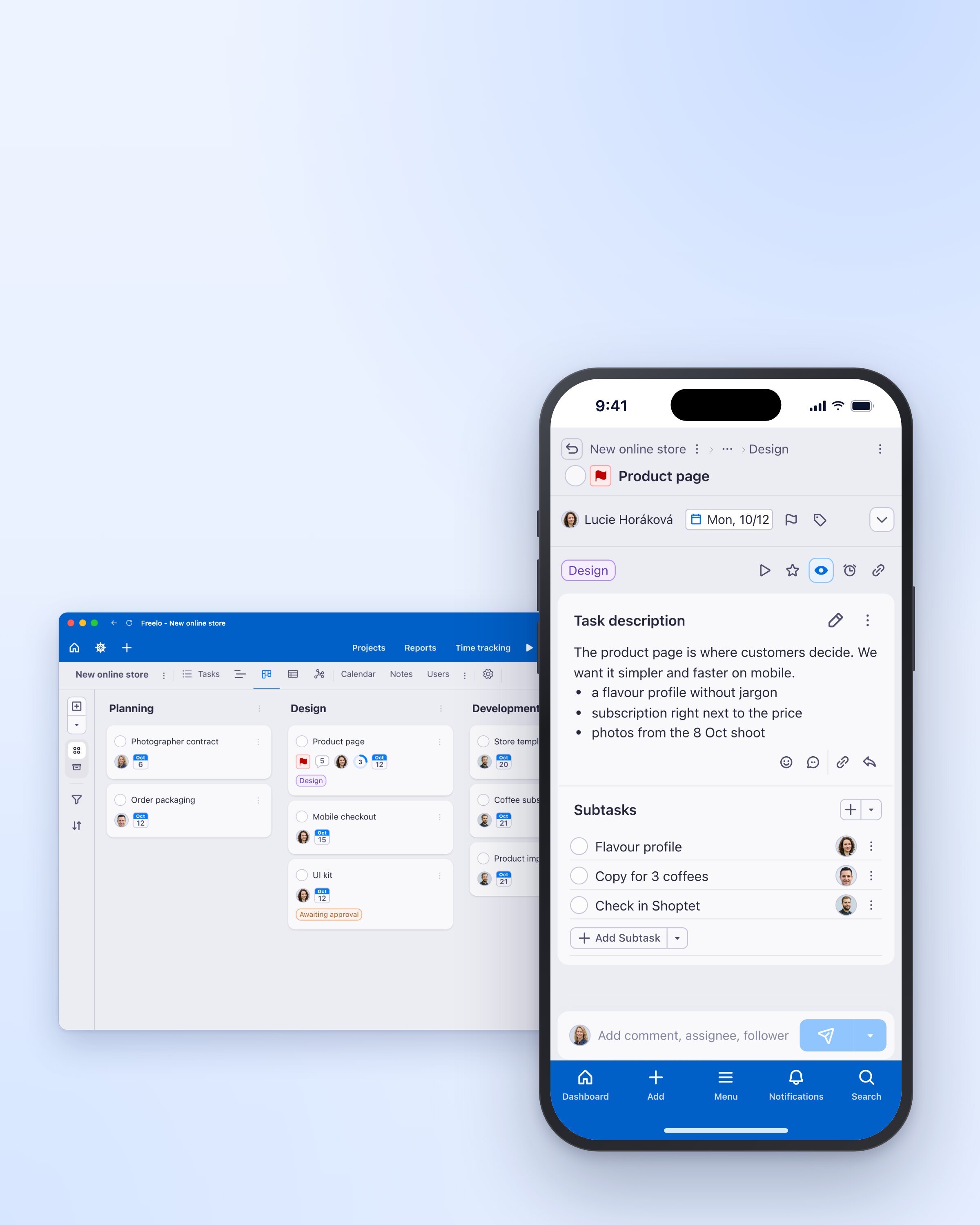
Freelo on desktop and mobile, portrait format with free space at the top for a headline.
Showing 25 of 25 images
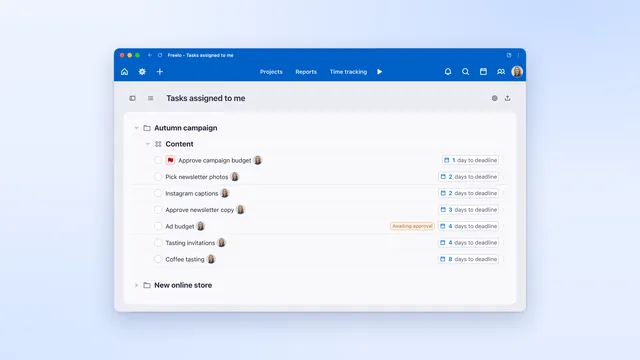
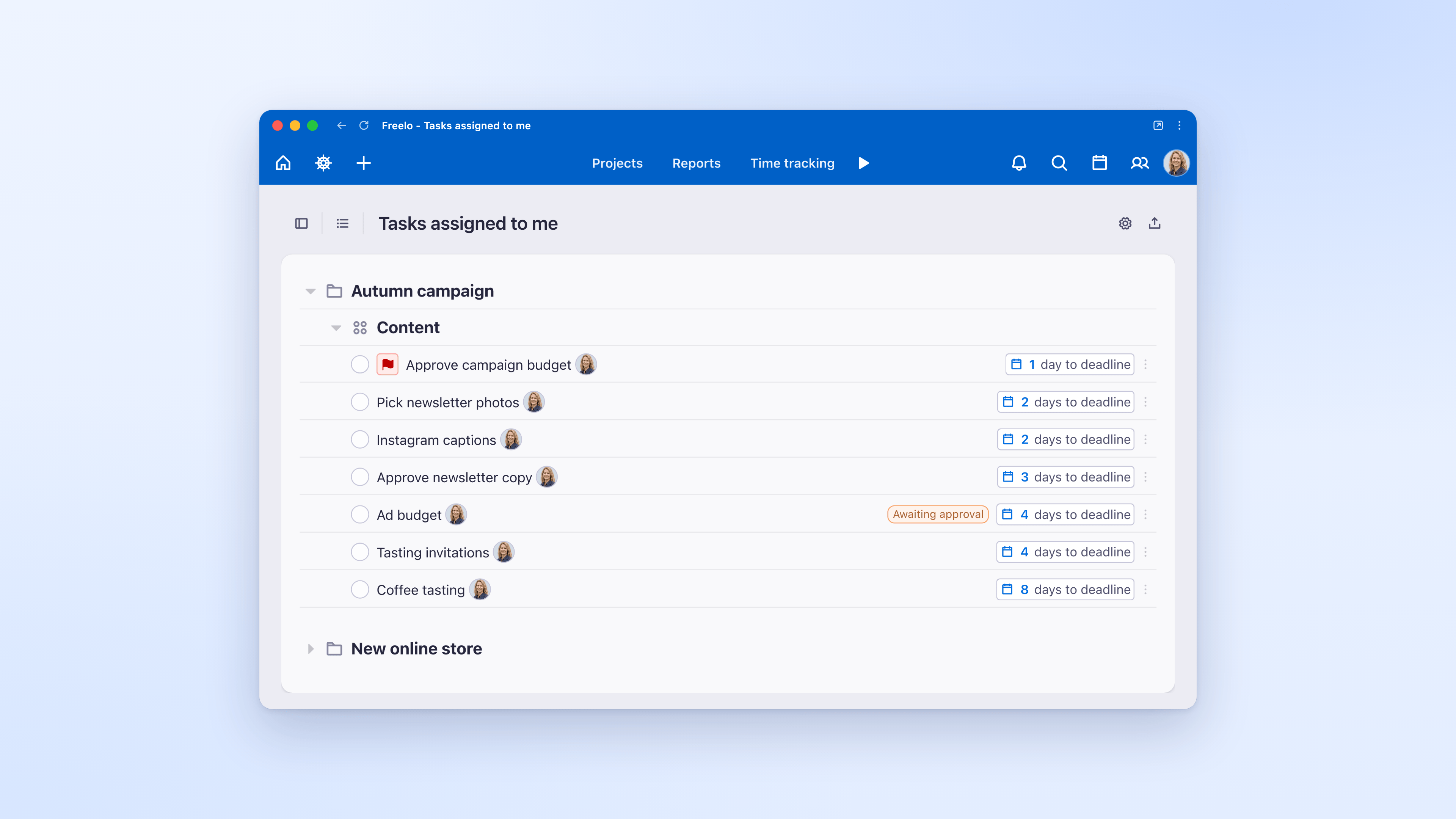
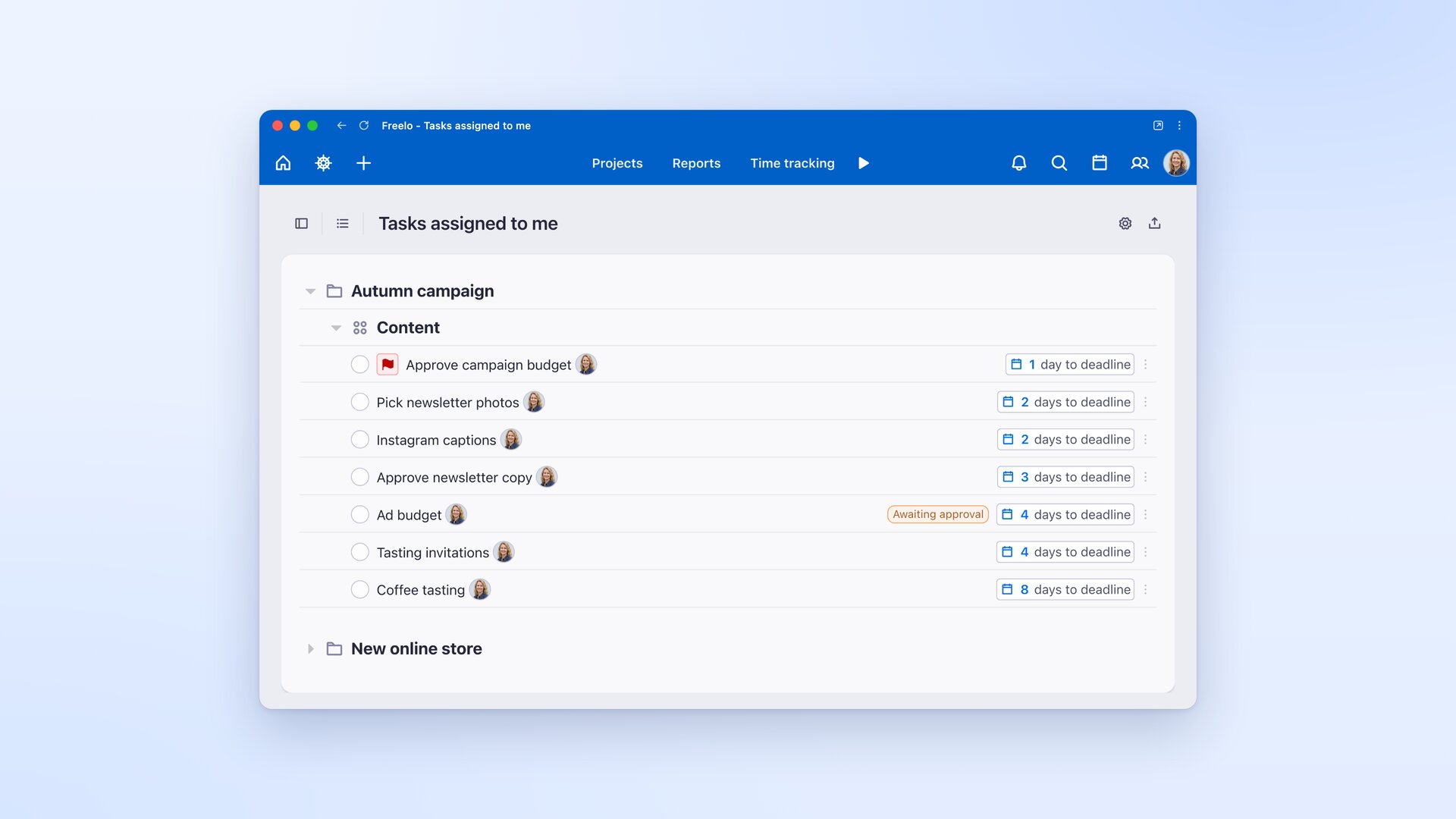
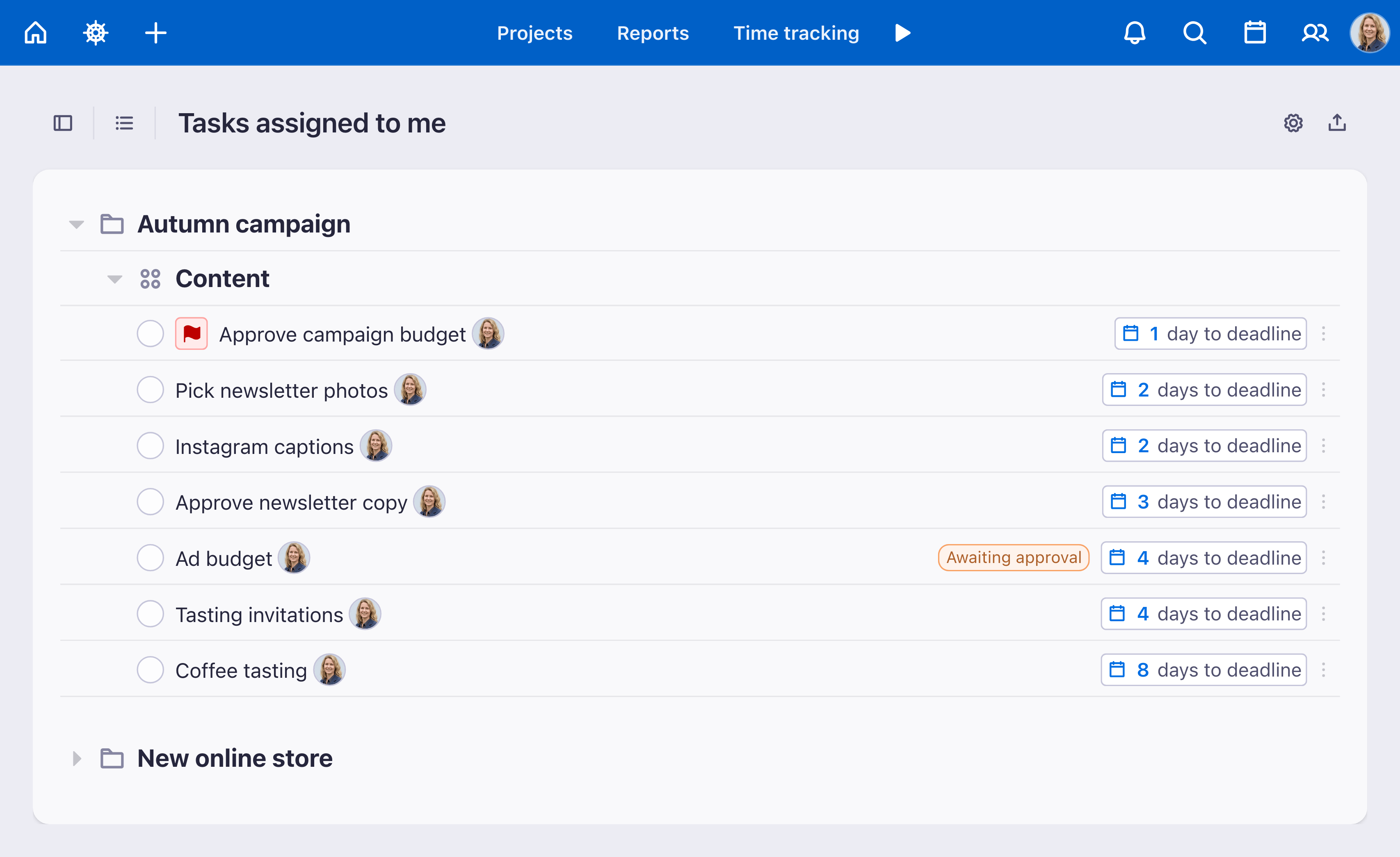
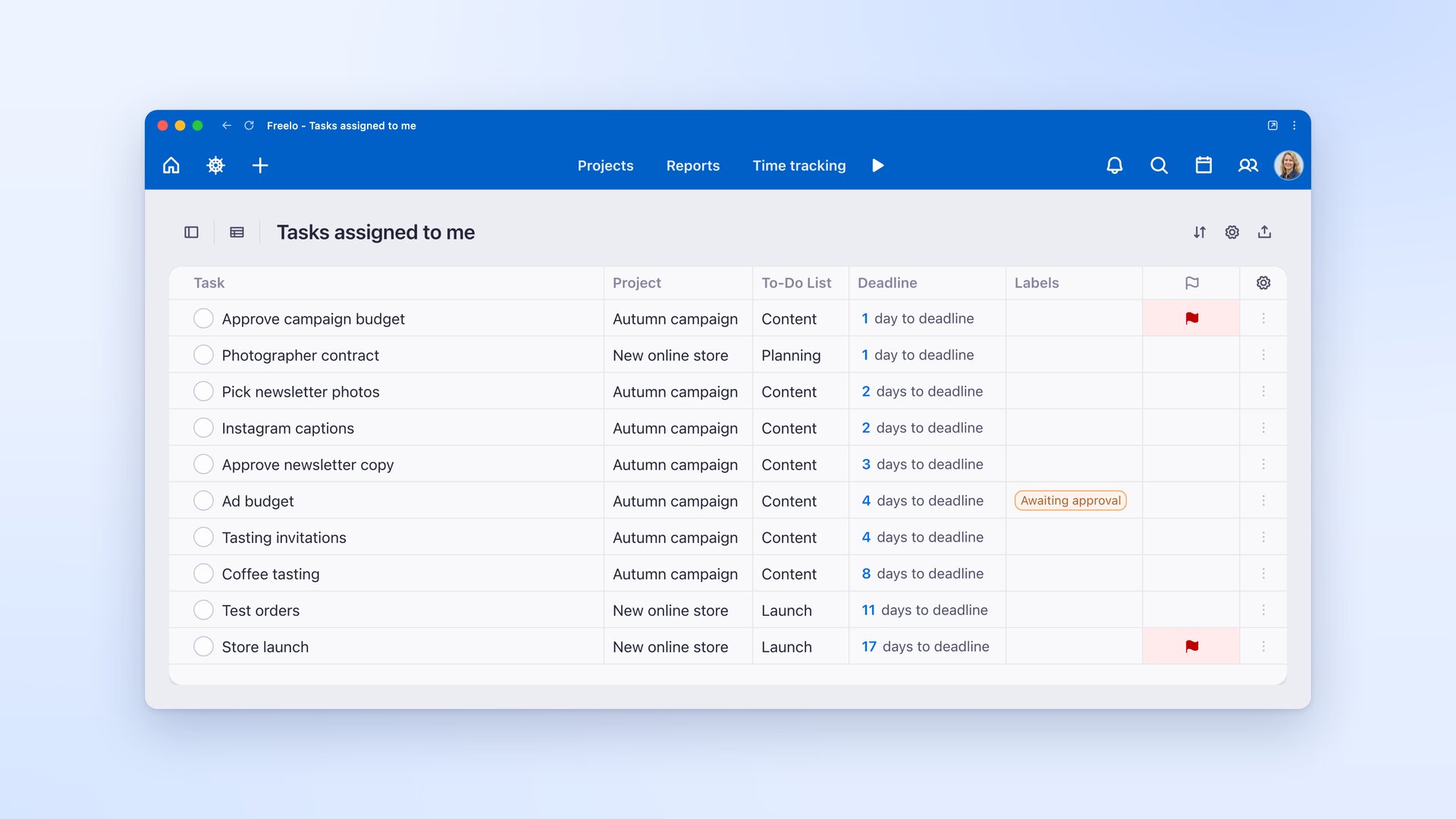
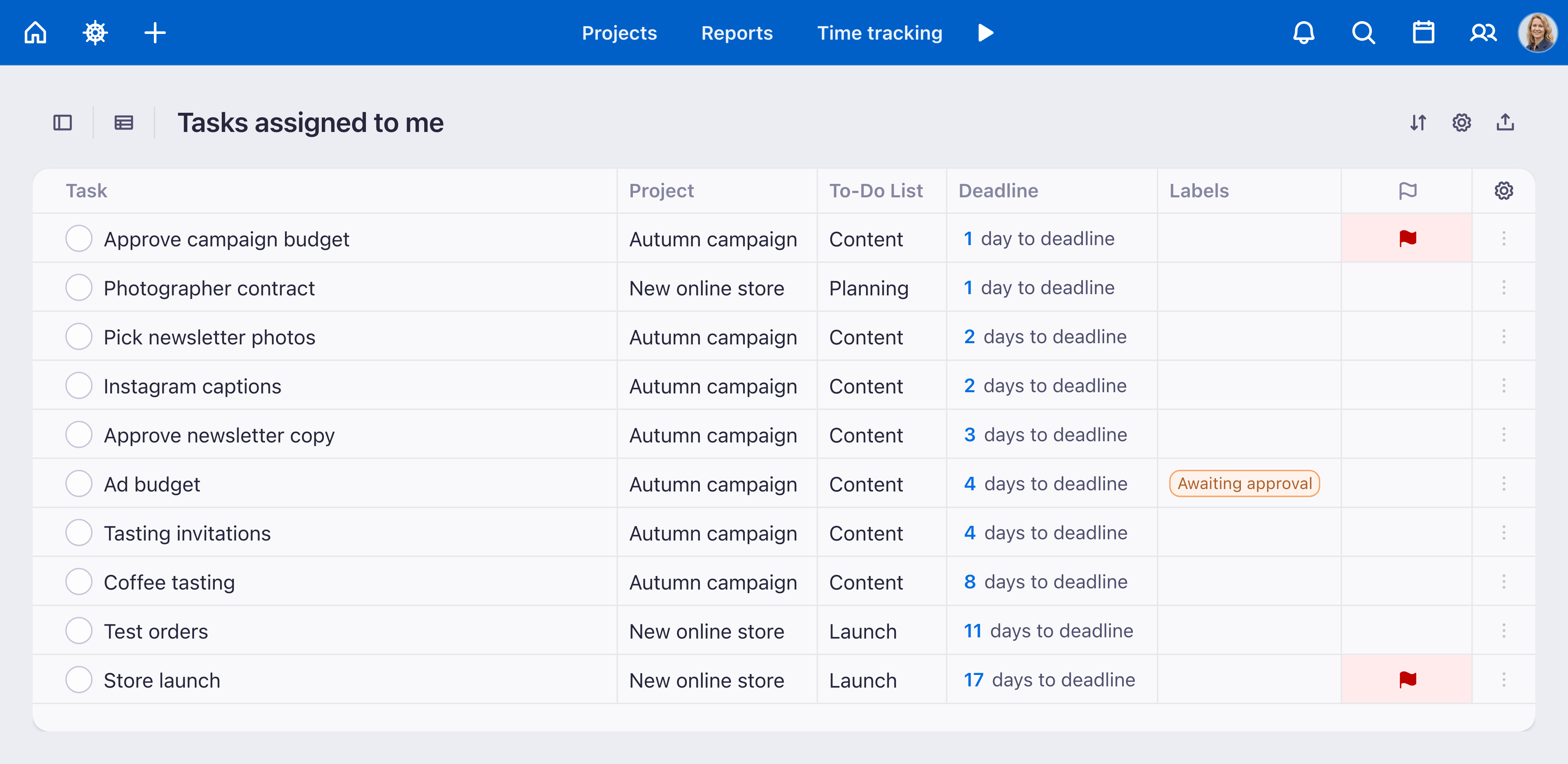
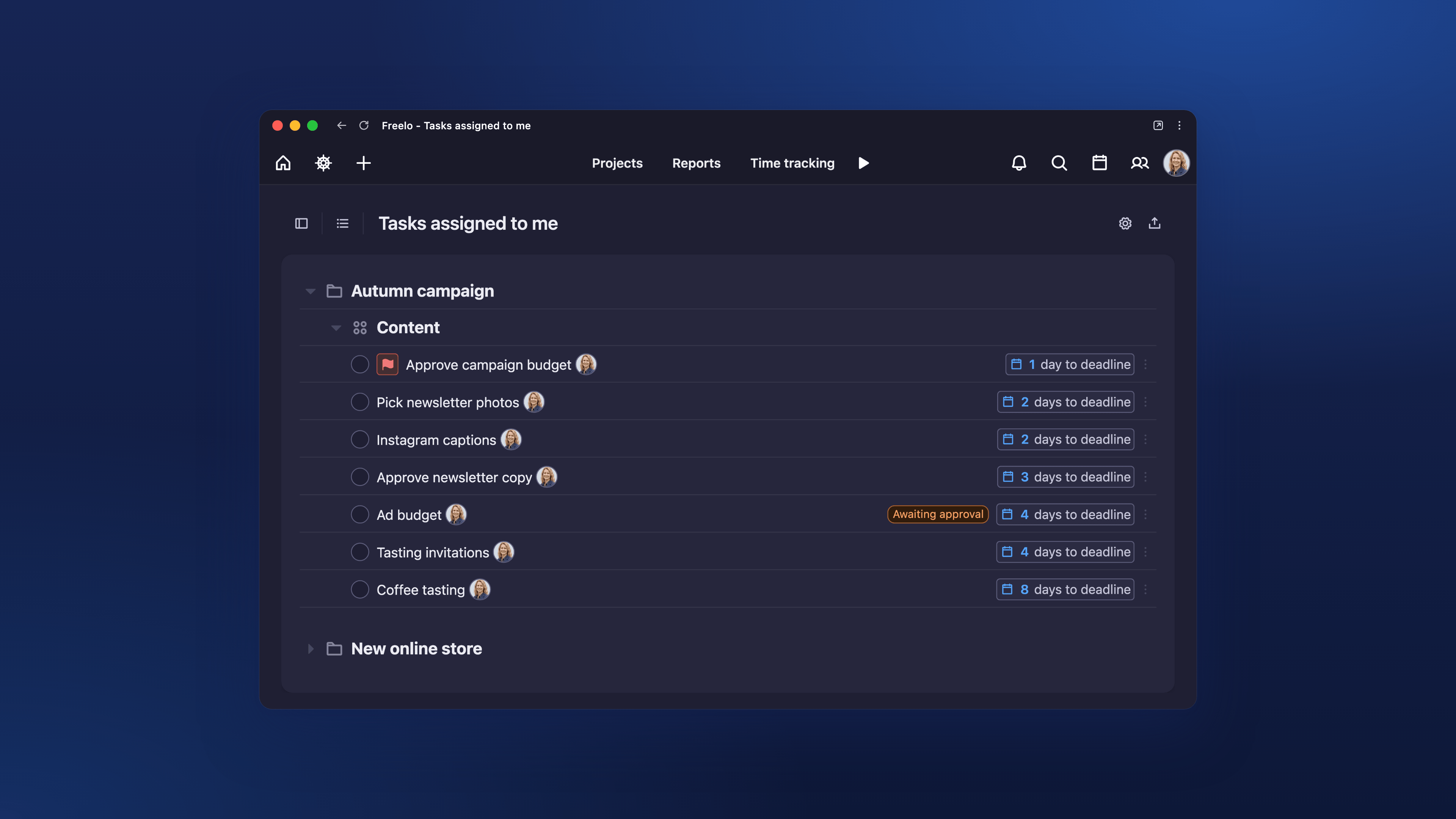
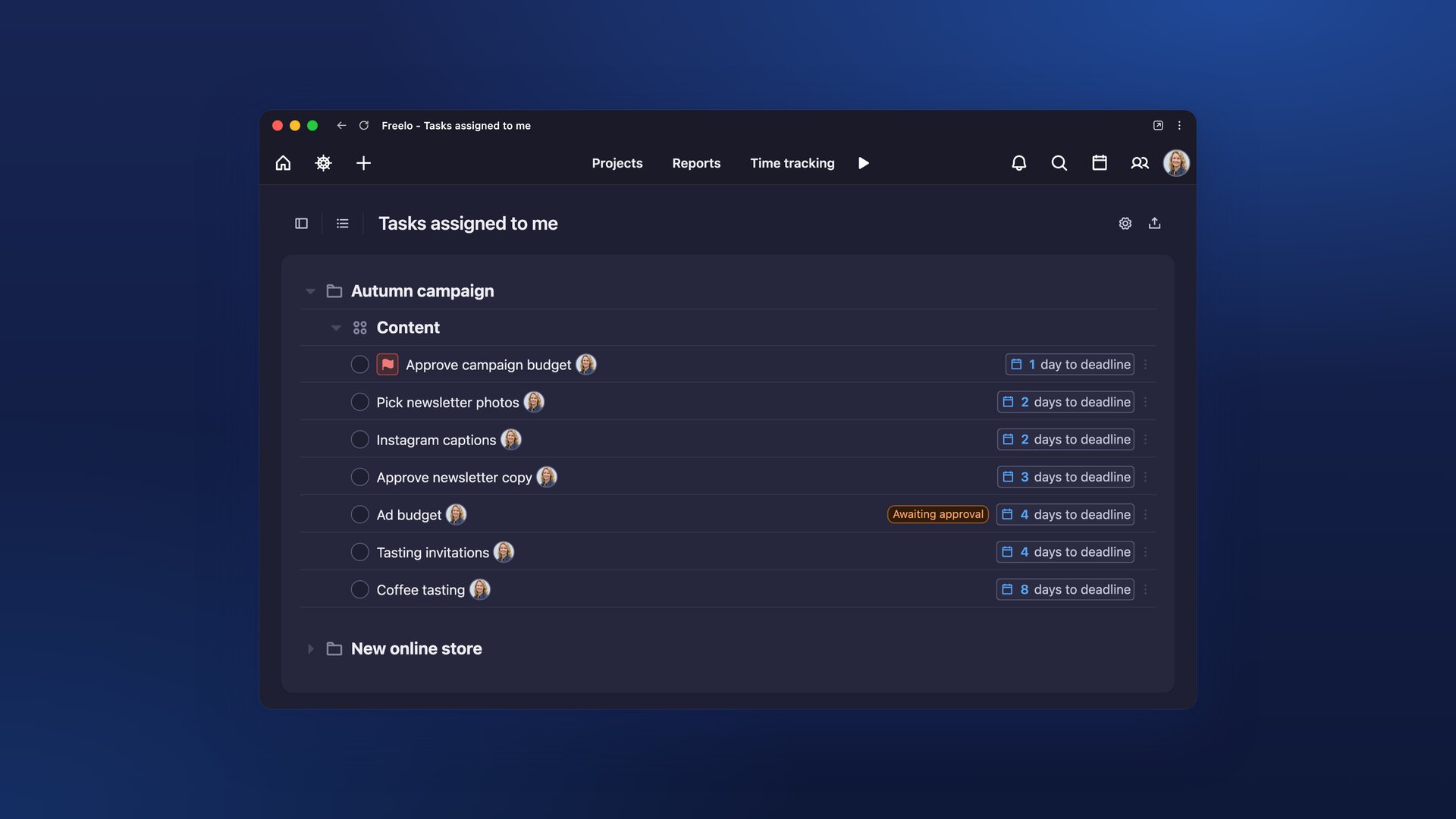
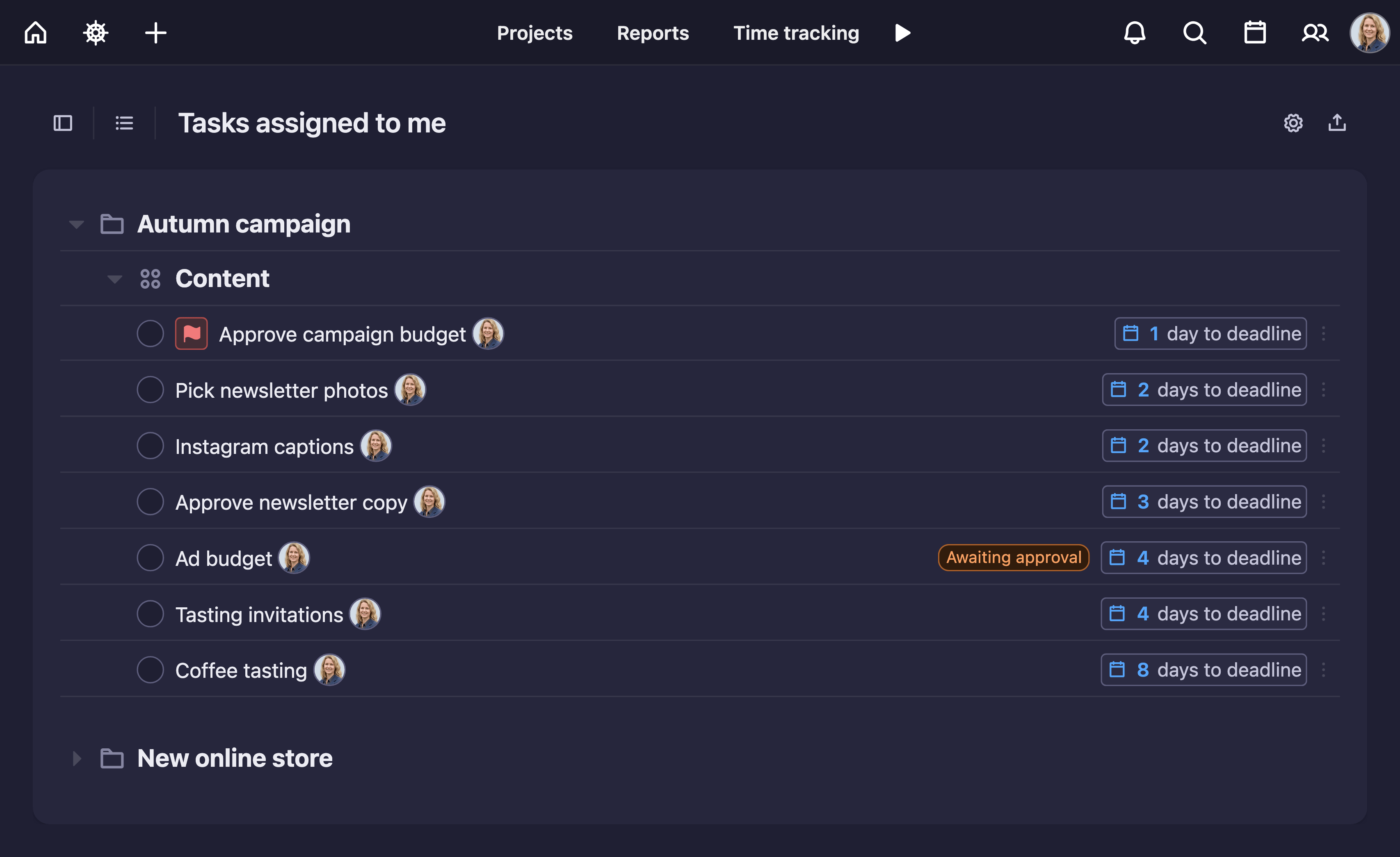
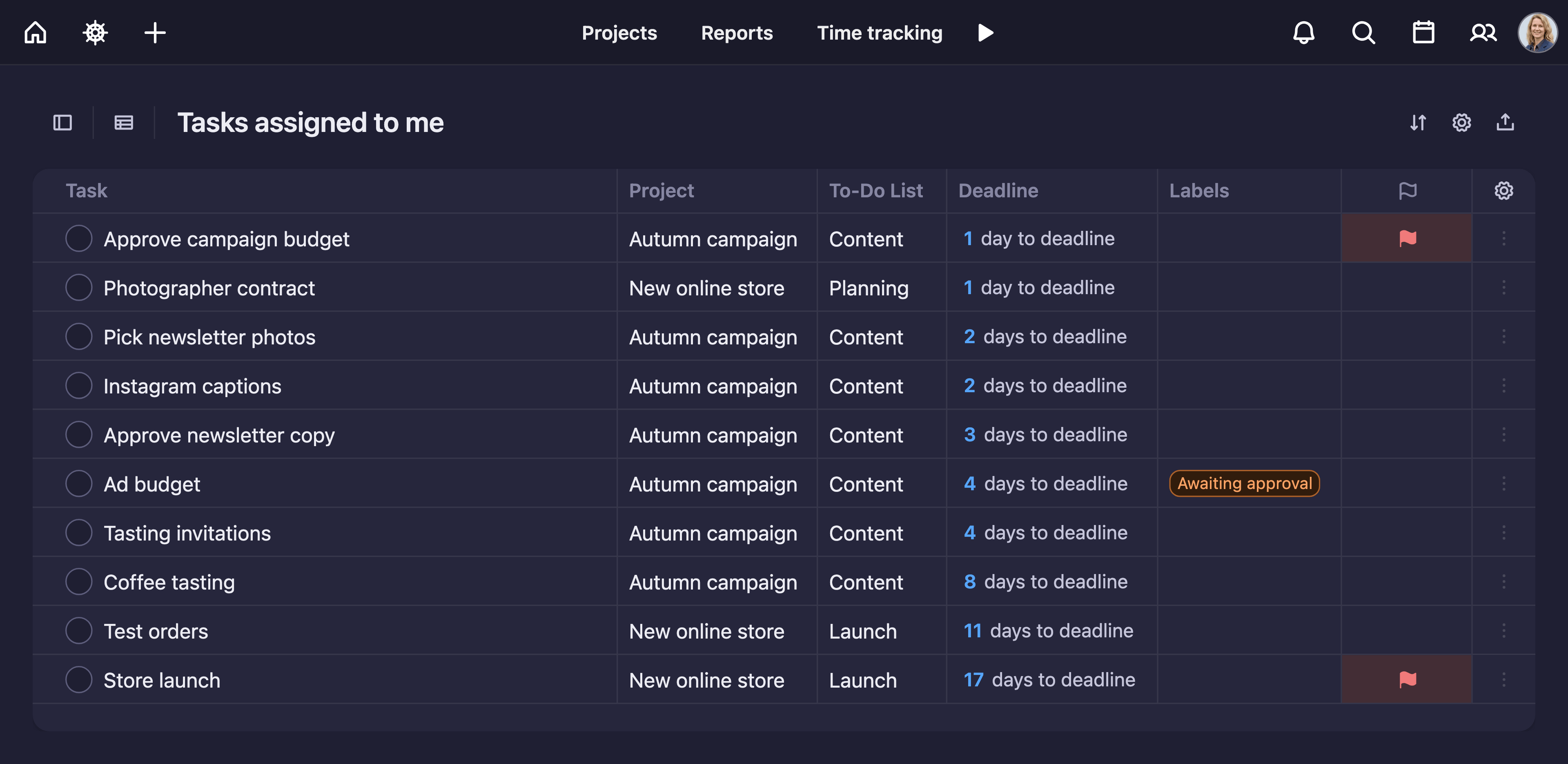
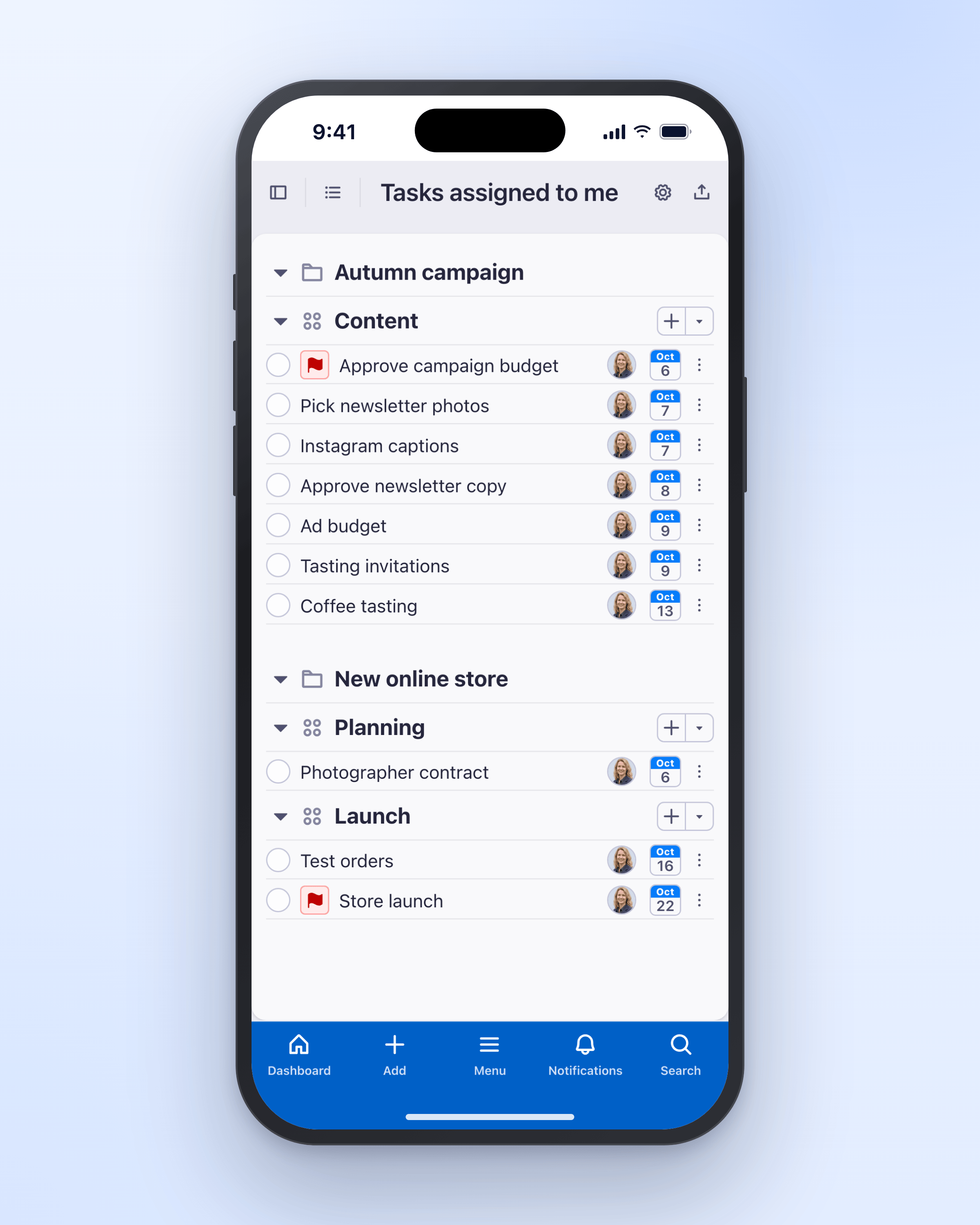
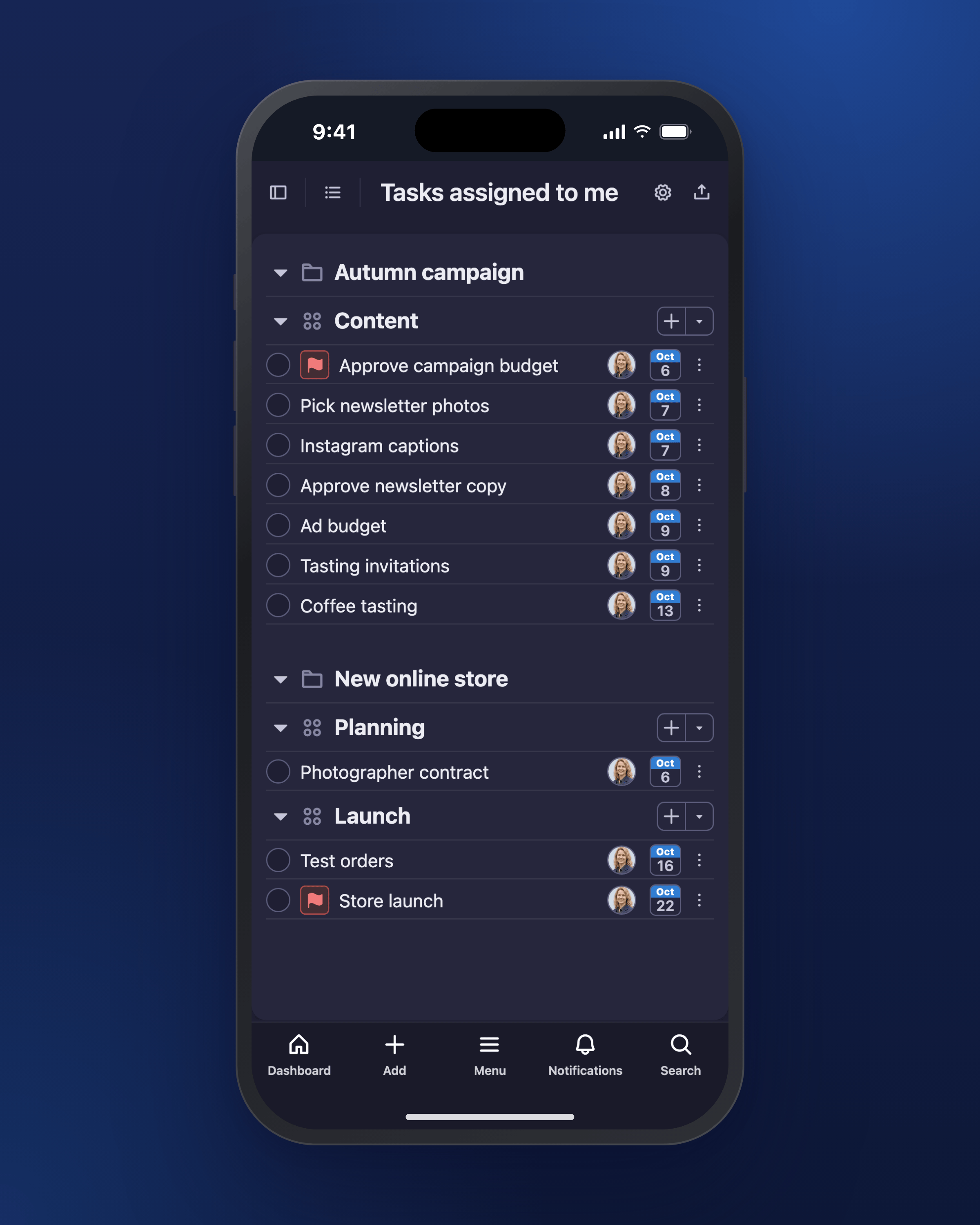
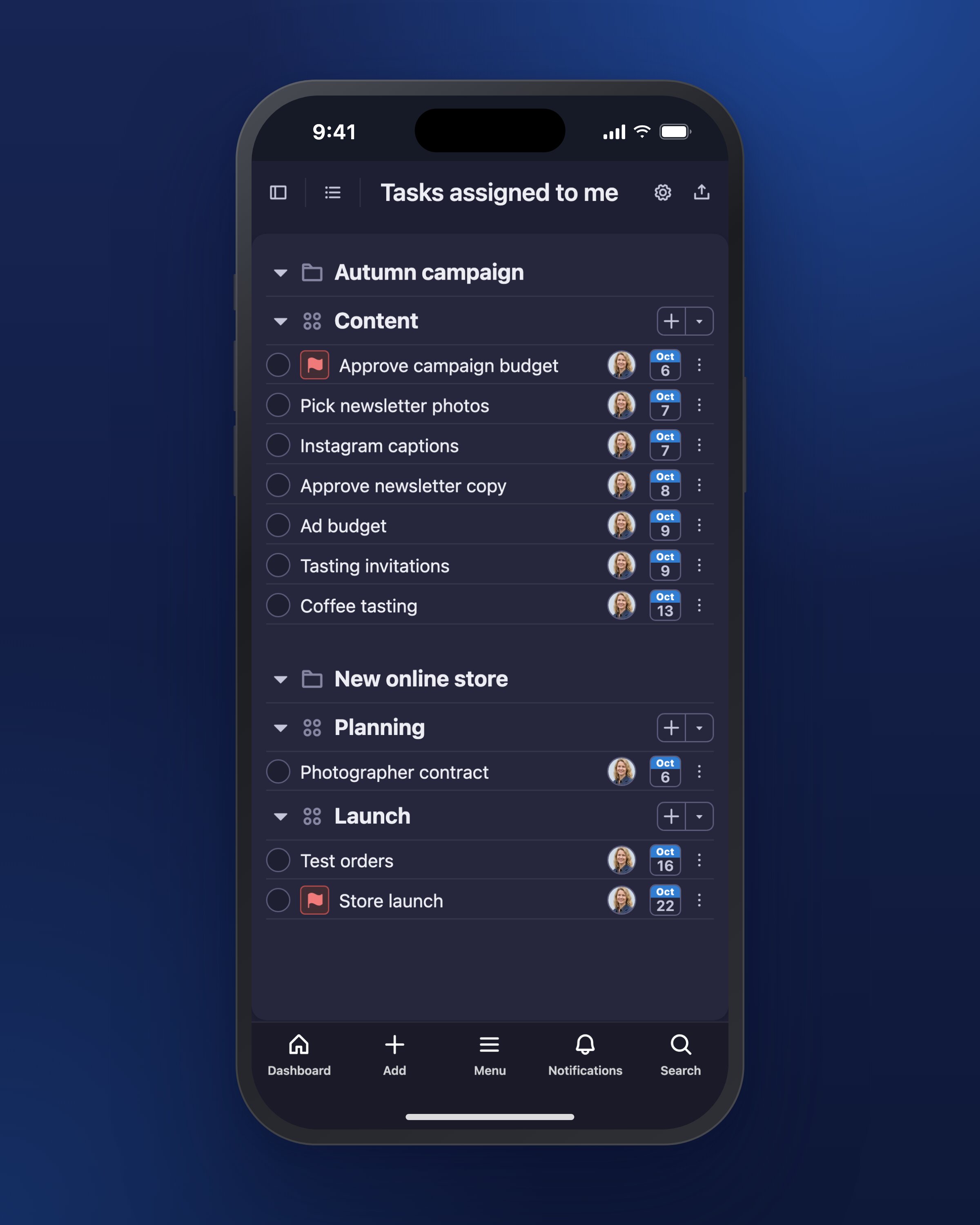
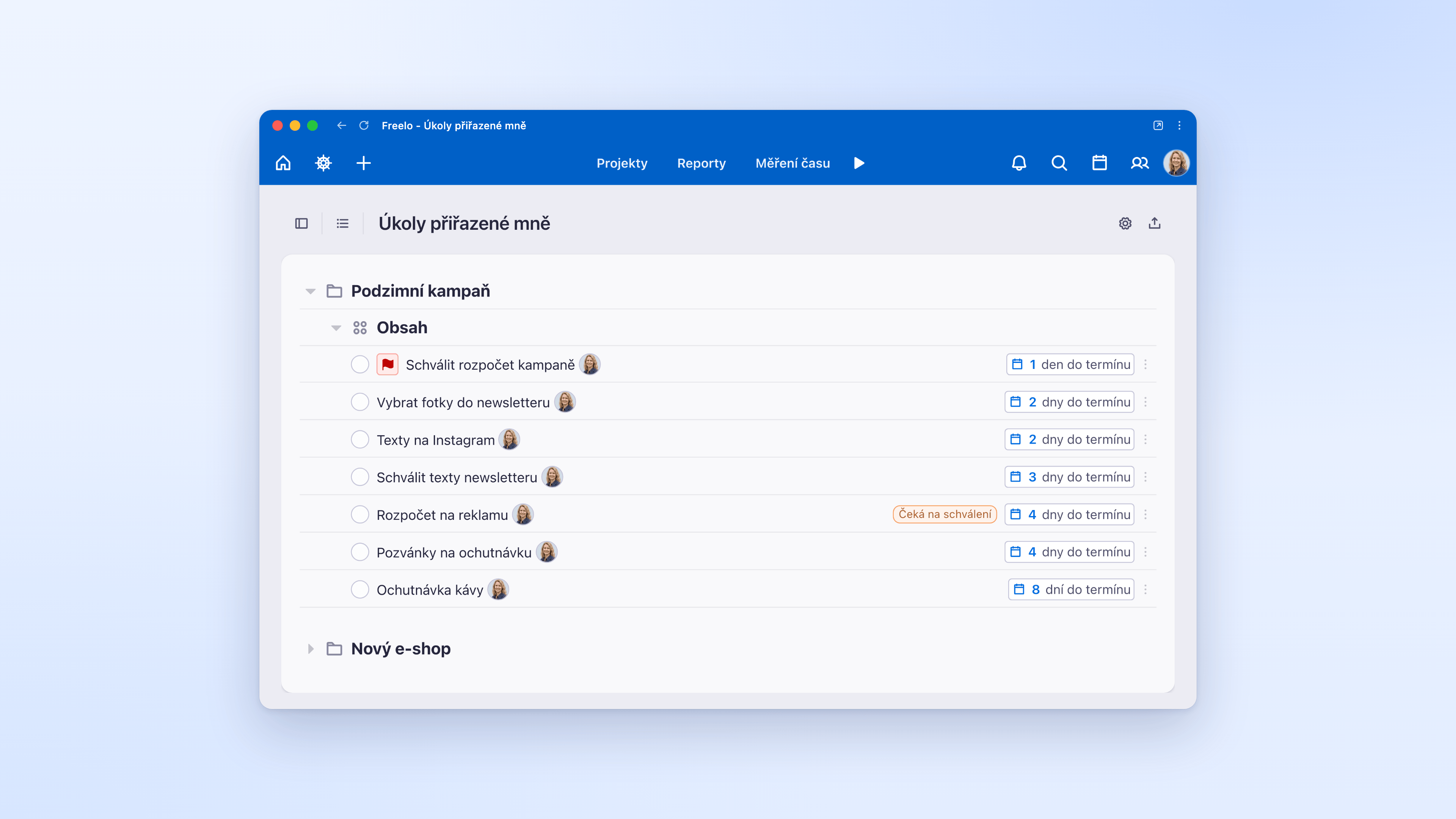
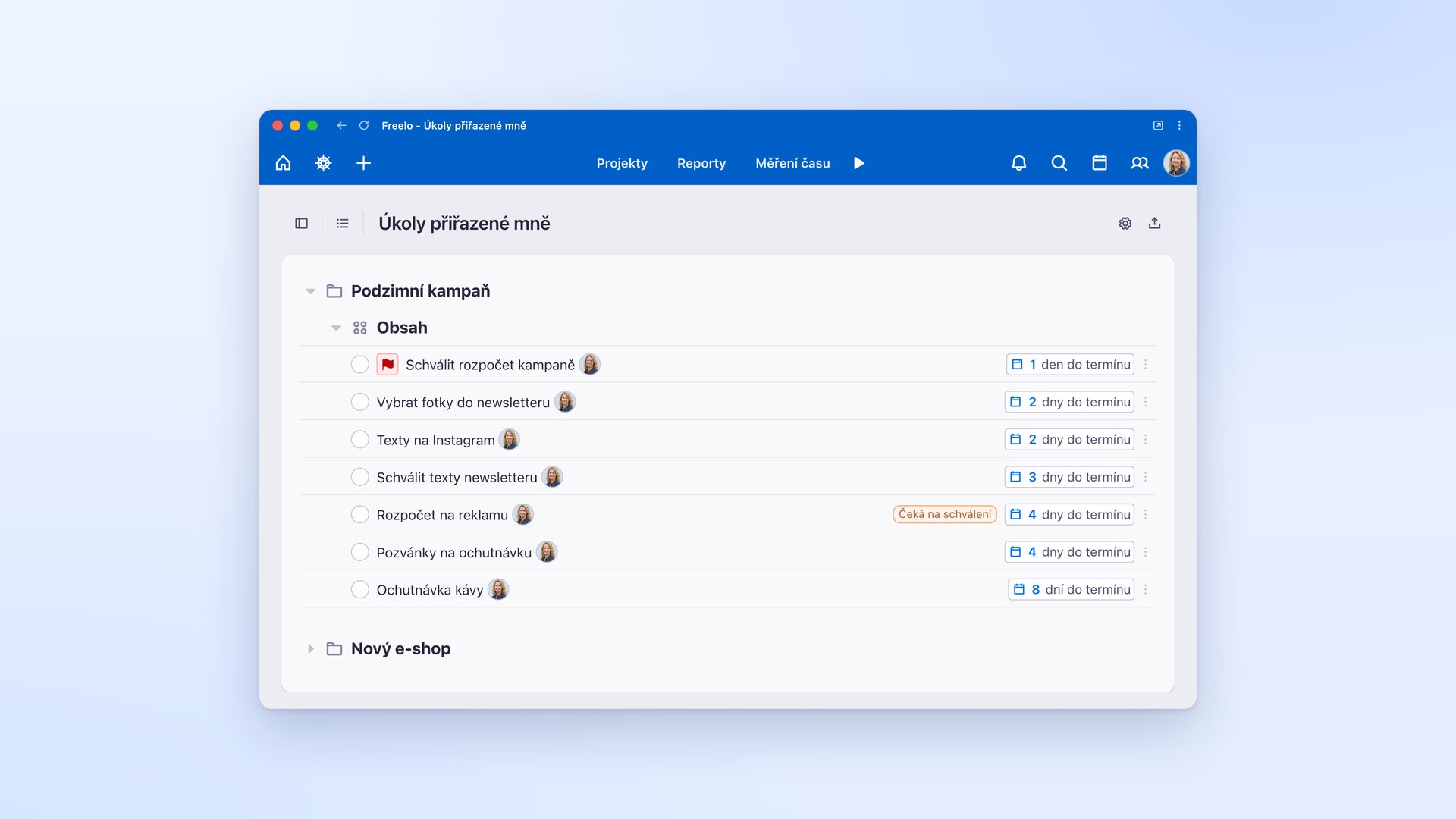
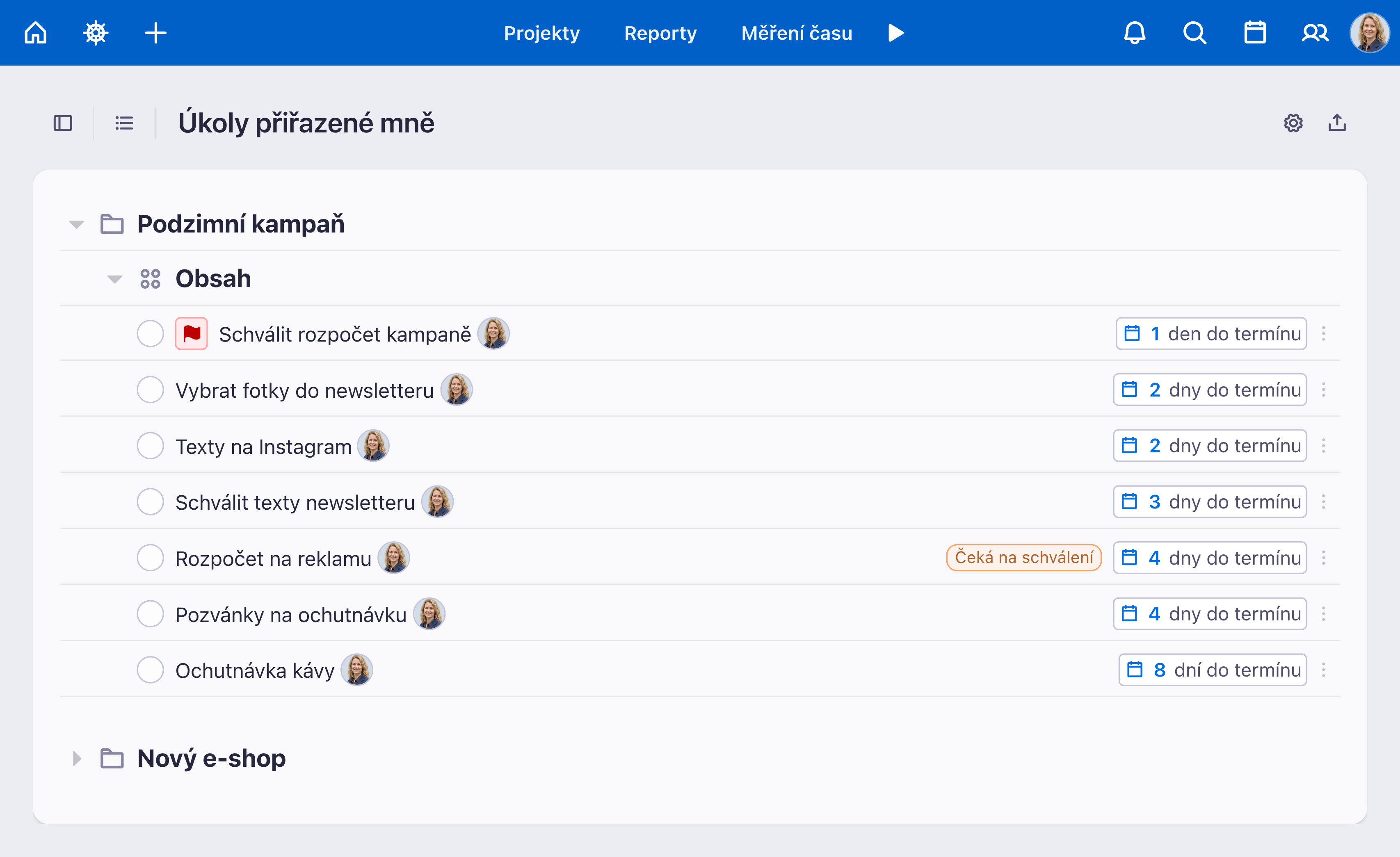
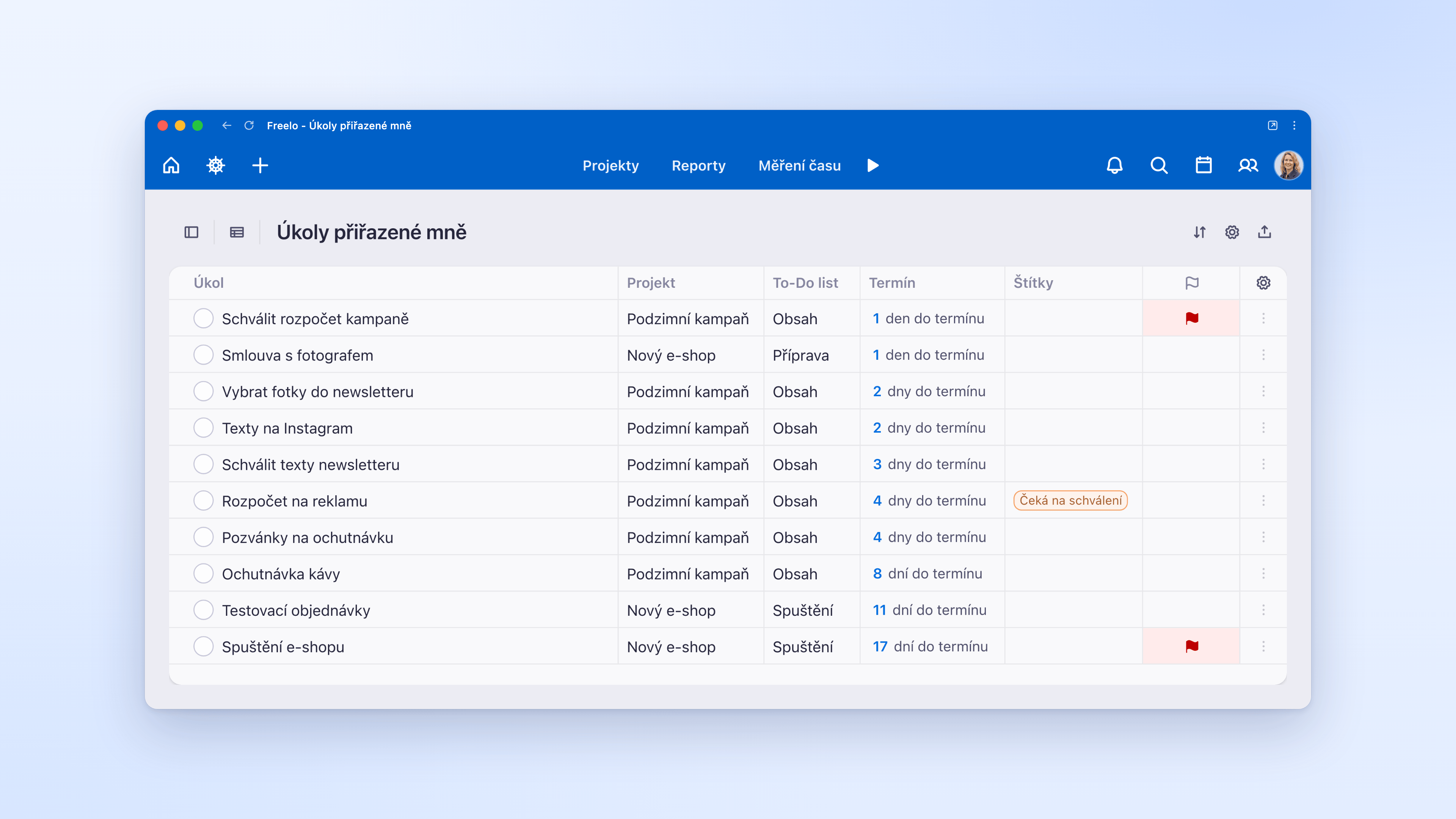
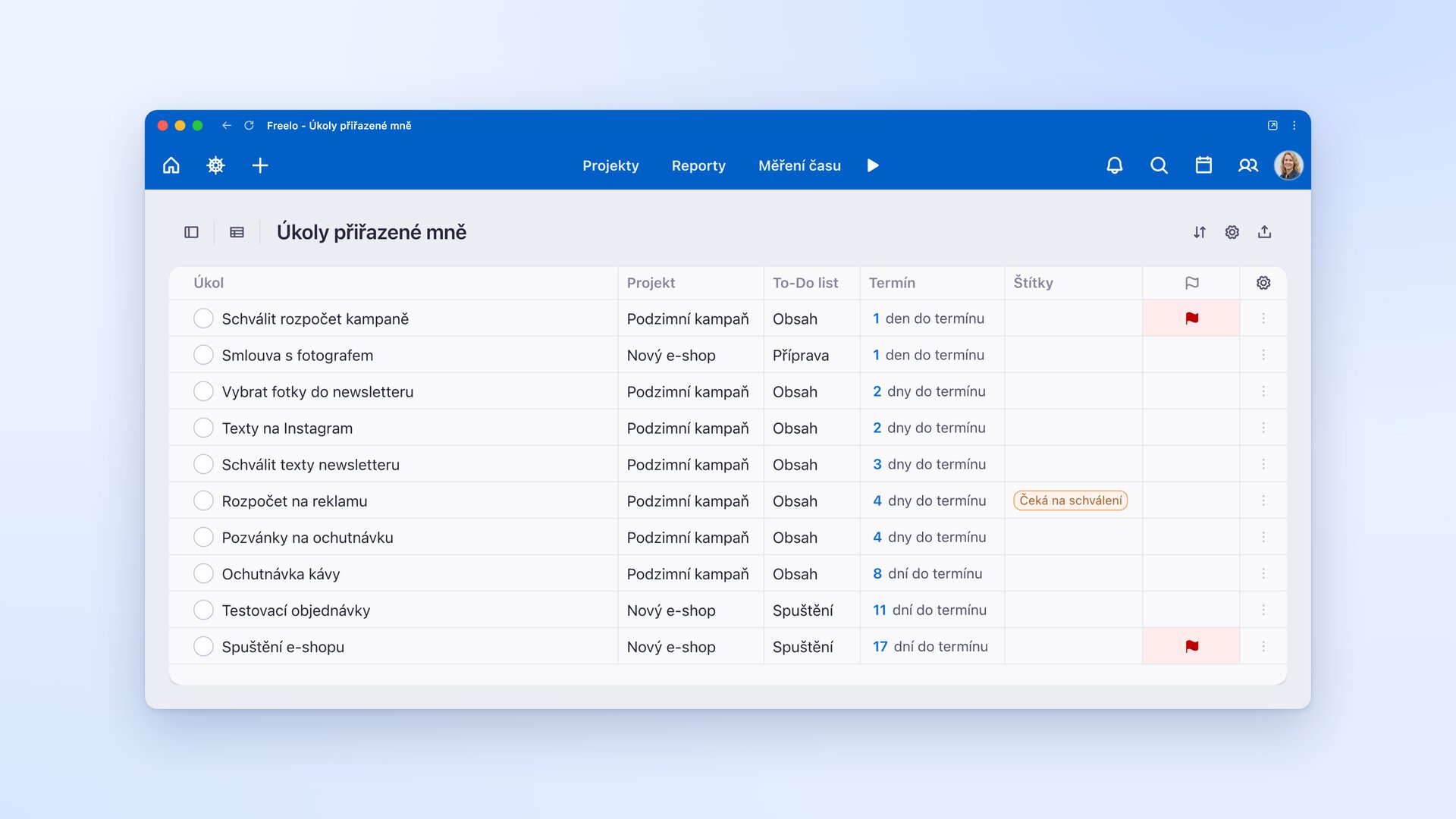
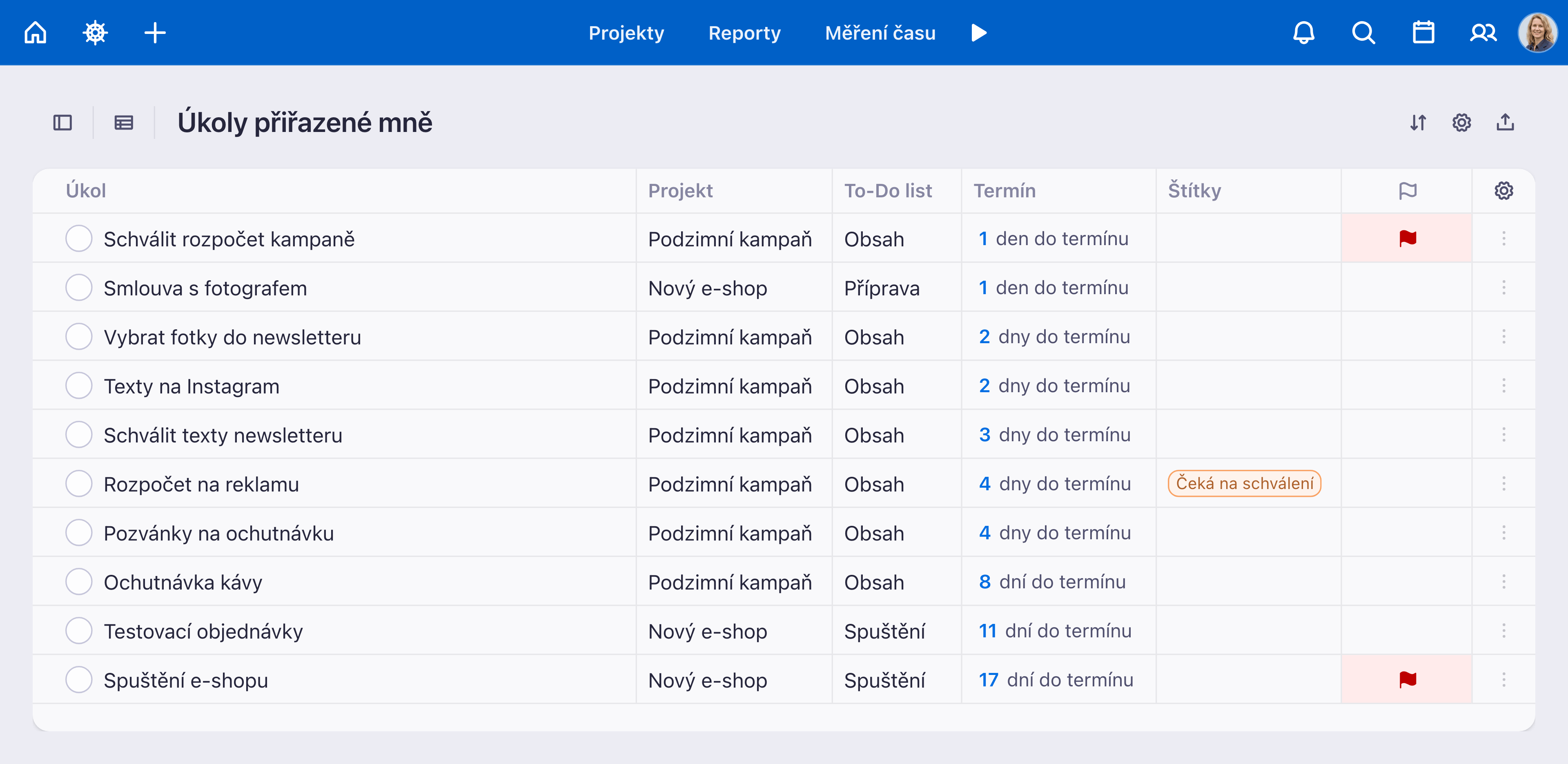
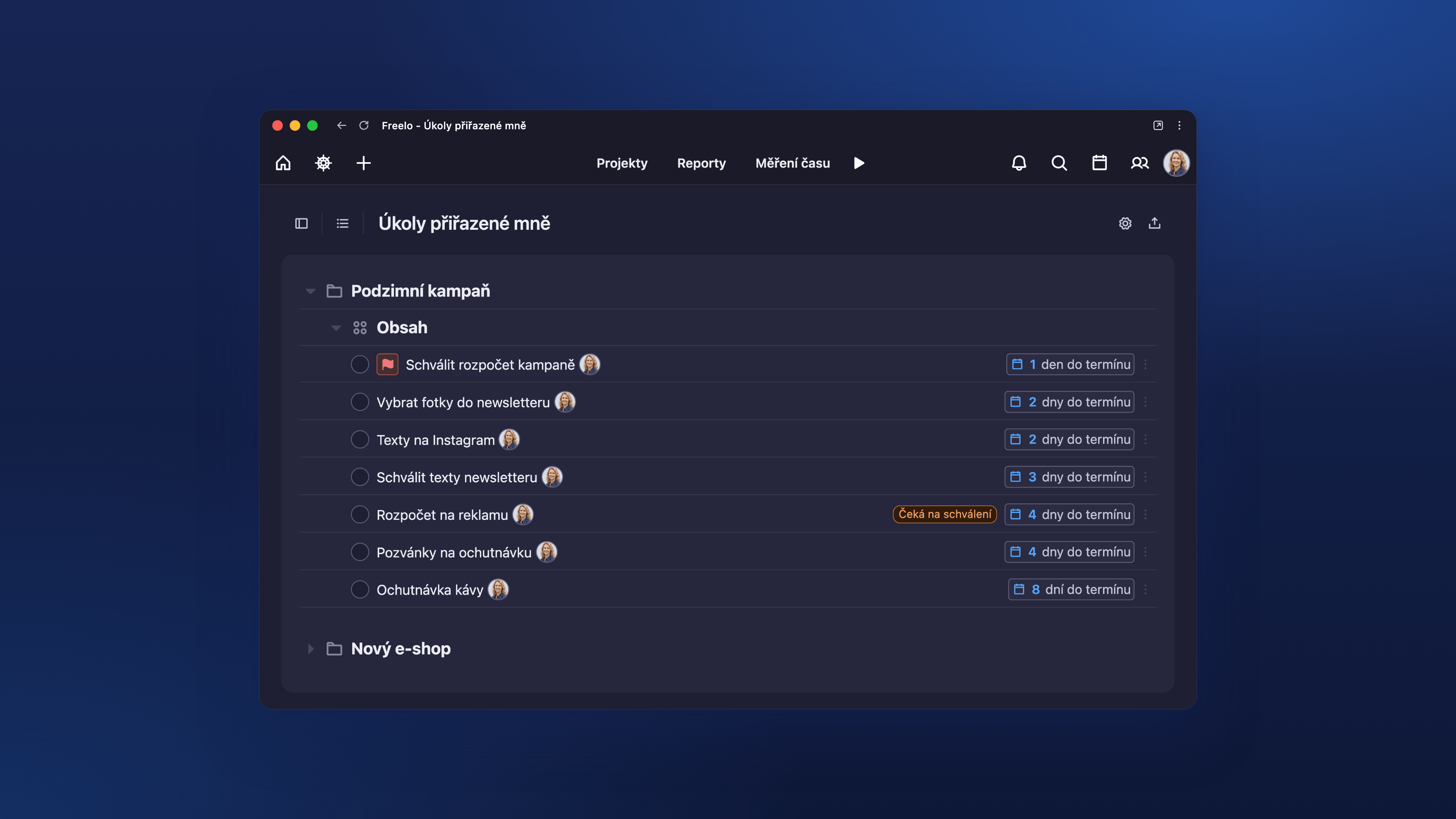
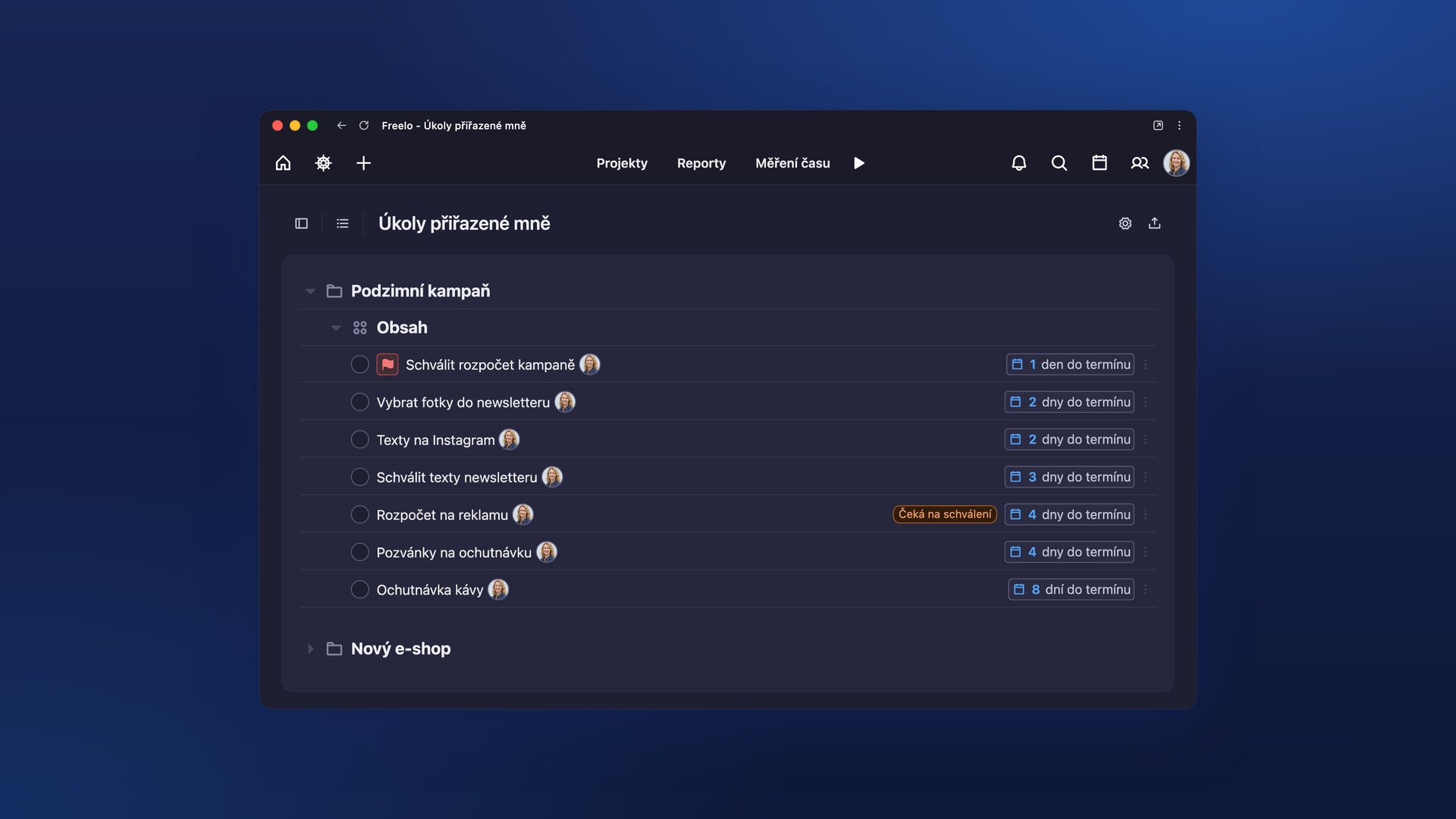
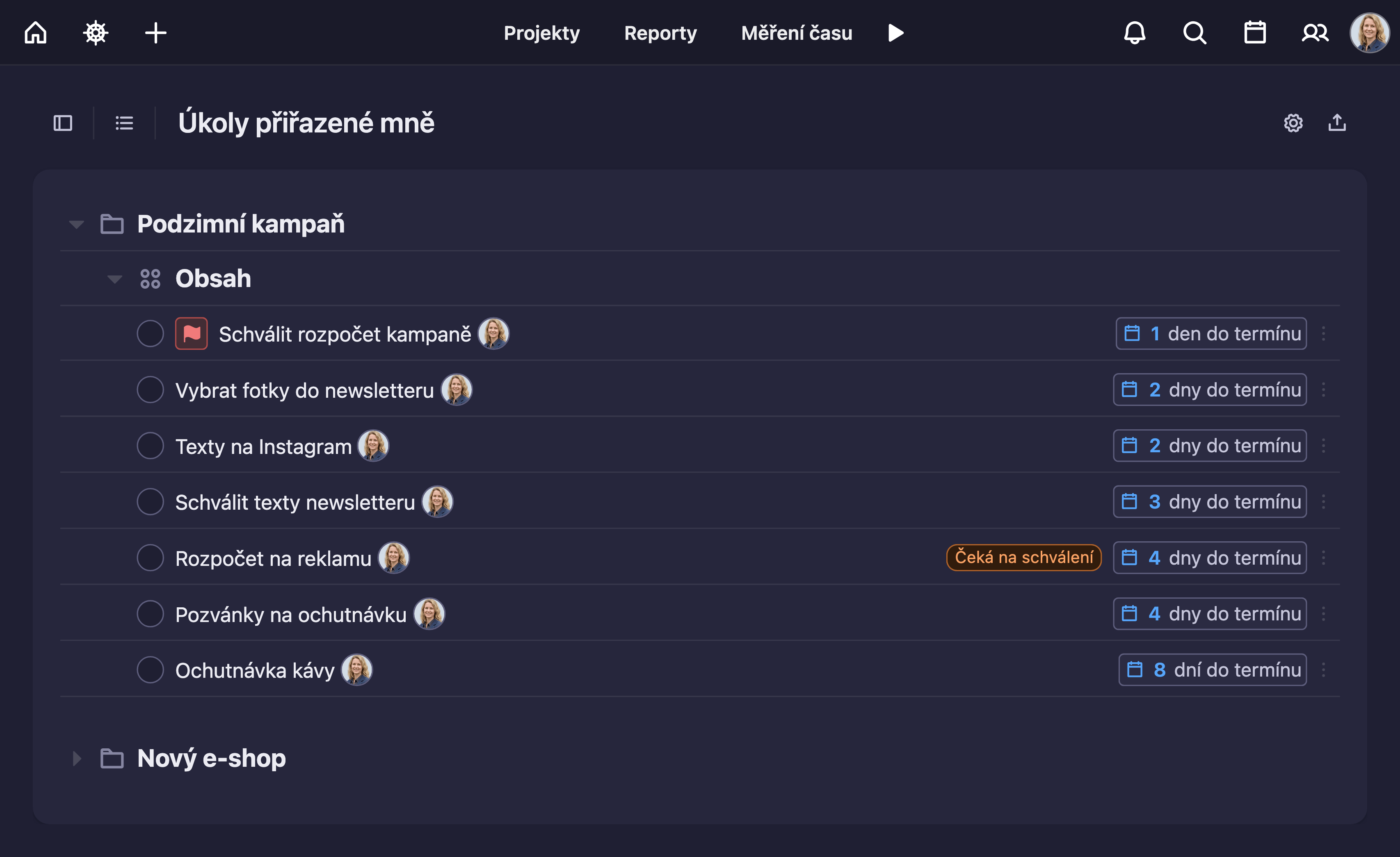
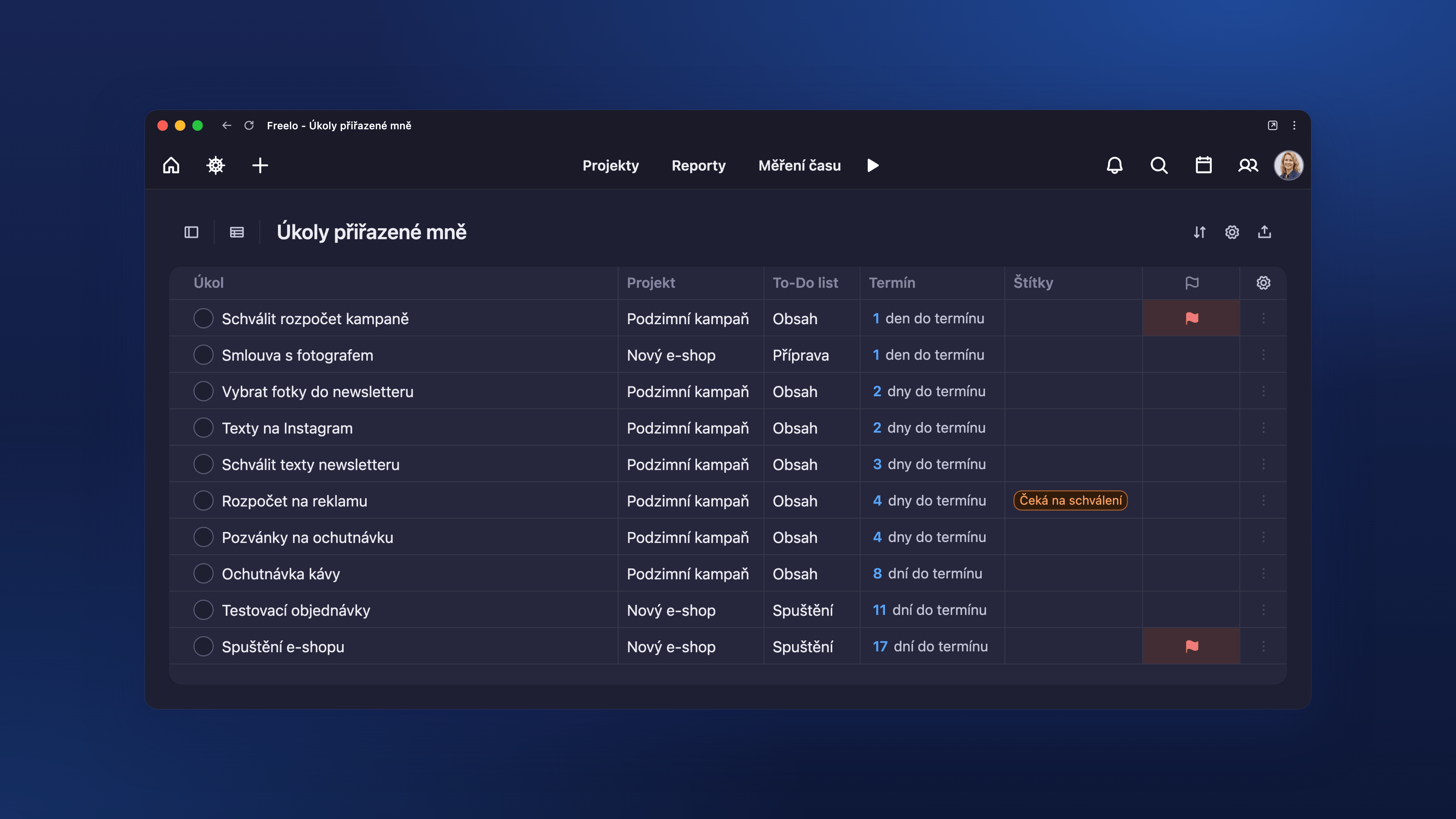
An overview of tasks assigned to one person across projects, sorted by due date.
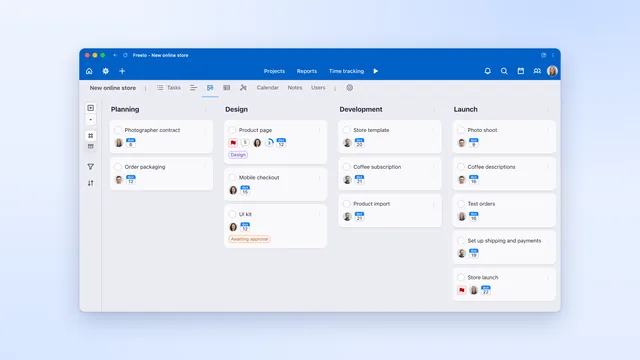
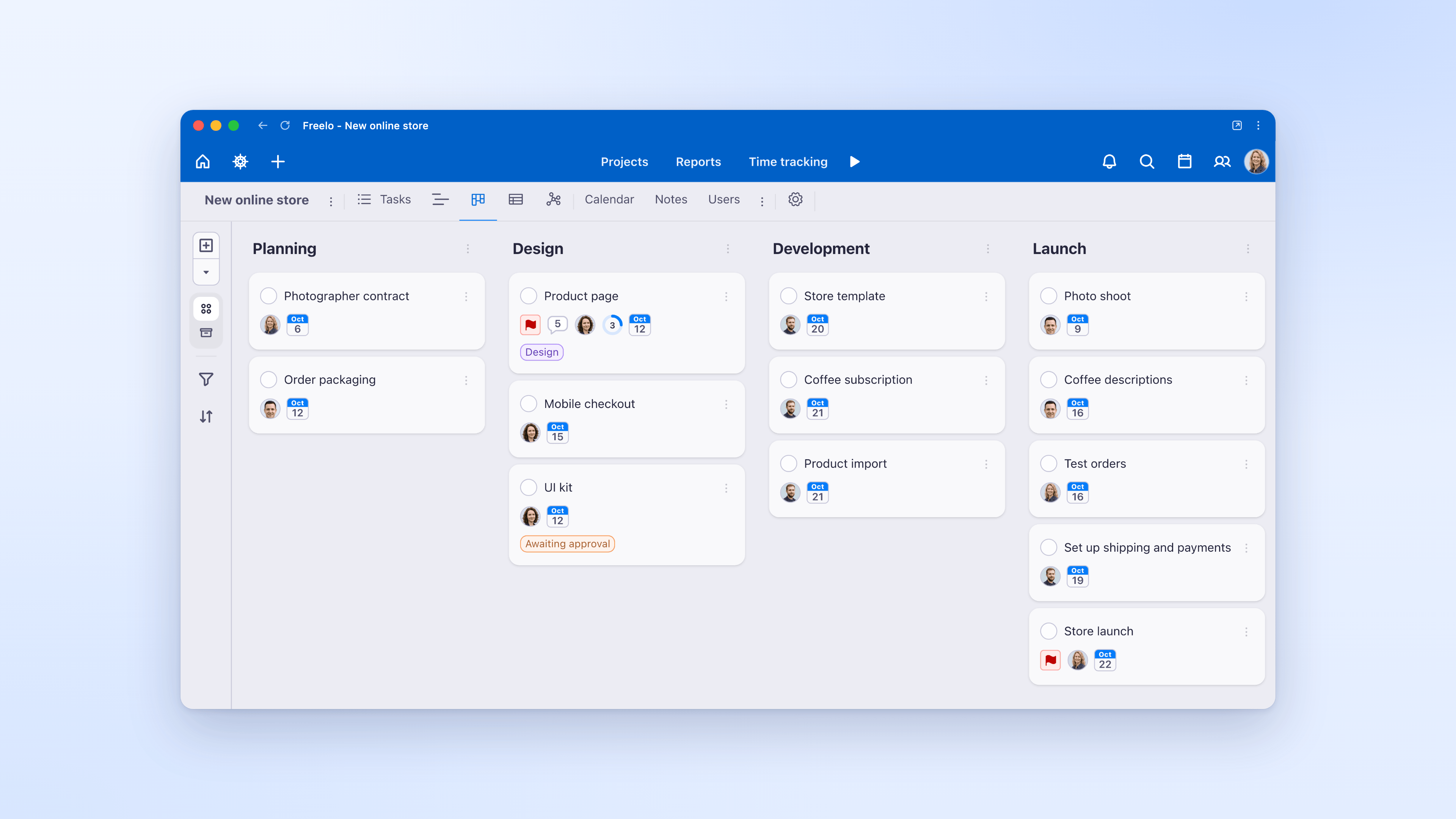
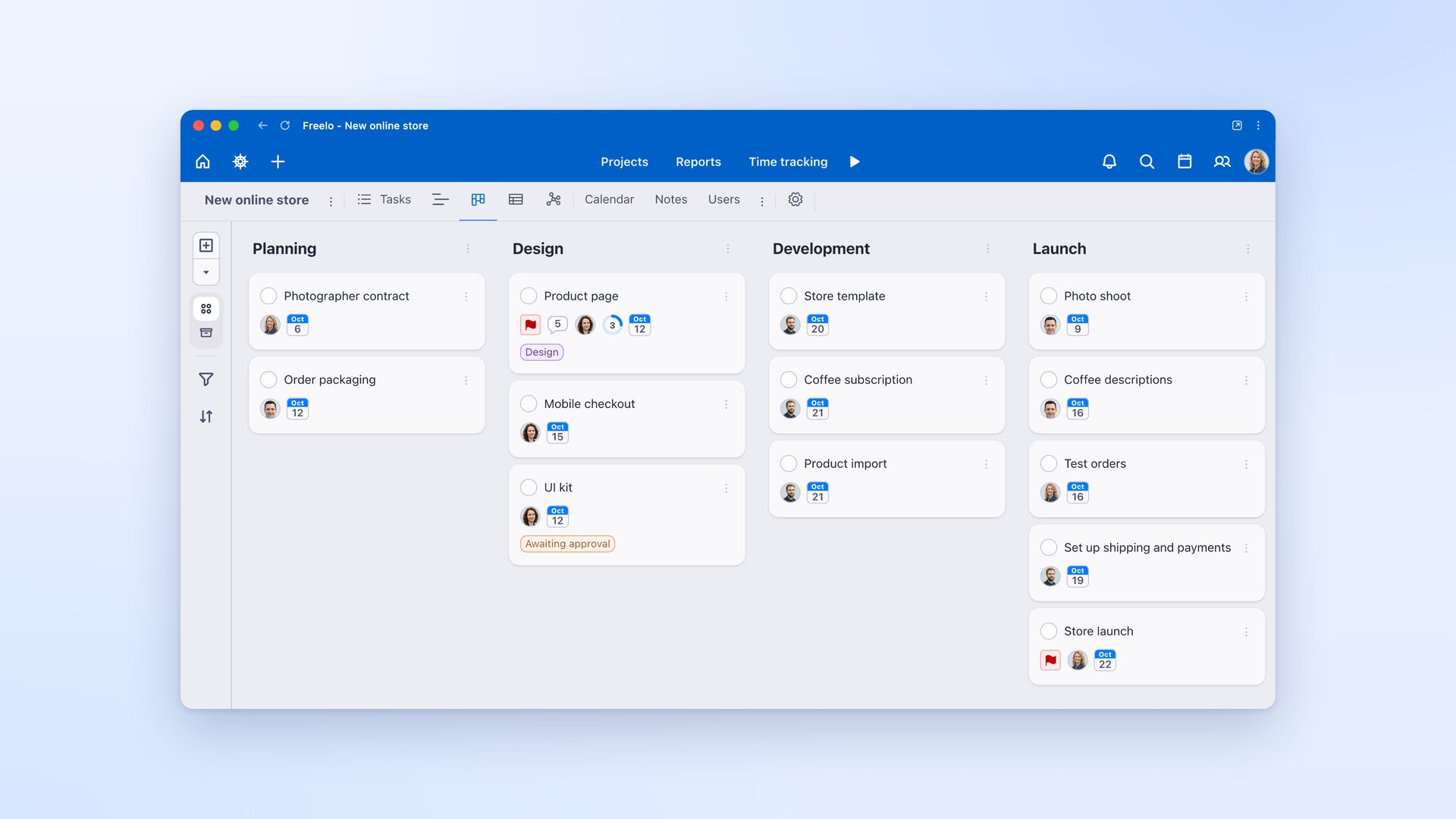
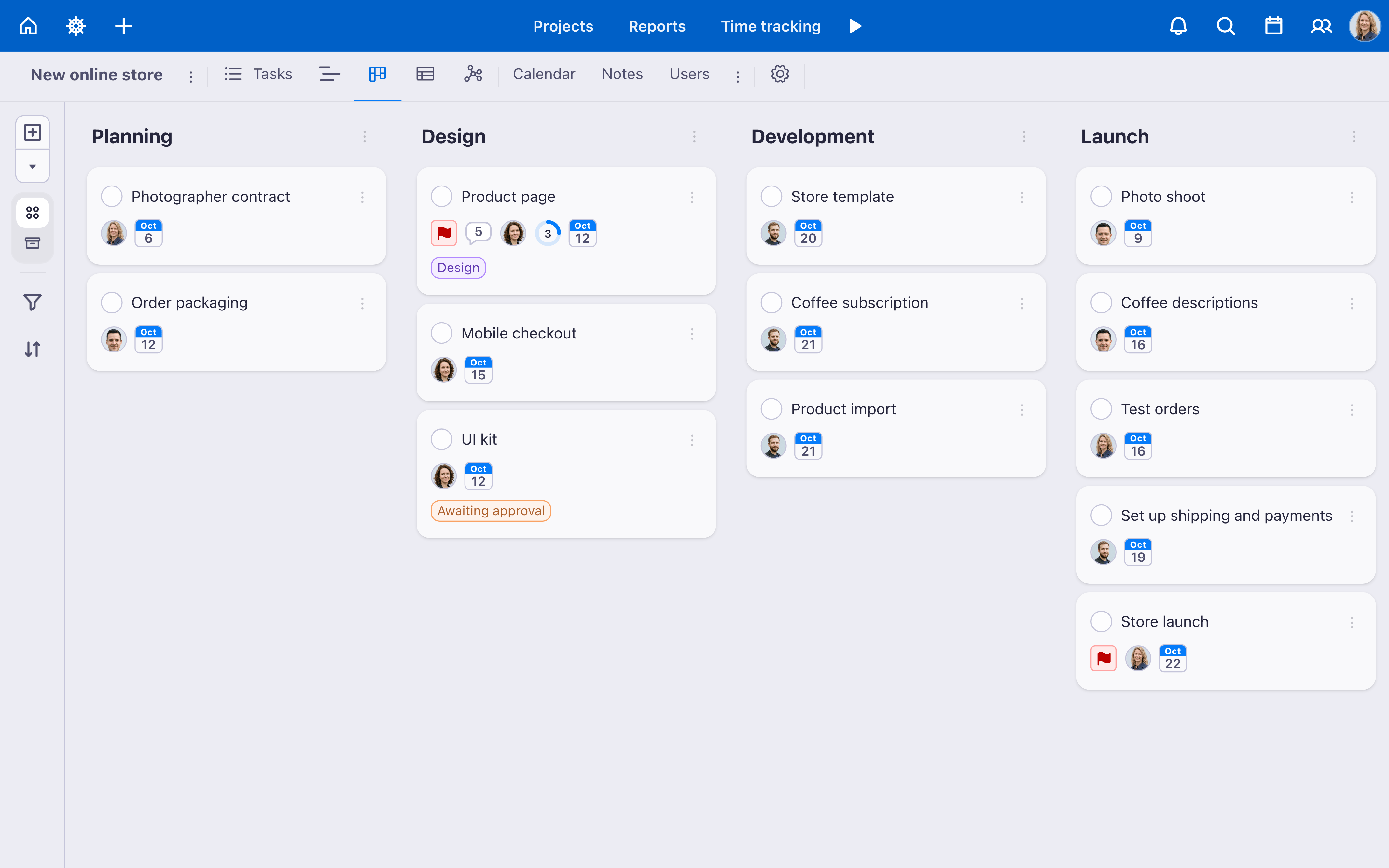
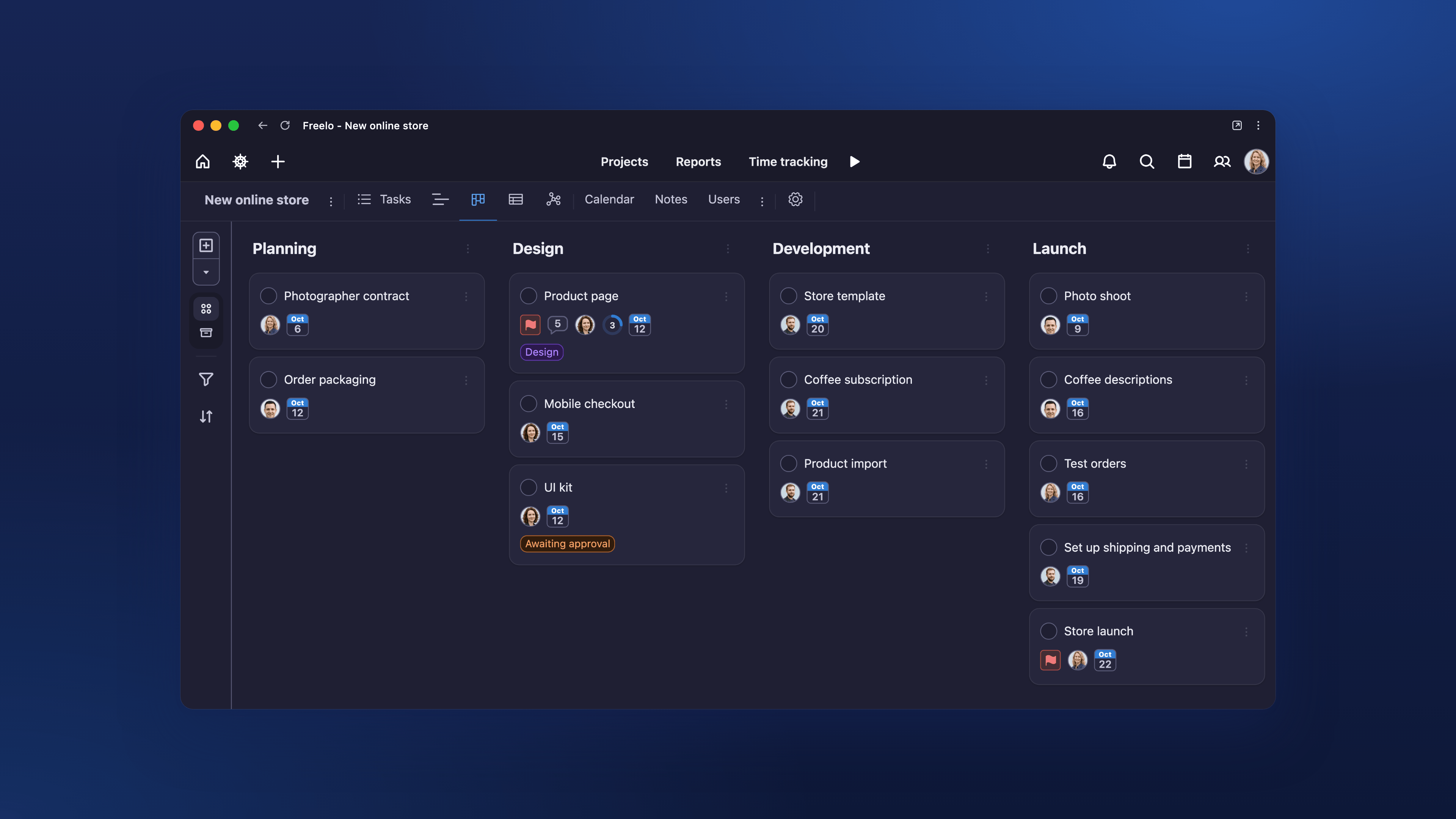
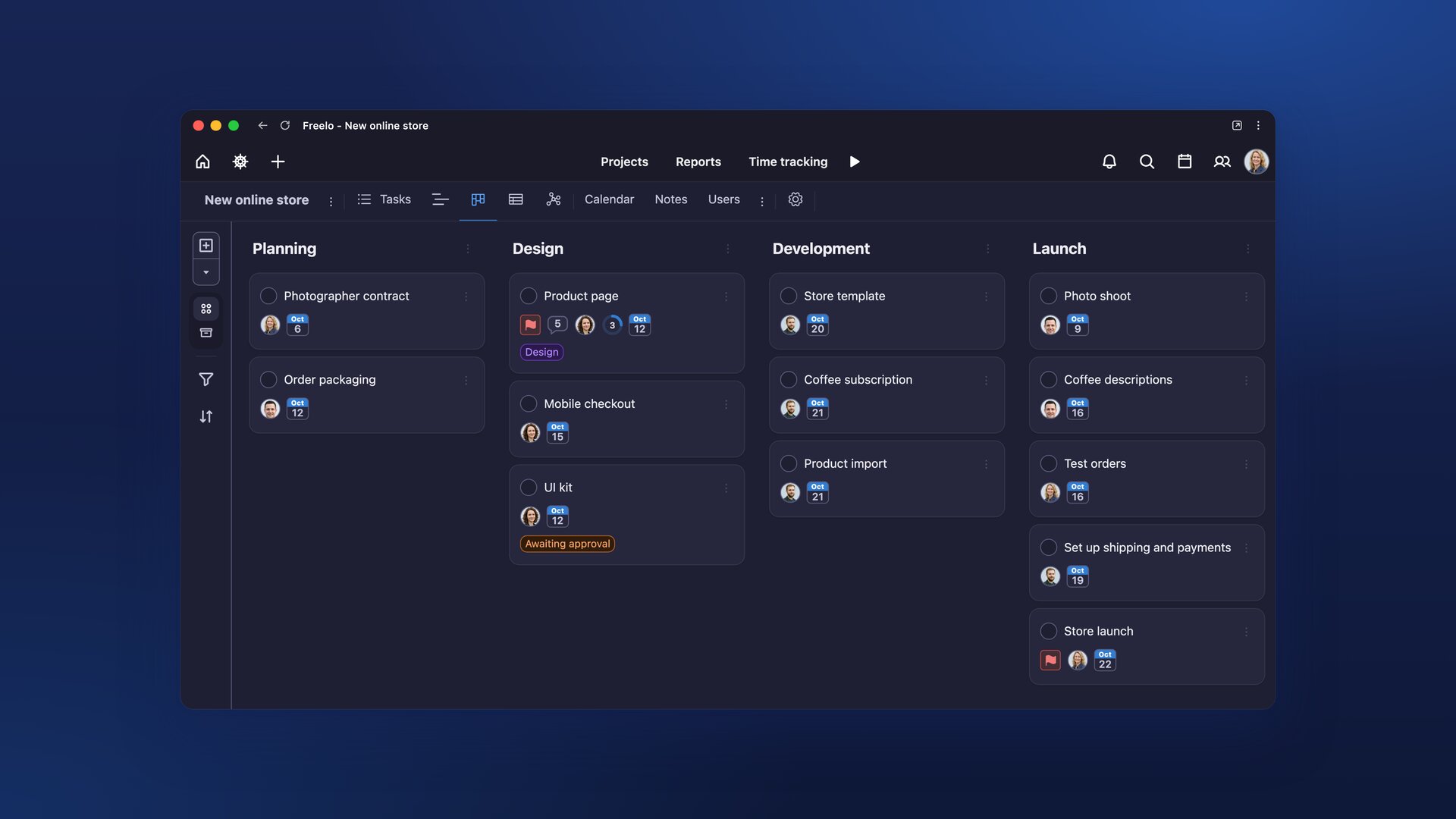
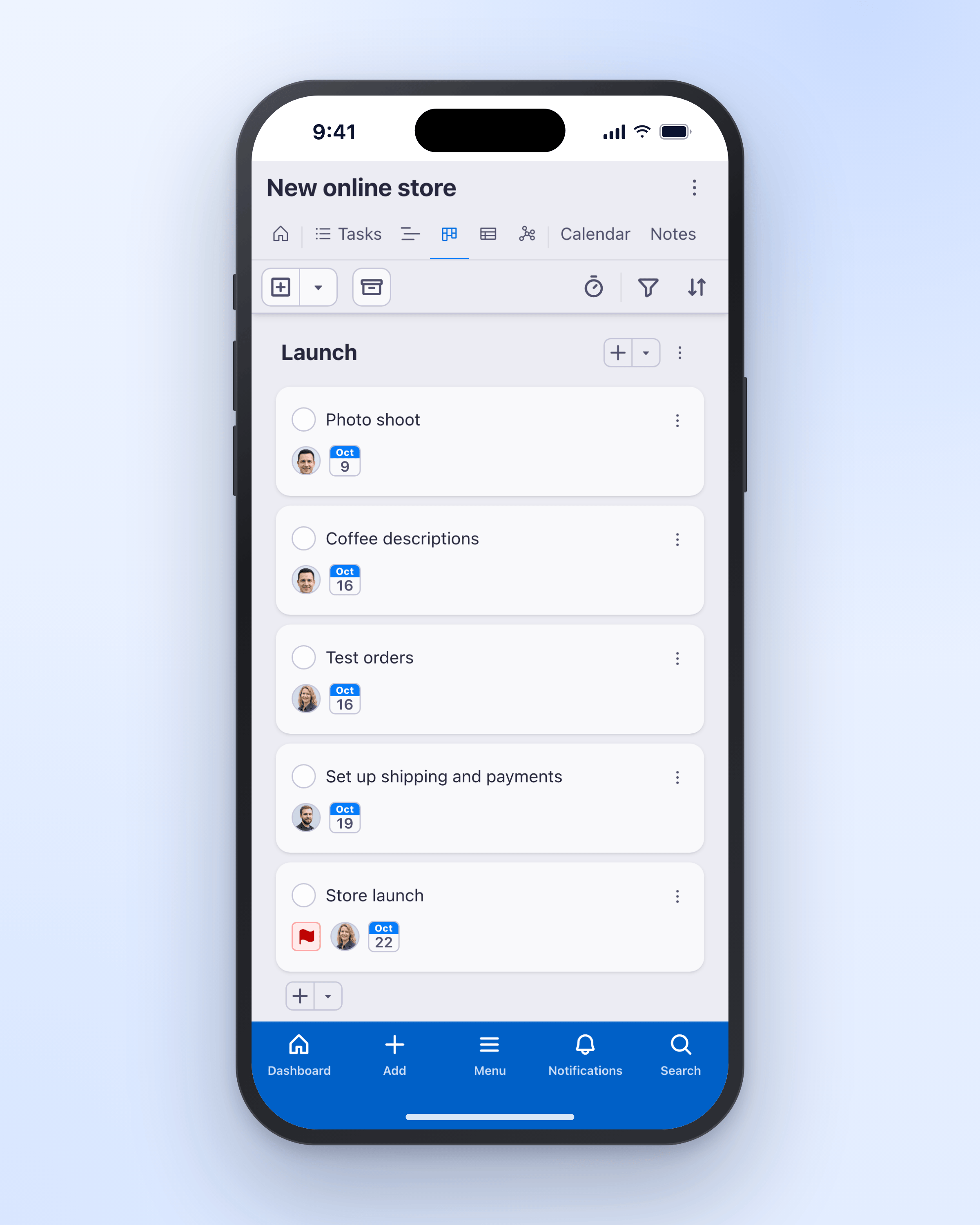
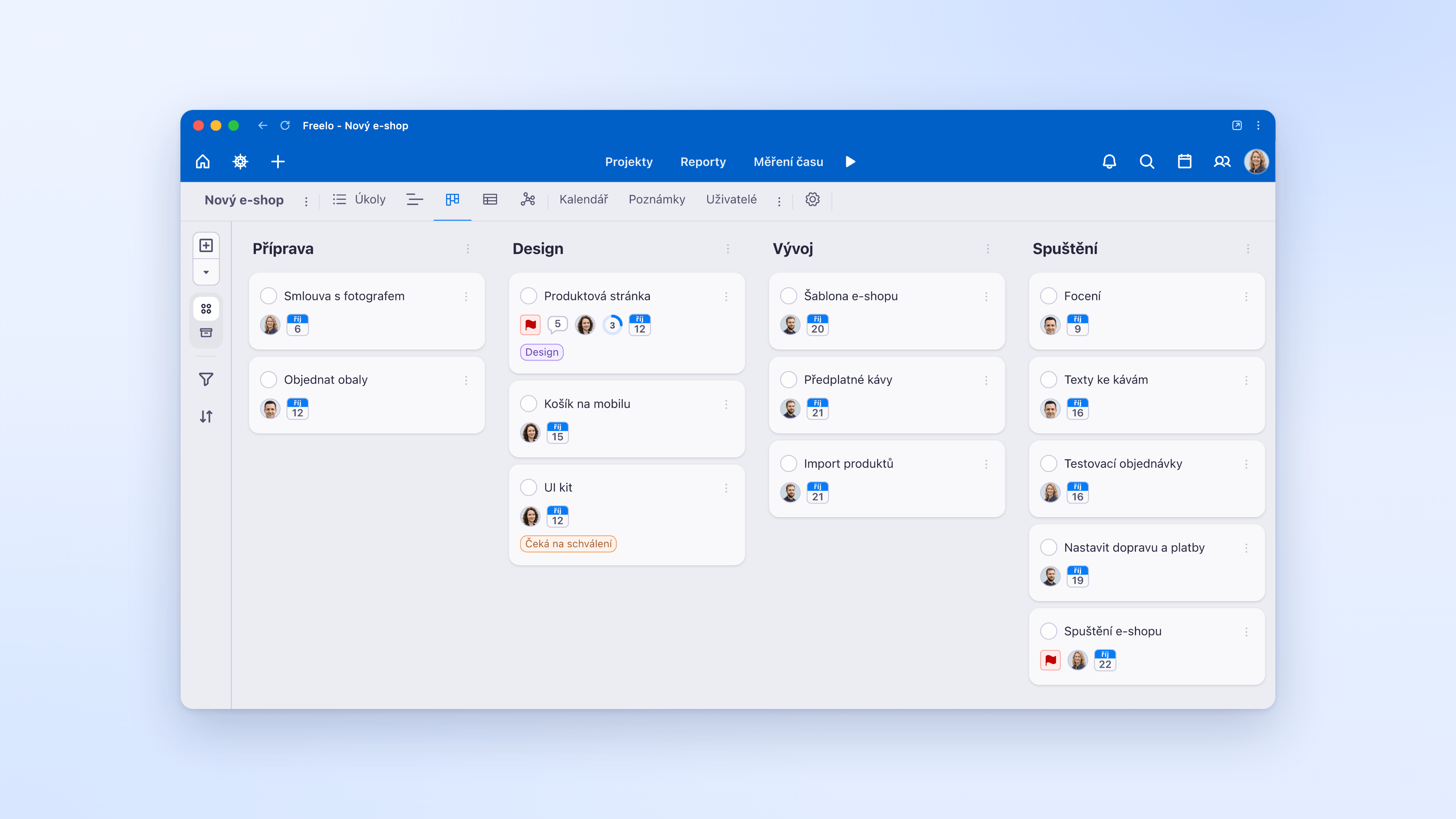
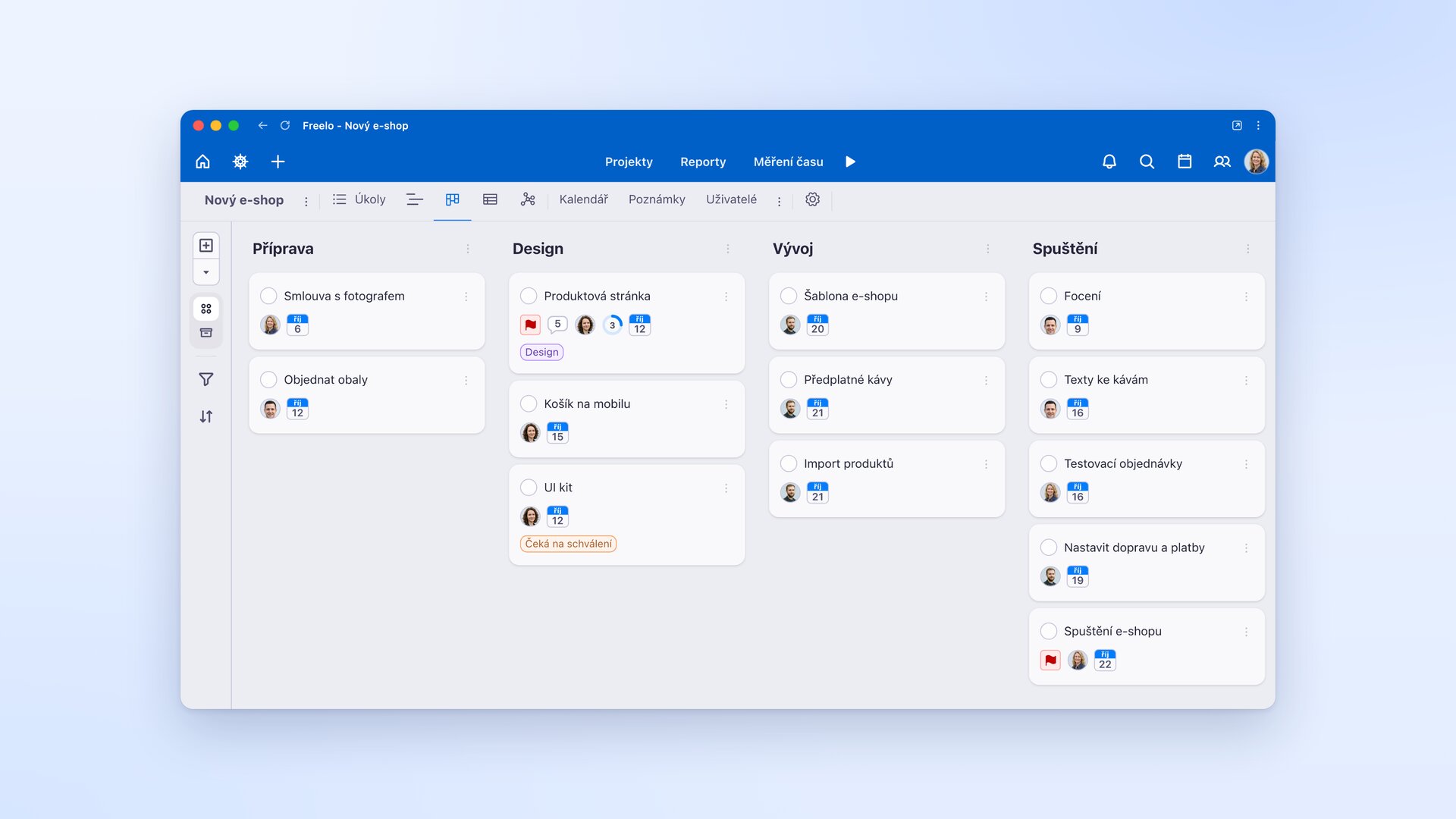
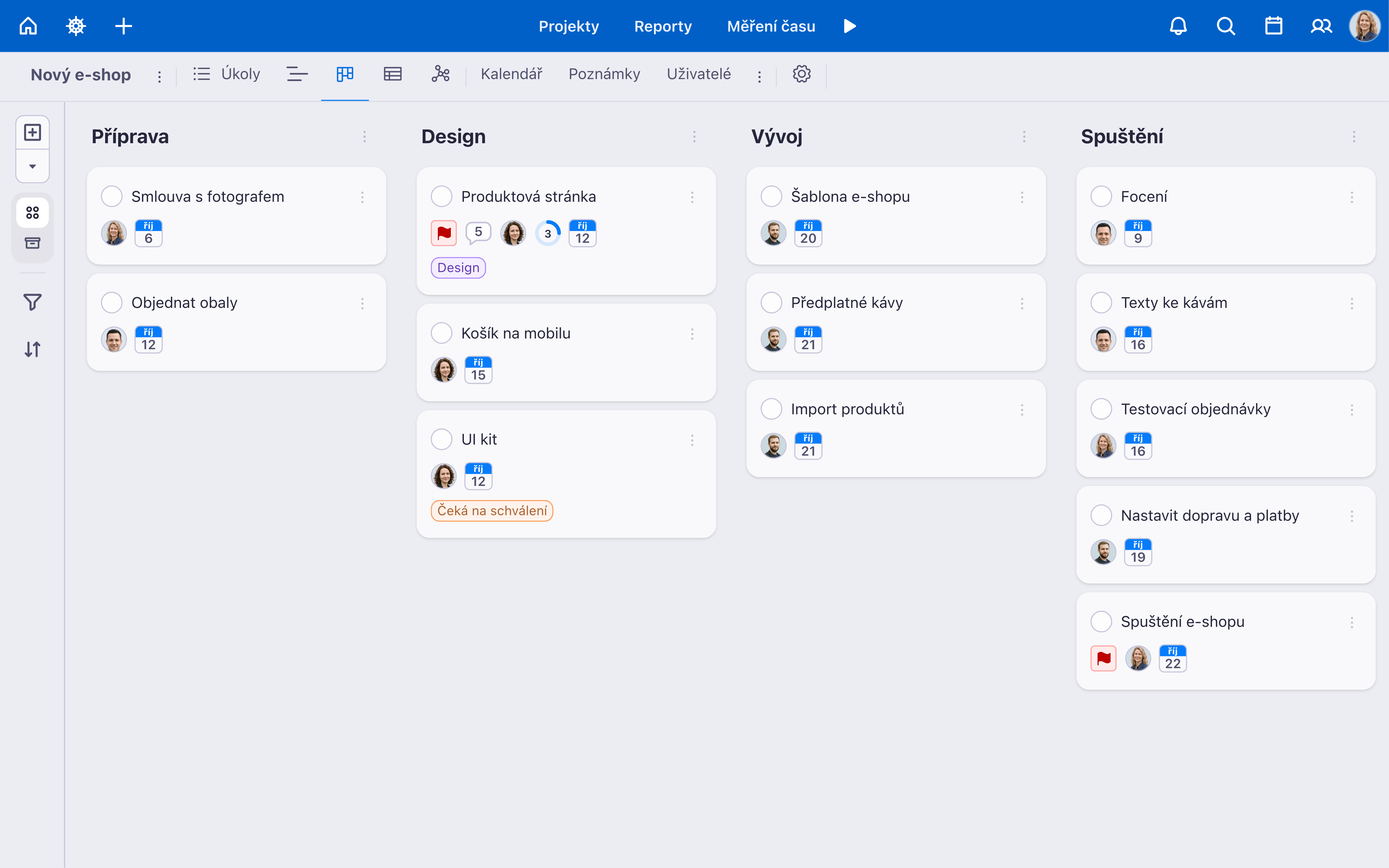
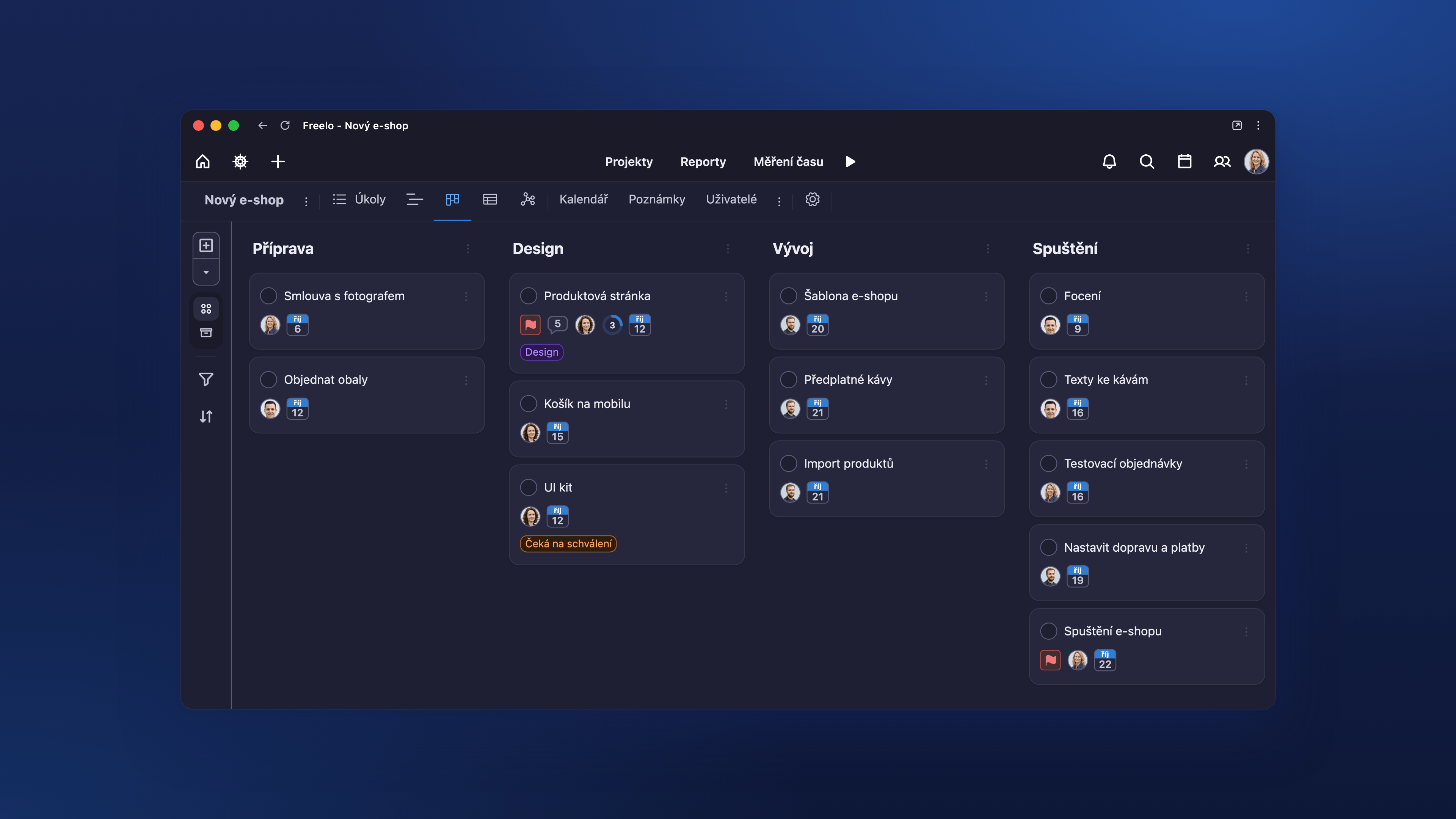
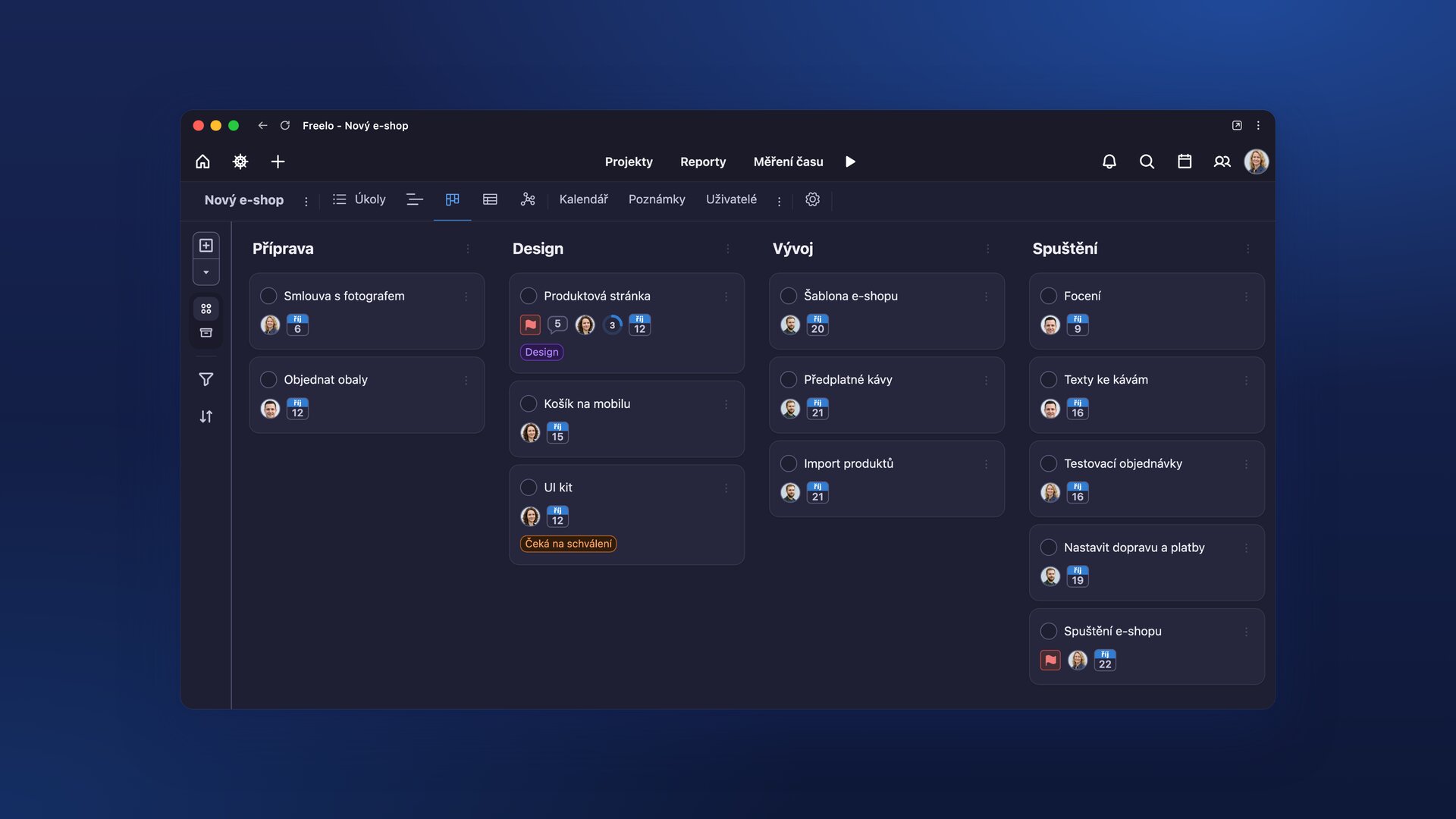
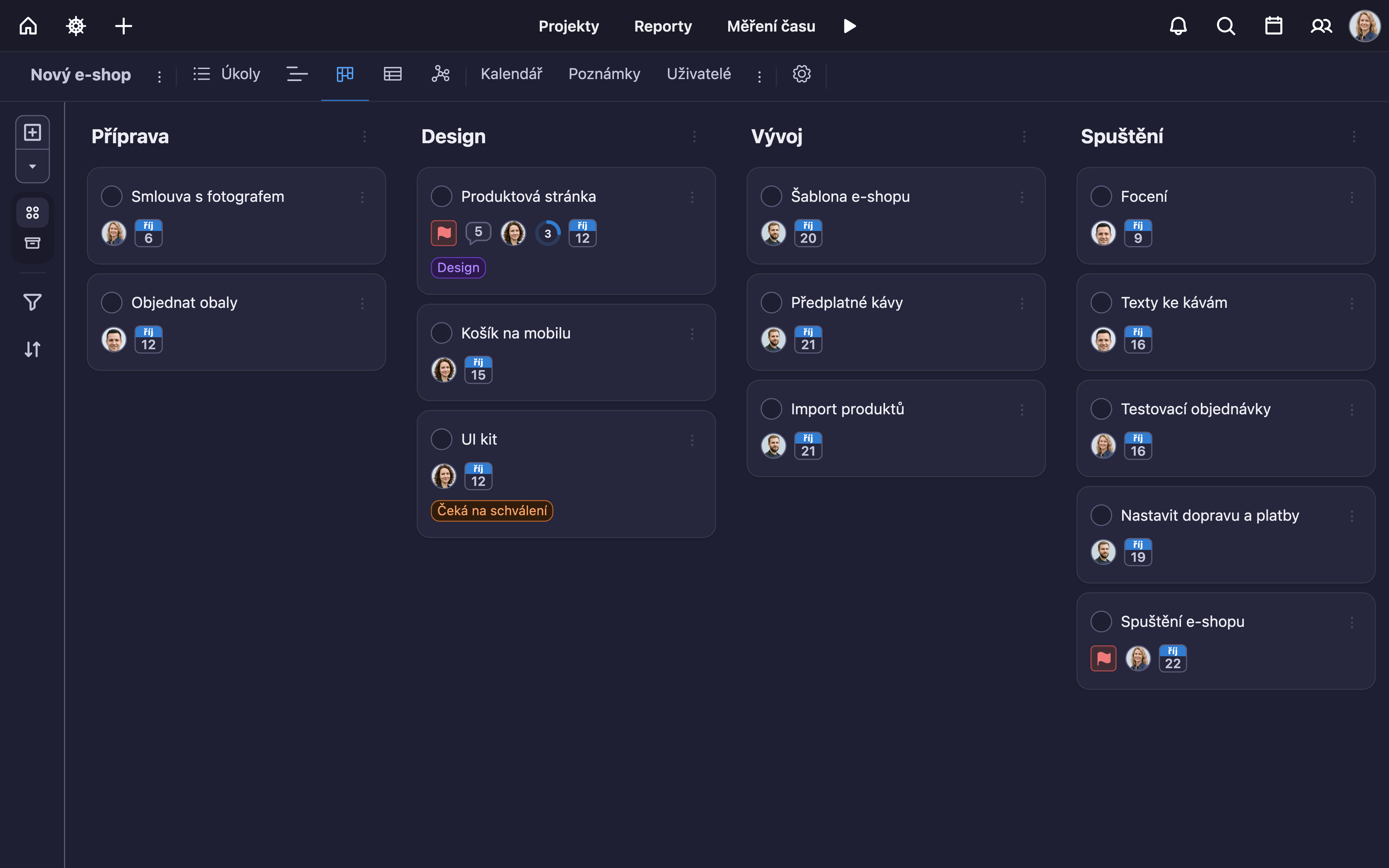
Kanban board in Freelo: tasks for a new online store split by project phase.
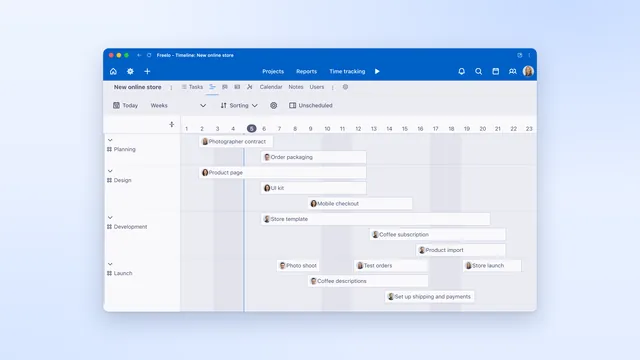
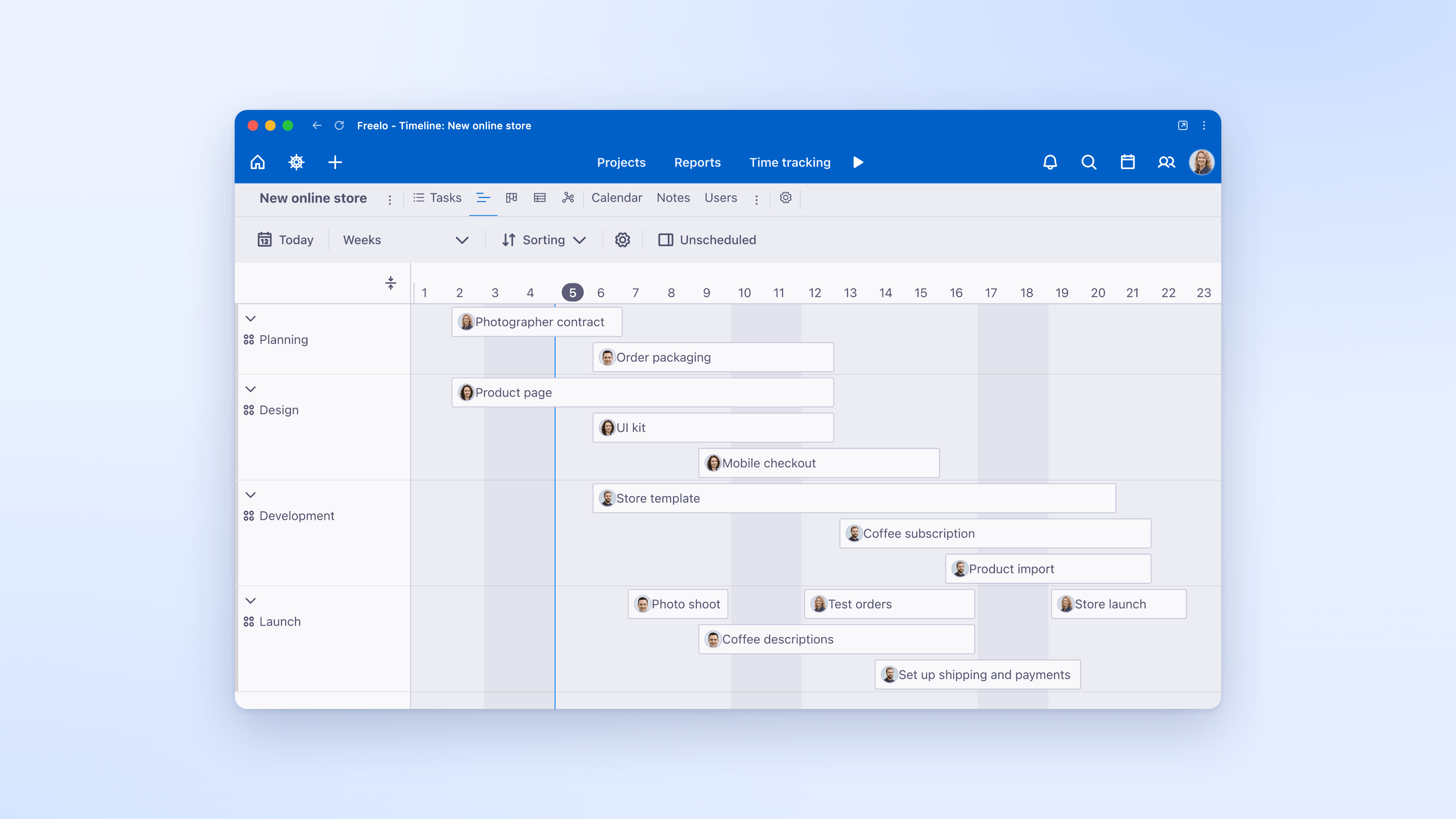
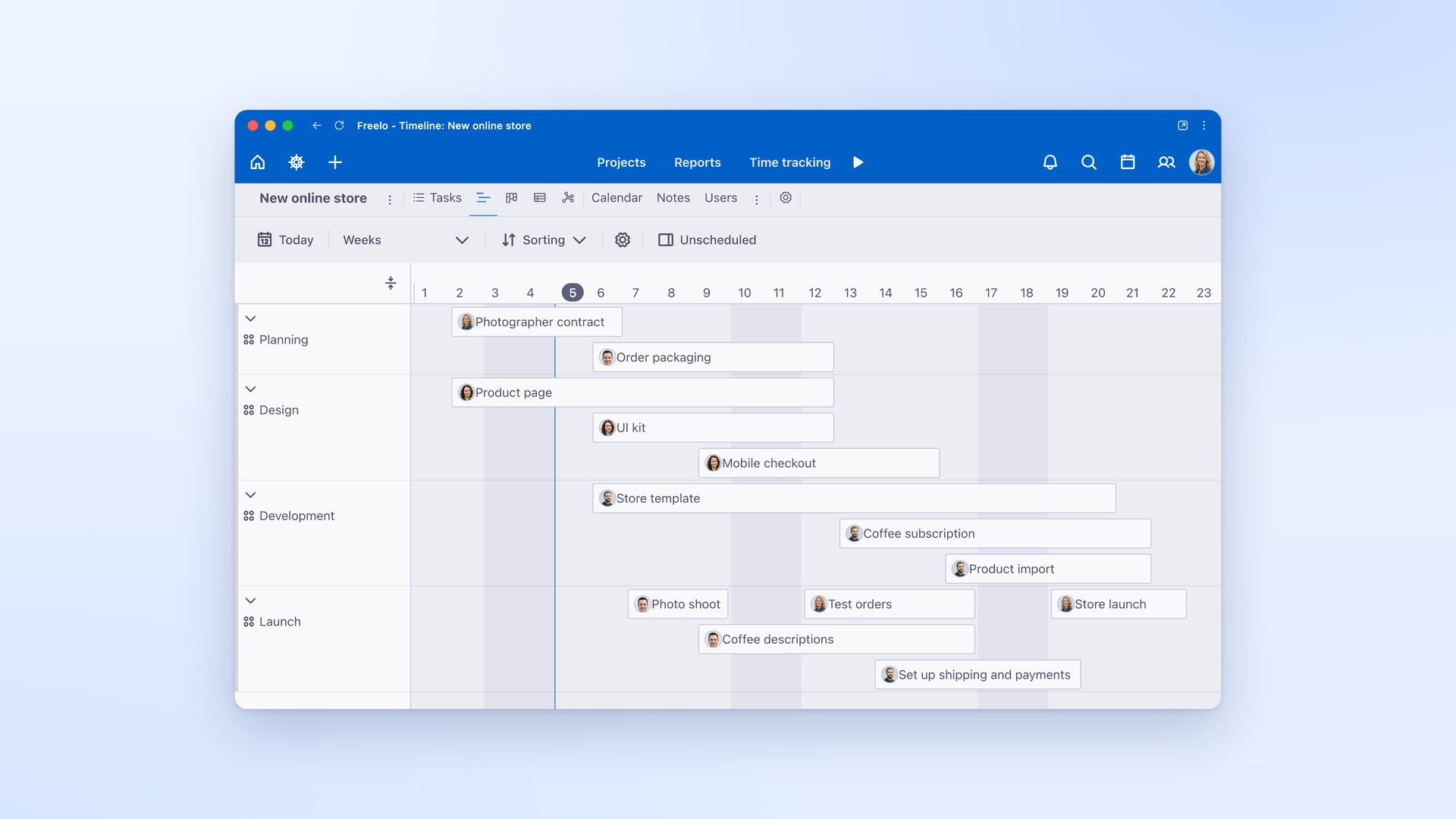
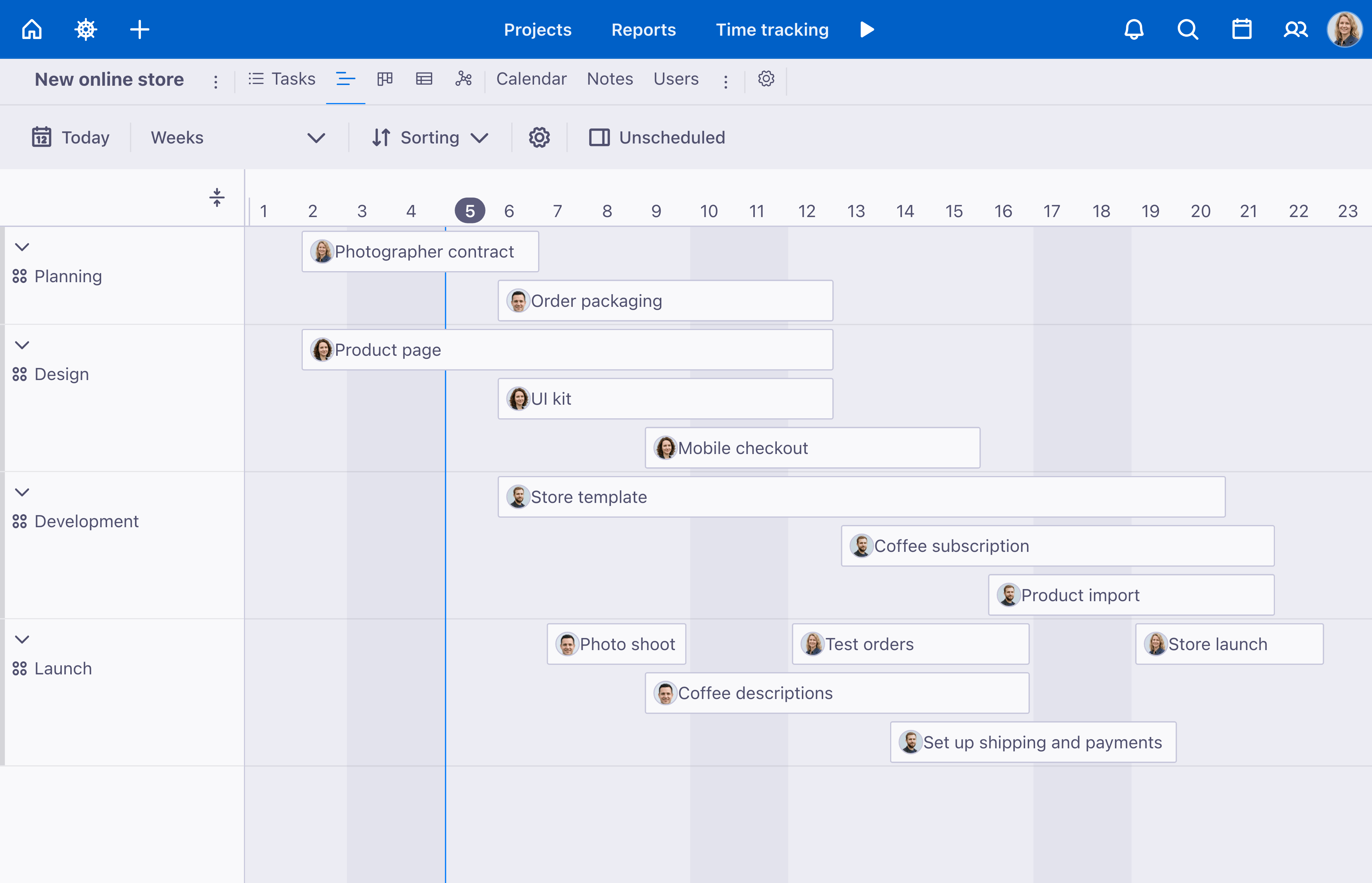
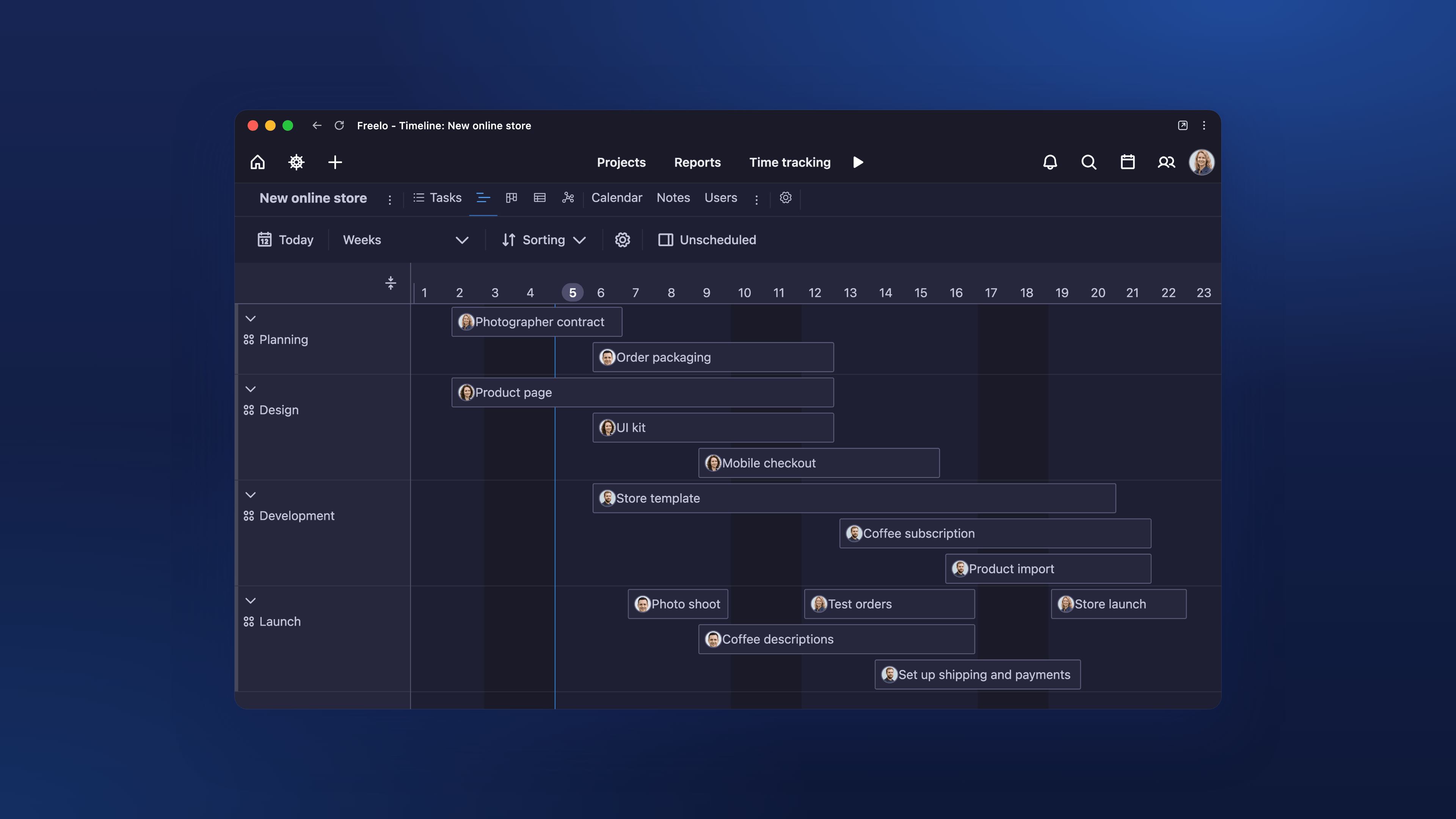
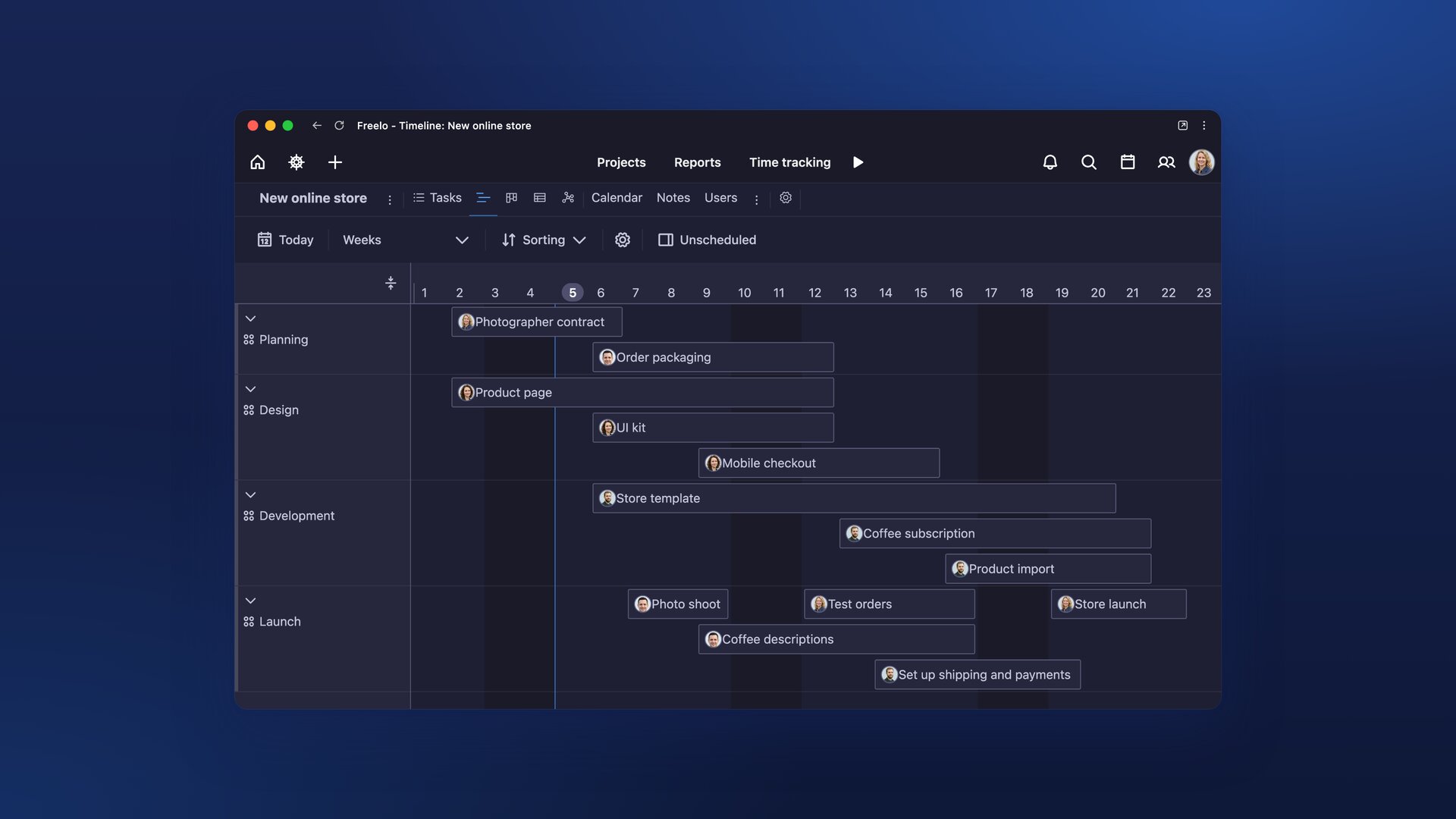
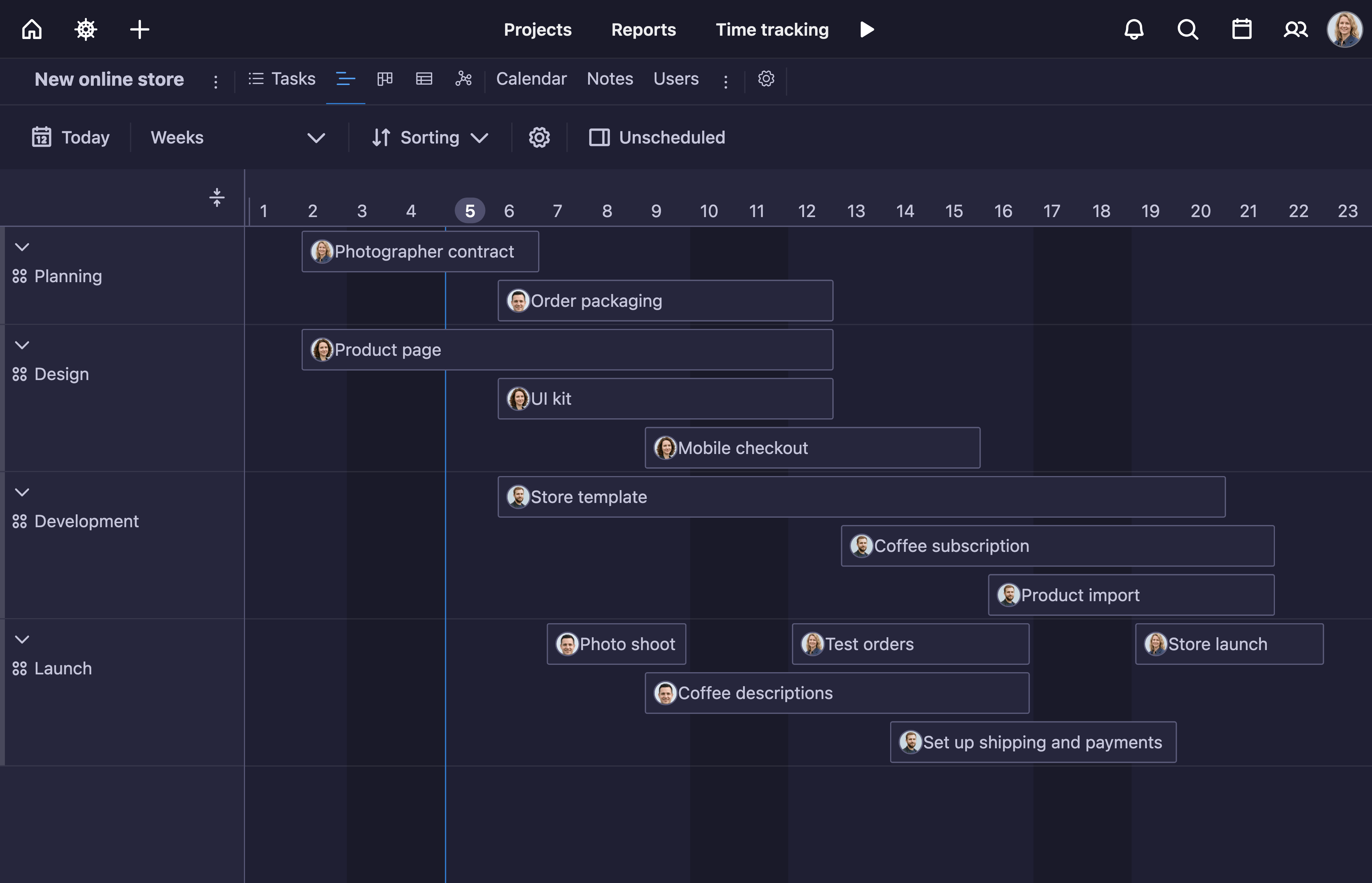
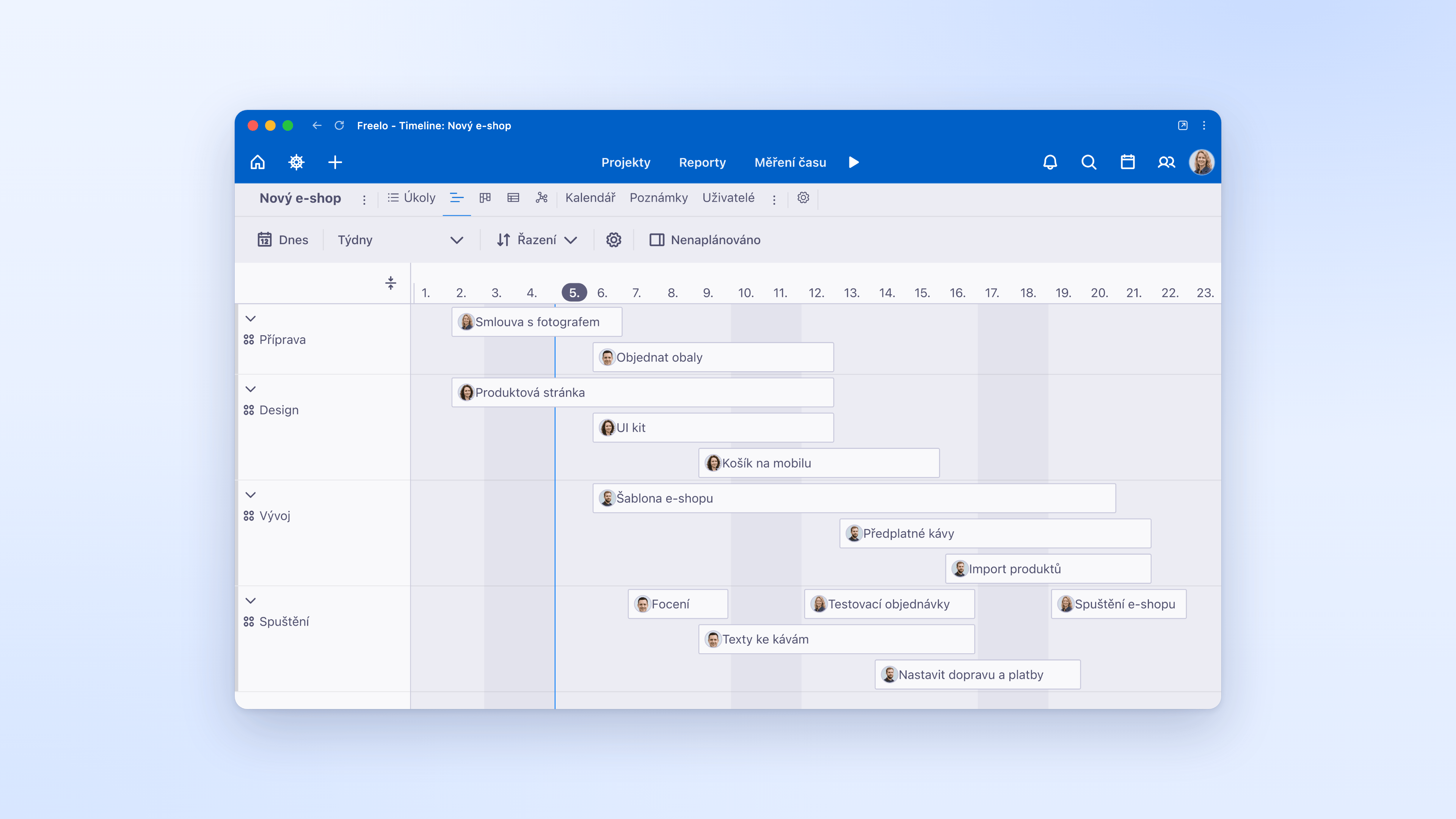
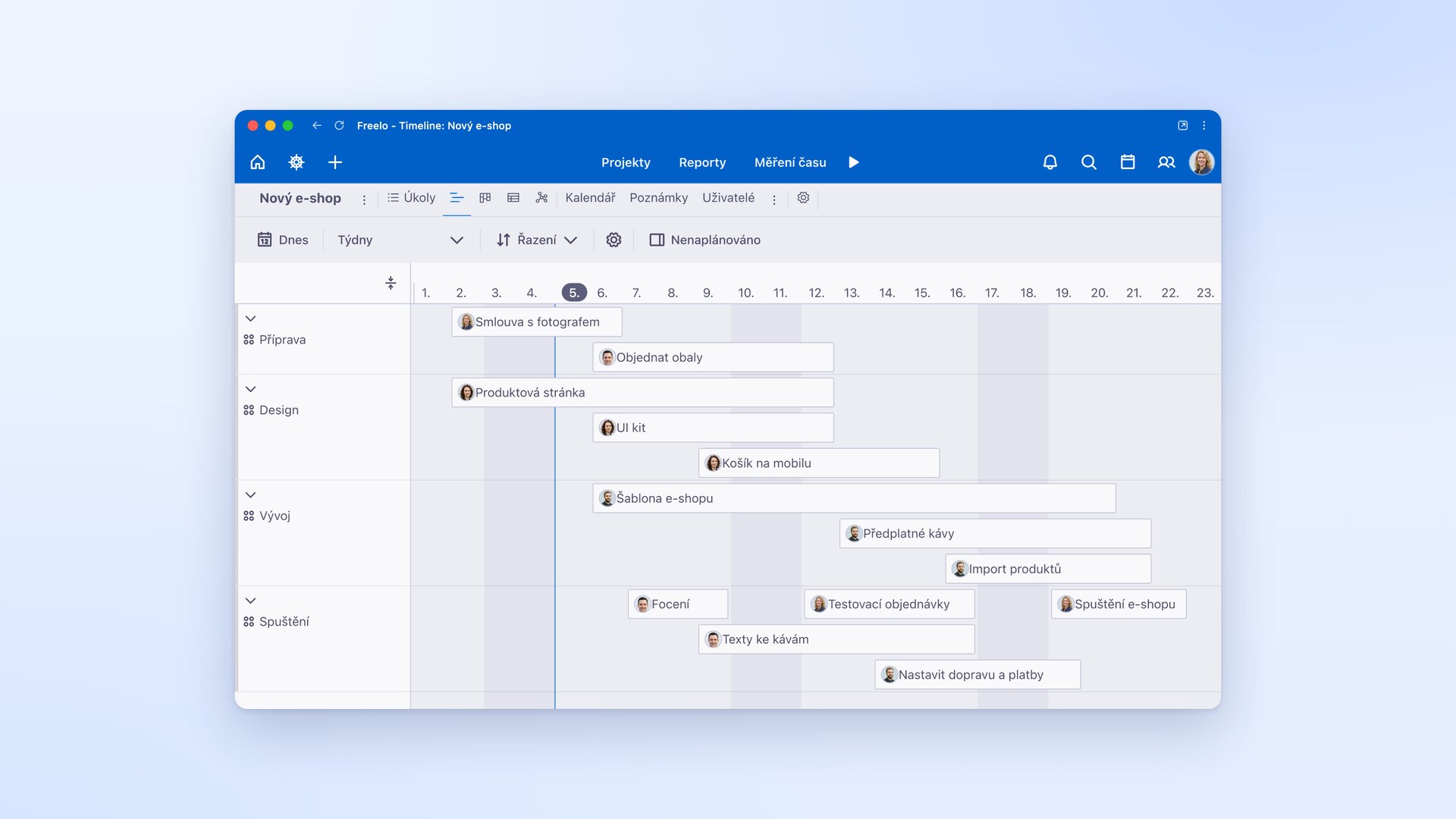
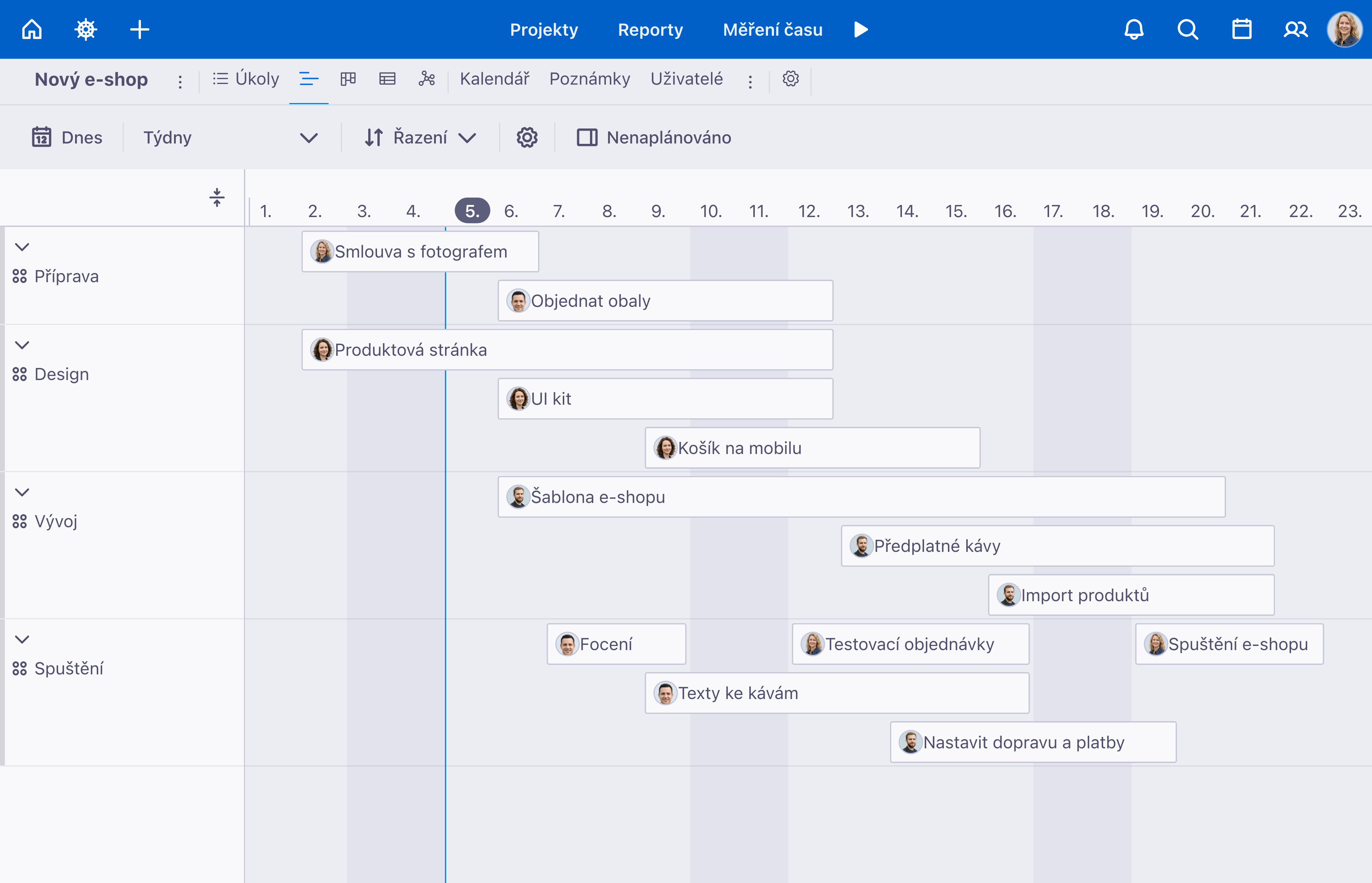
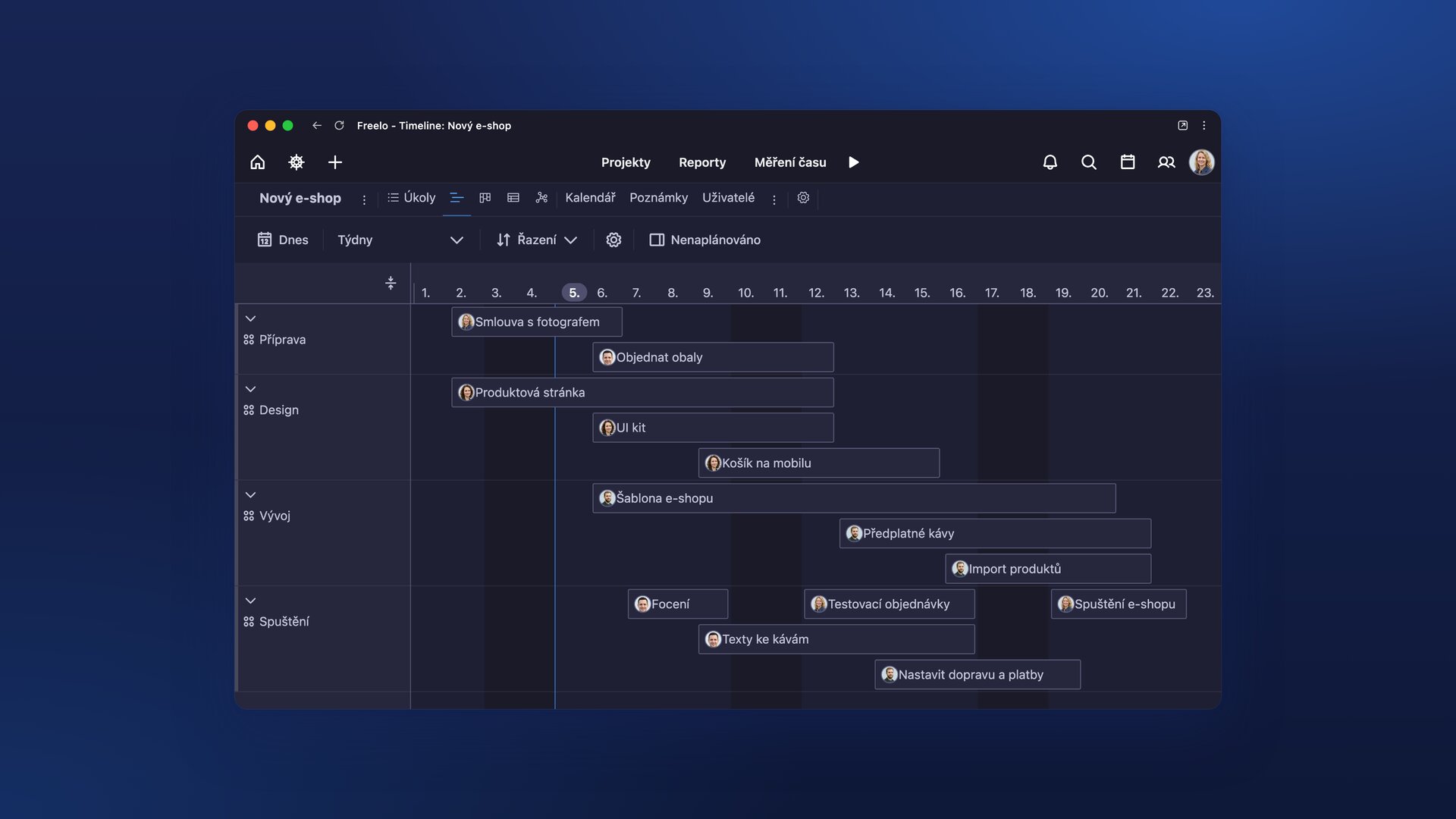
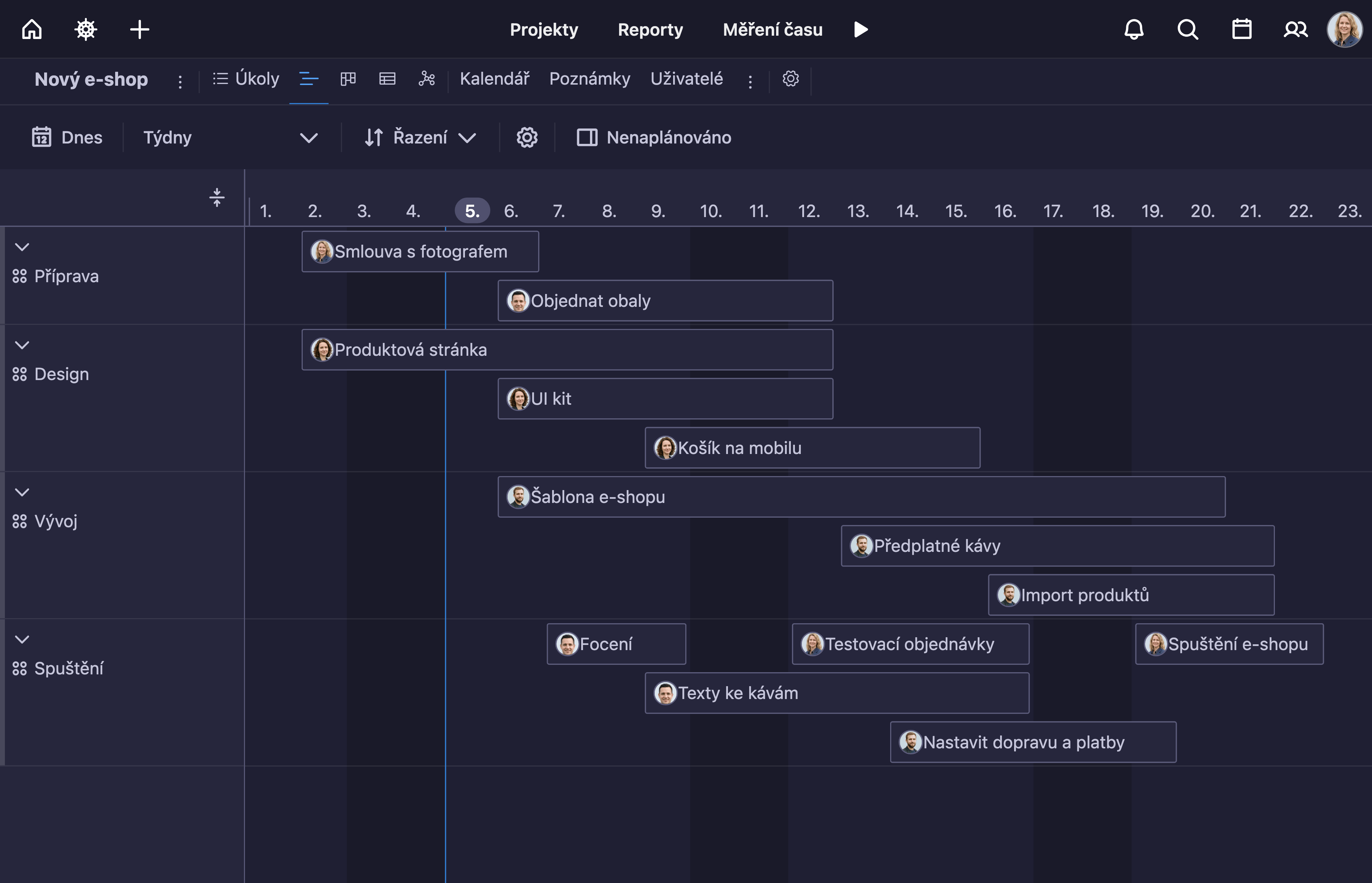
The Timeline (Gantt chart) shows how project tasks follow each other over time.
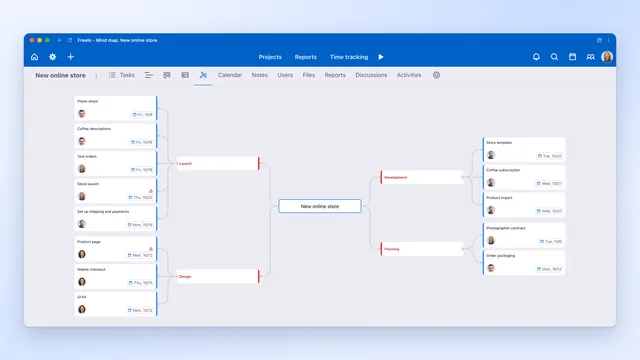
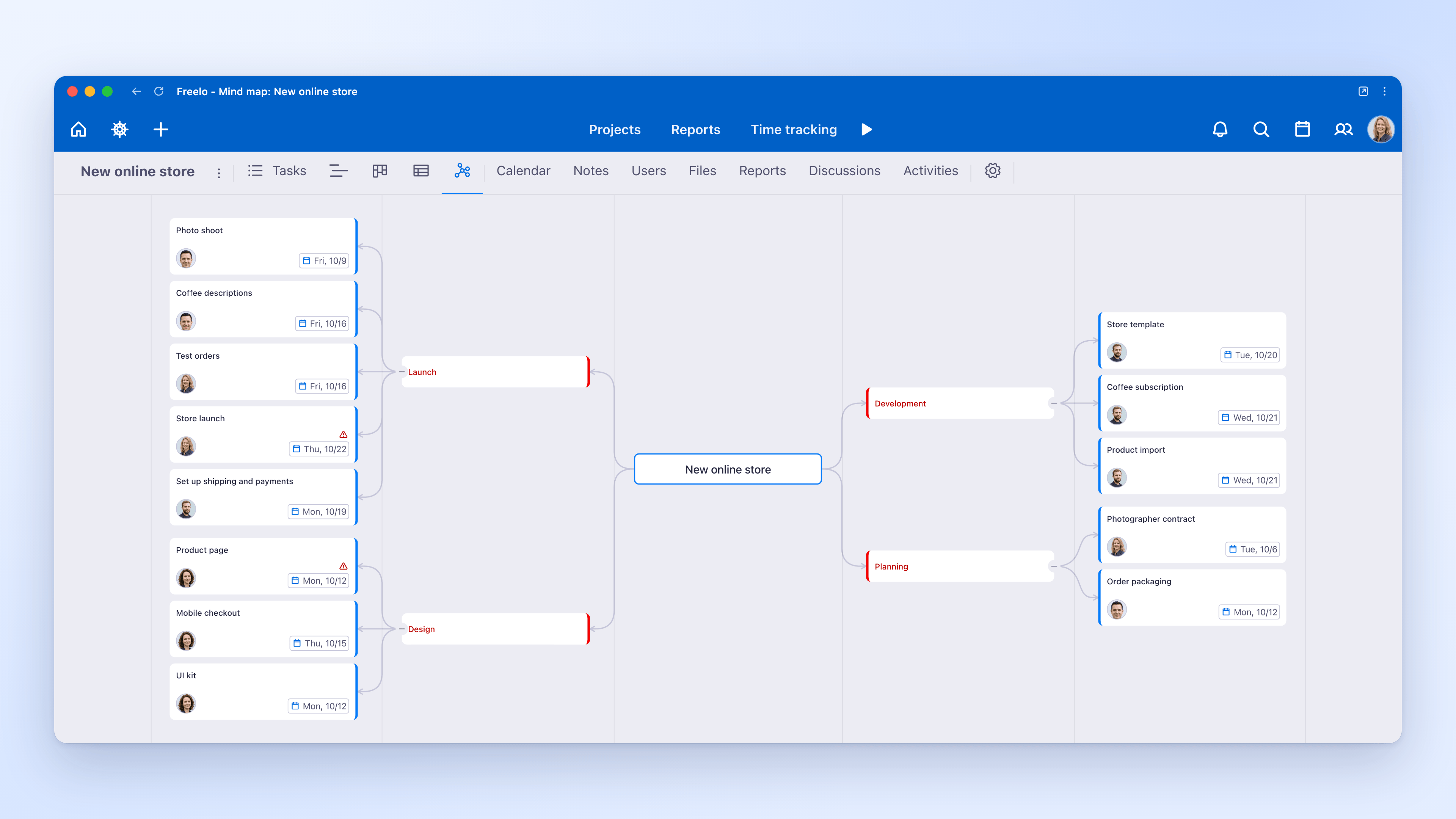
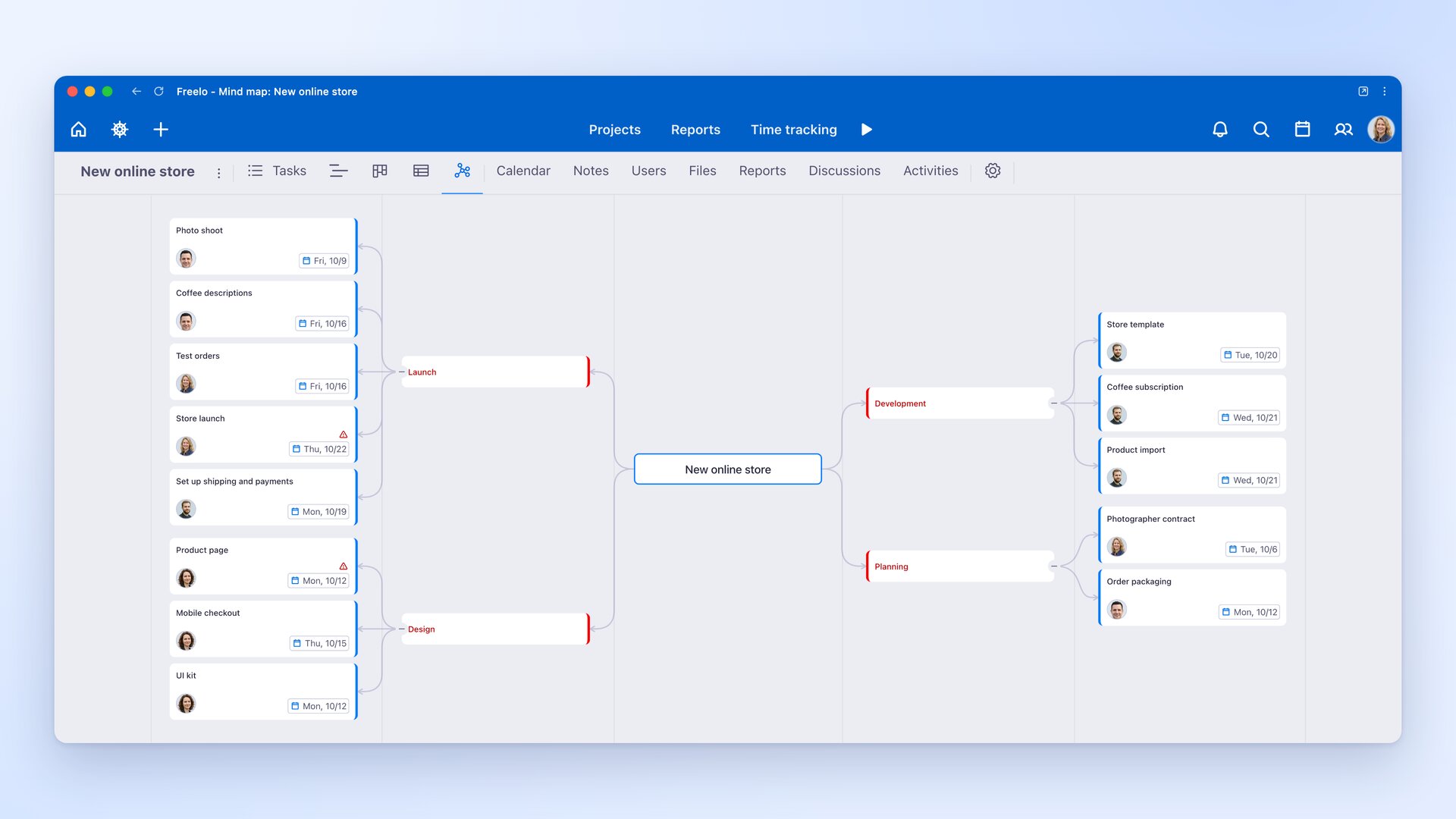
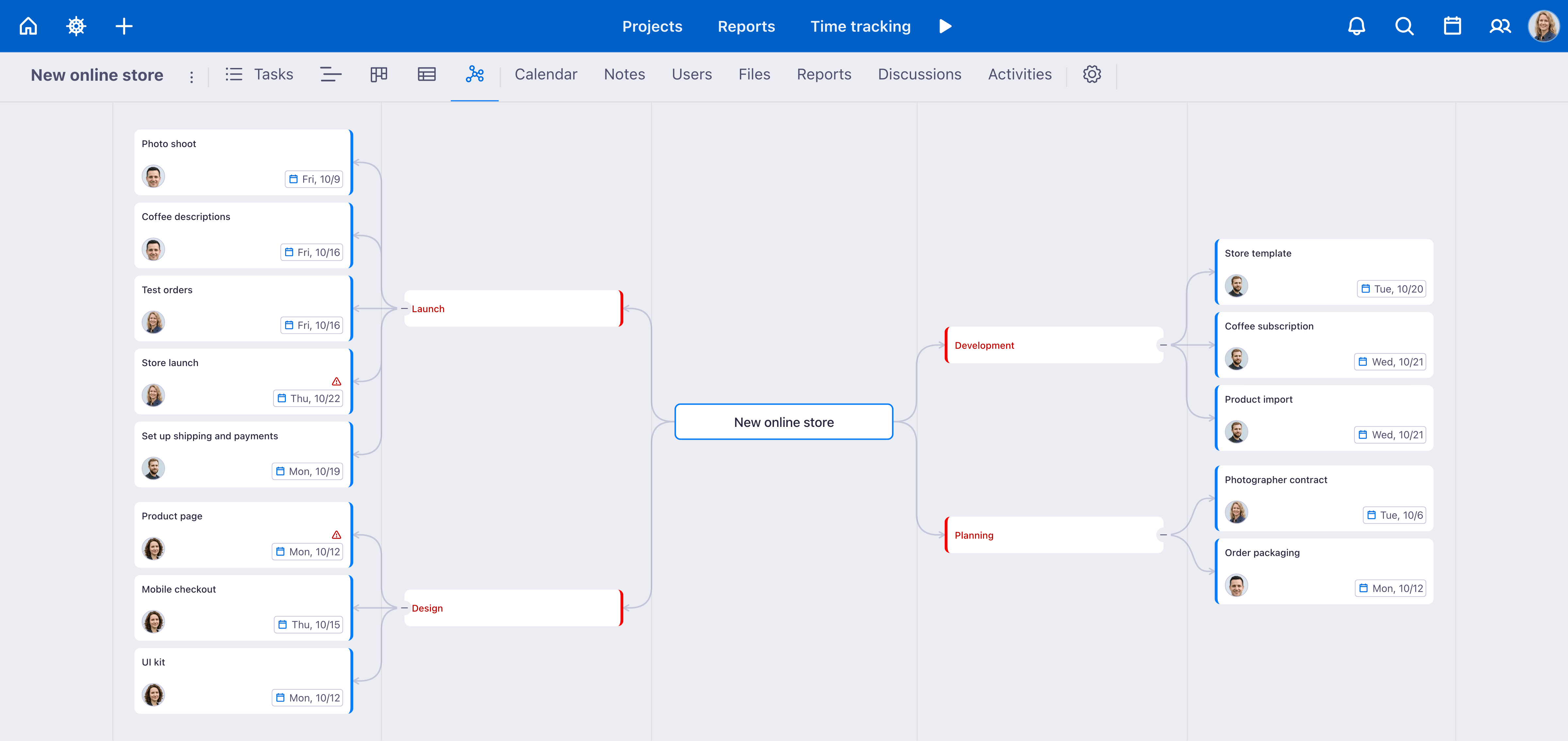
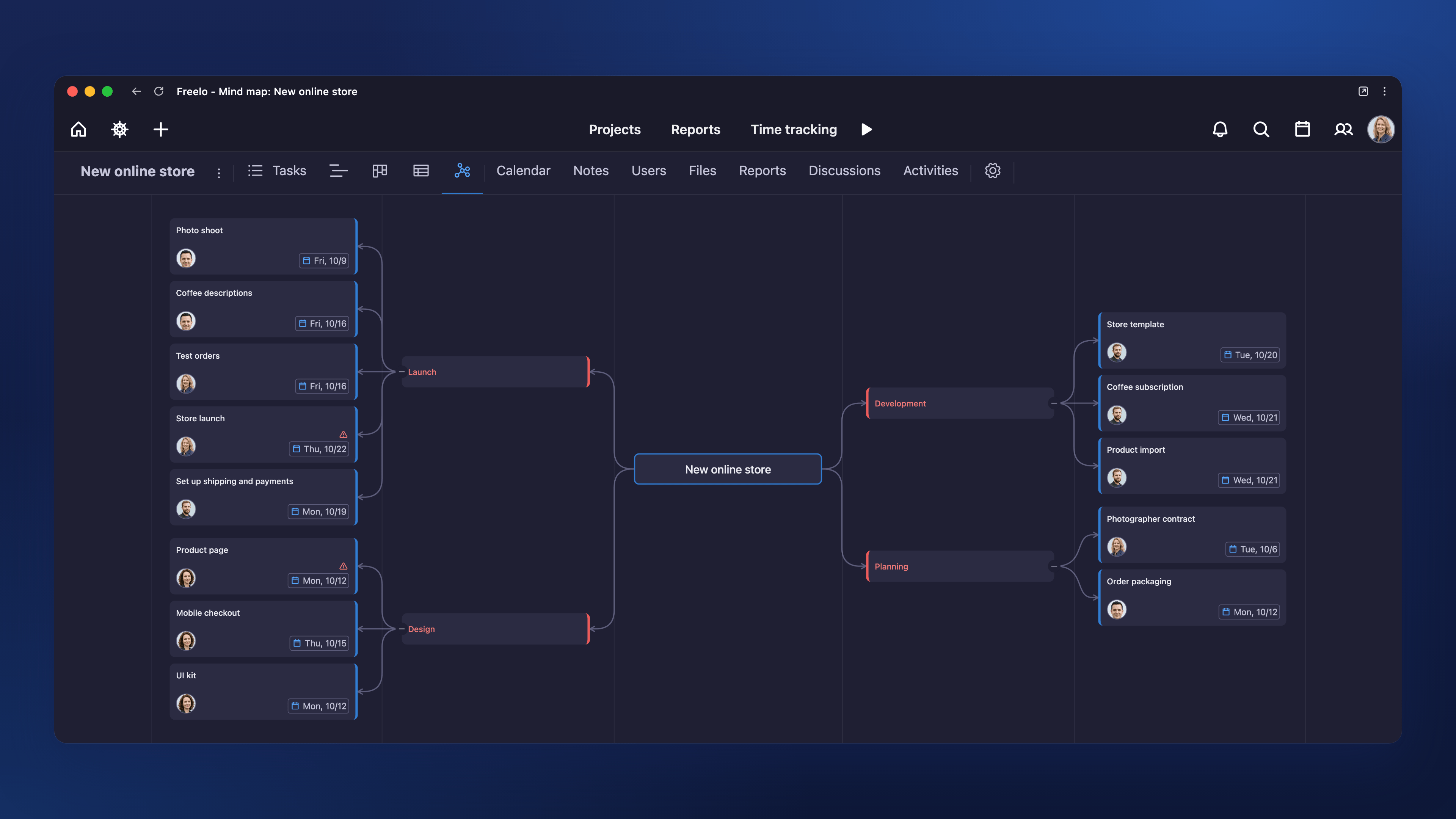
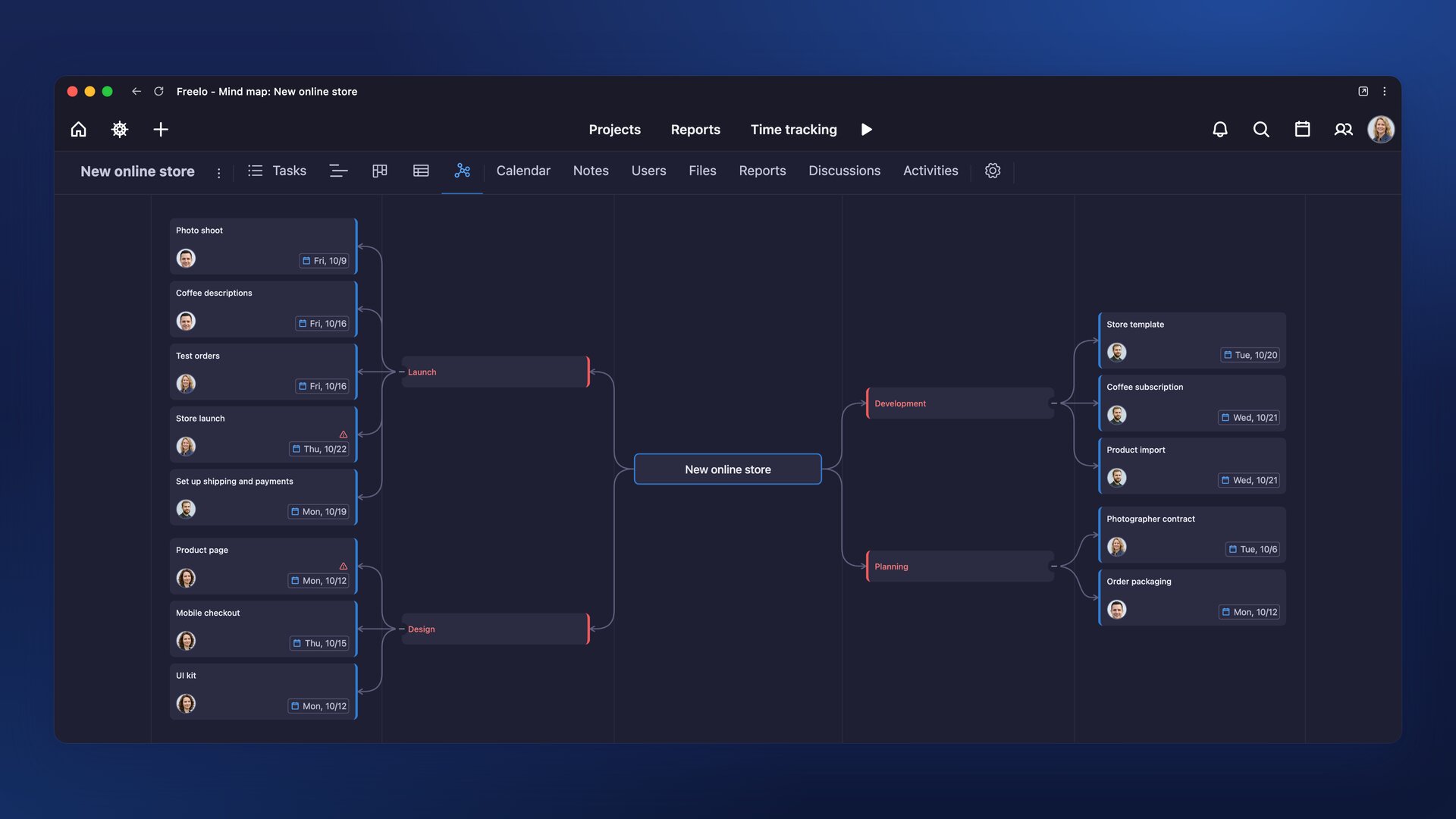
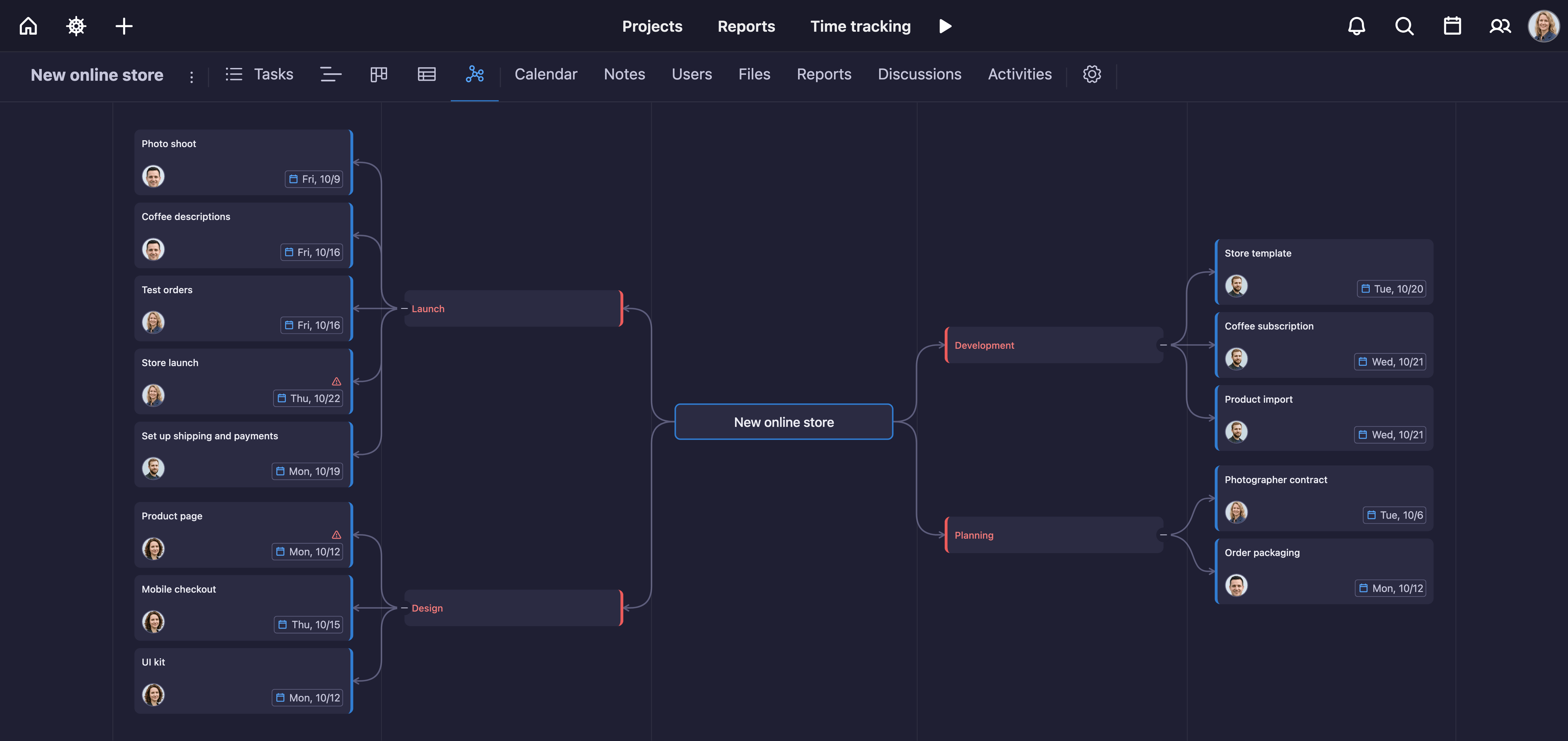
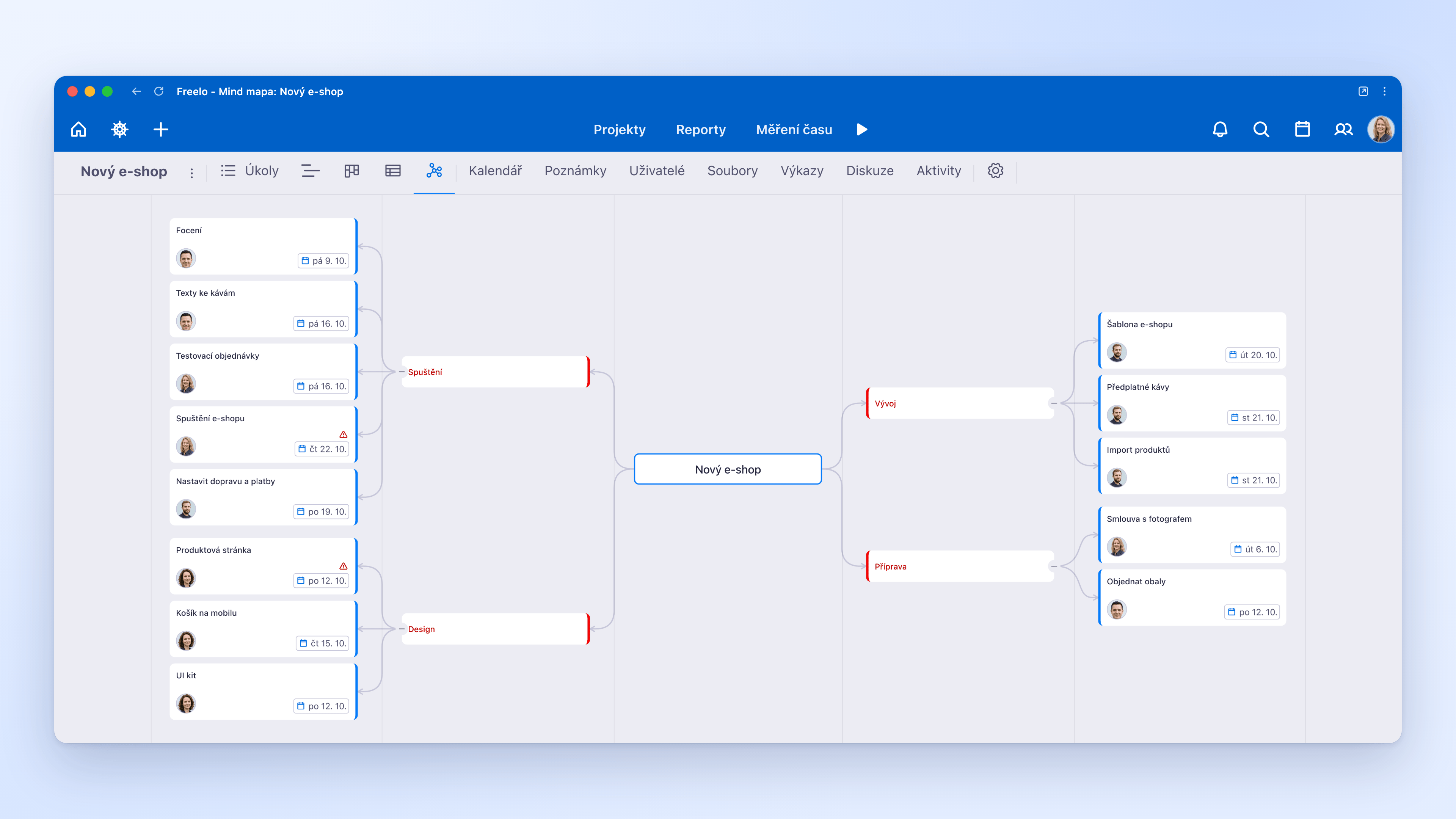
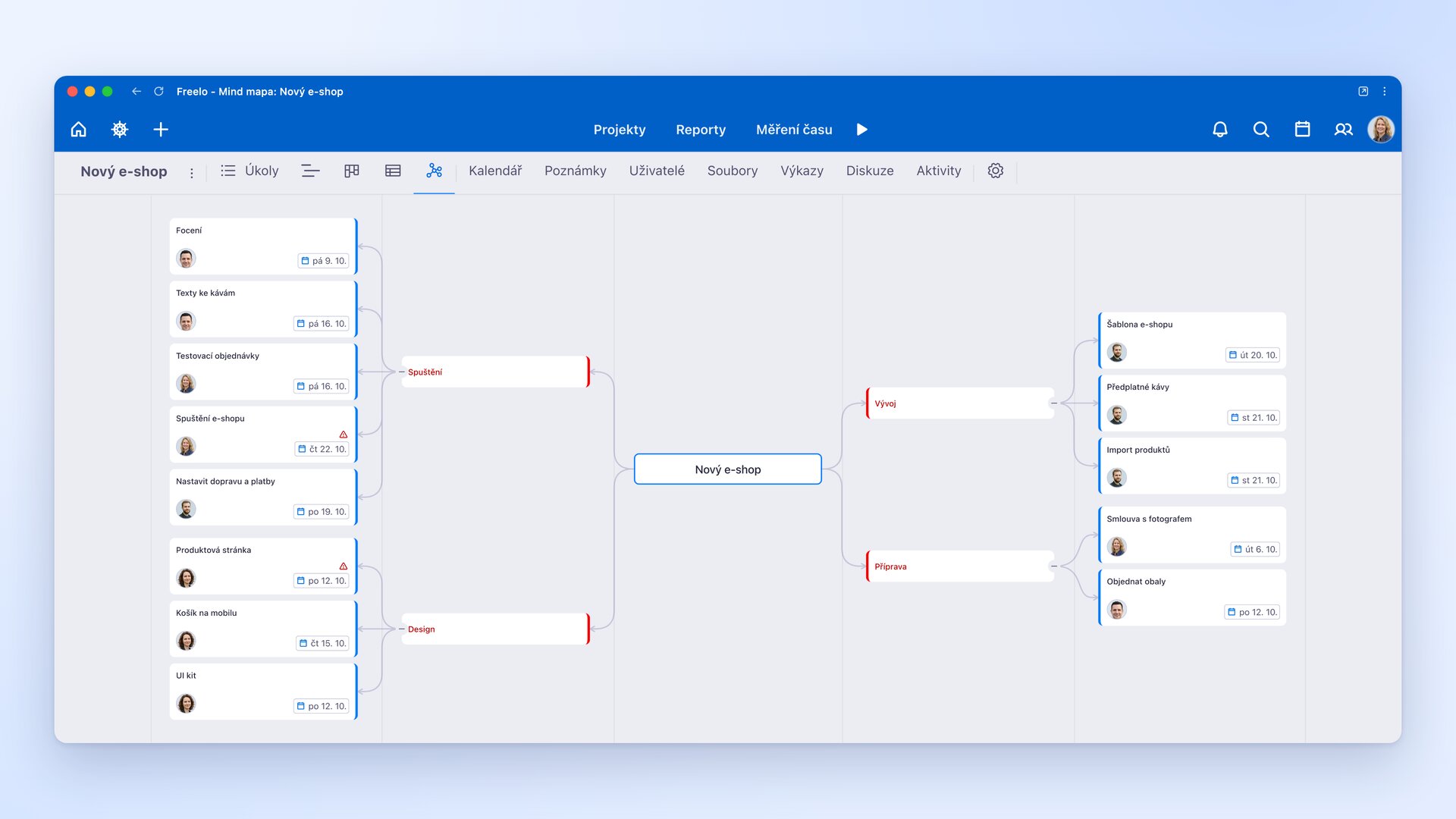
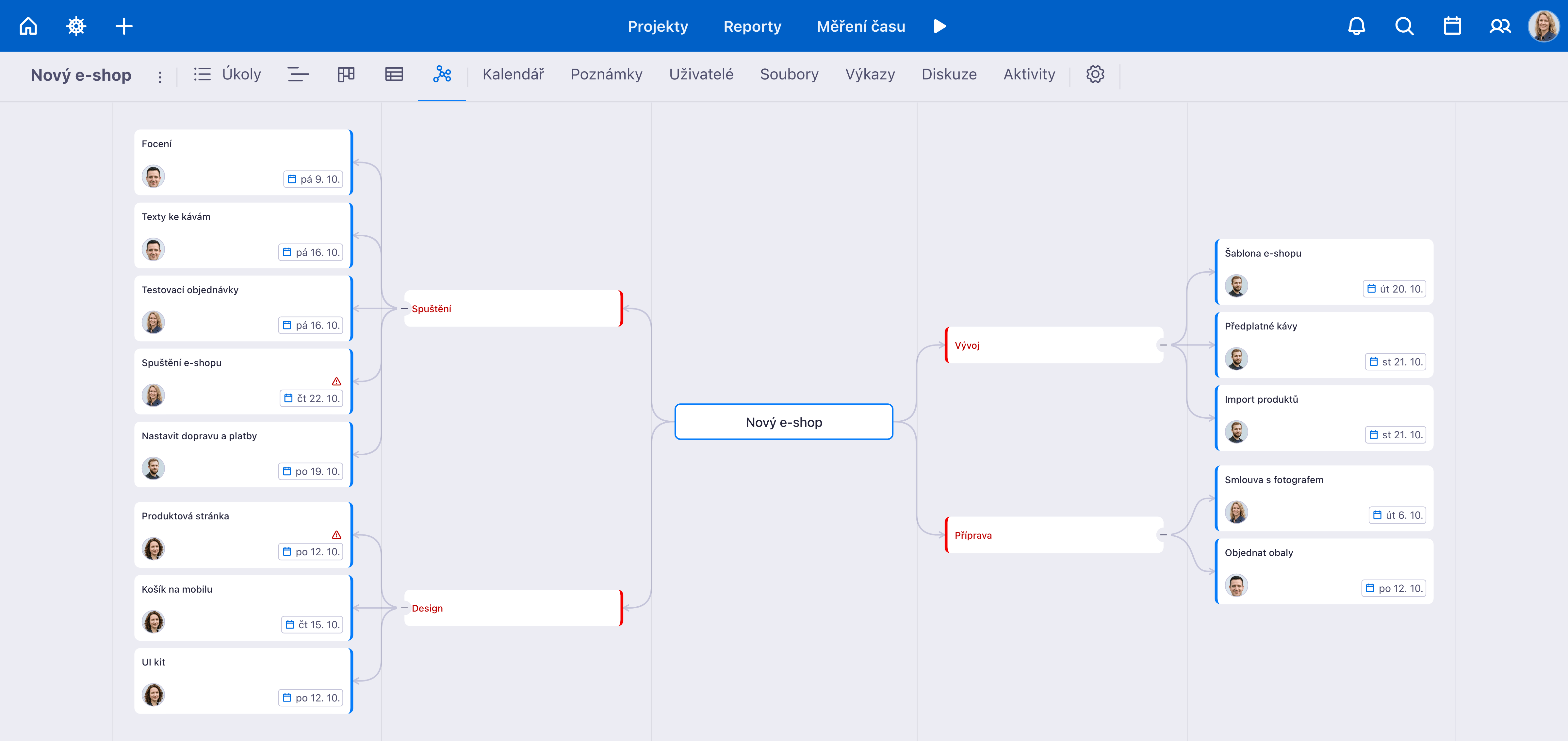
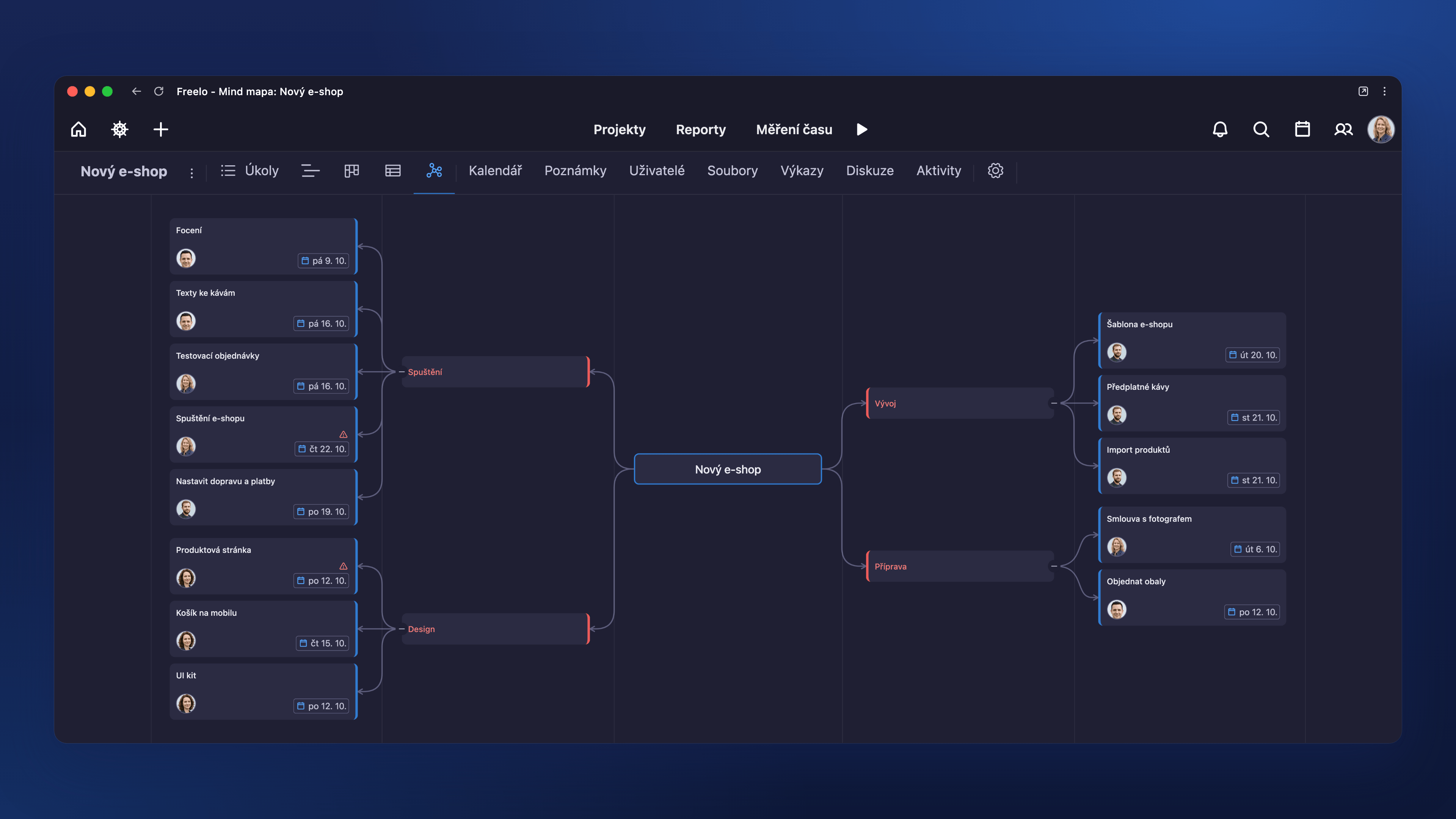
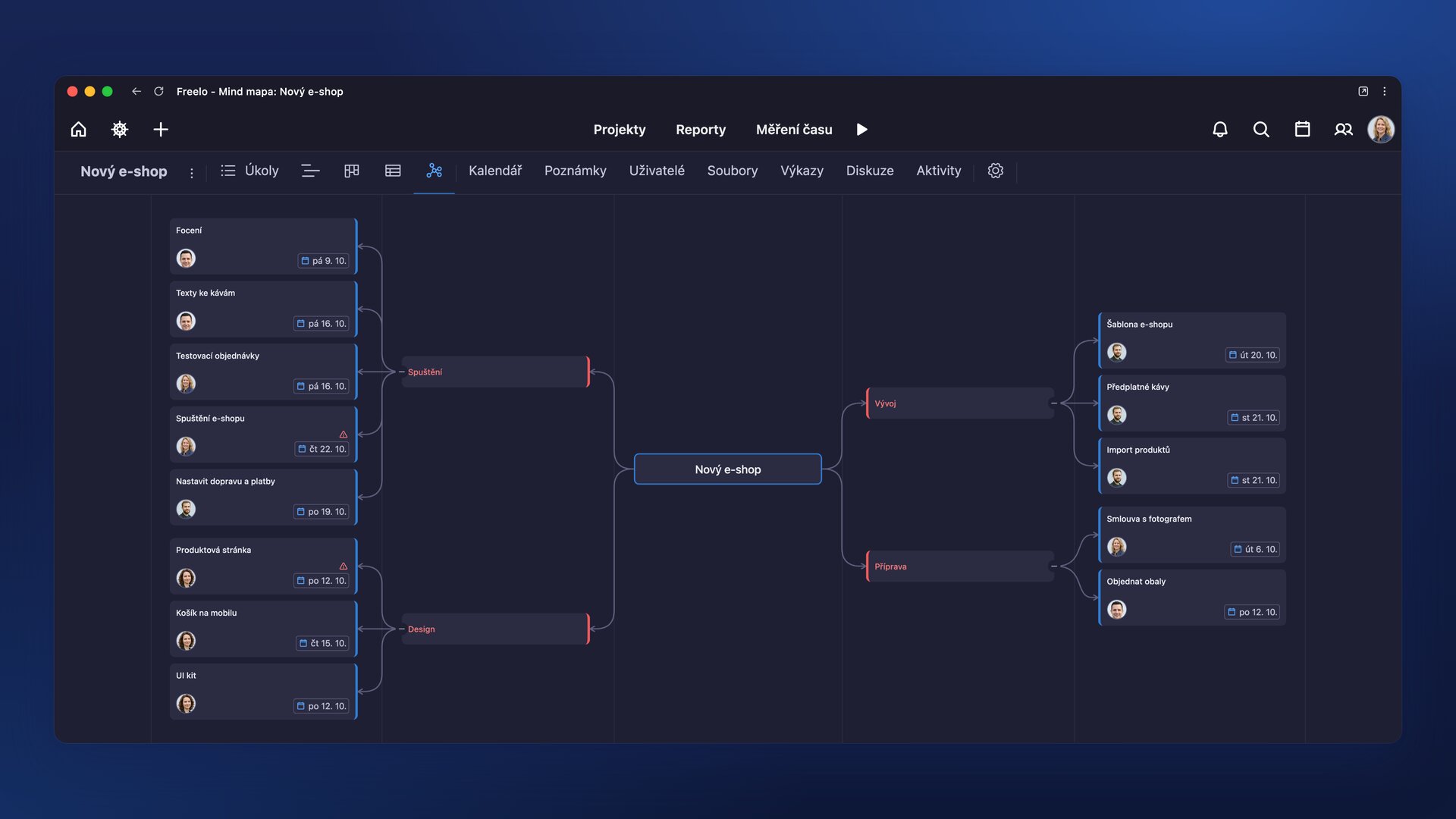
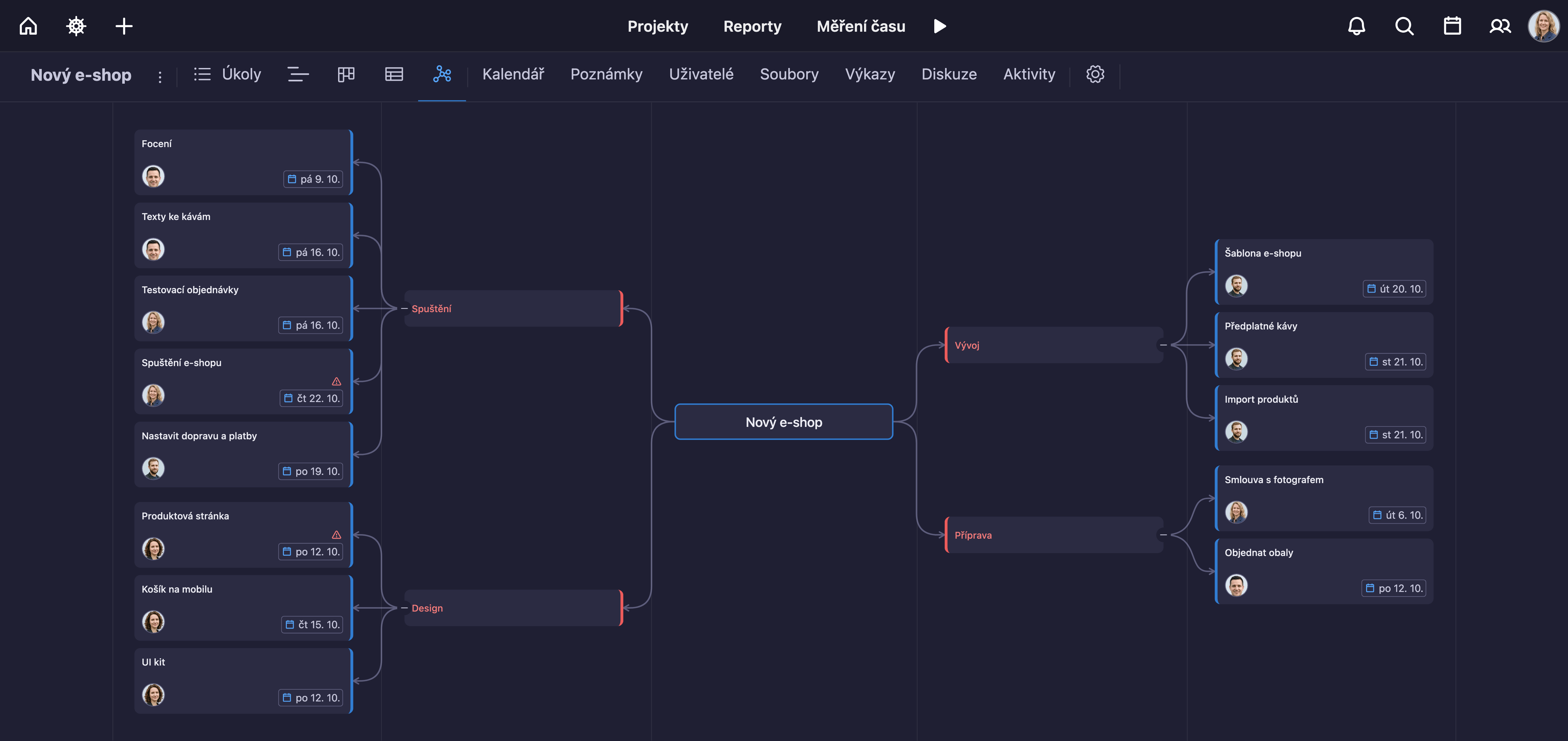
A project mind map: tasks and subtasks drawn as branches that show the whole plan.
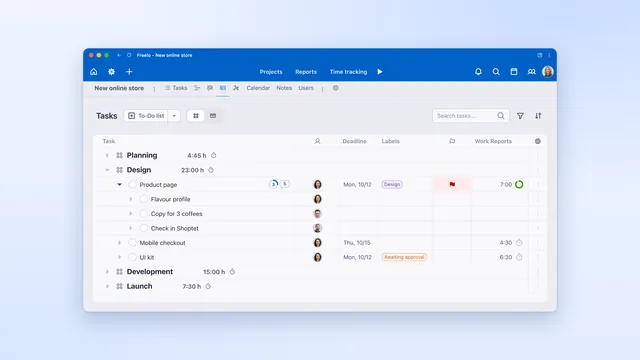
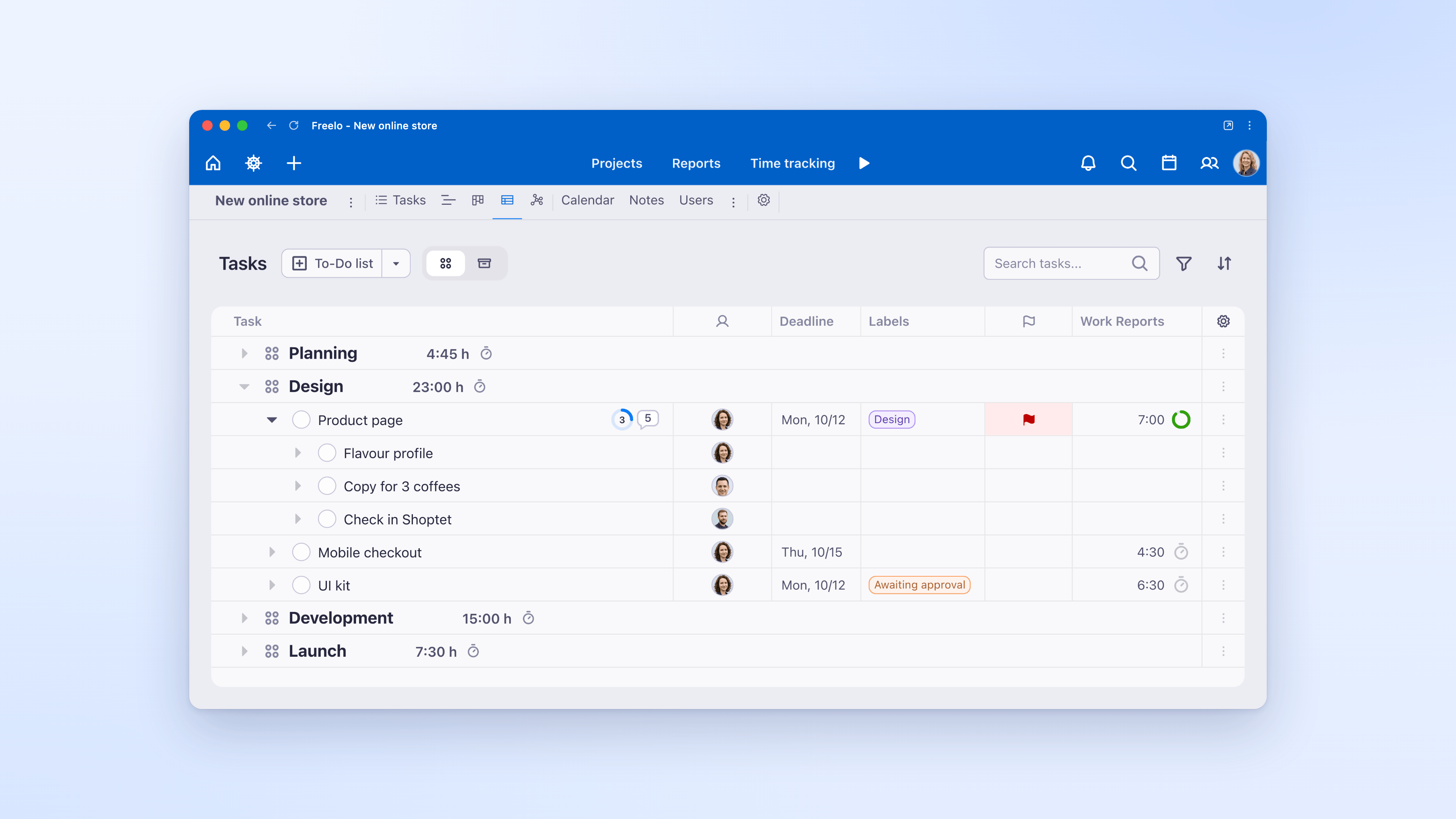
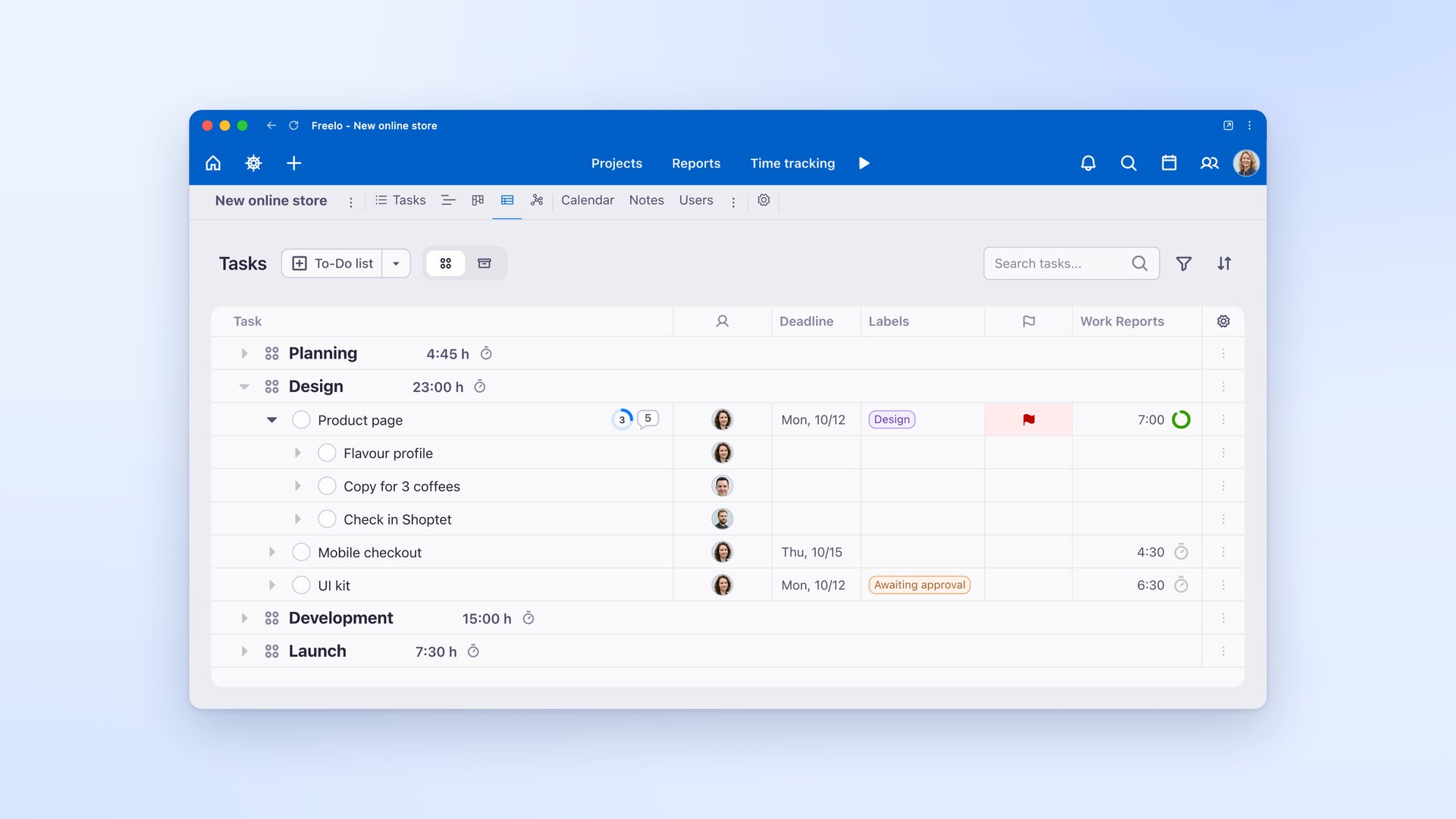
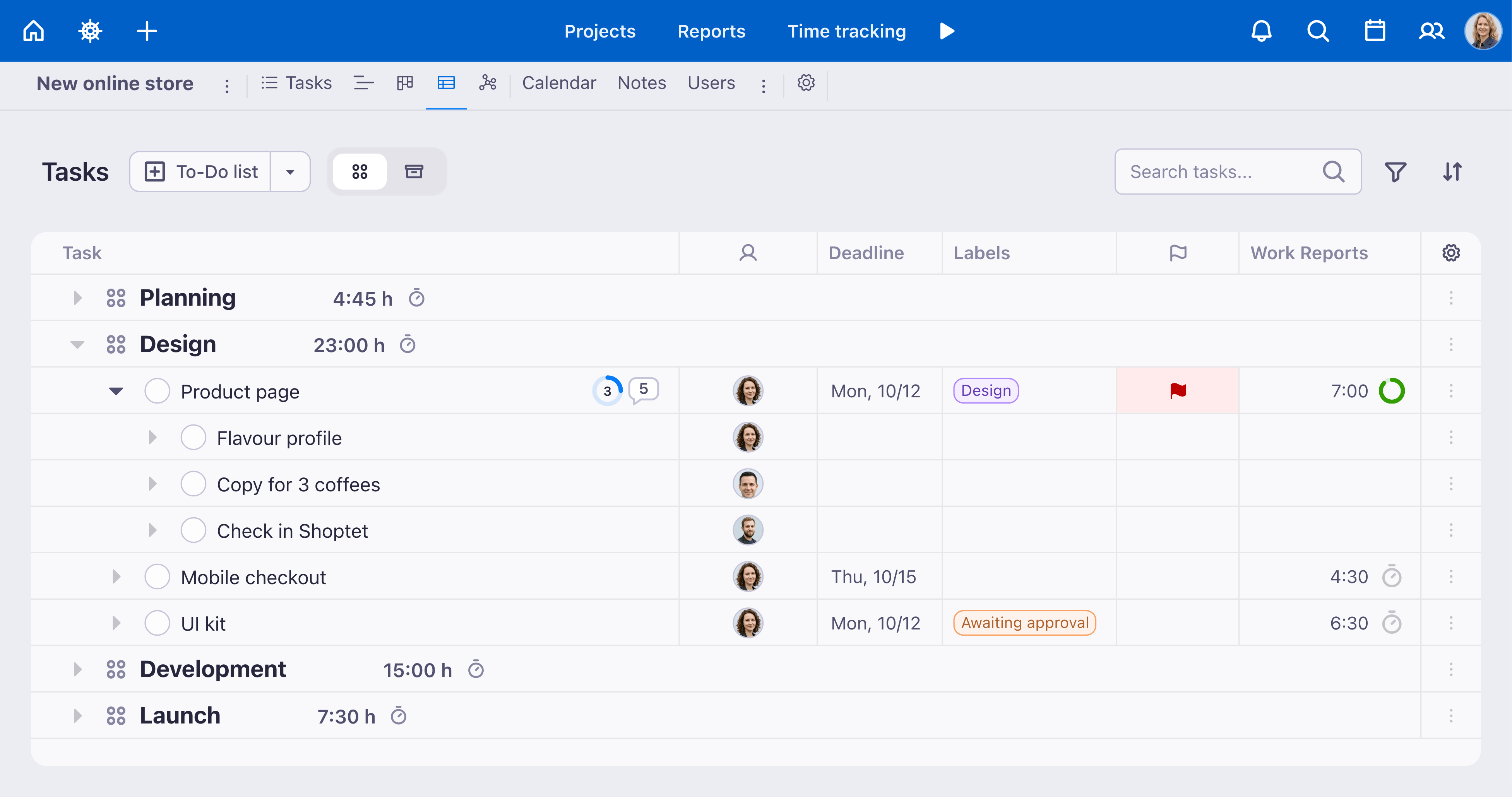
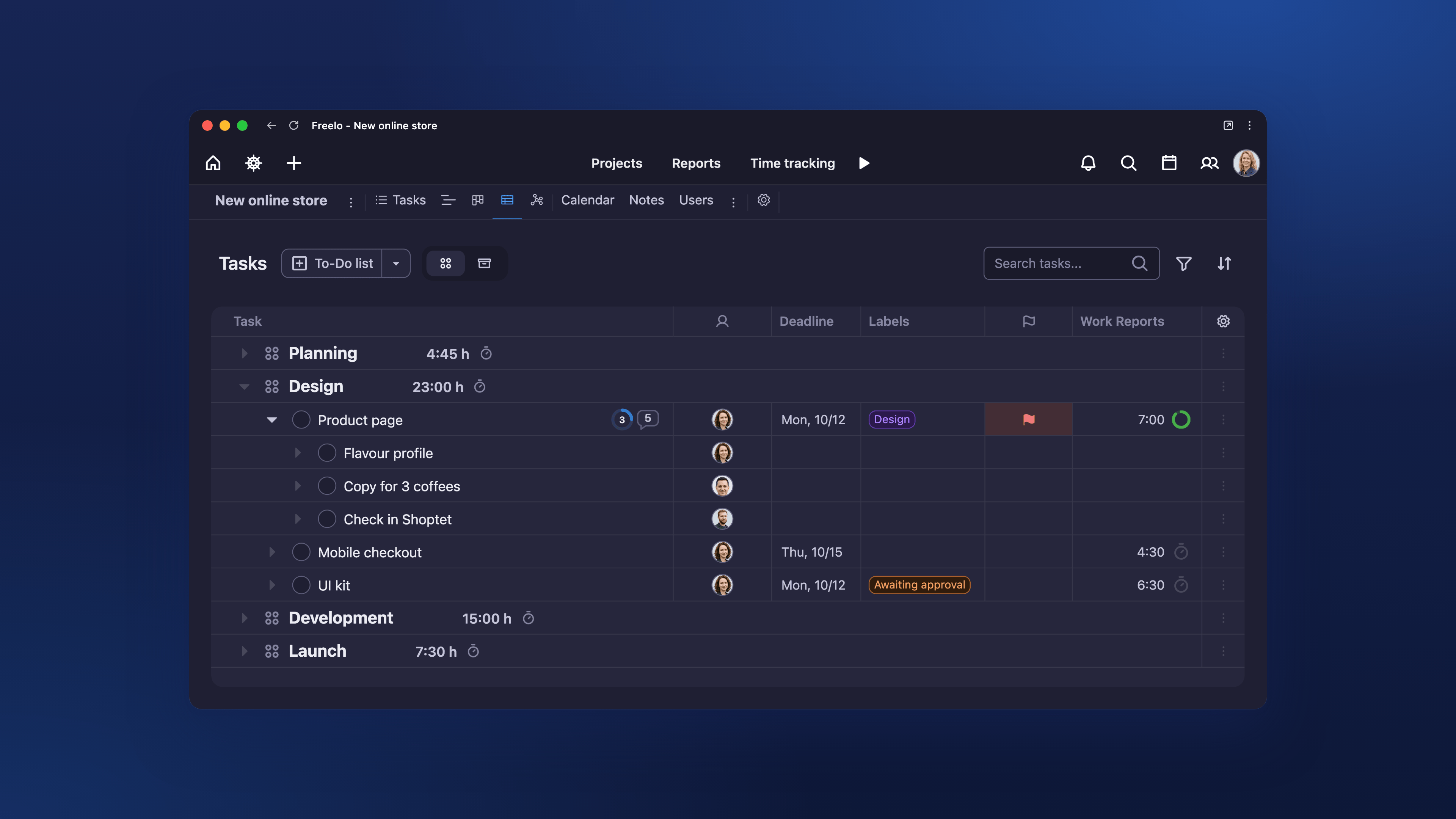
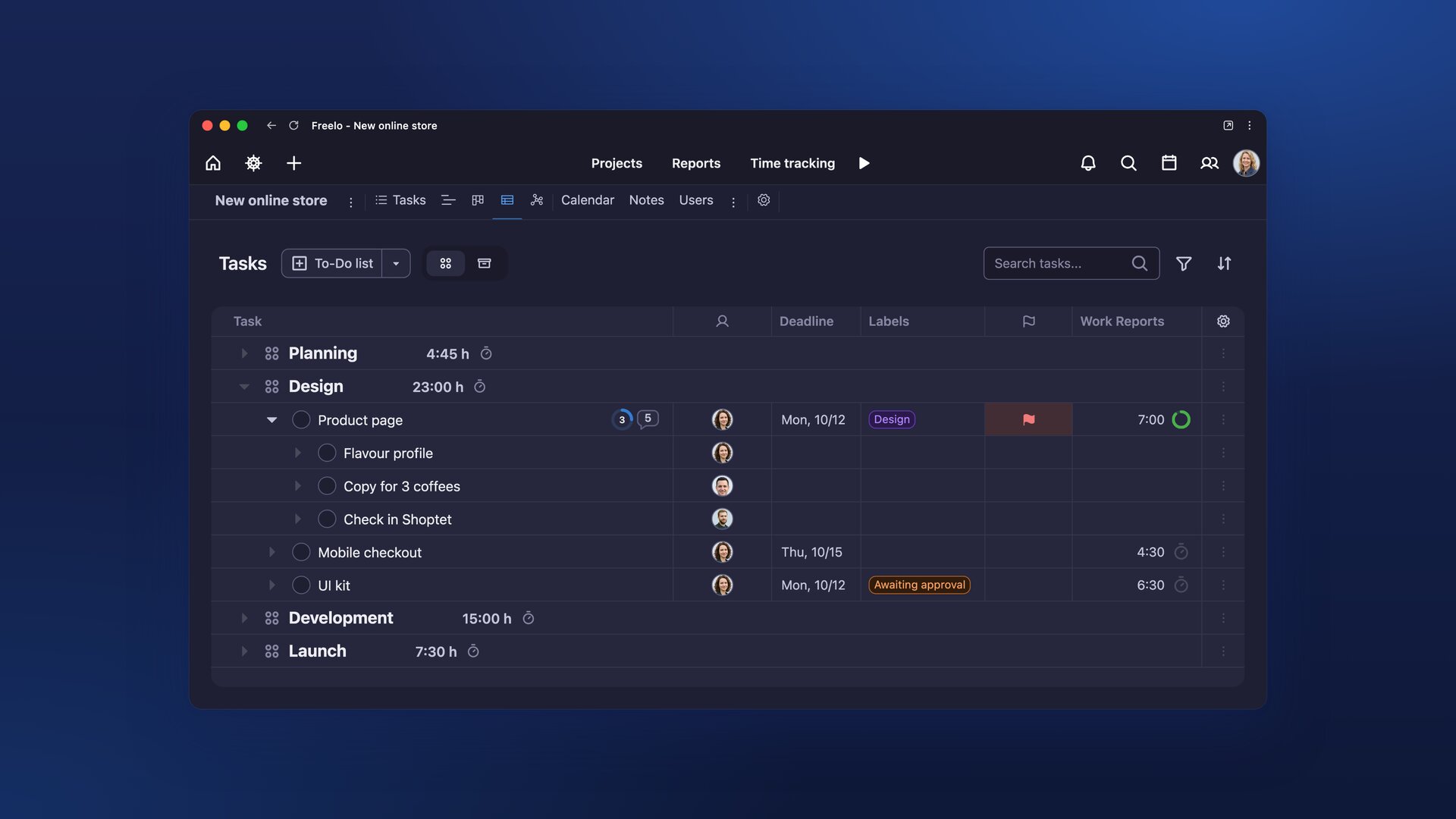
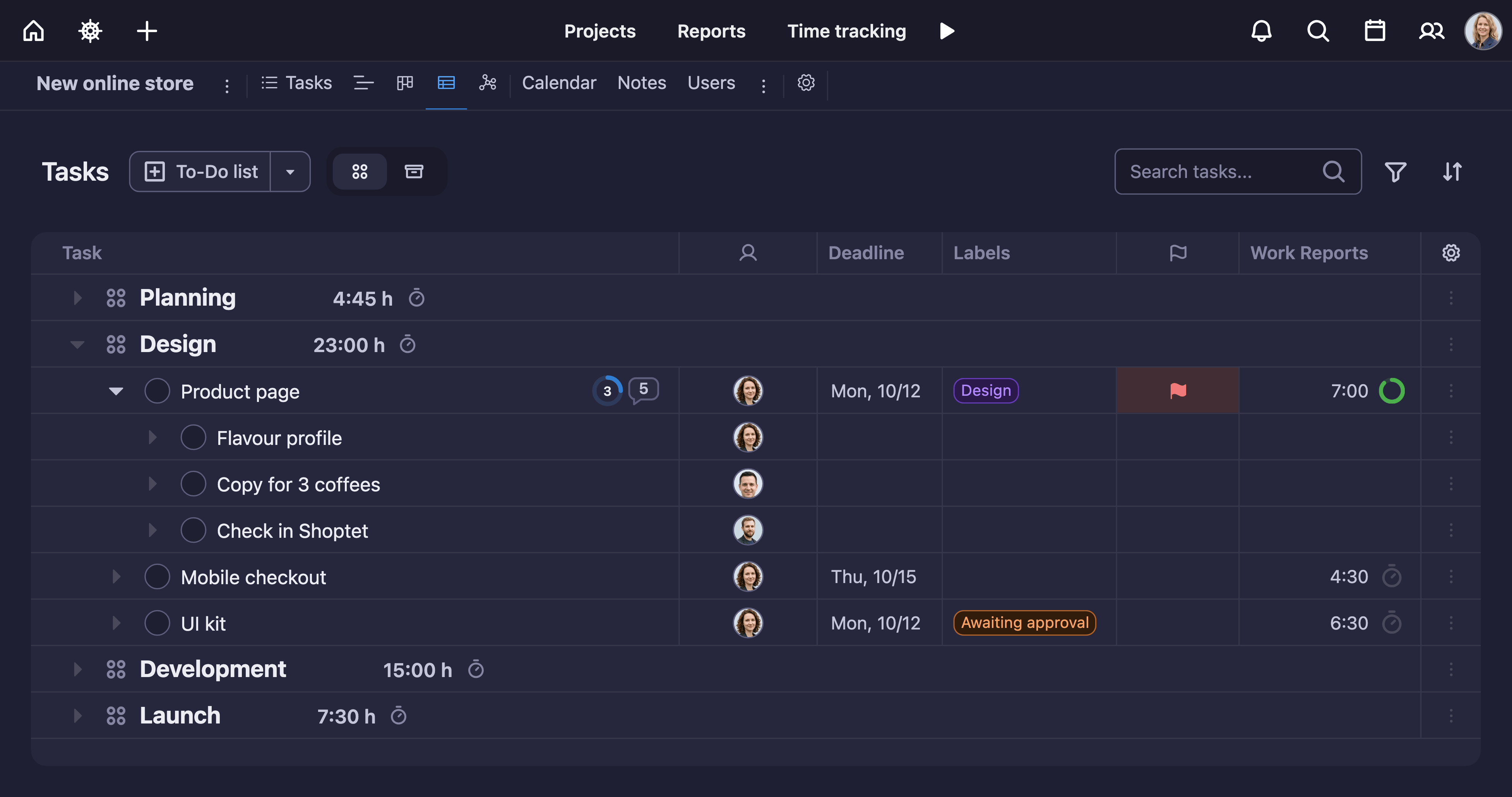
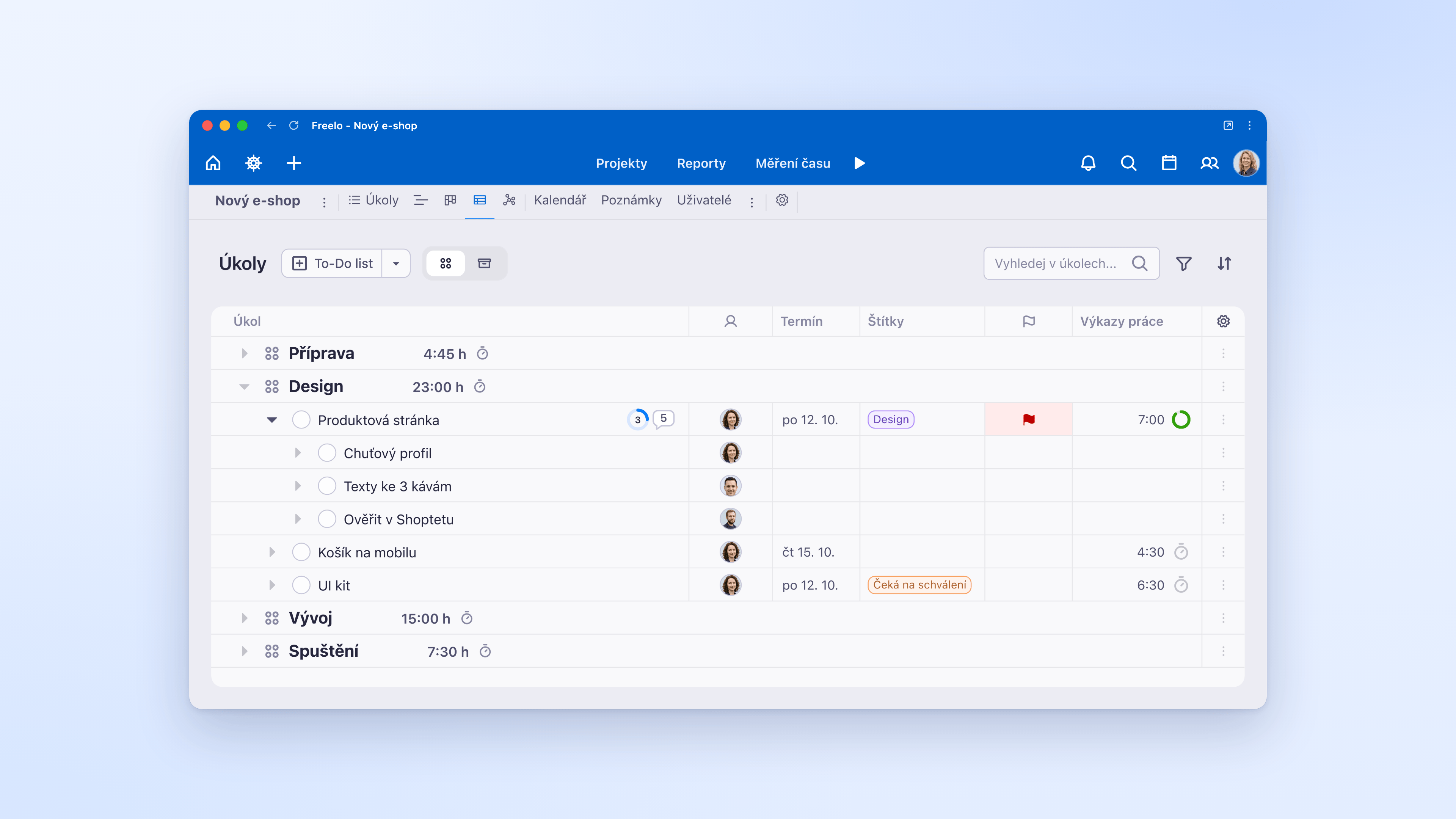
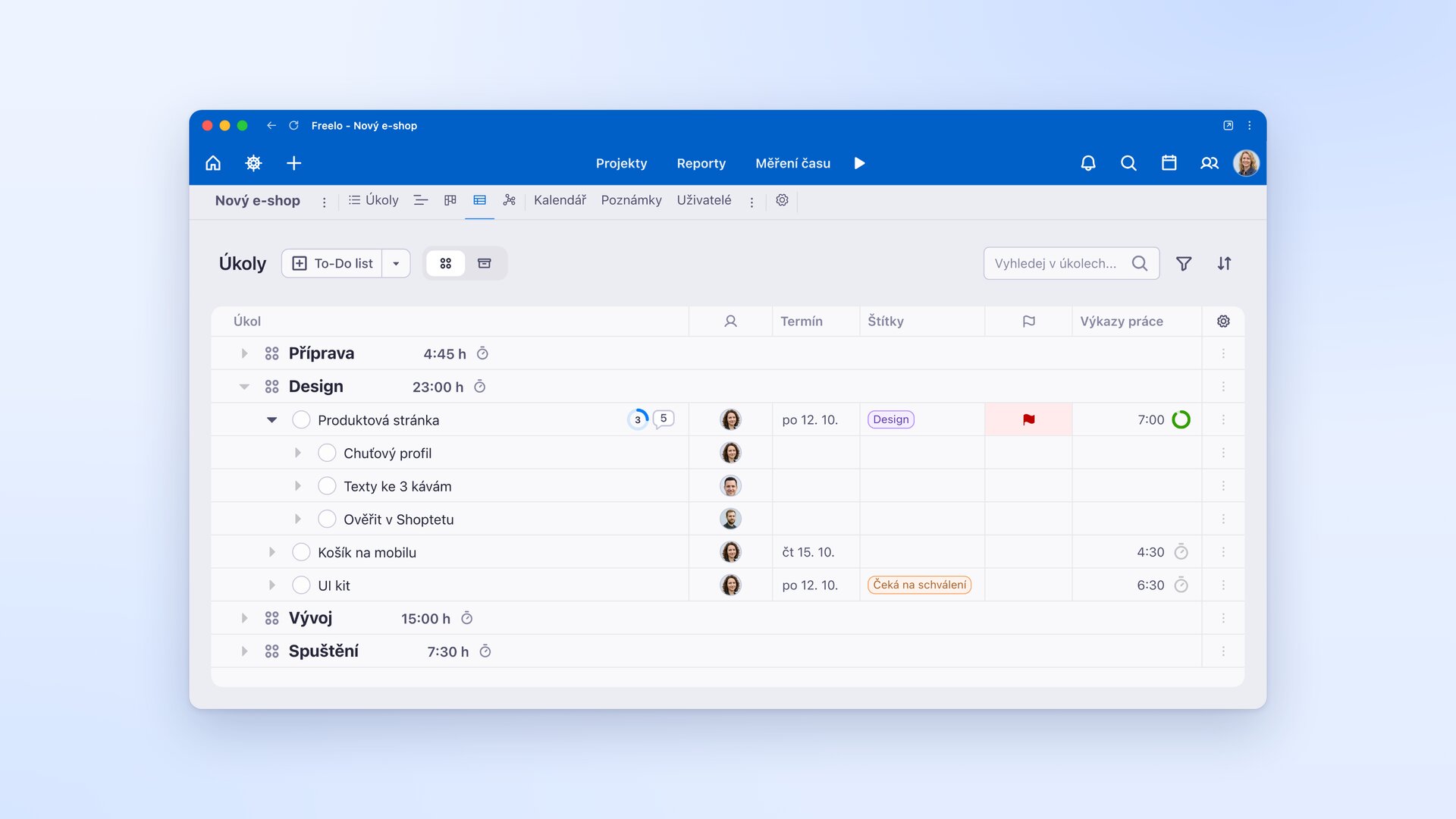
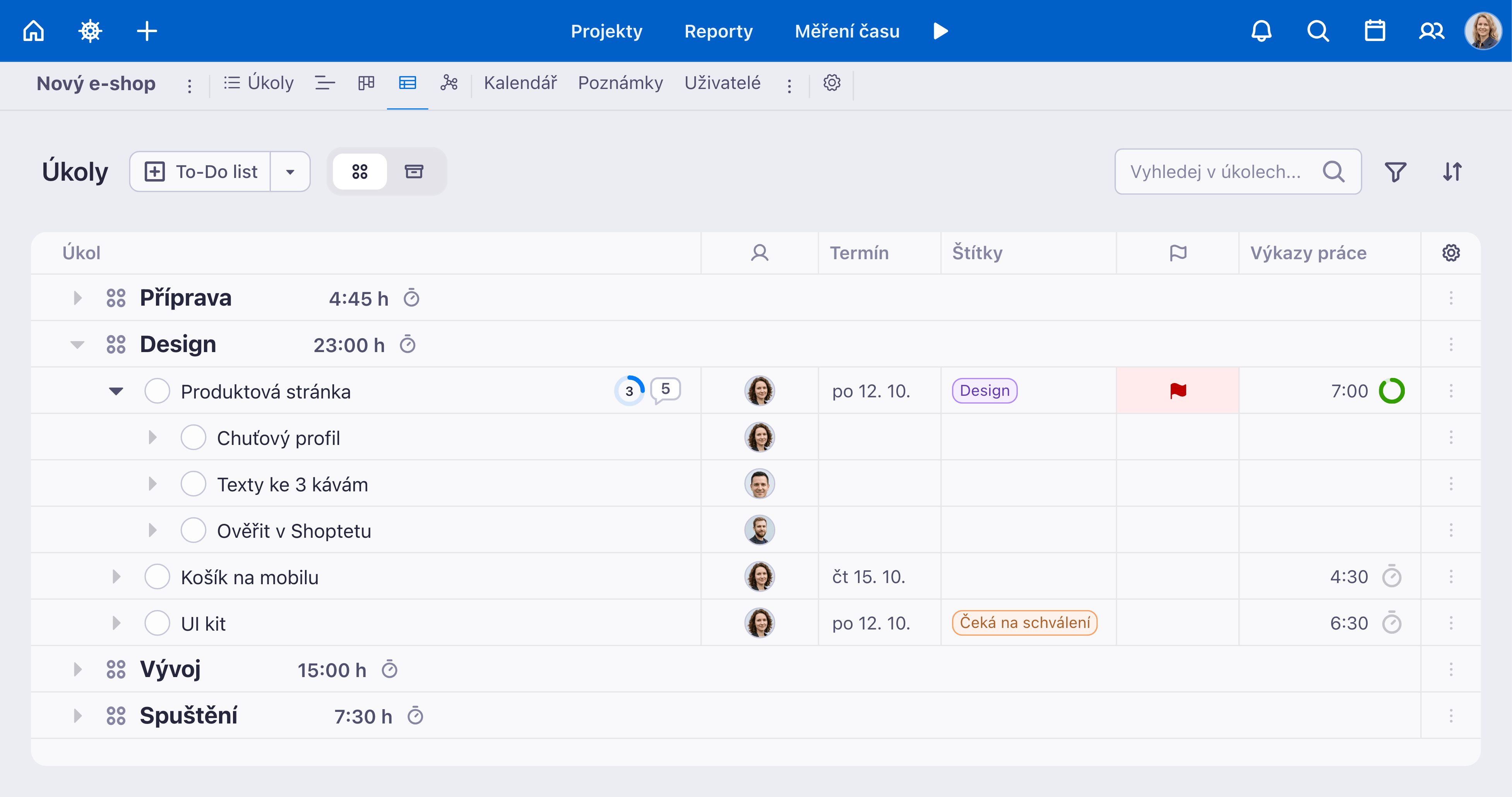
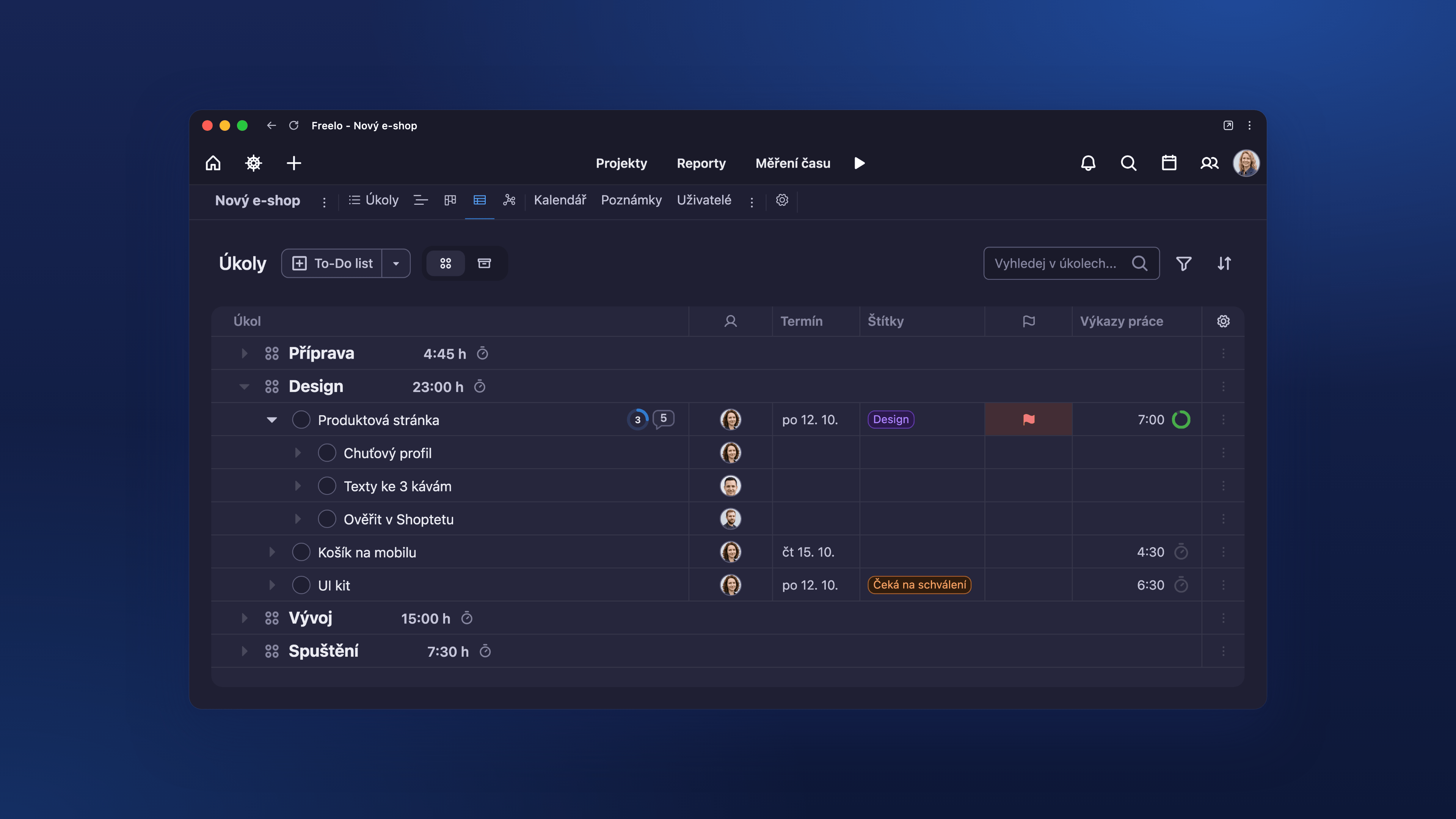
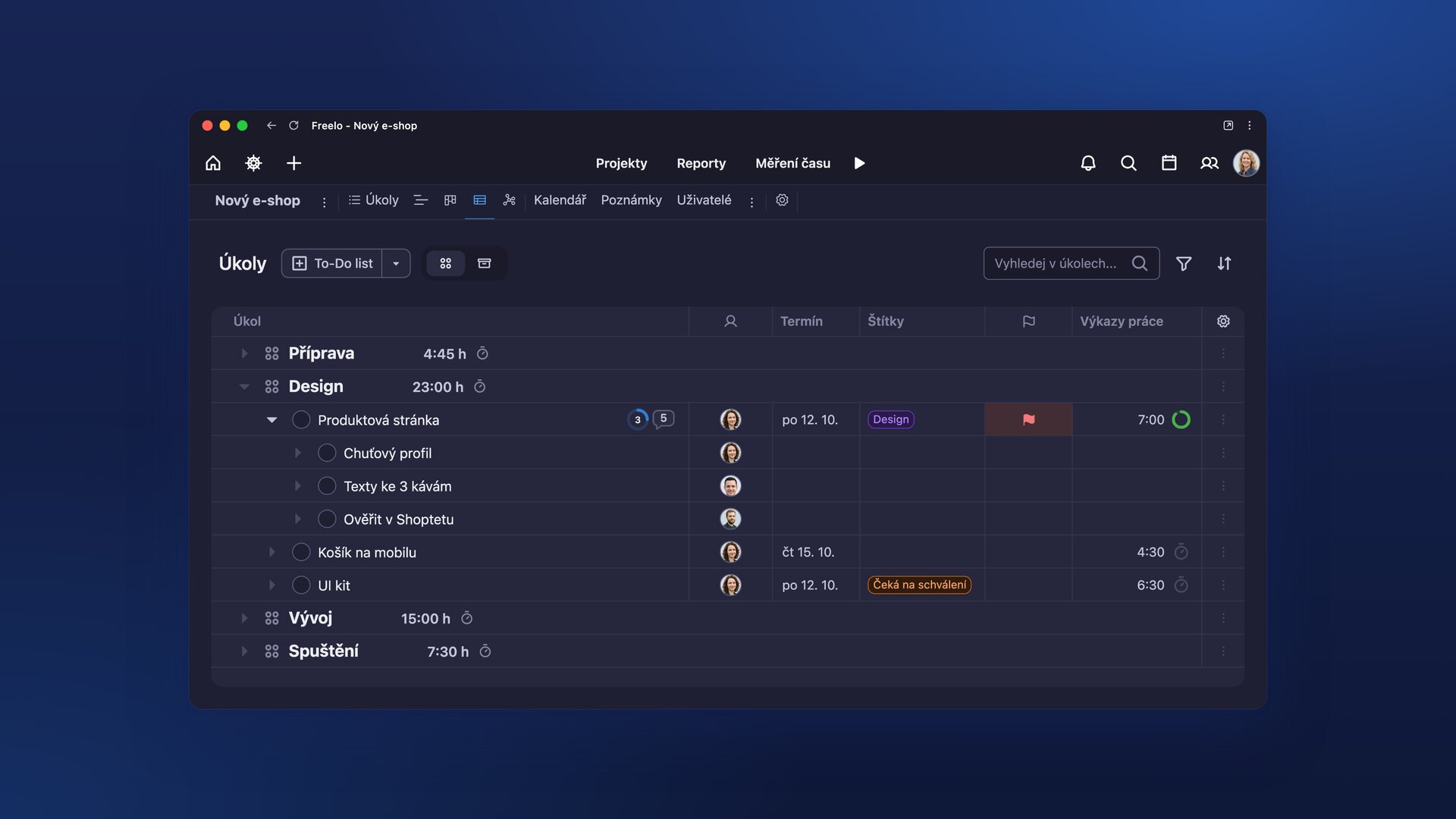
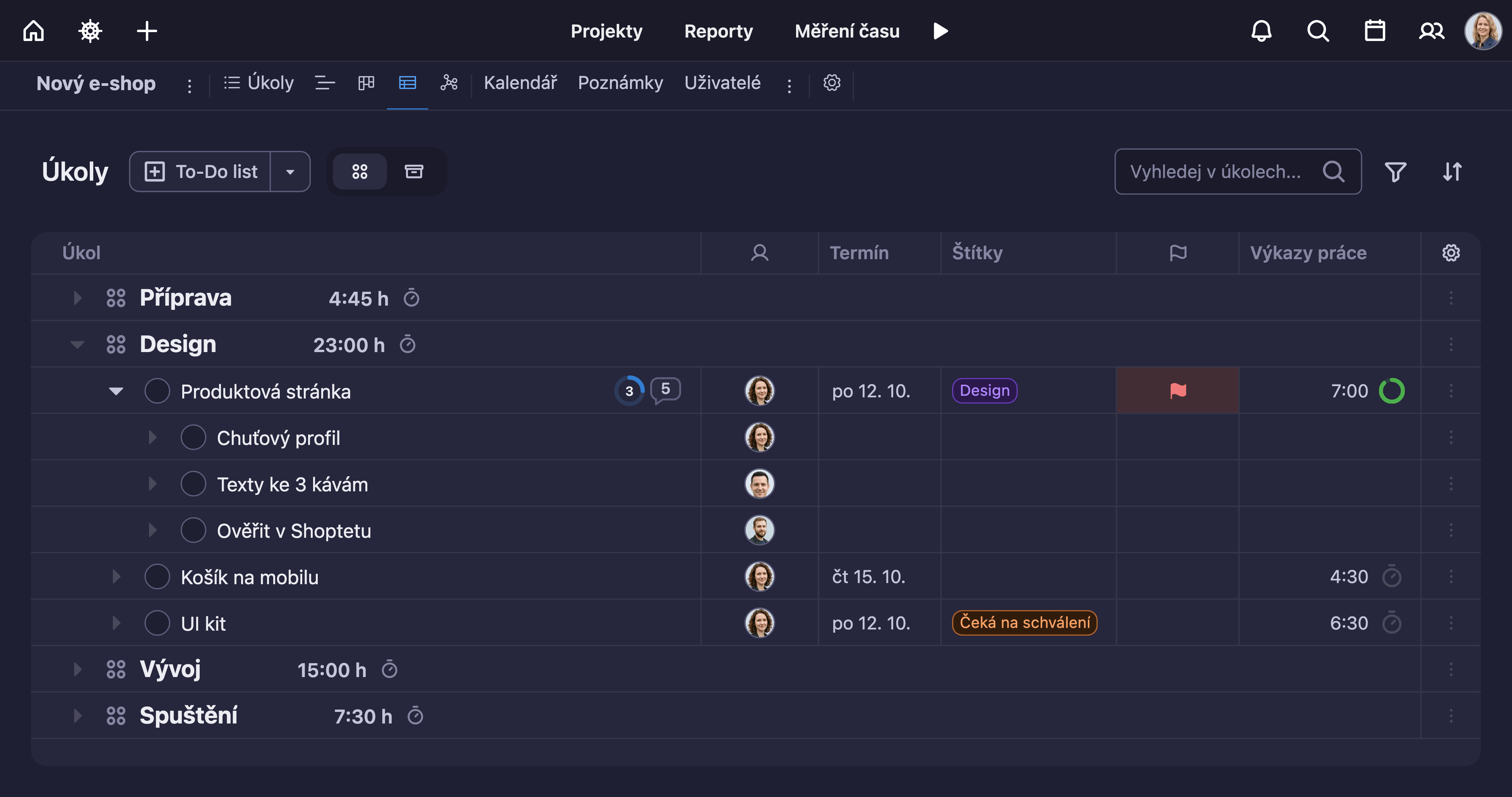
Project tasks in a table with subtasks, assignees, due dates, labels and tracked time.
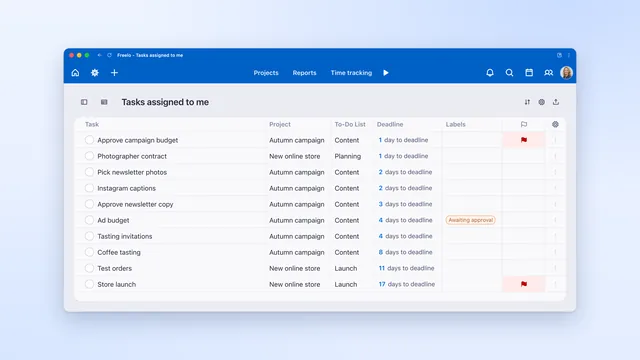
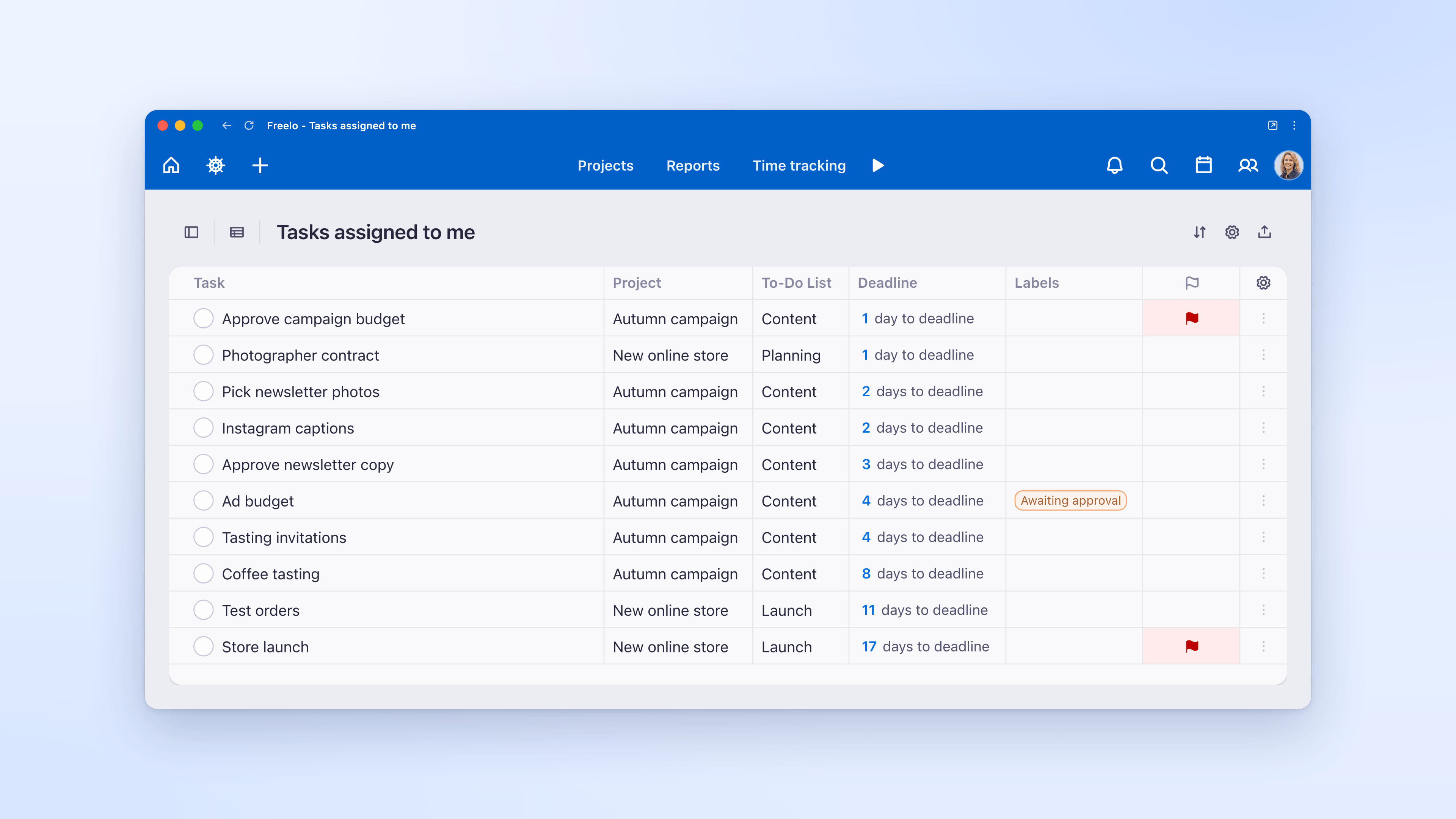
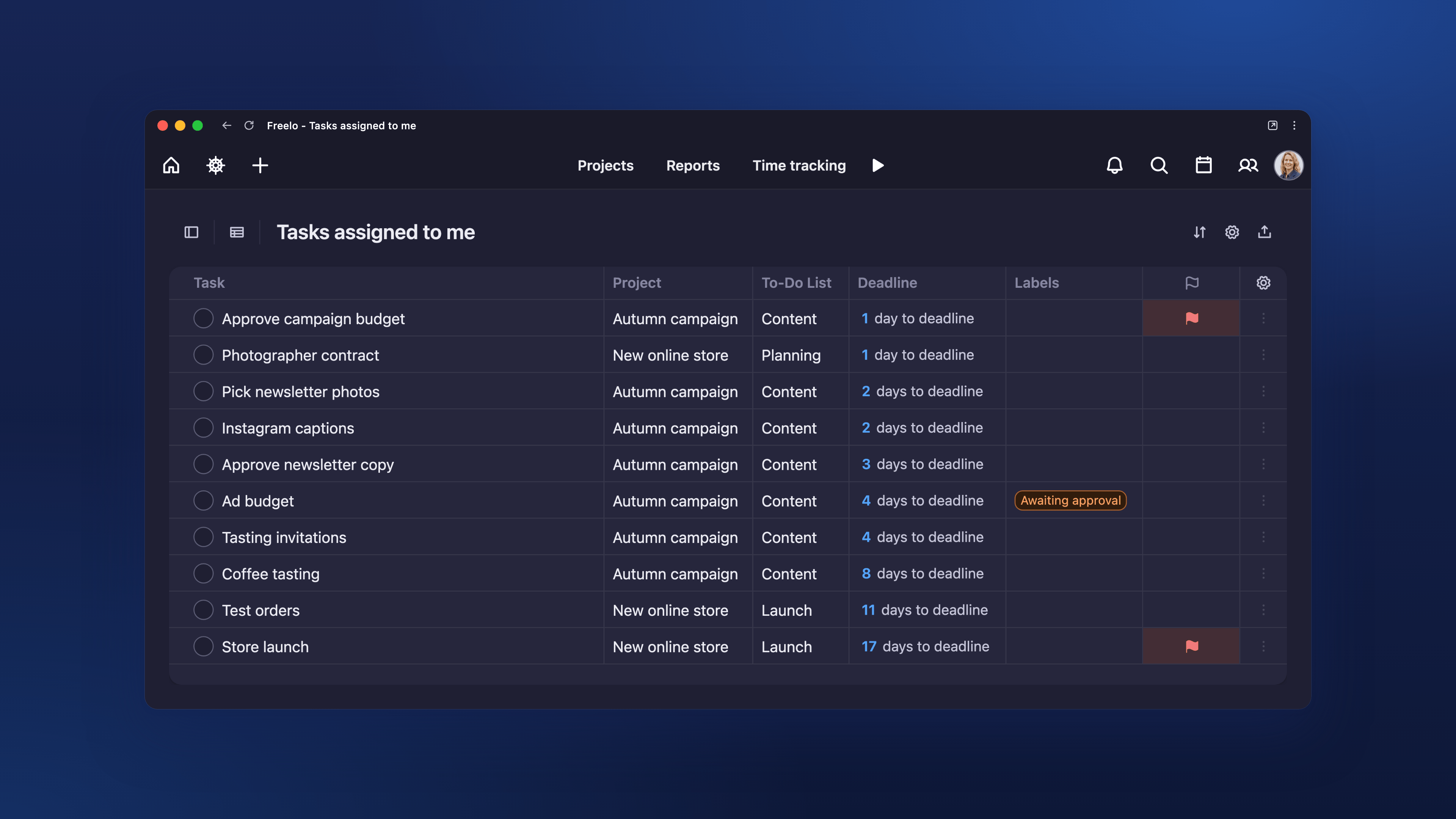
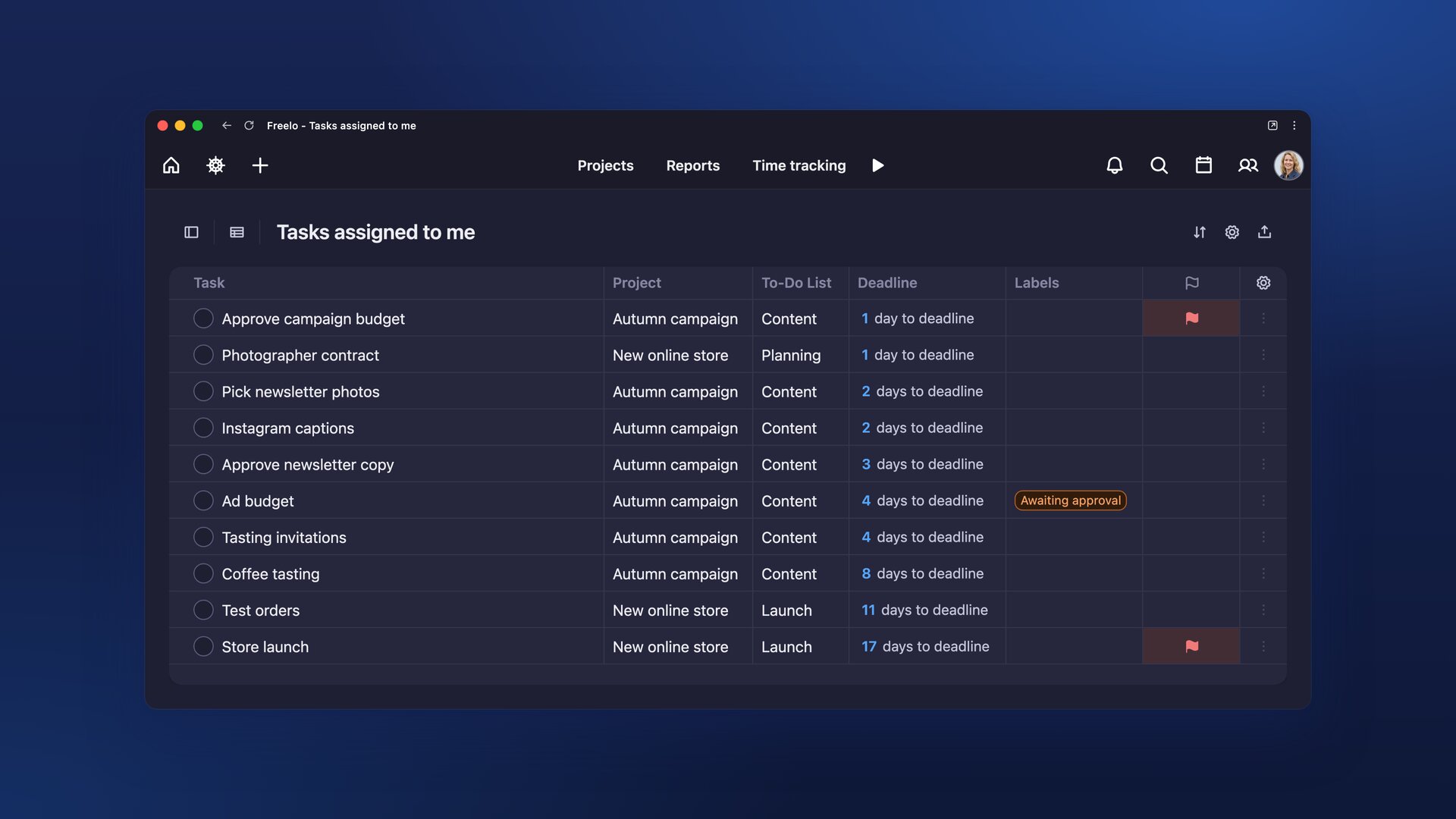
One person’s tasks across projects in a table with project, due date and labels.
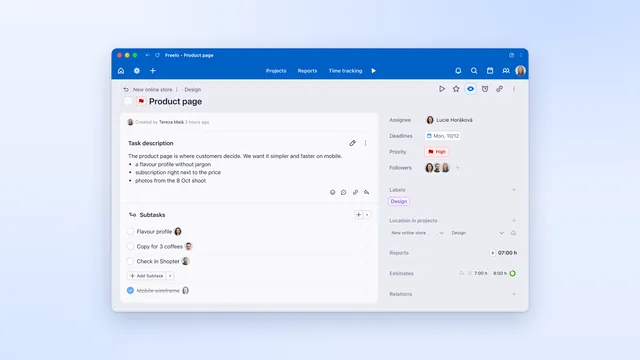
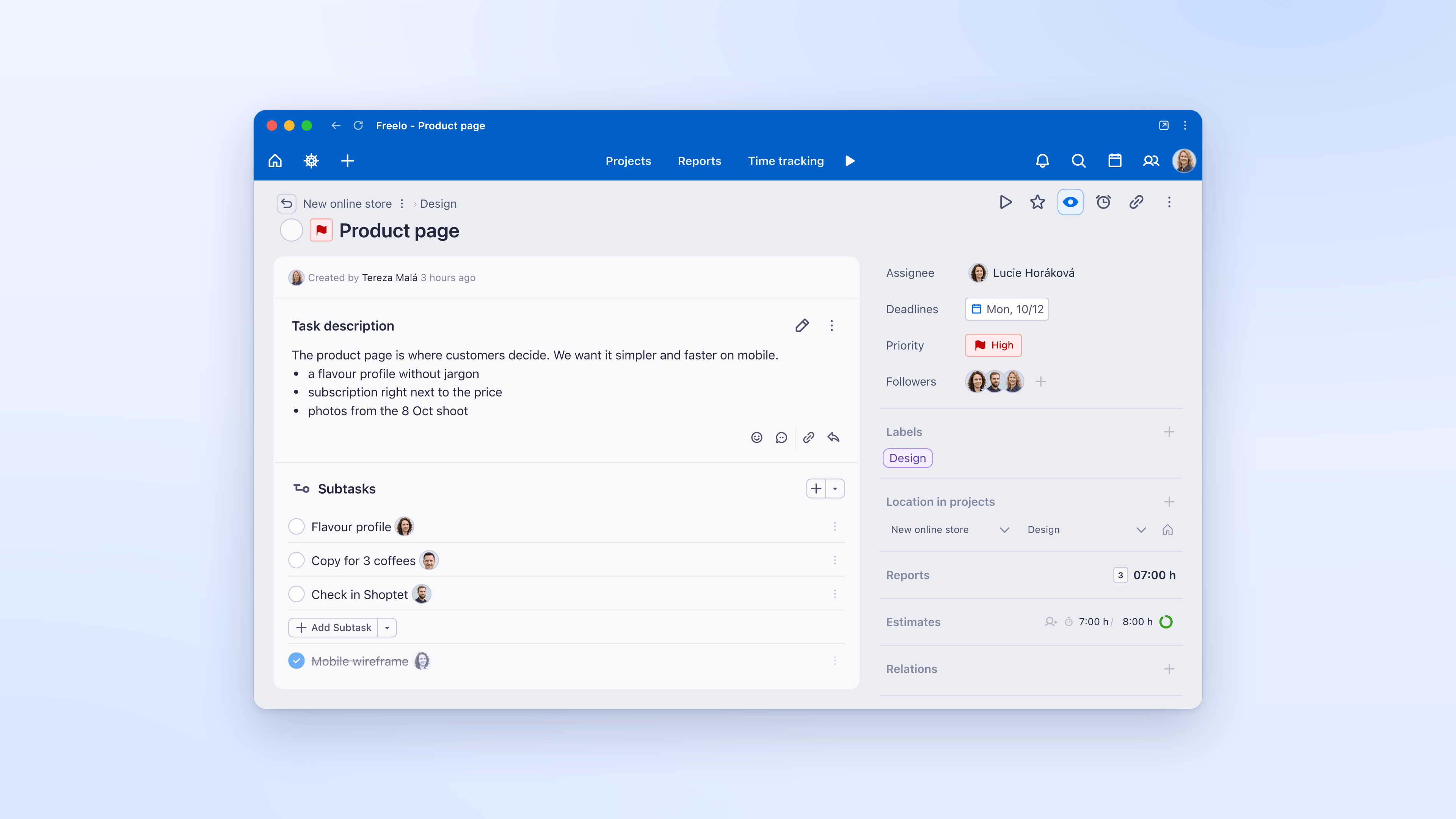
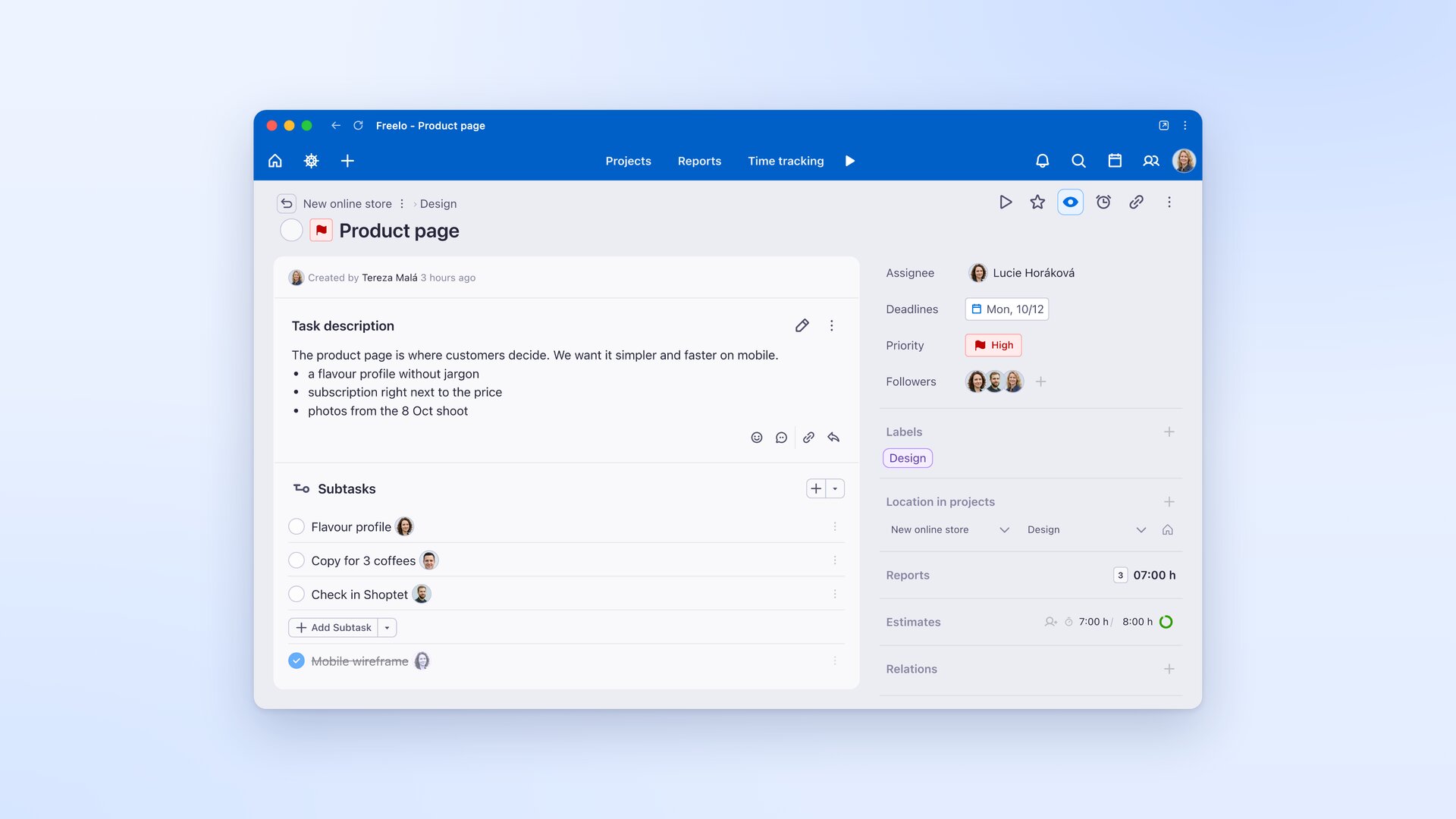
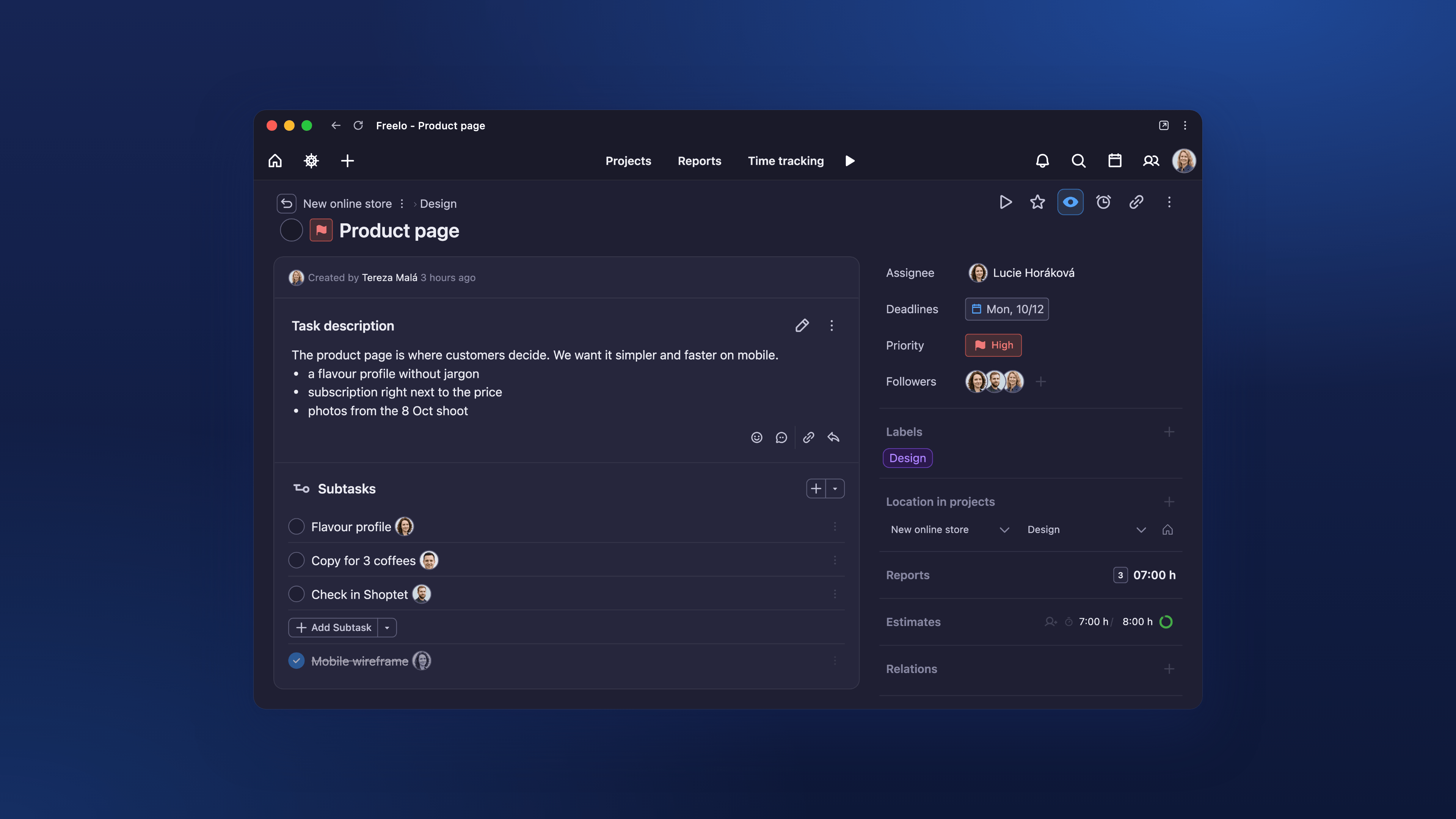
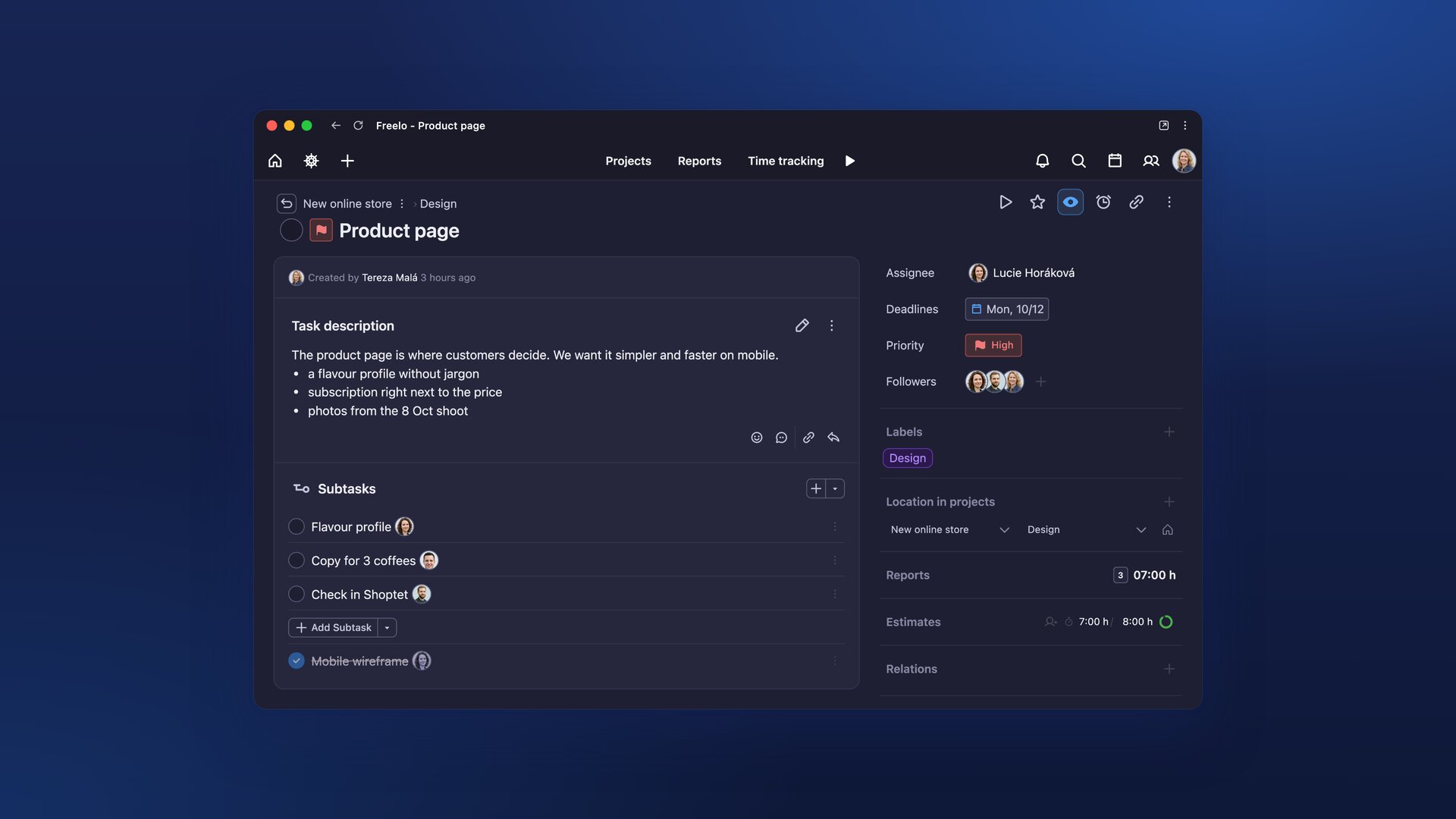
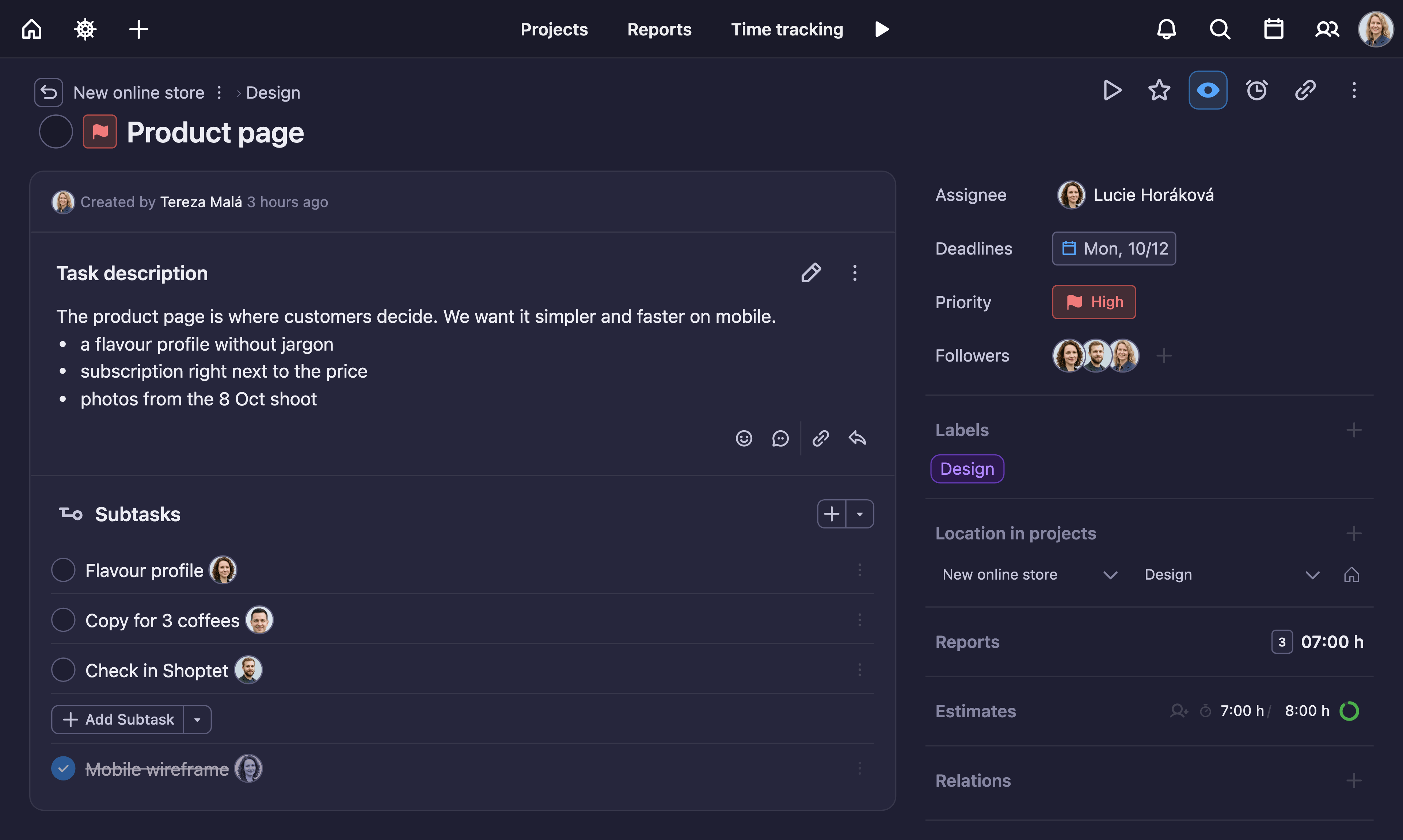
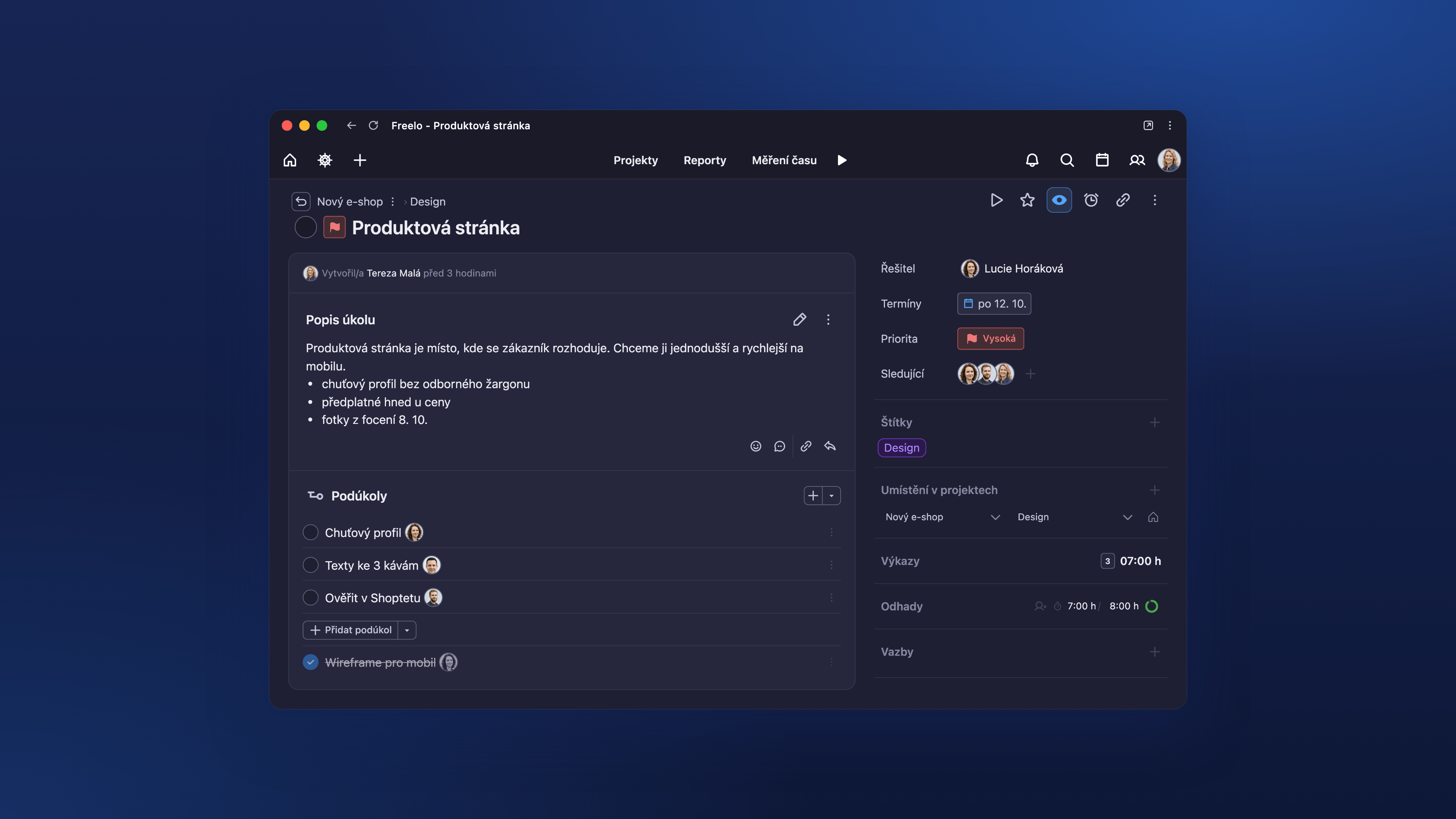
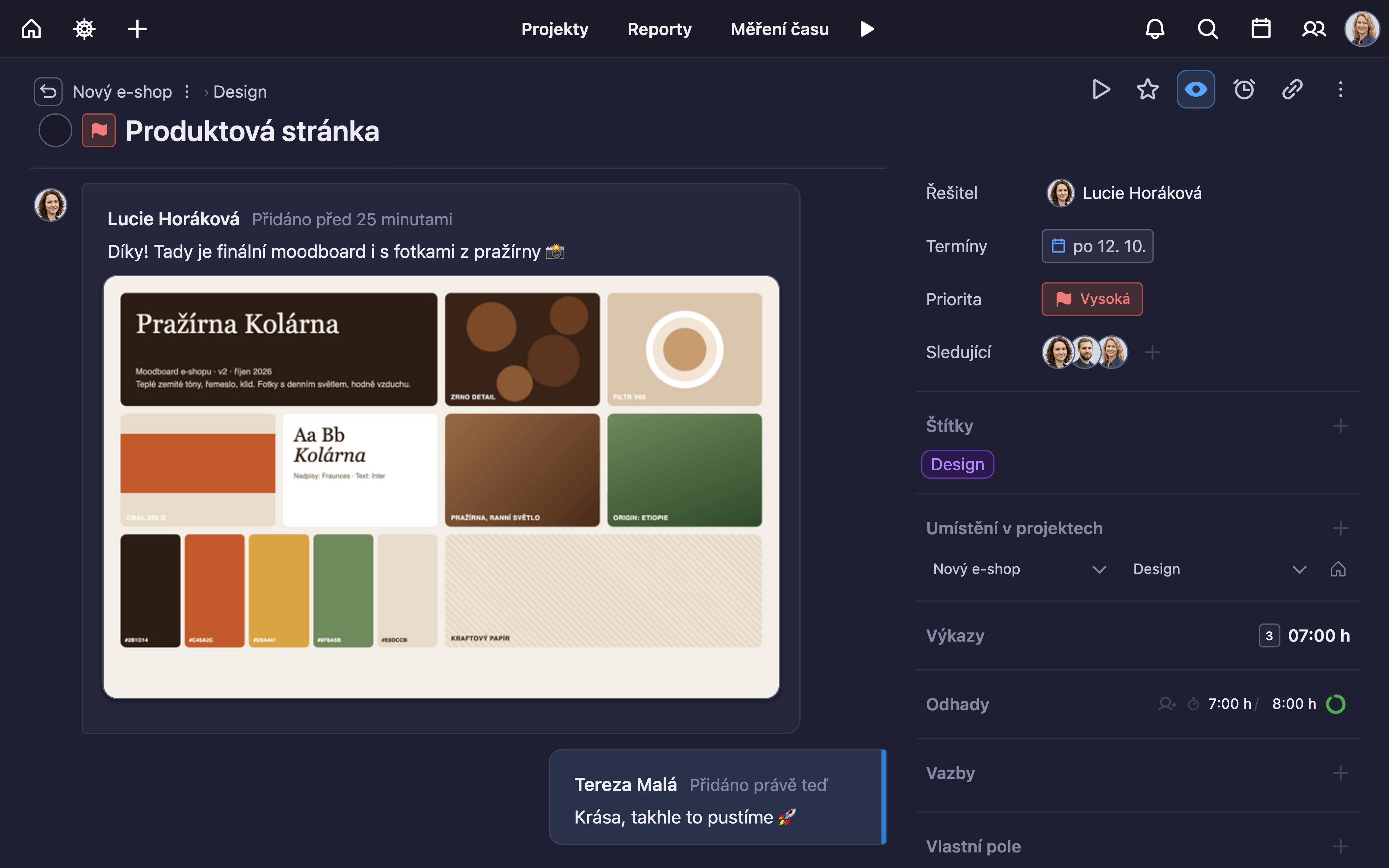
Task detail with a description, subtasks, assignees and tracked time.
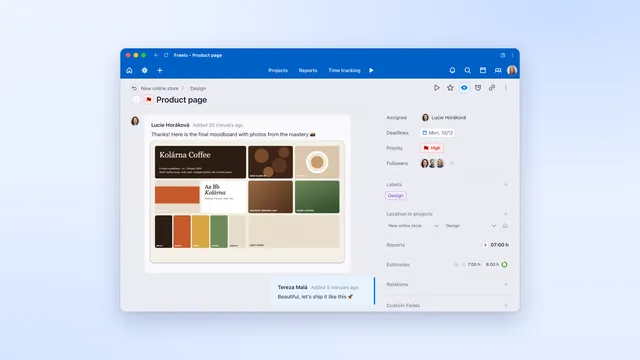
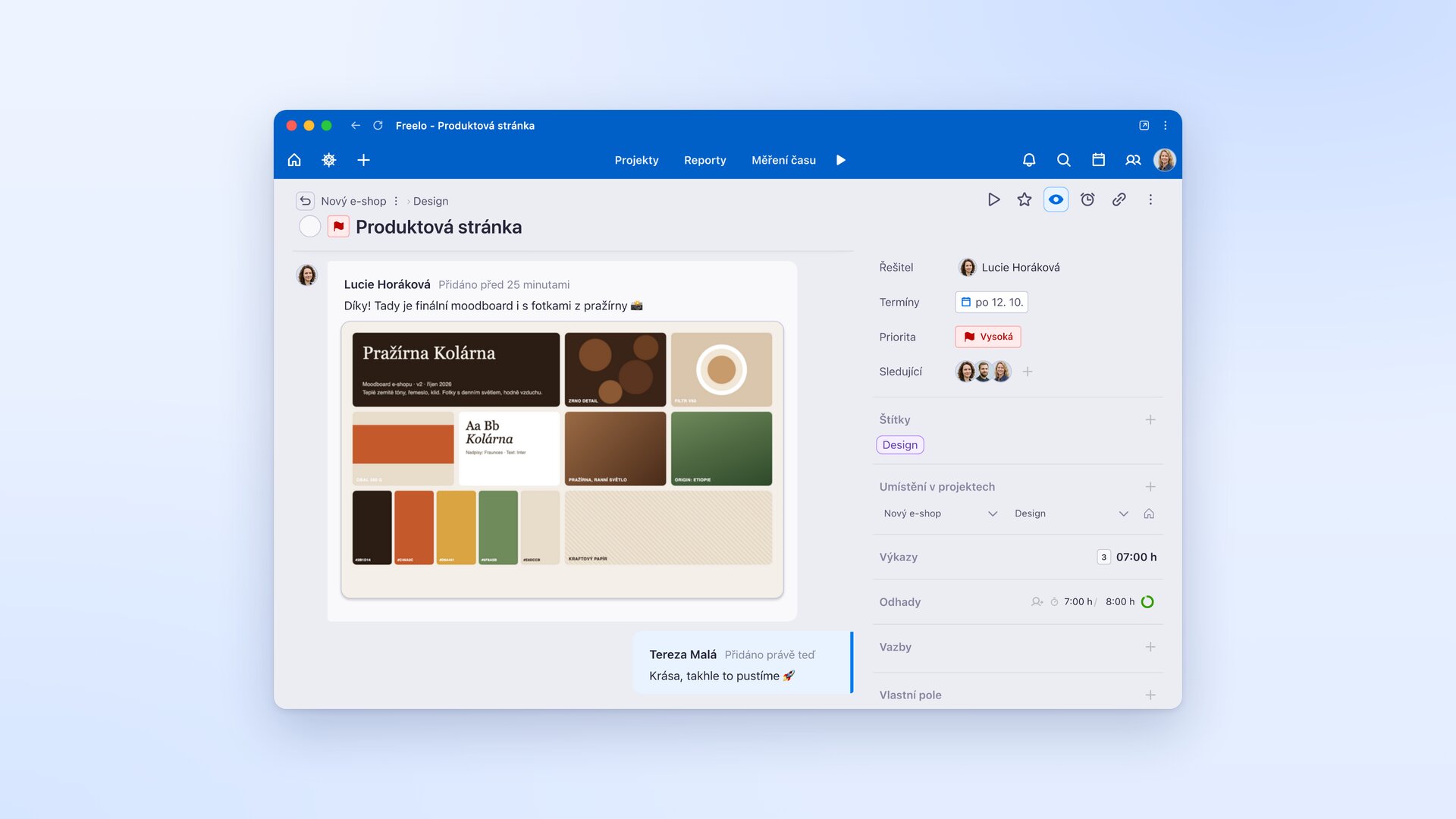
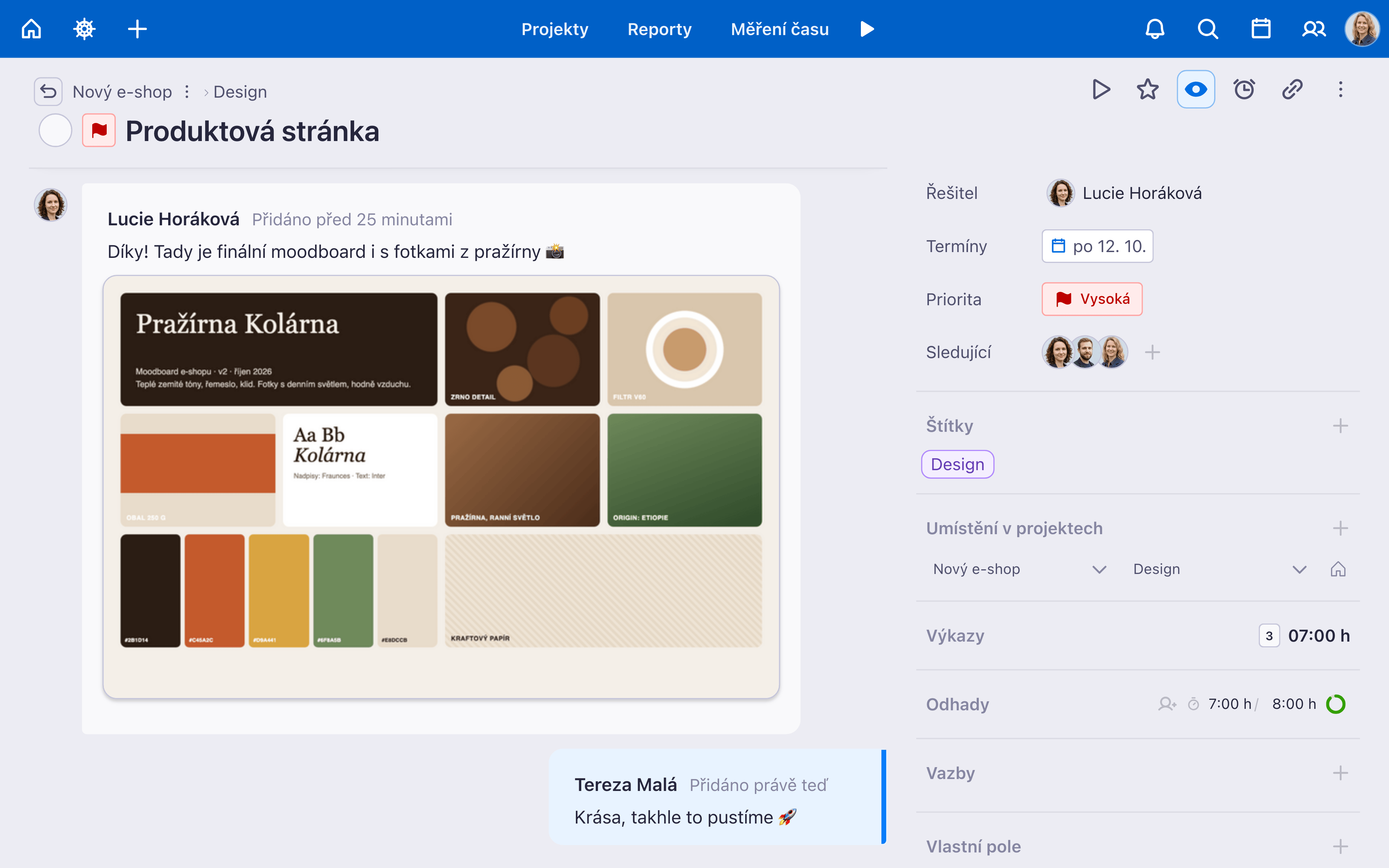
Comments, mentions and attachments right in the task, without long email threads.
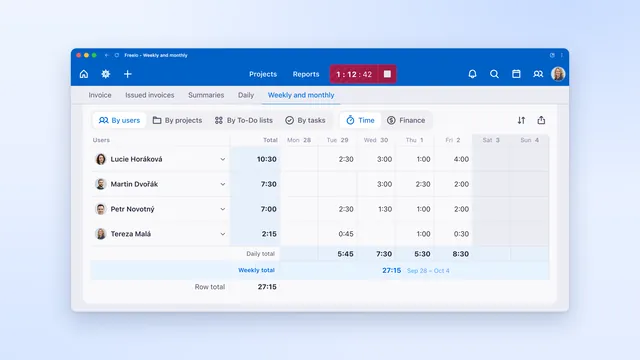
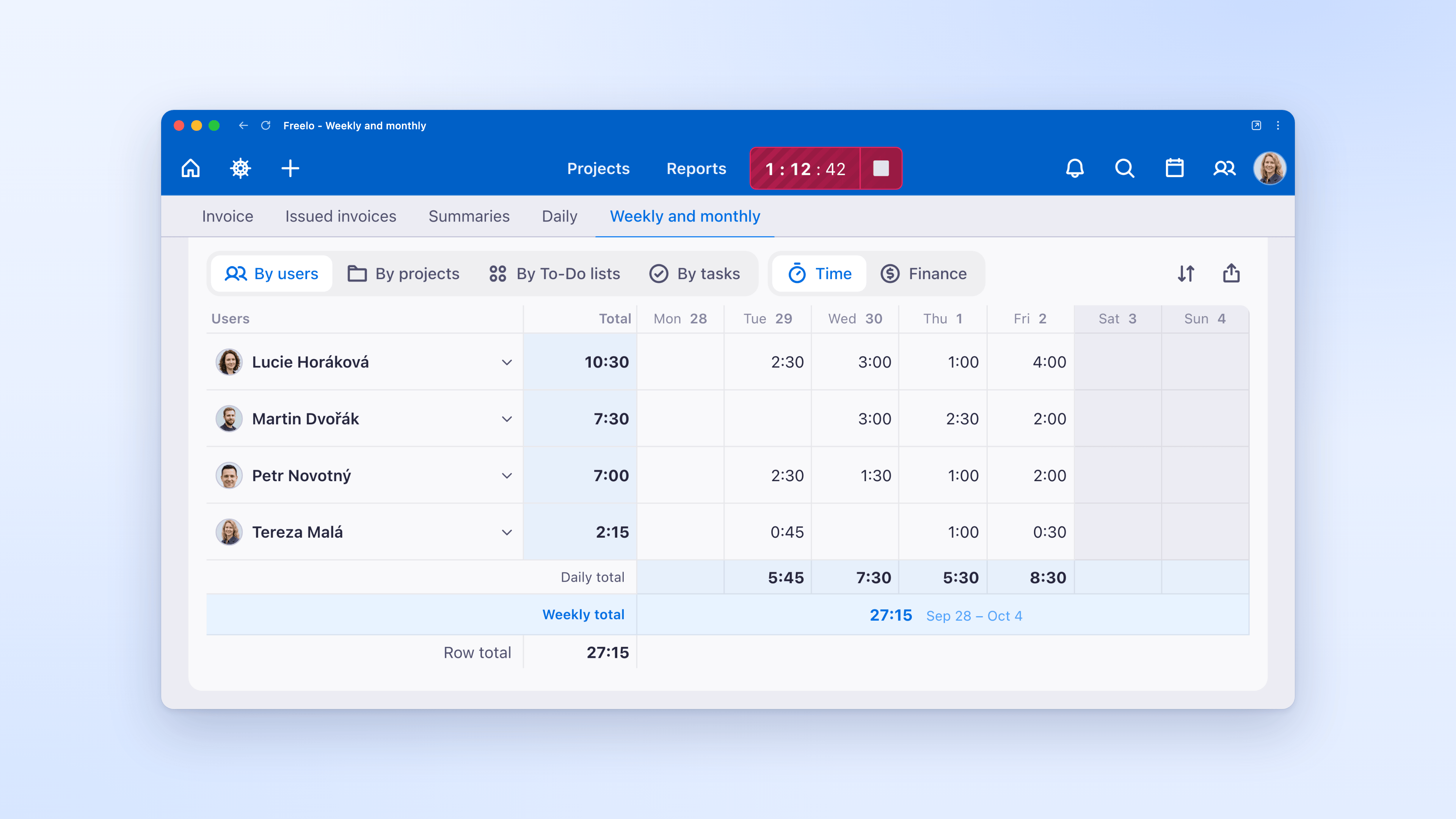
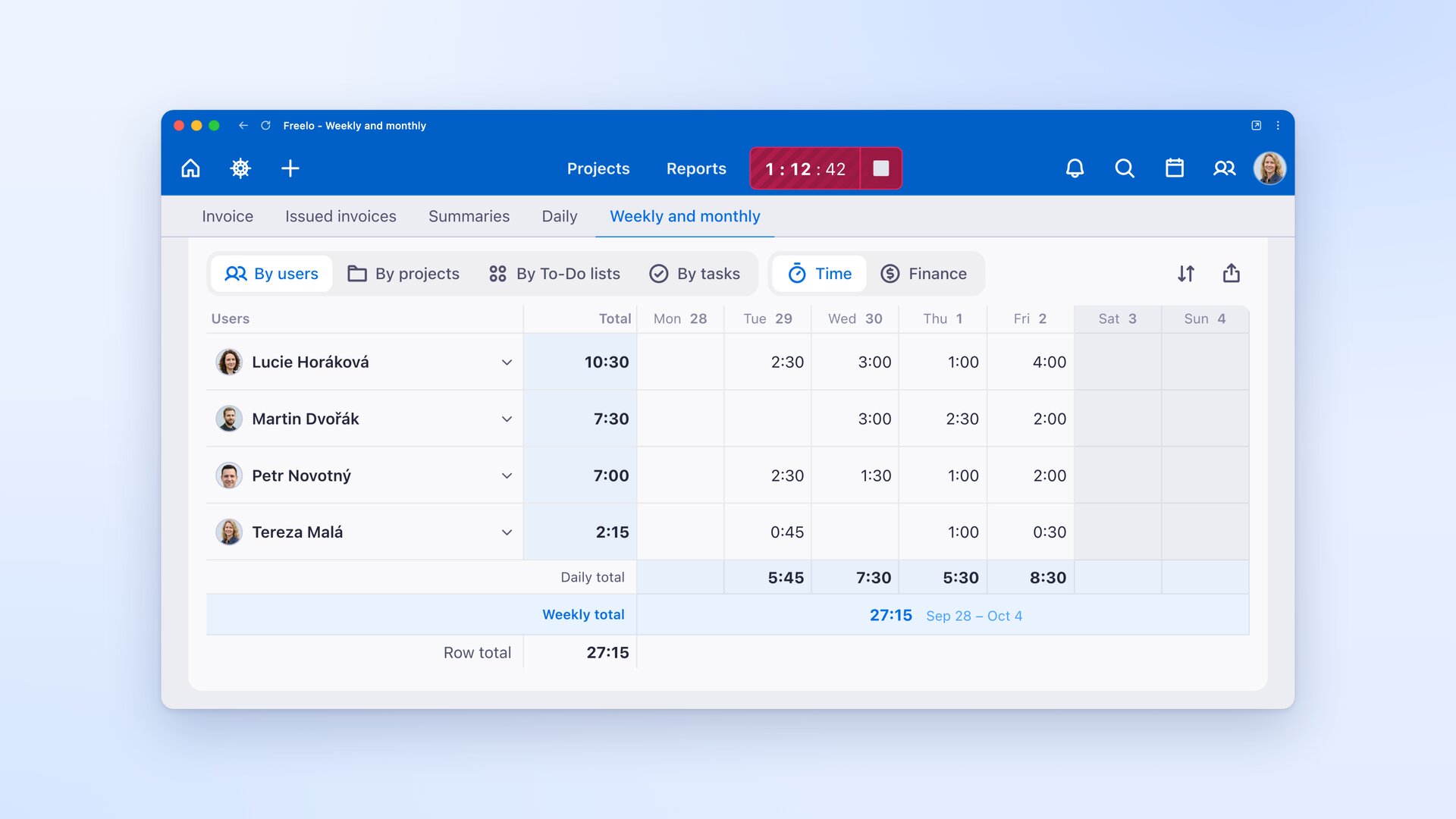
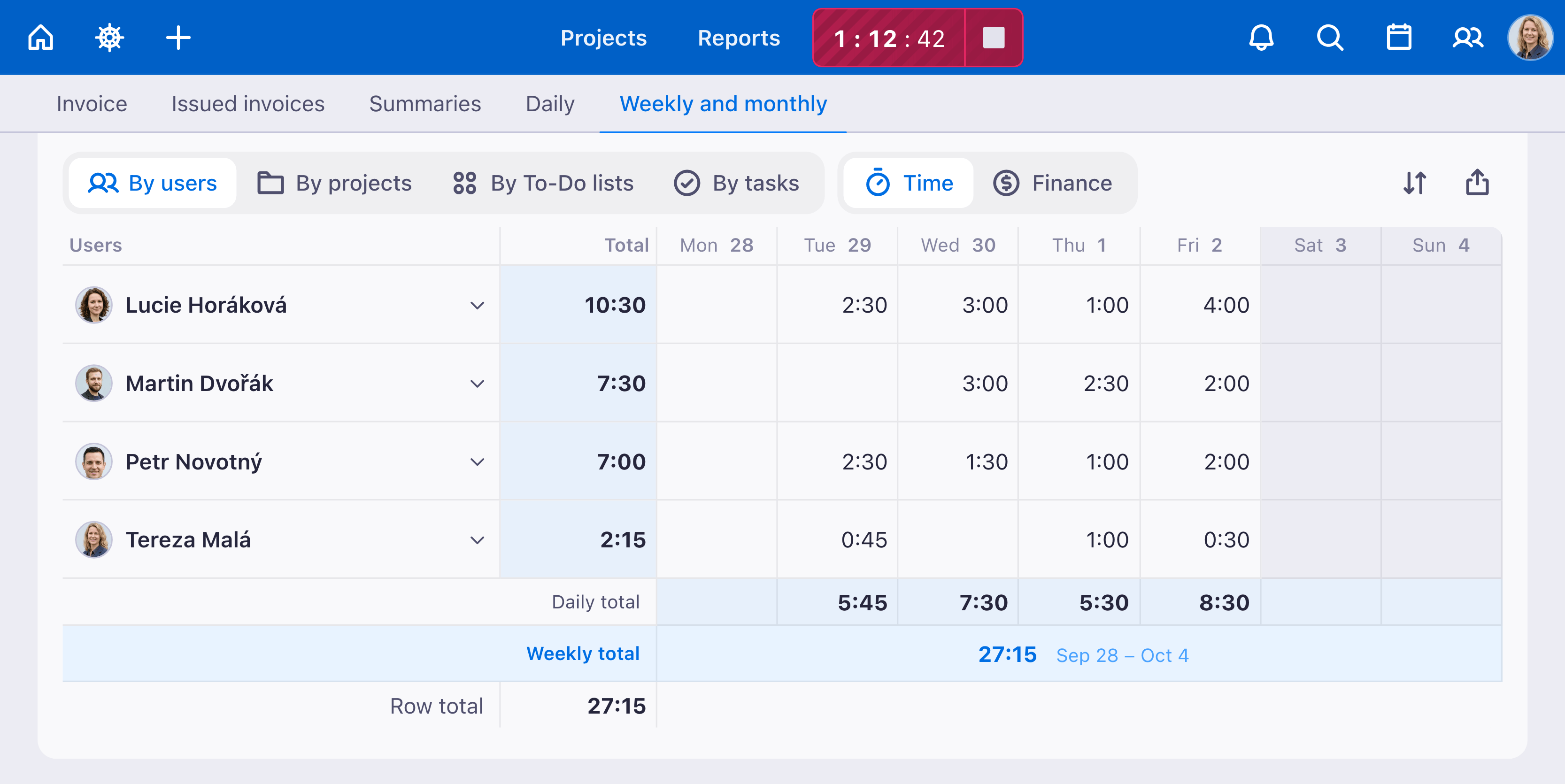
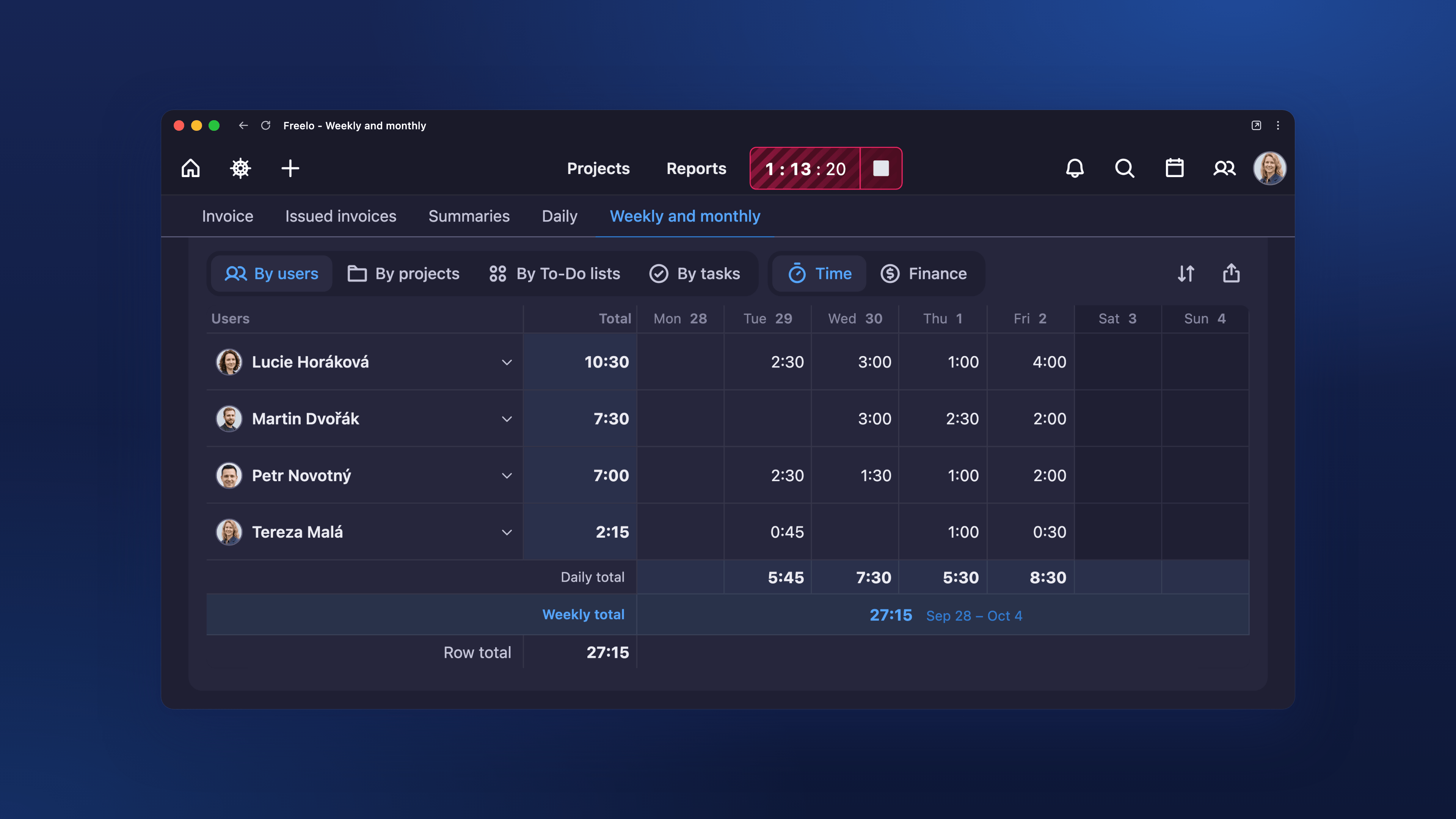
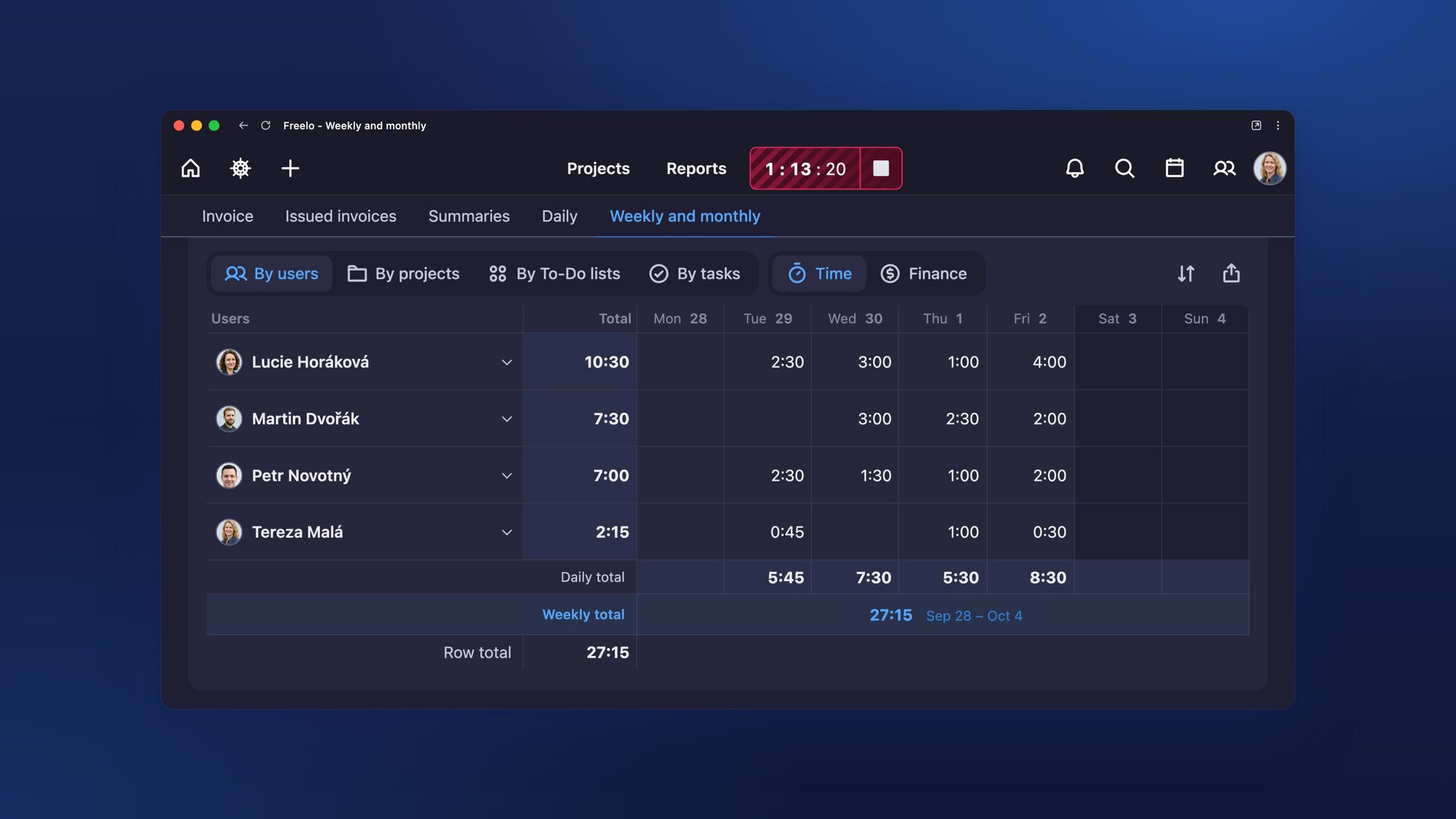
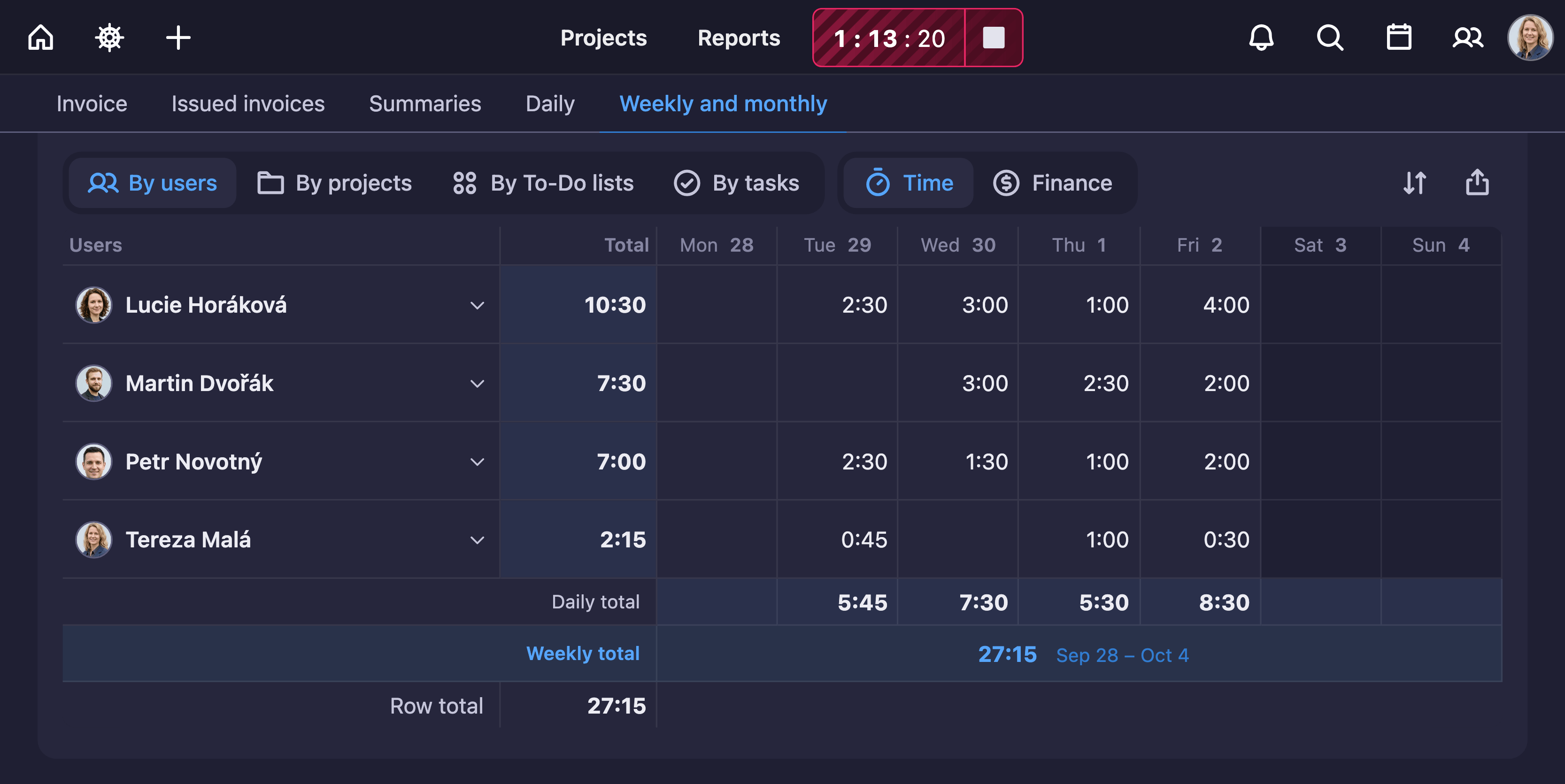
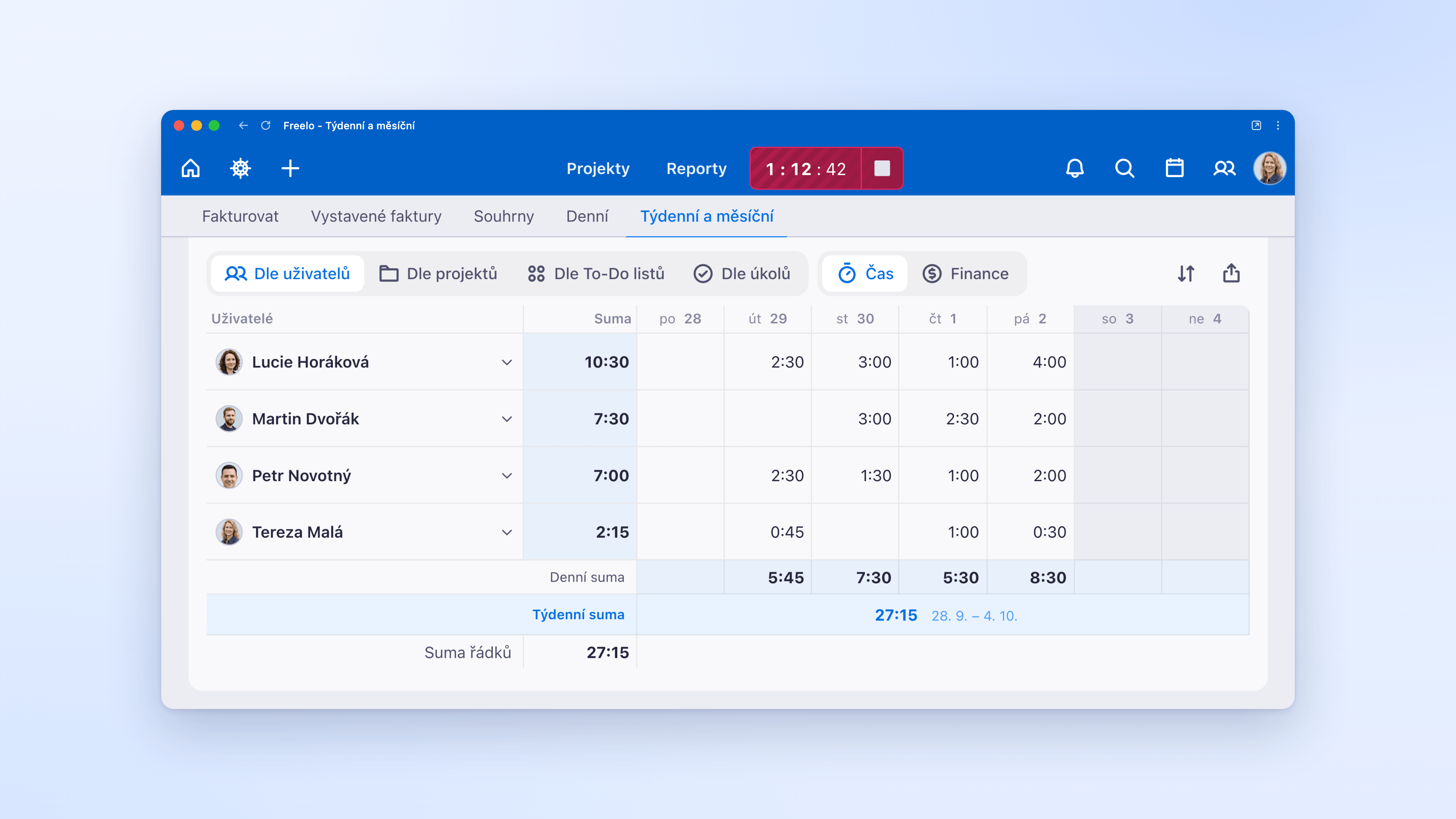
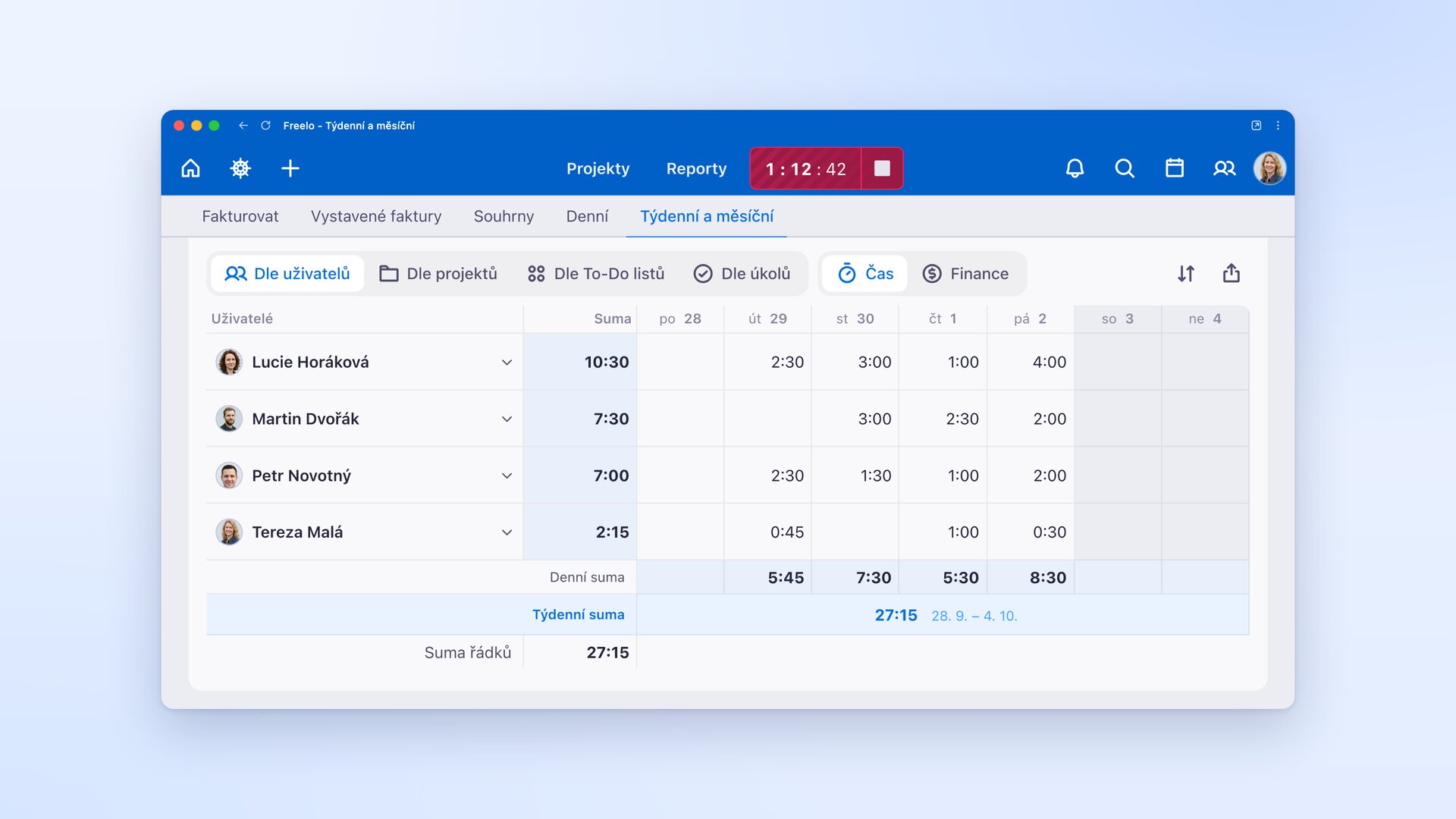
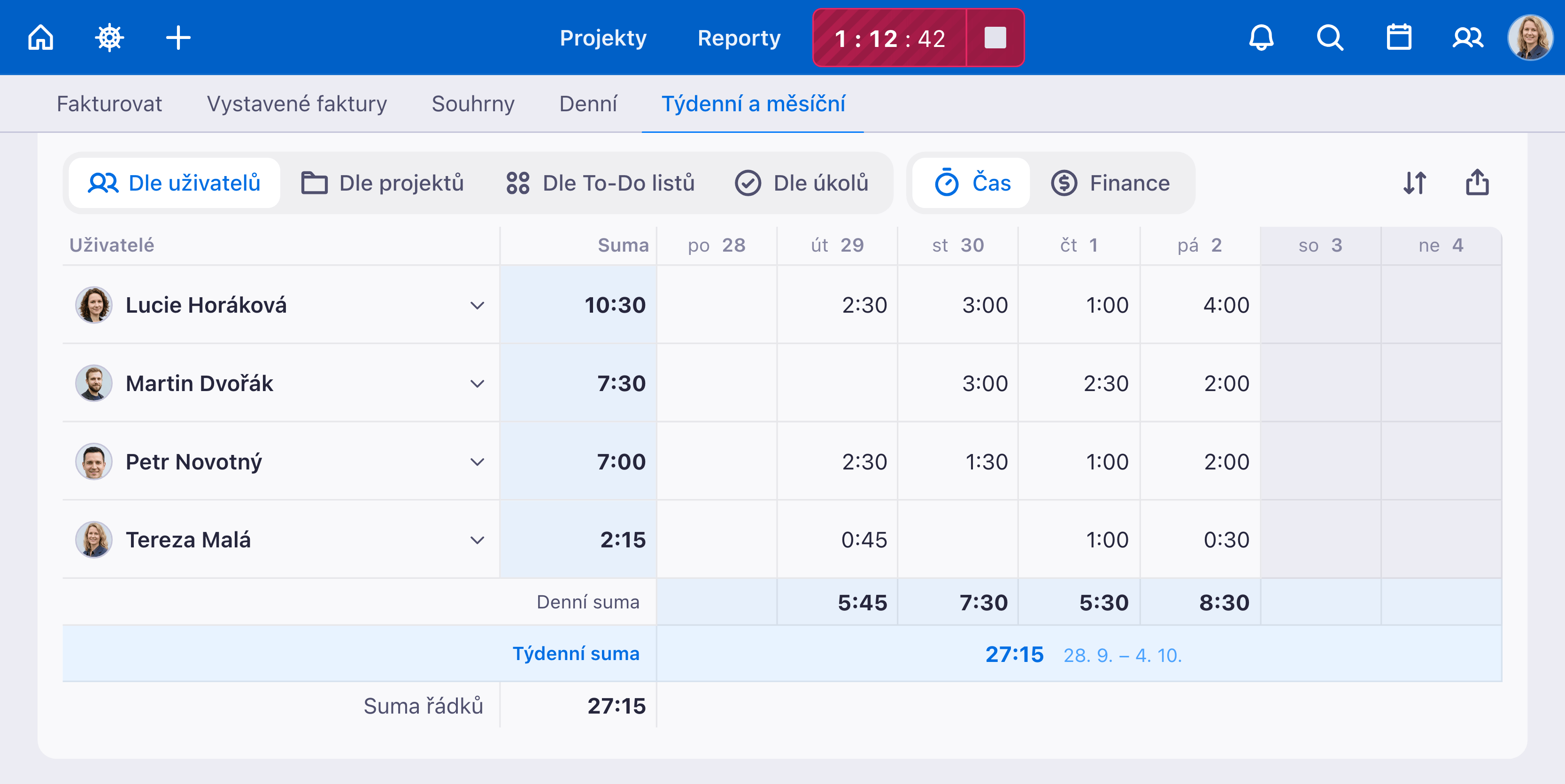
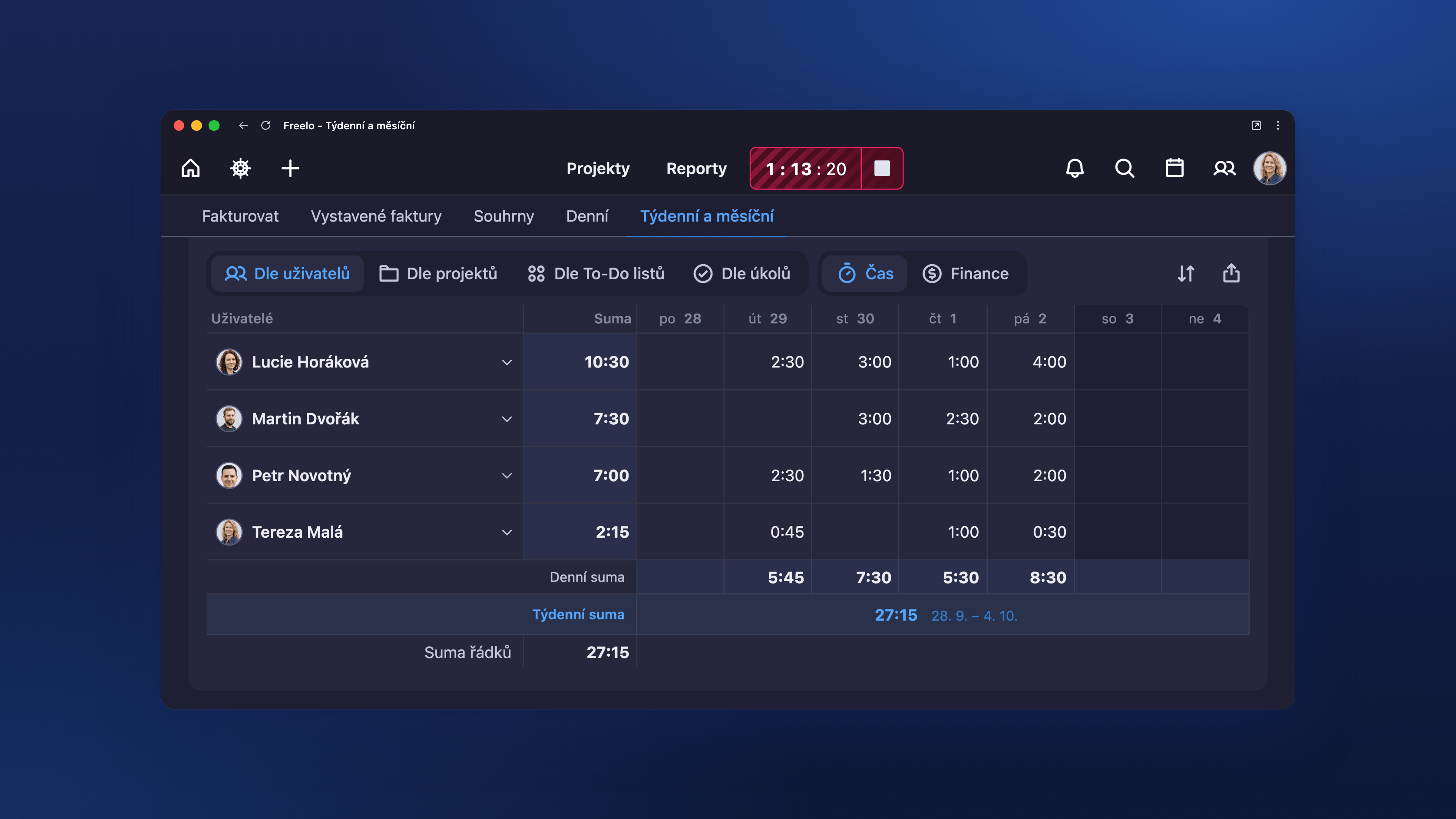
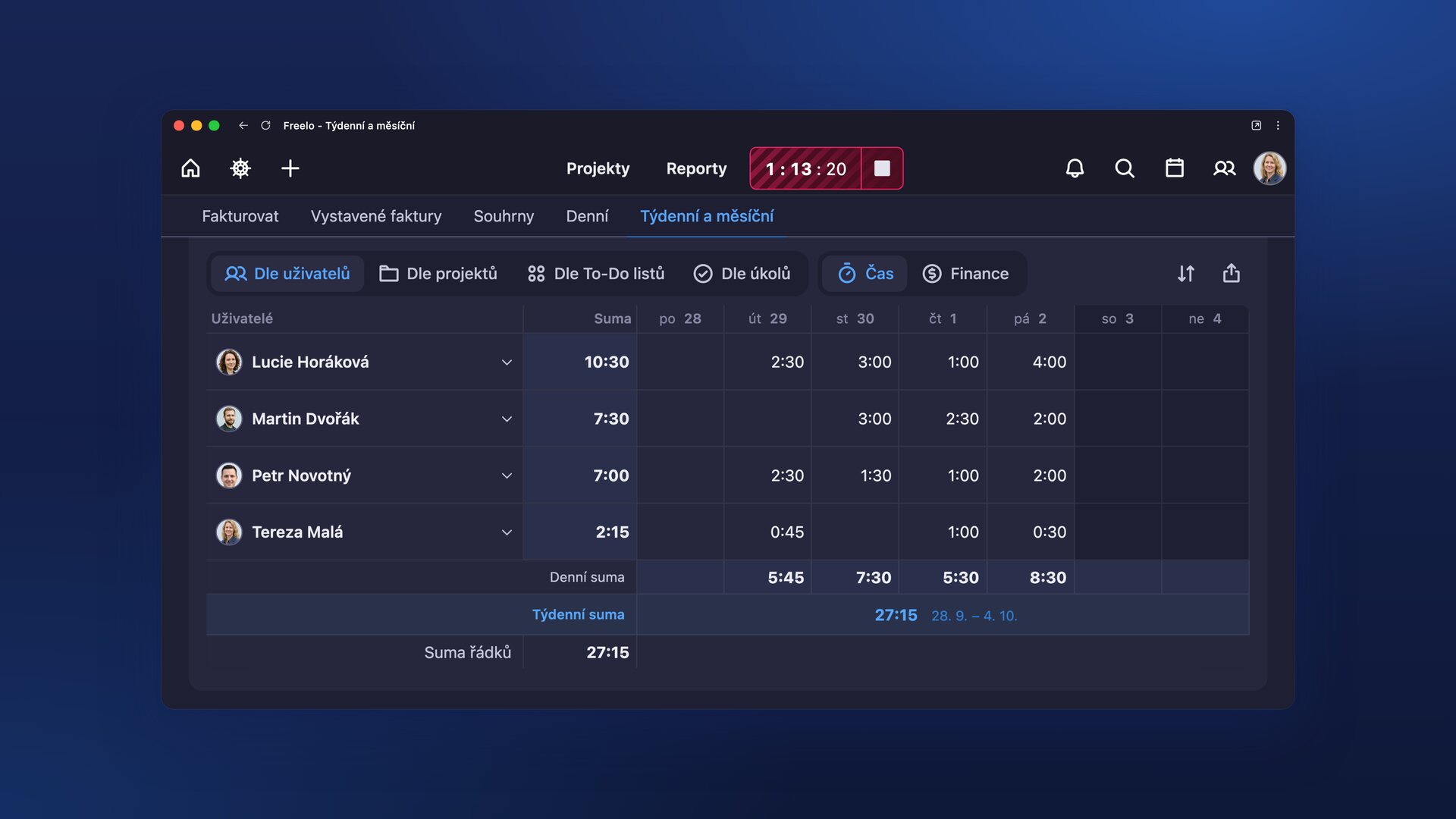
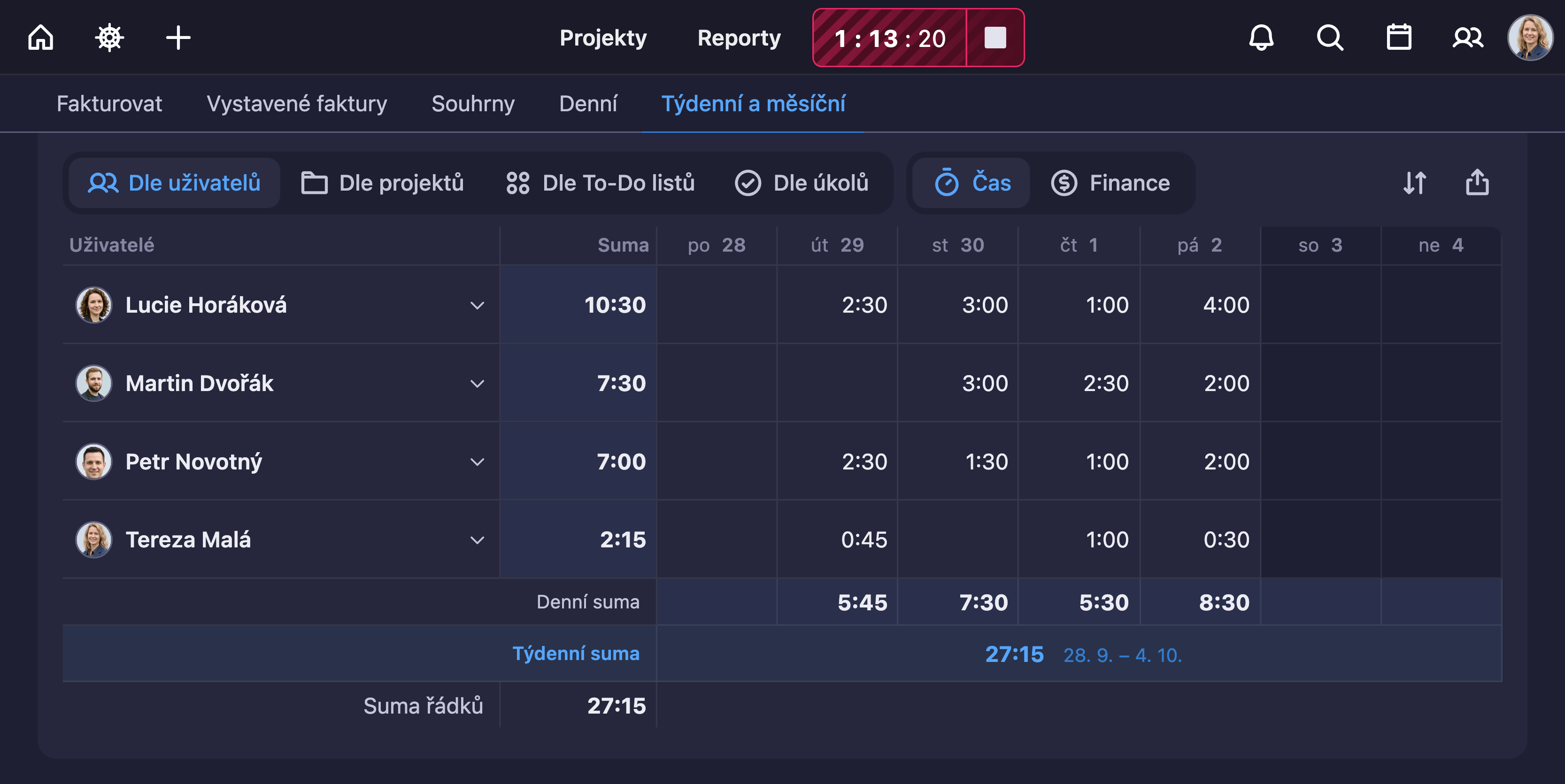
A weekly overview of the whole team’s tracked hours by day, ready for invoicing or a budget check.
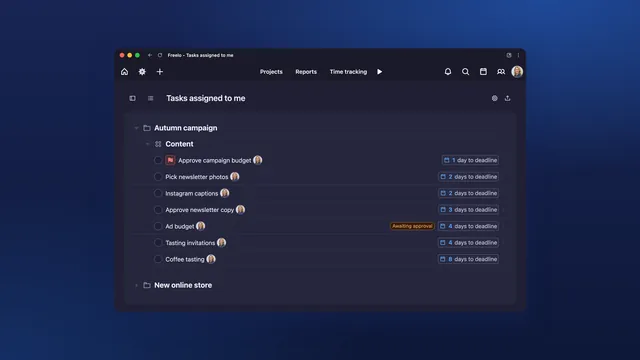
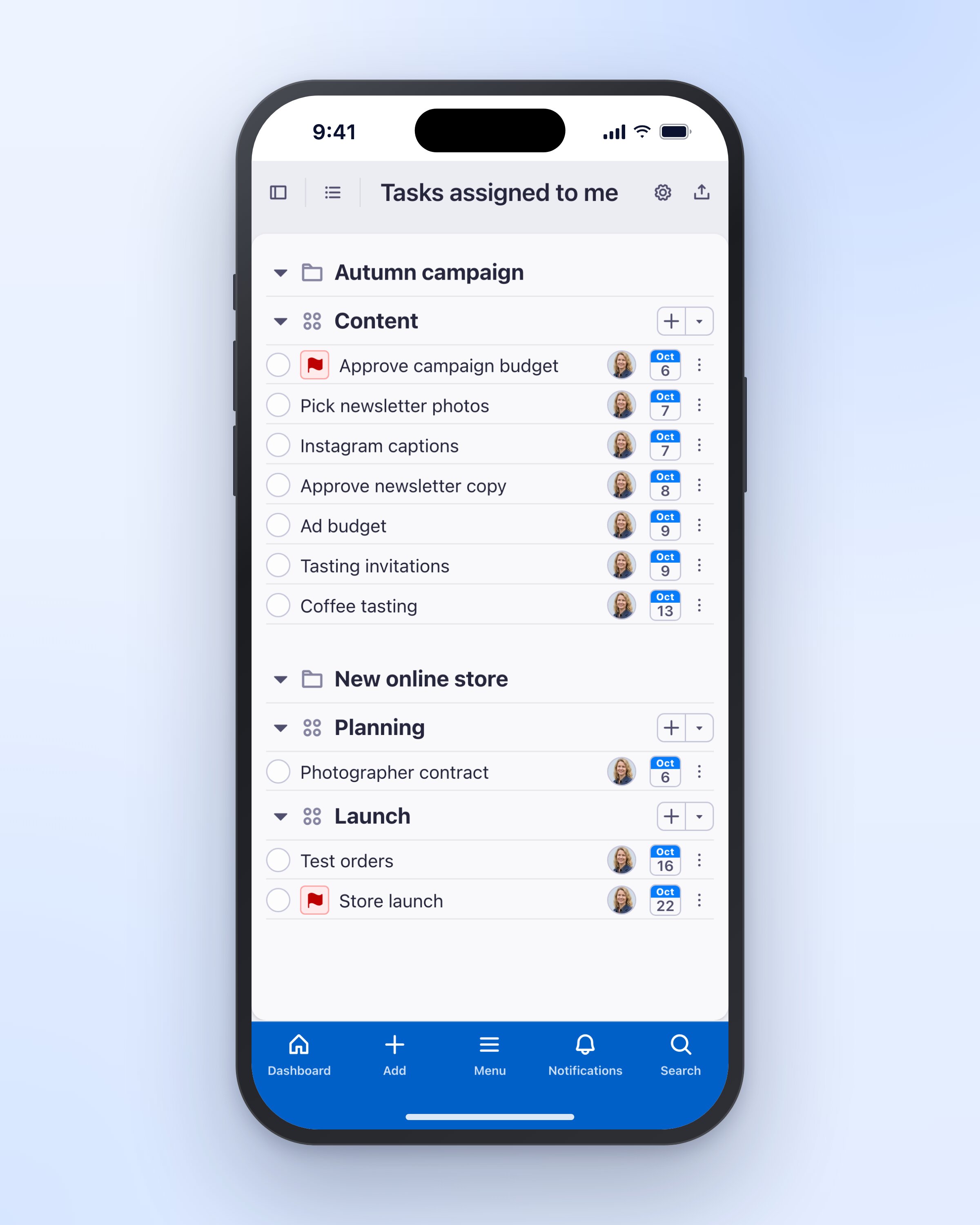
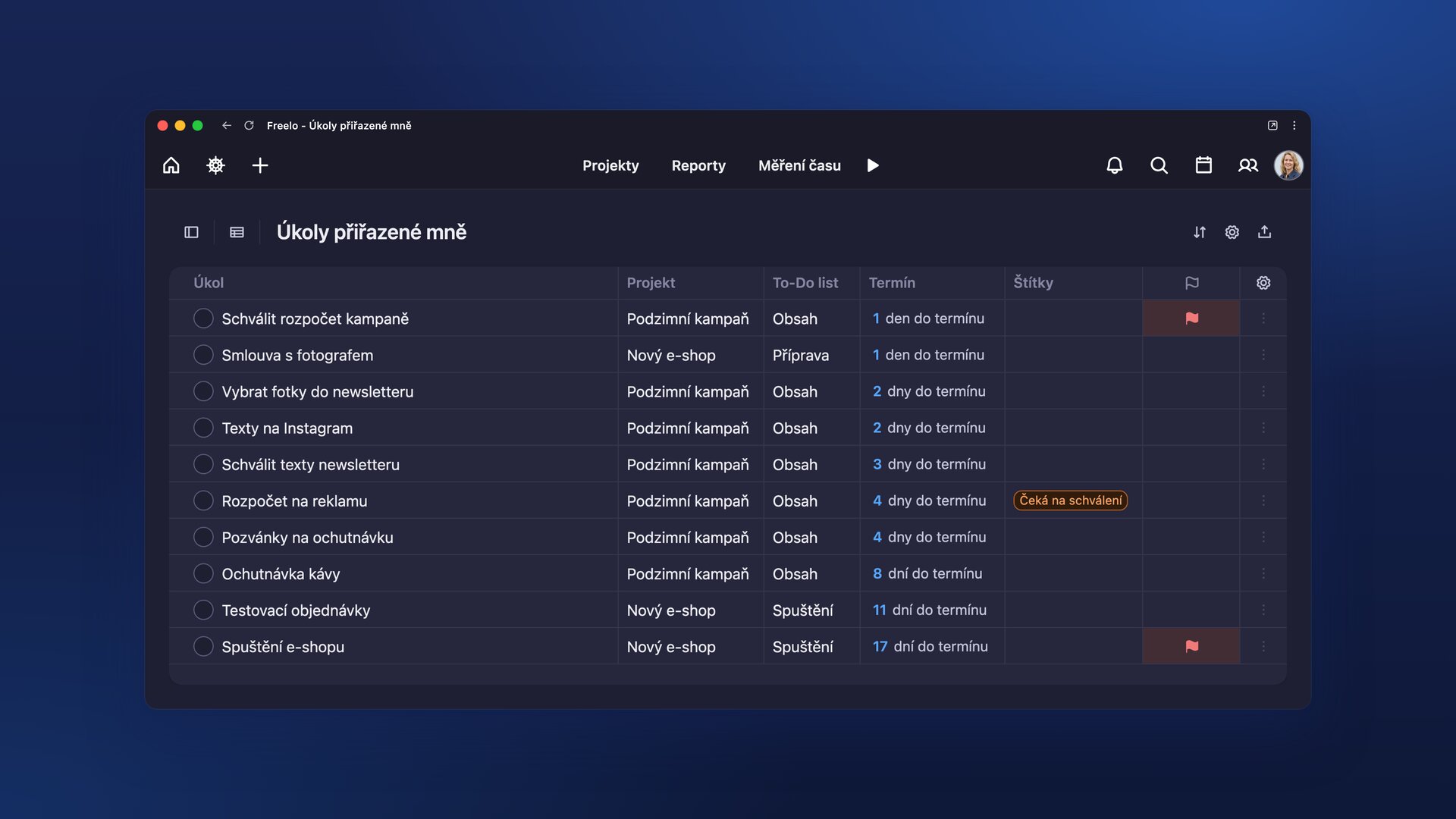
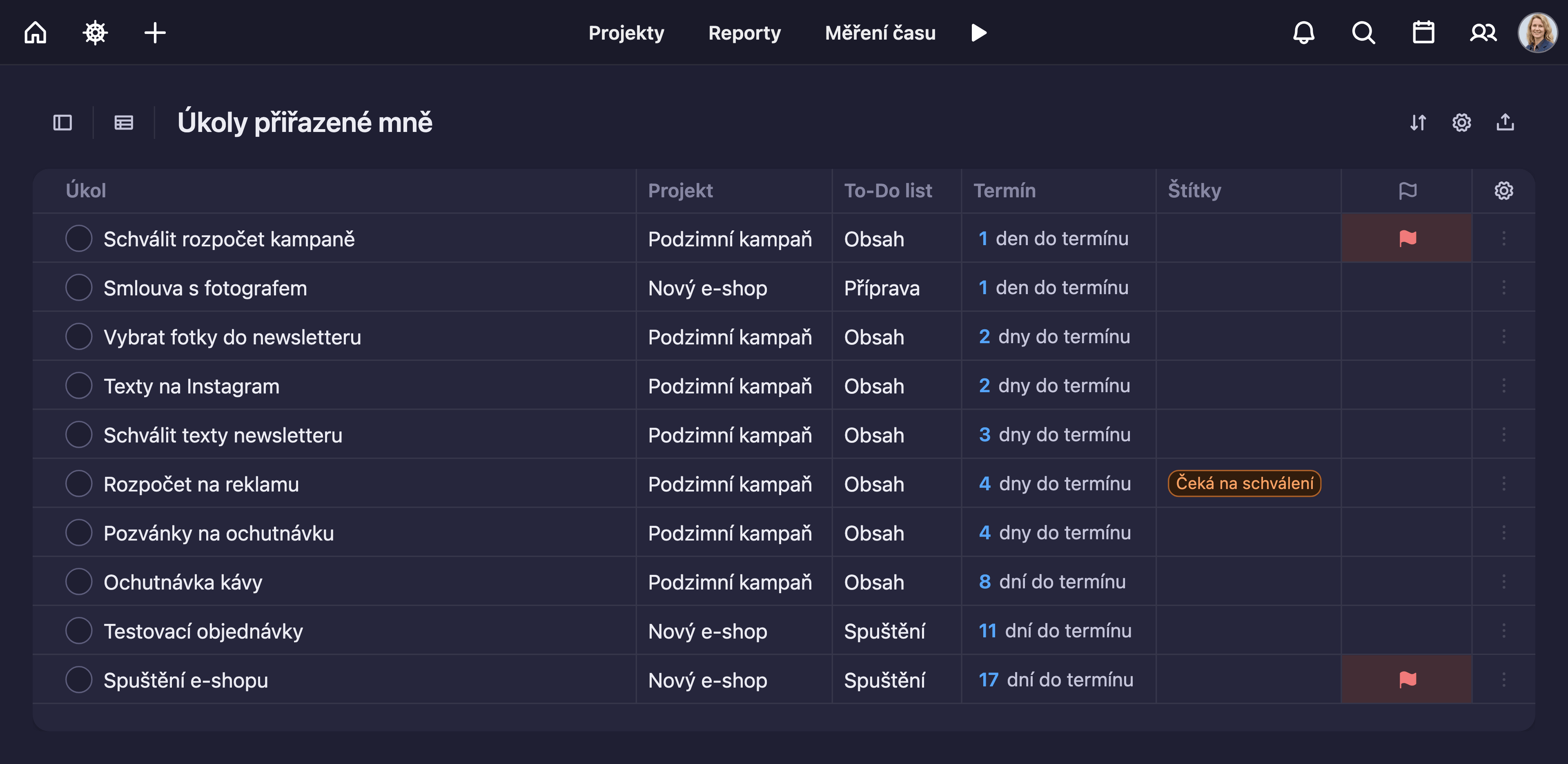
An overview of tasks assigned to one person across projects, sorted by due date. In dark mode.
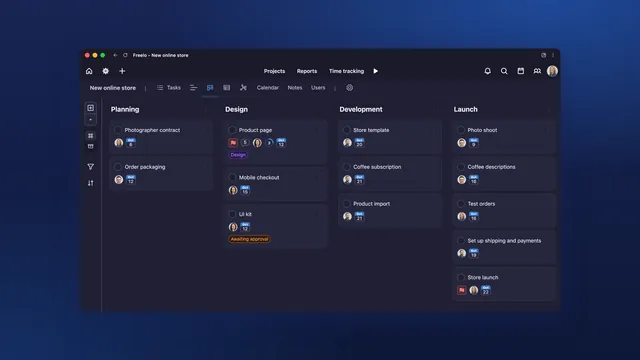
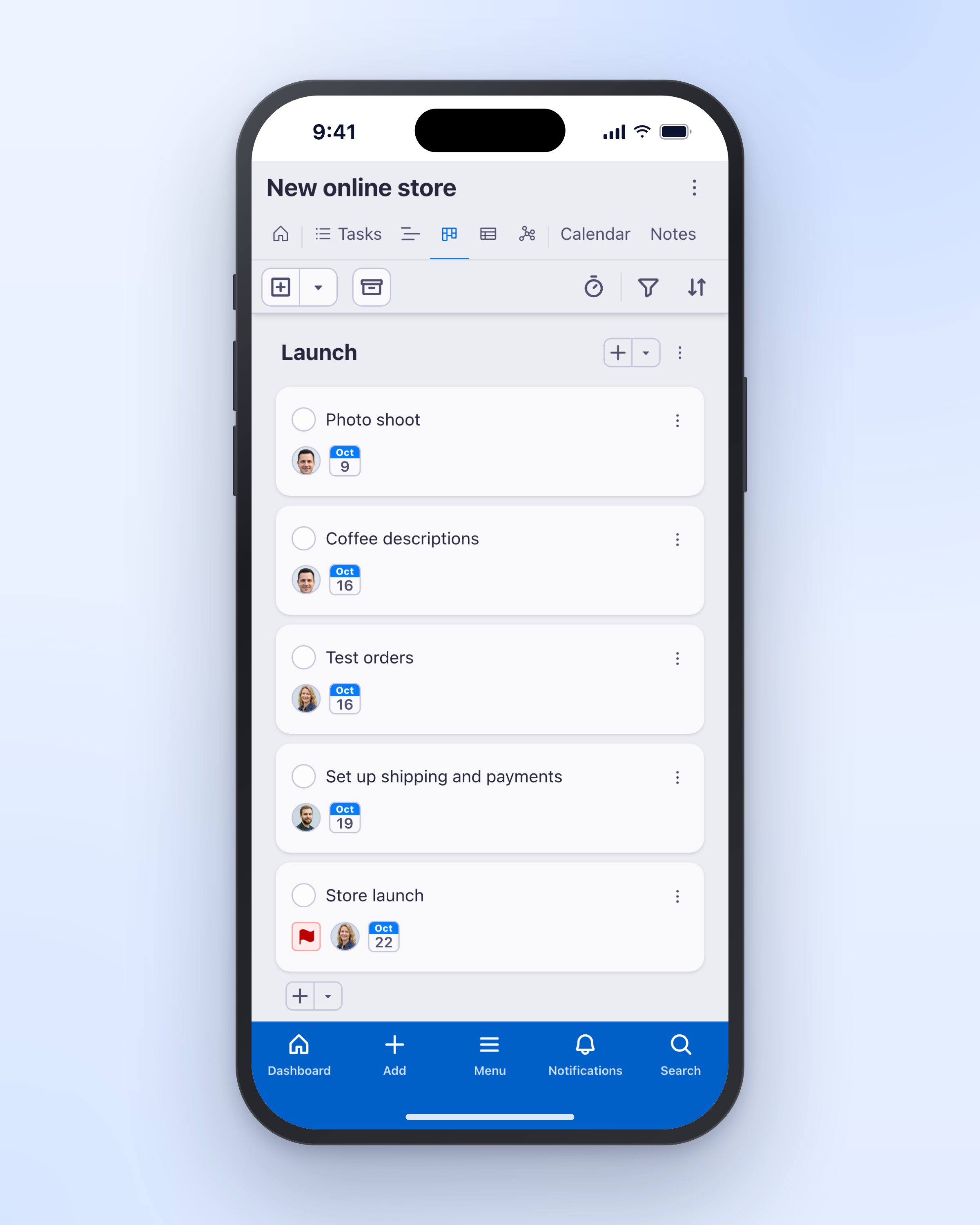
Kanban board in Freelo: tasks for a new online store split by project phase. In dark mode.
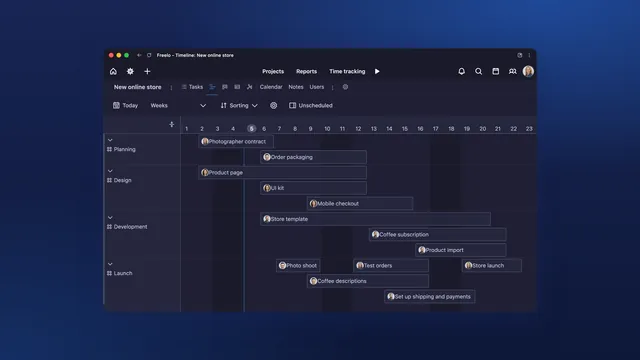
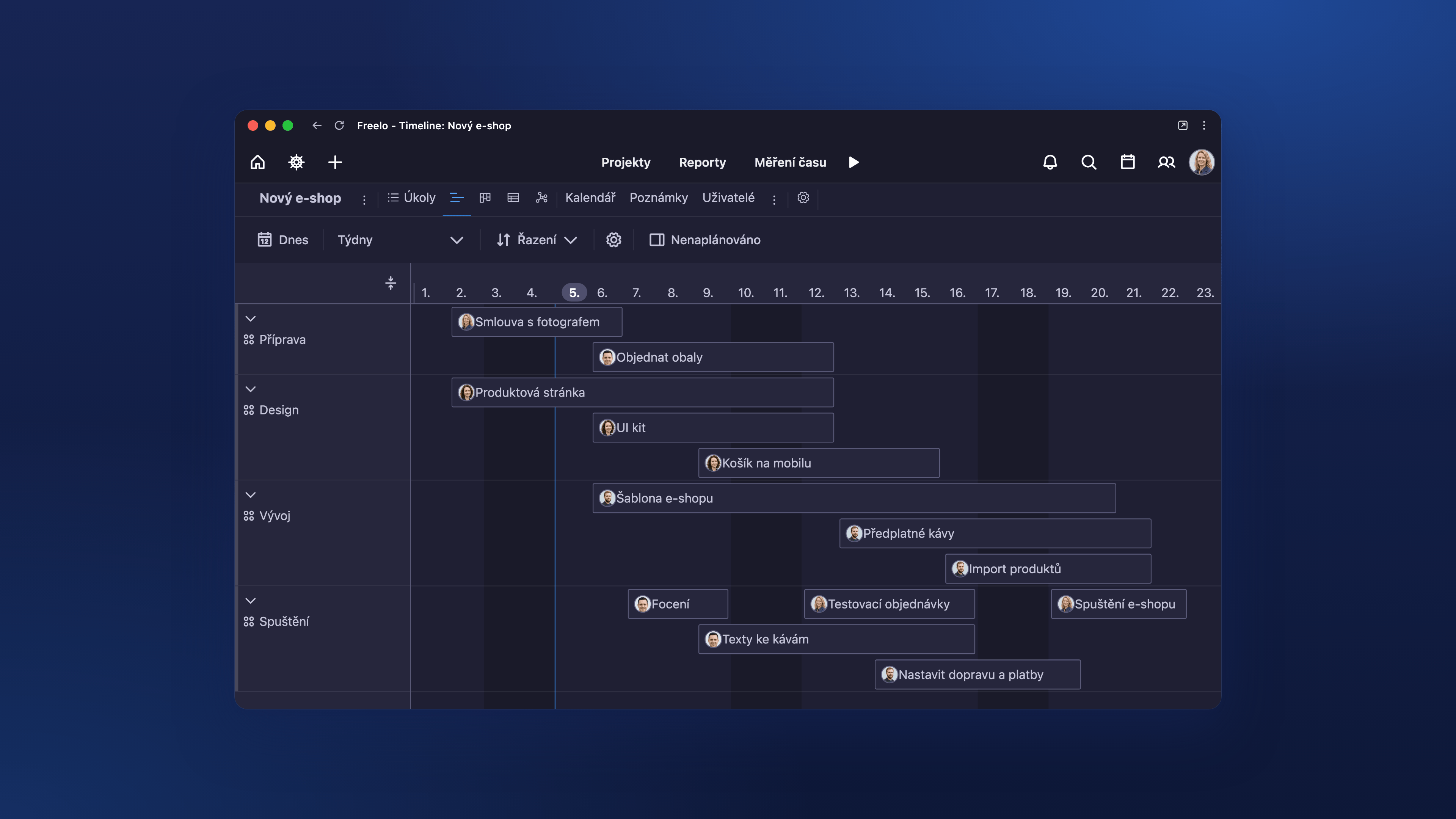
The Timeline (Gantt chart) shows how project tasks follow each other over time. In dark mode.
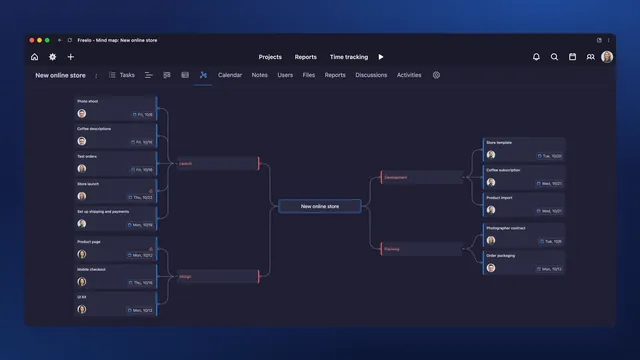
A project mind map: tasks and subtasks drawn as branches that show the whole plan. In dark mode.
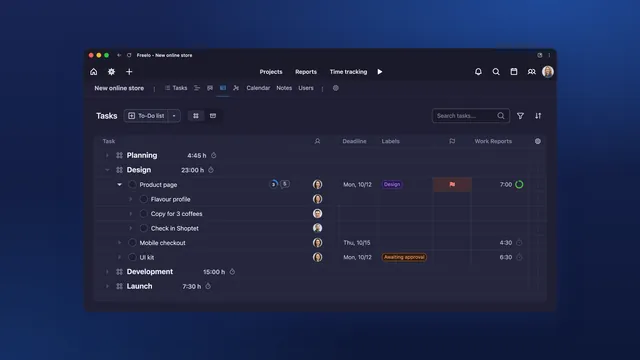
Project tasks in a table with subtasks, assignees, due dates, labels and tracked time. In dark mode.
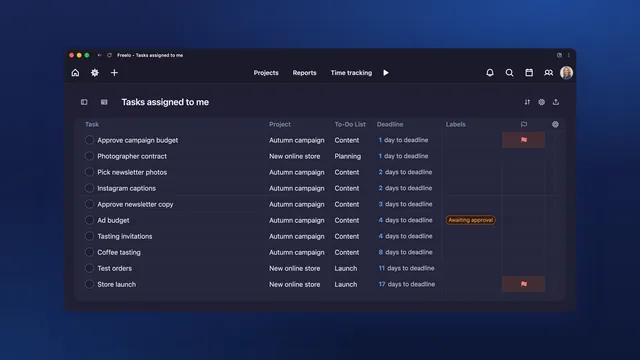
One person’s tasks across projects in a table with project, due date and labels. In dark mode.
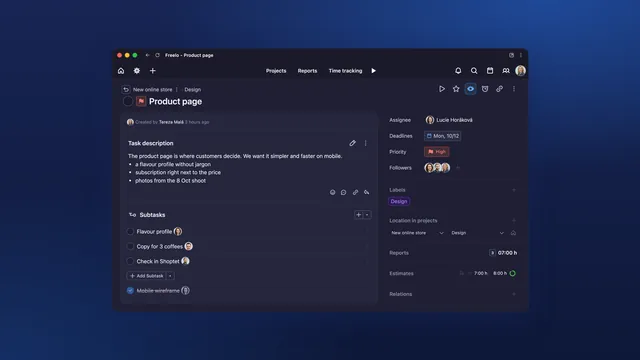
Task detail with a description, subtasks, assignees and tracked time. In dark mode.
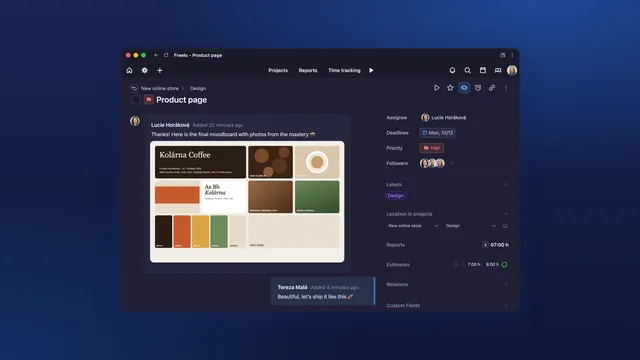
Comments, mentions and attachments right in the task, without long email threads. In dark mode.
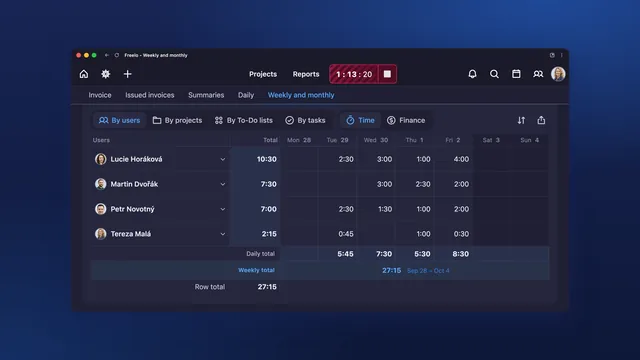
A weekly overview of the whole team’s tracked hours by day, ready for invoicing or a budget check. In dark mode.
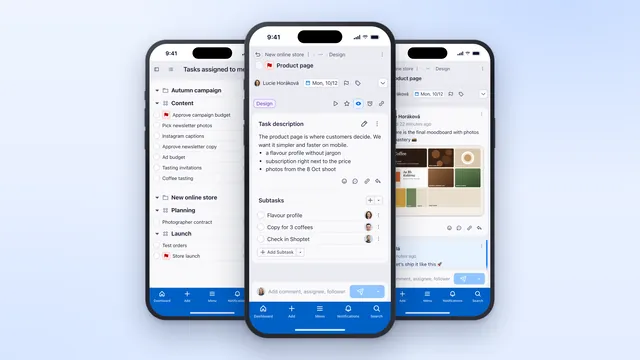
Freelo on mobile: your tasks, a task detail and a discussion with colleagues.
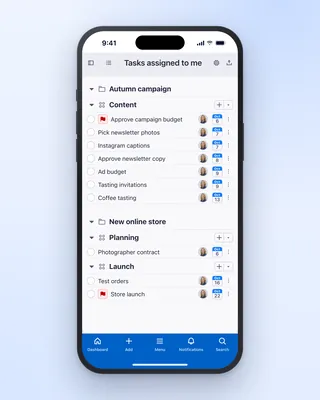
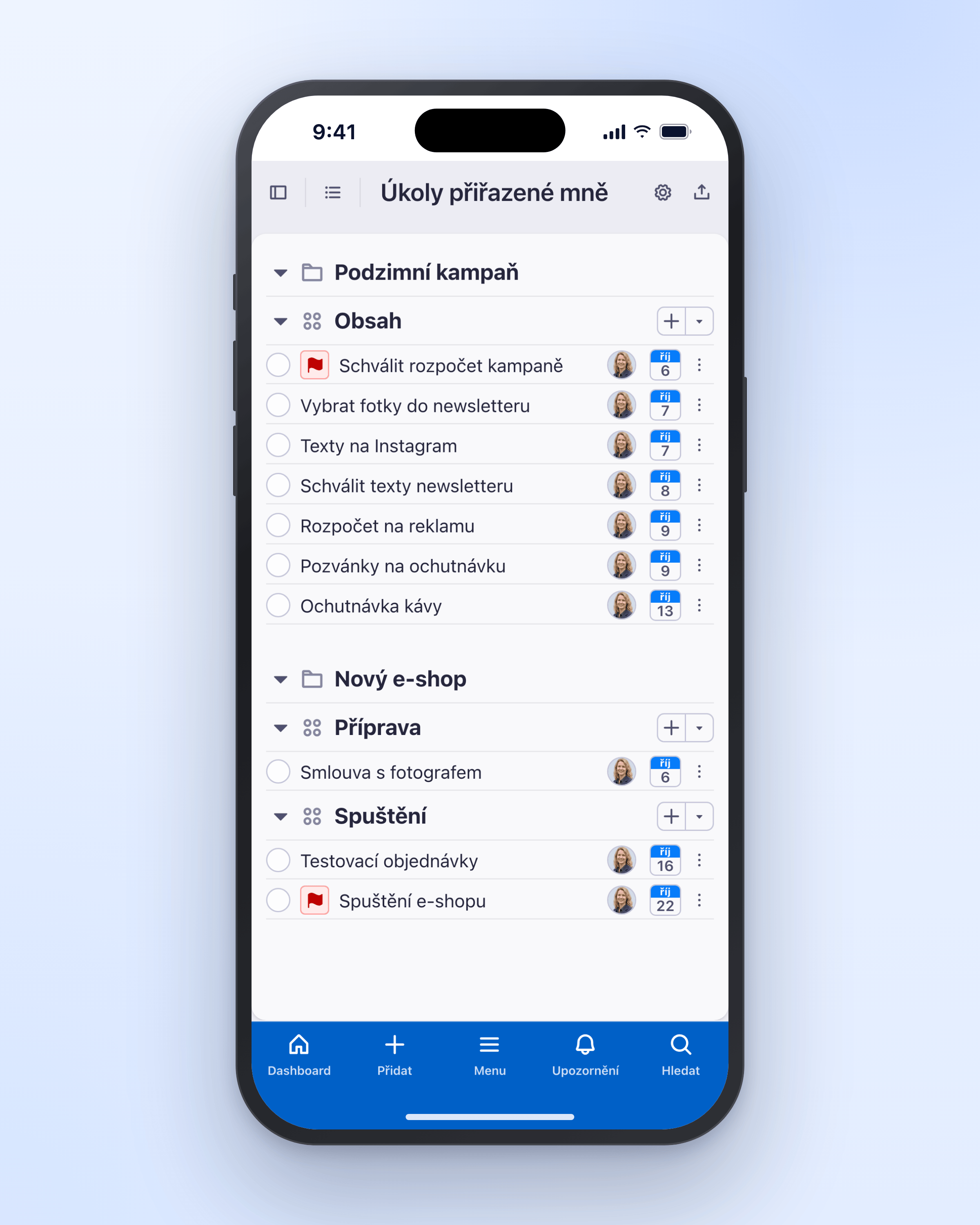
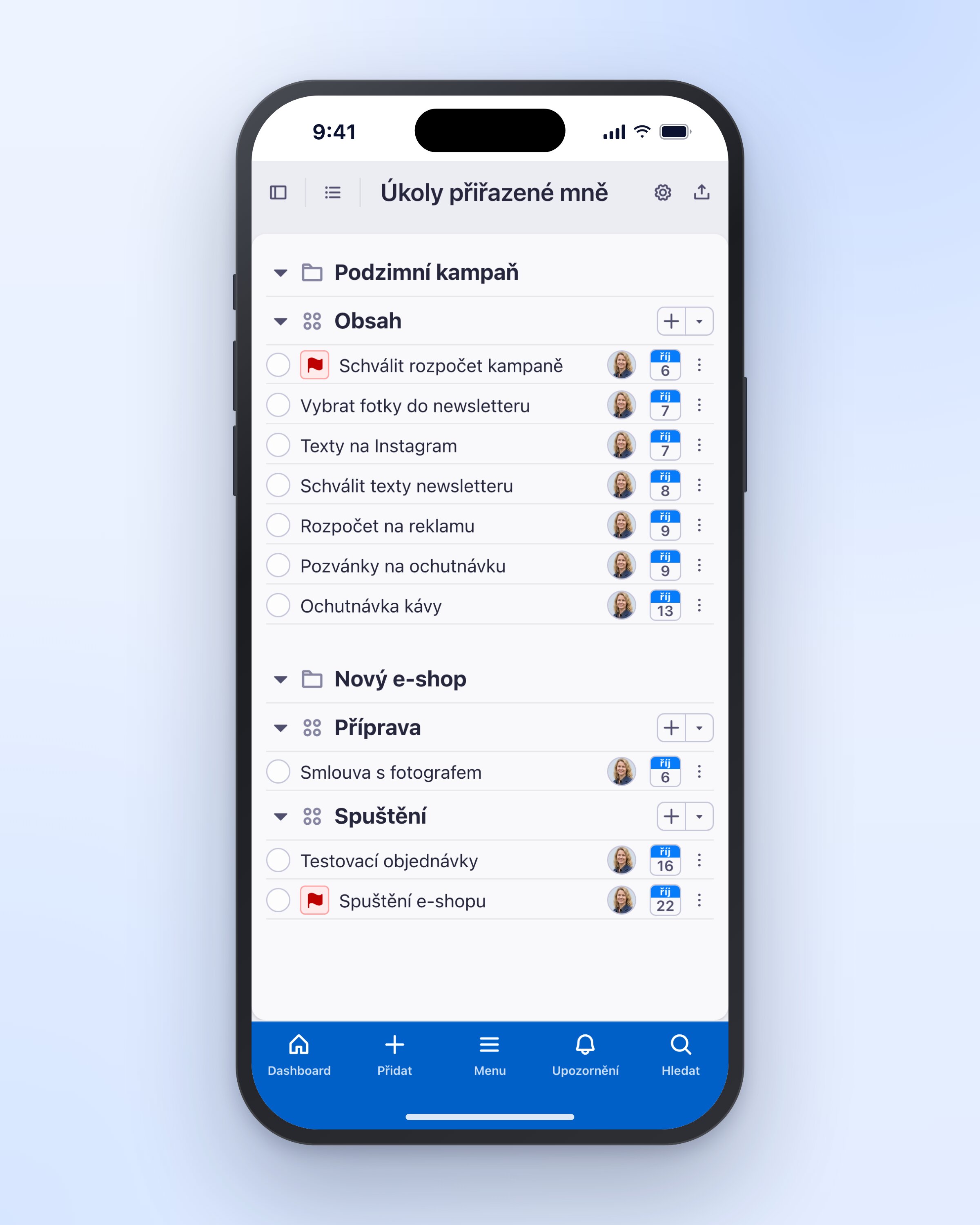
Your tasks across projects in the Freelo mobile app, sorted by due date.
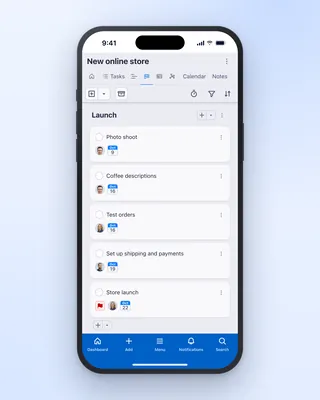
A project Kanban board in the Freelo mobile app: tasks split by project phase.
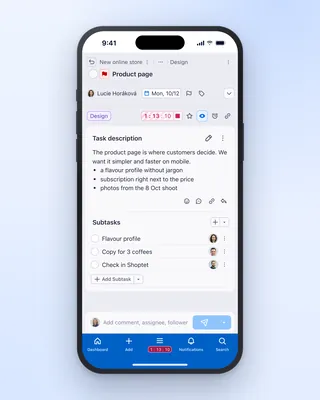
Time tracking on a task in the Freelo mobile app, with tracked hours visible right away.
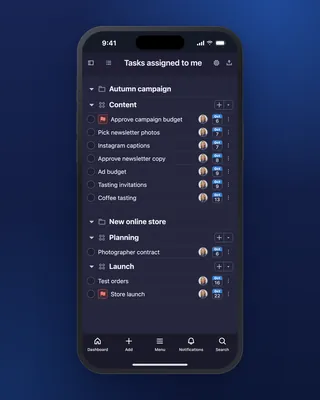
Your tasks across projects in the Freelo mobile app, sorted by due date. In dark mode.
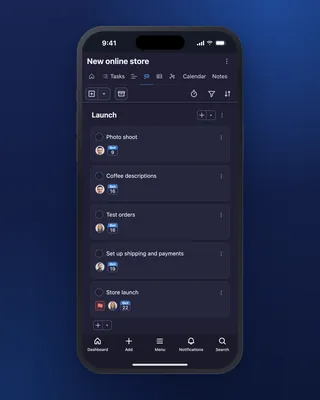
A project Kanban board in the Freelo mobile app: tasks split by project phase. In dark mode.
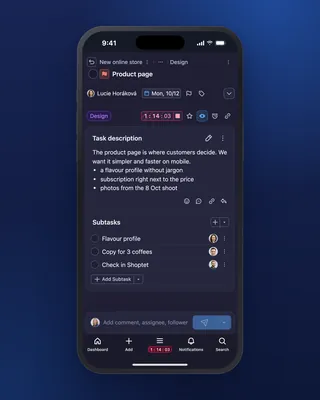
Time tracking on a task in the Freelo mobile app, with tracked hours visible right away. In dark mode.
We don't have this combination yet, try a different filter.
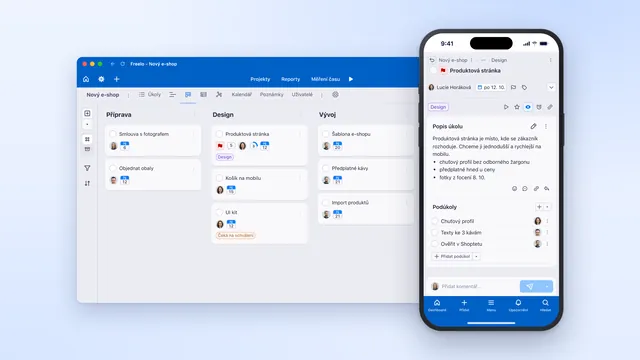
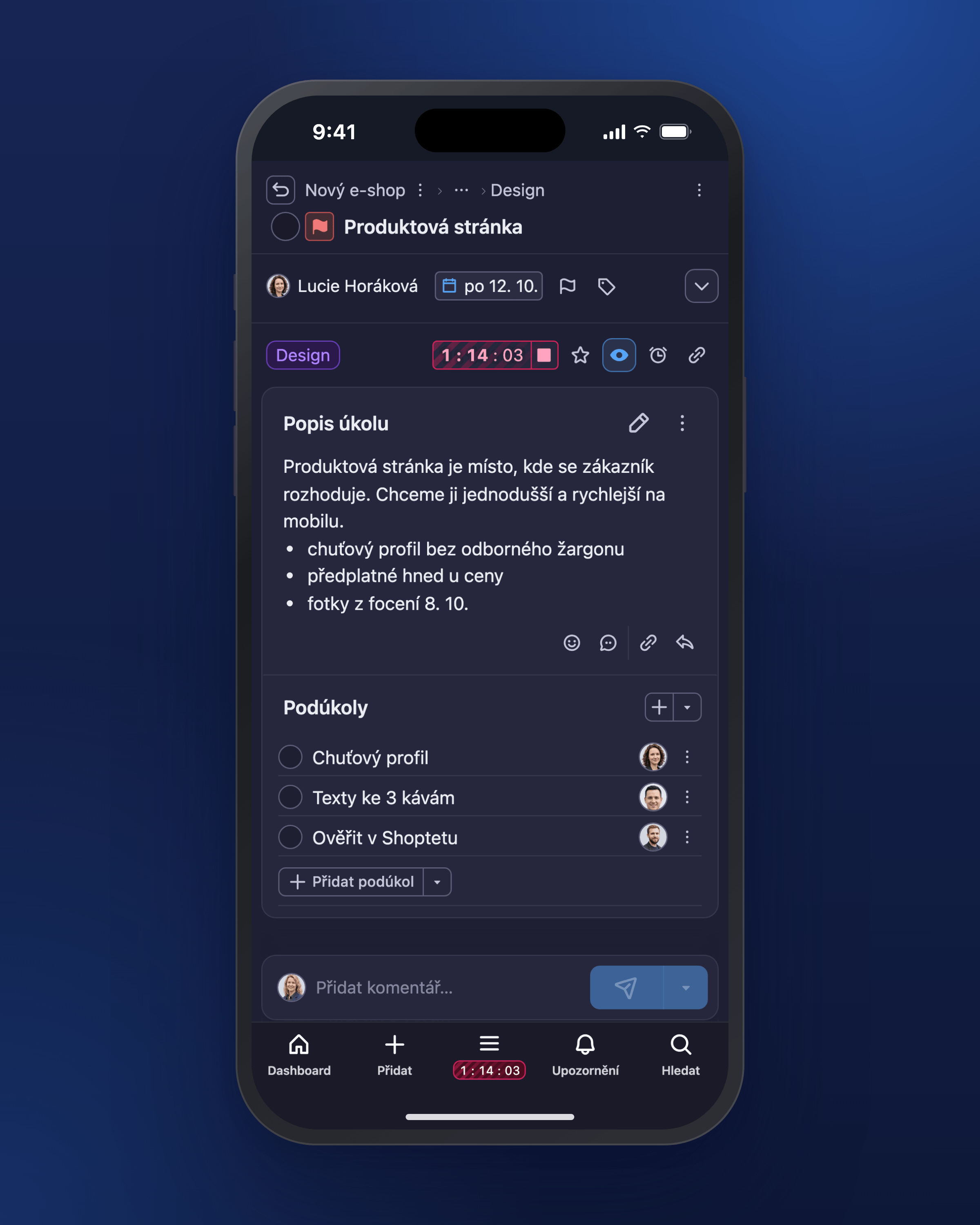
Aplikace Freelo na počítači i v mobilu: Kanban projektu a detail úkolu v telefonu.
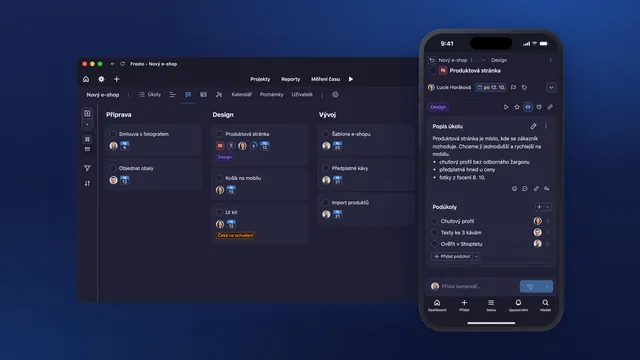
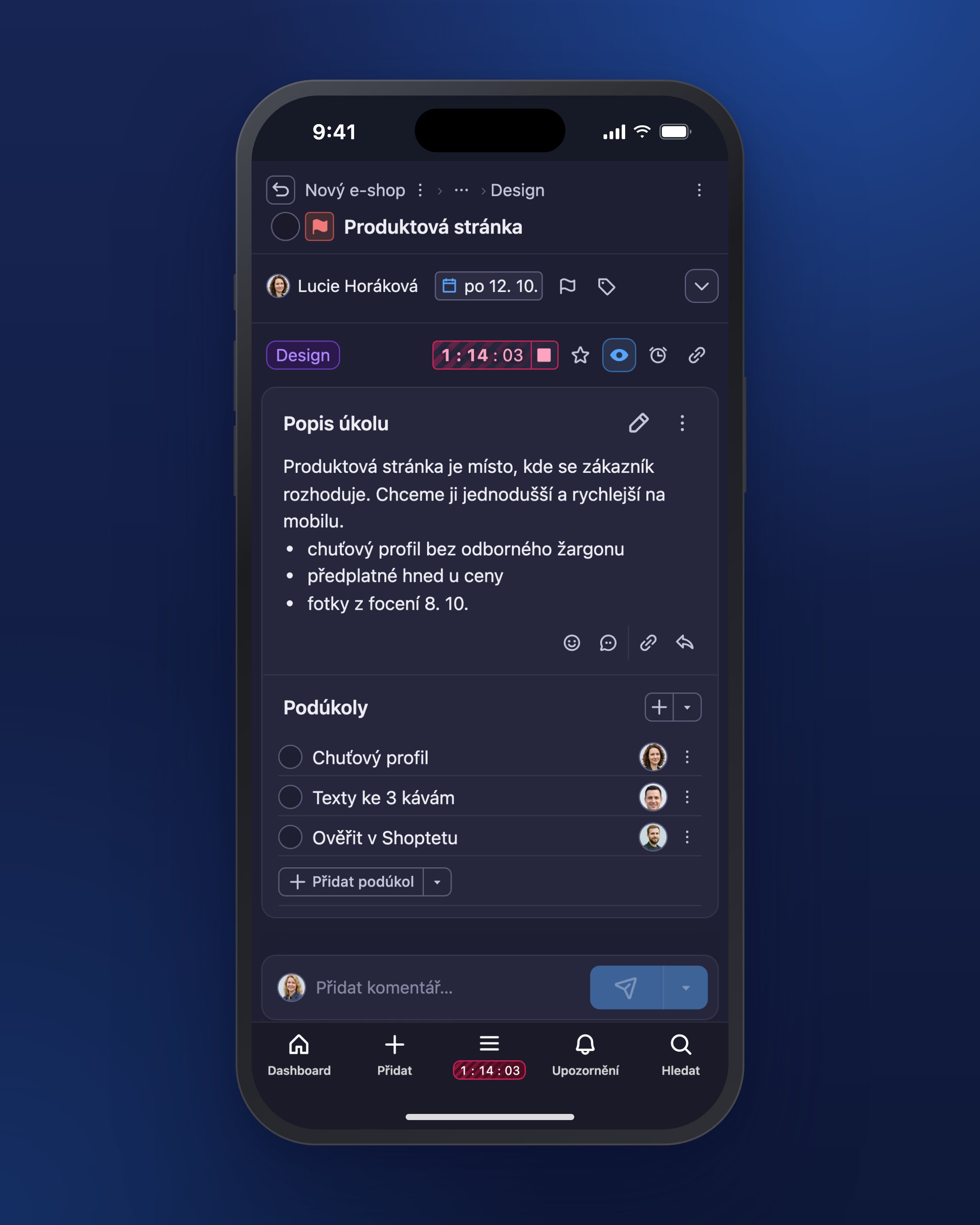
Aplikace Freelo v tmavém režimu na počítači i v mobilu.
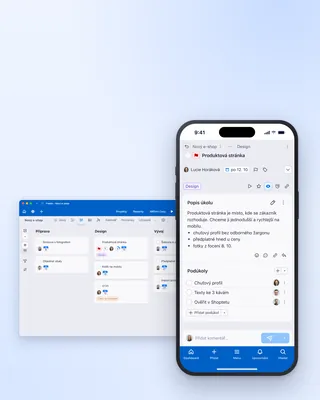
Freelo na počítači i v mobilu, formát na výšku s volným místem nahoře pro titulek.
Showing 25 of 25 images
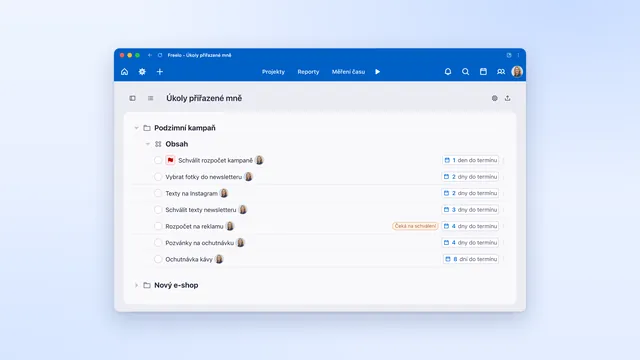
Přehled úkolů přiřazených jednomu člověku napříč projekty, seřazený podle termínů.
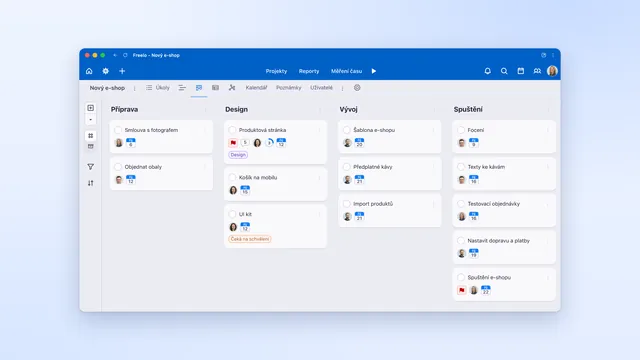
Kanban v aplikaci Freelo: úkoly nového e-shopu rozdělené podle fází práce.
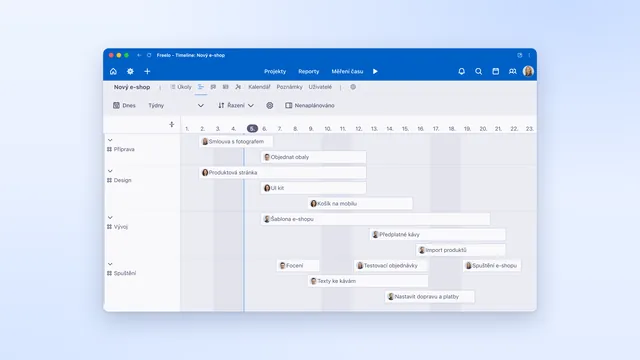
Timeline (Ganttův diagram) ukazuje, jak na sebe úkoly projektu navazují v čase.
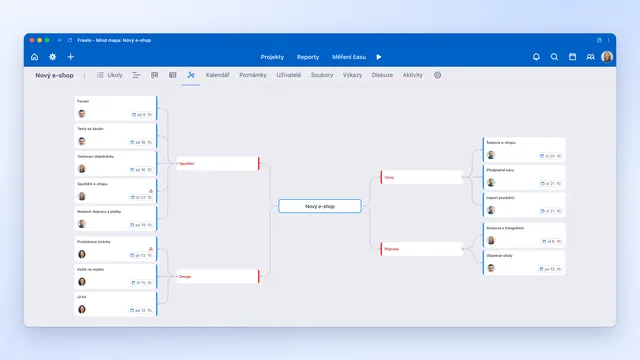
Mind mapa projektu: úkoly a podúkoly rozkreslené do větví, ze kterých je vidět celý plán.
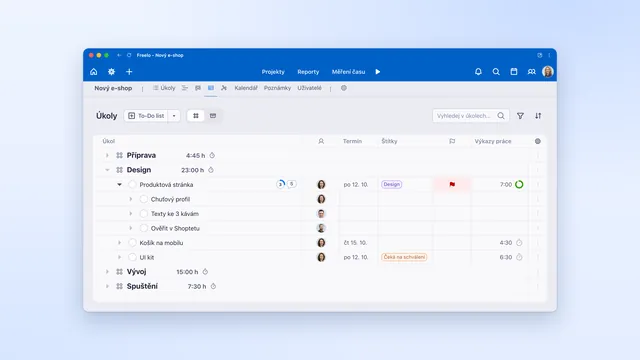
Úkoly projektu v tabulce s podúkoly, řešiteli, termíny, štítky a vykázaným časem.
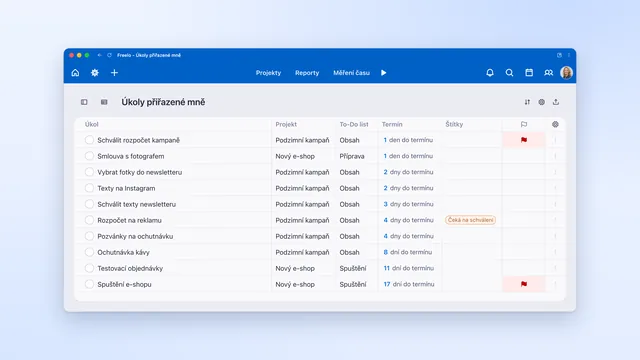
Úkoly jednoho člověka napříč projekty v tabulce s projektem, termínem a štítky.
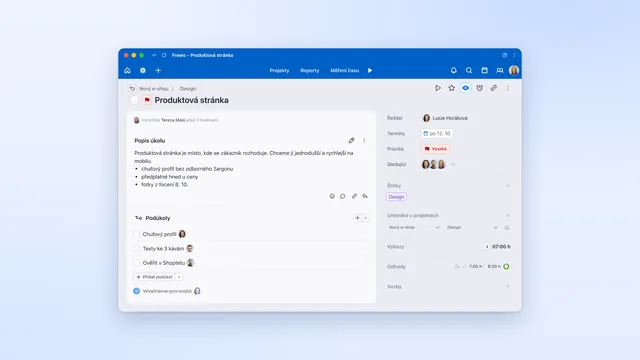
Detail úkolu s popisem, podúkoly, řešiteli a vykázaným časem.
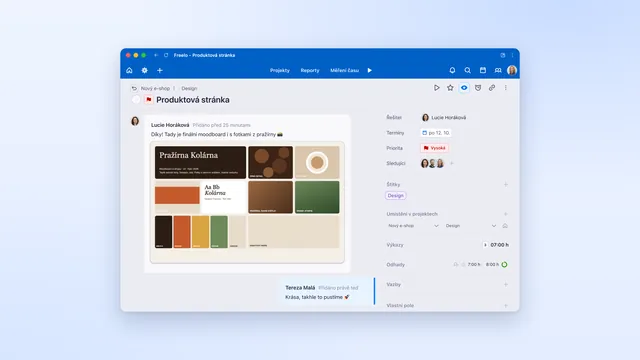
Komentáře, zmínky kolegů a přílohy přímo u úkolu, bez dlouhých e-mailů.
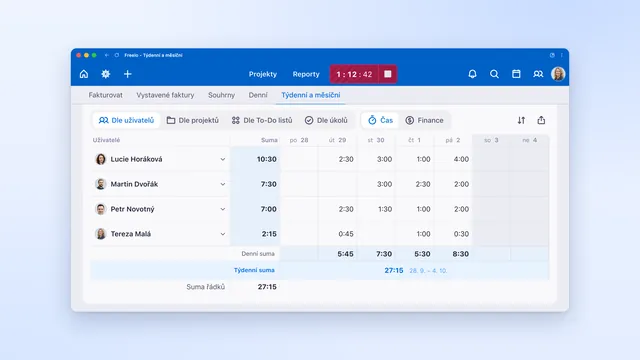
Týdenní přehled odpracovaných hodin celého týmu po dnech, připravený pro vyúčtování nebo kontrolu rozpočtu.
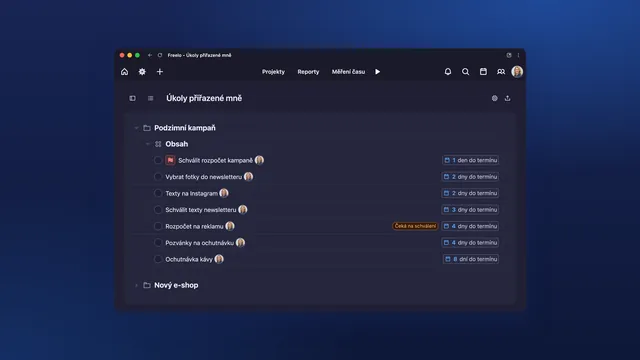
Přehled úkolů přiřazených jednomu člověku napříč projekty, seřazený podle termínů. V tmavém režimu.
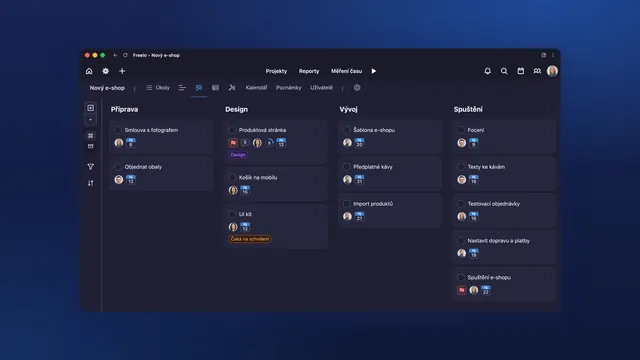
Kanban v aplikaci Freelo: úkoly nového e-shopu rozdělené podle fází práce. V tmavém režimu.
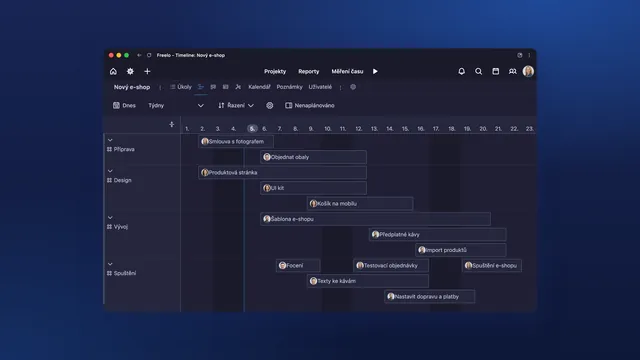
Timeline (Ganttův diagram) ukazuje, jak na sebe úkoly projektu navazují v čase. V tmavém režimu.
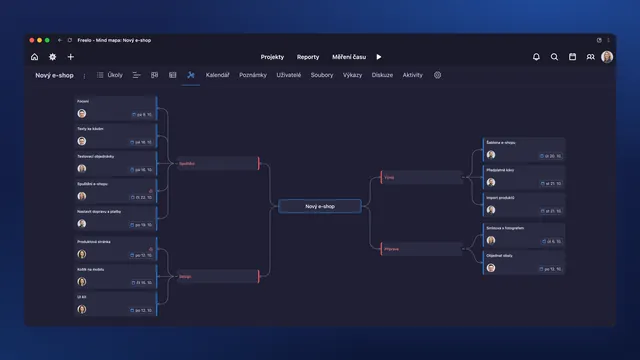
Mind mapa projektu: úkoly a podúkoly rozkreslené do větví, ze kterých je vidět celý plán. V tmavém režimu.
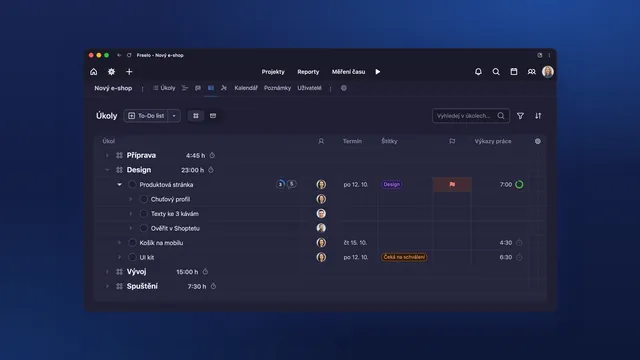
Úkoly projektu v tabulce s podúkoly, řešiteli, termíny, štítky a vykázaným časem. V tmavém režimu.
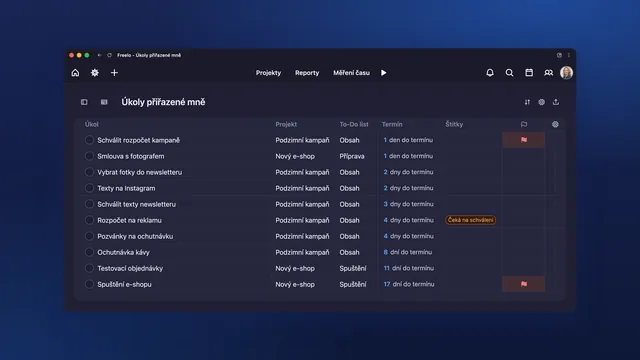
Úkoly jednoho člověka napříč projekty v tabulce s projektem, termínem a štítky. V tmavém režimu.
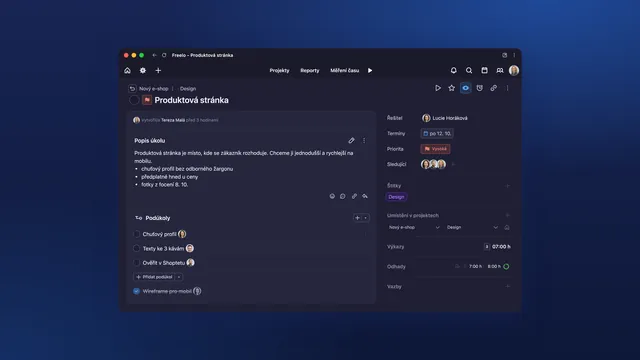
Detail úkolu s popisem, podúkoly, řešiteli a vykázaným časem. V tmavém režimu.
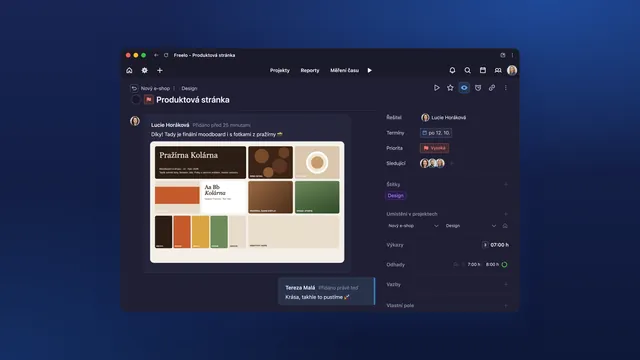
Komentáře, zmínky kolegů a přílohy přímo u úkolu, bez dlouhých e-mailů. V tmavém režimu.
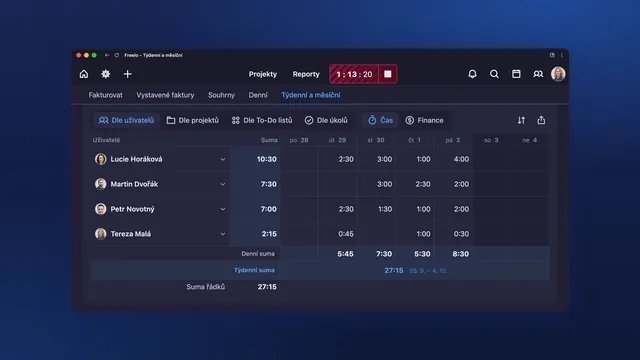
Týdenní přehled odpracovaných hodin celého týmu po dnech, připravený pro vyúčtování nebo kontrolu rozpočtu. V tmavém režimu.
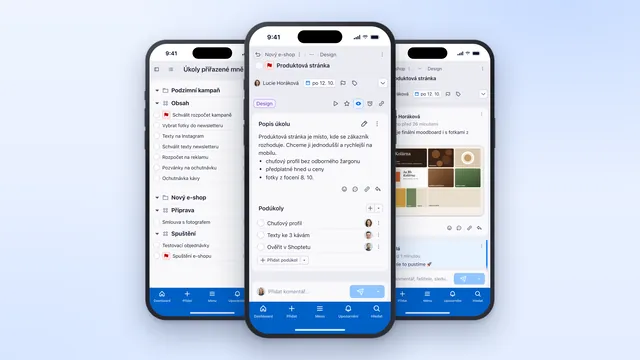
Freelo v mobilu: vlastní úkoly, detail úkolu a diskuze s kolegy.
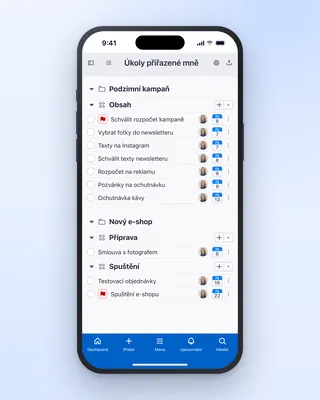
Vlastní úkoly napříč projekty v mobilní aplikaci Freelo, seřazené podle termínů.
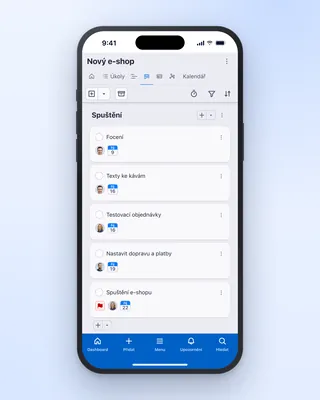
Kanban projektu v mobilní aplikaci Freelo: úkoly rozdělené podle fází práce.
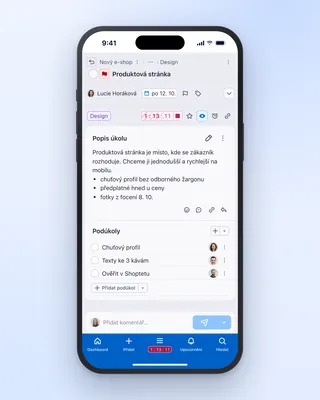
Měření času na úkolu v mobilní aplikaci Freelo, odpracované hodiny jsou hned vidět.
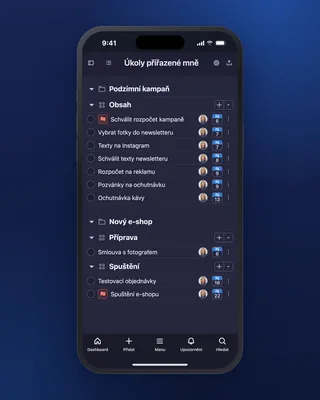
Vlastní úkoly napříč projekty v mobilní aplikaci Freelo, seřazené podle termínů. V tmavém režimu.
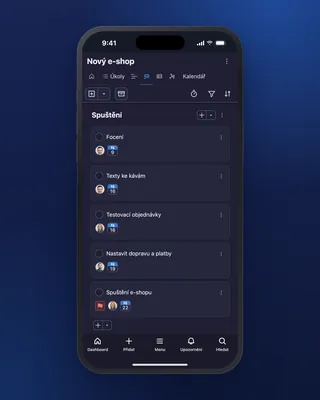
Kanban projektu v mobilní aplikaci Freelo: úkoly rozdělené podle fází práce. V tmavém režimu.
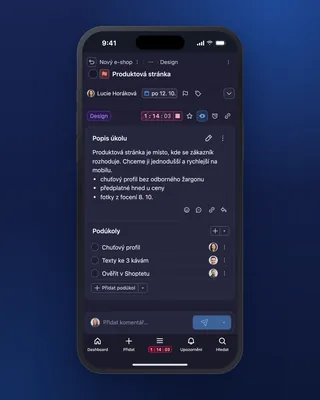
Měření času na úkolu v mobilní aplikaci Freelo, odpracované hodiny jsou hned vidět. V tmavém režimu.
We don't have this combination yet, try a different filter.
We use the font Wotfard for all the websites of Freelo. We use the system font in the application for performance and multilingual reasons.
Wotfard
Bread writing appears everywhere and we use it in the regular cut. It is also possible to use yellow highlighting.
(Regular)
We use a semibold cut for perexy or longer, more important texts.
(Semibold)
Wotfard is the primary marketing font for the website, help and blog. We use the system font in the application.
PC: Arial / Mac: Helvetica
Montserrat (when you can't Wotfard)
Freelo colour palette. Click on a colour to copy the hex code to the clipboard.