
Switching from Trello to Freelo? You can import your boards in three steps using an API key and token from Trello. Projects, tasks, and completed cards all transfer — at once or gradually, board by board.
1. Create Power-Up
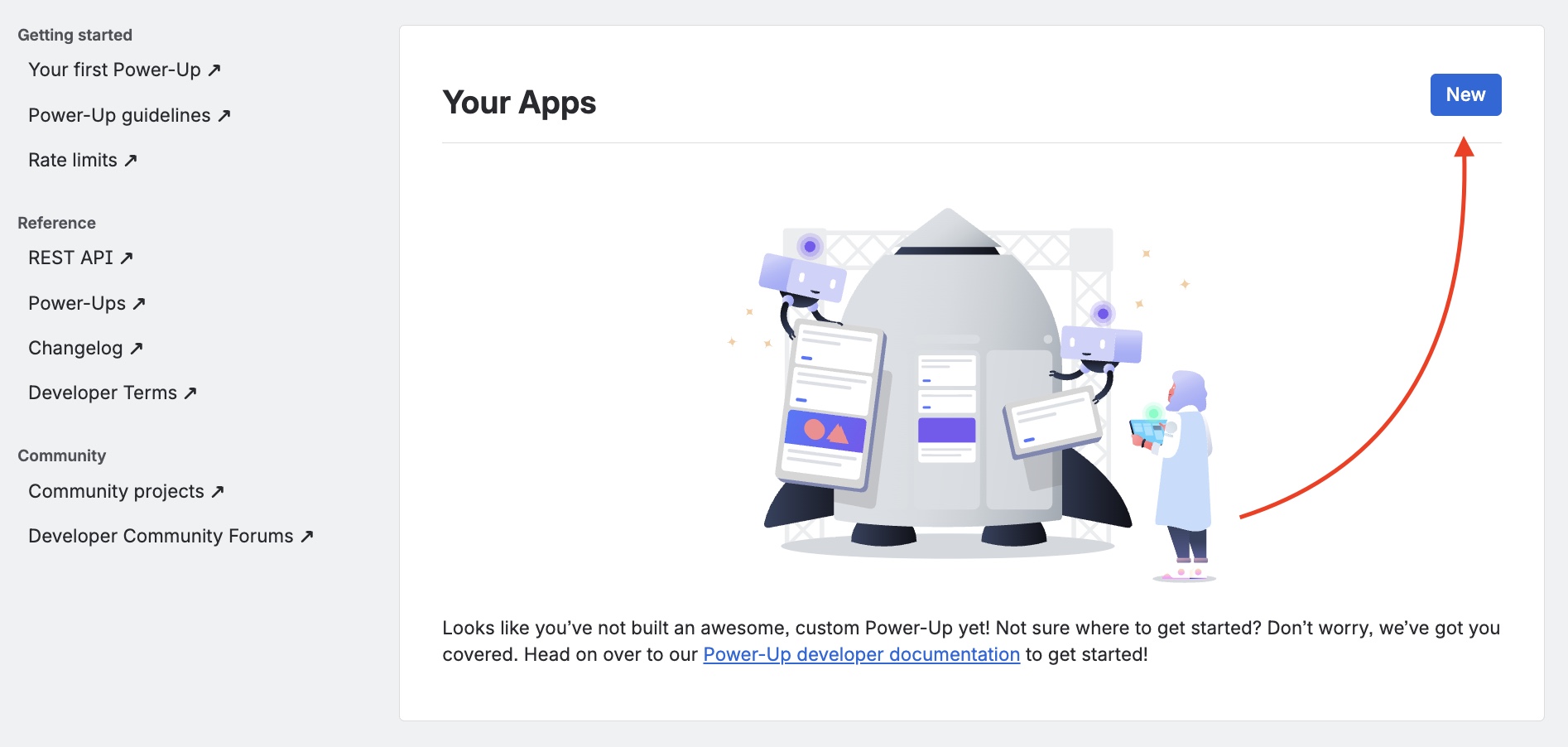
This is a necessary step to generate the API key and Token. Go to the Power-Ups admin and create a new Power-Up.
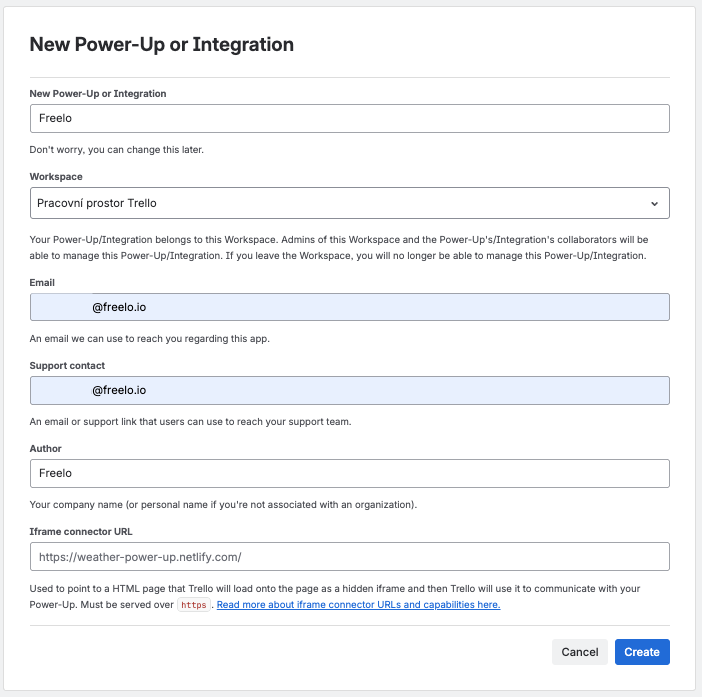
Fill in the form (you can skip the iframe connector URL field). Next, click on the Create button.
2. Generate API key and Token
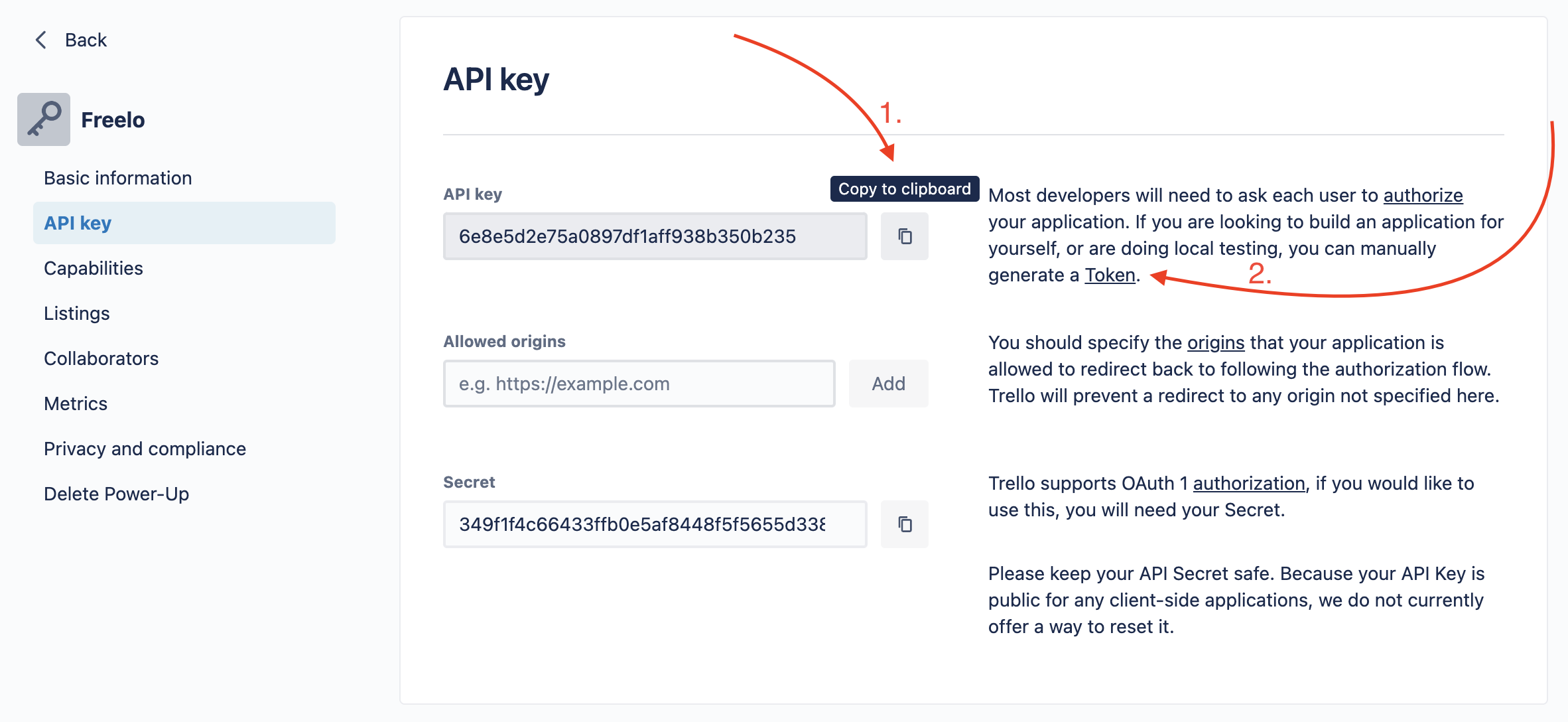
After creating the Power-Up on the following page click Generate a new API key. On the next page copy the API key and generate a Token, which you also copy.
3. Import in Freelo
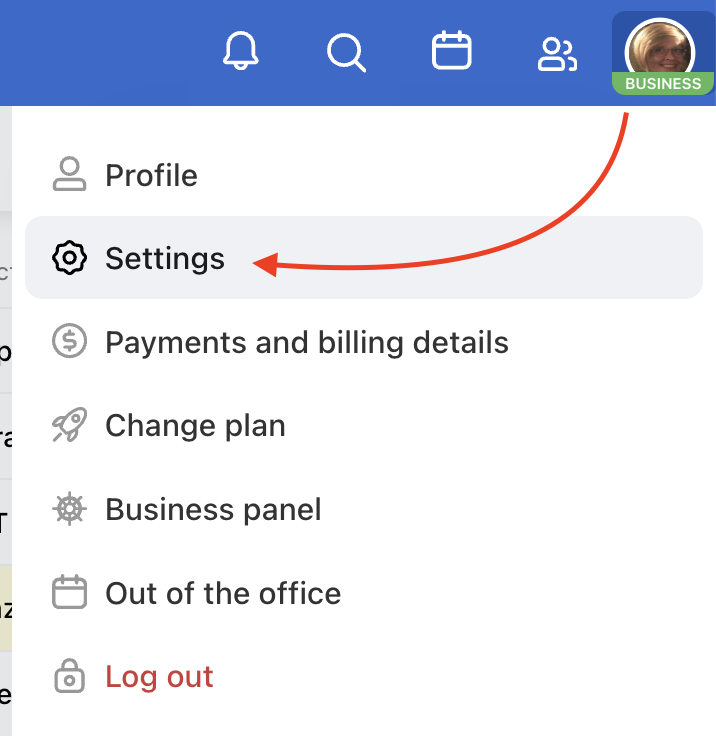
Go to Freelo and via your avatar in the top right corner find Settings and the section Imports & Export.
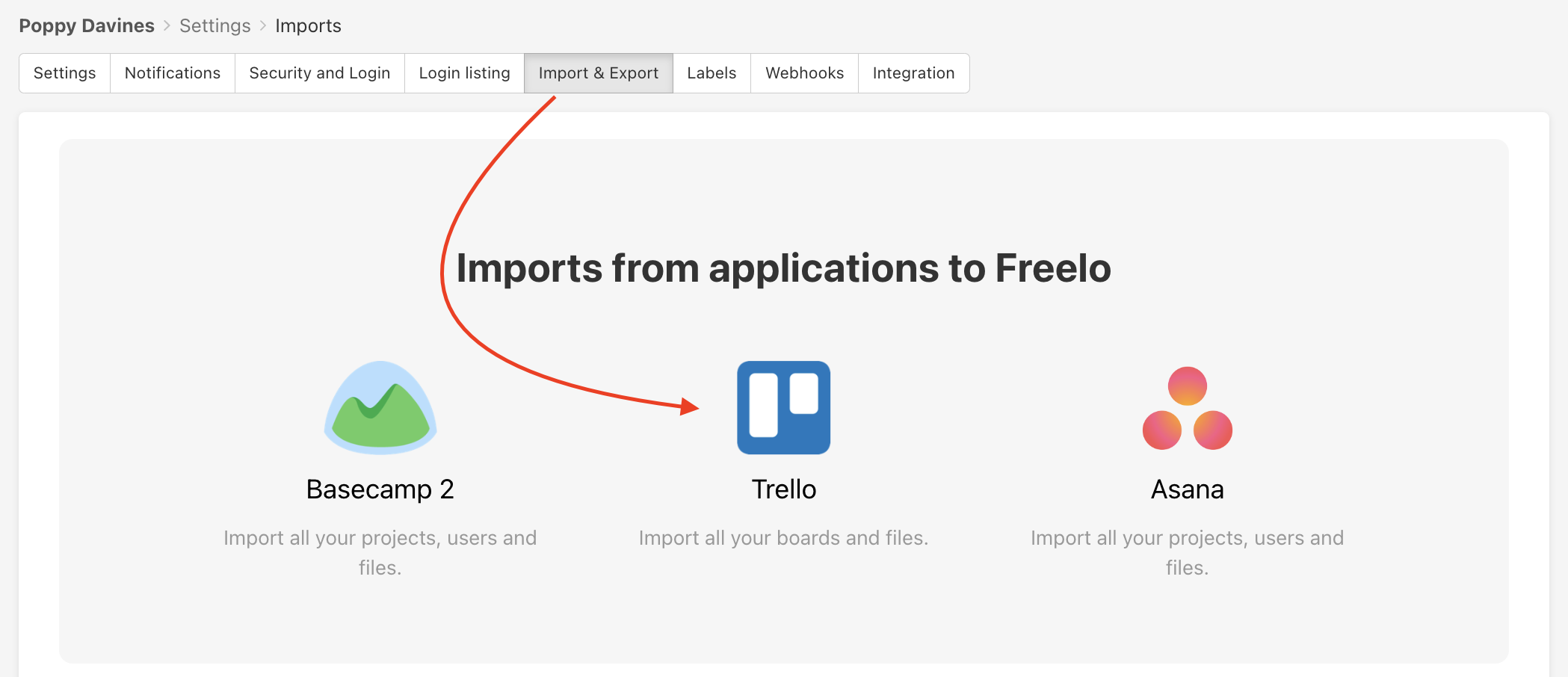
Import via the API key and Token
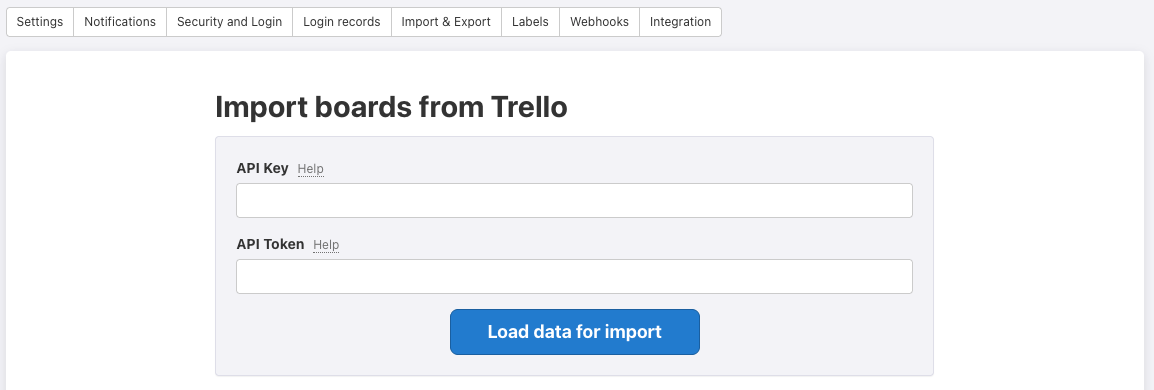
Paste the keys to the form and click on Upload the data and Import.
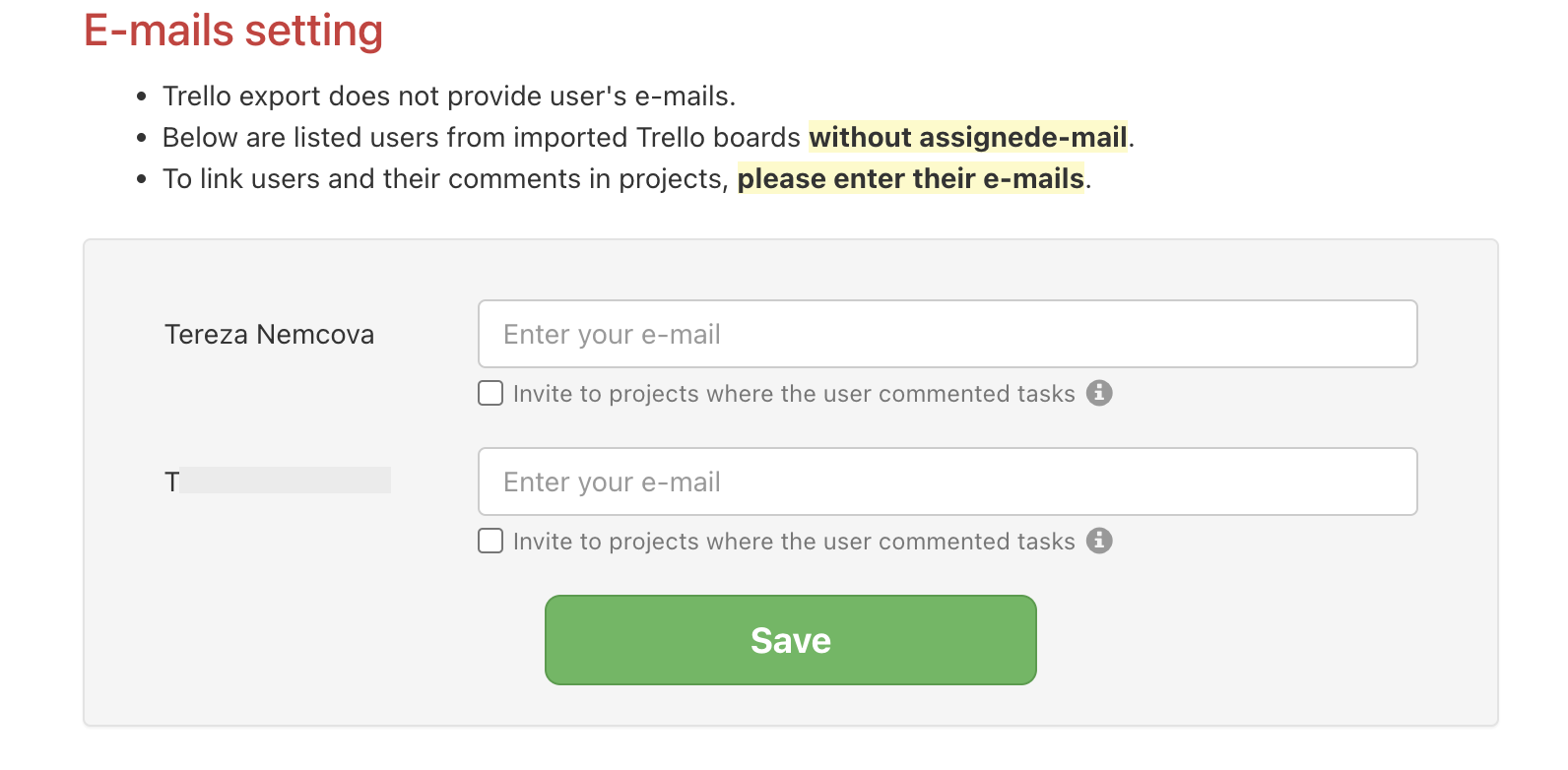
Emails settings for imported users from Trello
Export from Trello does not provide users' emails so it needs to be done manually. Go to the Import board from Trello page in Freelo. At the bottom of the page, you will see the table where you can add email addresses for users from Trello. After assigning the email to the user, existing comments are connected to the email address.
Practical use
- Full team migration – import all your boards at once and keep the team moving in Freelo without interruption
- Gradual transition – import the most important boards first and migrate the rest in the next rounds
- Test run – import one board first and see how Freelo works for your team before fully committing
- Backup from Trello – keep a copy of your projects safe outside of Trello