
Are you a Google user who wants to sign up and log in to Freelo with ease? You can! It is especially useful for people using Gmail or Google Workspace – signing in with Google means fewer passwords and a faster start.
Registration
Don't have a Freelo account yet and want to register directly with your Google account? Here are your options.
Via the Freelo website
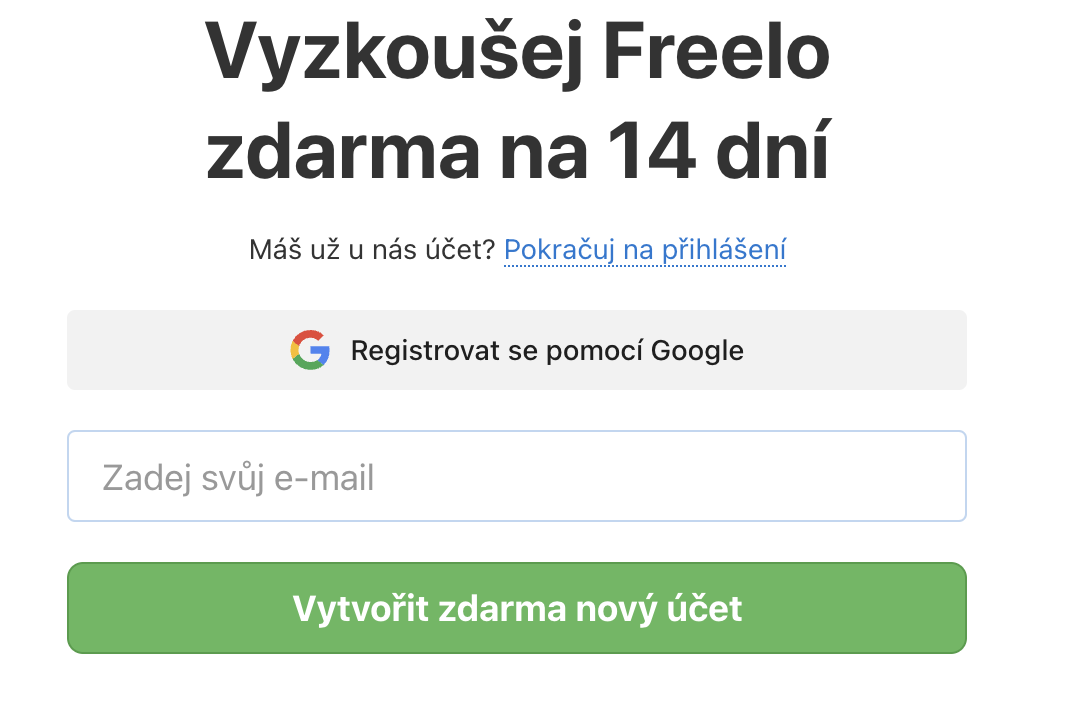
Click Sign up with Google on the sign-up page.
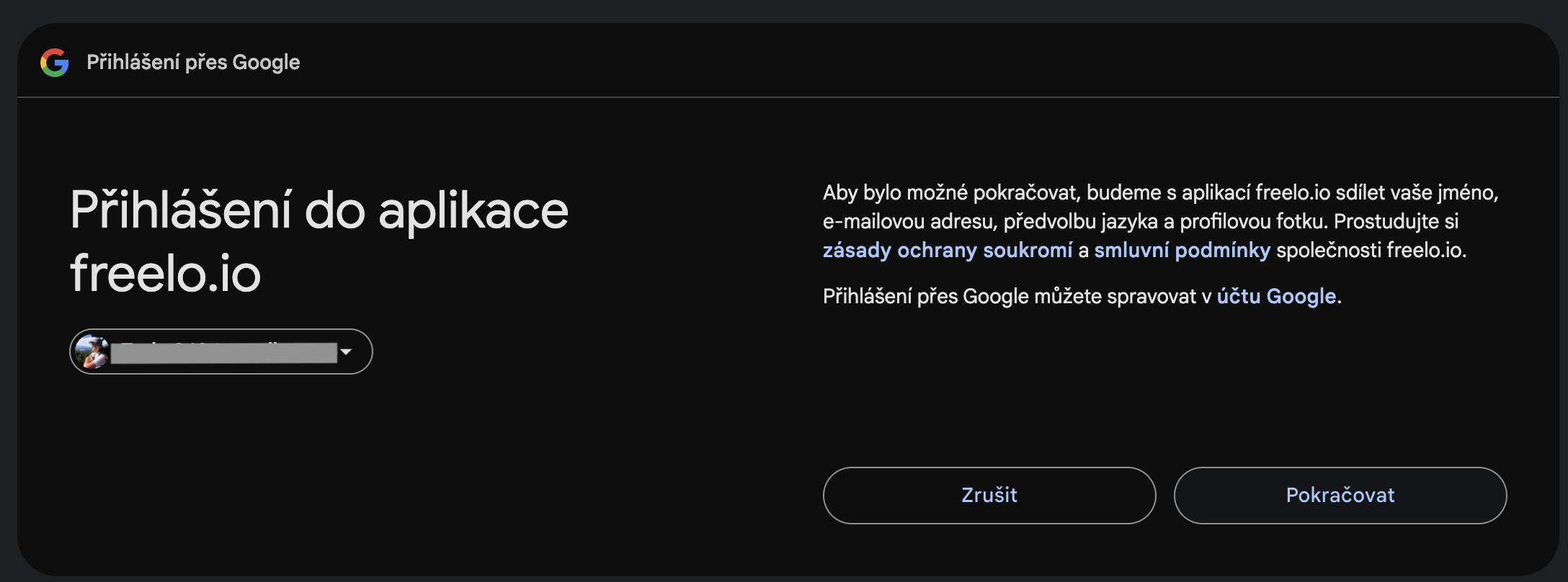
You will be redirected to a page where you can select your Google account. Choose the account you want to link to Freelo, or log in to it first. Then click Continue to confirm consent to share your data with Freelo.
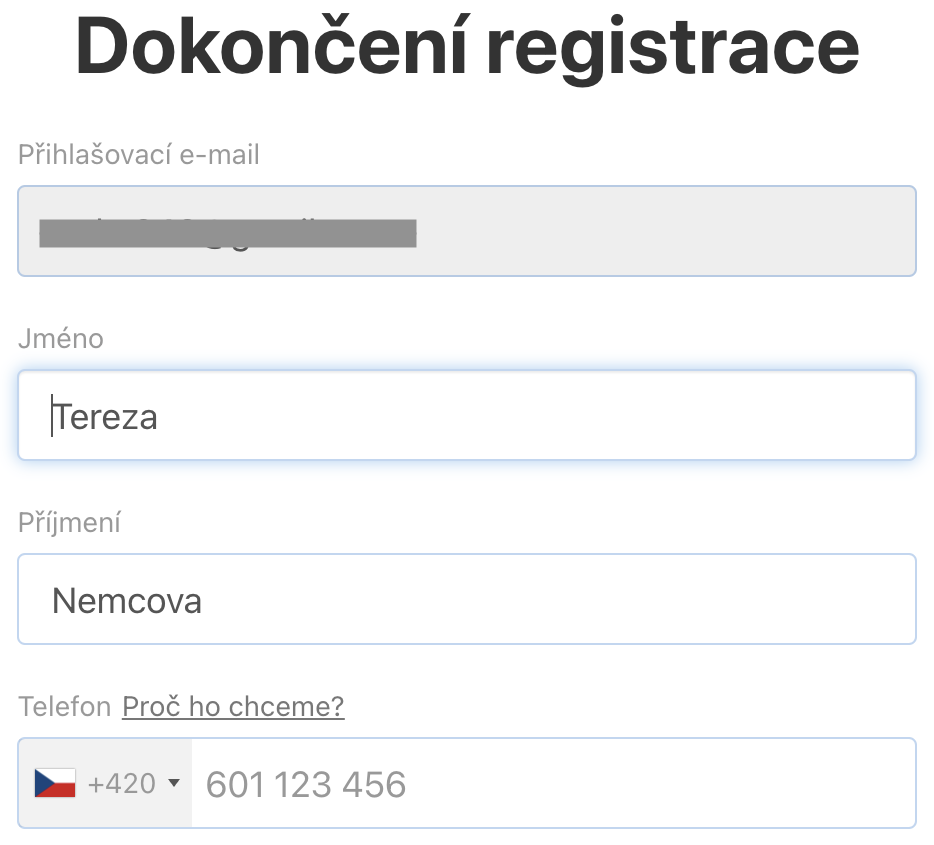
In the final step, complete your registration. Your first and last name from your Google account will be pre-filled – you can still edit them. Then click Create account. All done!
Via an invitation
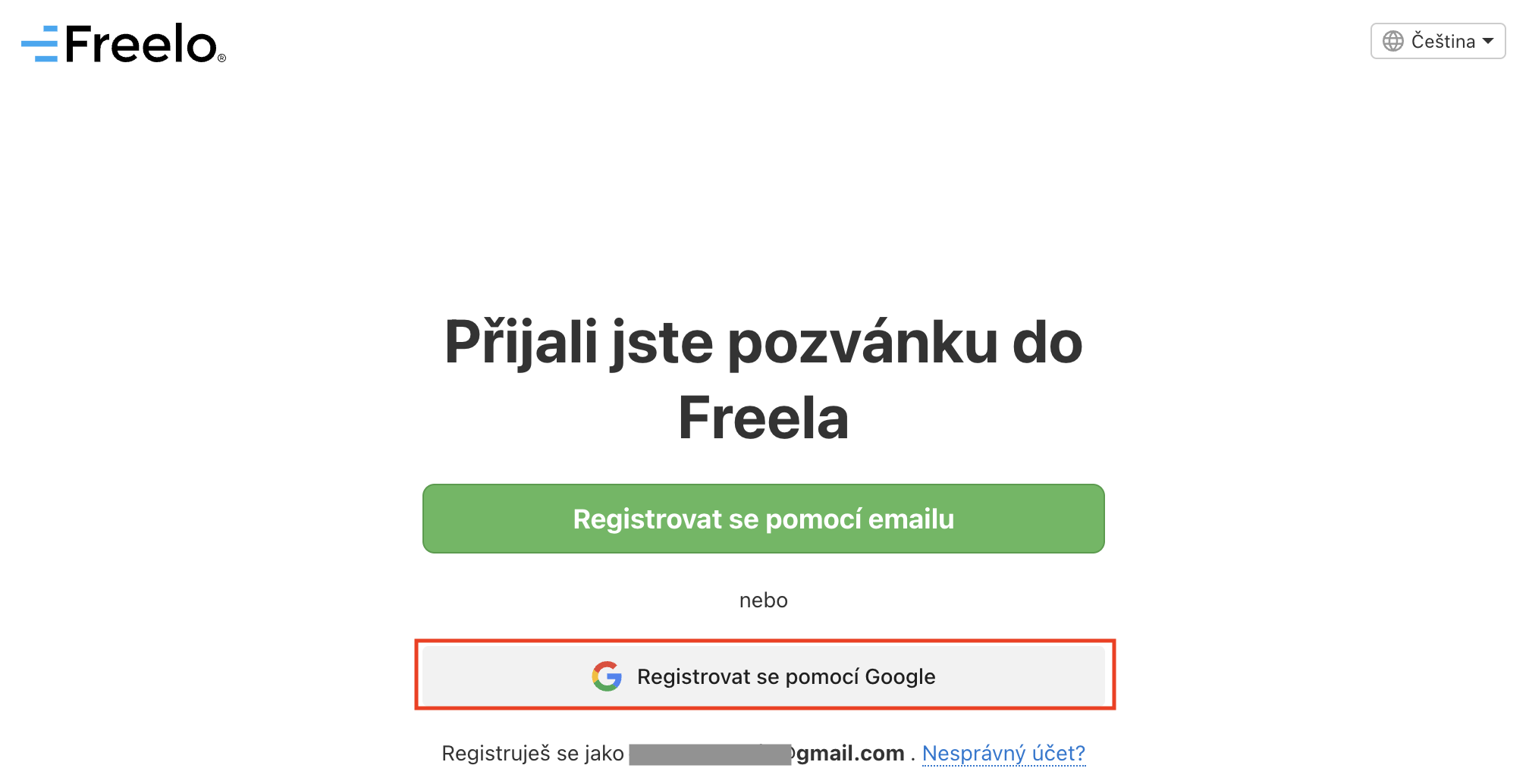
If someone sends you an invitation, the email will contain a link to a page where you can choose to register via email or Google account. The process is the same as registering via the Freelo website.
User registered via Google
Simply choose Log in with Google when logging in and select the Google account you used to register with Freelo.
User not registered via Google
You have a Freelo account registered with a Google email address
There are two ways to link your Freelo account with Google:
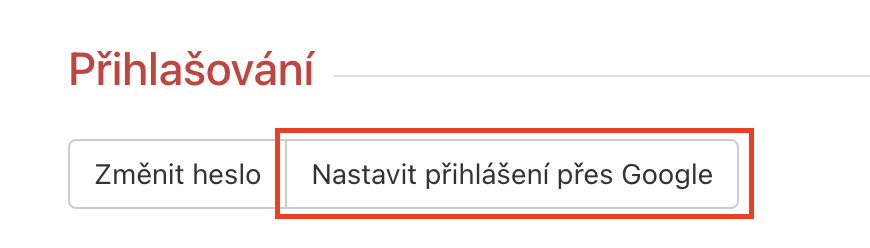
- Via your avatar in the upper right corner, go to Settings > Security and Login > scroll down to Login > Set up Google login. A modal window will guide you through account verification. For security reasons, you will need to enter your Freelo password to complete the link. After that, you can log in using the Google button.
In the next step, select the Google account you want to link with Freelo. - As a logged-out user, go to the login page. Choose Log in with Google and select the account you registered with in Freelo.
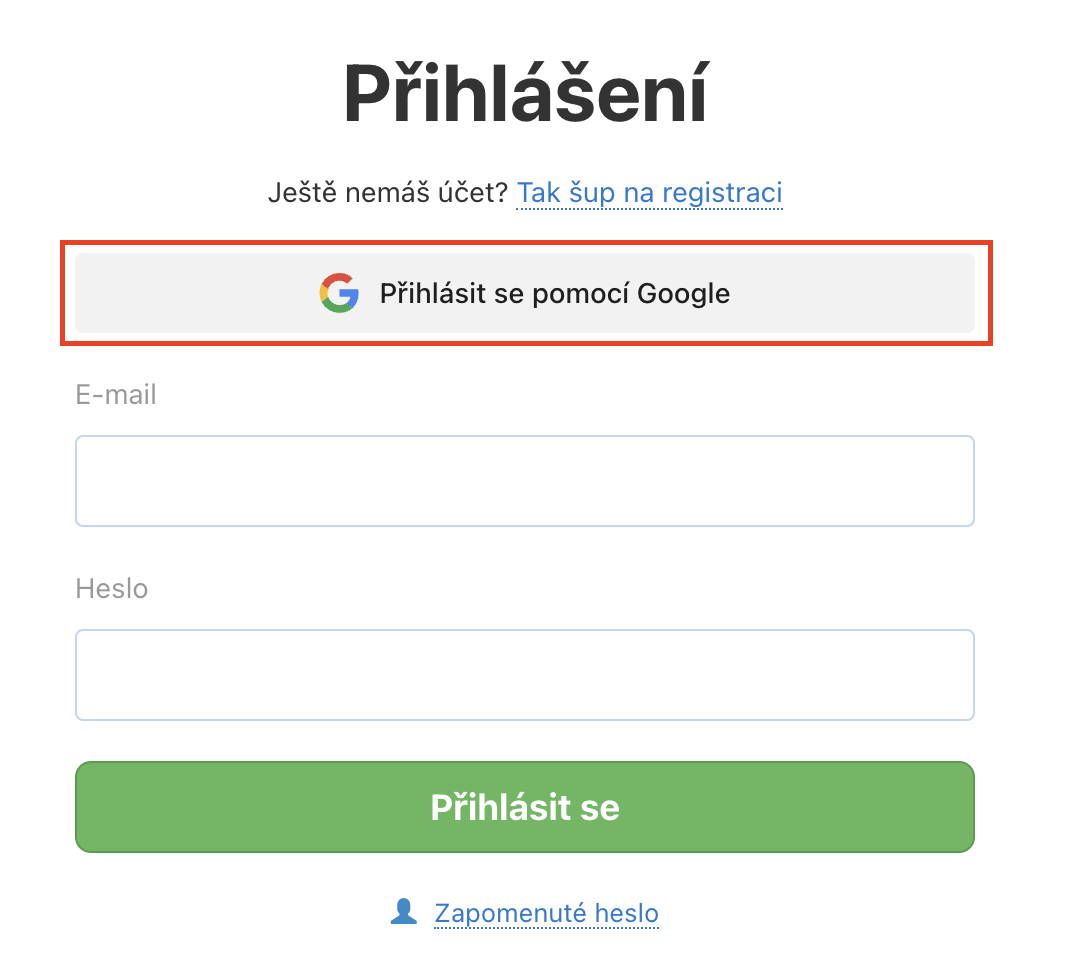
Link your Freelo account with Google using the button. The first login after linking will use the original method (email and password) for security reasons. After that, you can log in using the Google button.
We recommend this option if you want to set up the link at any time without logging out – for example if you originally registered with email and want to add Google login later.
You have a Freelo account registered with a non-Google email address
No problem! Example: you registered Freelo with your work email but want to log in using your personal Google account. That works – Freelo supports both methods at the same time. You can use one email for standard Freelo login and a different one for the Google button.
Via your avatar in the upper right corner, go to Settings > Security and Login > scroll down to Login > Set up Google login. A modal window will appear where you select your Google account, verify yourself, and complete the link by entering your Freelo account password.
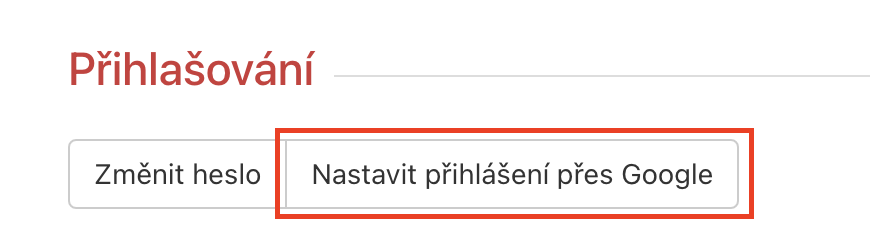
After that, you can log in to Freelo using the Google button or the original email and password.
FAQ
Can I disconnect the link in the future?
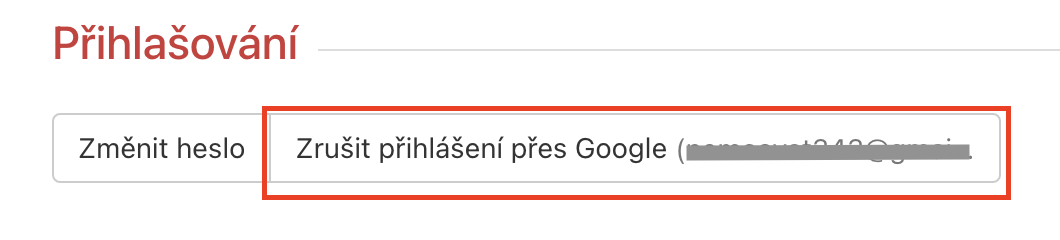
Yes, if you have a password set in Freelo. Go to Security and Login > Login and remove Google login using the button shown in the screenshot above. For security reasons you will need to enter your Freelo password. Done!
Can I switch to a different Google account?
Yes! Remove the current link and then set it up with a different Google account. The only condition is that the new Google account must not already be linked to another Freelo account.
Which email will I receive Freelo notifications to?
By default, notifications are sent to the email address used for registration. The same applies when you register via the Google button. Linking your Google account does not change this.
You can always check or change the email address notifications are sent to in the Notifications section.
Practical use cases
- Quick team onboarding – new colleagues with Google Workspace accounts can sign up to Freelo with one click and get started immediately, no extra password needed.
- One less password to remember – instead of a separate Freelo password, you authenticate via Google, which you are already logged in to.
- Mixed registration methods in a team – some teammates register with email, others with Google – both methods work seamlessly side by side.
- Switching the linked Google account – if you have multiple Google accounts, you can change which one is linked to Freelo at any time (as long as a Freelo password is set).