
Dark mode

Please keep in mind dark mode is an experimental feature that is still being developed.

Do you prefer to work at night or do you just want to protect your sight? Be that as it may, dark mode is a great option for you.

How to switch to dark mode

Turn on this feature via your avatar in top-right corner, go to the section Settings and scroll down to the section Dark mode. You can choose whether you want to always work in dark mode or if you prefer to have it on at certain times of the day only.

Dark mode is an experimental feature so some images and videos may not be displayed right. This depends on the type of the browser you're using. The colors of images in dark mode can be darkened and videos may get inverted.

It is necessary that you choose the time window. In case you to turn want dark mode on for the whole day, just set the mode from 00:00 to 00:00.
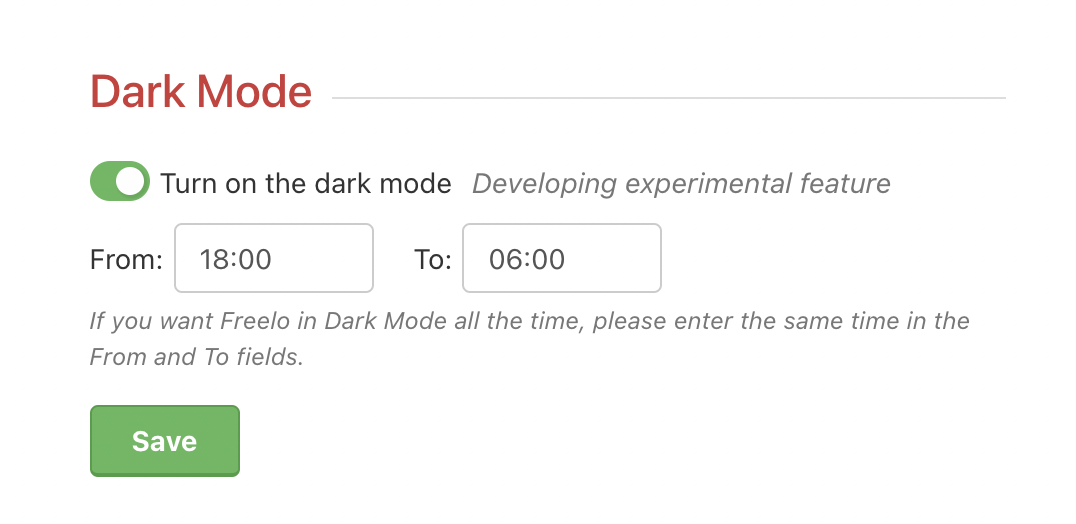
Settings of dark mode.

At the chosen time, Freelo will automatically switch to dark mode.
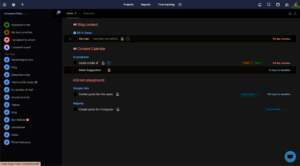
This is what dashboard looks like in dark mode.
Last updated:

Work with Projects

14 Articles

Work with To-Do lists

10 Articles

Work with Tasks

30 Articles

Account & Settings

20 Articles

Due dates & Notifications

8 Articles

Files & Sharing

8 Articles

Users & Permissions

7 Articles

Finances & Invoices

5 Articles

Reports & Time tracking

5 Articles

Third-Party Integrations

13 Articles

Business panel

6 Articles

Start with Freelo

1 Articles