
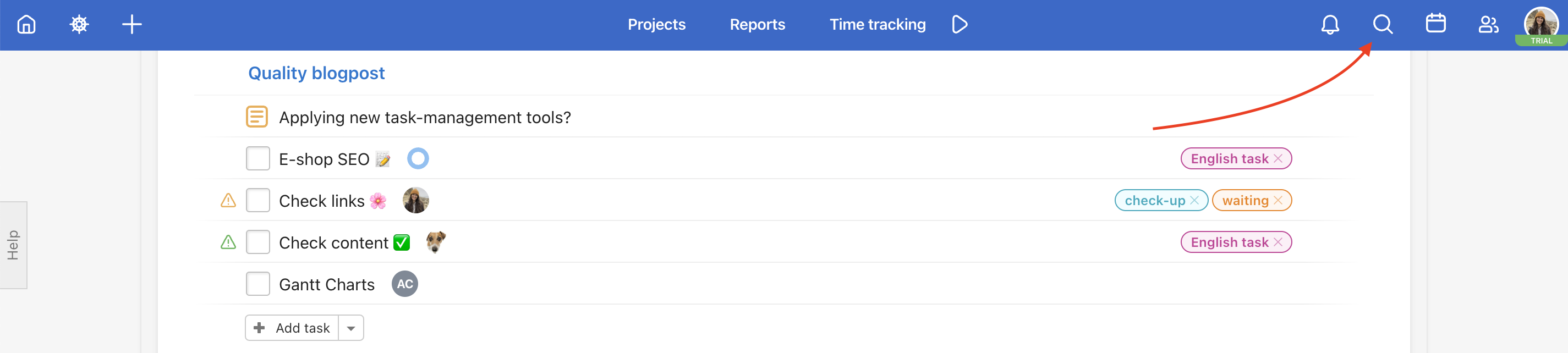
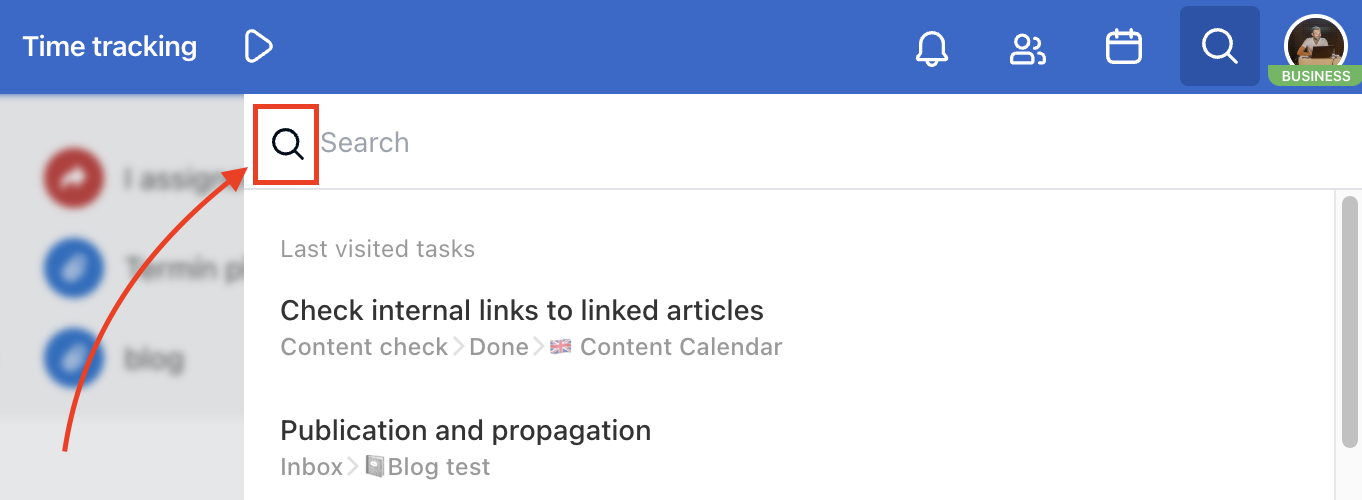
Search in Freelo is a very powerful tool. In the upper right part of the blue bar, you can find a magnifying glass icon for searching.
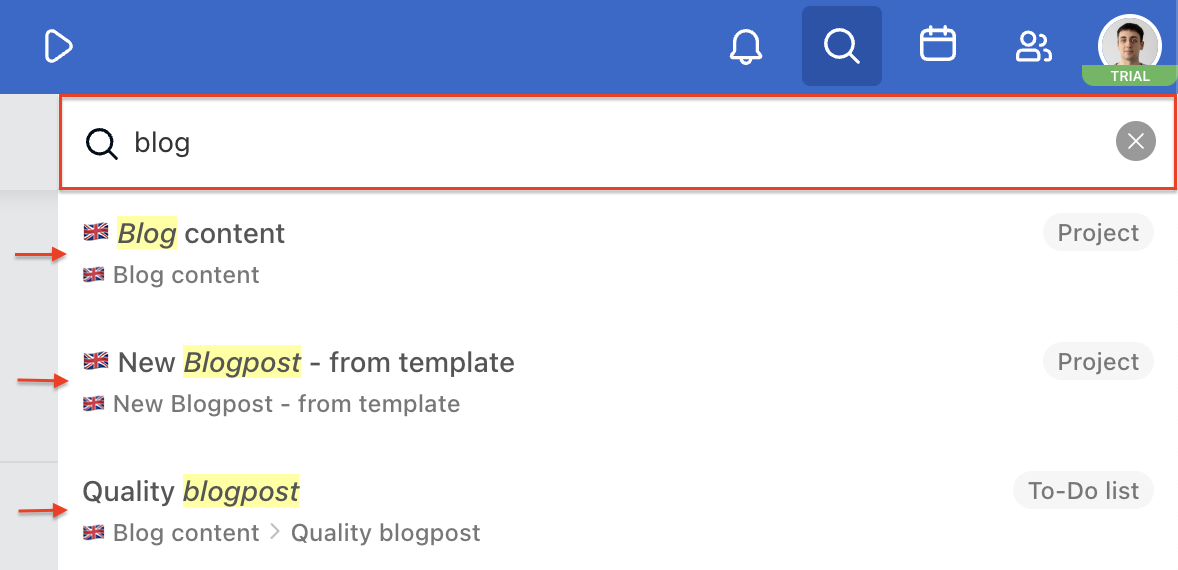
If the entered text matches tasks, projects, or users, the search offers those items. It's very fast.
What can you search for?
Suggestions
You can type a part of the sub/task or project name in the search box and the corresponding items appear in the suggestions.
Search quickly using a keyboard shortcut
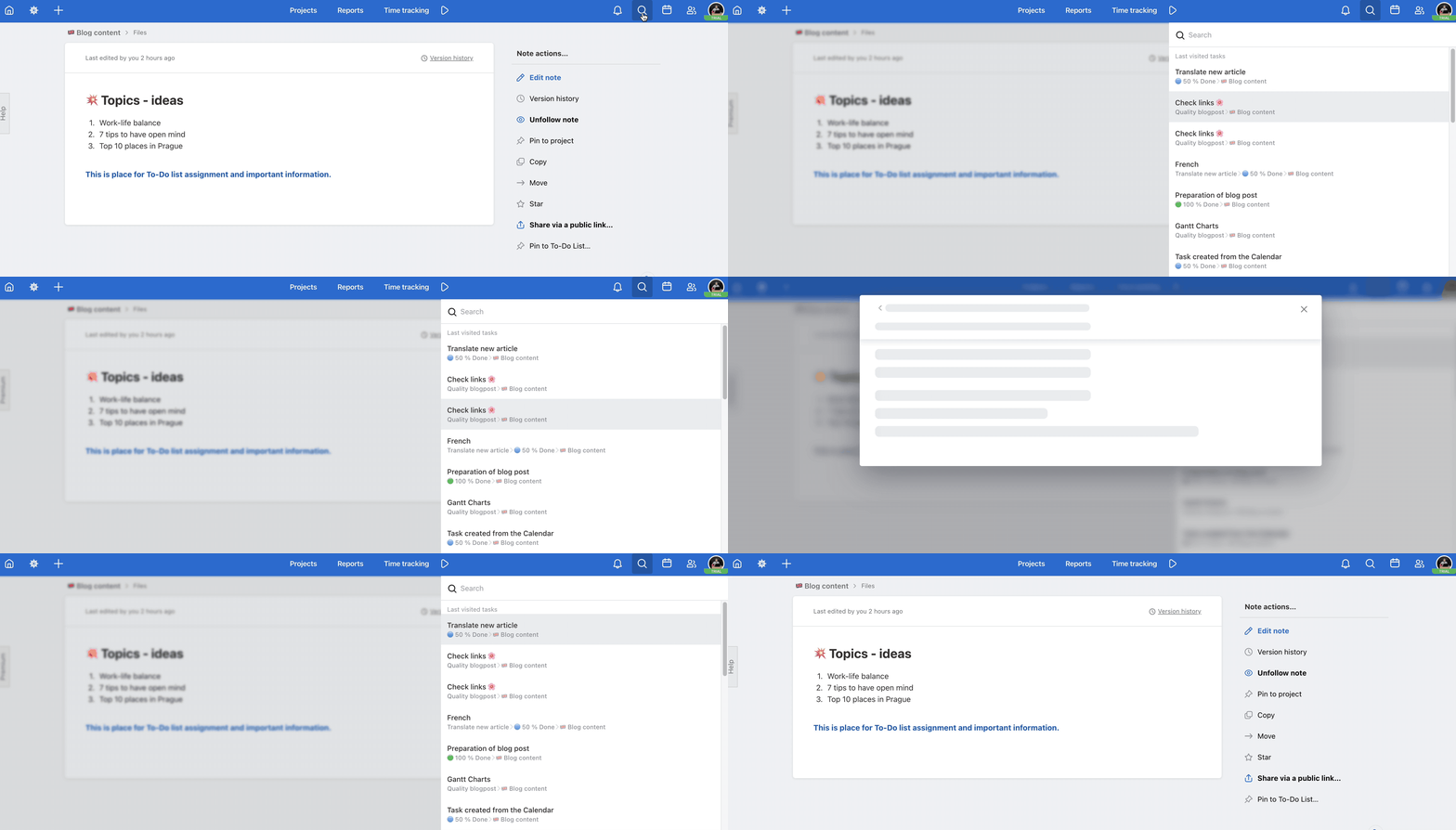
This keyboard shortcut Alt/Option + Shift + F is really fast. It brings up a Search box that automatically displays the last visited sub/tasks, and can suggest names of projects, tasks, and other content.
You can quickly move around the search via the keyboard:
- up and down arrows ↑↓ – move to the desired sub/task
- Q – open sub/task via modal window
- Esc – exit the modal window of the sub/task
- Enter – open sub/task detail
Last visited tasks
When you click the magnifying glass icon in the top blue bar without typing anything, a list of your last visited tasks and subtasks appears. It’s a handy feature that can save you time.
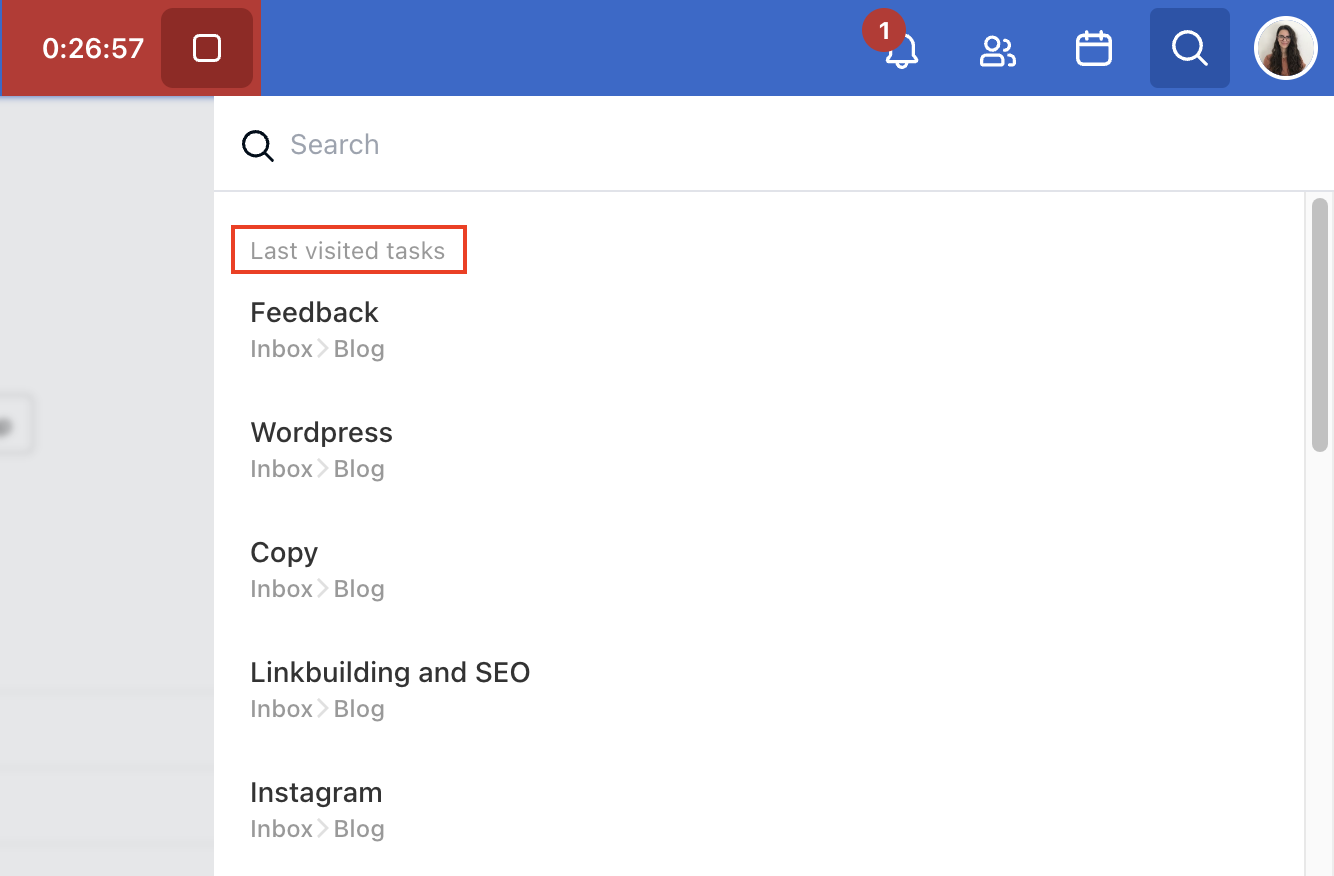
Switch between the sub/tasks you're currently working on. The breadcrumb navigation shows you where each task or subtask is located.
Search page/results
The search results page helps you to specify what you're looking for. Click the magnifying glass icon in the search box to get on the search page.
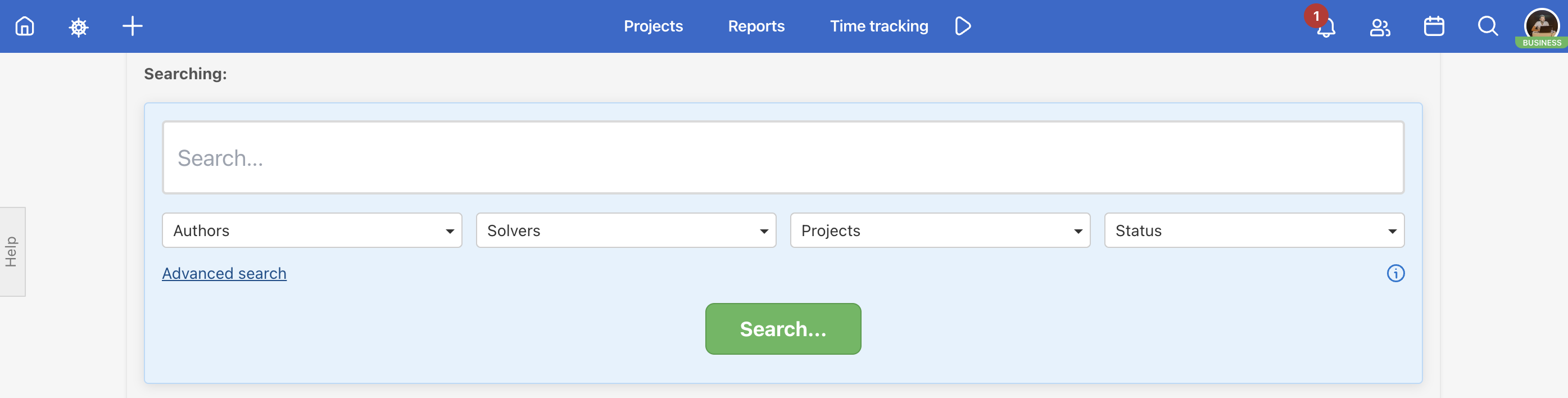
We search through these items in full text:
- Projects
- Templates
- To-Do lists
- Tasks
- Subtasks
- Checklist items
- Comments
- Notes
- Files
- Users
Our search engine is also searching for broad matches. Freelo suggests similar results.
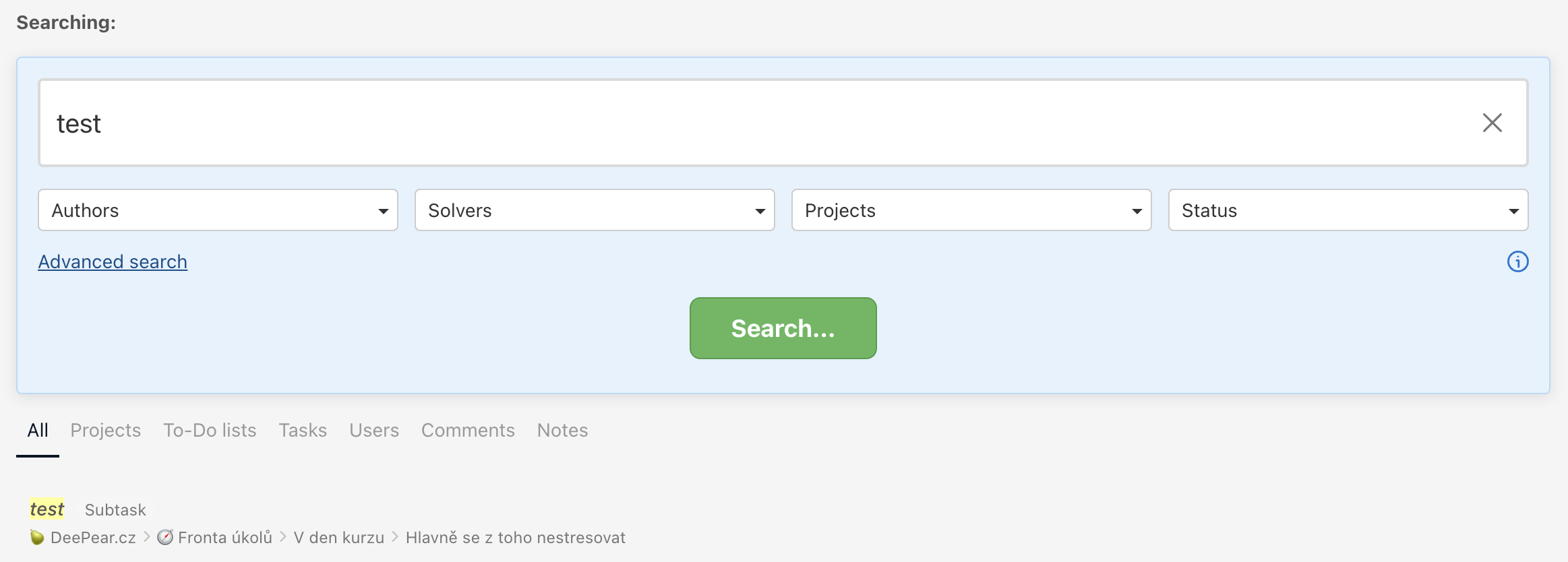
And for more precise results, click on Advanced search. Additional filters will appear.
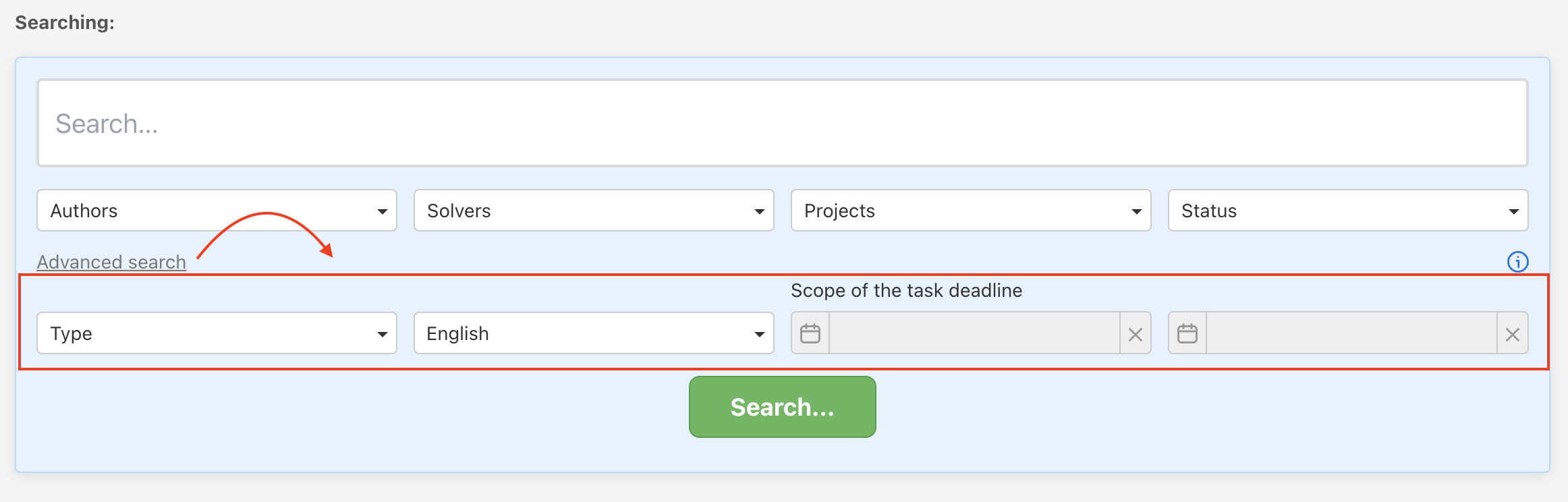
Use filters
You can use filters regarding the author of the comment/task or a specific project, where the sub/task is placed.
The filter can be:
- Authors
- Solvers
- Projects (also templates)
- Status
- Type
- Language – English, Czech
- Scope of task deadline
Practical use cases
- Quick switching between tasks – open Search with the keyboard shortcut Alt/Option + Shift + F. Your recently visited tasks appear instantly and you can navigate them with arrow keys, no mouse needed.
- Search without diacritics – forgot accents? No problem. Freelo suggests broad matches so you'll still find what you're looking for.
- Full-text search through comments – looking for something written in a task comment? Use the search results page and filter by Comments.
- Search within a specific project – use the Advanced search to filter results to a single project or template. A time-saver when working across many projects.
- Find completed tasks – use the Status filter in Advanced search to find completed tasks that are no longer visible in the active To-Do list.