
Thanks to the Latest project activities, you can take a look at news in projects. There are 3 sections where you can check project actions.
Now you can filter by activity type, users or projects.
Overview of Activities
We have created a completely new section for all project activities. There are many ways to filter. Go to Reports in upper blue bar > User activities.
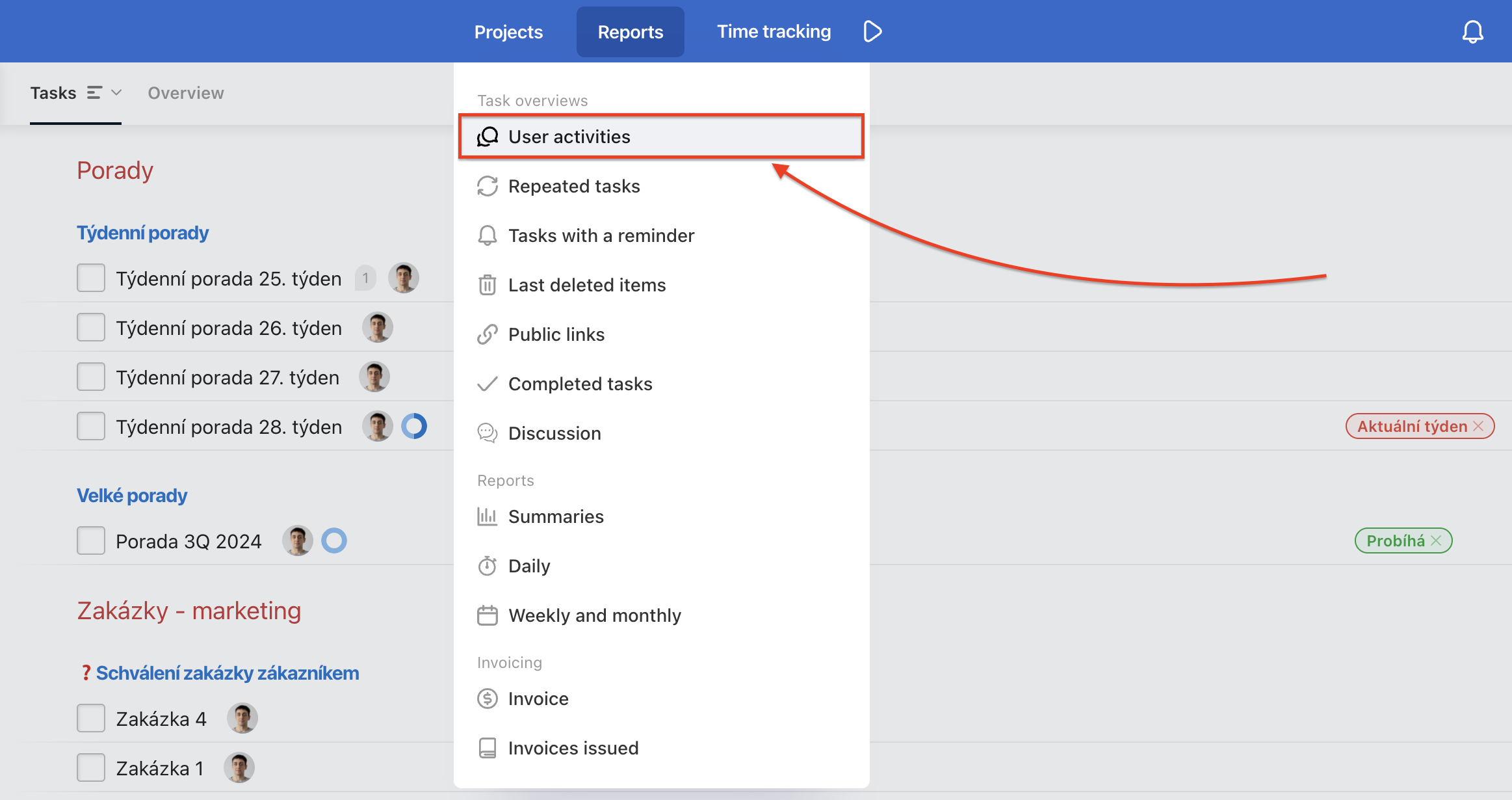
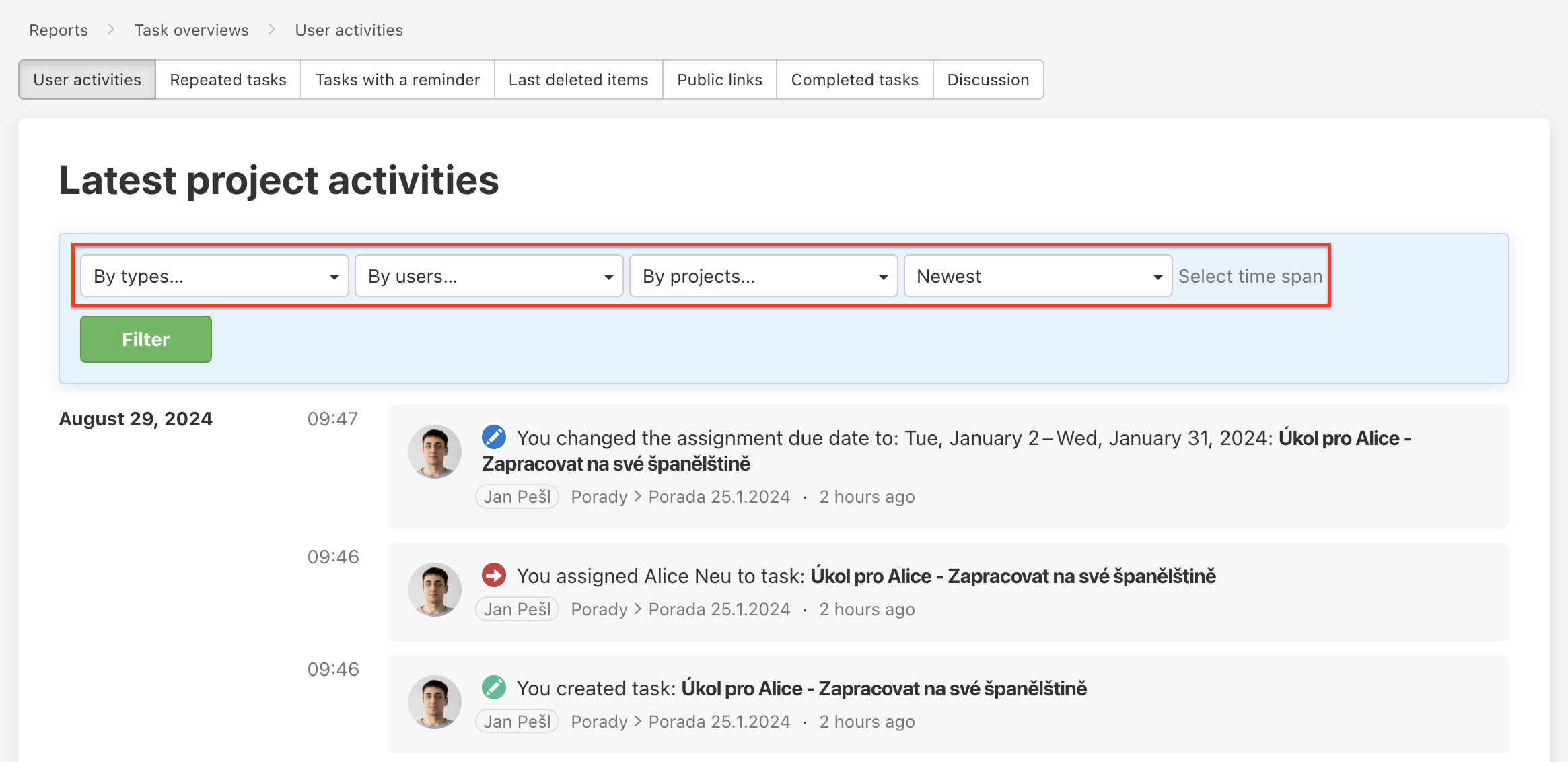
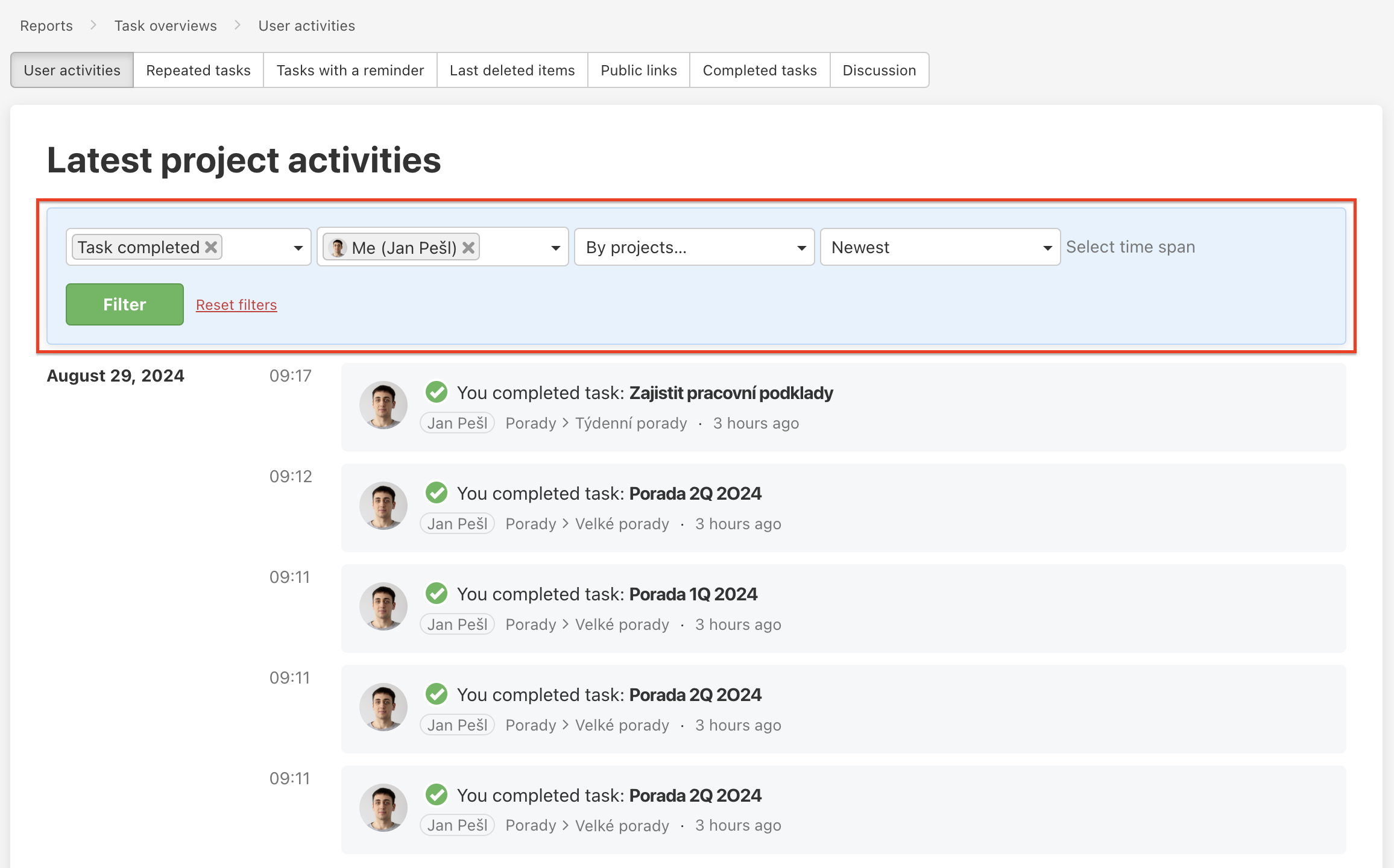
Use the filters at the top to view the exact activities you need. You can filter by:
- Type of activity – many options (changes/edits, new tasks, notes, assignment etc.) The filter is extensive and includes all kinds of activities - from tasks assigning to created public links.
- User – who did the activity. It can be useful for tracking the completed sub/tasks by particular user to find out what they were working on recently.
- Project – activities related to a particular project. Use this filter if you want to see the latest activity for specific projects only.
- Time period – newest, oldest.
Recent activities on Dashboard
Go to Dashboard and scroll down, find section Recent activities.
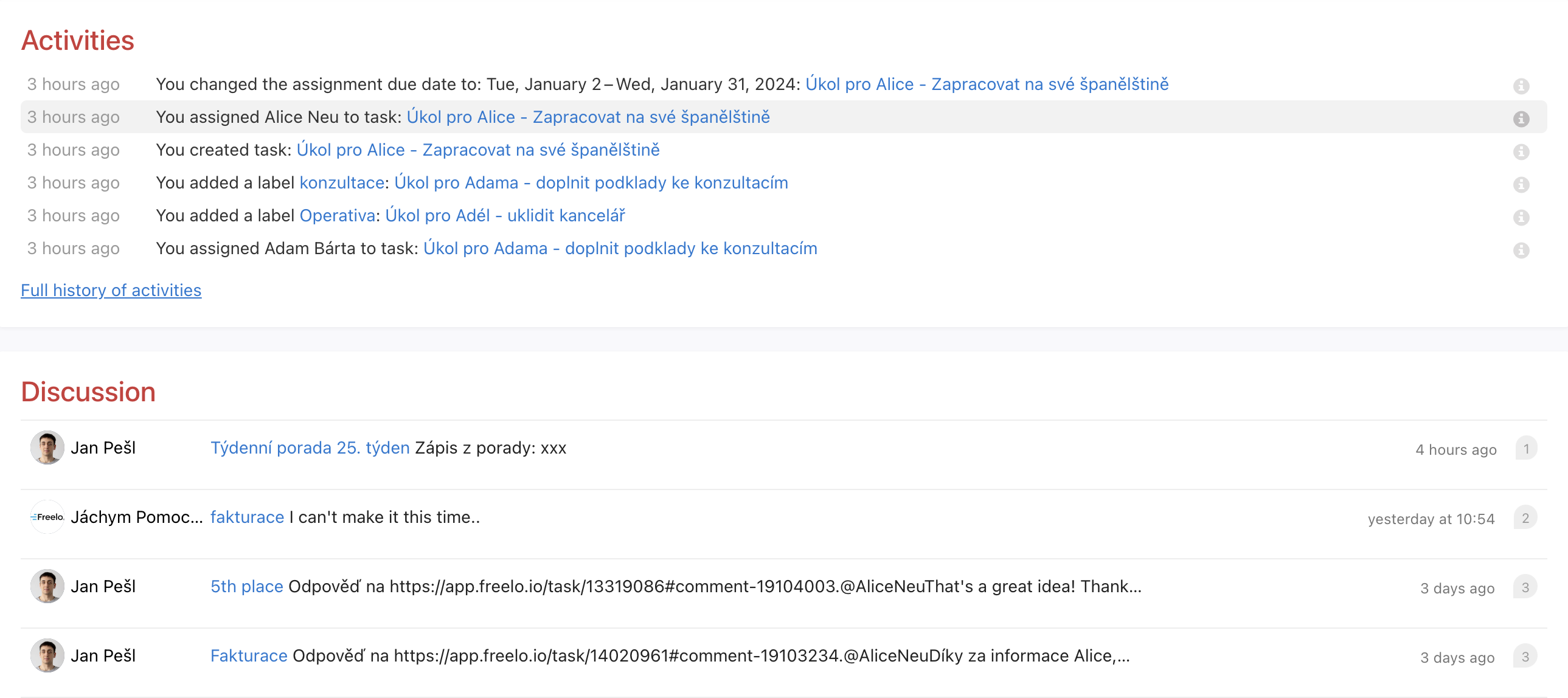
On the Dashboard you will find only the most recent activities on projects where you are invited or Recent activities and there is the report mentioned above Latest project activities.
Practical examples
These examples are from filters in Activities in section Reports.
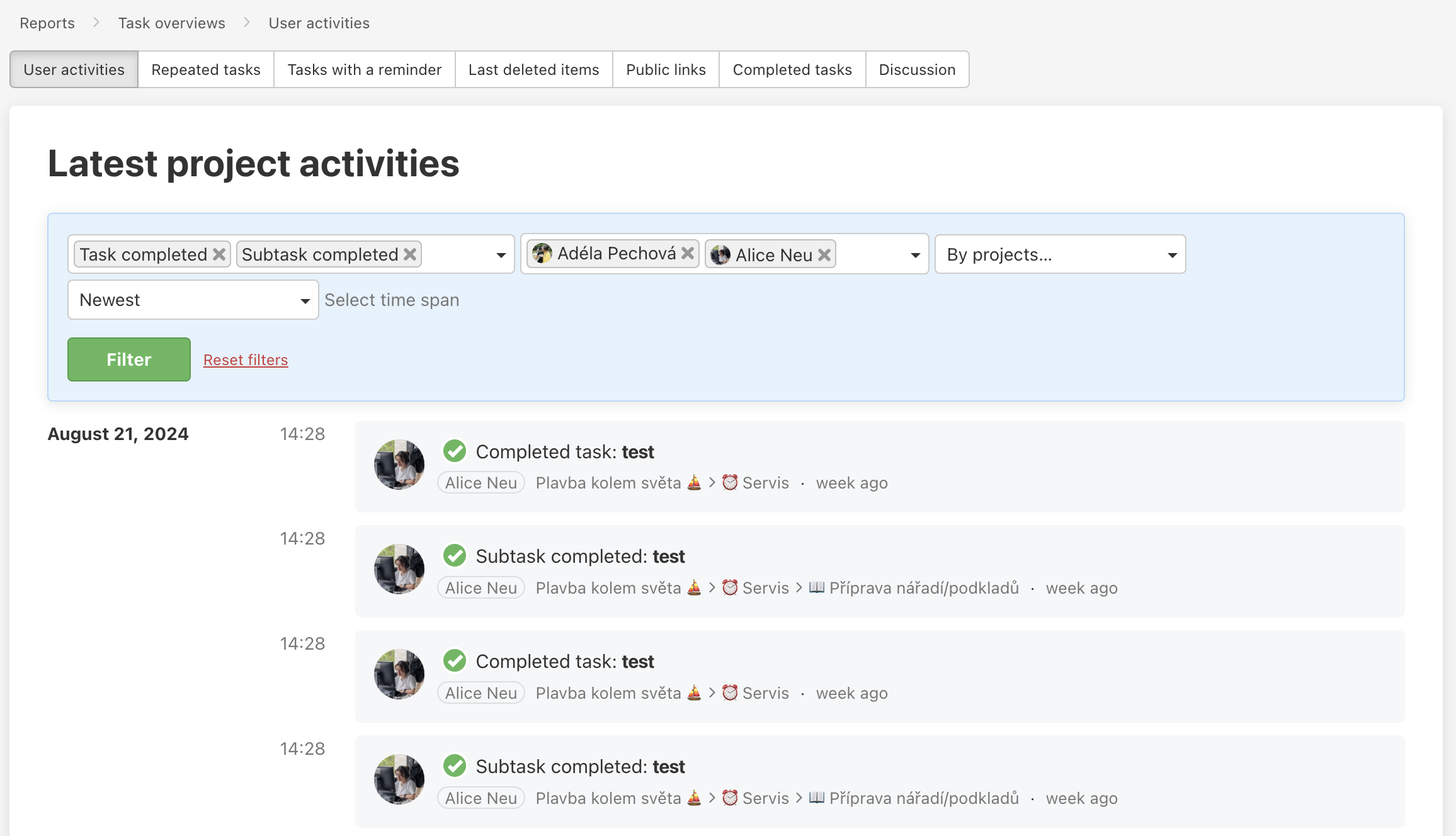
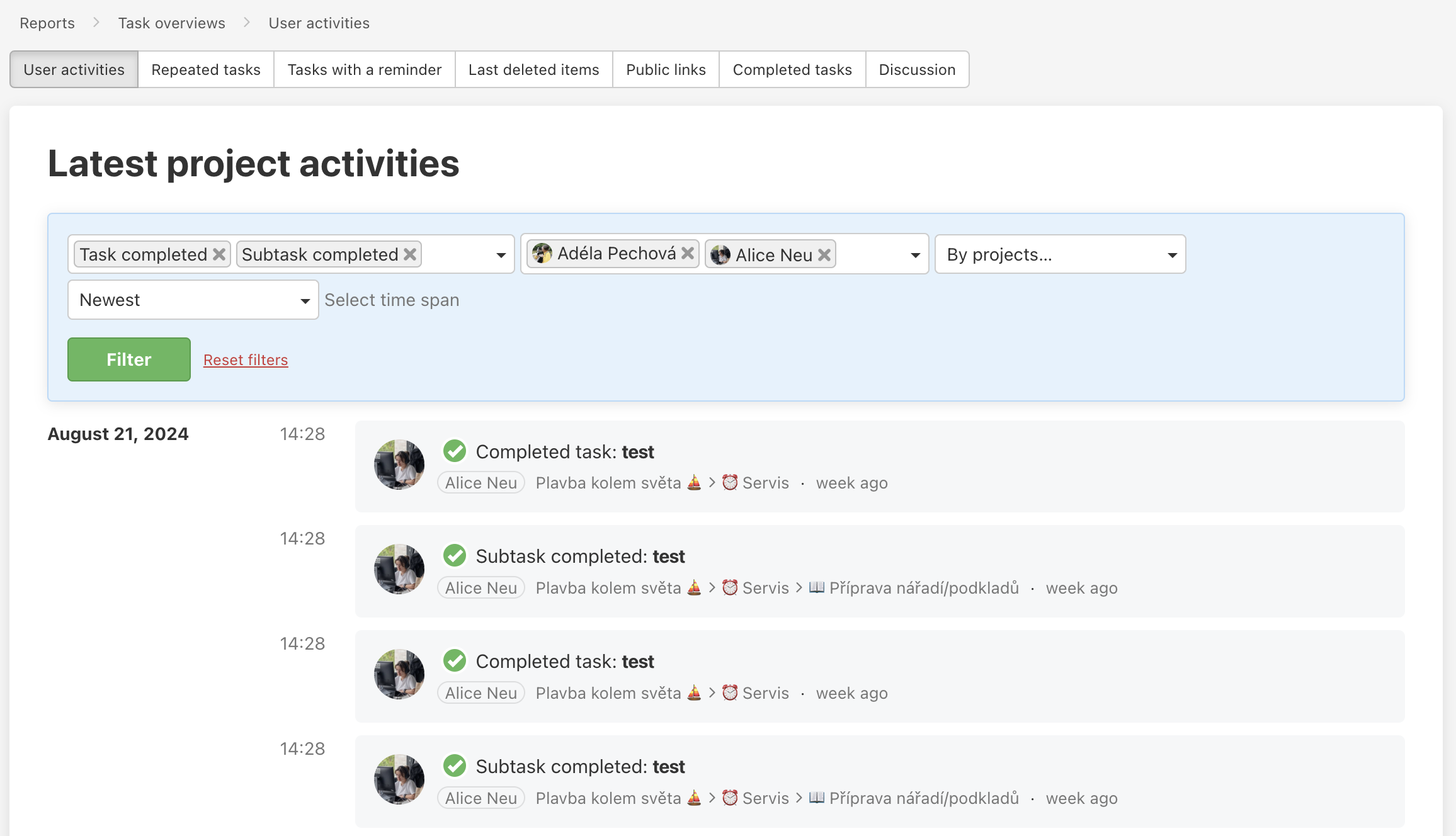
Completed sub/tasks by users
- Activity type: Task finished, Subtask finished
- Users: Annie Nicolson, Caroline Parsley
Due date edited in the project
- Activity type: Due day edited, Subtask due date edited
- Project: Content calendar
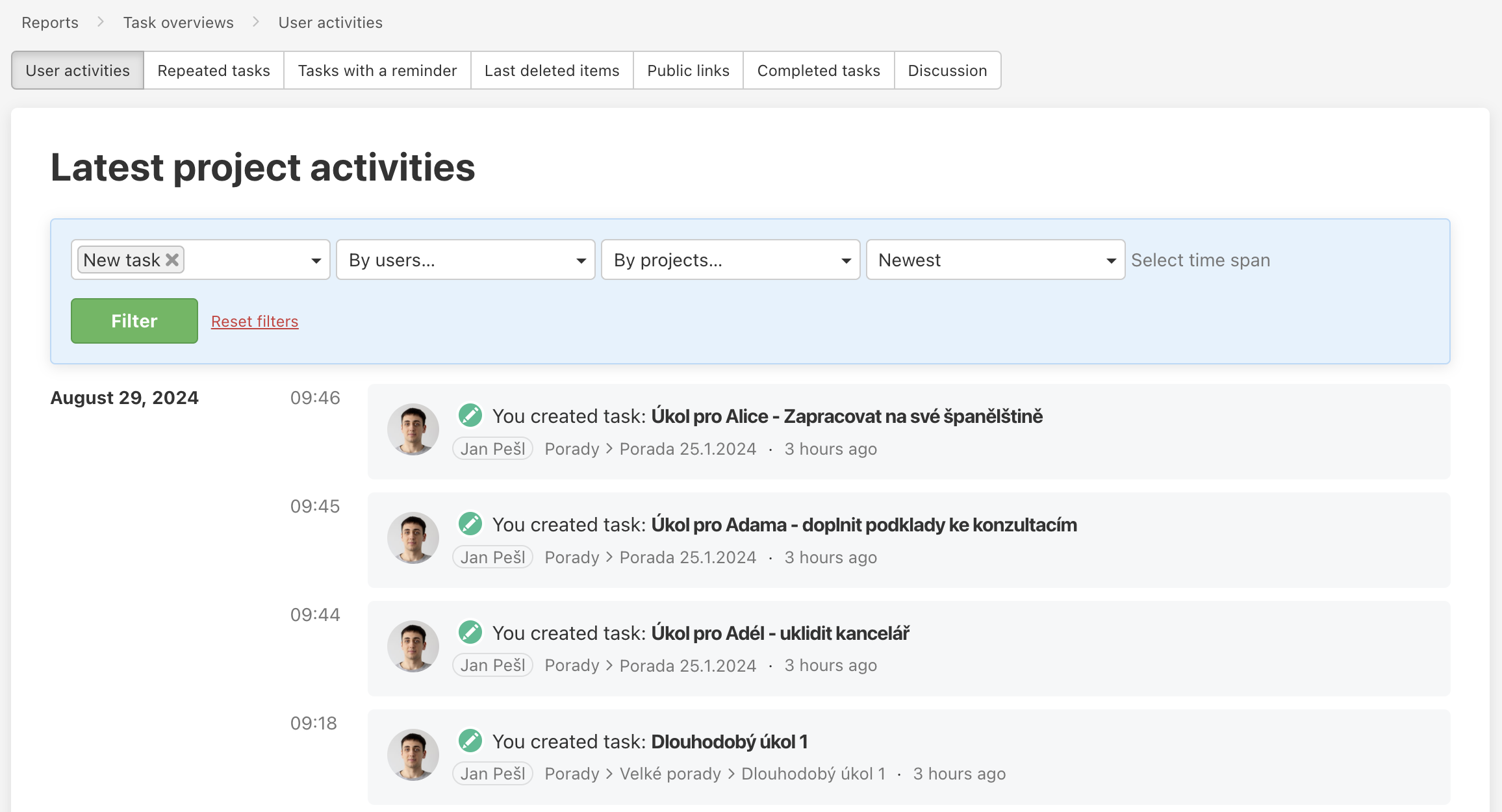
New tasks
- Activity type: New task
Last updated: