
Time to time there is a situation when you need all the comments in a discussion transcribed or even forwarded to someone. You don't have to copy it one by one. Just share the discussion via a secret public link.
The page is just for reading. No one can do any changes.
How to share discussion
Go to task detail and find Share via public link… in the right menu. Same option is via a three dot menu on project detail.
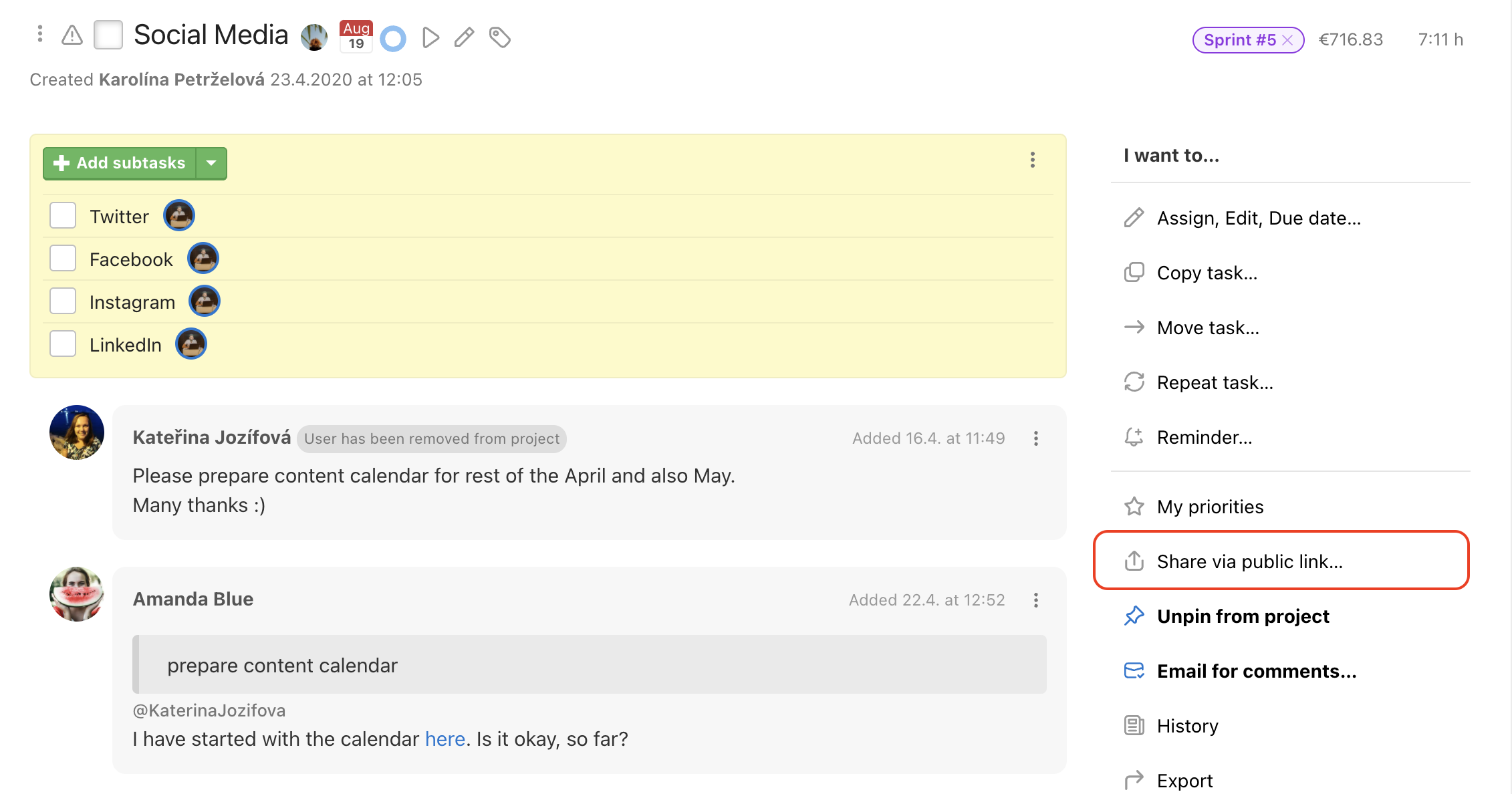
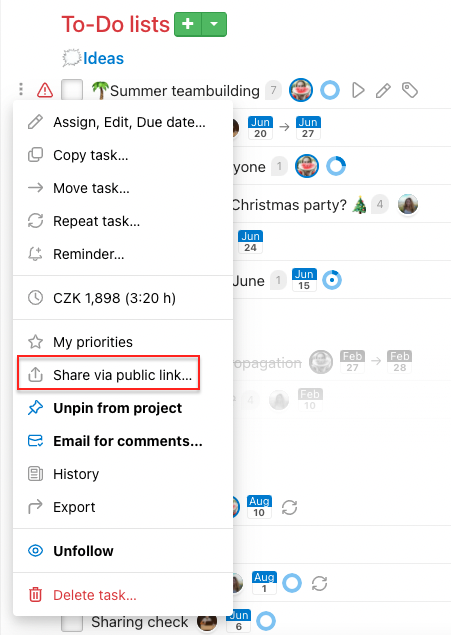
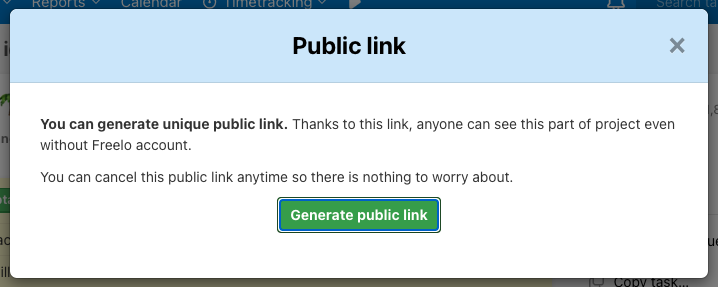
In the following window confirm the creation via Generate public link.
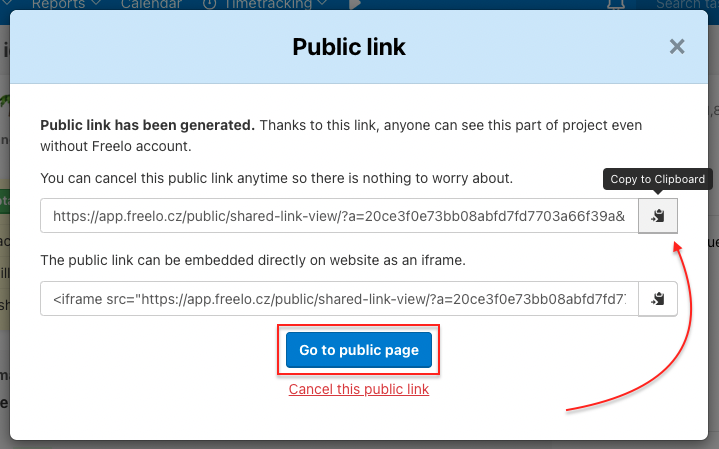
Public link is created. You can copy the link via Copy to Clipboard and send it to someone. Check the public site via Go to public page or cancel the link via Cancel this public link.
After you have generated the public link, the button font turns bold.
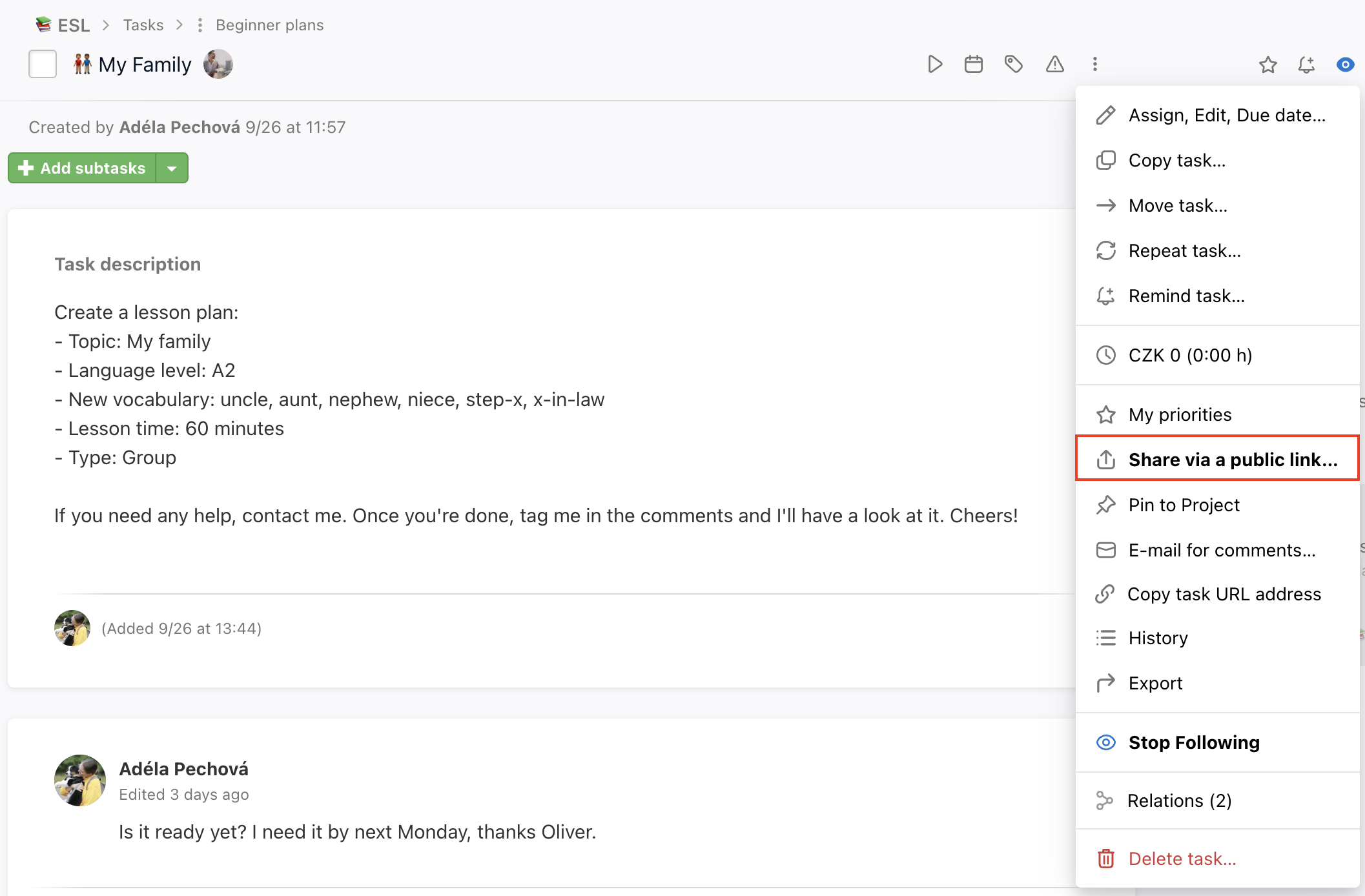
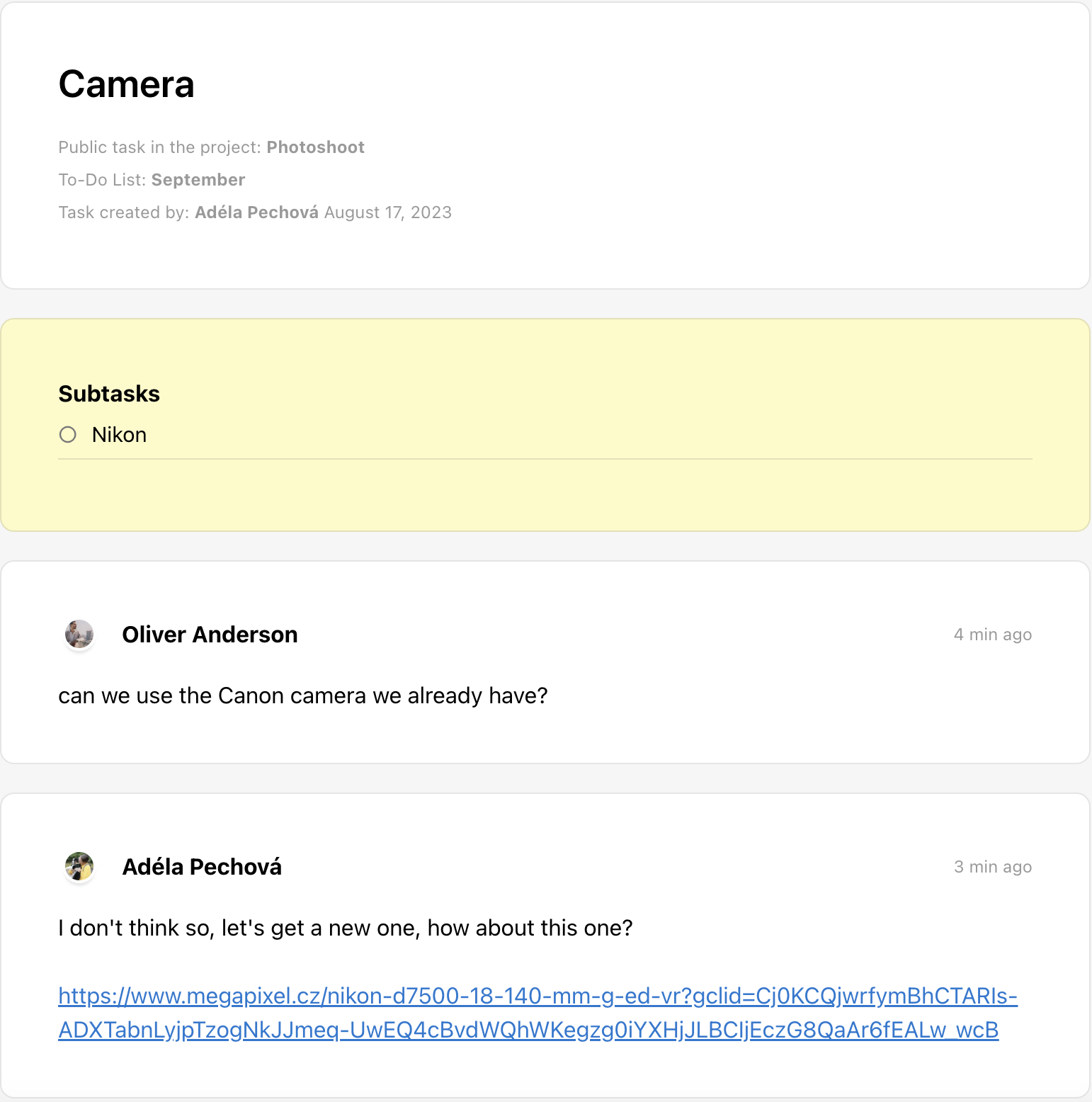
In the generated page are subtasks, comments, due dates and files, that you can download.
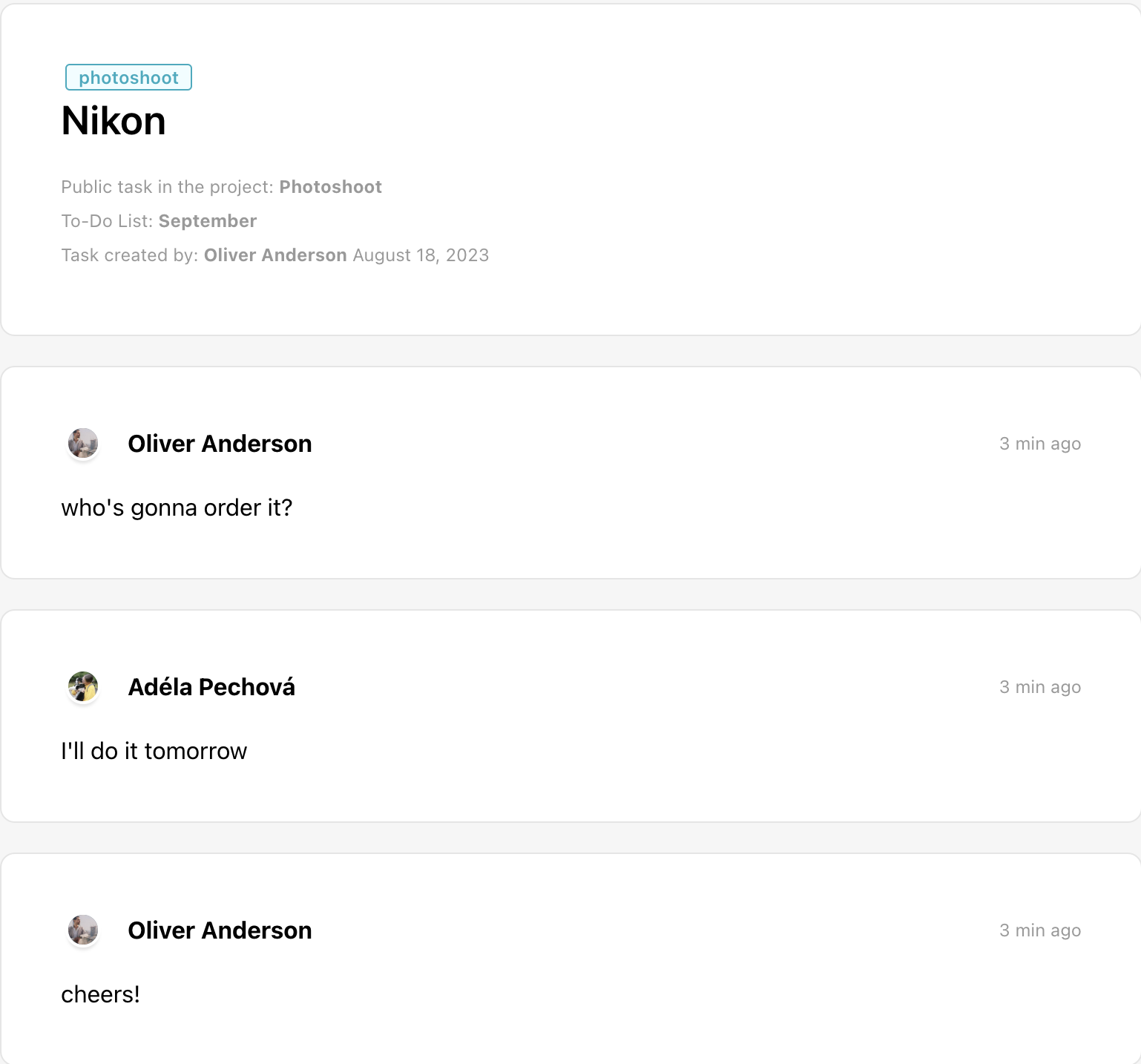
Public link for a subtask
Easy way to share a part of a subtask with the responsible assigned user only.
It works just the same way as public links in tasks. You can generate the link on subtask detail or via three dot menu next to the subtask name > Share via public link…
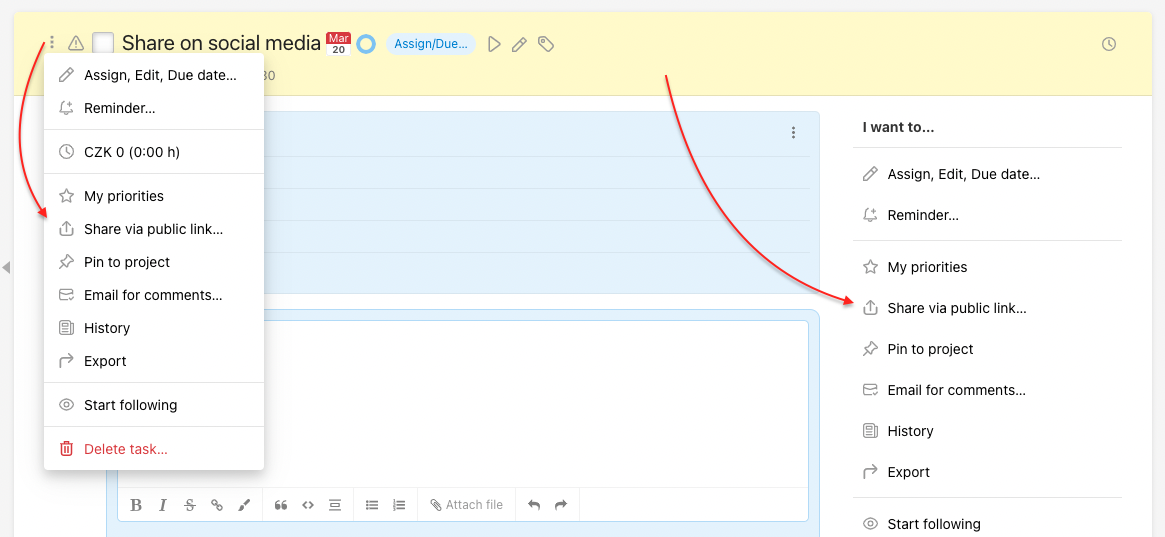
When a public link to a subtask is generated, the button will be highlighted in the same way as for tasks - by bold font.
List of public links
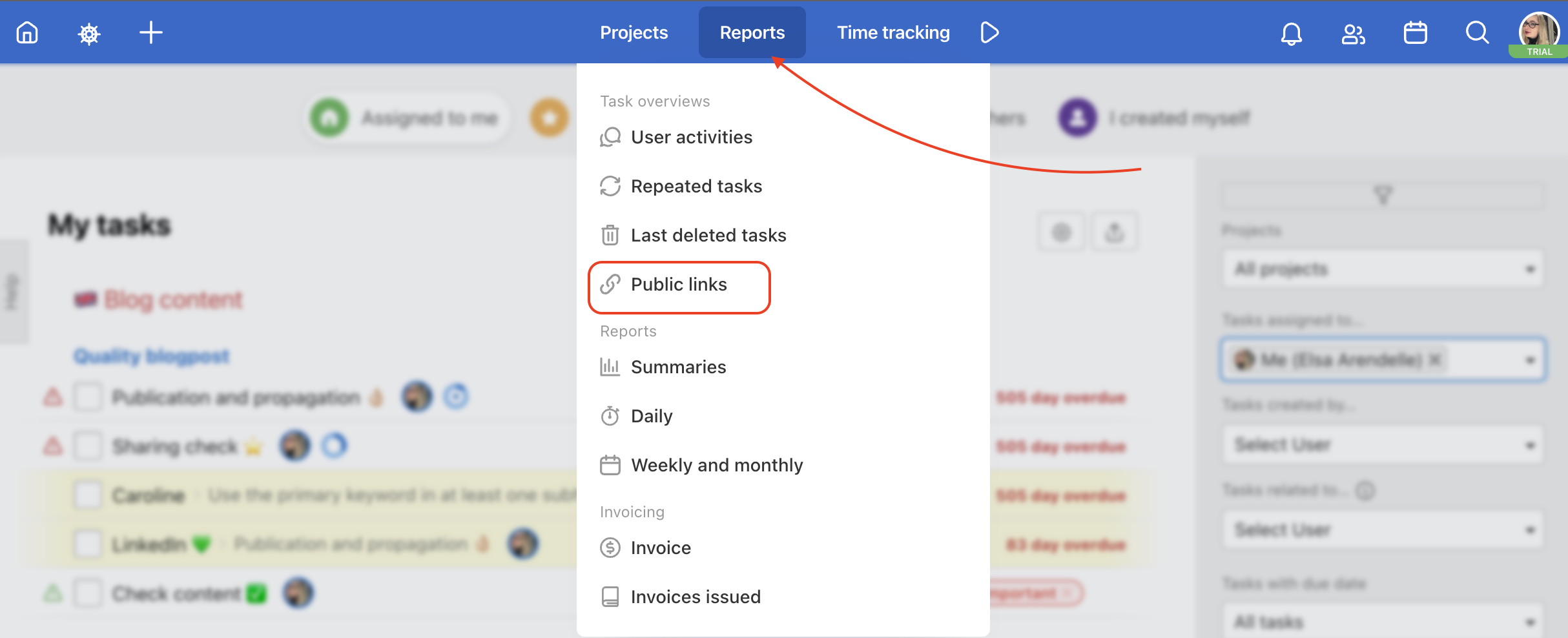
Wondering what public links you've generated? You don't have to look them up on each task detail. Just click on Reports > Public links in the top blue menu.
Practical use
- Sharing with a client without Freelo access – the client can see the full discussion, deadline and assignee without needing to register
- Handing over context to a colleague – send the task link to a colleague outside the project so they can see the context without being granted access
- Reporting task status – share the link with management or stakeholders for a quick overview without logging in
- Documenting communication – add the discussion link to an email or Slack as a permanent record
- Collaborating with a freelancer – the freelancer can see the brief, materials and discussion without a Freelo account