
Task discussions collect attachments from comments — images, documents, and other files. Freelo lets you download files individually or all at once as a ZIP, from the entire discussion or from a single comment.
When you click the file name, downloading starts immediately. Another way is via three-dot menu > Download file.
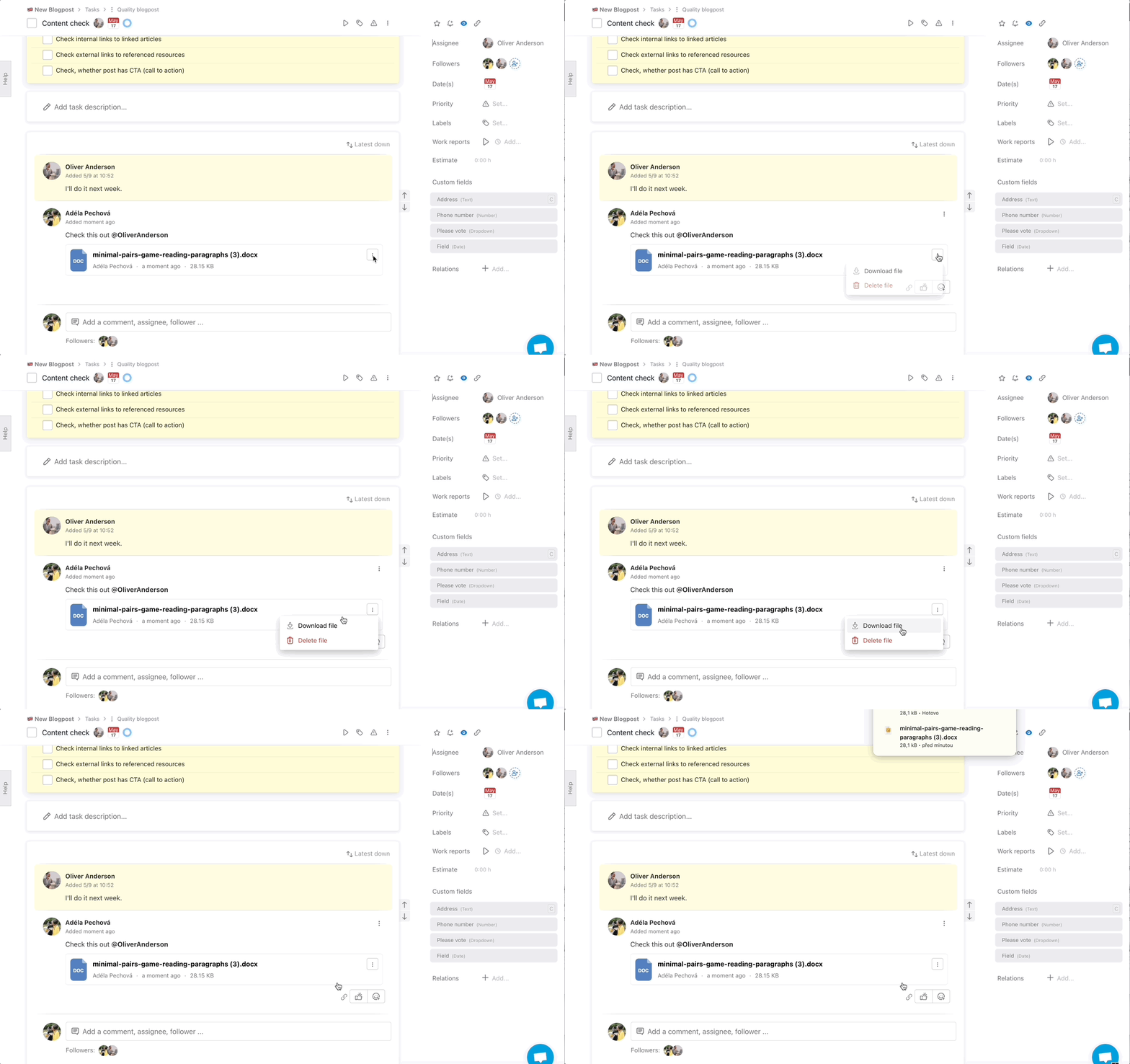
In case you have more than one file in one comment (documents, pictures etc.) you can download them at once. Via three dot menu click Download files in comment.
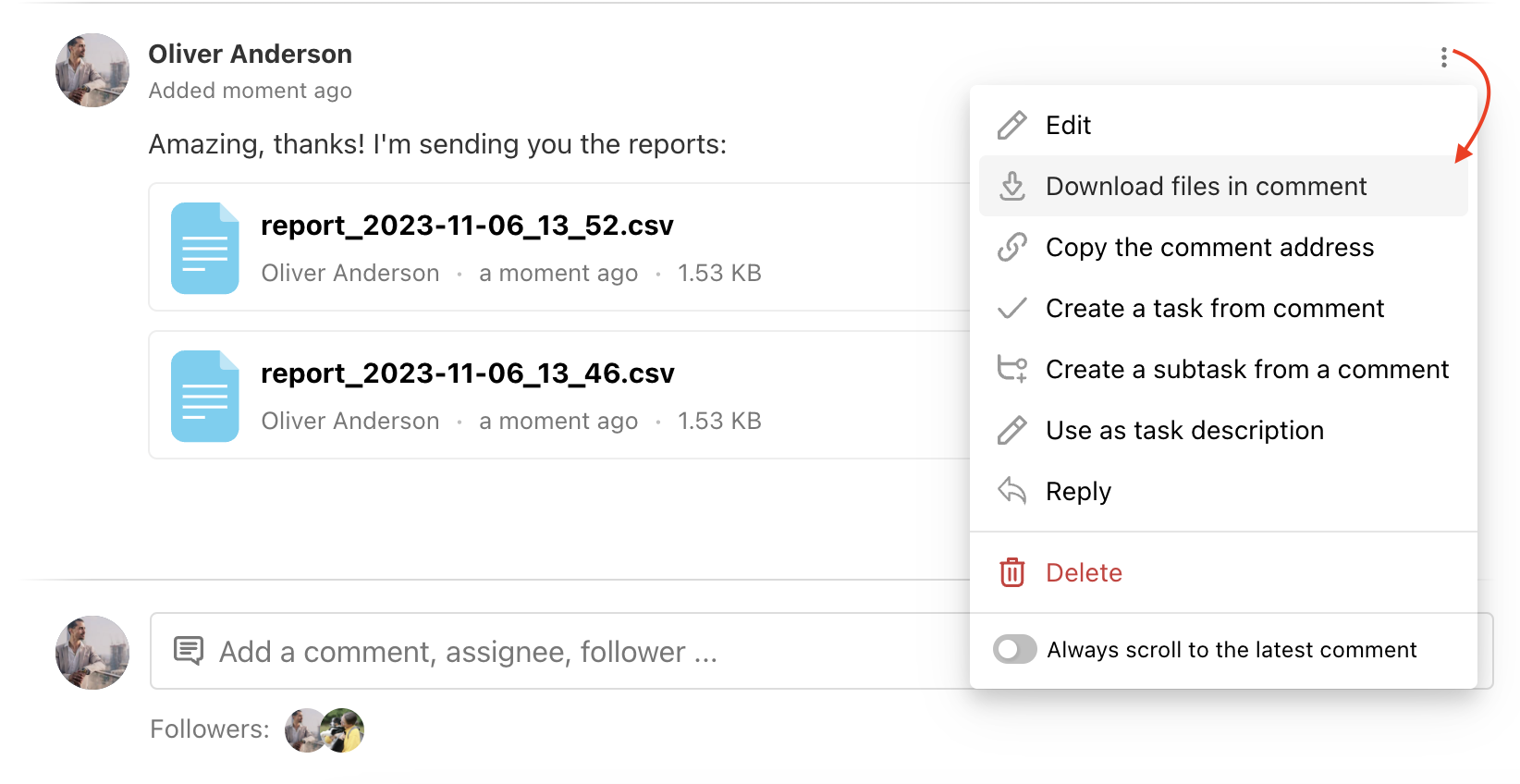
All attachments will be downloaded in a .zip file.
How to download all files from the discussion at once
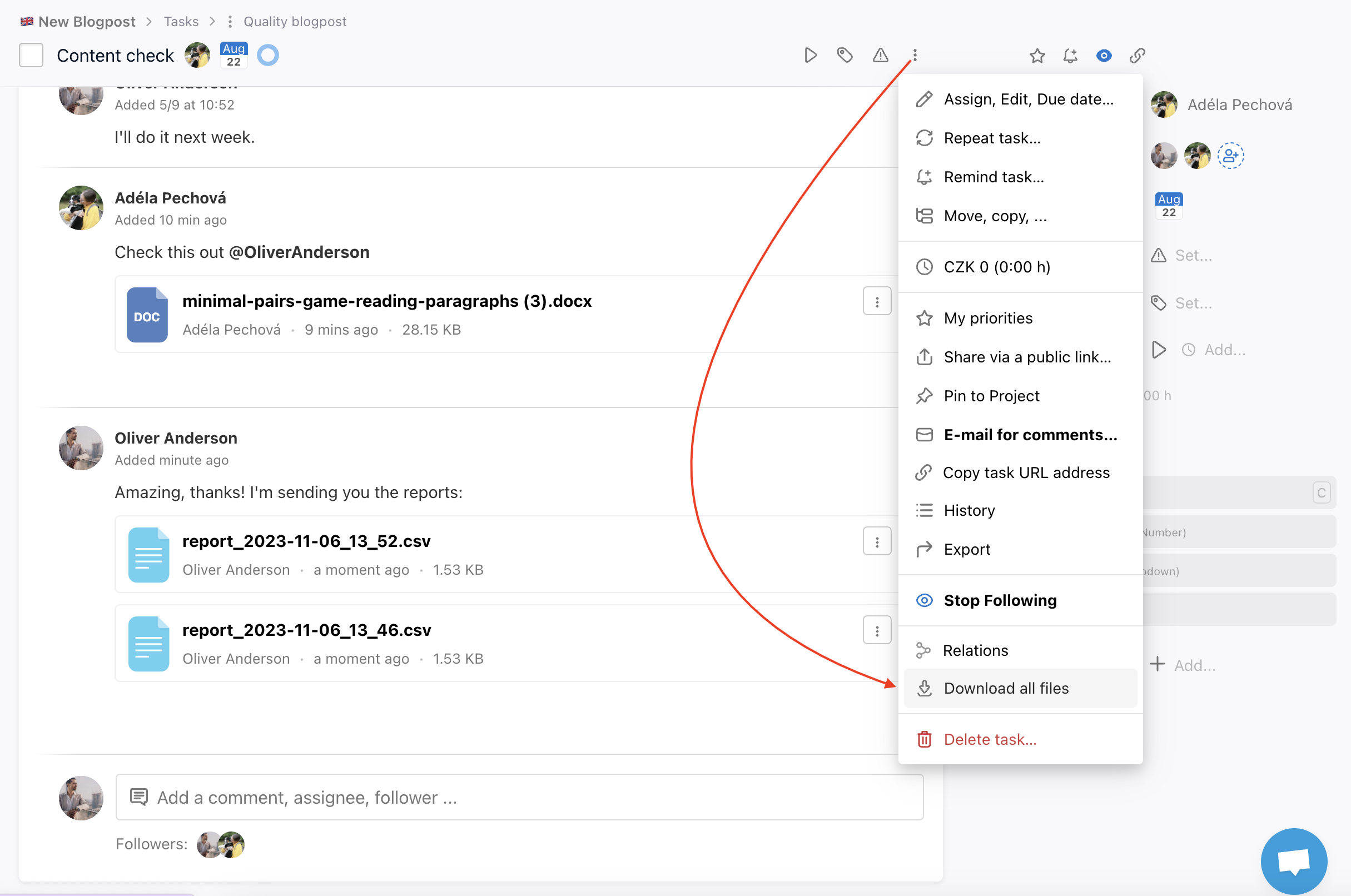
Do you have a lot of attached files to a task? You can download all of them in a .zip file at once.
Go to task detail and click Download all files in the right menu.
How to download all files in a comment at once
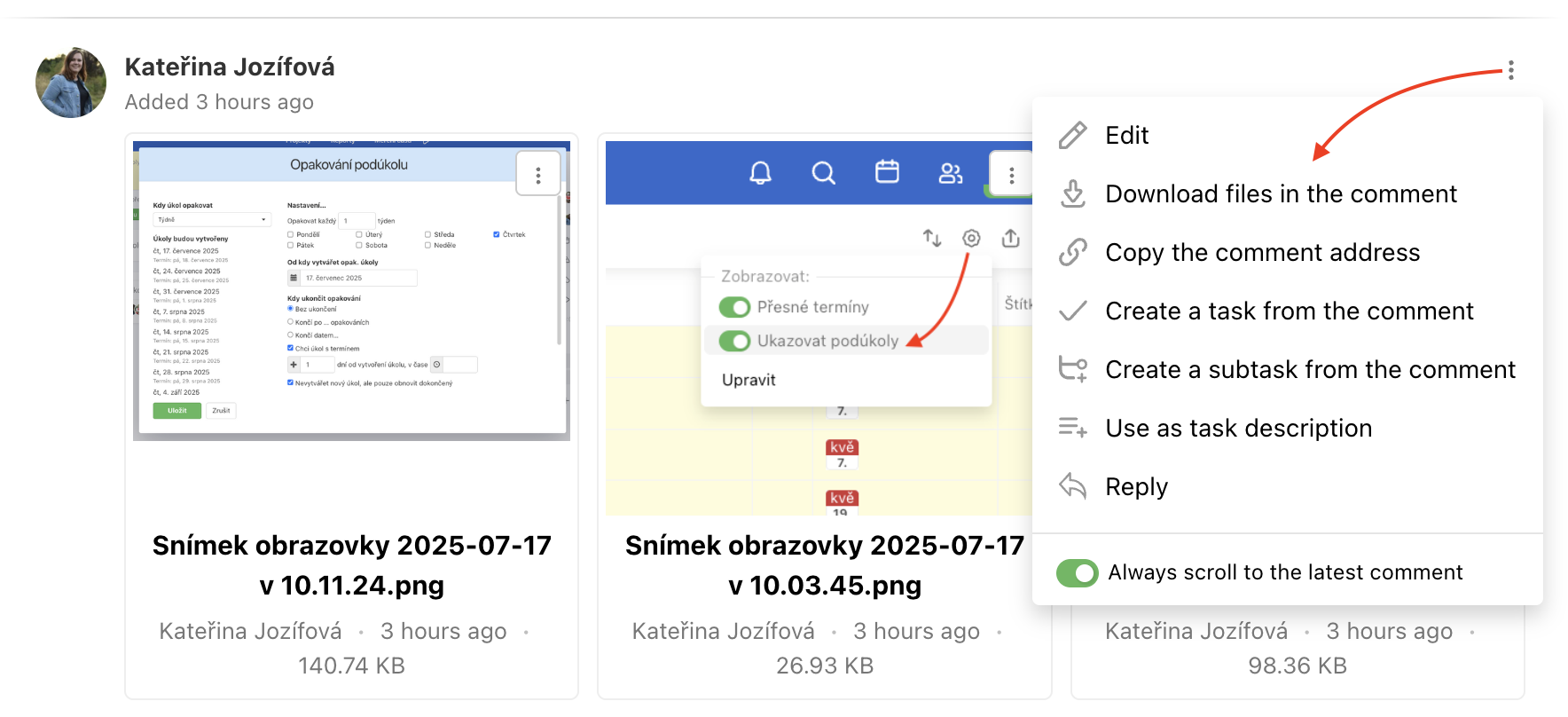
Each comment in Freelo has a three-dot menu in the top right corner, where you’ll find the option Download files in the comment. Click on it, and a ZIP file containing all the files from the comment will start downloading.
Practical use
- Sharing files with a client or colleague – download all discussion attachments at once and send them in one go
- Archiving before closing a task – download everything as a ZIP backup before wrapping up the project
- Preparing for a meeting – quickly grab all supporting files without clicking through each attachment individually