
Do you have a client who doesn't use Freelo but loves sending emails? Or do you want to receive requests from external systems directly as tasks? With the create-task-by-email feature, just generate a unique address for your To-Do list – and every email sent to it automatically becomes a new task.
For each To-Do list, you can generate an unique email address and create new tasks from your email directly. Email addresses can be generated for each task. The text of the email is saved as a comment in Freelo. Files and attachment will be included.
We recommend that you save the generated addresses directly to your contacts in your mail application, so you don’t need to return to Freelo each time you need them.
How does it work
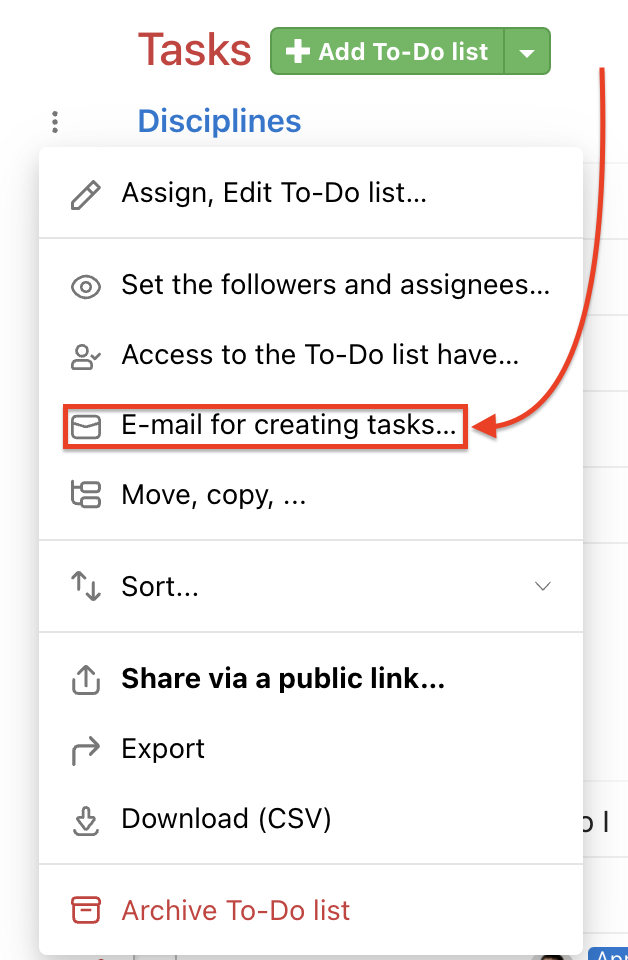
Generate email address for particular To-Do list via three-dot menu. Find Email for creating tasks… and confirm the following forms.
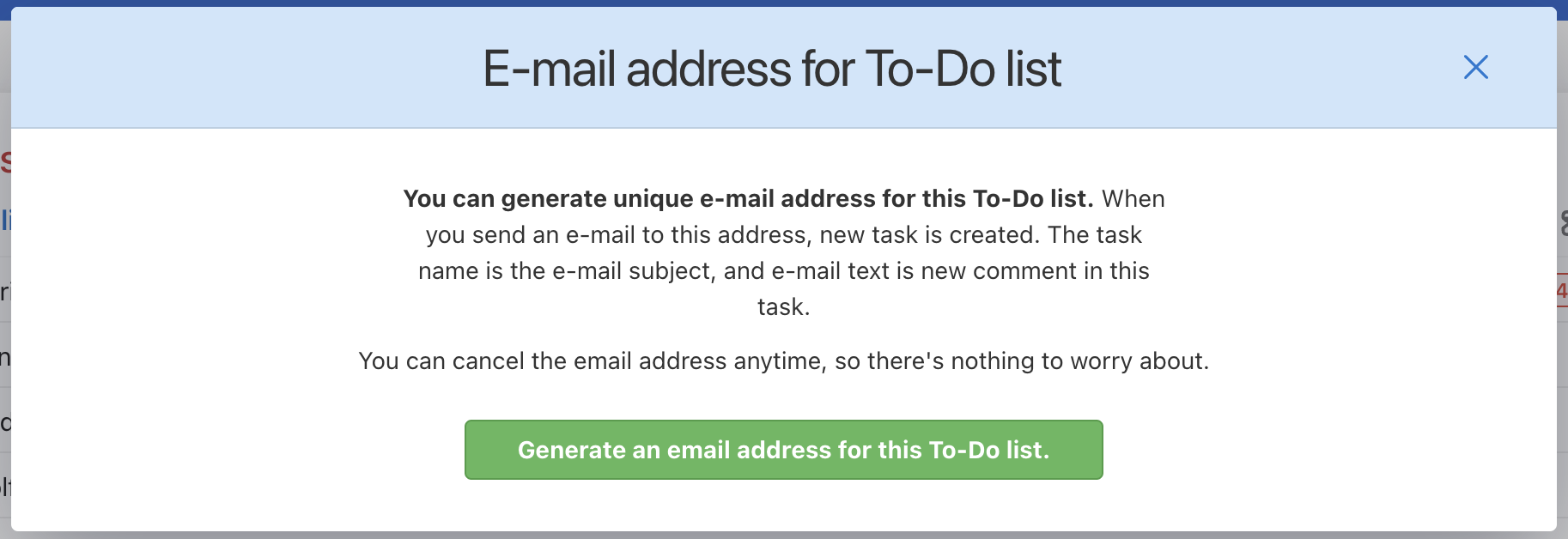
In the following form, confirm the Generate email address for this To-Do list and copy the address.
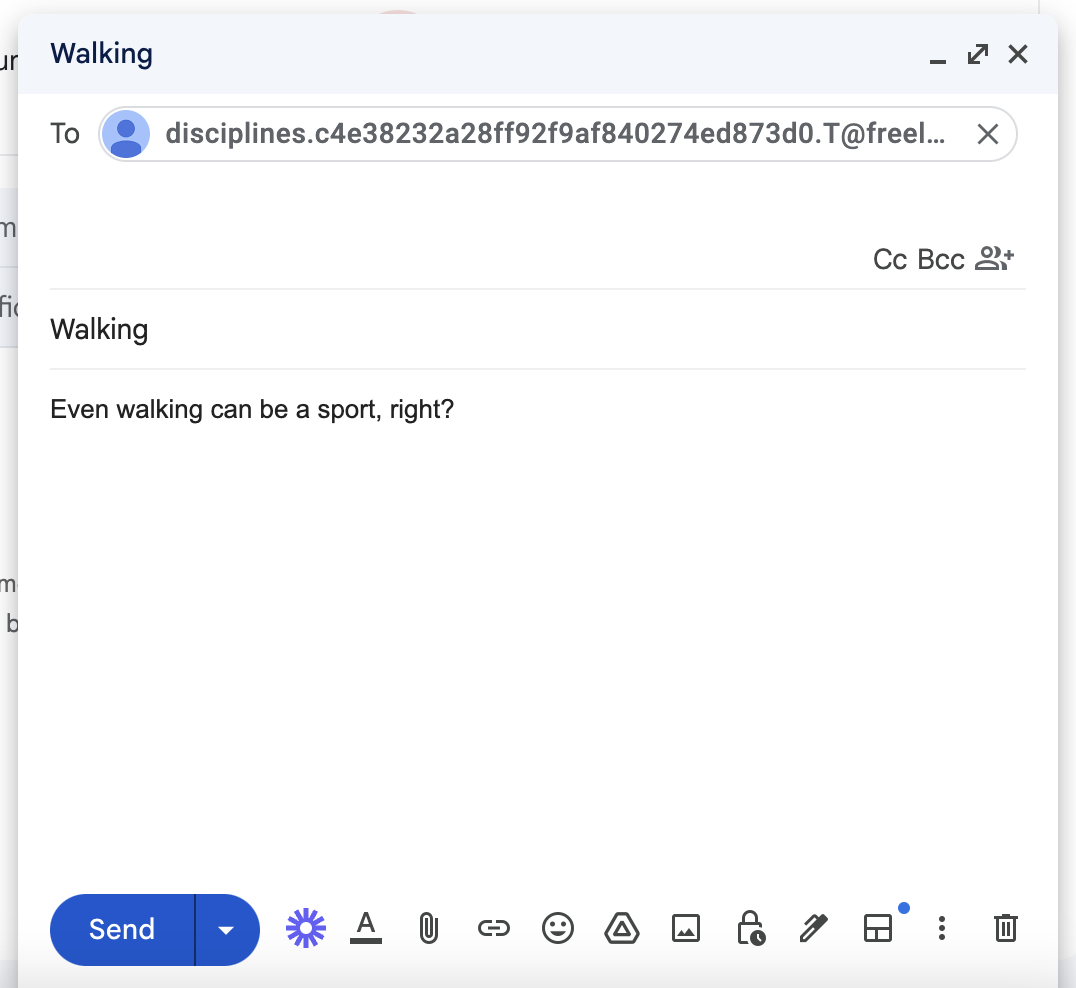
In the email subject enter the task name, as a recipient enter the generated email address.
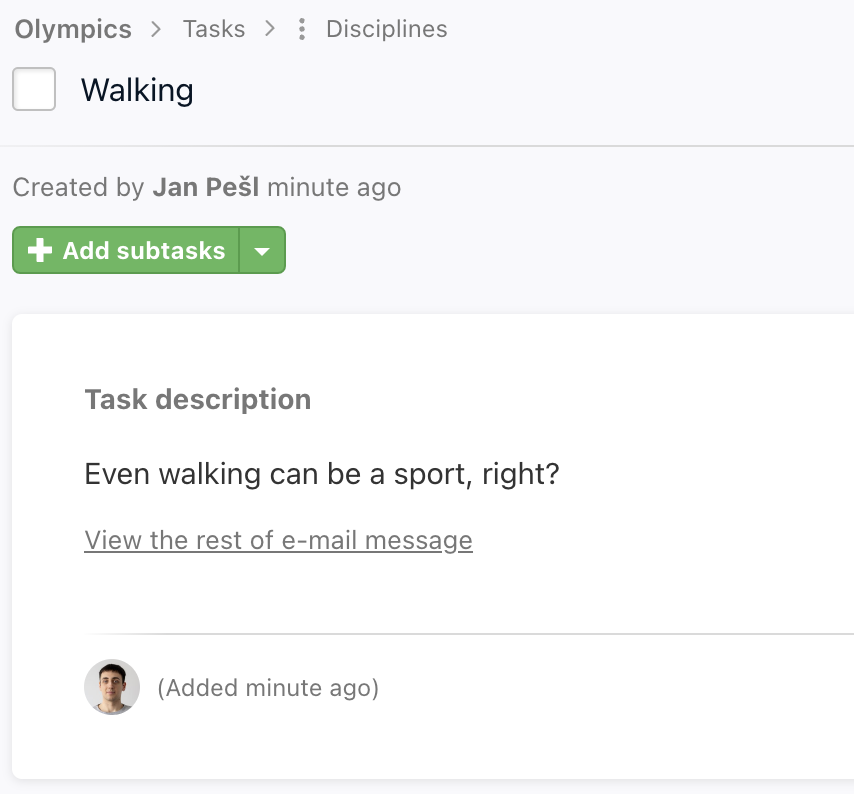
There is also information about the sender's email address.
Reply in email notifications
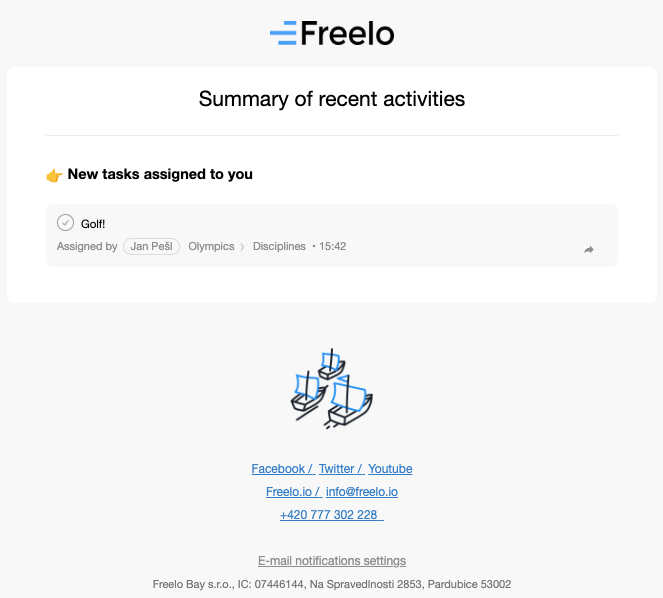
All of our email notifications can be answered from email directly to Freelo. The response includes all the attachments and looks like a normal comment.
This is useful for users, typically your clients, who do not go directly to Freelo so often. Everything that is important to them they receive in the email. They can reply to it just as usually.
Practical use
- Receiving requests from clients – a client sends an email and a new task with description and attachments appears in the To-Do list straight away
- Integration with external systems – a web form or CRM sends a notification to the email address and a task is created in Freelo automatically
- Collecting requests from your team – share the To-Do list address with your whole team and anyone can add tasks without logging into the app
- Custom alias on your company domain – set up email forwarding from your own address (e.g. orders@xyz.com or complaints@xyz.com) to the generated Freelo address, so clients write to your company email and tasks land in the right To-Do list