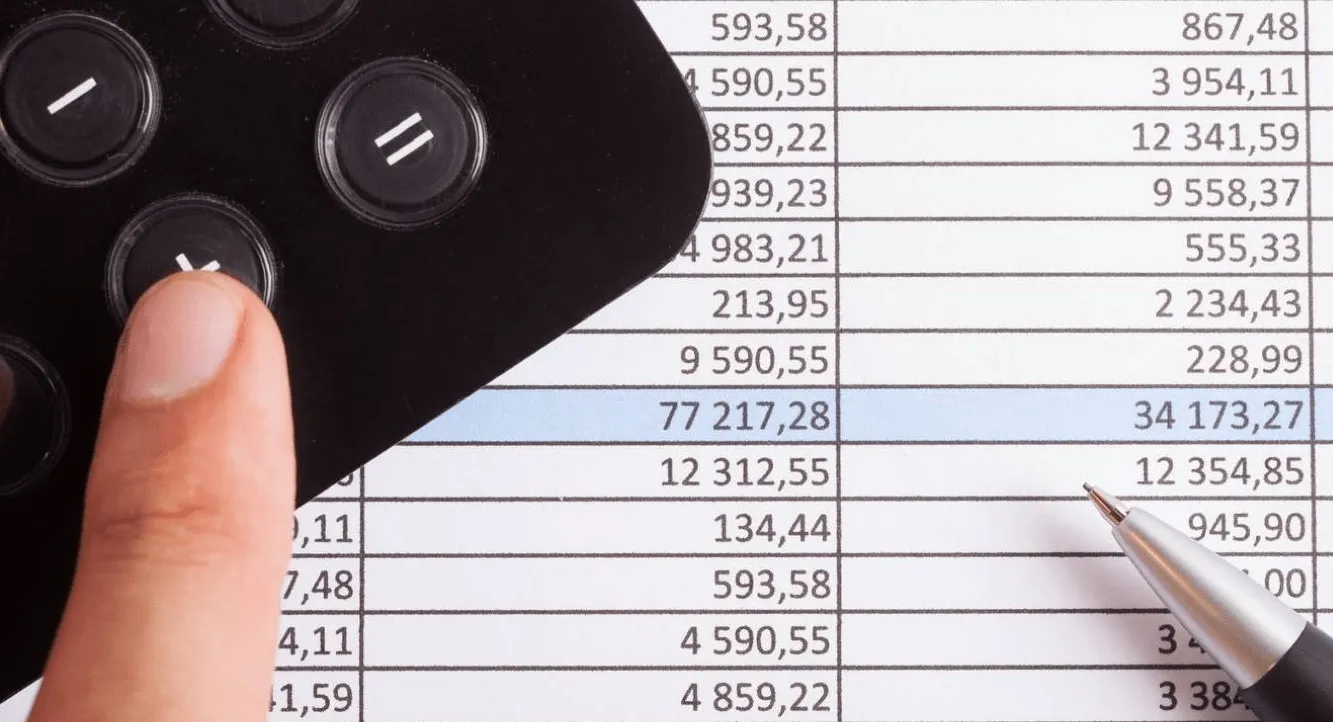
Excel is great for numbers, but not great for managing projects, tasks and people. Stop looking in cells and start managing.

 Tomorrow
 LK
LK E-mail
 May 5
May 12
May 5
May 12
 Today
Today
 Overview instead of chaos
projects, tasks and people in one place
Overview instead of chaos
projects, tasks and people in one place
 Automatic notifications
comments and deadlines for you
Automatic notifications
comments and deadlines for you
 Flexible cooperation
team and clients on the same board
Flexible cooperation
team and clients on the same board
The file is circulating by e-mail. Everyone has a different version. Nobody knows what's current.
The spreadsheet won't send you a reminder. The deadline will pass and you won't find out until it's too late.
Tracing time in Excel? You're guessing. And you're billing less than you worked.
You send files and information by email, get lost in endless Re:Re:Re and it's not clear who is currently dealing with it.
One project, one source of truth - all assignments online, with clear discussion, always up-to-date and a clear solver.
You write the dates on your calendar or keep them in your head. If you forget, no one will remind you.
Due dates visible directly on tasks + automatic reminders so you don't miss anything.
You ask ”What are you working on?" via chat or email. Answers get lost in conversations.
Dashboard shows who is working on what. Communication directly at the task, no searching.
You measure time backwards from memory. Hours are lost, invoices are lower than they should be.
With one click, you can start and stop the report right in the task. No more guessing how much time you spent on it.
New project = manual copying of rows, renaming of tabs, confusion with actuality. Each time again and from scratch.
The template creates the entire project with tasks, deadlines and responsible people in seconds.
The client asks how things are going, how the budget is being spent, and instead of doing real work, you spend your time writing status emails.
You invite the client directly to the project, where they can see the progress, comment on tasks and, if you want, see the budget. No more emailing.
Free for 14 days, no credit card required
On the dashboard you can see the status of each project, who is working on what and what is coming up. You don't have to open a spreadsheet, search for the right sheet or ask anyone.
Try Freelo for free
Today
Today
Today
Tomorrow
The team measures the time directly on the tasks with one click. Freelo multiplies it by the rate and you can see the actual cost at any time. No backtracking.
Try Freelo for free

Kanban shows you what's in progress, what's awaiting approval, and what's complete. Drag and drop tasks between columns to get an overview at a glance.
Try Freelo for free
September 3
September 8
Today
September 5
September 6
August 28
August 30
Create a template with tasks, deadlines and responsible people. Then you can set up a new project in a few clicks. No more copying lines and bookmarks.
Try Freelo for freeSwitching to a new tool doesn't have to be complicated. We'll walk you through the implementation step-by-step so your team can start using Freelo naturally and without confusion.
Professional transition assistance will save your team hours of groping and speed up tool adoption.

ToDoo writes...
Those who save money get three. Sometimes literally. The calculator will calculate how much you can save if you improve the organisation of your work instead of hiring new people.

Owner and Managing Director of MC Accounting and Tax
”Thanks to Freelo, we have a complete overview of all clients for whom we process accounting. For each client we have tailor-made templates with tasks according to their needs."

Advocate
”I needed a tool that would help me keep files for clients, communicate with them and keep my billing in order. Freelo gives me a clear head and at the end of the day a summary of what I've done."

CIO RE/MAX
”Thanks to Freelo, we were able to take our digital transformation projects to the next level. Each team member has a detailed overview of which projects everyone is working on."
Yes, you can import tasks into Freelo using a simple ”copy/paste” unstyled to-do list that you can easily export from Excel or Google Sheets. Quick start without unnecessary rewriting.
No. Freelo is designed to be learned in minutes. You create a project, add tasks and invite a team. We're happy to help you onboard if you need it.
Freelo is free for one user. For teams it starts from a few crowns per day. Try it for 14 days free with all features - no credit card required.
Freelo does not replace Excel. It complements it. Spreadsheets are great for calculations and data, Freelo for work management, communication and deadlines. You can attach files to tasks.
Yes, Freelo has native apps for both iOS and Android. Tasks, comments and timetracking are always at your fingertips - even on the go.
Yes. Data is stored on servers in the EU, communication is encrypted and Freelo is GDPR compliant. We take security seriously - read more about security.
Contact me on info@freelo.io
or call +420 774 414 497.

Mac, Windows, iPhone, iPad, Android and web. Freelo is ready when and where you need it.